
Time Tracker – Timesheet
Hours, projects and billing
Designed for iPhone, iPad
Free
- Age rating12+
- CategoryUtilities
- DeveloperEmanuele Spagnoli
- LanguagesEnglish+ 6 more
- Size7.4 MB
Links to the official App Store page
Download.org hosts no file of Time Tracker – Timesheet. The button opens its official App Store page, published by Emanuele Spagnoli. Listing last checked on Nov 23, 2026.
Screenshots

About
Time Tracker is the essential and powerful app for anyone who wants to take control of their time. It lets you simply and quickly log hours dedicated to projects and tasks, transforming tracking from a tedious chore into a natural habit.
KEY FEATURES:
Instant Tracking
Add an activity in just a few seconds, with a start and end time or as a daily total when you already know how long it took. Swipe to resume an activity and start the timer again, or duplicate it to today. Search your activities by project too, and see a whole year of work in the activity calendar: tap a day to see its hours.
Projects and Billing
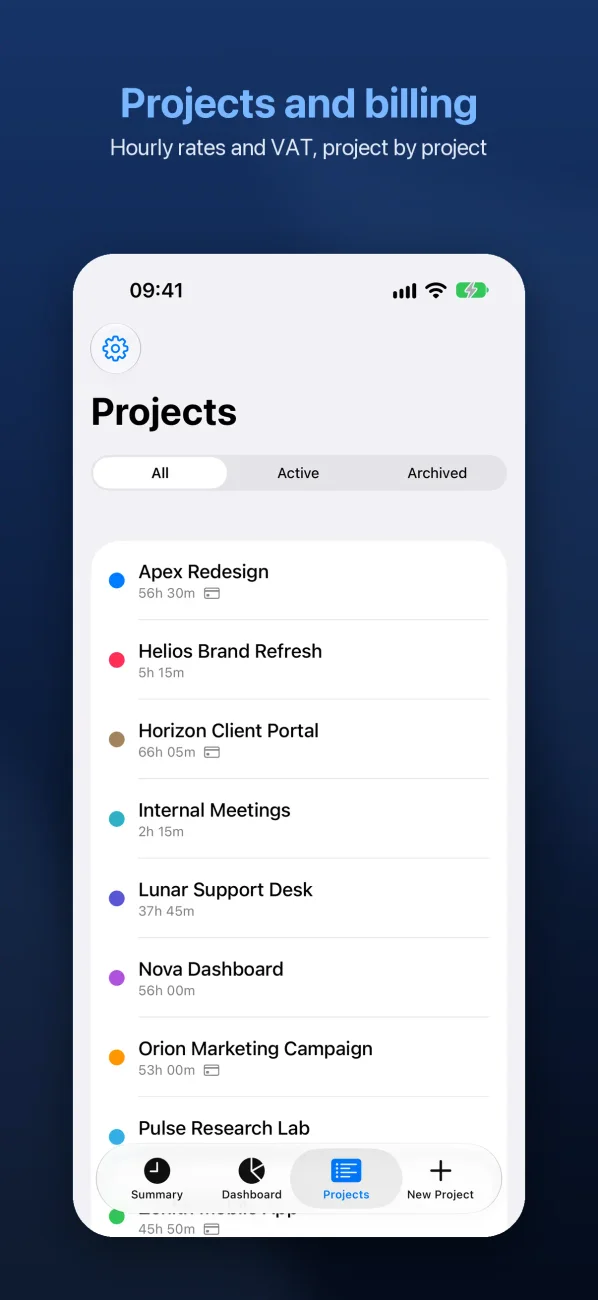
Organize your work into projects, each with its own color, notes and dates. Set an hourly rate and VAT, and Time Tracker works out what you have earned, project by project.
Pomodoro Timer
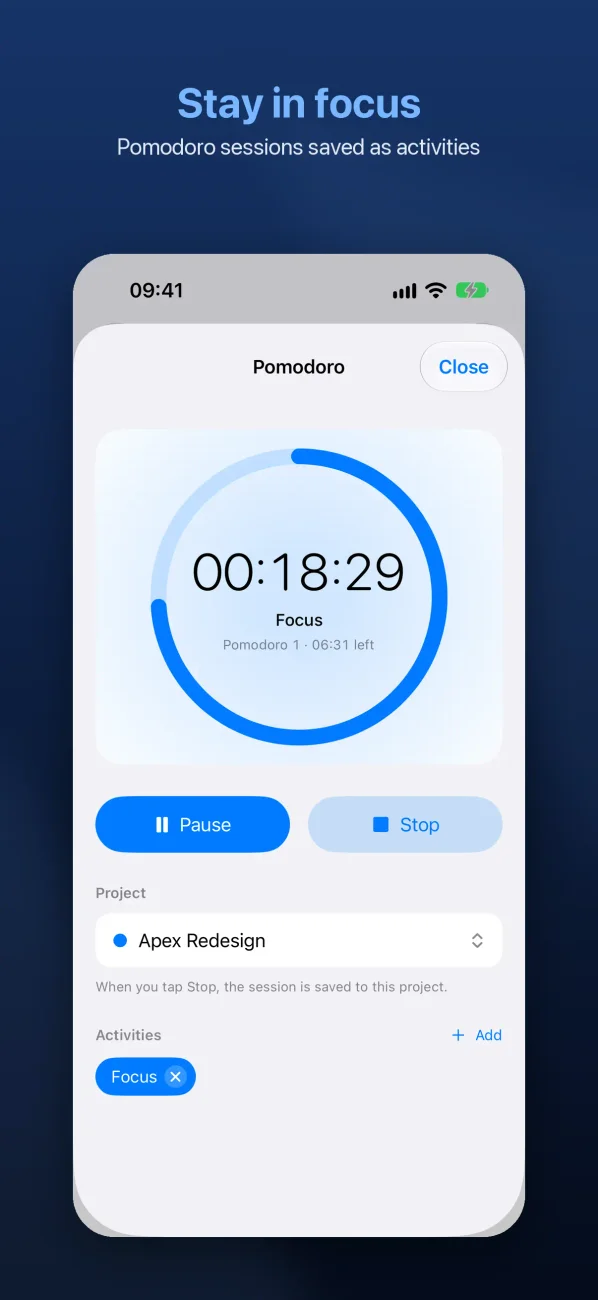
Start a focus session and watch the ring fill up toward the end of each 25-minute cycle. It stays in sight outside the app too, in the Dynamic Island and on the Lock Screen. When you stop, the session is saved as an activity.
Dashboard and Clear Reports
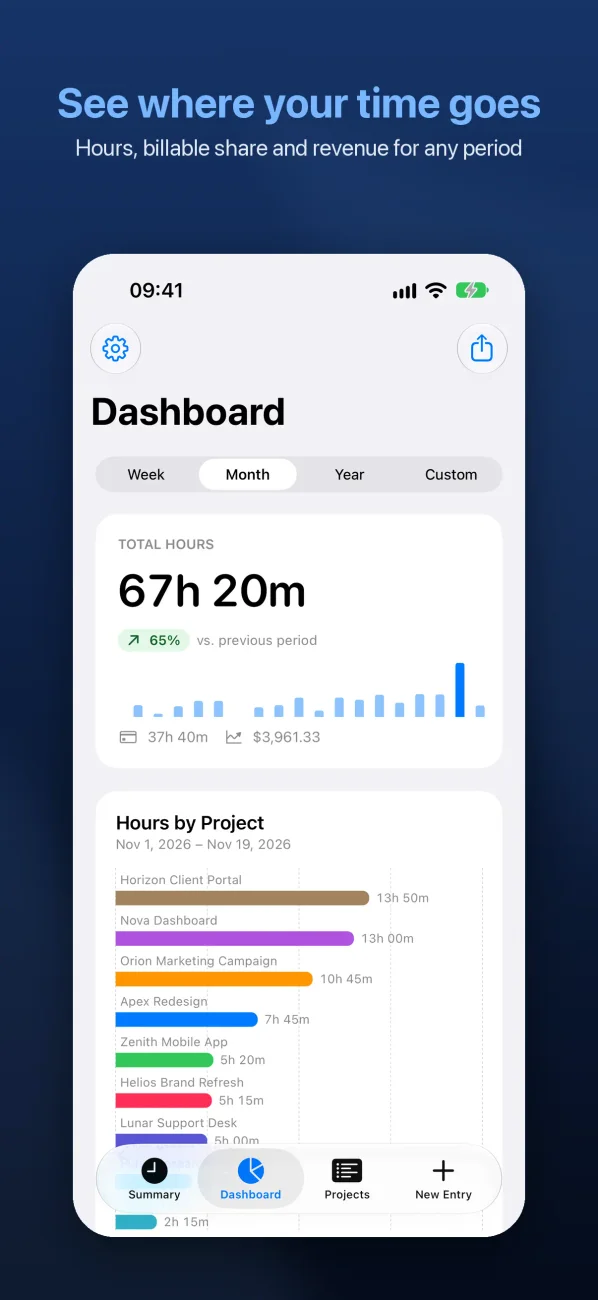
See where your time went by week, month, year or any range you choose, with hours per project, billable share and revenue, a comparison with the previous period and a trend chart. Export everything as a PDF or a CSV whenever you need to send it on.
Total Customization
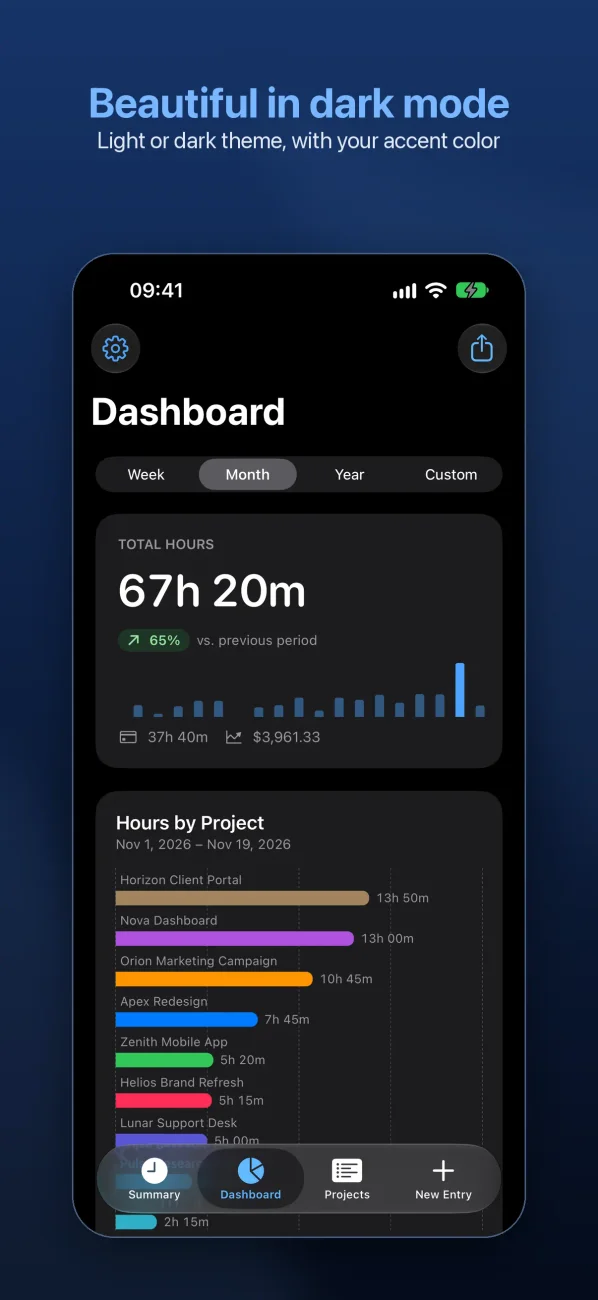
Make the app truly yours! Choose between a light or dark theme, select your favorite accent color, and change the language. A tailored experience just for you.
iCloud Sync and Secure Backup
Turn on iCloud sync to keep your iPhone and iPad aligned. Export your data locally at any time to create backups that you store wherever you prefer, and import them to restore your information. Your data always remains yours.
ON IPHONE AND IPAD
Designed for both, with a sidebar and a floating menu on iPad.
PERFECT FOR:
Freelancers: Keep track of billable time for every client.
Teams: Transparently monitor project progress.
Students: Organize your study time and analyze your learning sessions.
Download Time Tracker today and start measuring your success, one minute at a time.
What’s new
Version 1.3.0 · Nov 19, 2026
What's new in Time Tracker
• A new icon
• Pomodoro redesigned: a ring fills up toward each 25-minute cycle, in your project's color, and you can undo a session right after saving it
• Resume any activity with a swipe to start the timer again on it, or duplicate it to today
• Activity calendar: tap a day to see its hours and show only that day in the list
• Dashboard: see how this period compares with the previous one, with a chart of your hours
• Search now filters by project too
• New activities start on the last project you used
• Faster and smoother, even with years of entries
• Better VoiceOver support, larger text and higher contrast
Thanks for using Time Tracker.
App privacy
What Emanuele Spagnoli declares on the App Store about how this app handles data.
-
Data not collected
The developer does not collect any data from this app.
Privacy practices may vary, for example with the features you use or your age.
Information
- Seller
- Emanuele Spagnoli
- Category
- Utilities
- Version
- 1.3.0
- Updated
- Nov 19, 2026
- Released
- Dec 1, 2025
- Size
- 7.4 MB
- Requires
- iOS 18.0 or later
- Age rating
- 12+
- Price
- Free
- Languages
- English, French, German, Italian, Portuguese, Russian, Spanish
- Copyright
- © dimpemekug
You might also like
-
 Shift Work Alarm: RosterRotating Schedules & Holidays
-
 PhoneAware: Screen Time LimitsApp Blocker to Stop Scrolling
-
 GlowieUtilities
-
 Concrete & Stair CalculatorBuilding, roofing & plaster
-
 Ama-VideoUtilities
-
 zistemo - Time TrackingUtilities
-
 FuelTech Datalog ViewerUtilities
-
 DawayUtilities
-
 Wind Chill Calculator - CalcAir temperature, Wind Speed
-
 Личный кабинет AirNetUtilities