
- Age rating4+
- CategoryProductivity
- DeveloperSteffen Meyer
- LanguagesEnglish+ 13 more
- Size48.9 MB
Links to the official App Store page
Download.org hosts no file of Time0 - Smart Planning. The button opens its official App Store page, published by Steffen Meyer. Listing last checked on Nov 20, 2026.
Screenshots

About
Time0 is zero-based time planning: every hour of your period gets a purpose before you live it. Just like zero-based budgeting gives every dollar a job, Time0 gives every hour a day.
HOW IT WORKS
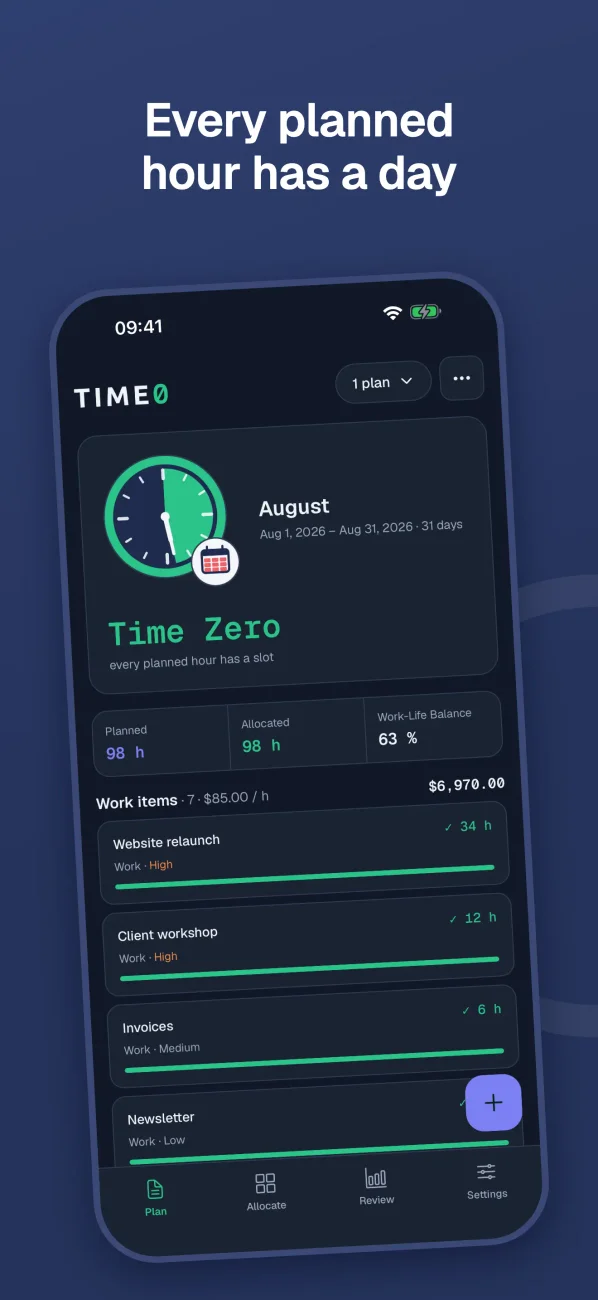
Create a plan for a month or a project, add your work items with the hours they need, and spread those hours over the days. When every planned hour has a day, you have reached Time Zero.
THE CLOCK
The Clock shows your plan at a glance: the face is all your time, the indigo wedge is planned work, the emerald wedge is what already has a day. When both hands meet, the rim turns emerald: Time Zero. Plan more than the period holds, or put more hours on an item than it needs, and the rim warns you.
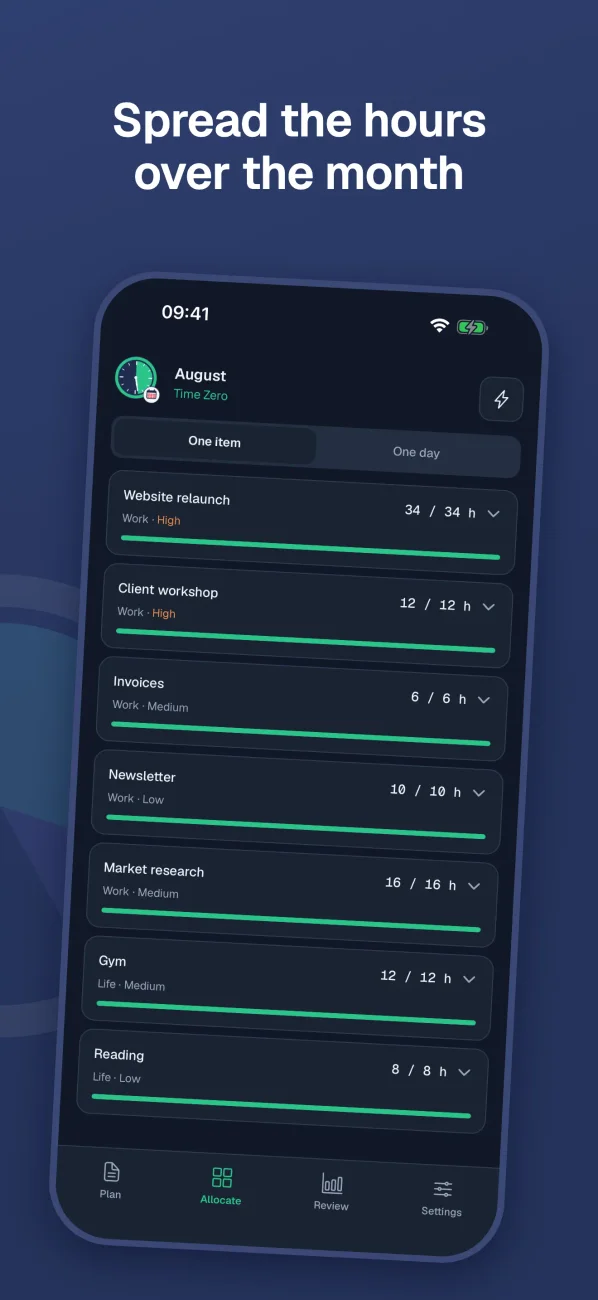
ALLOCATE YOUR WAY
• Table: work items against days, the whole month in one view
• One item: one work item and its hours over the days
• One day: a day's timeline with start times; Auto-arrange places the day's items one after another
• Auto-schedule with one of four strategies you choose: Weekend Priority, Balanced Workload, Priority Focus or Front-Load Scheduling
• Your own day limits for weekdays and weekends
SEE WHERE YOUR TIME GOES
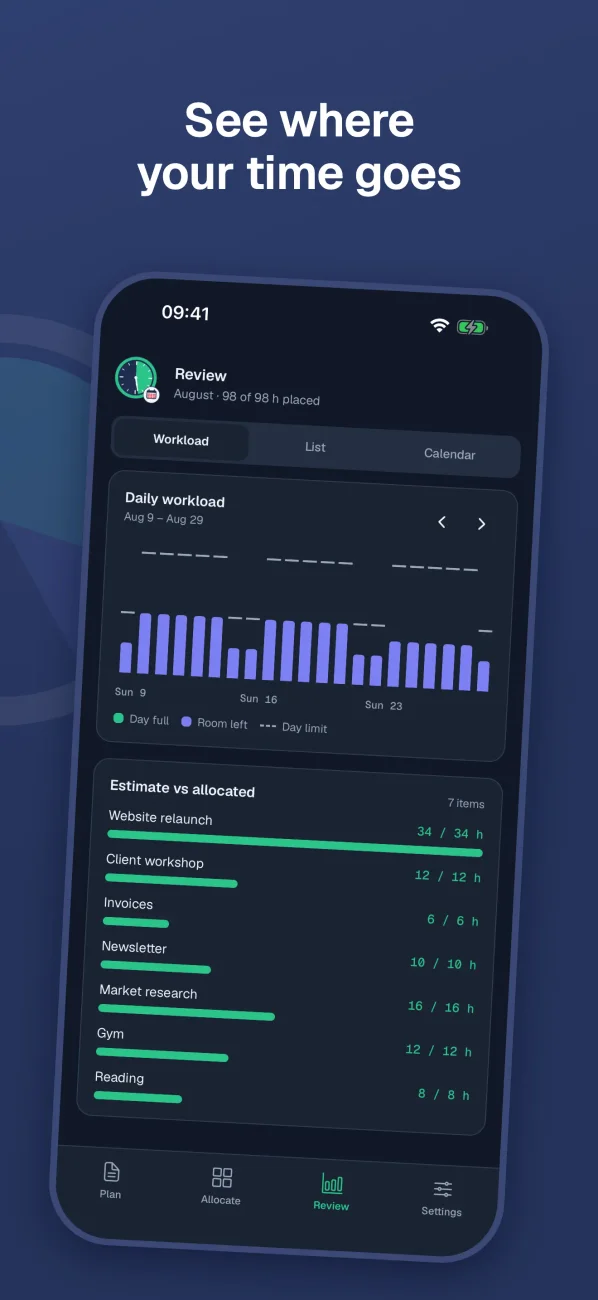
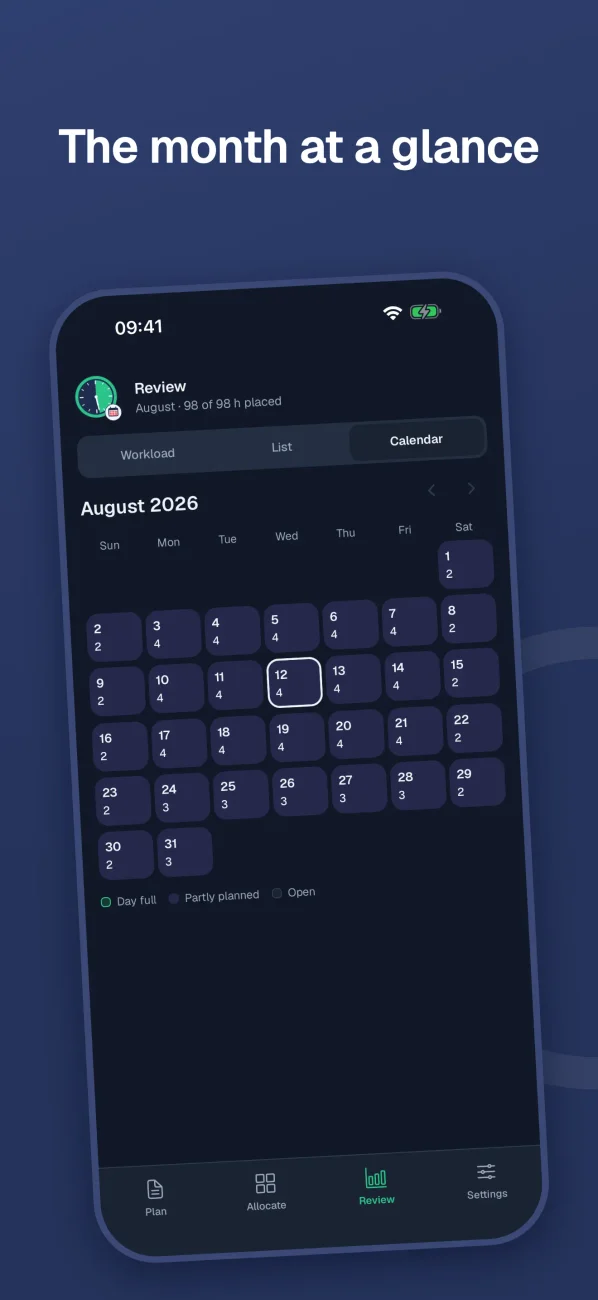
Review shows your daily workload, estimates against allocated hours, and a calendar of full and open days. The work-life balance tells you how much of your time stays yours.
PDF REPORTS
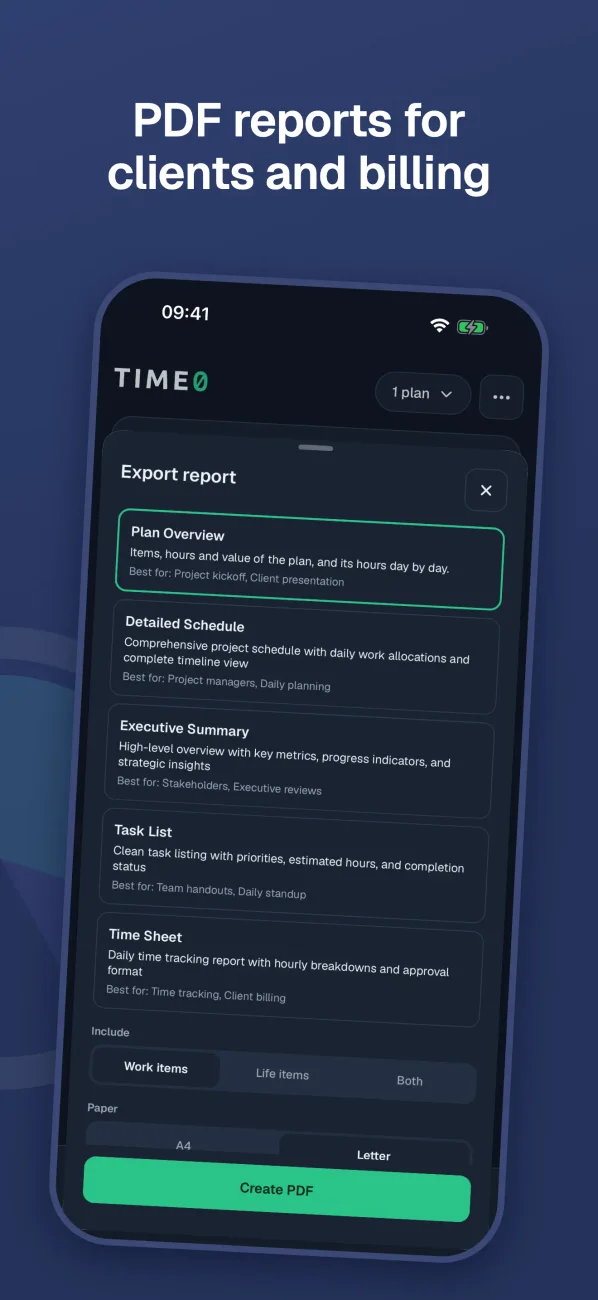
Five report types for clients, billing and planning: Plan Overview, Detailed Schedule, Executive Summary, Task List and Time Sheet. On A4 or US Letter, shared from your device.
WORK AND LIFE
Plan life items next to work items, with priorities and your own hourly rates. Time0 shows what your allocated hours are worth.
YOURS, ON YOUR DEVICE
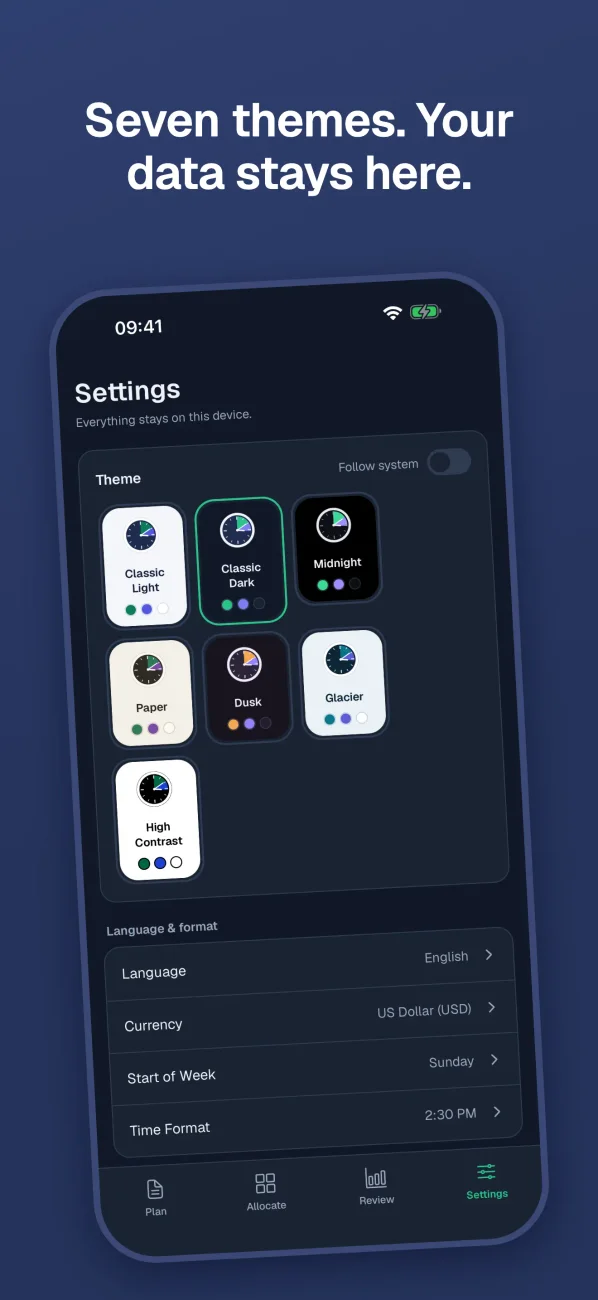
Everything stays on this device. No account, no sync, no tracking. Back up to your own iCloud and restore whenever you need to, or export and import your data as a file.
MADE FOR
Freelancers and consultants, project managers, accountants, creative and technical professionals — and anyone who wants to decide where their hours go before they are gone.
• 14 languages
• Seven themes, light and dark
• A one-time purchase: no subscription, no ads
From Time Zero to Time Smart.
What’s new
Version 2.1.0 · Oct 26, 2026
Allocate's Table now spans the whole plan:
• One sideways table from the first day to the last, item names fixed on the left; Today jumps back.
• With a keyboard on iPad or Mac it works like a spreadsheet: typing replaces a value, Tab / ⇧Tab move between days, Return / ⇧Return between items, ↑ ↓ step the hours.
• Long plans stay quick, and wider cells fit values like 12.75.
• Picking a plan in the sidebar opens it.
App privacy
What Steffen Meyer declares on the App Store about how this app handles data.
-
Data not collected
The developer does not collect any data from this app.
Privacy practices may vary, for example with the features you use or your age.
Information
- Seller
- Steffen Meyer
- Category
- Productivity
- Version
- 2.1.0
- Updated
- Oct 26, 2026
- Released
- Aug 19, 2025
- Size
- 48.9 MB
- Requires
- iOS 16.4 or later
- Age rating
- 4+
- Price
- $1.99
- Languages
- English, Dutch, French, German, Italian, Japanese, Korean, Polish, Portuguese, Russian, Simplified Chinese, Spanish + 2 more
- Copyright
- © 2026 Steffen Meyer
You might also like
-
 FocusBox - AI Task PlannerAI Focus Timer & Task Manager
-
 Social ClubProductivity
-
 NumberLink ClientSend messages from any device
-
 RSS Reader Offline | PodcastListen to Podcasts!
-
 Text BrowserProductivity
-
 CalenGoo Calendarfor Google Calendar and iCloud
-
 RDC-DLDRental Dispute Center
-
 Futureland – Goal TrackerJournal & Track Anything
-
 Amazing Marvin: ADHD PlannerDaily To Do List & Tasks
-
 WhisperBoard: Voice to TextTranscribe Speech Seamlessly