
- Age rating4+
- CategoryPhoto & Video
- DeveloperChung Yun Lee
- LanguagesTraditional Chinese+ 1 more
- Size4.8 MB
Links to the official App Store page
Download.org hosts no file of TimeCliper. The button opens its official App Store page, published by Chung Yun Lee. Listing last checked on Nov 14, 2026.
Screenshots


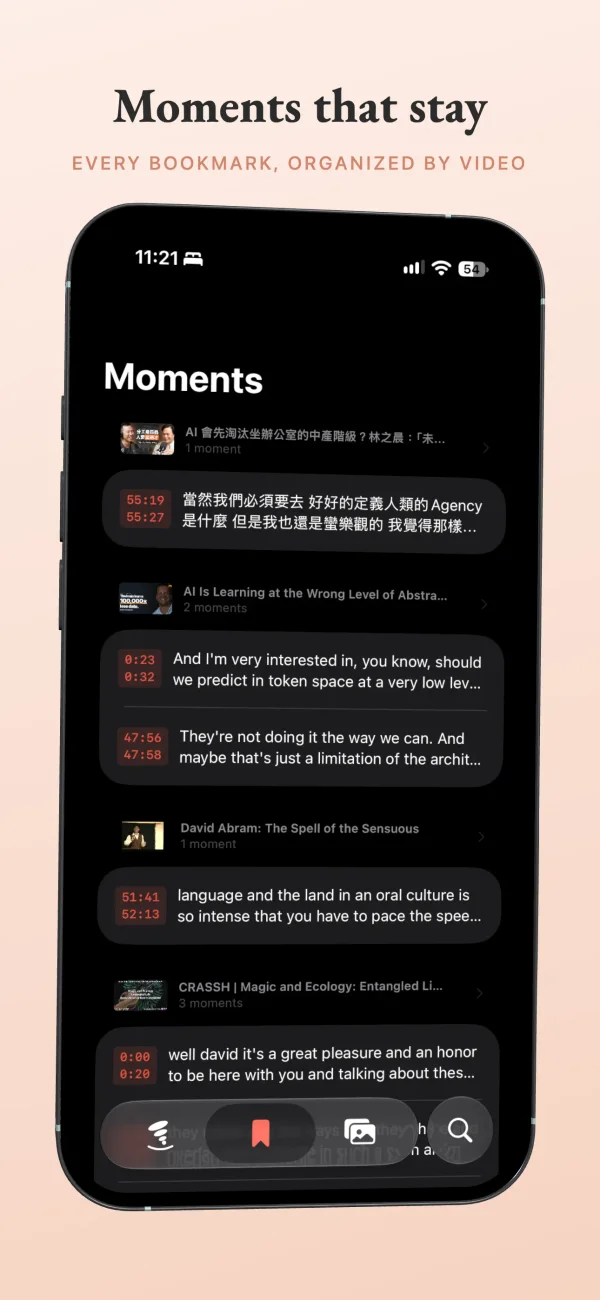
About
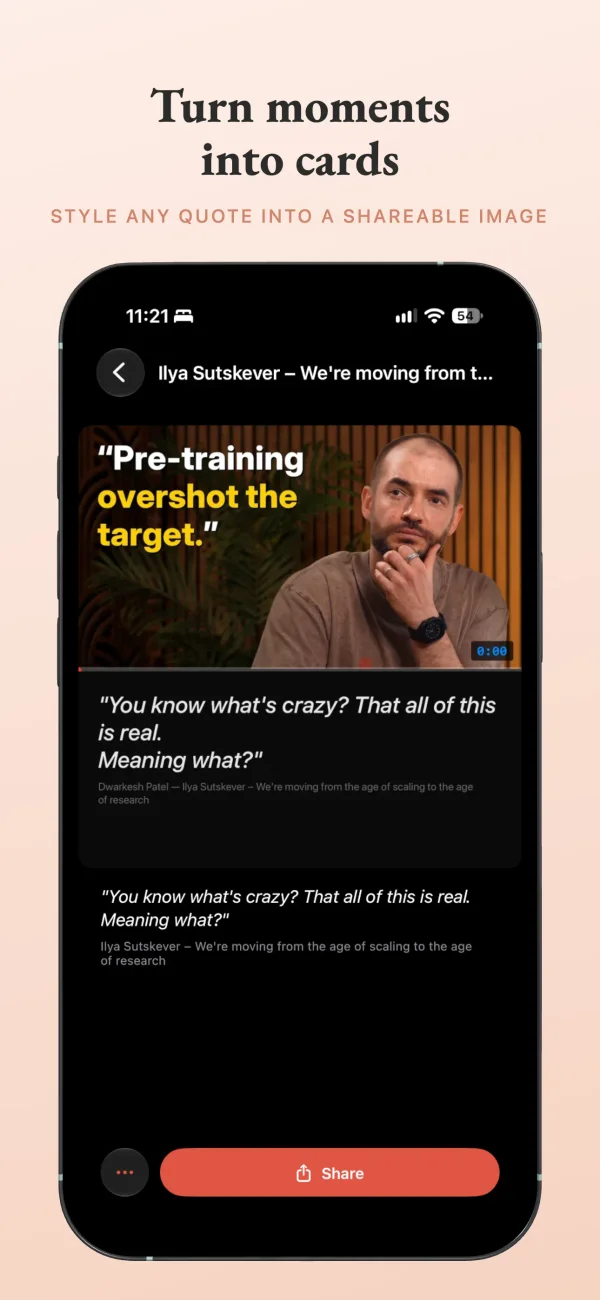
Capture the lines worth remembering — and turn them into beautiful quote cards you'll actually want to share.
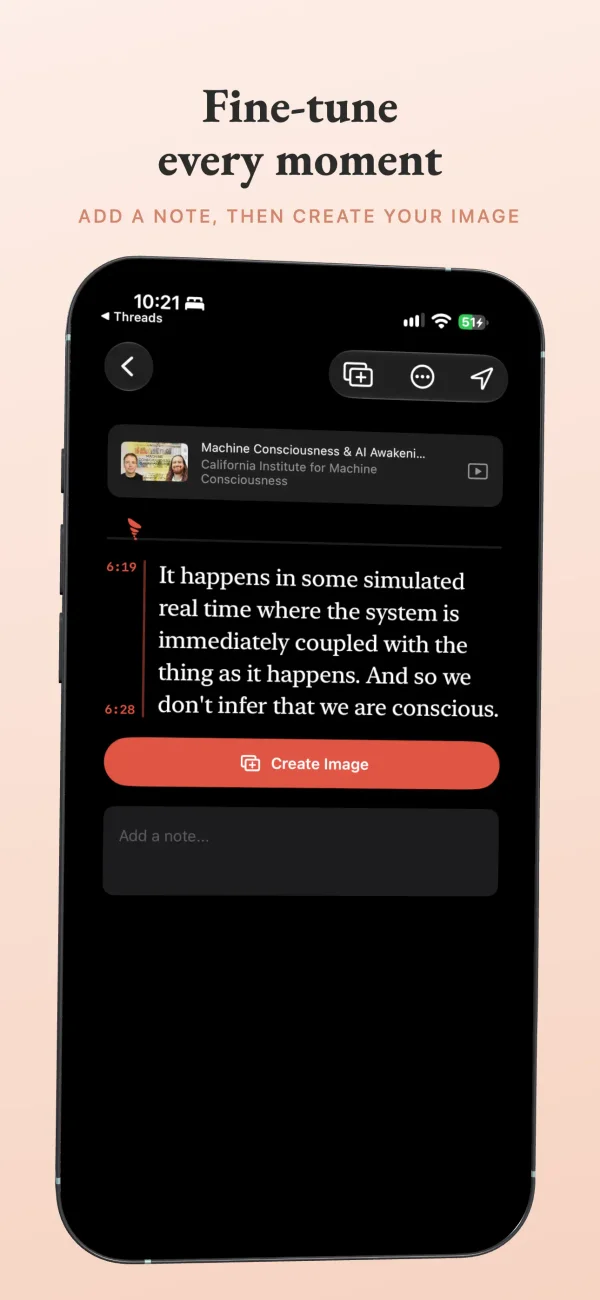
Paste a video link and TimeCliper shows a clean, readable text version, so you can find the exact passage that stuck with you, select it, and save it as a moment — no scrubbing required.
CAPTURE WHAT MATTERS
• Read a clean, searchable text version instead of scrubbing a timeline
• Select any passage and save it as a moment
• Fine-tune the selection with simple expand and trim controls
MAKE IT BEAUTIFUL
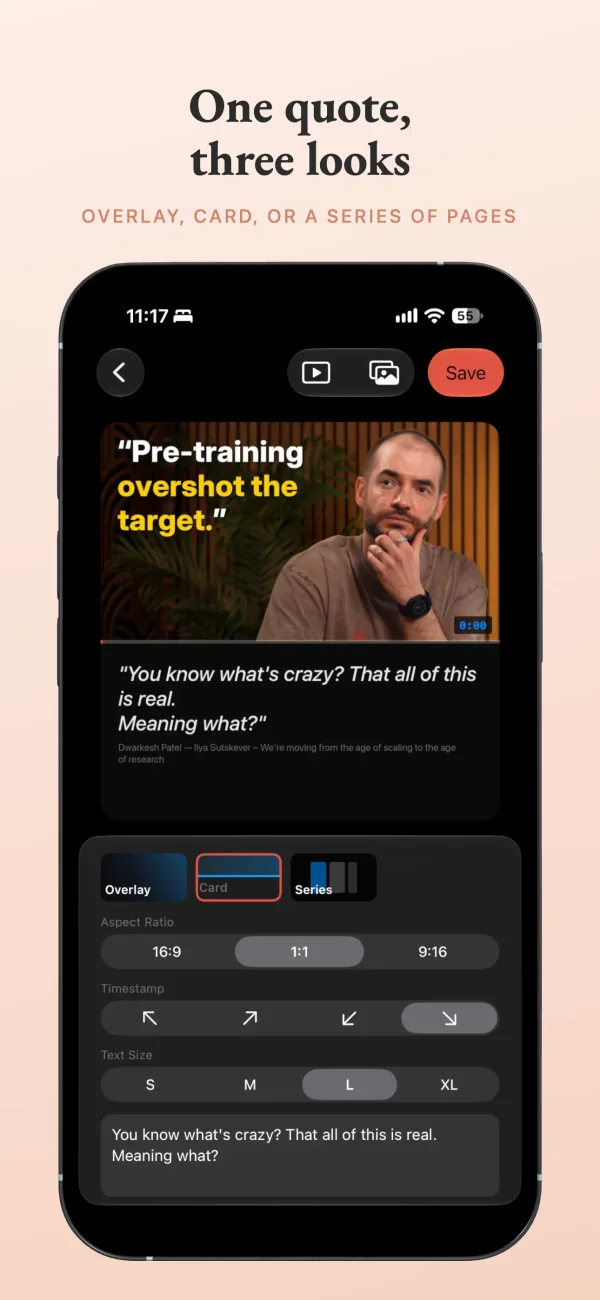
• Turn quotes into styled cards or photo overlays
• Choose aspect ratio, font size, and timestamp placement
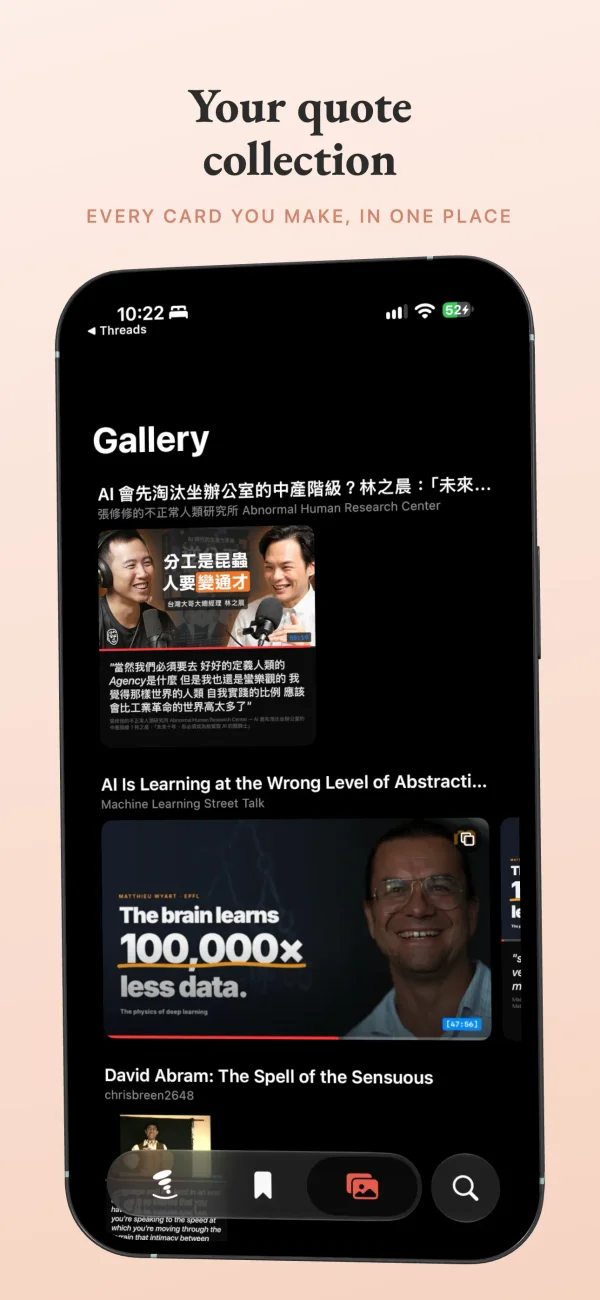
• Keep every card you create in your gallery
SHARE IT ANYWHERE
• Export quote images ready for social media
• Source attribution included automatically
TimeCliper works only with the text you select and creates original images — it never downloads, saves, or converts any audio or video.
Available in English and Traditional Chinese.
What’s new
Version 1.7.0 · Oct 12, 2026
Reading a transcript
- Search uses the same find bar as Notes and Safari, with a match count and ▲▼ to step through matches.
- "Show All Matches" in the ··· menu lists every match.
- The timeline sits in one row at the top. Your saved moments are at the bottom: step through them with ⌃⌄, or tap the count to see the list.
- While the keyboard is up, dragging the transcript only puts the keyboard away.
Wide screens
- On iPad and an unfolded iPhone Duo, your videos and the open transcript sit side by side.
- The editor and clip details show the image beside the controls, clear of the fold.
Everywhere
- Moments search also matches the video's title and channel.
- Better VoiceOver and larger text support.
- Deleting a moment or image asks first, and the labels and messages are clearer.
App privacy
What Chung Yun Lee declares on the App Store about how this app handles data.
-
Data not collected
The developer does not collect any data from this app.
Privacy practices may vary, for example with the features you use or your age.
Information
- Seller
- Chung Yun Lee
- Category
- Photo & Video
- Version
- 1.7.0
- Updated
- Oct 12, 2026
- Released
- Jul 13, 2026
- Size
- 4.8 MB
- Requires
- iOS 26.2 or later
- Age rating
- 4+
- Languages
- Traditional Chinese, English
- Copyright
- © 2026 funclosure
You might also like
-
 Honesmith Optics: RAW CameraManual • Metering • ProRAW
-
 Screeny: Screenshot EditorBeautiful Screenshot Frames
-
 Revel: Disposable Event CameraWedding & party guest QR album
-
 Phorase - AI Object RemoverMagic Eraser Photo Retouch
-
 PerfectCrop: Image SplitterMake slides from wide photos
-
 GR WORLDPhoto & Video
-
 MagikLab - Selfie StylizationAge editor & Cartoon filters
-
 AI Avatar Generator - HeyGenAI videos starring you