Timeclock 365 Time Tracker
Track Time, Tasks and Projects
Designed for iPhone, iPod touch
- Age rating4+
- CategoryBusiness
- DeveloperTIMECLOCK 365 LTD
- LanguagesGerman+ 10 more
- Size35.3 MB
Links to the official App Store page
Download.org hosts no file of Timeclock 365 Time Tracker. The button opens its official App Store page, published by TIMECLOCK 365 LTD. Listing last checked on Nov 12, 2026.
Screenshots
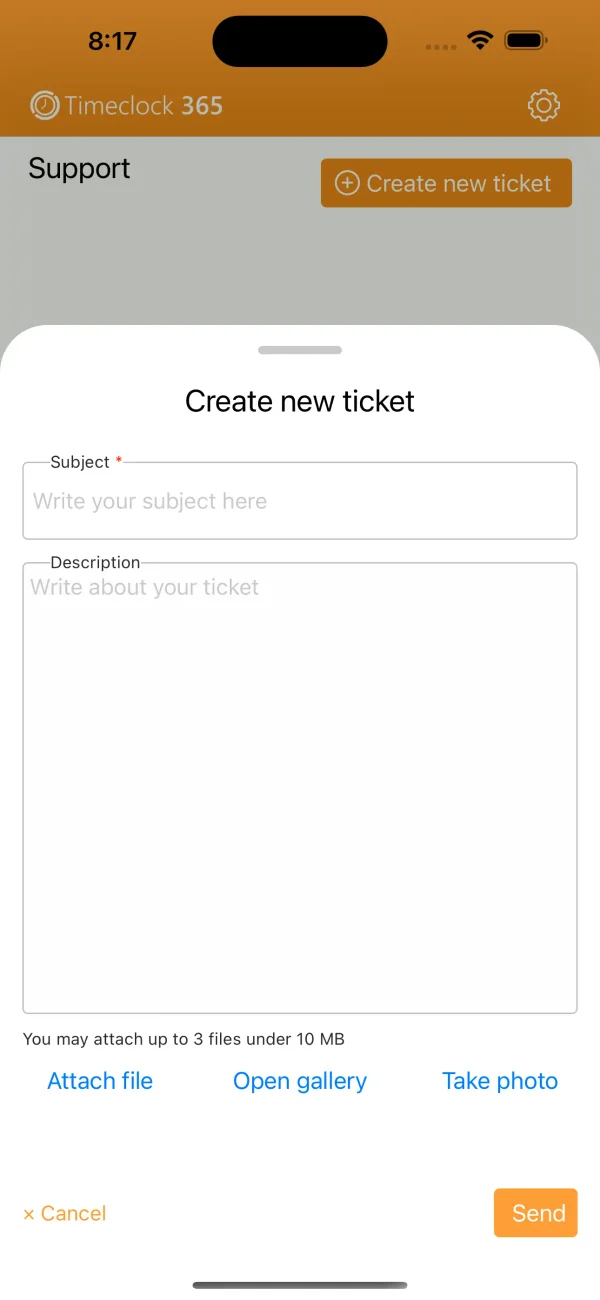
About
TimeClock 365 makes it easy to track work hours, manage tasks, and stay connected to your workplace, whether you work in the office, from home, or in the field.
Keep your daily attendance, breaks, tasks, and time-off requests together in one easy-to-use app.
TIME TRACKING MADE SIMPLE
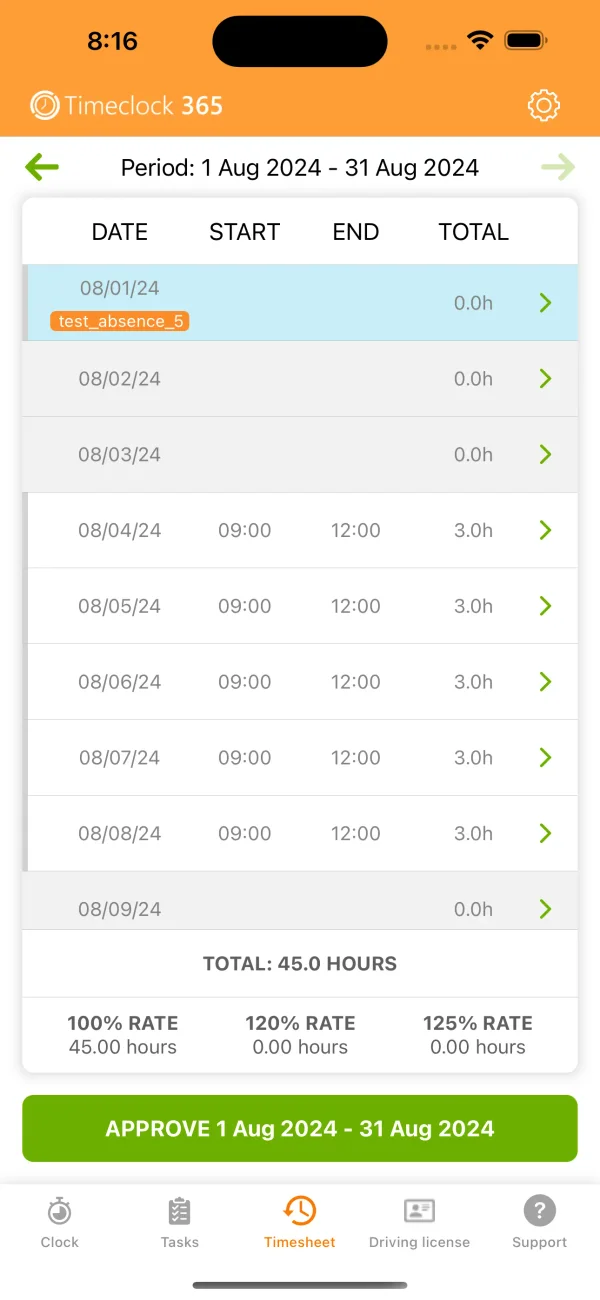
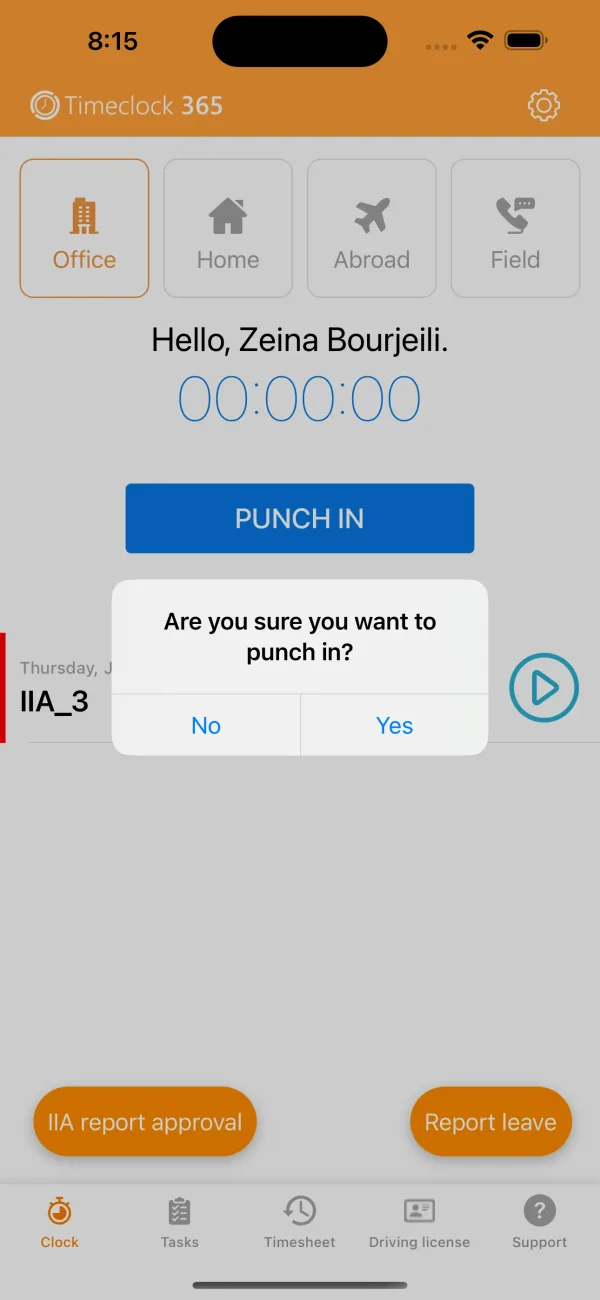
Start your workday with Punch In and finish with Punch Out. Track your working hours and breaks, and review your attendance records directly from your iPhone.
TASKS AND PROJECTS
Track time spent on tasks and projects. Switch between assignments and keep a clear record of where your working time goes.
TIME-OFF REQUESTS
Submit vacation, sick leave, and other time-off requests from your phone. Check the status of your requests without switching between emails and messages.
LOCATION-BASED ATTENDANCE
Record your location when clocking in and out, according to your organization's settings. Location-based attendance helps support teams working across offices, customer sites, and other work locations.
STAY INFORMED
Receive attendance reminders and notifications to help you stay on top of your workday and reduce missed time entries.
VISIBILITY FOR MANAGERS
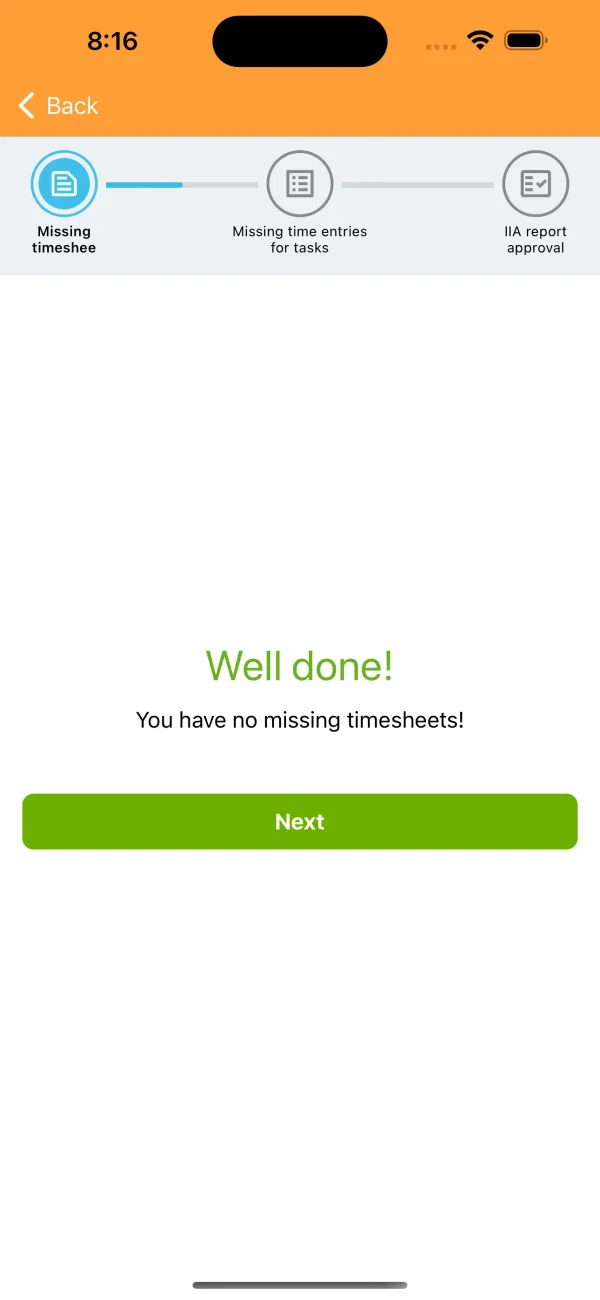
Stay informed about team attendance, working hours, and task activity. Use TimeClock 365 alongside the web portal to review records, handle approvals, and access detailed reports.
BUILT FOR DIFFERENT WAYS OF WORKING
From office employees and remote teams to technicians, sales representatives, and field workers, TimeClock 365 supports different workplace attendance policies and time-tracking needs.
GETTING STARTED
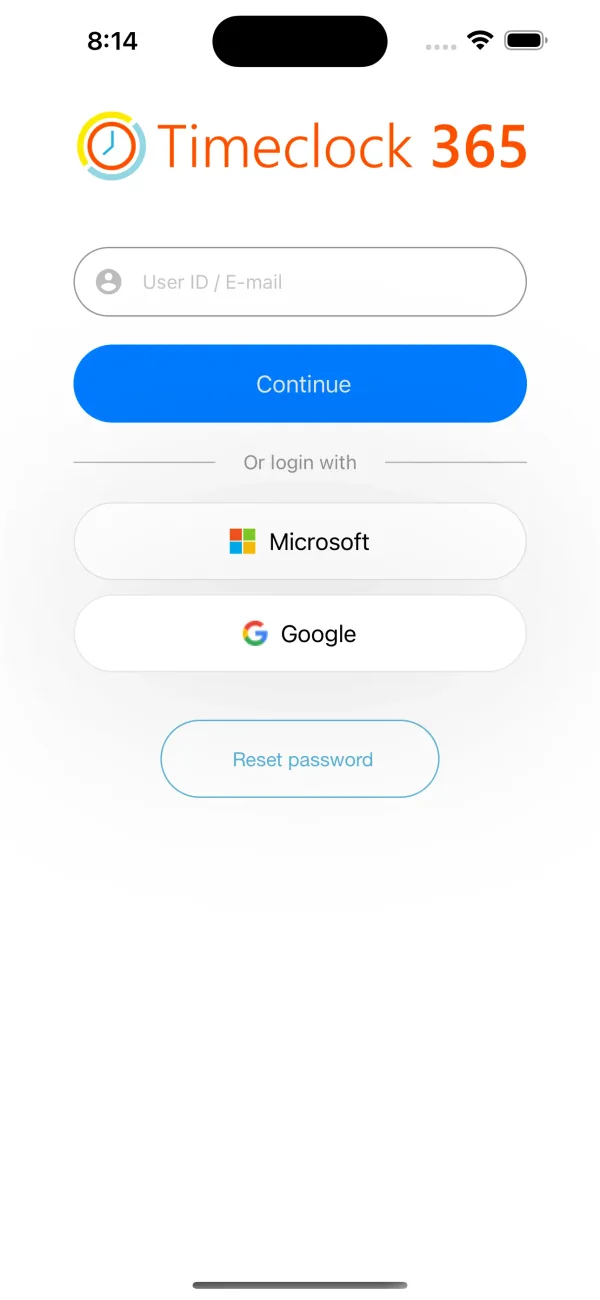
Sign in with your TimeClock 365 account and use the features enabled by your organization. Available features depend on your organization's subscription, settings, and your assigned permissions.
LOCATION AND BACKGROUND USE
Location features require the relevant device permissions. When background location tracking is enabled by your organization and permitted on your device, the app may collect location data while it is not open on screen. Background location use may affect battery life.
Spend less time on manual time reporting and more time on your work.
Learn more at www.timeclock365.com
What’s new
Version 2.6.31 · Sep 23, 2026
We've improved attendance and task tracking for a smoother workday.
- Improved offline handling for clock-in, clock-out, and task activity.
- Better location validation when clocking in.
- Smoother task selection when starting your workday.
- Clearer handling of pending time entries and actions that could not be completed.
App privacy
What TIMECLOCK 365 LTD declares on the App Store about how this app handles data.
-
Data used to track you
May be used to track you across apps and websites owned by other companies.
- Location
-
Data linked to you
May be collected and linked to your identity.
- Location
- Contact info
Privacy practices may vary, for example with the features you use or your age.
Information
- Seller
- TIMECLOCK 365 LTD
- Category
- Business
- Version
- 2.6.31
- Updated
- Sep 23, 2026
- Released
- Feb 12, 2017
- Size
- 35.3 MB
- Requires
- iOS 15.0 or later
- Age rating
- 4+
- Languages
- German, Arabic, English, French, Greek, Hebrew, Latvian, Russian, Slovak, Spanish, Turkish
- Copyright
- © TimeClock 365