
Timedial: World Time & Widgets
Timezone converter and widgets
Designed for iPhone, iPad, Mac
- Age rating4+
- CategoryUtilities
- DeveloperZoe Chin
- LanguagesEnglish+ 7 more
- Size13.4 MB
Links to the official App Store page
Download.org hosts no file of Timedial: World Time & Widgets. The button opens its official App Store page, published by Zoe Chin. Listing last checked on Nov 6, 2026.
Screenshots
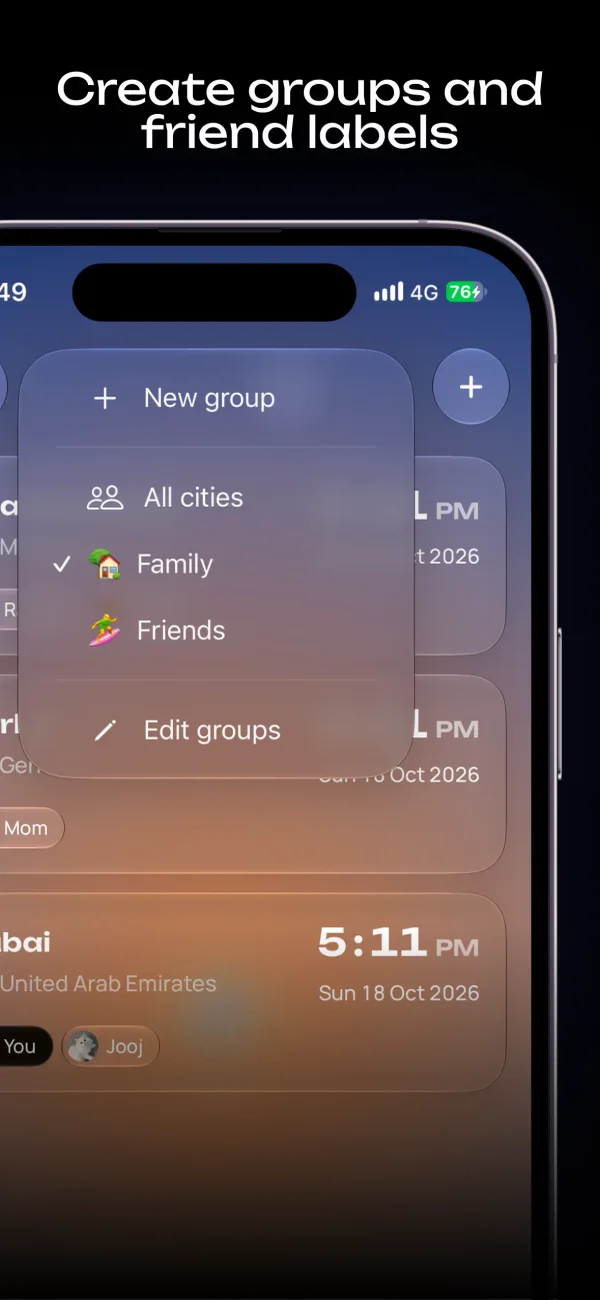
About
Most world clocks show you a row of clocks and leave the mental work to you. Timedial answers the questions you're actually asking when you're looking at a world clock:
• What time is it there right now?
• Is it night or day?
• How many hours apart are we?
• When they say 3pm, what is that for me?
• Is it too late to call?
• Who's ahead and who's behind?
View your cities on a 3D globe, a linear timeline, or a simple list. Scrub time forward and backward with a dial, and watch time move together across every city. Check time gaps by tapping on two cities. On Timedial, global time is something you see and feel, rather than calculate.
A DIAL FOR TIME
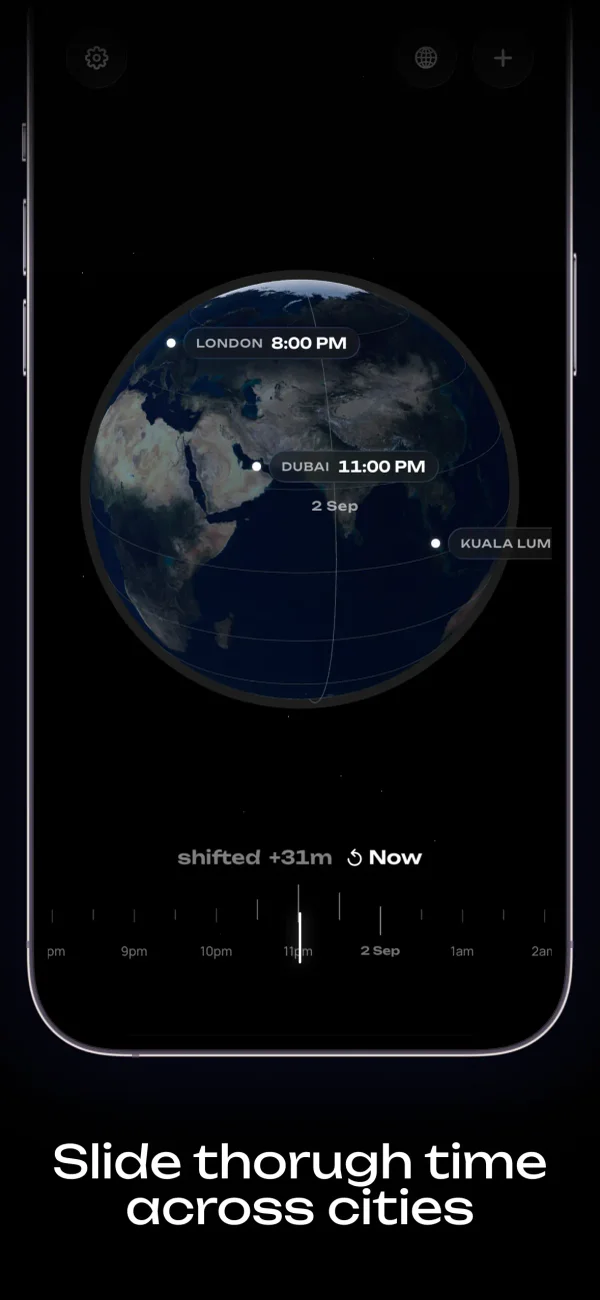
• Drag the dial to move every clock at once
• Type a time into any city and watch the rest follow
• Return to the current time in one tap
THREE VIEWS
• Globe: a weighted, physical earth with your cities pinned to it, day and night moving in real time
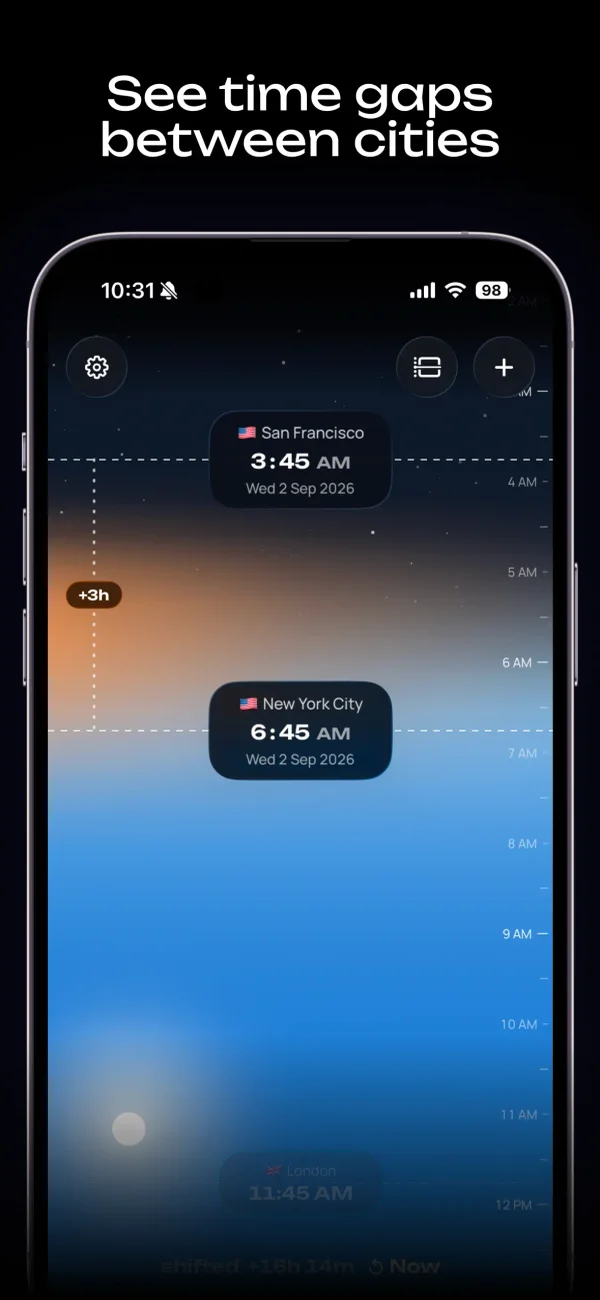
• Timeline: cities laid out by hour on a living sky (dawn, daylight, dusk and stars)
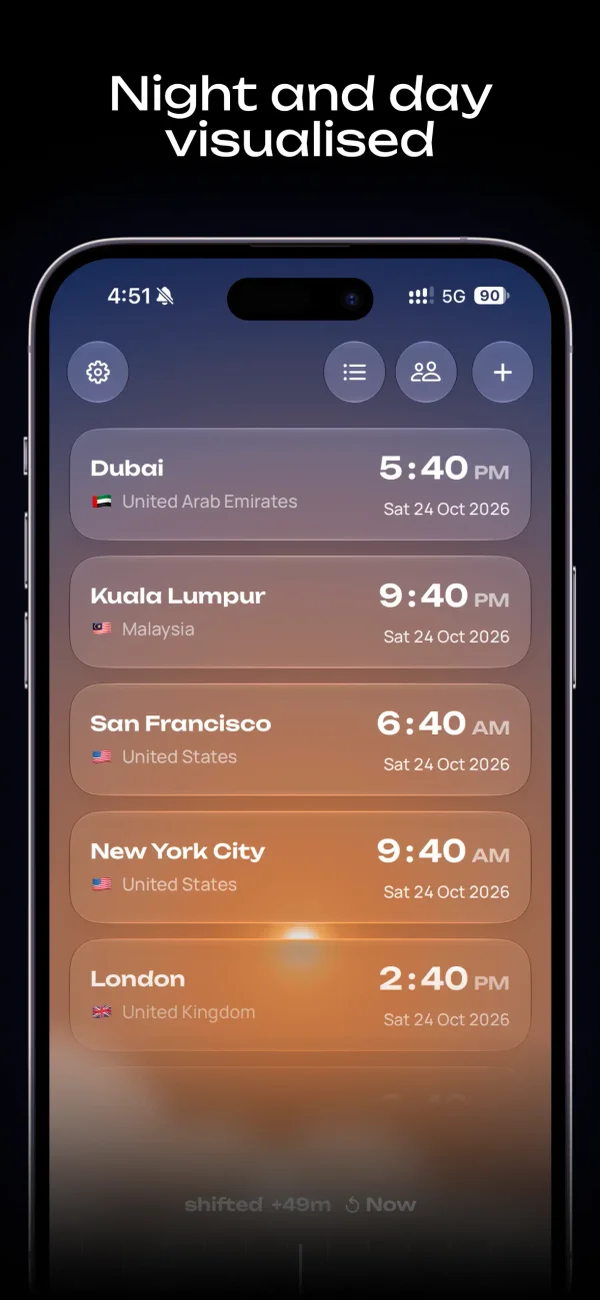
• List: big, glanceable cards under a sky that matches each moment
COMPARE CITIES
• Tap two cities to see the exact hour difference between them
• Days and dates always shown in each city's own zone
WIDGETS
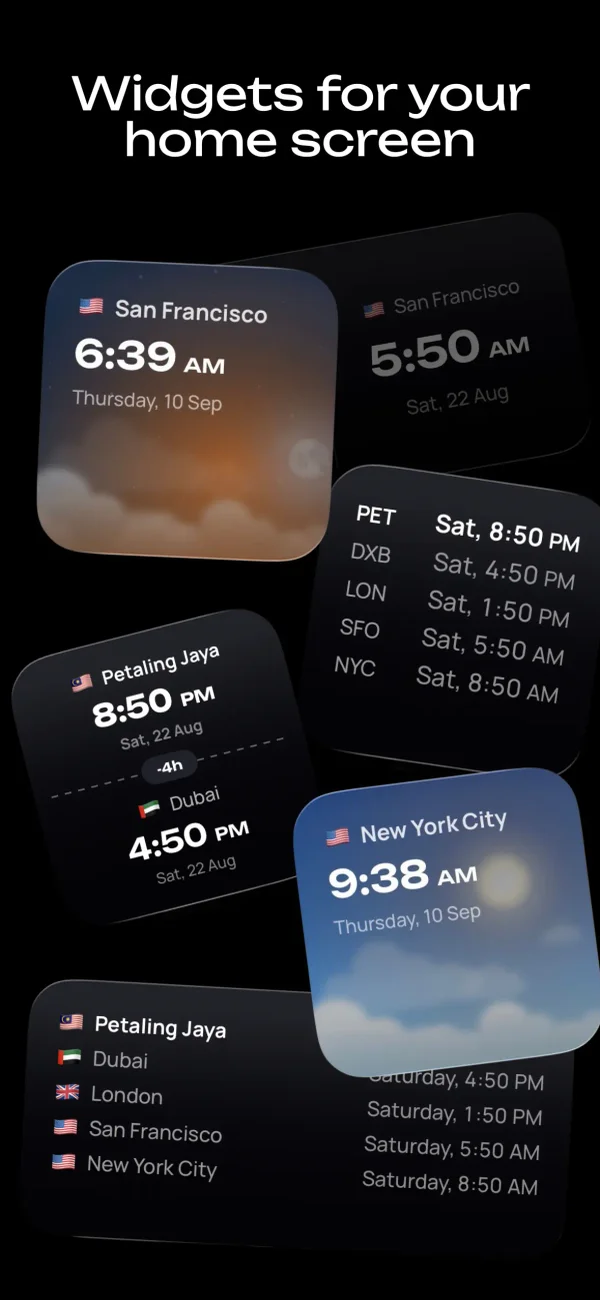
• One City: a single city under its own living sky.
• Two Cities: side by side, or stacked as a compare with the hour difference between them
• World-clock: a list showing up to six cities, plus a lock screen widget
Choose the cities by editing any widget directly from your home screen
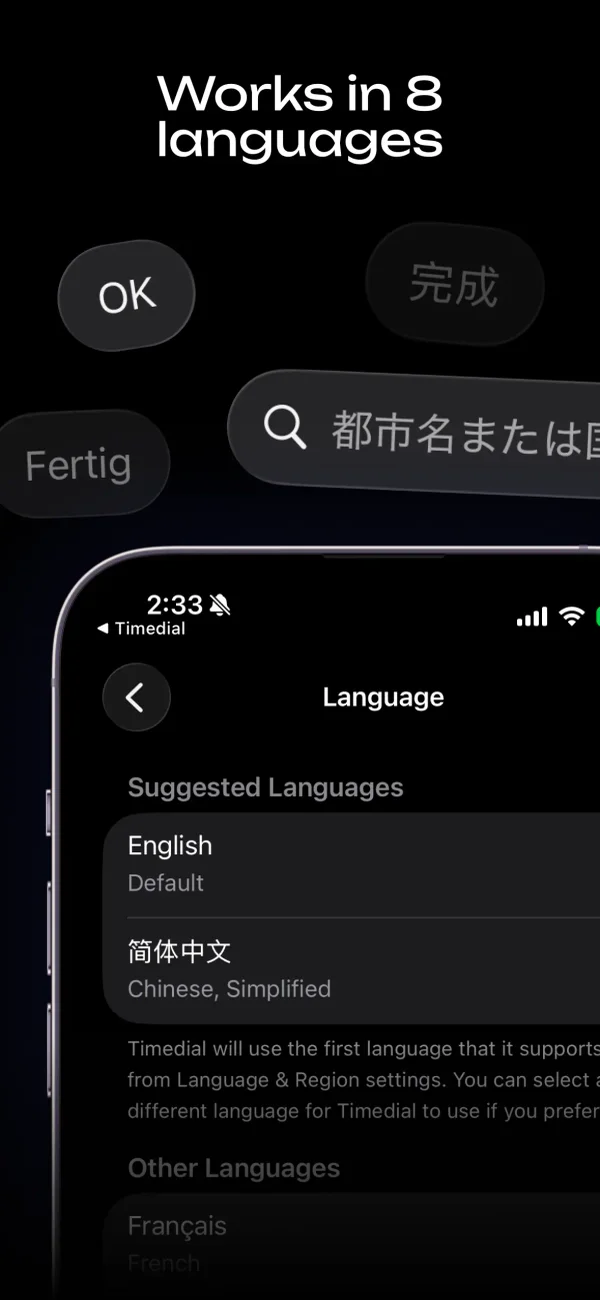
IN YOUR LANGUAGE
• English, Spanish, French, German, Japanese, Simplified Chinese, Malay, and Brazilian Portuguese
PRIVATE BY DESIGN
• Works fully offline; no account, no ads, no tracking, no data collected.
• Optional location access is used once to sort your nearest city first.
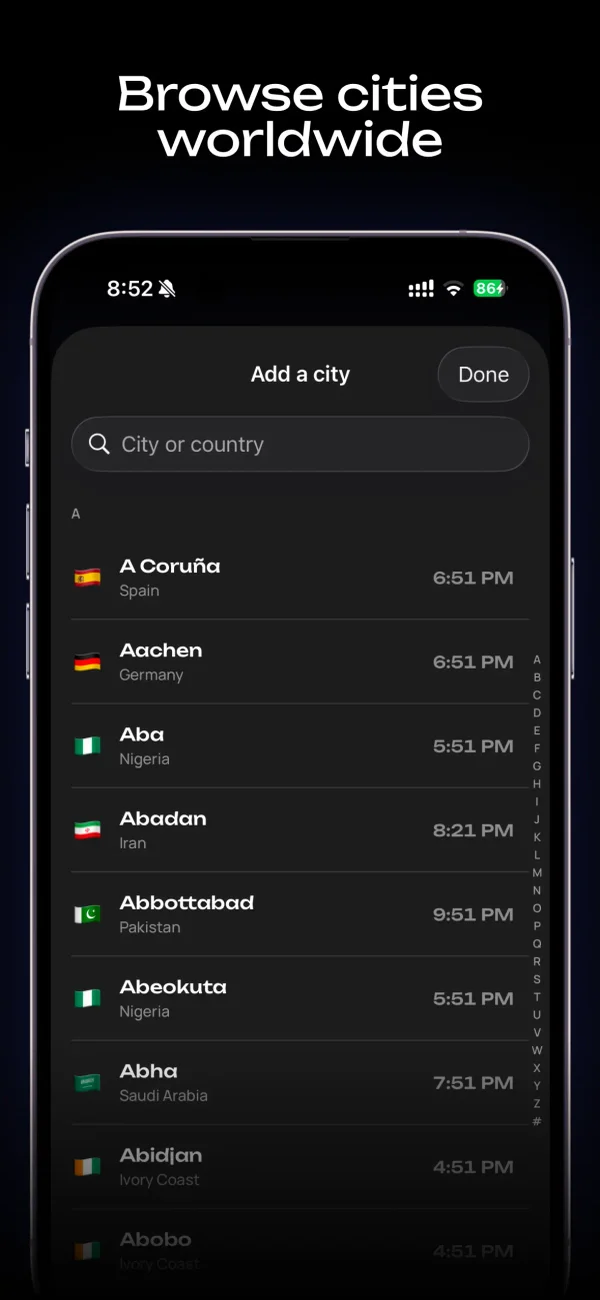
Over 3,000 cities included.
What’s new
Version 1.4.2 (27) · Oct 24, 2026
- iPhone Duo support is here!
- New splash screen when you launch the app
- Soft clouds replaced the mountains on list view
App privacy
What Zoe Chin declares on the App Store about how this app handles data.
-
Data not collected
The developer does not collect any data from this app.
Privacy practices may vary, for example with the features you use or your age.
Information
- Seller
- Zoe Chin
- Category
- Utilities
- Version
- 1.4.2 (27)
- Updated
- Oct 24, 2026
- Released
- Oct 7, 2026
- Size
- 13.4 MB
- Requires
- iOS 17.0 or later
- Age rating
- 4+
- Languages
- English, French, German, Japanese, Malay, Portuguese, Simplified Chinese, Spanish
- Copyright
- © 2026 Zoe Chin
You might also like
-
 KLUGERSmart Home & Office Control
-
 VideoDuck: Video CompressorShrink Videos, Free Up Space
-
 Date Time Calculator - TickrDays Counter & Age Calculator
-
 uqudo KYCAutomated identity proofing.
-
 ONA ChargeUtilities
-
 Live Transcribe with SubtitlyRealtime. On Device. No WiFi.
-
 World clock widget - OrbitimeTimezone converter
-
 Text to Speech - Listenify AIRead Aloud PDF, ePub & Docs
-
 Festival CommunityUtilities
-
 Captr・Screenshot OrganizerTurn Every Photo Into Action