
- Age rating4+
- CategoryUtilities
- DeveloperTimeFlip sp. z o.o.
- LanguagesEnglish+ 1 more
- Size54.2 MB
Links to the official App Store page
Download.org hosts no file of TIMEFLIP2: Time&Task tracker. The button opens its official App Store page, published by TimeFlip sp. z o.o. Listing last checked on Nov 6, 2026.
Screenshots
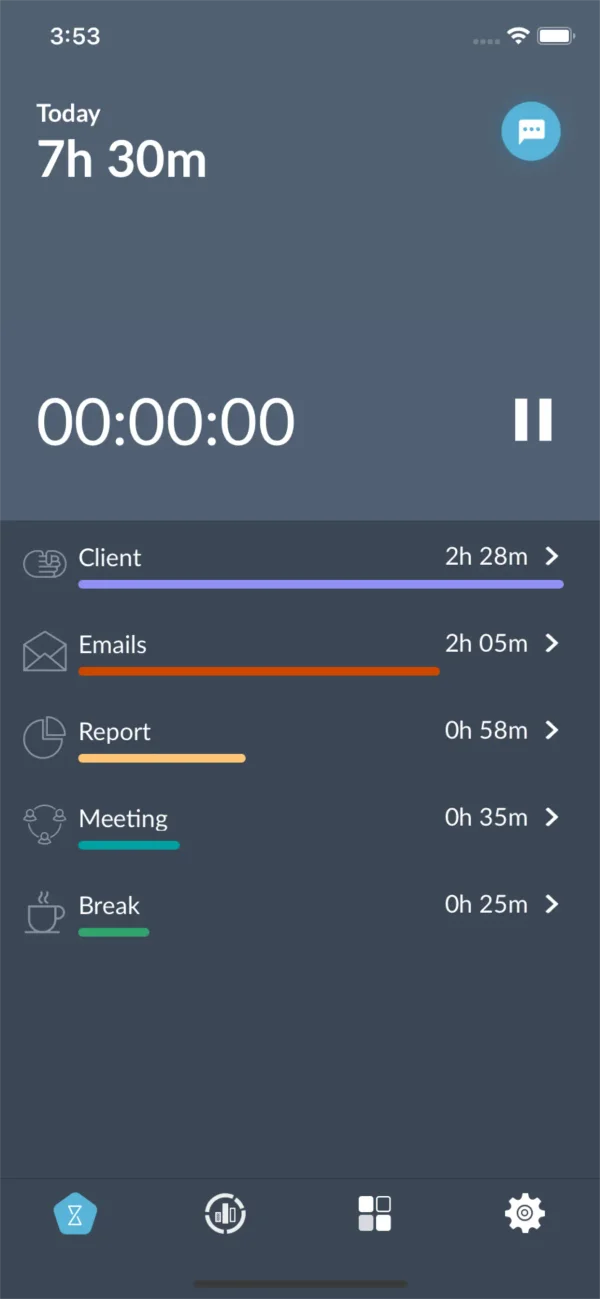
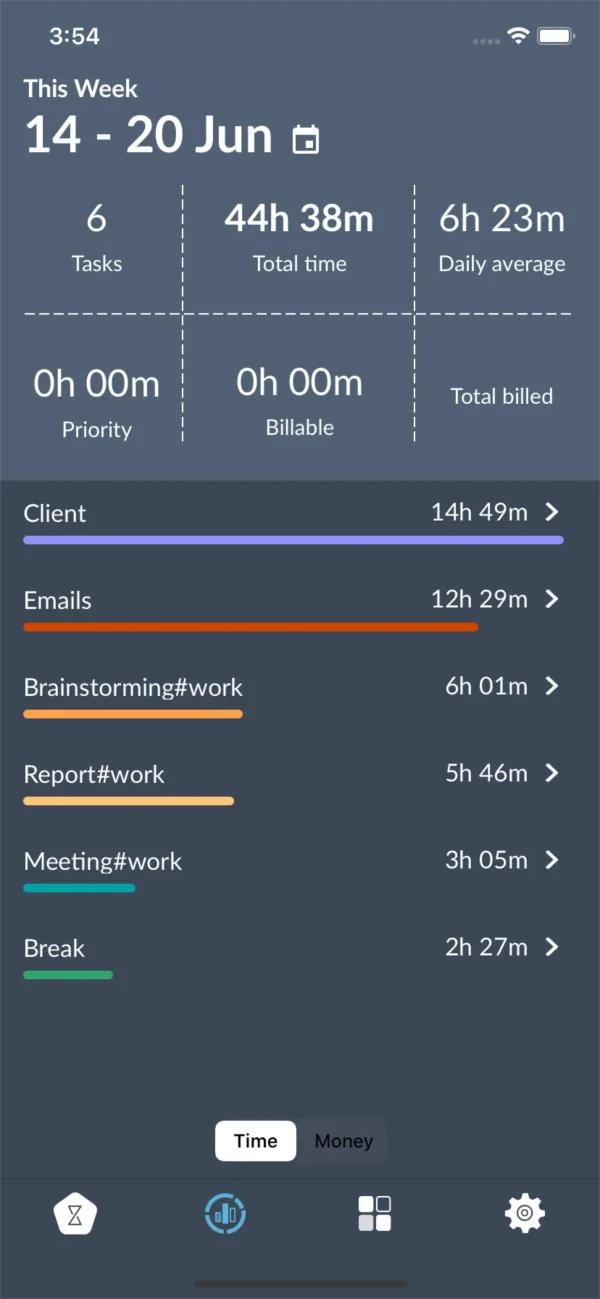
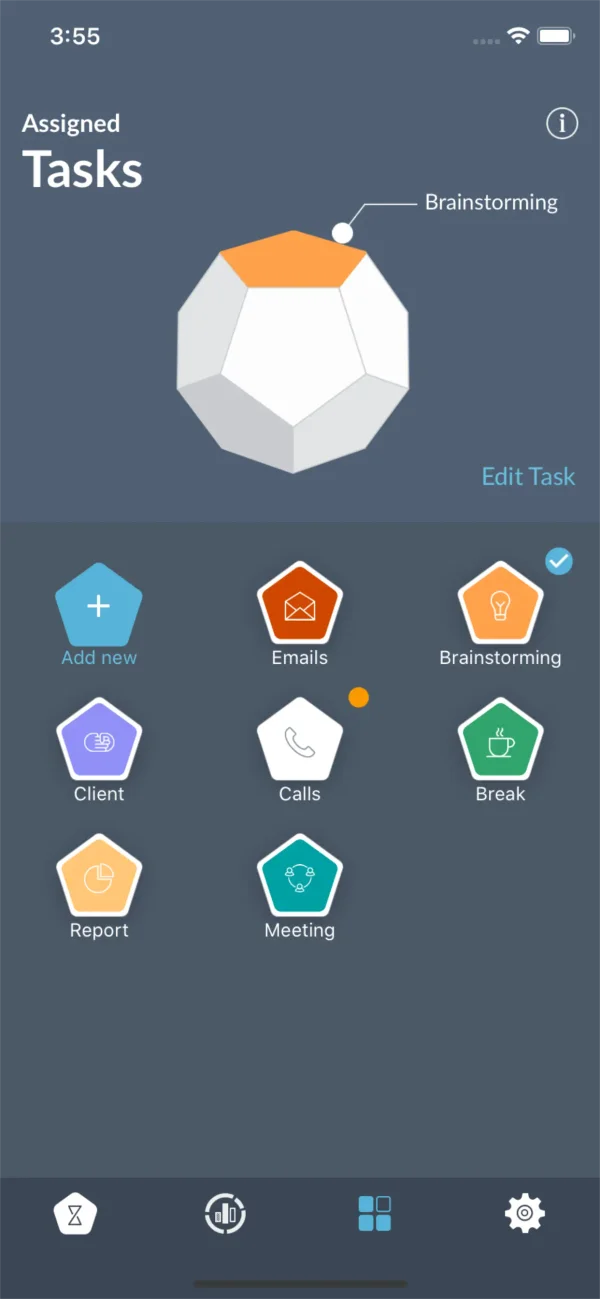
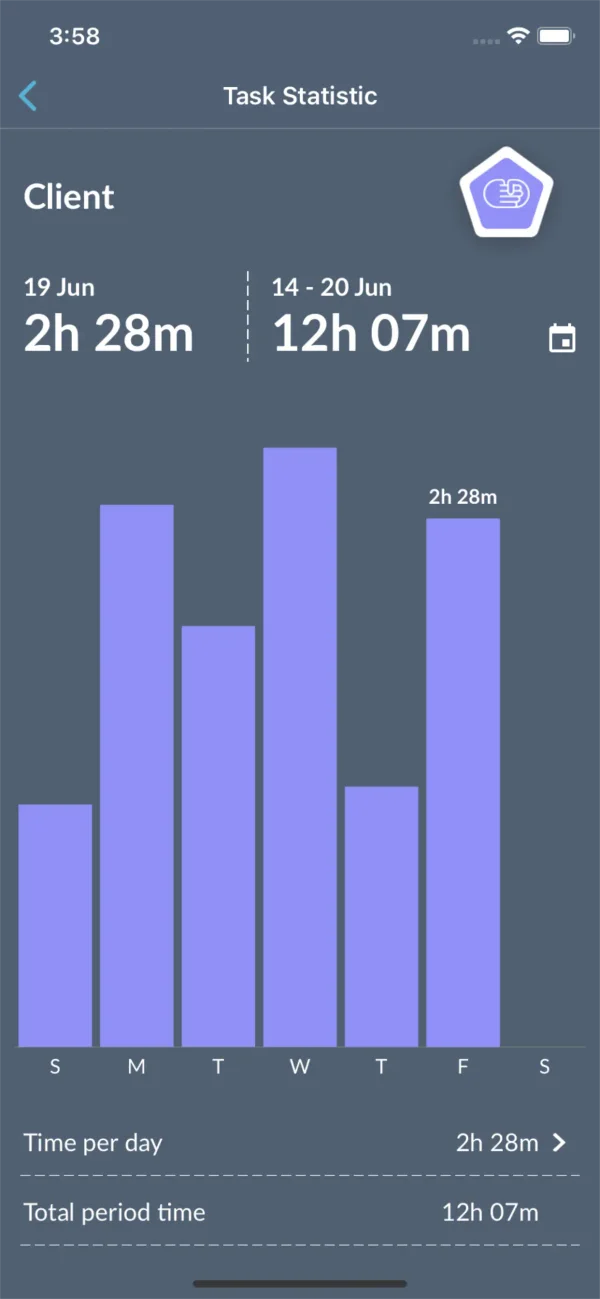
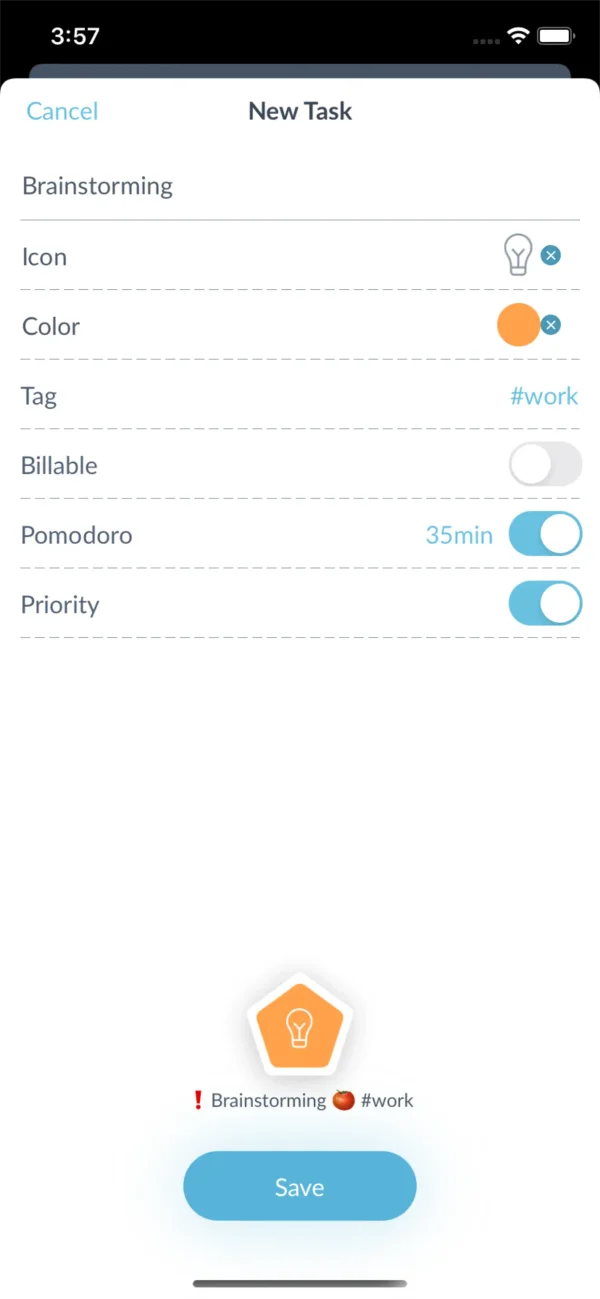

About
TIMEFLIP2 is an interactive time tracker, designed to make logging time an intuitive and enjoyable task. TIMEFLIP2 is powered by a mobile app and a web service to store, process and visualize time data. Unlike popular software time tracking tools, TIMEFLIP2 is a physical connected device. This provides for radically different user experience, ease of use and instant adoption. TIMEFLIP2 was created for individuals and teams to help them track time, control their work patterns, bill hours and analyze productivity in the most user-friendly manner.
TIMEFLIP2 is the tool for everyone who needs to measure (and bill) time spent per project/client/process or seeking a tool to control and improve productivity, for example applying different patterns and techniques like pomodoro. Our typical users work in industries like: software development, consulting, design, marketing, media, education, legal, etc.
At the start, user marks TIMEFLIP2 sides with the tasks or activities he/she wants to track and assigns them once in the mobile app. Whenever one wants to start tracking a task or activity, he/she simply places TIMEFLIP2 with the corresponding side facing up and the device automatically starts clocking time for it. Thus, all user time stats is logged and visualized in the app or web service and can be exported in xls or csv format.
While logging time for a task, TIMEFLIP2 blinks periodically in user-defined task color to notify on current task status. TIMEFLIP2 can be used both as direct and pomodoro timer. In the latter case, the device starts blinking in red color on approaching user-defined time interval to signal the end of Pomodoro sprint.
All user-generated time data is stored securely in AWS cloud and is synchronized with the device regularly or on demand. For more details on user data policy, please, refer to our Privacy Policy.
TimeFlip2 has an on-board memory to store data of 1166 flips (30-40 days of activity). It has been designed as a network-independent solution from the very beginning. Once TIMEFLIP2 device is initially set up with an app it does not require a network or permanent connection to the app/smartphone to operate. Every time TIMEFLIP2 app is opened, it will immediately synchronize with the device and read out all generated time data, sending it to the cloud.
What’s new
Version 2.4.13 · Feb 24, 2026
- You can now disable TimeFlip cube blinking by setting the value to 0 in the Settings tab.
- UI improvements for Dark Mode.
App privacy
What TimeFlip sp. z o.o. declares on the App Store about how this app handles data.
-
Data not linked to you
May be collected but is not linked to your identity.
- Contact info
- User content
- Identifiers
- Usage data
- Diagnostics
Privacy practices may vary, for example with the features you use or your age.
Information
- Seller
- TimeFlip sp. z o.o.
- Category
- Utilities
- Version
- 2.4.13
- Updated
- Feb 24, 2026
- Released
- Jul 23, 2020
- Size
- 54.2 MB
- Requires
- iOS 12.2 or later
- Age rating
- 4+
- Price
- Free
- Languages
- English, Russian
- Copyright
- © TimeFlip sp. z o.o.
You might also like
-
 Hindsight - Time TrackerHow long has it been since...?
-
 iFramix ProUtilities
-
 Suspicios Camera Detector app.Security Spy Scanner Analyzer
-
 Supernote PartnerUtilities
-
 Flic AppThe Ultimate Smart Button
-
 Just Press RecordRecord. Transcribe. Sync.
-
 IG Followers: My UnfollowersUnfollow Tracker & Report
-
 Pebble CoreUtilities
-
 shelpful: AI for ADHD TasksChat to get stuff done
-
 LOOITurn your phone into a robot!