TimeGuide - Daily Planner
Tasks, Calendar Sync, Widgets
Designed for iPhone, iPad, Mac
Free · In-app purchases
- Age rating4+
- CategoryProductivity
- DeveloperDaniel Grant
- LanguagesEnglish
- Size7.5 MB
Links to the official App Store page
Download.org hosts no file of TimeGuide - Daily Planner. The button opens its official App Store page, published by Daniel Grant. Listing last checked on Nov 16, 2026.
Screenshots


About
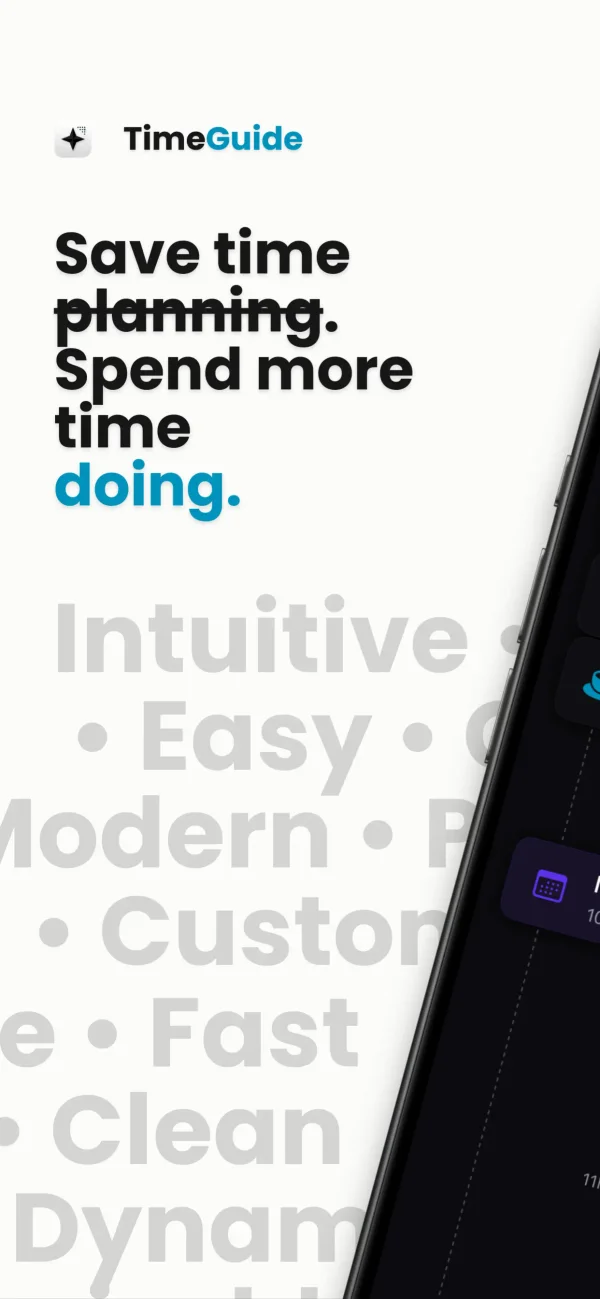
TimeGuide is a simpler way to see your tasks, events, and routines. Part planner, part calendar, and part task manager, adding to and editing your schedule with TimeGuide is fast and intuitive. Featuring a clean design, repeating tasks and two-way calendar sync on a dynamically scaling timeline.
TimeGuide Features:
• Repeating Tasks & Events - Your daily routines can coexist with important events giving you a big picture view of your time
• Visual Priority - Highlighted tasks and calendar events are given visual significance so they aren’t drowned out by simple tasks or routines
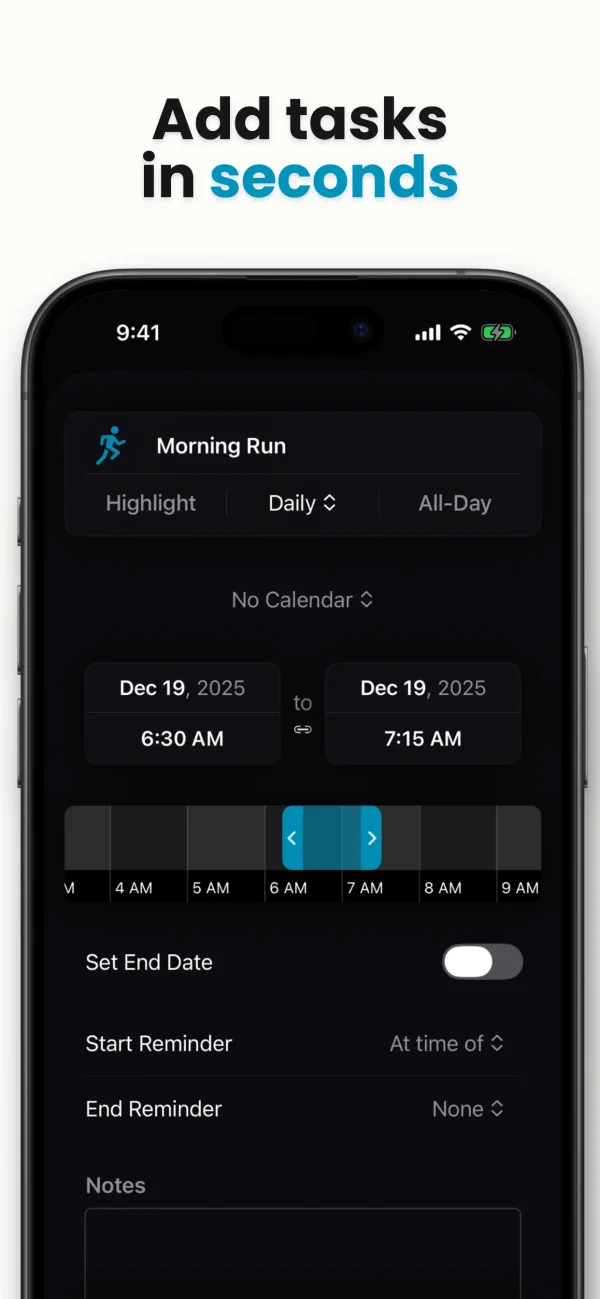
• Intuitive Add-Task Flow - Add new tasks & events in seconds
• Mark Complete - Mark finished items complete to hide them from the timeline (even calendar events)
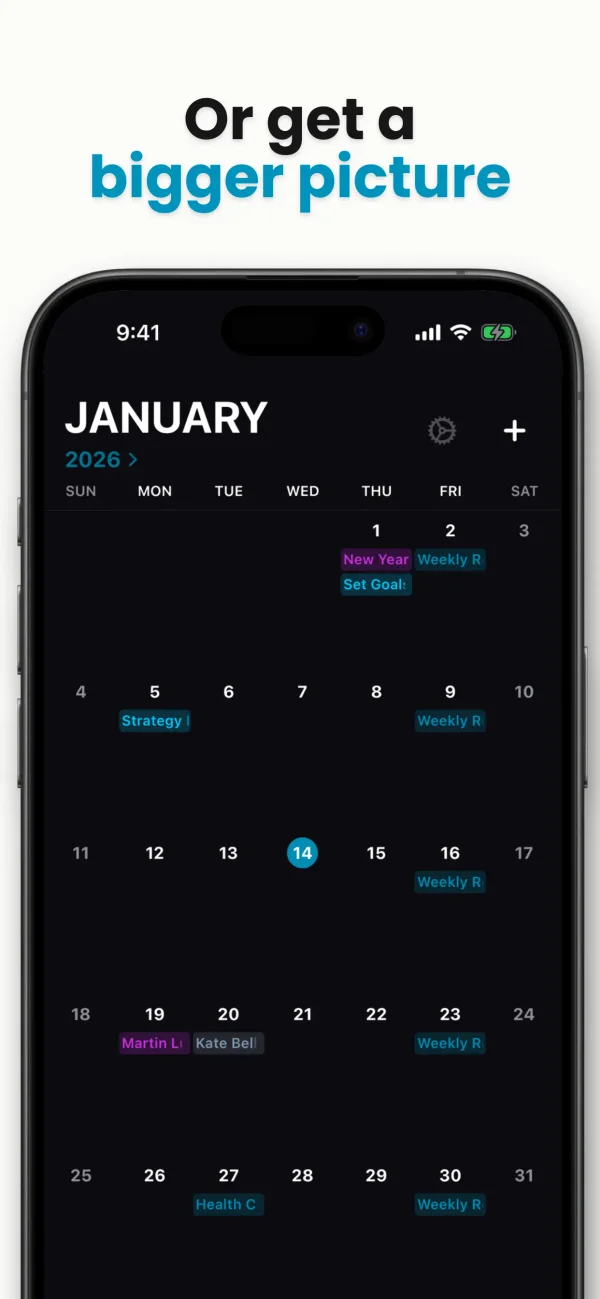
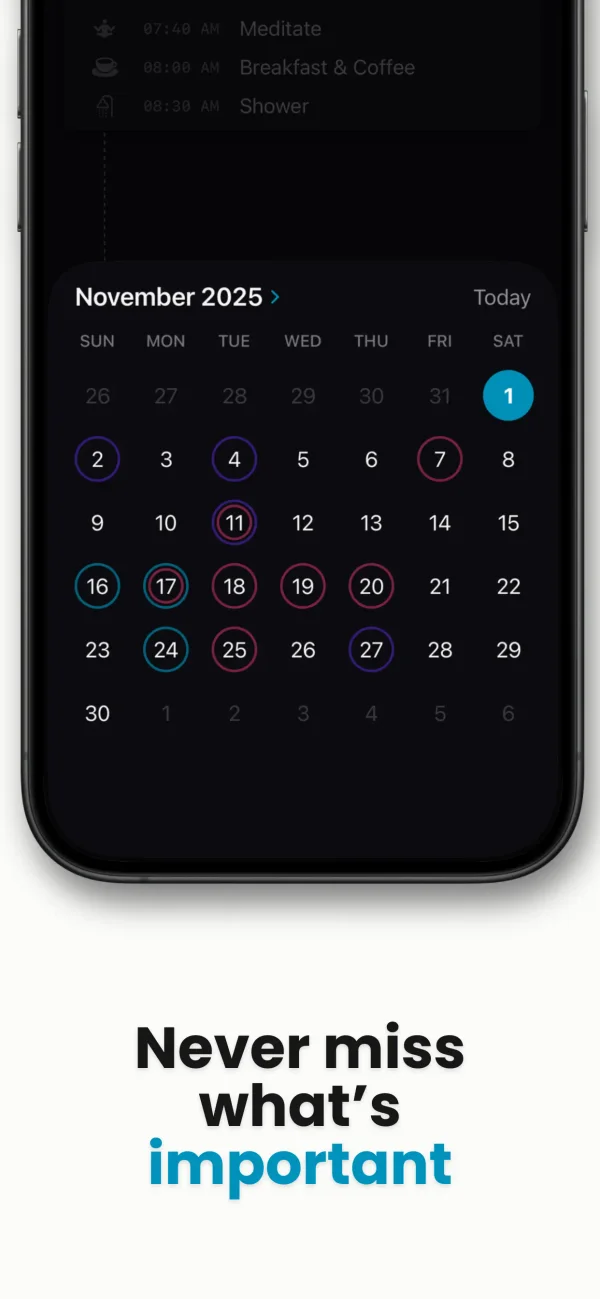
• Calendar Month View - Get a bigger picture of your time
• Subtasks - Auto-nested items make adding subtasks effortless. Add subtasks even to calendar events, or un-nest them in settings to see everything laid out
• Calendar Sync - Add and edit events from your other calendars like Apple, Google, and Outlook
• Cross-Device Sync - Tasks sync across your iPhone, iPad, and Mac via iCloud sync
• Per-Calendar Notifications - Silence notifications on an individual basis in Calendar Setup
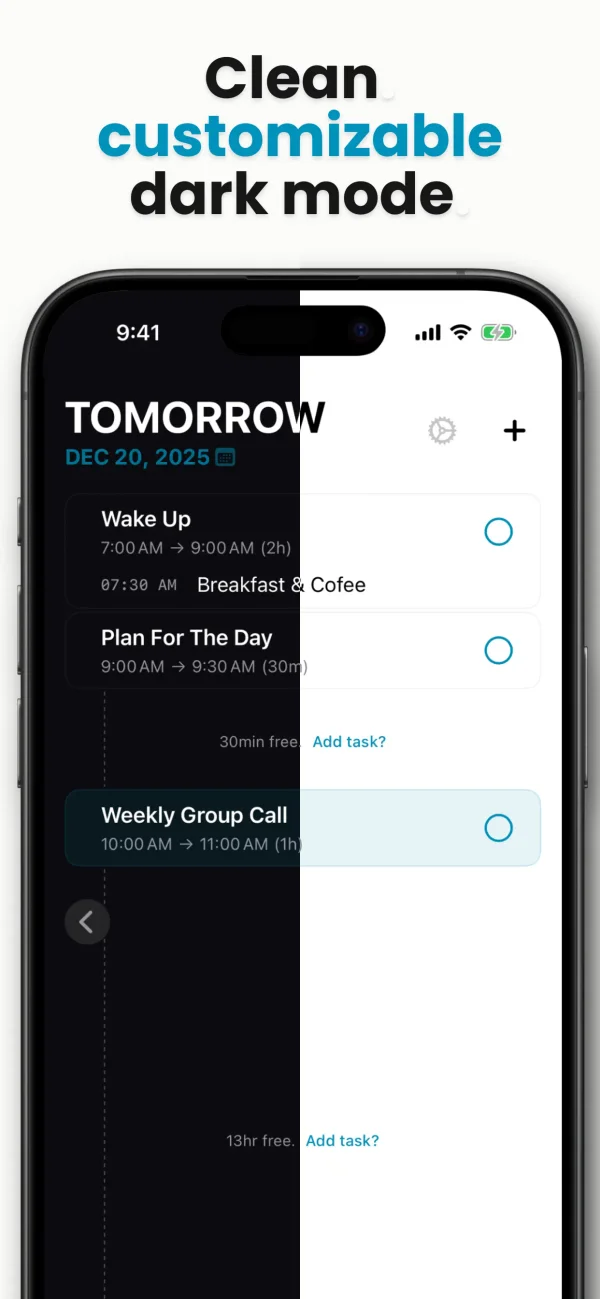
• Dynamic Timeline - Expanding and contracting layout keeps your day visible, while still letting you visualize your free time
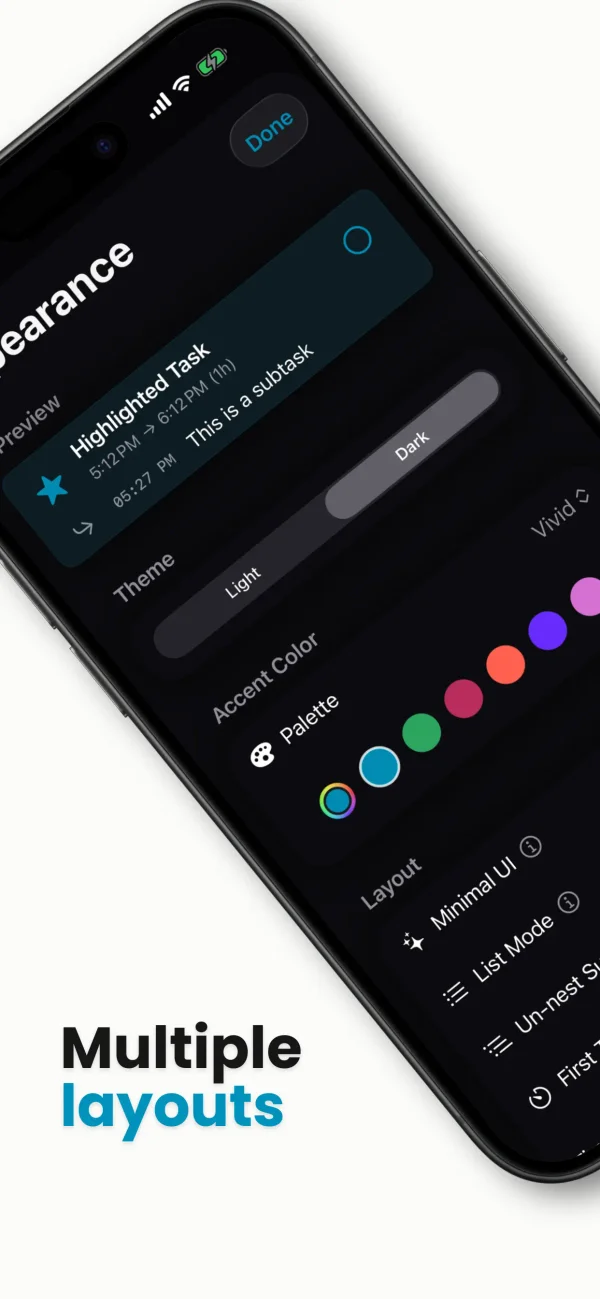
• Multiple Layouts - Minimal Mode and List Mode to fit your style
• Customizable Colors - Light and Dark modes, with total freedom for accent colors
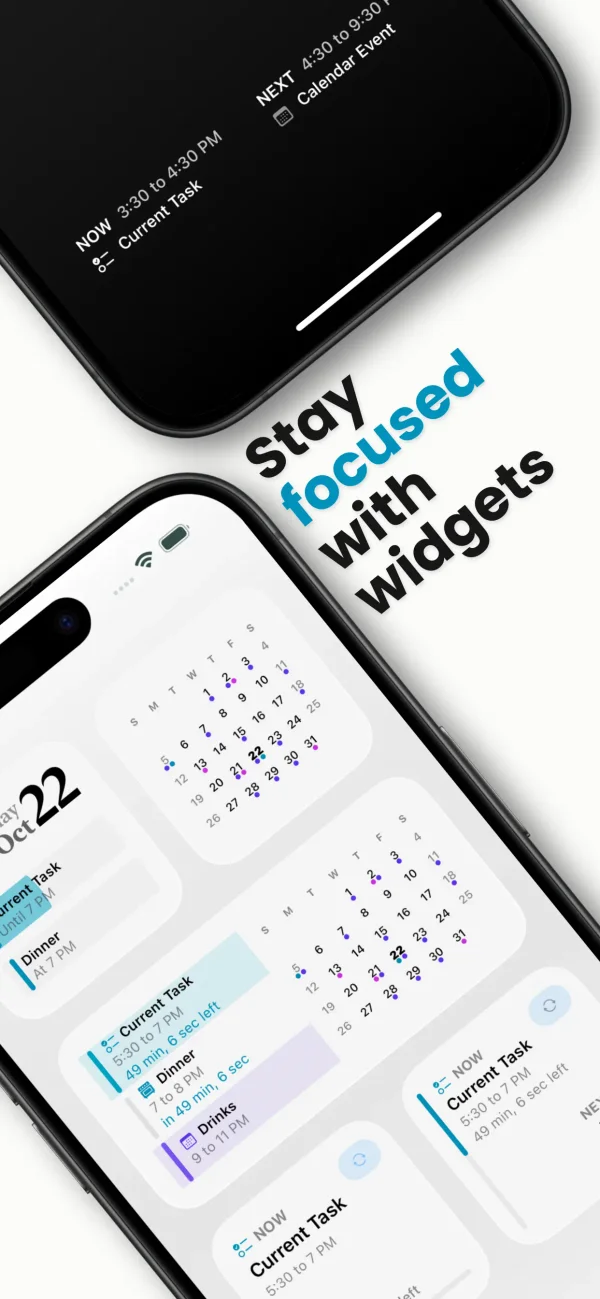
• Widgets - Stylish up-to-date widgets with smooth progress bars and countdown timers to keep you on pace and on-track
• Distraction Free - Made to live in the background of your life, so you can actually be productive
Try all of TimeGuide free for 7 days then keep using it in read-only mode forever, or unlock Full Access for a single affordable lifetime purchase.
Use of this app is subject to Apple’s Standard End User License Agreement:
https://www.apple.com/legal/internet-services/itunes/dev/stdeula/
What’s new
Version 1.4.2 · Jul 23, 2026
• App now respects 24 hour clock system setting, with an option in preferences to change it
• Zoom level in Month view now persists
• Bug fixes and improvements
App privacy
What Daniel Grant declares on the App Store about how this app handles data.
-
Data not collected
The developer does not collect any data from this app.
Privacy practices may vary, for example with the features you use or your age.
Information
- Seller
- Daniel Grant
- Category
- Productivity
- Version
- 1.4.2
- Updated
- Jul 23, 2026
- Released
- Oct 10, 2025
- Size
- 7.5 MB
- Requires
- iOS 17.0 or later
- Age rating
- 4+
- Price
- Free
- In-app purchases
- Yes
- Languages
- English
- Copyright
- © 2025 Daniel Grant
You might also like
-
 Natural Calendar - CaliqNotes into calendar events
-
 Planote - Daily Planner TasksSchedule Organizer, To-do list
-
 Pala: ADHD Planner & CalendarAI Daily Routine & Focus Timer
-
 Bloc: ADHD Planner & TodoPlanner, Task & Habit Tracker
-
 Cift: The Planner You Talk ToTo-dos & calendar, just say it
-
 Taskful Day: Day PlannerCalm Task Tracker & To-Do List
-
 NimbleDay: Task & Goal PlannerDaily To Do, Lists, Focus
-
 TapCal: Calendar & WidgetsMonth Widgets & Reminders
-
 LifeApp: Habit, Calendar, Todoall-in-one productivity app
-
 What-Else: Life MaintenanceTrack What Can Wait.