- Age rating4+
- CategoryEducation
- DeveloperVishal Amler
- LanguagesEnglish
- Size35.4 MB
Links to the official App Store page
Download.org hosts no file of TimeIt360. The button opens its official App Store page, published by Vishal Amler. Listing last checked on Nov 20, 2026.
Screenshots



About
TimeIt360 is a free, read-only viewer for published school timetables.
If your school publishes its schedule on TimeIt360, this app lets teachers, students, parents, and administrators view the published timetable on their phone — today's periods, who's substituting, and the week ahead — without opening a browser or logging into a portal.
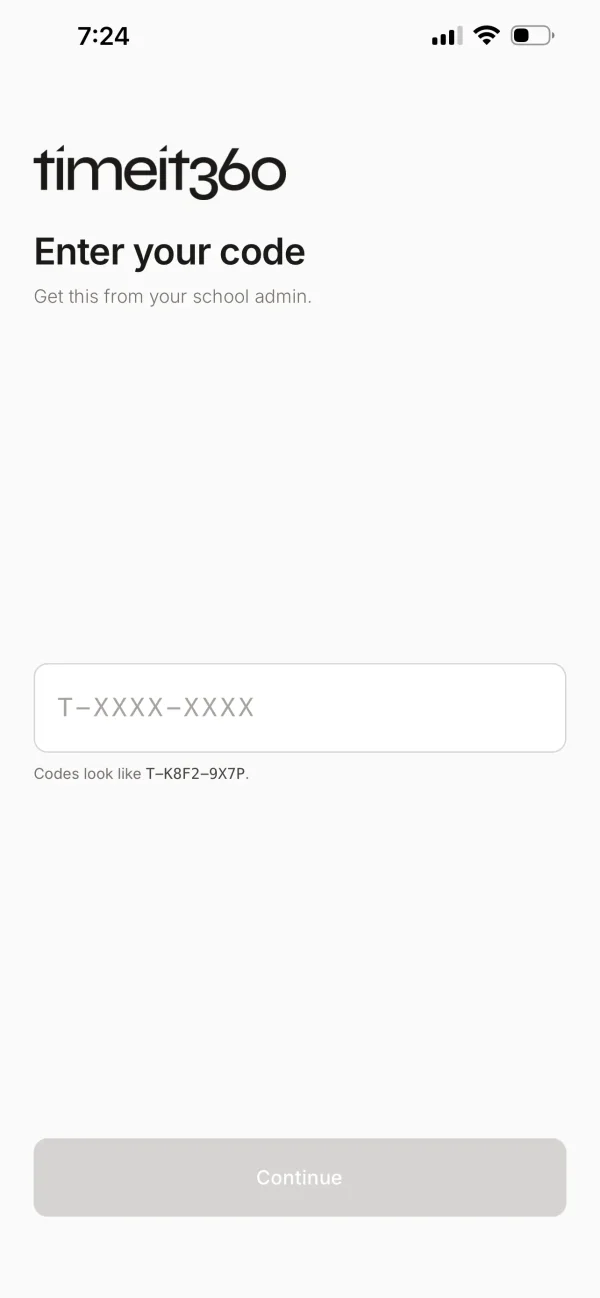
The app is completely free. There is nothing to buy, no subscription, and no account to create. Your school admin sends you a one-time access code; you enter it once and you're in.
KEY FEATURES
• Now & Next — see the period you're in and what's coming up
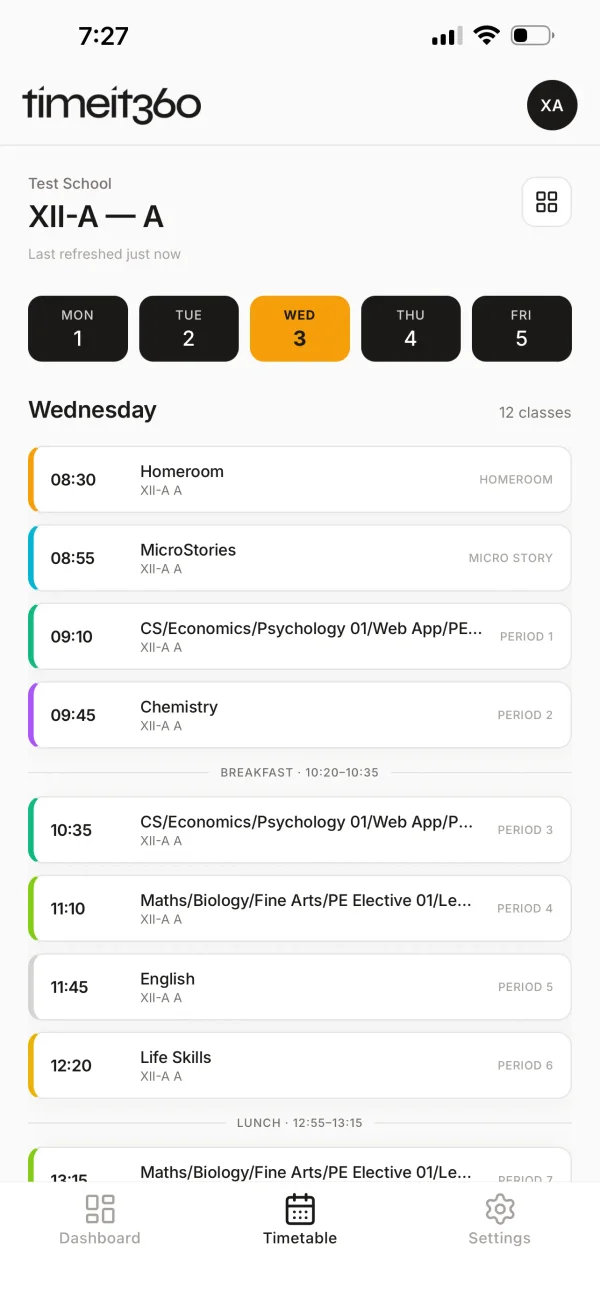
• Daily list — every period for today, with subject, teacher, grade, and room
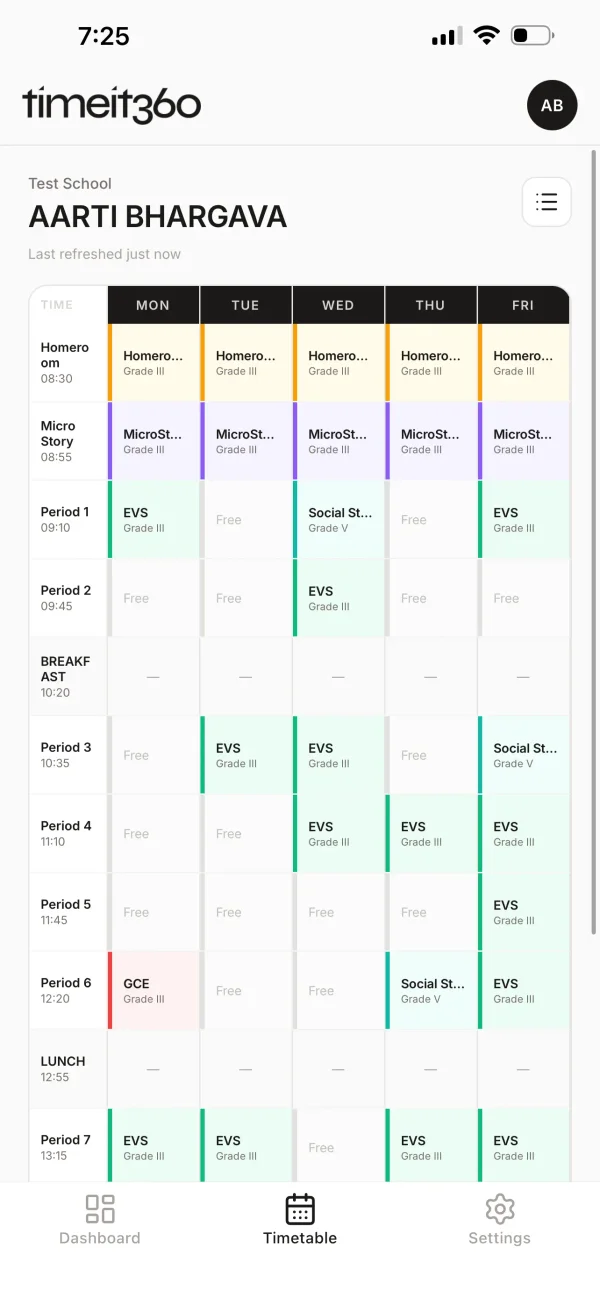
• Week-at-a-glance grid — switch between list and grid view
• Substitution-aware — when a teacher is absent or a class is rescheduled, the app shows the published change immediately, not the original plan
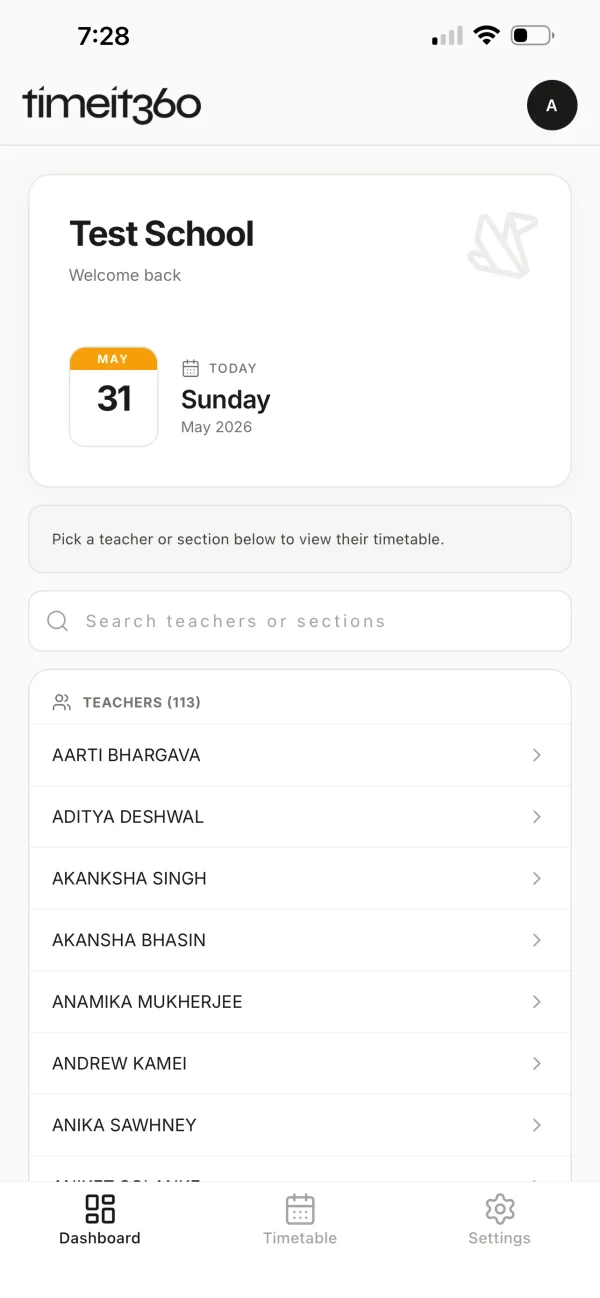
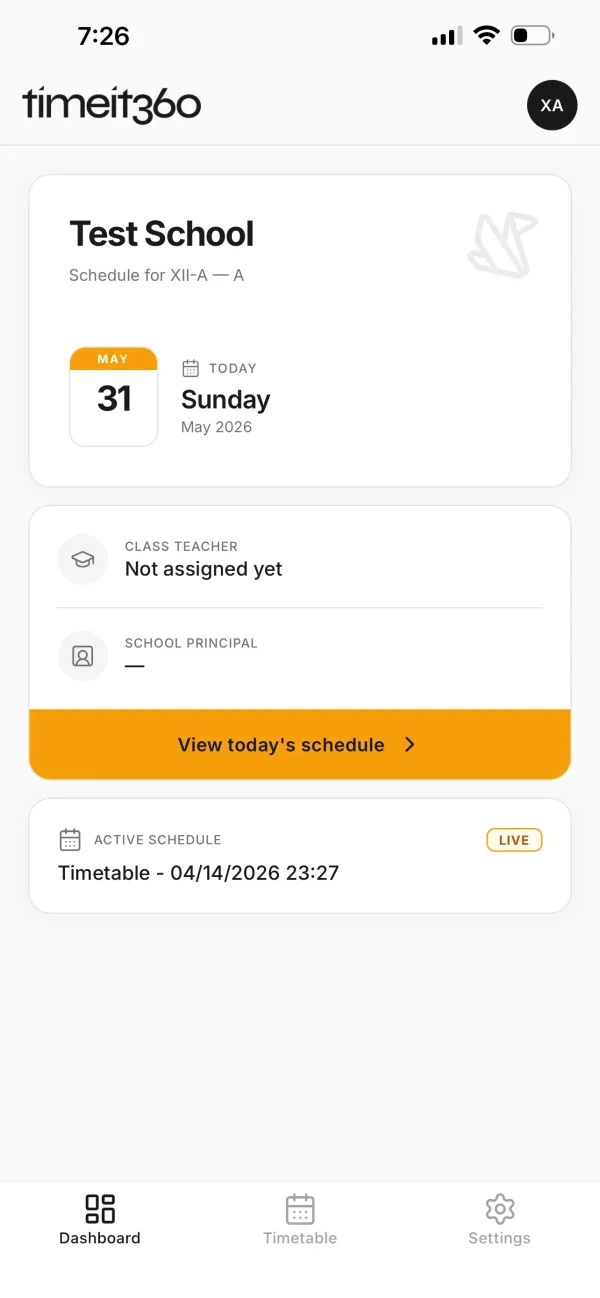
• Per-persona views — teachers see their workload, students see their grade's homeroom teacher, admins can view any teacher or section
• Works offline — once you've entered your code, the app remembers you. No login screen every time.
• Code-based access — no email, no password, nothing to purchase. Your school admin sends you a one-time code. Enter it once.
WHO IT'S FOR
• Teachers who want to glance at tomorrow's load before they leave school today
• Parents who want to know which teacher is taking their child's class this week
• Students who want to check what's next without asking
• Principals and admins who need to look up any teacher or section's published schedule on the fly
Support: support@kvalabs.com
New in this version: the admin demo code can assign substitutions (demo school data — safe to modify).
What’s new
Version 1.1.0. · Jul 27, 2026
NEW: Substitutions
• Subs tab — teachers see the classes they're covering and who's covering theirs
• Timetable highlights — covering periods appear highlighted in your day and week views
• Notifications — get notified the moment you're assigned as a substitute
• Admins can now assign and save substitutions right from the app
• Period details show full subject, teacher, and class names — tap any period to see more
Plus small fixes and polish throughout.
App privacy
What Vishal Amler declares on the App Store about how this app handles data.
-
Data linked to you
May be collected and linked to your identity.
- Identifiers
- Other data
Privacy practices may vary, for example with the features you use or your age.
Information
- Seller
- Vishal Amler
- Category
- Education
- Version
- 1.1.0.
- Updated
- Jul 27, 2026
- Released
- Jun 9, 2026
- Size
- 35.4 MB
- Requires
- iOS 15.1 or later
- Age rating
- 4+
- Price
- Free
- Languages
- English
- Copyright
- © 2026 KVA Labs