Timer App Blocker - Lock Apps
Screen Time Control Focus Me
Designed for iPhone, iPad
Free · In-app purchases
- Age rating4+
- CategoryProductivity
- Developer淼 刘
- LanguagesEnglish+ 2 more
- Size81.8 MB
Links to the official App Store page
Download.org hosts no file of Timer App Blocker - Lock Apps. The button opens its official App Store page, published by 淼 刘. Listing last checked on Nov 7, 2026.
Screenshots

About
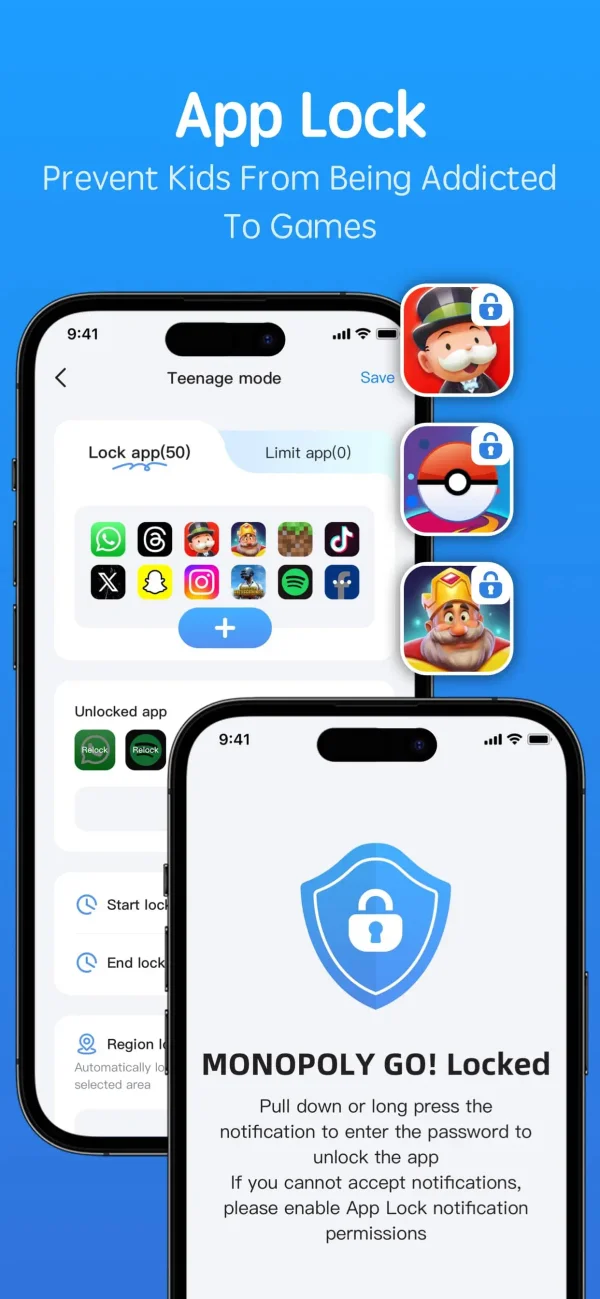
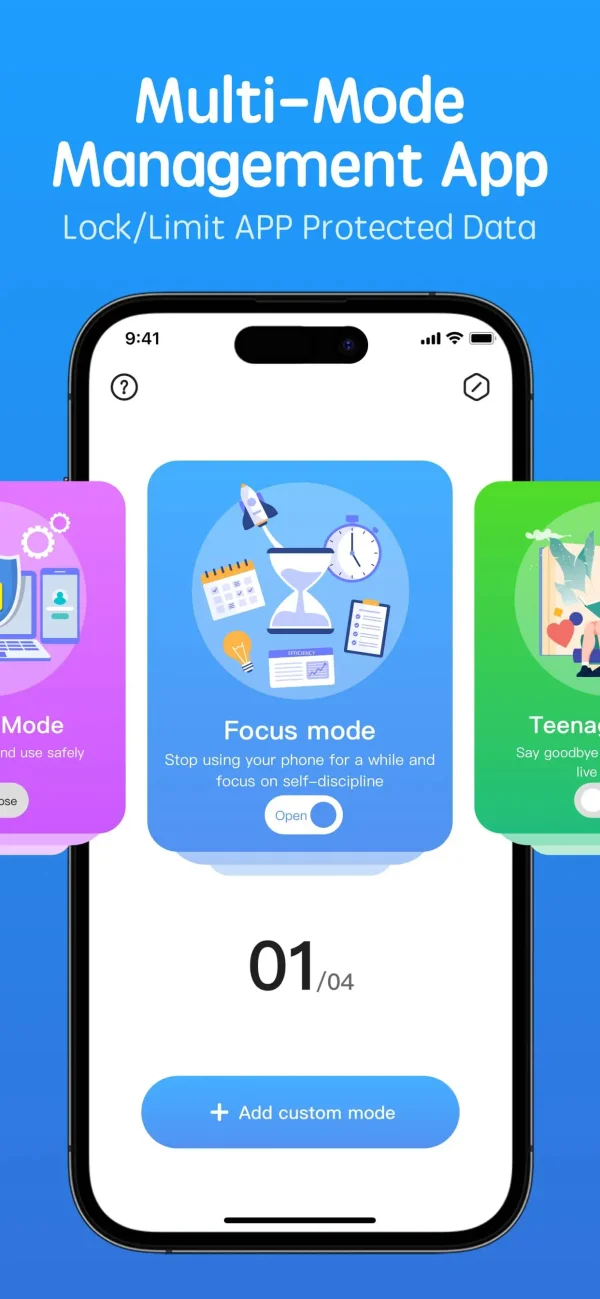
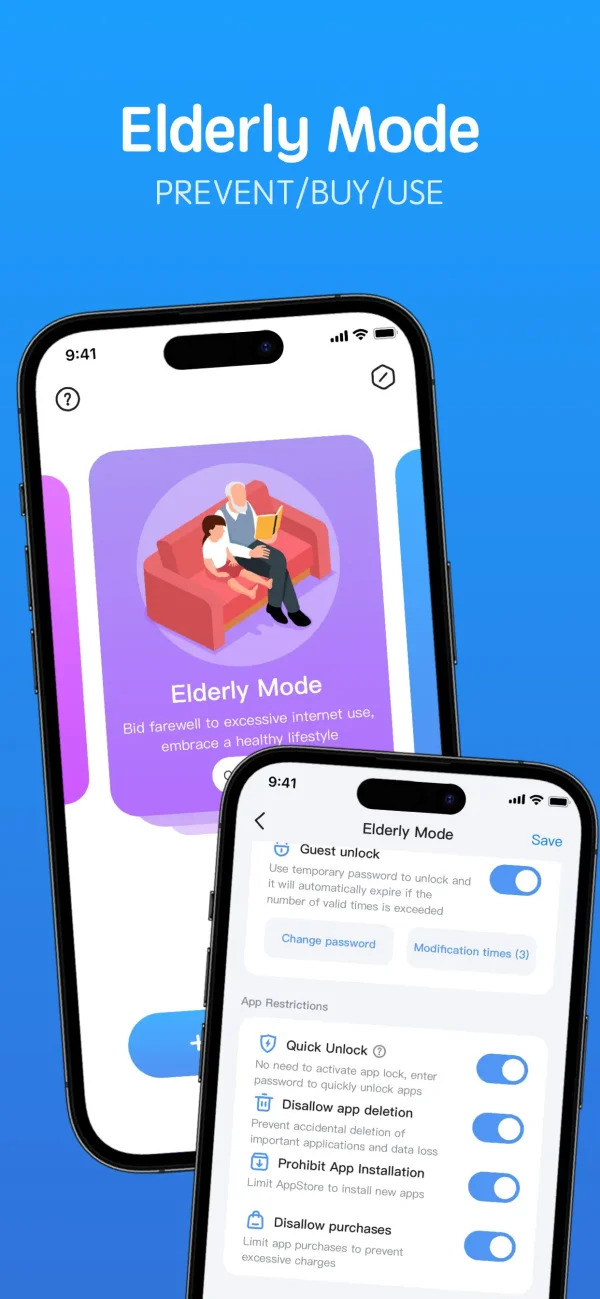
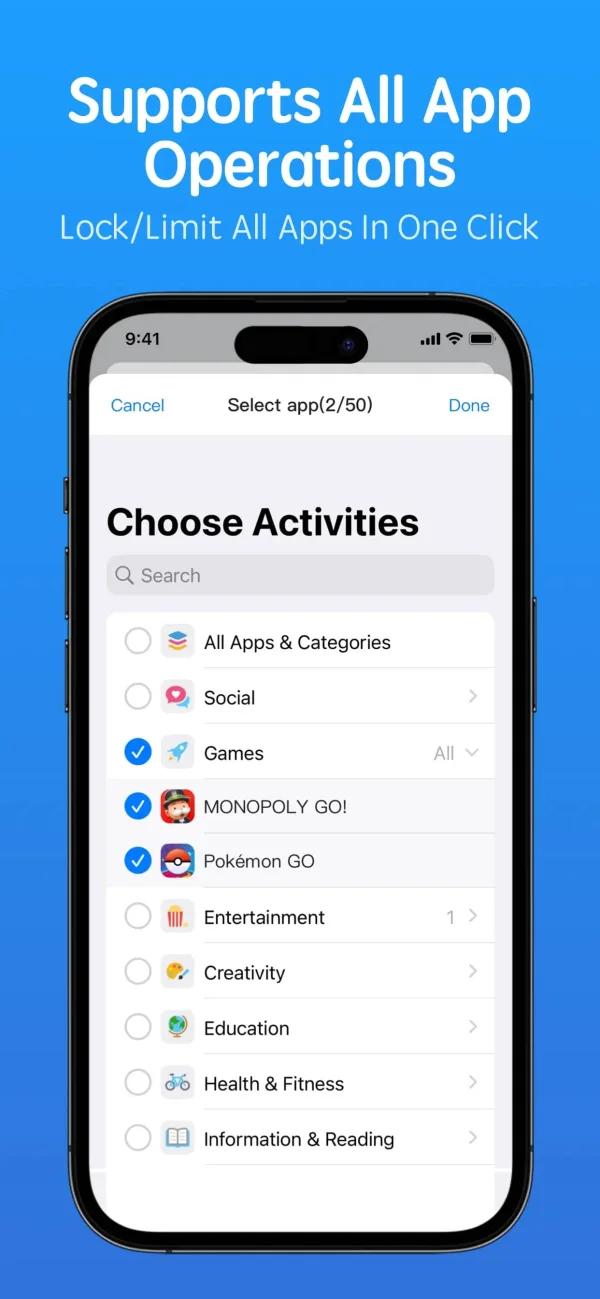
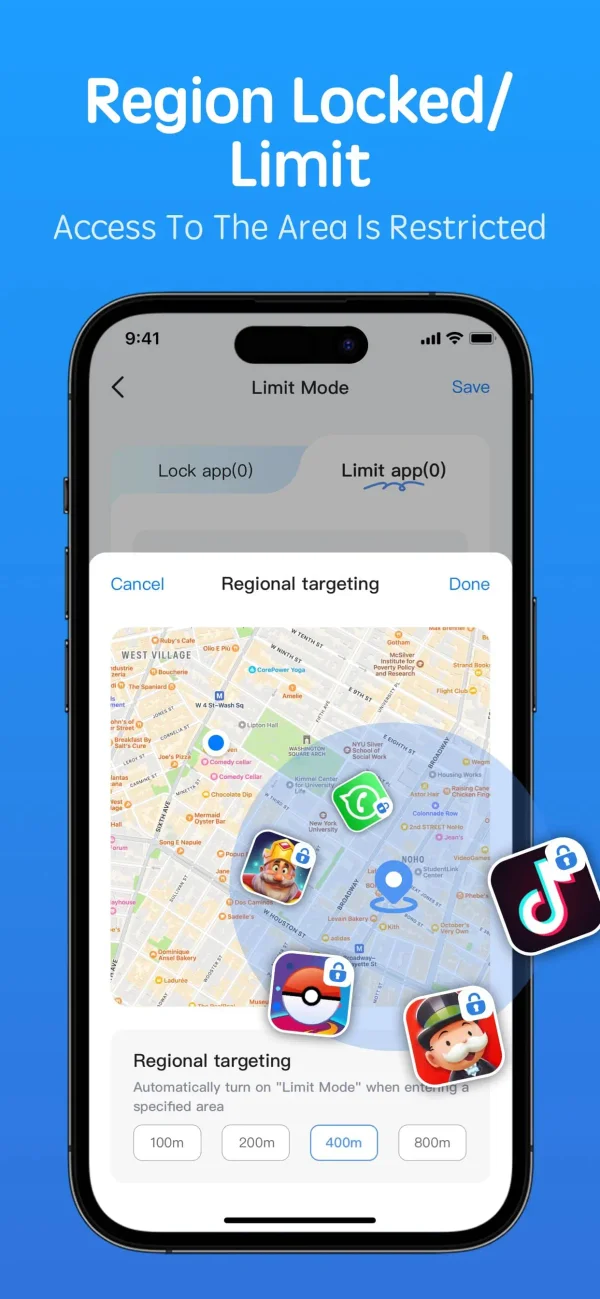
In this era of information explosion, personal privacy and information security are more important than ever before. This is an intelligent application lock designed specifically to protect your personal privacy and information security. Whether it's preventing privacy leaks or setting security limits for your child's phone, it can provide you with the strongest protection.
Comprehensive protection and mastery
Protect privacy: Restrict any application to ensure the security of your sensitive information.
Parental control: Improper application installation and management of children's screen time.
Enhanced security: Set a digital password to add an additional layer of protection for application access.
Data Protection: Prevent important applications from being accidentally deleted, ensuring the integrity of your data.
Consumer supervision: Prevent unexpected in app purchases and prevent users from making incorrect purchases.
About Apple's automatic subscription instructions
- Service name: Membership benefits
- Subscription period: 1 month or 1 year
- This service provides you with an automatic renewal service. If you activate this service, it is deemed that you authorize the deduction of the monthly fee for the next billing cycle from your own recharge account, the third-party payment account bound to the membership account, bank card, communication account, iTunes account, etc. (hereinafter collectively referred to as "account") when your continuous monthly subscription is about to expire. You will be responsible for the failure of renewal due to insufficient deductible balance in the above accounts.
- You can suspend or terminate this service in the following ways: The method for users to cancel the automatic renewal of Apple in-app payment (IAP payment, in-app purchase) is as follows: Open the "Settings" of the Apple phone --> Enter "iTunes Store and App Store" --> Click "Apple ID", select "View Apple ID", enter the "Account Settings" page, click "Subscription", and select automatic renewal to cancel the subscription. If the subscription is not canceled at least 24 hours before the end of the subscription period, this subscription will be automatically renewed.
Privacy Policy: https://lmiaoapp.github.io/AppLock/APPLocker/PrivacyPolicy/index.html
Terms of Use (EULA):https://lmiaoapp.github.io/AppLock/index.html#/
If you have any questions or need assistance, please contact us: Lmappdeveloper@outlook.com
What’s new
Version 2.0.1 · Feb 12, 2026
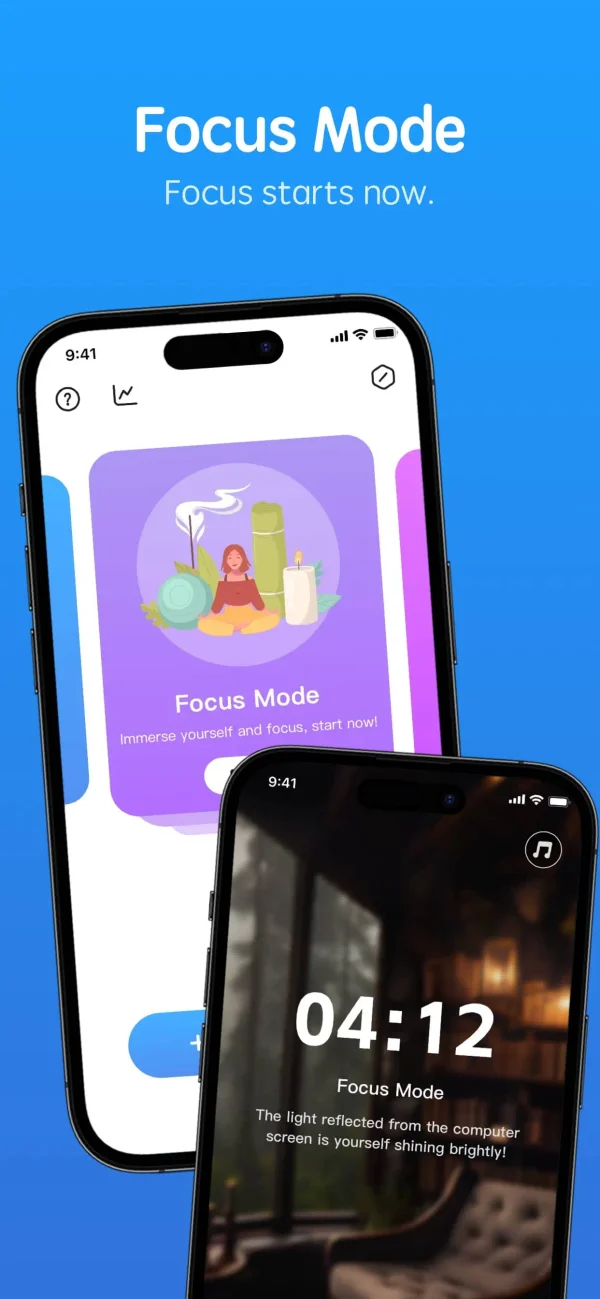
1. Added a timed self-discipline function;
2. Fixed some bugs.
App privacy
What 淼 刘 declares on the App Store about how this app handles data.
-
Data used to track you
May be used to track you across apps and websites owned by other companies.
- Identifiers
-
Data not linked to you
May be collected but is not linked to your identity.
- Identifiers
- Diagnostics
Privacy practices may vary, for example with the features you use or your age.
Information
- Seller
- 淼 刘
- Category
- Productivity
- Version
- 2.0.1
- Updated
- Feb 12, 2026
- Released
- May 22, 2024
- Size
- 81.8 MB
- Requires
- iOS 16.0 or later
- Age rating
- 4+
- Price
- Free
- In-app purchases
- Yes
- Languages
- English, Simplified Chinese, Traditional Chinese
- Copyright
- © MiaoL 2024
You might also like
-
 Time Tracker : TimyLog Daily Work Hours & Routine
-
 Password PRO- Privacy App LockSecure Passwords & App Locker
-
 Juno: Task & Project ManagerOrganize Notes, Links & More
-
 PomoLite - Focus Timer KeeperScene-based Pomodoro
-
 Moonlight: Sleep & SoundsBackground Noise & Brainwaves
-
 Recurring Checklist - CheckfulCalendar event todo task
-
 aLock - App LockApp Block & Lock Apps
-
 PhotoSync-Backup your photosBackup album photos or videos
-
 QR Scanner: Scan Store CreateScan, Store Scans, Generate QR
-
 Authenticator App: 2FA & CloudBackup: Google, Discord & Work