TimerZ -Last Timer You'll Need
multiple chained logged timer
Designed for iPhone, iPad
Free · In-app purchases
- Age rating4+
- CategoryUtilities
- DeveloperSquawk Studio, LLC
- LanguagesEnglish
- Size65.4 MB
Links to the official App Store page
Download.org hosts no file of TimerZ -Last Timer You'll Need. The button opens its official App Store page, published by Squawk Studio, LLC. Listing last checked on Nov 13, 2026.
Screenshots

About
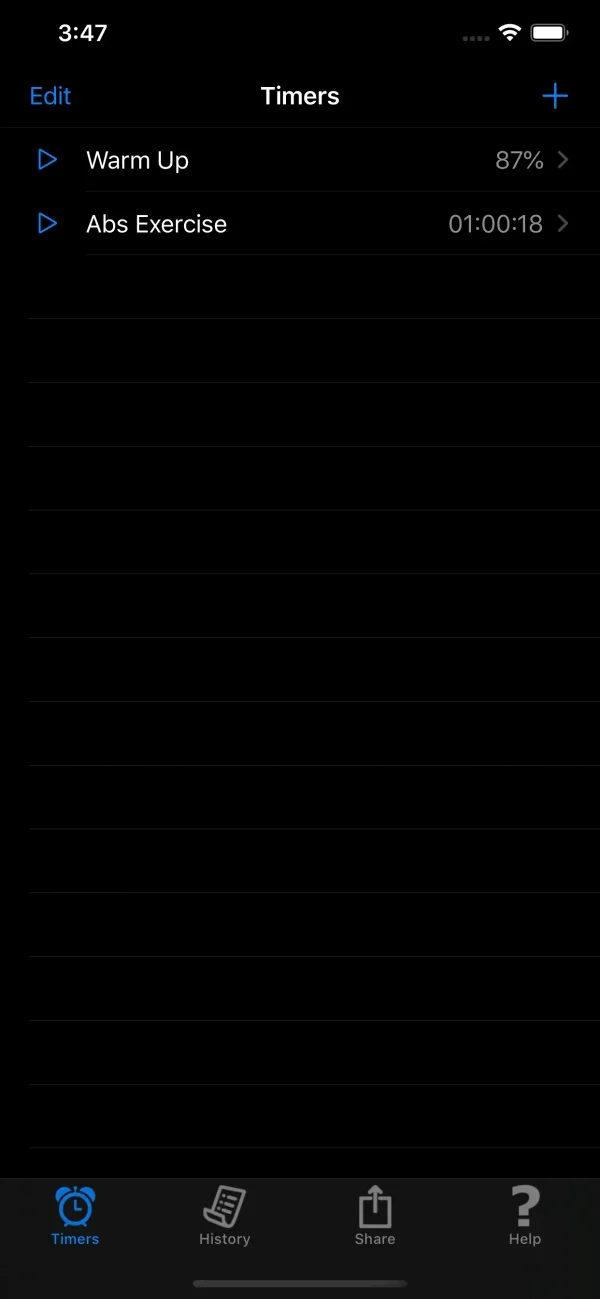
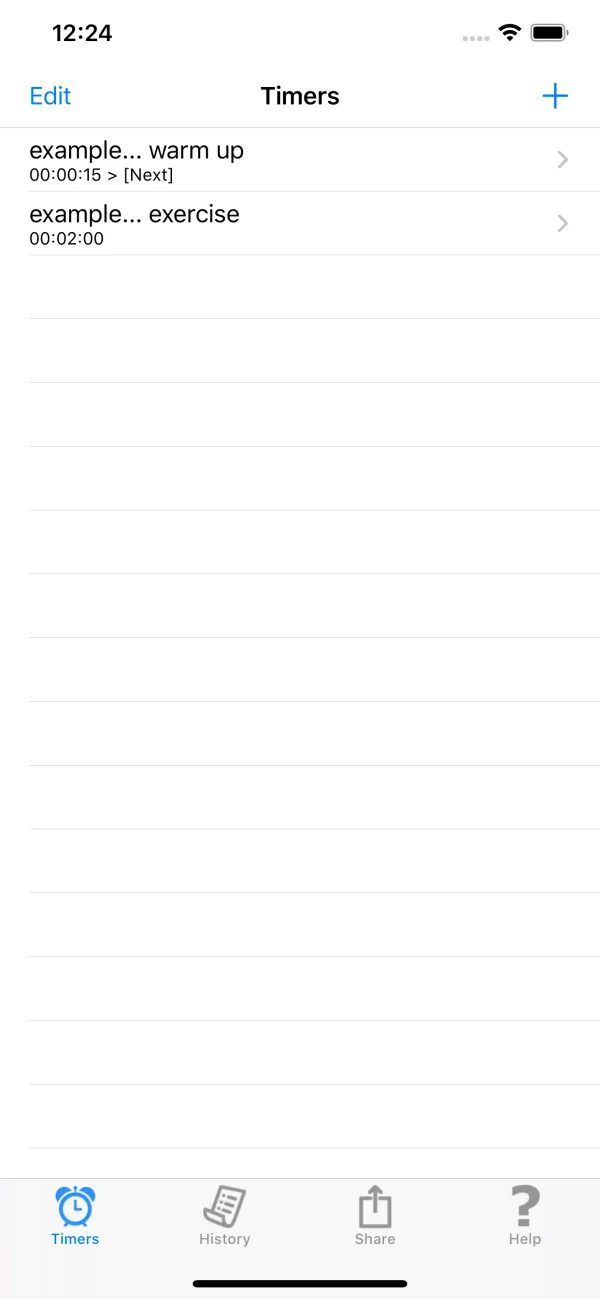
Why did we create another timer app when there are already dozens in the App Store? Because “Timer Z is the Last Timer You’ll Ever Need”! It's simple to use yet full featured. For example, you can easily set a timer to give a 15 seconds warning before another alarming at 1 minute mark.
Some unique features of Timer Z are:
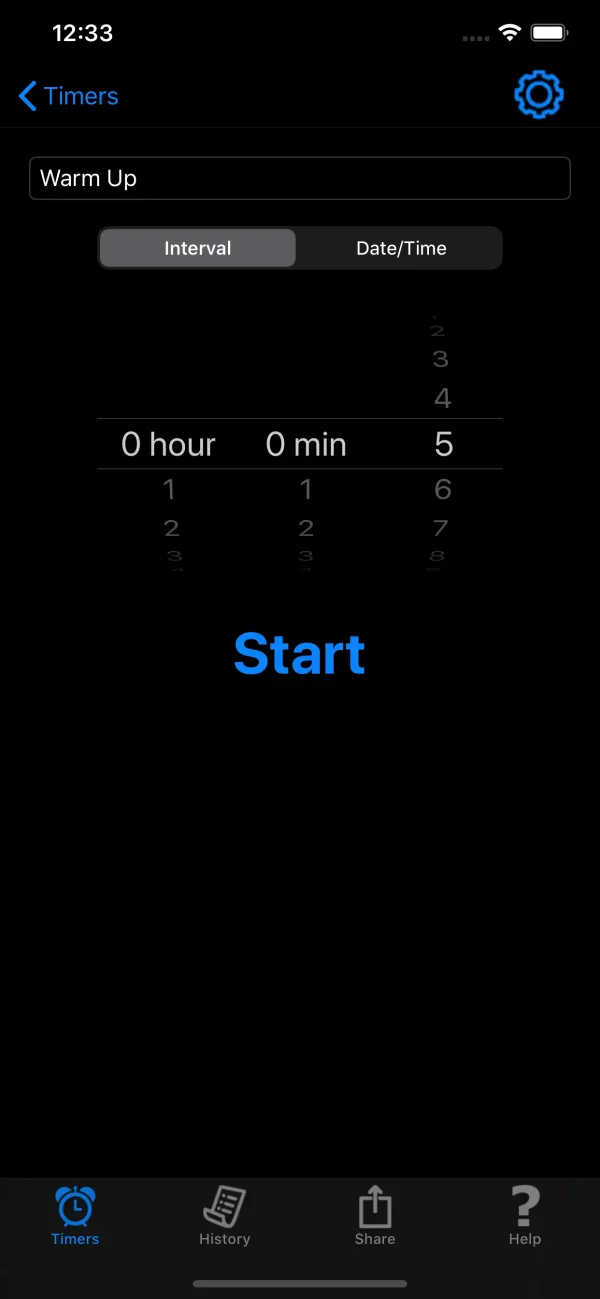
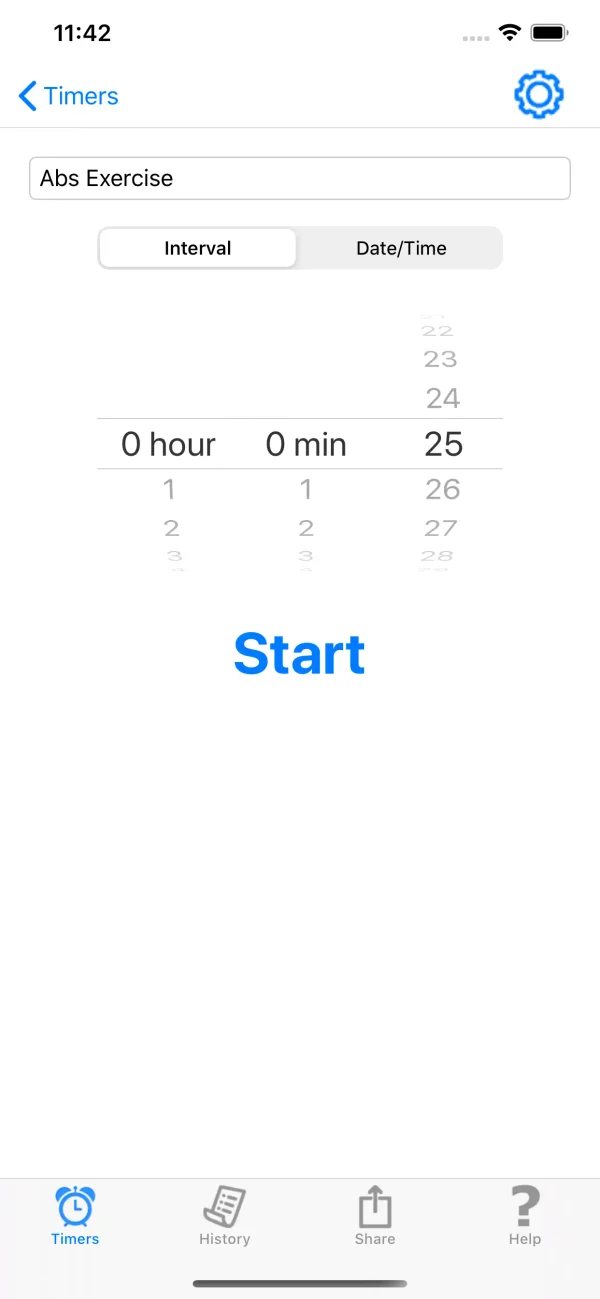
- A simple count down timer can be set and started with just 3 taps
- Multiple timers can be set and can run simultaneously
- The timer will fire even if the Timer Z app is running in the background
- Each timer can be named and set to expire after a time interval, or at a specific point in time like an alarm
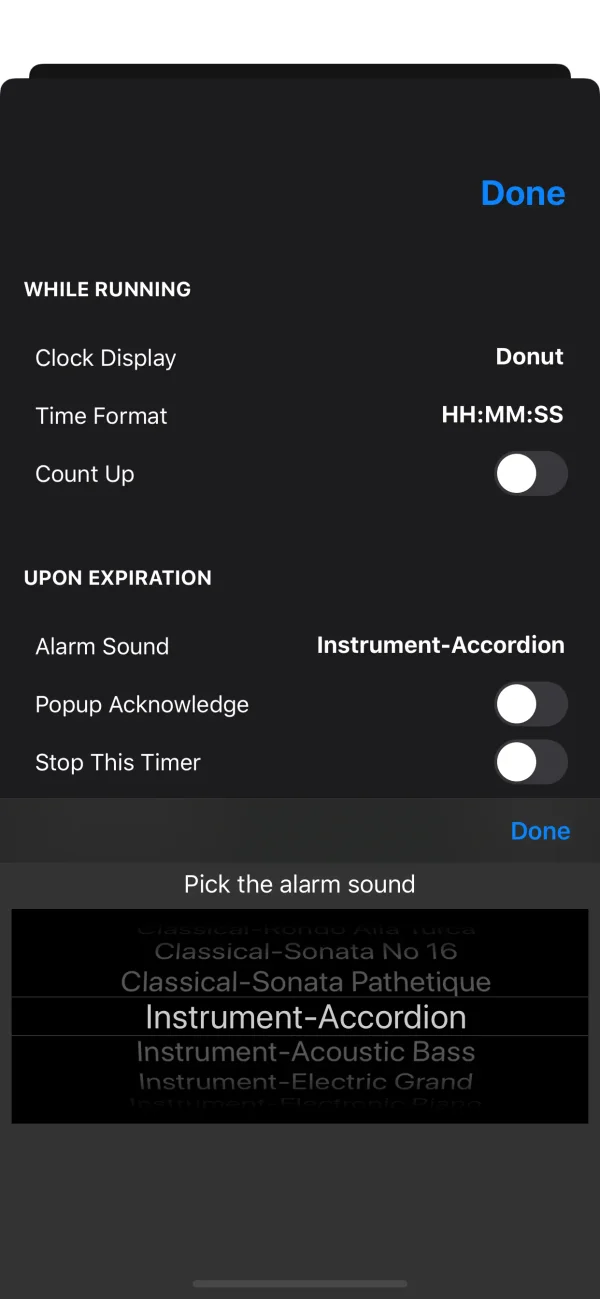
- While a timer is running, it can show remaining time or elapsed time since start, either in full hour/min/sec or just seconds
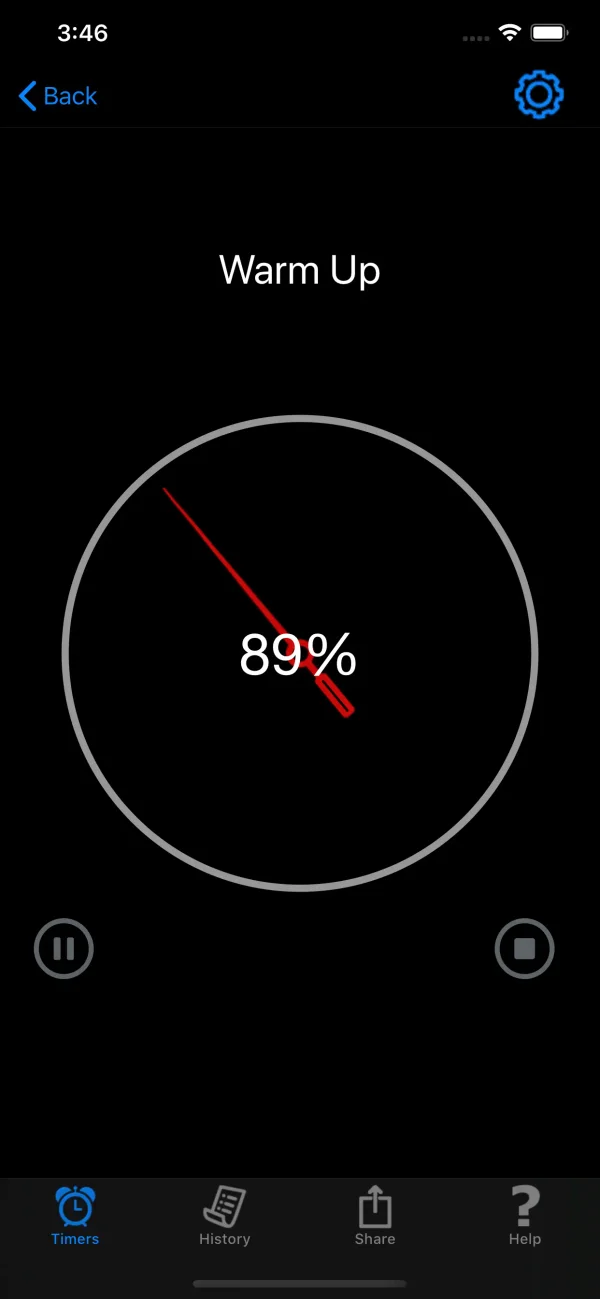
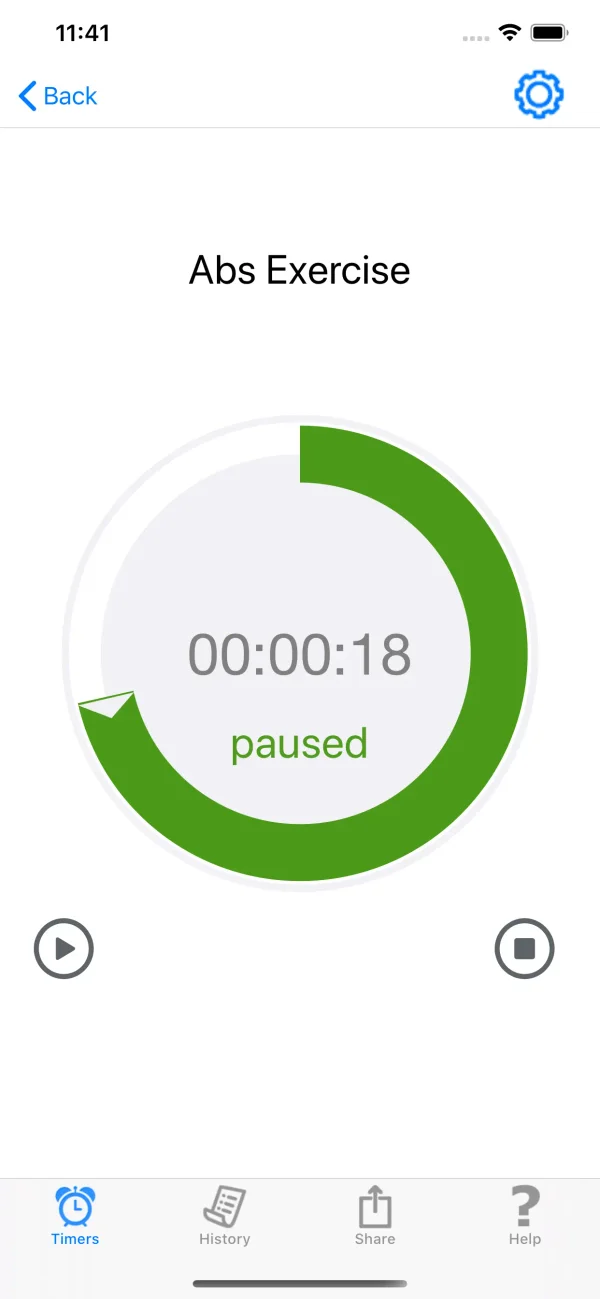
- Background graphics shows the percent of time remaining
- A running timer can be paused and resumed to continue where it left off
- When a timer expires, there is a choice of alarm sounds, vibration, or no sound at all
- Optionally the alarm can continue to sound until acknowledged
- Upon expiration, a timer can start another timer, including itself in a loop
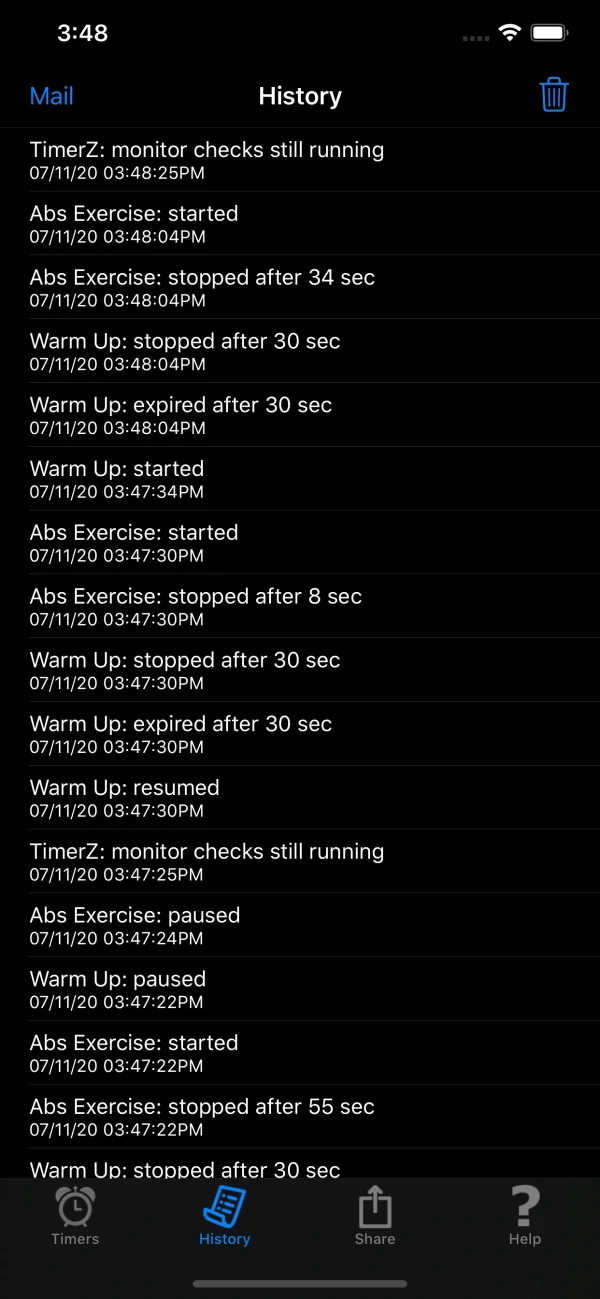
- Timer activity history is saved and can be emailed, great for record keeping
- Timer data can be saved and loaded from a linked Dropbox account
Whether you’re looking for a simple timer, or one with all the bells-and-whistles, Timer Z is the best choice!
NOTE: this version is limited to 2 timers. Use the convenient in-app purchase of Pro feature to add an unlimited number of timers, and eliminate all advertisements.
Terms of Use: https://www.apple.com/legal/internet-services/itunes/dev/stdeula/
What’s new
Version 7.0 · Jun 19, 2026
Added support for Live Activities, widgets, and Siri.
App privacy
What Squawk Studio, LLC declares on the App Store about how this app handles data.
-
Data not collected
The developer does not collect any data from this app.
Privacy practices may vary, for example with the features you use or your age.
Information
- Seller
- Squawk Studio, LLC
- Category
- Utilities
- Version
- 7.0
- Updated
- Jun 19, 2026
- Released
- Feb 23, 2011
- Size
- 65.4 MB
- Requires
- iOS 18.6 or later
- Age rating
- 4+
- Price
- Free
- In-app purchases
- Yes
- Languages
- English
- Copyright
- © 2026 Squawk Studio, LLC
You might also like
-
 Kairos: Random TimerCountdown Timer, Auto Repeat
-
 Multi Timer & StopwatchMulti Timer StopWatch
-
 AeroTime ProCalculator for Pilots
-
 Countdown Timer - Visual TimerLow Stim Minimal Fitness Timer
-
 5 Minute TimerSimple, fast, reliable
-
 iconclockUtilities
-
 Preset Timer ProVersatile Timer & Stopwatch.
-
 Timer for Rehearsal: FinToastmasters, Live Performance
-
 Big Colorful TimerUtilities
-
 Visual Timer - Focus & SimpleFast setup. See time left.