
Timeslide: World Clock
Time Zone Converter & Widgets
Designed for iPhone, Mac
Free · In-app purchases
- Age rating4+
- CategoryUtilities
- DeveloperAlexander Vinokurov
- LanguagesEnglish
- Size9.3 MB
Links to the official App Store page
Download.org hosts no file of Timeslide: World Clock. The button opens its official App Store page, published by Alexander Vinokurov. Listing last checked on Nov 24, 2026.
Screenshots

About
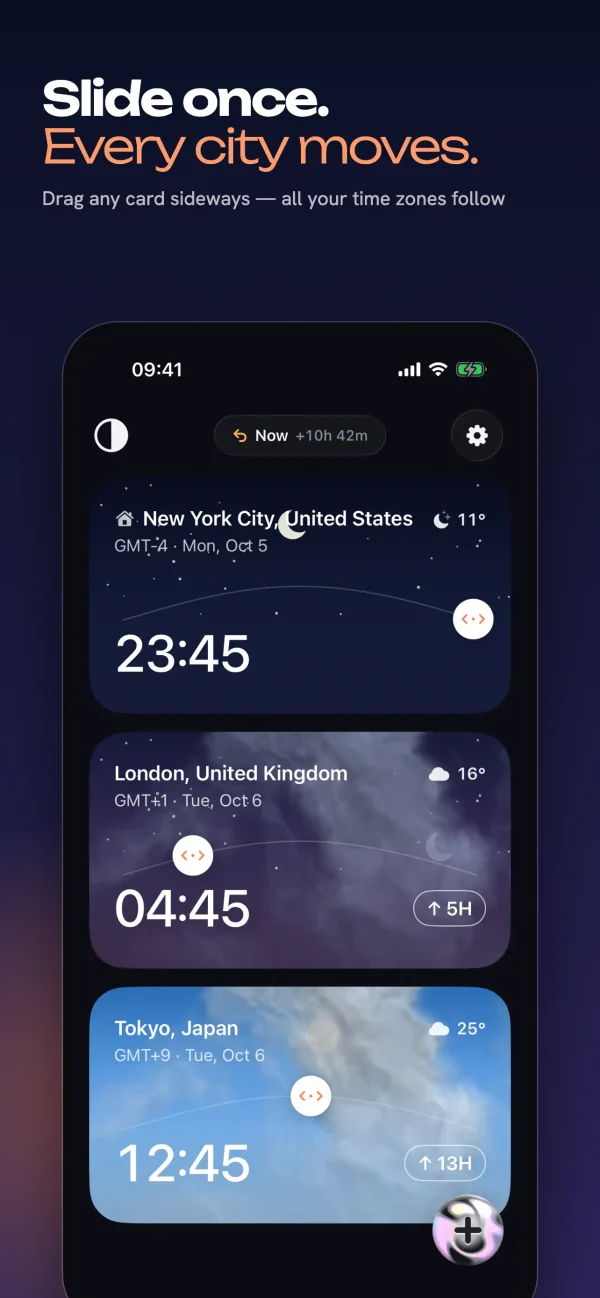
Slide one card. Every city follows.
Timeslide is a world clock for anyone whose people live in other time zones. Each city is a card with its own time, sky and weather. Drag any card sideways and one shared time moves across all of them, so you see in a second what 10:00 in New York means for your team in Dubai or your family in Tokyo.
No counting hours on your fingers. No converter forms. Just slide.
HOW IT WORKS
• Your home city sits on top. Every other card shows its time difference from home.
• Drag any card sideways to move time in 15-minute steps. Dates roll over and skies change with it.
• Tap Now to jump back to the live time.
WEATHER FOR THE HOUR YOU PICK
• Live weather right on the card: raindrops run down the glass, clouds drift past.
• Hourly forecast up to a week ahead. Slide to Friday evening and see what the sky will do in Lisbon.
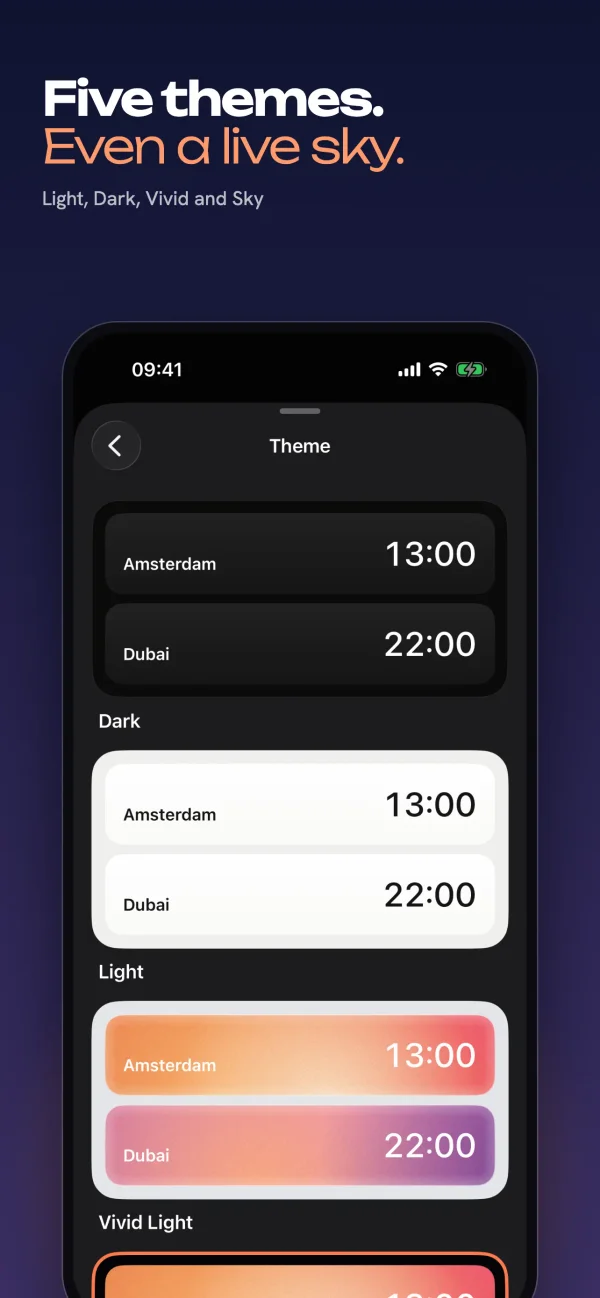
FIVE THEMES
• Light and Dark for every day.
• Vivid Light and Vivid Black for colour.
• Sky, where each card shows the sky over its city at that hour, from dawn to midnight.
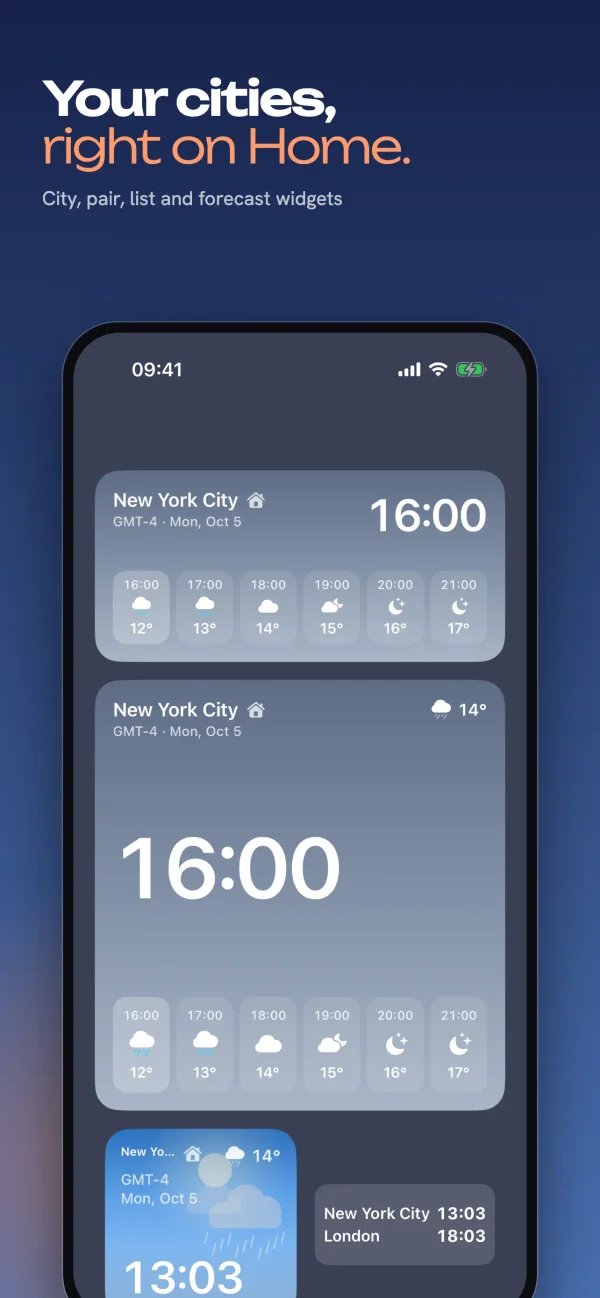
WIDGETS
• Home Screen widgets: one city, a pair, a list, or the next six hours of forecast.
• Lock Screen widgets for a quick glance.
• Choose the city, theme, 12/24-hour time and weather for each widget.
APPLE WATCH
• Apple Watch app: turn the Digital Crown to move time.
• iCloud keeps your cities and look in step on iPhone and Apple Watch.
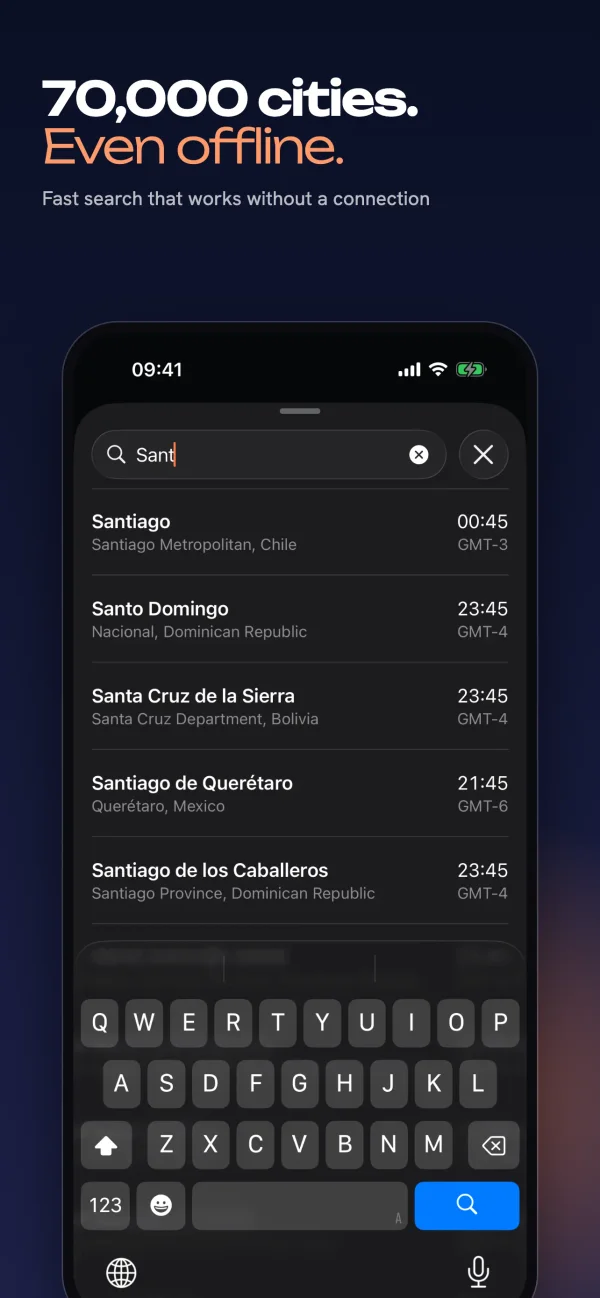
ANY CITY, EVEN OFFLINE
• 70,000 cities built in and searchable without a connection, including Cyrillic names.
• Narrow it down with a comma: "Springfield, Illinois".
• Rename any card to "Mum", "Office" or "Client". The real city name stays in small type.
TAKE YOUR CITIES WITH YOU
• Move your list to another iPhone or another Apple ID with a QR code or a link.
PRIVATE BY DESIGN
• No account, no ads, no tracking.
• Weather requests carry only each city's coordinates, never anything about you.
• Daylight saving time handled with each city's real time zone rules.
14 LANGUAGES
English, Russian, Ukrainian, German, Spanish, Italian, Portuguese, French, Indonesian, Japanese, Korean, Vietnamese, Simplified Chinese and Traditional Chinese, switchable inside the app.
TIMESLIDE PRO
• Free for up to two cities. Pro unlocks unlimited cities on iPhone and Apple Watch.
• Best time to meet: the next hours when every city on your list is at work, by your own working hours and days.
• Yearly subscription that starts with a free week, or a one-time purchase that is yours forever.
• The subscription renews every year until cancelled; cancel any time in your Apple Account settings.
• Terms of Use: https://www.apple.com/legal/internet-services/itunes/dev/stdeula/
• Privacy Policy: https://timeslide.day/privacy/
Made for remote teams, families abroad, clients overseas and frequent flyers.
Questions and ideas are welcome: sales@99francs.agency
Weather data by Open-Meteo (CC BY 4.0). City data by GeoNames (CC BY 4.0).
What’s new
Version 1.5.2 · Nov 23, 2026
Best time to meet is now free to try: for three days Timeslide shows the hours when all your cities are at work. Purchases that sometimes didn't go through are fixed. Plus small fixes. Best time to meet: with many cities, tap +N to see them all, and Show to move every card to that time.
App privacy
What Alexander Vinokurov declares on the App Store about how this app handles data.
-
Data not linked to you
May be collected but is not linked to your identity.
- Purchases
- Location
- Identifiers
- Usage data
Privacy practices may vary, for example with the features you use or your age.
Information
- Seller
- Alexander Vinokurov
- Category
- Utilities
- Version
- 1.5.2
- Updated
- Nov 23, 2026
- Released
- Oct 13, 2026
- Size
- 9.3 MB
- Requires
- iOS 26.0 or later
- Age rating
- 4+
- Price
- Free
- In-app purchases
- Yes
- Languages
- English
- Copyright
- © 2026 99 Francs Agency
You might also like
-
 Zill - Sun & ShadeSun path, shade and shadows
-
 Focus Flow:Green FocusTo-do list, habit tracker
-
 Clock StampUtilities
-
 Worlds Apart: World ClockTime Zone Converter & Widget
-
 Timesewn MobileWorld Clock & Time Zone Alarms
-
 AlphaTime: World ClockSet a time, see it everywhere!
-
 UnichronoReliable world clock widget
-
 Timezone TableSee workday overlap
-
 World Clock: Time Zone Mapstopwatch, Time Zone Converter
-
 Shadowline: World Time ZonesMeeting planner & Jet Lag tool