Timestamp Camera - Time & GPS
Stamp Geo Map, Date Notes Logo
Designed for iPhone, iPad, iPod touch
Free · In-app purchases
- Age rating4+
- CategoryPhoto & Video
- DeveloperShaanxi Ruidebao Technology Co.,Ltd
- LanguagesEnglish
- Size137.7 MB
Links to the official App Store page
Download.org hosts no file of Timestamp Camera - Time & GPS. The button opens its official App Store page, published by Shaanxi Ruidebao Technology Co.,Ltd. Listing last checked on Nov 25, 2026.
Screenshots
About
Timestamp Camera GPS Map Camera is the ultimate Timestamp Camera app for adding personalized timestamps and custom watermarks to your photos and videos. Whether you are a content creator, traveler, or casual photographer, Timestamp Camera GPS Map Camera provides the perfect tools to enhance every moment.
Key Features:
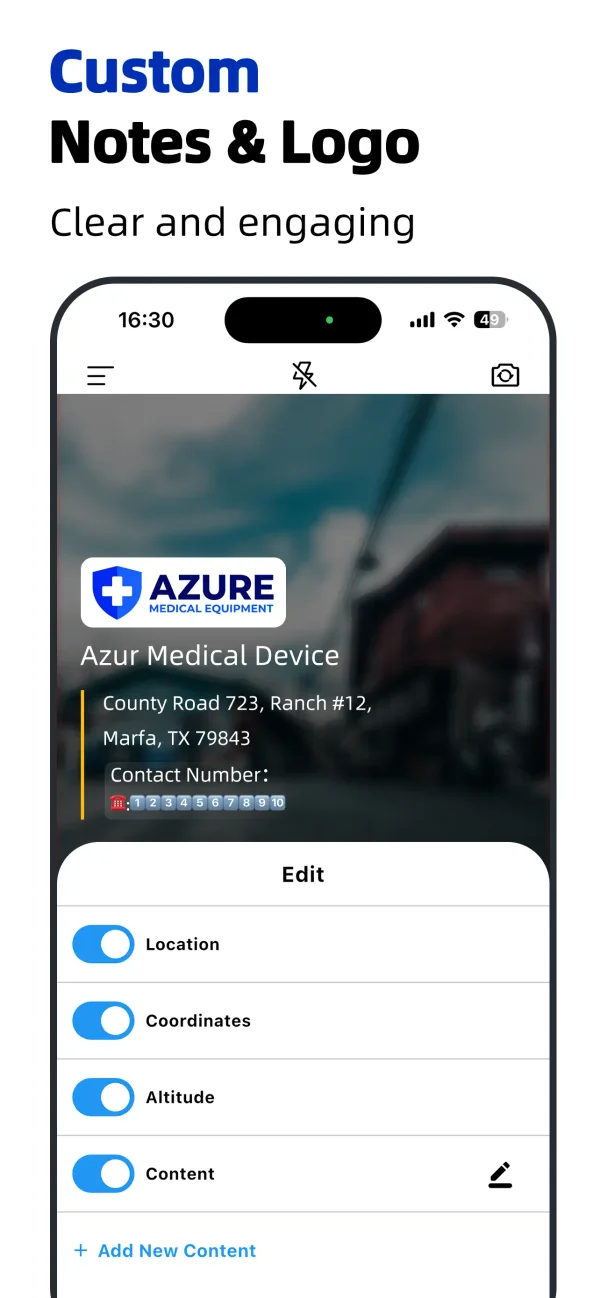
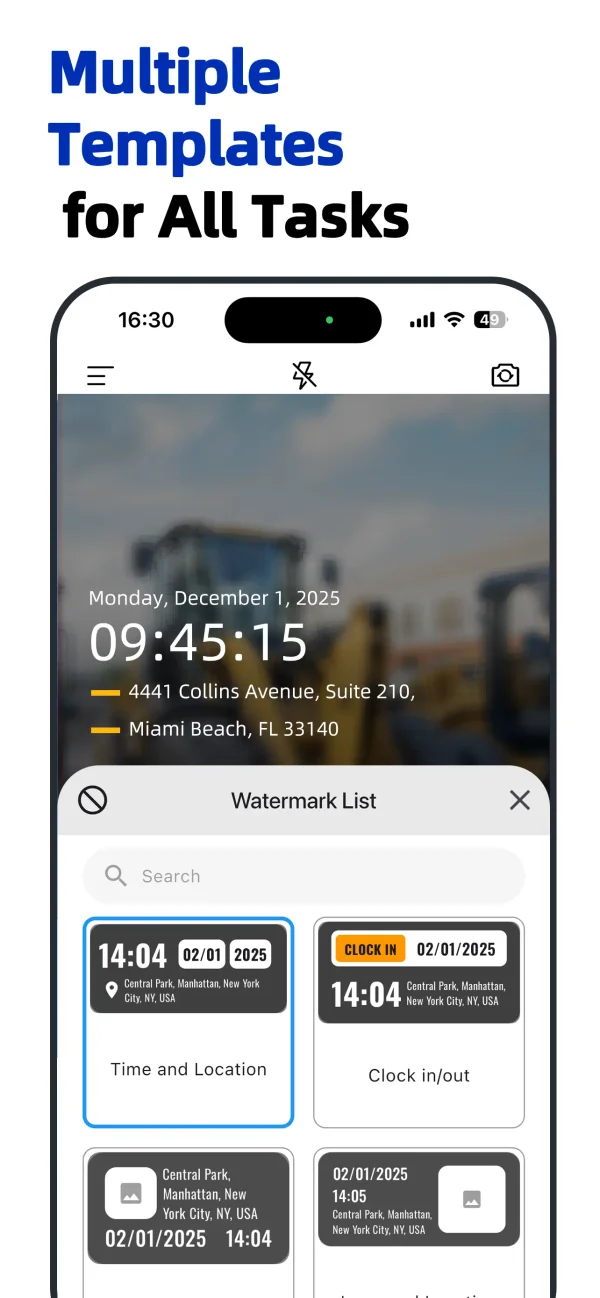
• Add Custom Watermarks: Personalize your photos and videos with custom text, logos, or graphics using Timestamp Camera GPS Map Camera. Effortlessly adjust size, position, opacity, and style to create unique watermarks that protect and brand your content. Add custom video watermarks to protect your videos as well.
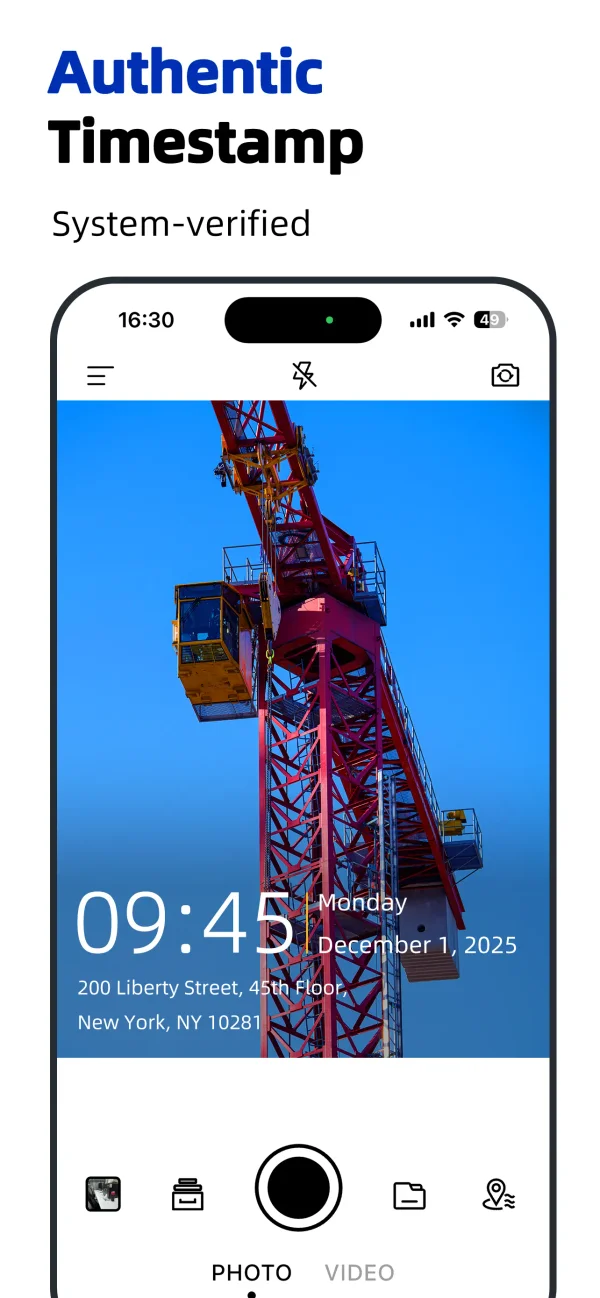
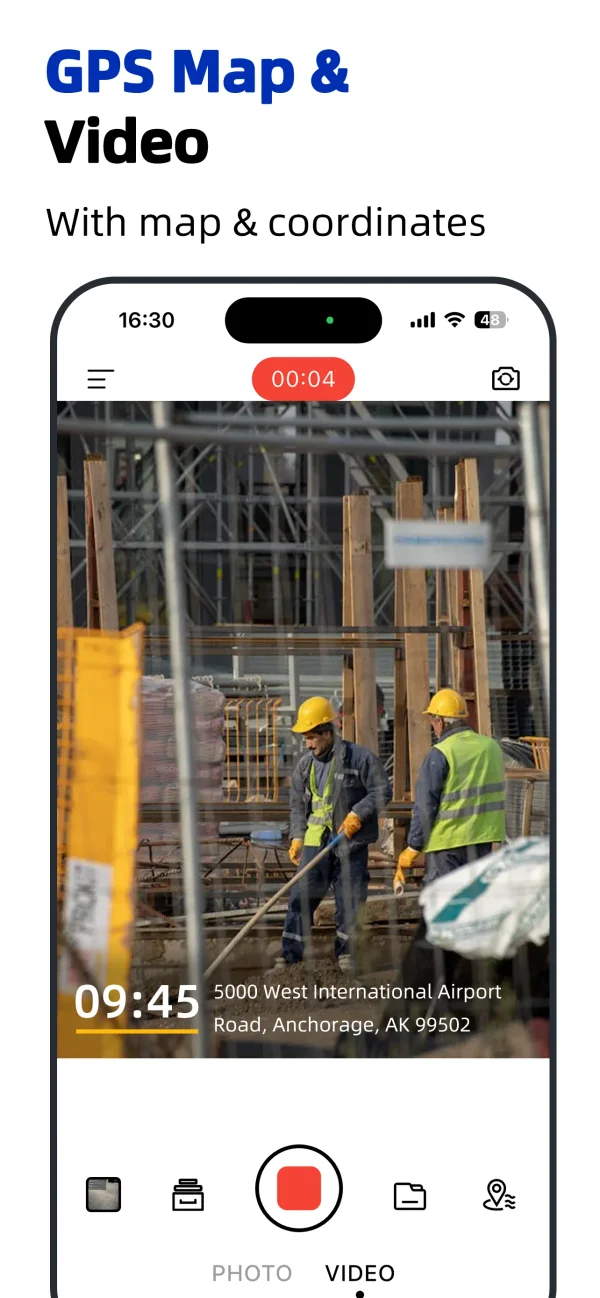
• Automatic Timestamps & Date Stamps: Effortlessly add precise timestamps or date stamps to your photos and videos with Timestamp Camera. Customize styles, formats, and placements to align with your theme or branding. Add valuable metadata like timestamps for documentation purposes.
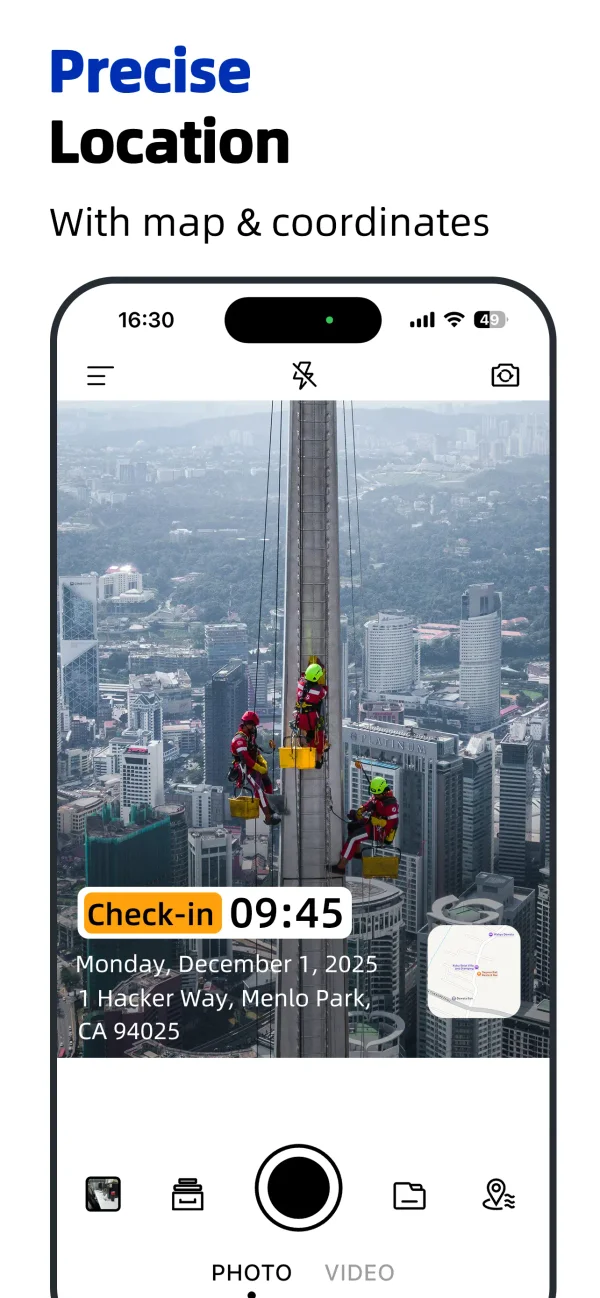
• Geolocation Tags: Automatically tag your photos and videos with accurate GPS coordinates, addresses, or even map overlays. Perfect for travelers and adventurers documenting their journeys with Timestamp Camera and precise location data. Capture important metadata, including location info, for full contextualization.
• Customizable Watermark Styles: Choose from a variety of watermark templates, including timestamps, location stamps, and more. Personalize each to match your content’s style and theme using Timestamp Camera.
• Dynamic Watermark Positioning: Adjust watermark placement on your photos or videos in real-time with Timestamp Camera, ensuring it never obstructs important elements of your shots.
• Filters & Effects: Enhance your photos and videos with a wide selection of professional filters. Whether you're going for a vintage look or a modern aesthetic, find the perfect filter for every occasion in Timestamp Camera.
• Grid & Guides for Perfect Shots: Enable grids or shooting guides in Timestamp Camera to align your subjects perfectly. Ideal for landscapes, portraits, and close-ups.
• User-Friendly Interface: Navigate easily with an intuitive and clean interface in Timestamp Camera. Customize your camera settings effortlessly to get the perfect shot.
• High-Quality Photos & Videos: Capture high-resolution photos and videos with full clarity using Timestamp Camera. Share your creations in stunning detail.
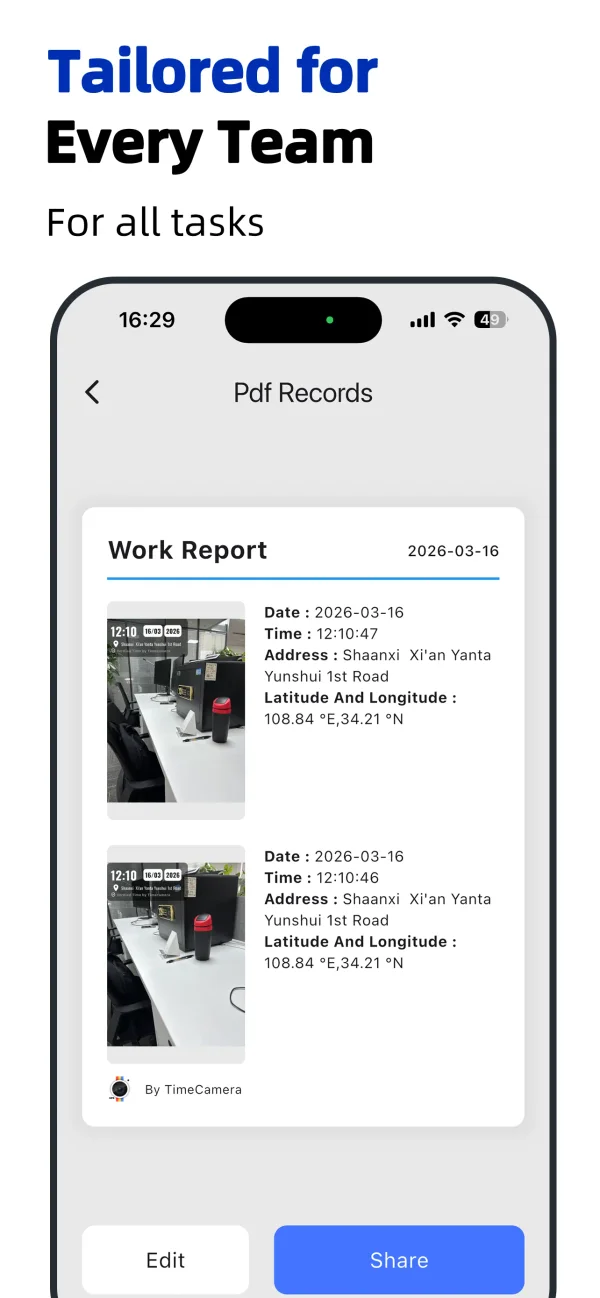
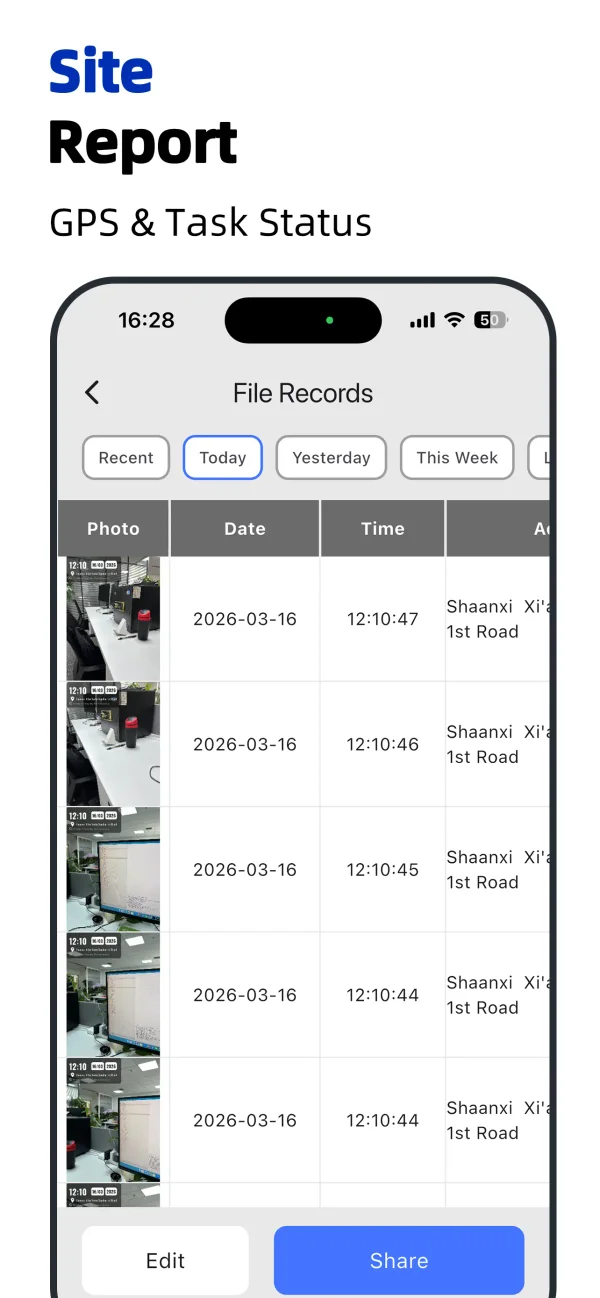
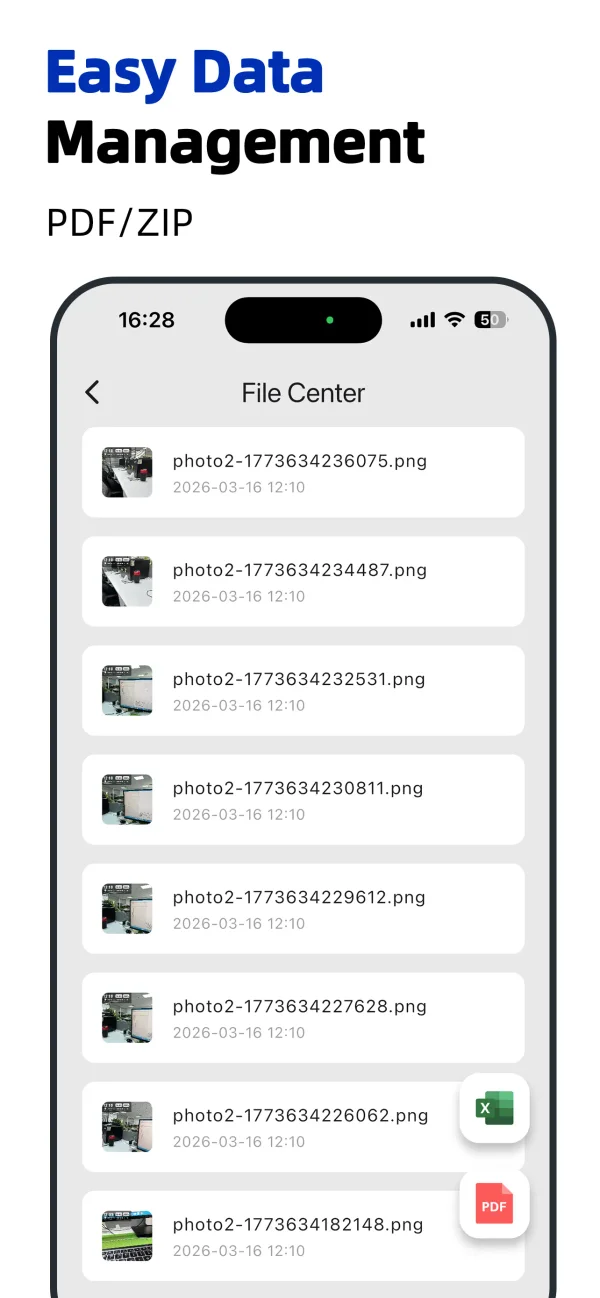
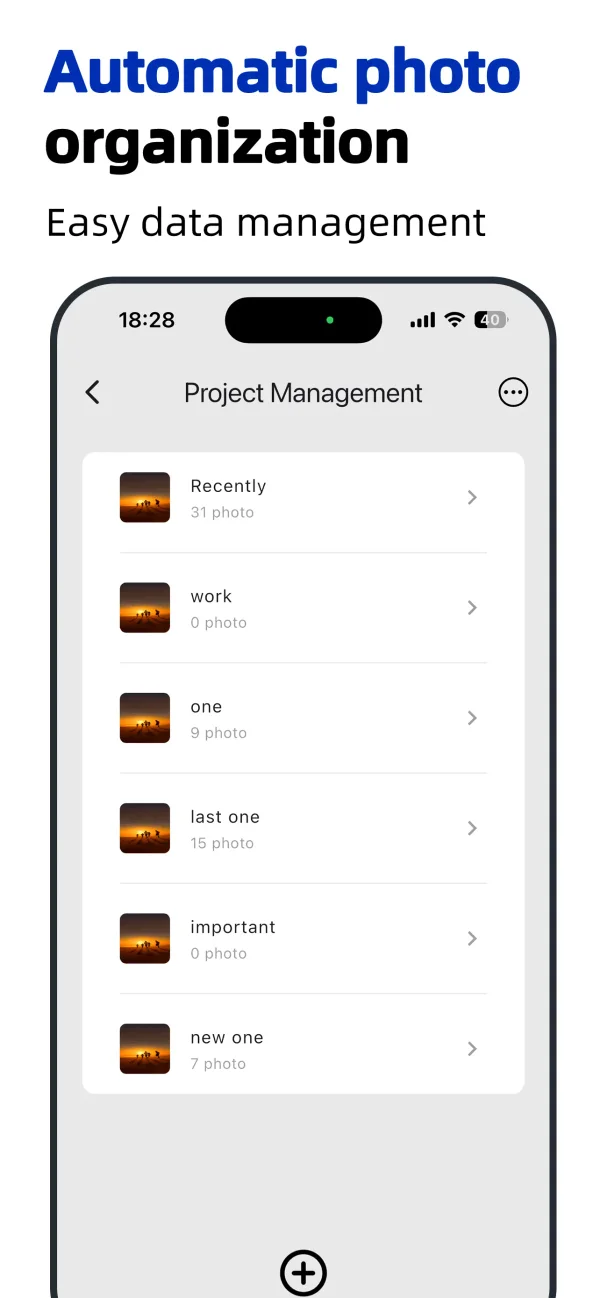
• Export Engineering Photos to PDF Reports: Export construction site photos, inspection photos, and work records into professional PDF reports with one tap.
• Export Inspection Photos to Excel: Export inspection photos, construction images, and engineering records to Excel spreadsheets.
Why Choose Timestamp Camera GPS Map Camera?
Timestamp Camera GPS Map Camera goes beyond basic photo editing – it’s a comprehensive photo and video editor designed to add context, meaning, and personalization to your visual content.
Use Cases:
• Social Media Creators: Make your content stand out with personalized watermarks from Timestamp Camera.
• Travel & Adventure: Tag photos and videos with accurate location data using Timestamp Camera to capture the essence of your journey.
• Events & Milestones: Add timestamps and personalized messages to commemorate birthdays, anniversaries, or special moments with Timestamp Camera.
• Business & Branding: Protect and promote your brand by overlaying custom watermarks with logos or text in Timestamp Camera. Safeguard your images and videos with branded content protection.
Subscription Details:
Unlock premium features in Timestamp Camera Pro, including advanced customization options, higher resolution support, and more professional tools. Subscriptions are managed through your App Store account and can be canceled anytime up to 24 hours before renewal.
Privacy Policy: https://www.ruidebao.cc/privacy.html
Terms of Use: https://www.ruidebao.cc/service.html
What’s new
Version 2.0.10 · Nov 10, 2026
Fixed some known issues.
App privacy
What Shaanxi Ruidebao Technology Co.,Ltd declares on the App Store about how this app handles data.
-
Data used to track you
May be used to track you across apps and websites owned by other companies.
- Identifiers
- Usage data
-
Data not linked to you
May be collected but is not linked to your identity.
- Location
- Identifiers
- Usage data
- Diagnostics
Privacy practices may vary, for example with the features you use or your age.
Information
- Seller
- Shaanxi Ruidebao Technology Co.,Ltd
- Category
- Photo & Video
- Version
- 2.0.10
- Updated
- Nov 10, 2026
- Released
- Jan 16, 2025
- Size
- 137.7 MB
- Requires
- iOS 15.6 or later
- Age rating
- 4+
- Price
- Free
- In-app purchases
- Yes
- Languages
- English
- Copyright
- © Shaanxi Ruidebao Technology Co.,Ltd
You might also like
-
 Timestamp Camera -AI TimestampTime Stamp Camera: Date & GPS
-
 Timestamp Camera - GPS & TimeDate, Time Stamp & Photo Stamp
-
 Timestamp Camera Basic.Best Add Date GPS to Video
-
 Timestamp Camera EnterpriseAdd time that can't be forged
-
 Timestamp Camera: Photo GPSStamp Geo Map, Date Notes Logo
-
 Timestamp Camera: Time stampDate & GPS on Photos & Videos
-
 Timestamp Camera BasicBest add date, GPS to video
-
 Timemark: Photo Proof for WorkGPS, Date & Time Stamp Photos
-
 Timestamp - GPS Map CameraJourneyStamp & GPS Camera
-
 Timestamp Camera: Date StamperGPS Map Location Time Stamp