Timestamp Camera: Watermark
GPS Photo Proof & Reports
Designed for iPhone, iPad
In-app purchases
- Age rating4+
- CategoryPhoto & Video
- DeveloperIhar Shaduryn
- LanguagesSpanish+ 43 more
- Size10.0 MB
Links to the official App Store page
Download.org hosts no file of Timestamp Camera: Watermark. The button opens its official App Store page, published by Ihar Shaduryn. Listing last checked on Nov 10, 2026.
Screenshots


About
Timestamp Camera: Watermark helps contractors, inspectors, cleaners, property managers, maintenance crews and other field professionals document work on site. Capture, stamp, organise, compare and export without an account or advertising.
CAPTURE WITH CONTEXT
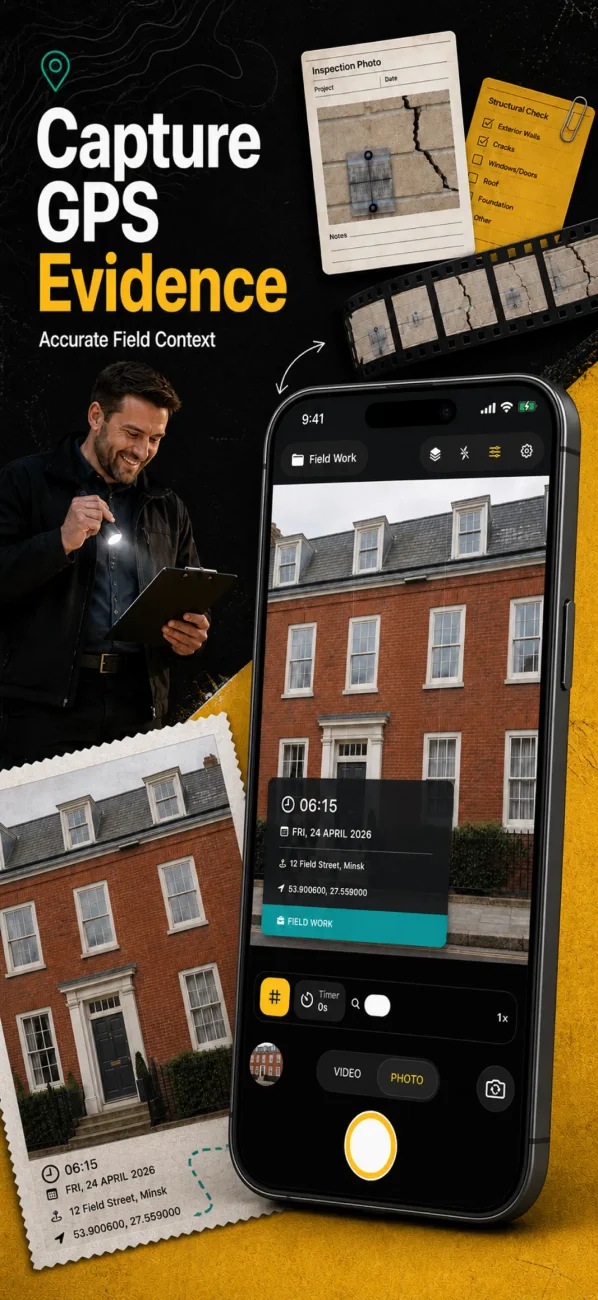
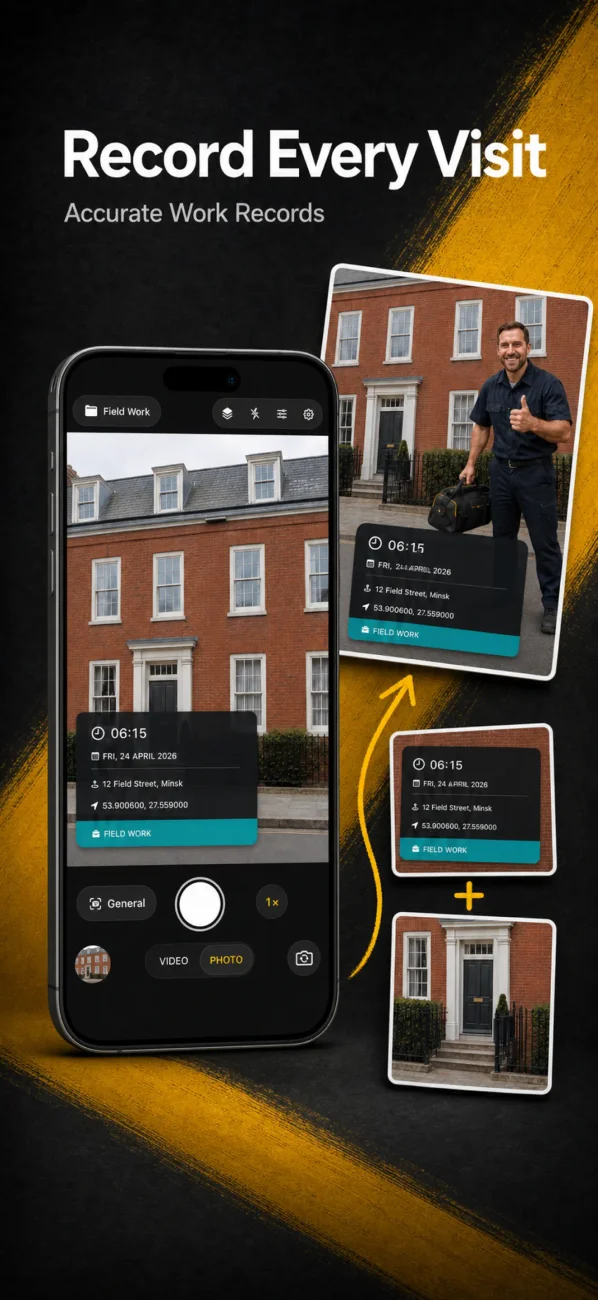
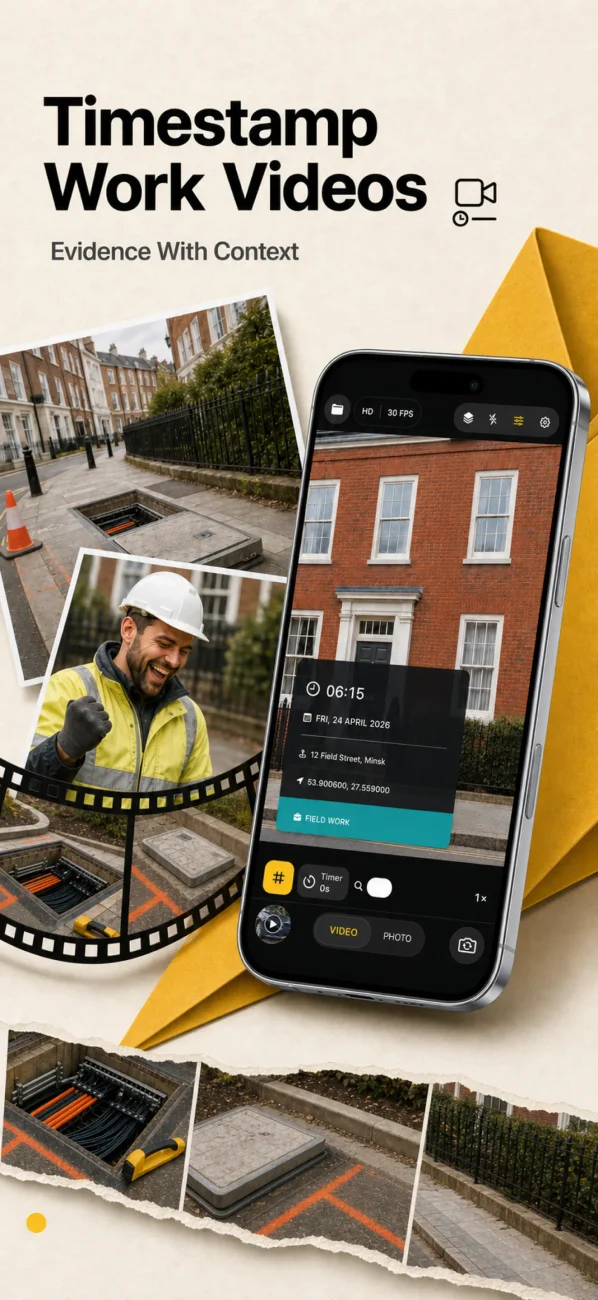
See the stamp while framing a photo or video. Switch cameras, use the grid and timer, pinch or select a zoom level, and control the rear torch. Video mode supports available 1080p or 4K resolution and 30 or 60 FPS, with a safe capability fallback.
BUILD YOUR FIELD STAMP
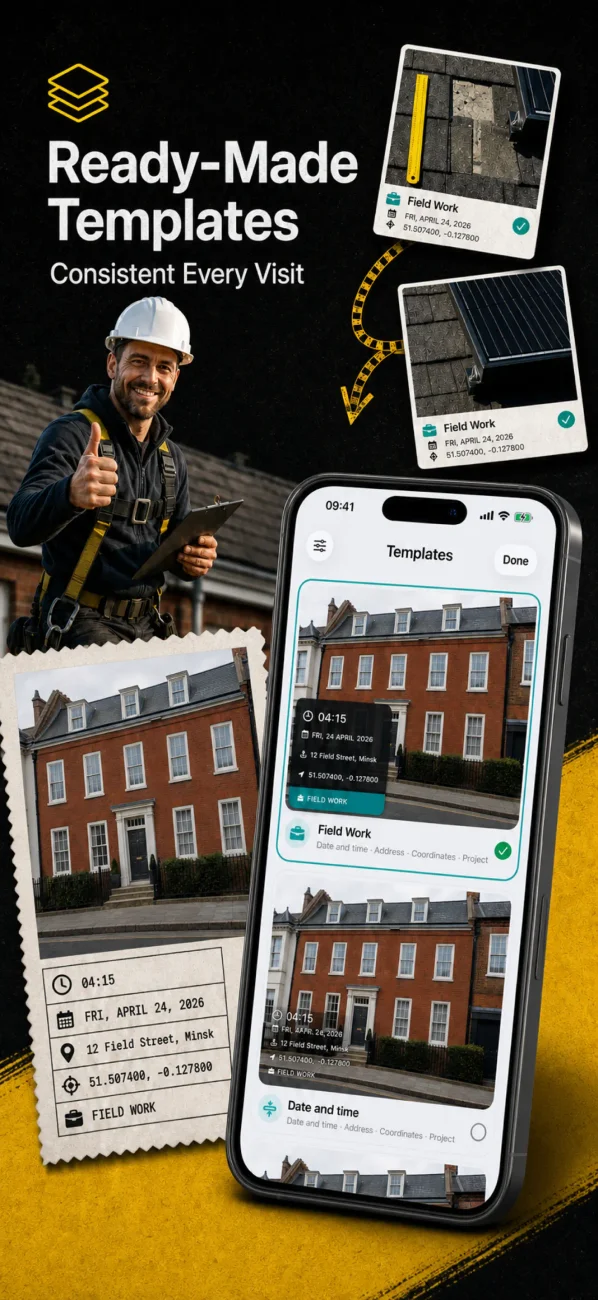
Apply one of seven fieldwork layouts or customise a reusable template. Add local date and time, time zone, address, Decimal, DMS, UTM or MGRS coordinates, GPS accuracy, altitude, heading, project, client, job number, worker and note. Adjust position, size, opacity, seconds and 24-hour time.
Live captures use the available date and GPS snapshot at capture time; the app does not let you rewrite them. Missing date or location remains unavailable rather than being replaced with invented values.
ORGANISE EACH JOB
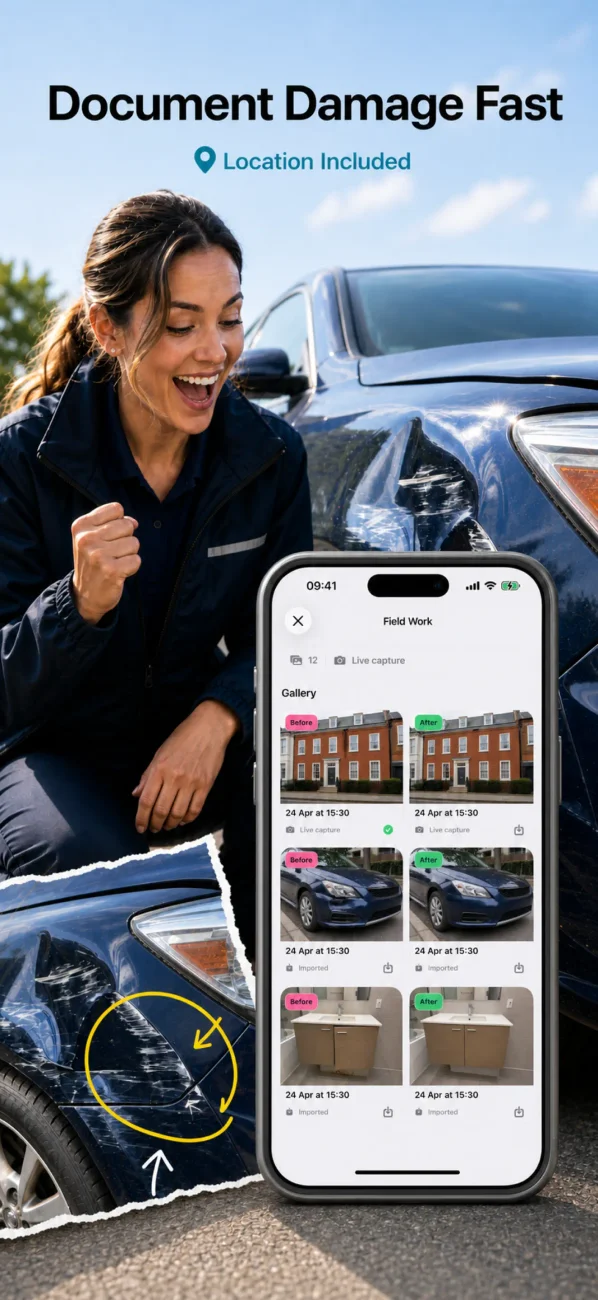
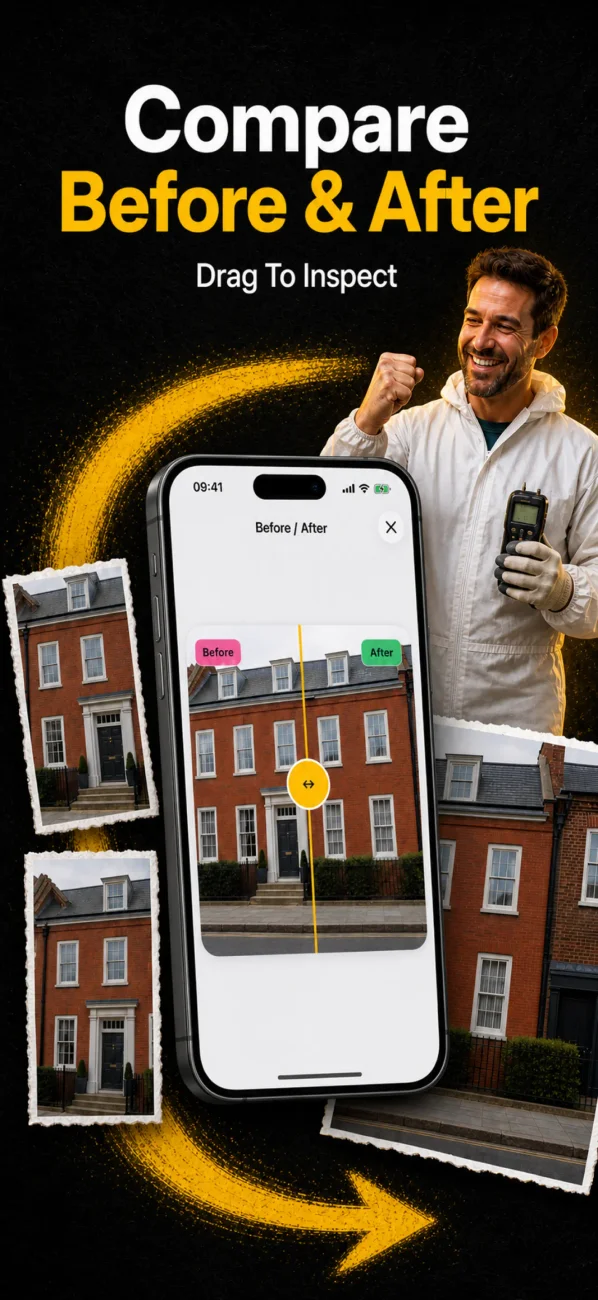
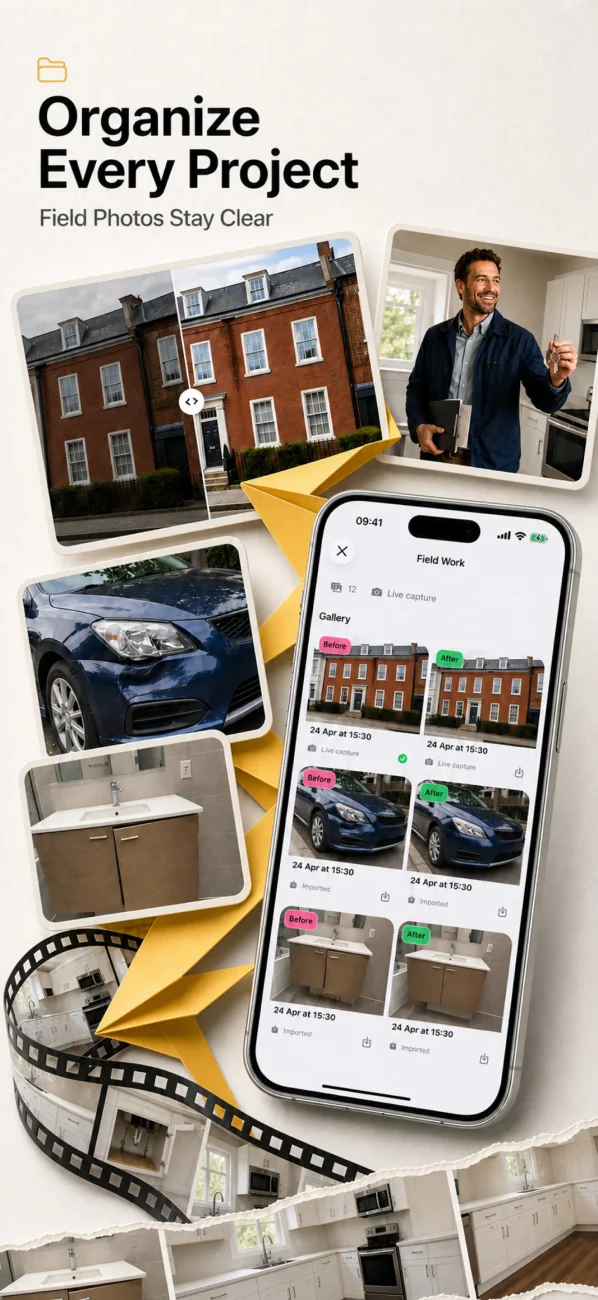
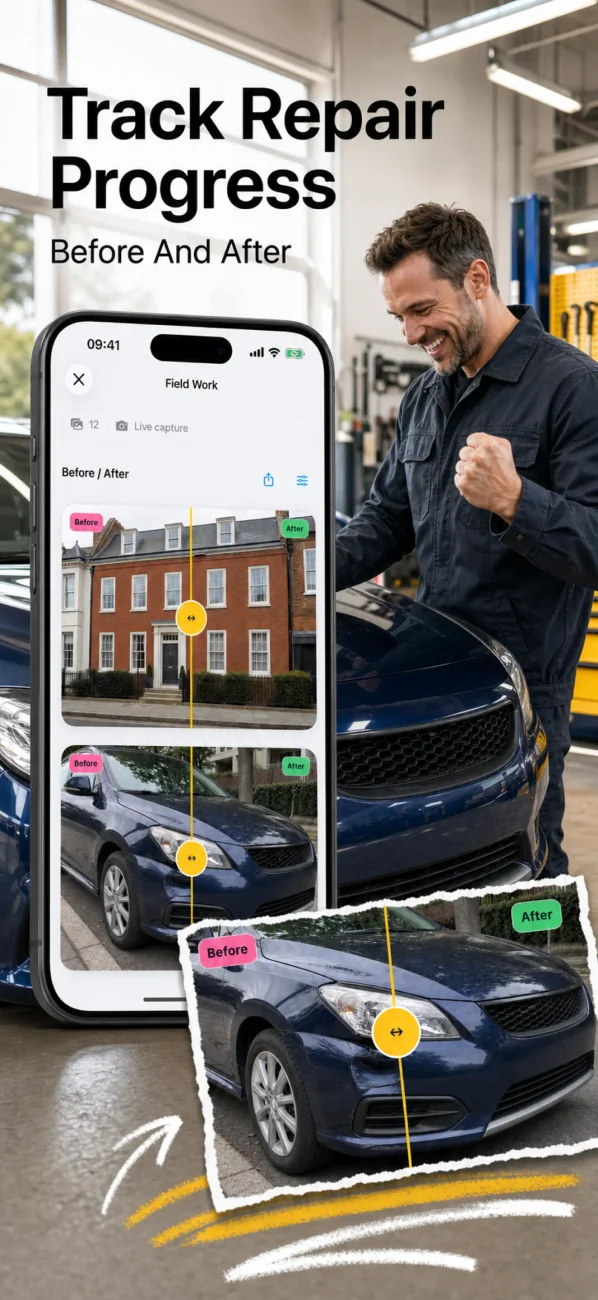
Create local projects for sites, clients or work orders while keeping originals and stamped results separate. Browse saved media, search notes or locations, and mark captures as Before or After. Drag the merged comparison divider or switch to side-by-side viewing.
The internal gallery opens the latest saved result without leaving the app.
EXPORT PROFESSIONAL RECORDS
Export a Before/After record in the format your workflow needs:
• PDF with stamped records and project details
• CSV metadata for spreadsheets and job systems
• KML location data for mapping tools
• ZIP with stamped media, PDF, CSV, KML and manifest.json
Each stored original and stamped result receives a SHA-256 checksum. The manifest records provenance, available capture metadata, paths and checksums. This integrity check can reveal file changes; it is not independent verification of time, GPS or authorship, and does not make a file tamper-proof.
LOCAL-FIRST AND OFFLINE
Projects, indexes, media and exports are managed locally. Capture works offline. Address lookup and optional system services are best-effort and never replace the core workflow.
Camera access enables capture, location adds optional GPS fields, microphone access records video sound, and photo-library access is used only when importing or saving media. You choose visible fields and whether to add results to your photo library.
WATERMARK CAMERA PLUS
Create ten successfully saved stamped photos free across all projects. Failed or cancelled attempts do not use this lifetime installation allowance. Plus unlocks unlimited stamped photos, stamped video, reports, custom-format exports and batch archives. The paywall displays both plans, prices, trial eligibility and purchase restoration.
Timestamp Camera: Watermark is documentation software, not a certification authority. Review exported material before contractual, insurance, safety or legal use.
Purchase Information
- Watermark Camera Plus unlocks unlimited stamped photos, stamped video, project reports, custom-format exports, and batch archives. Choose an auto-renewable yearly subscription or Forever access.
- Forever is a non-consumable, one-time purchase with no subscription, renewal, or free trial. Restore either purchase with the Apple ID used to buy it.
- Eligible new subscribers may receive a 7-day free trial. After the trial, the subscription renews at the displayed yearly price unless canceled.
- Payment is charged to your Apple ID account at confirmation. The subscription renews automatically unless canceled at least 24 hours before the end of the current period.
- You can manage or cancel the subscription in your Apple ID subscription settings. Existing projects and materials remain available for viewing, deletion, and individual extraction after access expires.
Terms of Use: https://www.apple.com/legal/internet-services/itunes/dev/stdeula/
Privacy Policy: https://yumcut.com/mobile/privacy
What’s new
Version 1.1 · Sep 10, 2026
A clearer way to unlock Camera Plus. • Redesigned paywall with clearer plan details and more readable benefits. • New Forever option: unlock Plus with one purchase and no recurring subscription. • Yearly subscriptions retain a seven-day trial for eligible new subscribers. • Improved purchase restoration, pending purchases and access updates.
App privacy
What Ihar Shaduryn declares on the App Store about how this app handles data.
-
Data not collected
The developer does not collect any data from this app.
Privacy practices may vary, for example with the features you use or your age.
Information
- Seller
- Ihar Shaduryn
- Category
- Photo & Video
- Version
- 1.1
- Updated
- Sep 10, 2026
- Released
- Aug 27, 2026
- Size
- 10.0 MB
- Requires
- iOS 16.0 or later
- Age rating
- 4+
- In-app purchases
- Yes
- Languages
- Spanish, German, Bengali, Kannada, Catalan, Czech, Simplified Chinese, Traditional Chinese, Korean, Croatian, Danish, Slovak + 32 more
- Copyright
- © 2026 Ihar Shaduryn
You might also like
-
 Filmstampr: Timestamp CameraReal-Time Stamp Film Camera
-
 GPS Stamp: Photo EvidenceDate, place & job notes
-
 GPS Camera: Geo Tag & StampGPS camera with location stamp
-
 Timestamp Camera: StamporaGPS, Date & Location on Photos
-
 GPS Map Camera: Field StampGeotag photos, proof for work
-
 GPS Camera - Photo LocationGeotag Map Stamp and Timestamp
-
 WorkMark: Timestamp CameraPhoto proof with time and GPS
-
 GPS Camera: Timestamp & GeotagTime Stamp & Timemark on Photo
-
 GeoProof: GPS Work CameraTimestamp & Location Proof
-
 Timestamp Camera: Photo, VideoGPS Photo Location Map Camera