TimeTick Analyzer
Track Your Time Effectively
Designed for iPhone, iPad, iPod touch
Free · In-app purchases
- Age rating4+
- CategoryProductivity
- DeveloperNEXUSLINK SERVICES INDIA PRIVATE LIMITED
- LanguagesEnglish
- Size40.1 MB
Links to the official App Store page
Download.org hosts no file of TimeTick Analyzer. The button opens its official App Store page, published by NEXUSLINK SERVICES INDIA PRIVATE LIMITED. Listing last checked on Nov 14, 2026.
Screenshots

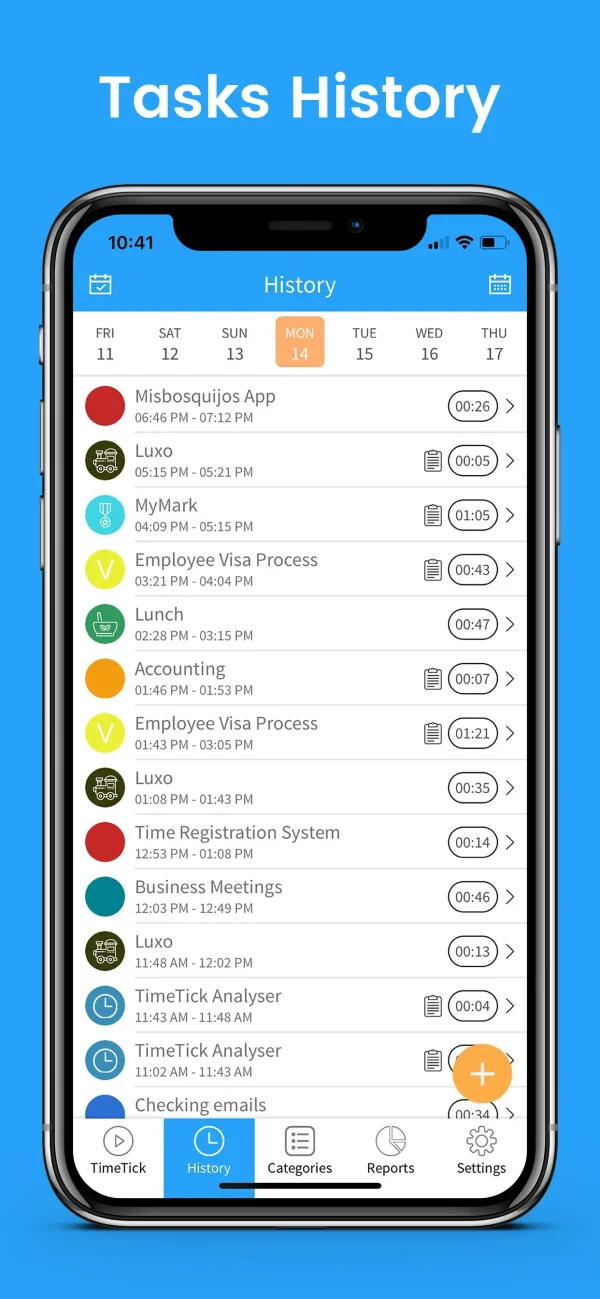
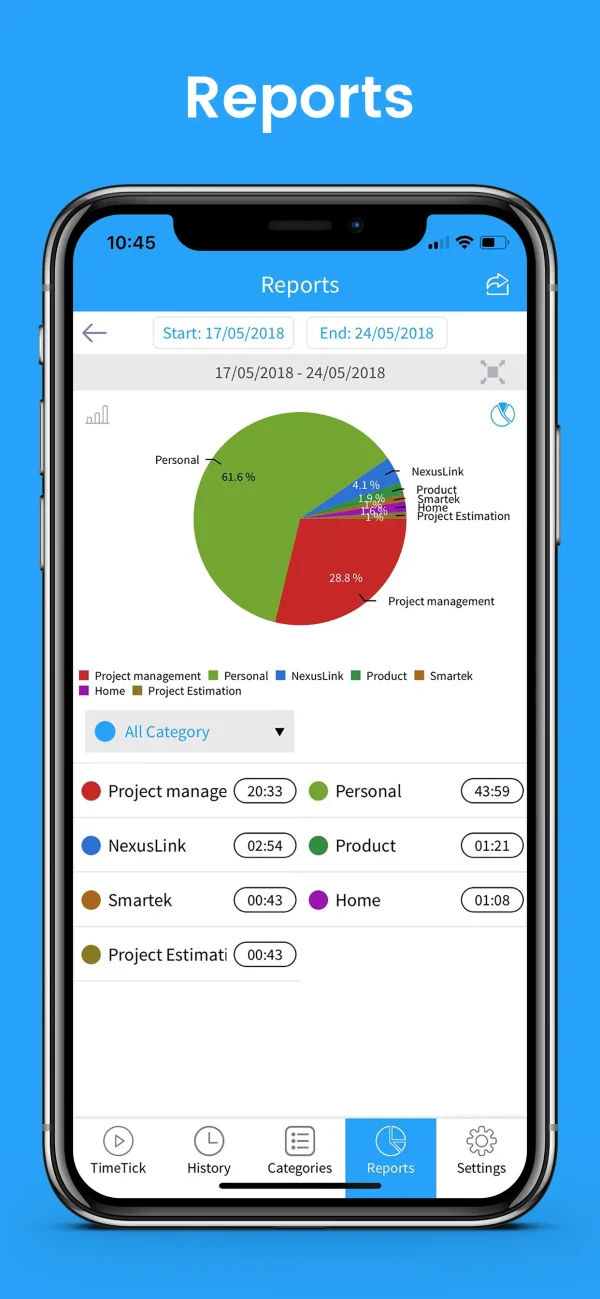
About
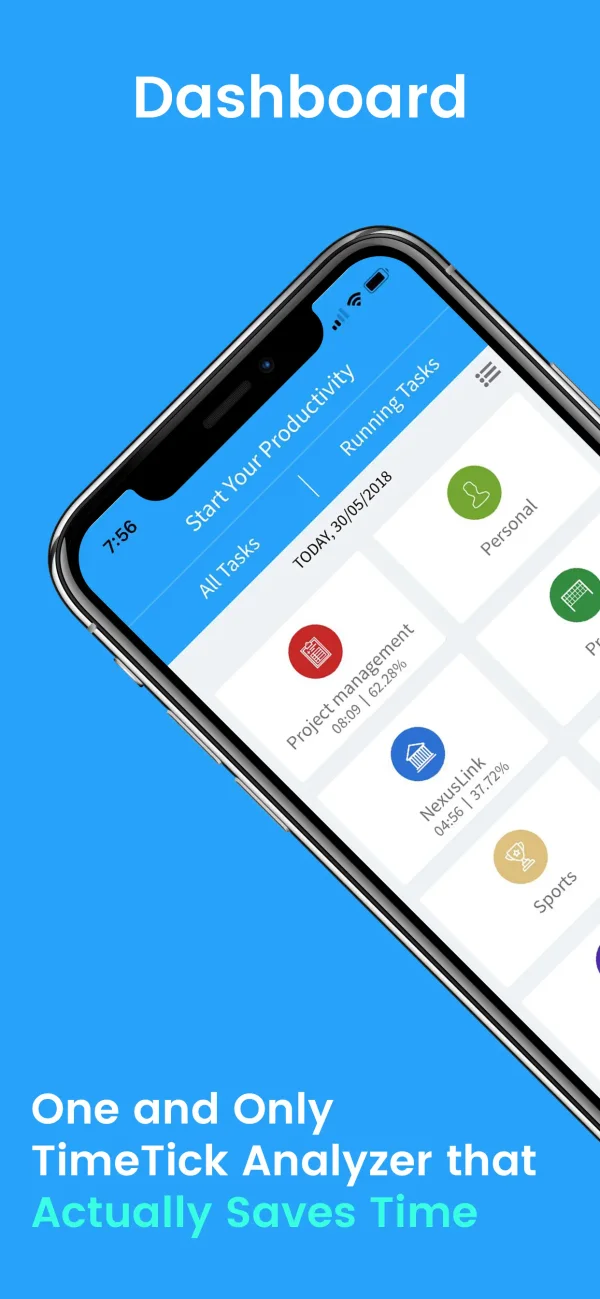
The simple TimeTick Analyzer that monitors the daily, weekly and monthly schedule of a person. User can create categories like personal, work, office etc., and can start start & stop each task. In that way, user can track their activities through this application.
Disciplined lifestyle is the key to success and making a perfect schedule and maintaining that strictly is very important to lead the methodical life. Making a proper schedule to get into a disciplined life becomes very simple through an easy time tracking application. Get the TimeTick Analyzer app and start tracking daily, weekly or monthly time.
TimeTick Analyzer is a user-friendly & easy to understand. Easy using, lightweight and powerful build up makes the application practical in the market. As people are finding more and more success nowadays, therefore, everybody should work hard. Time tick is the best time analyzer application that would help the people to organize and analysis of each work completed in how much time
Important Features:
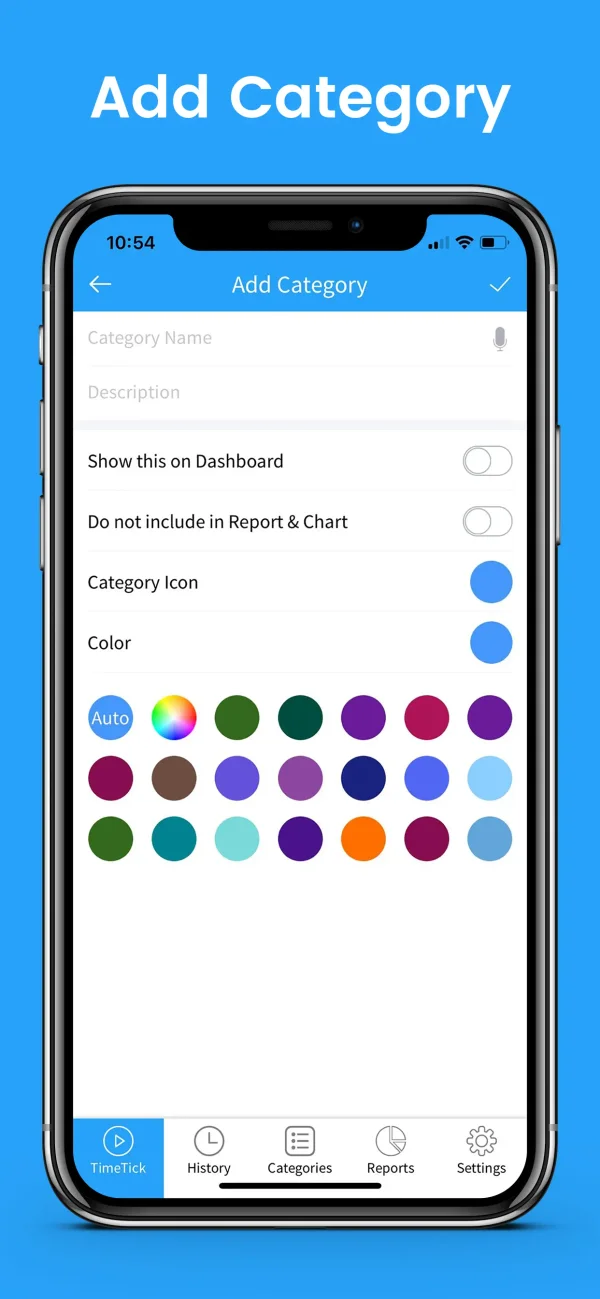
- Define Categories to manage your tasks effectively
- Create and manage tasks by assigning specific color
- Search task easily from any category or within category
- Start task just tapping on task and stop with single tap
- You can write notes for each task
- Track multiple tasks simultaneously
- You can set pre-defined time for task then just tap on start when you will start working on it and once time up then you will get notified for the same.
- View history of all tasks to view details of each task
- You can Copy/Delete tasks from history
- Nice interface to see all running tasks in case single or multiple tasks are in execution
- Analysis of all your tasks by generating charts by specifying specific date range, month, 7 days & Today
- Full screen charts to analyse all tasks and switching between 2 different charts Pie & Bar chart with comprehensive information
- Export CSV with listing of each tasks details & chart image then share it via email
- Backup and Restore through iCloud
As the best smartphone tracking & scheduling app has the options to stuff professional and personal tasks both, therefore, people can utilize it for setting their lifestyle orderly manner. According to the feature, this app is the most essential option for enhancing the productivity of life.
We would love to hear your suggestions & feedback:
- We will do our best to improve app to meet as per your expectation and fit with your all needs. Please send all your suggestions on support@timetickanalyzer.com
As soon as we will receive, we will start analyse and do our best to release in new version
What’s new
Version 1.2 · Dec 30, 2025
1. Improve functionality
App privacy
What NEXUSLINK SERVICES INDIA PRIVATE LIMITED declares on the App Store about how this app handles data.
-
Data linked to you
May be collected and linked to your identity.
- Identifiers
- Diagnostics
Privacy practices may vary, for example with the features you use or your age.
Information
- Seller
- NEXUSLINK SERVICES INDIA PRIVATE LIMITED
- Category
- Productivity
- Version
- 1.2
- Updated
- Dec 30, 2025
- Released
- Jun 20, 2021
- Size
- 40.1 MB
- Requires
- iOS 13.0 or later
- Age rating
- 4+
- Price
- Free
- In-app purchases
- Yes
- Languages
- English
- Copyright
- © @2021 TimeTick
You might also like
-
 MiSquadVoice reminder for ADHD brains
-
 MindMap your lifeProductivity
-
 TimeScoutNo time, no problem
-
 Focus Grove: Focus TimerCalm pomodoro for study
-
 PomoDuo: Pomodoro Focus TimerADHD Study Buddy, Block Apps
-
 VisualRecordProductivity
-
 Talli: Every Task CountsChores & rewards for families
-
 Outline - Tasks & NotesProductivity
-
 Time NodesCount-up and count-down timer
-
 Timebox PacerFlexible timeboxing