- Age rating4+
- CategoryProductivity
- DeveloperDevin Smith
- LanguagesEnglish
- Size65.7 MB
Links to the official App Store page
Download.org hosts no file of TimeTurner. The button opens its official App Store page, published by Devin Smith. Listing last checked on Nov 23, 2026.
Screenshots


About
Count down to the moments that matter.
TimeTurner turns anticipation into something beautiful. Whether you're counting down to a wedding, a holiday trip, a product launch, or just the weekend. TimeTurner keeps your most exciting moments front and center.
Beautiful by design
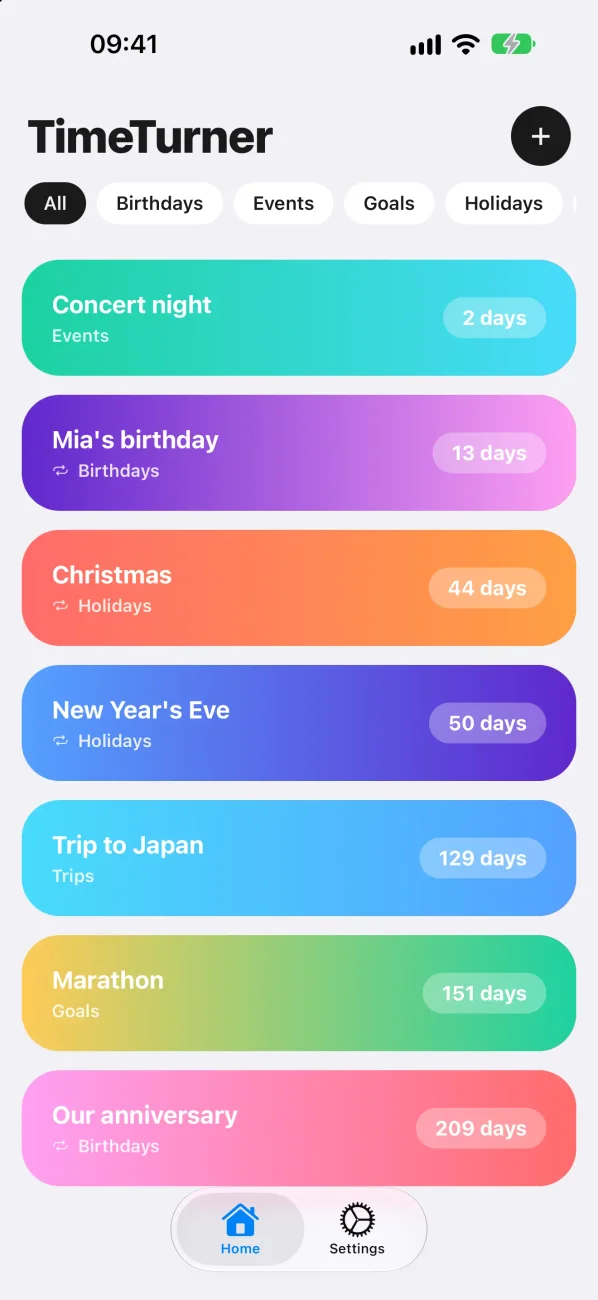
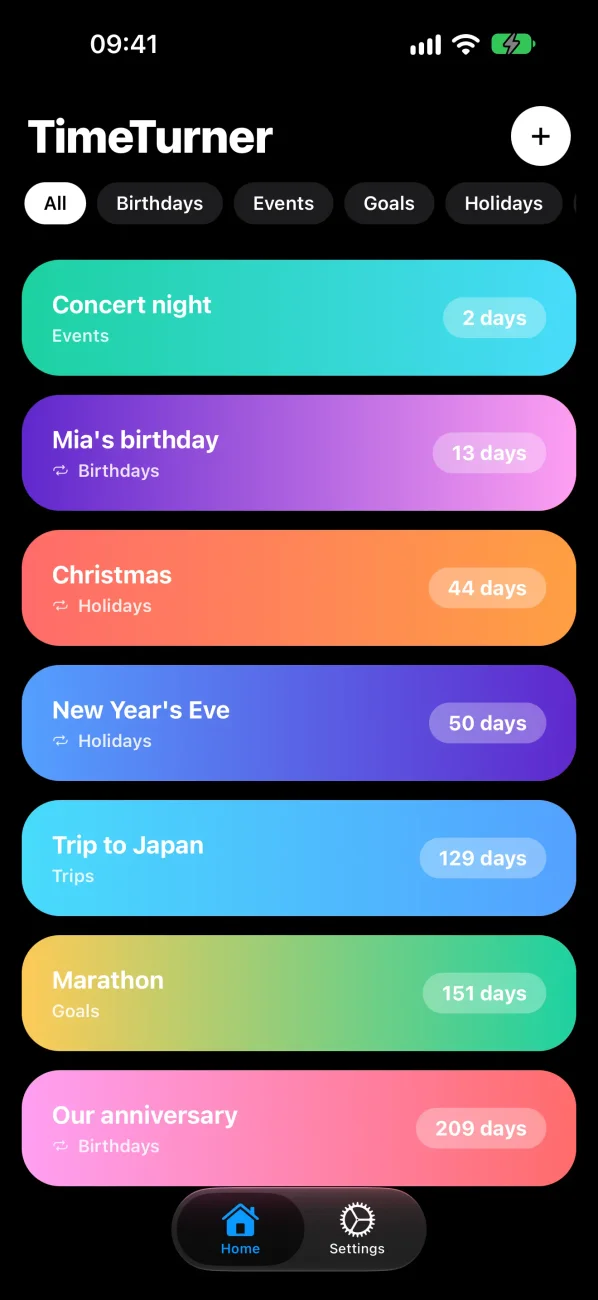
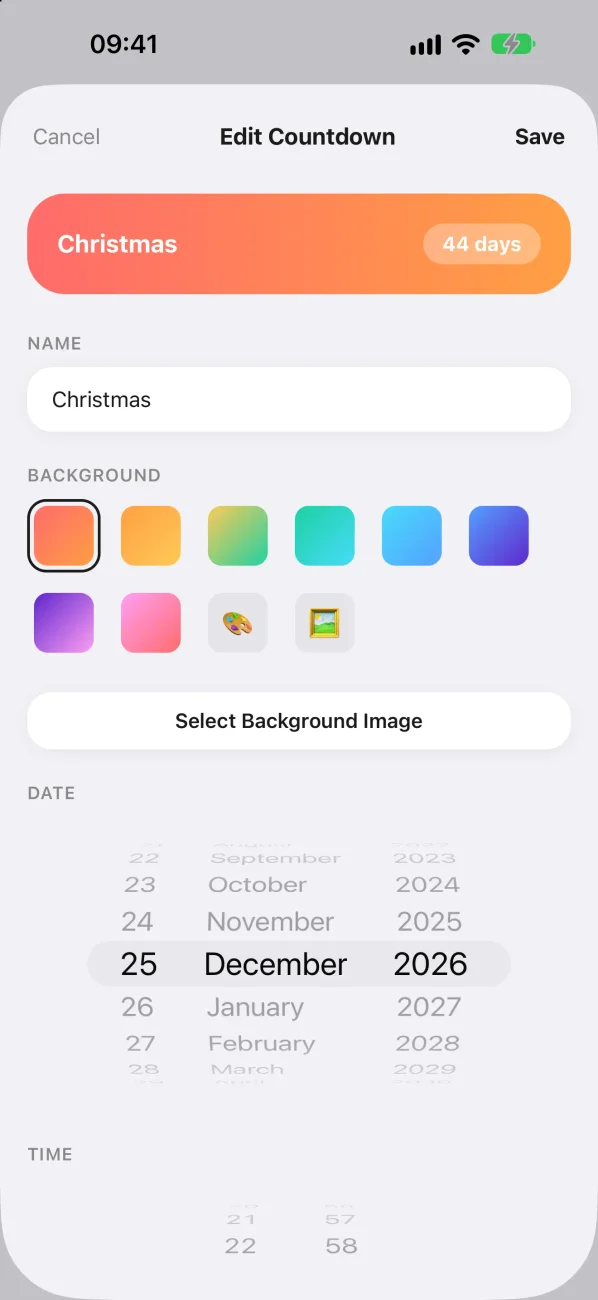
Choose from eight stunning gradient backgrounds or use any photo from your library. Each countdown becomes its own vivid card, making your list a visual reminder of everything you have to look forward to.
Always up to date
The full-screen detail view shows a live countdown to the exact second, days, hours, minutes, and seconds ticking in real time. No guessing, no rounding. Just the truth about how close you are.
Right on your home screen
Pin any countdown directly to your iPhone home screen as a widget. Small, medium, or large, pick the size that fits your setup and glance at your countdown without ever opening the app.
Everything persists, nothing disappears
Your countdowns are saved locally so they survive app restarts, reloads, and everything in between. Set it once and it's there when you need it.
Simple to use
Add a countdown in seconds — give it a name, pick a date and time, choose a background, and you're done. Edit or remove countdowns anytime.
What are you counting down to?
Birthdays & anniversaries
Vacations & travel
Weddings & engagements
Product launches & big meetings
Holidays & celebrations
Personal milestones & goals
Download TimeTurner and start looking forward.
What’s new
Version 2.0.0 · Nov 20, 2026
NEW
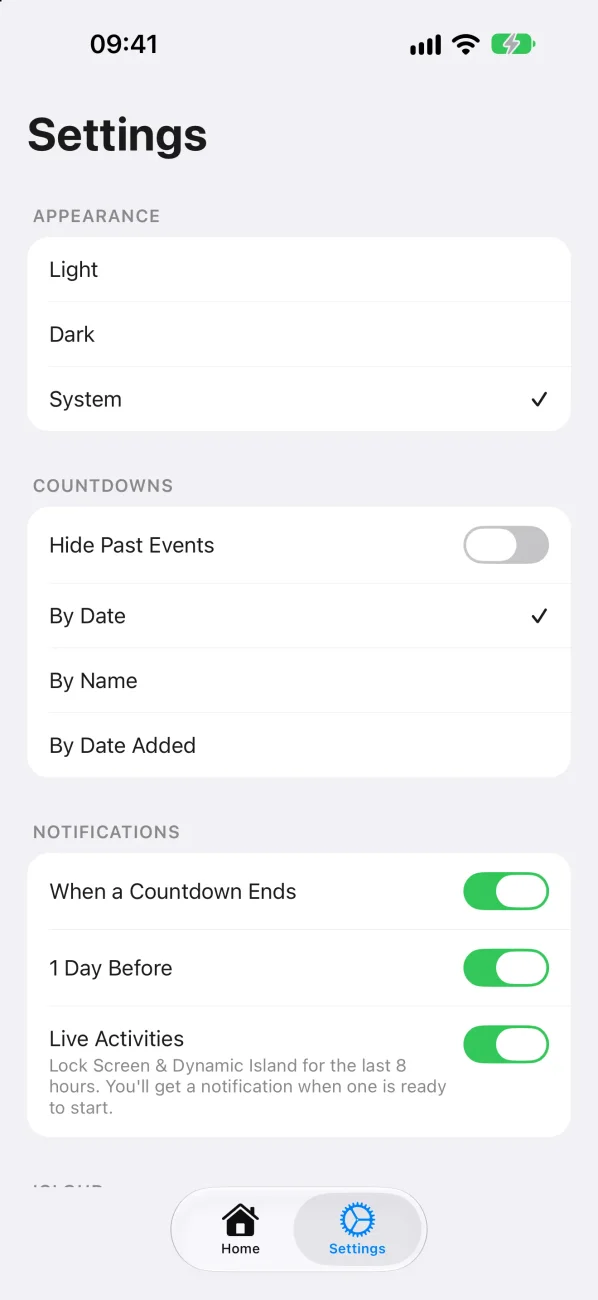
• Live Activities: in the final 8 hours, your countdown appears on the Lock Screen and in the Dynamic Island with a live timer.
• Reminders: get a notification 1 day before and the moment a countdown ends.
• Repeating countdowns: set birthdays, anniversaries and holidays to repeat weekly, monthly or yearly. They roll over to the next date on their own.
• A different countdown on every widget: long-press a widget and choose Edit Widget to pick which countdown it shows.
• Count up: past events now show how long it's been, like "102 days since". You can now pick past dates when creating one.
• Categories: group countdowns into Birthdays, Trips or anything you like, and filter by them on the home screen.
• Day counts follow the calendar, so an event tomorrow morning shows "Tomorrow" instead of "0 days".
• Upcoming countdowns are listed soonest first, with past ones below.
• Custom background photos could disappear after an app update or an iCloud sync. They're now kept safe, and any that went missing should come back after this update.
App privacy
What Devin Smith declares on the App Store about how this app handles data.
-
Data not collected
The developer does not collect any data from this app.
Privacy practices may vary, for example with the features you use or your age.
Information
- Seller
- Devin Smith
- Category
- Productivity
- Version
- 2.0.0
- Updated
- Nov 20, 2026
- Released
- May 20, 2026
- Size
- 65.7 MB
- Requires
- iOS 16.4 or later
- Age rating
- 4+
- Languages
- English
- Copyright
- © Devin Smith
You might also like
-
 MyPup AppMy Pick Up Point
-
 AI FiestaTop AI Models in One Chat
-
 Chillio: Life PlannerThe Cutest Life Planning App
-
 FBTO Care appClaims, insurance card & more
-
 Structured: Daily Planner TodoVisual Calendar & Organizer
-
 TodySmarter Cleaning
-
 Focus Keeper - Pomodoro TimerADHD Organizer & Productivity
-
 Craft: Notes, Documents, AITask, Schedule & Reminder
-
 SpeakApp AI: Voice NotesTranscribe speech to text
-
 Brainwaves -- Binaural BeatsSleep, Focus & Consciousness