
- Age rating4+
- CategoryProductivity
- DeveloperGabriel Langon Maomy
- LanguagesEnglish+ 33 more
- Size15.5 MB
Links to the official App Store page
Download.org hosts no file of TimeUp: Move to Scroll. The button opens its official App Store page, published by Gabriel Langon Maomy. Listing last checked on Nov 12, 2026.
Screenshots
About
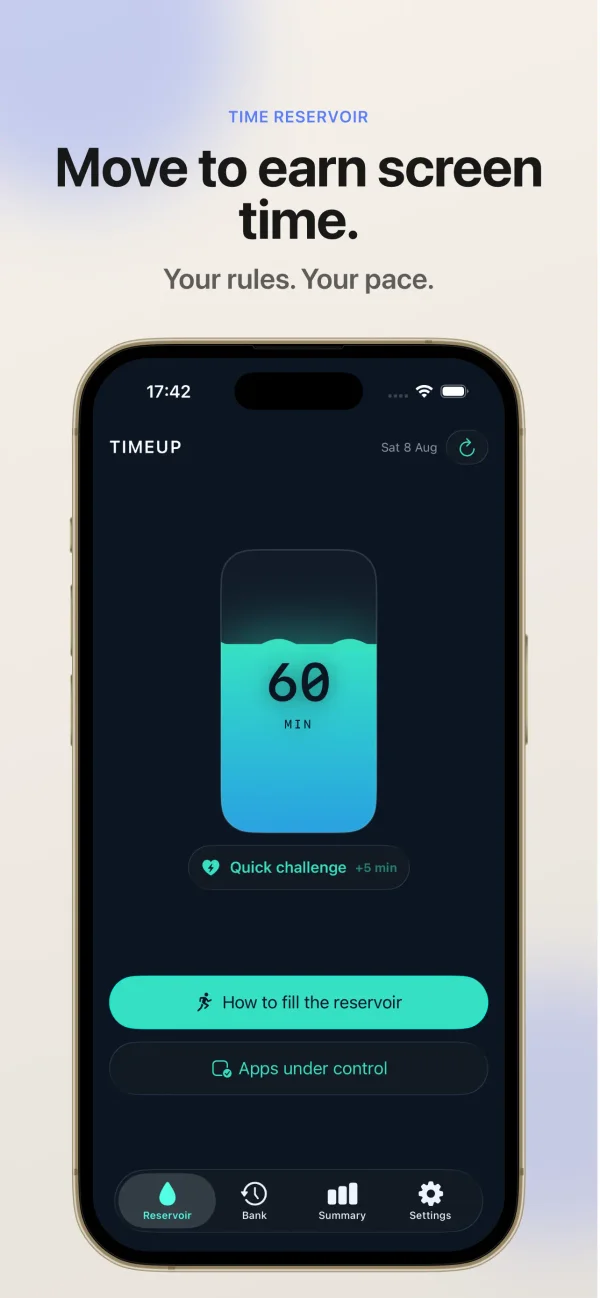
TimeUp turns your screen time into real rewards. Create your own rules, earn minutes by moving, walking, sleeping, or completing mini-challenges, then use your balance to unlock time on the apps you choose.
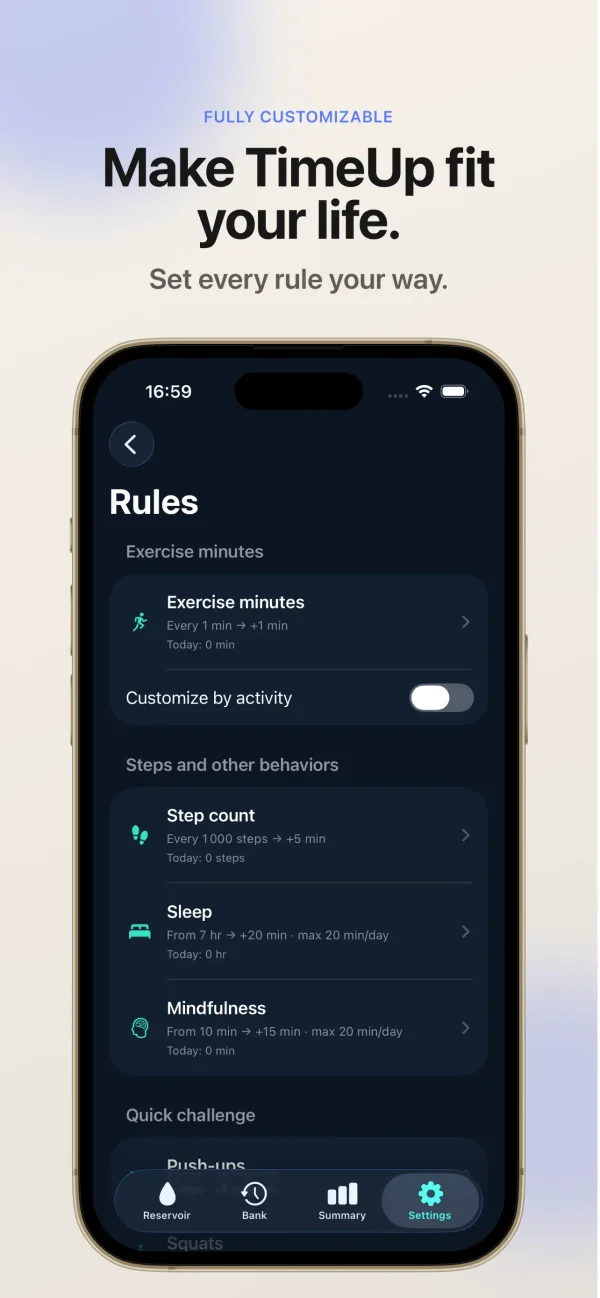
Every rule is fully customizable: set what earns time, the limits, and track your progress over the days. When your balance is empty, the limit automatically resumes.
Protect your sleep, work, or study time with scheduled app blocking. Add multiple schedules and choose the days and hours when selected apps stay blocked, even if you have minutes left. Overlapping schedules work together: apps stay blocked until all active schedules have ended. Outside these hours, access still depends on your available minutes.
With TimeUp, you can:
• Earn time with your exercise, steps, sleep, or mindfulness minutes, if you allow access to Apple Health.
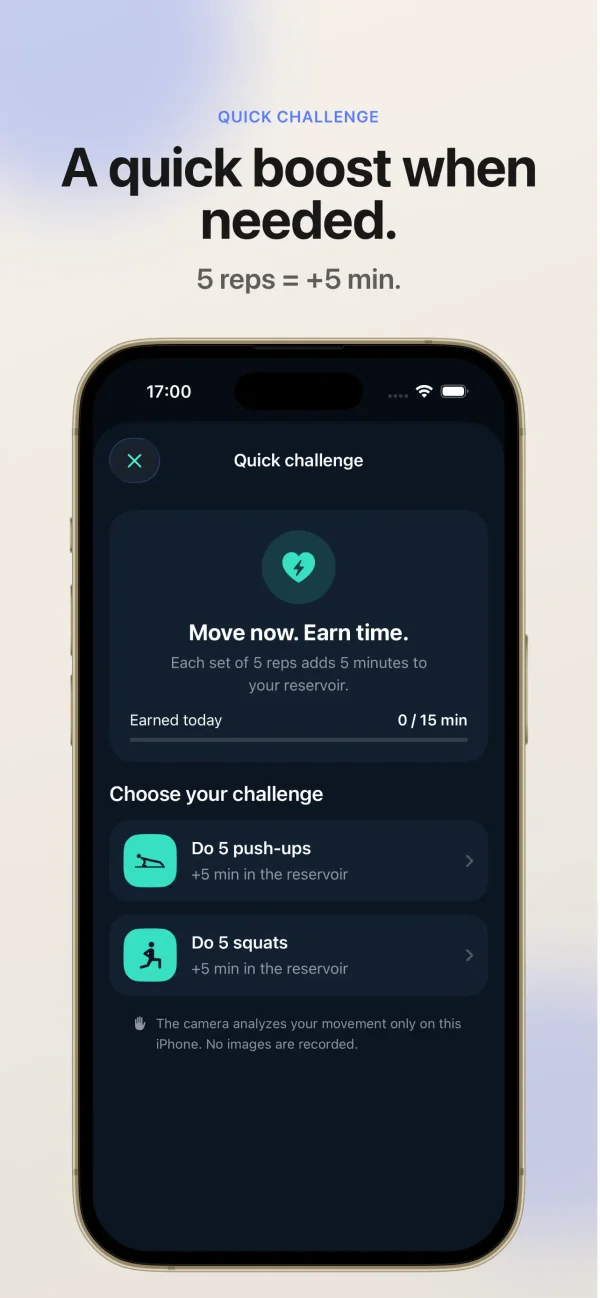
• Launch an express challenge: do 5 push-ups or 5 squats to add 5 minutes. The camera analyzes your movements locally on the iPhone; no images are saved.
• Customize rules, time, and limits per activity.
• Choose which apps to manage with Apple's Screen Time features.
• Schedule app blocking for sleep, work, or study, independently of your minute balance.
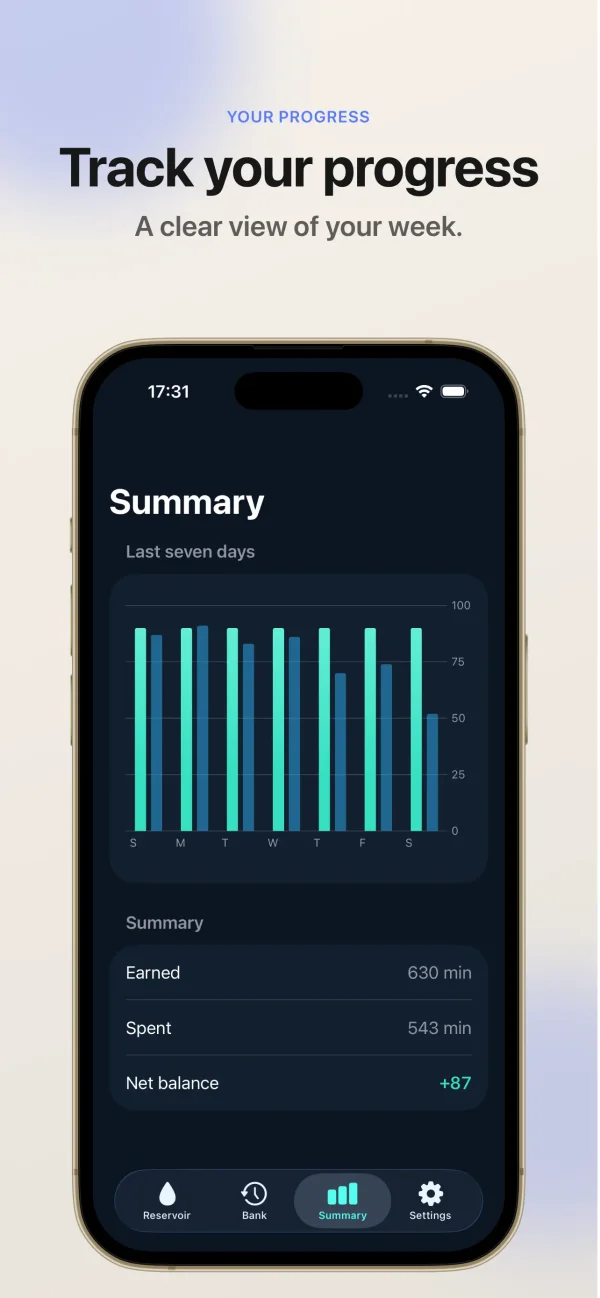
• View your balance, history, and a summary of the last 7 days.
• Use a simple interface, with no account and no ads.
What’s new
Version 0.2 · Oct 26, 2026
Block selected apps at the times you choose, even when you have screen time left.
• Create multiple blocking schedules and choose the days and hours that fit your routine.
• Enable, edit, or delete each schedule independently.
• Combine schedules for sleep, work, or study. Overlapping schedules keep apps blocked until the last active schedule ends.
• Outside these periods, your available minutes determine access as usual.
We’ve also reorganized settings, made day selection clearer, and added shortcuts to contact support or rate TimeUp.
App privacy
What Gabriel Langon Maomy declares on the App Store about how this app handles data.
-
Data not collected
The developer does not collect any data from this app.
Privacy practices may vary, for example with the features you use or your age.
Information
- Seller
- Gabriel Langon Maomy
- Category
- Productivity
- Version
- 0.2
- Updated
- Oct 26, 2026
- Released
- Aug 13, 2026
- Size
- 15.5 MB
- Requires
- iOS 26.0 or later
- Age rating
- 4+
- Price
- Free
- Languages
- English, Arabic, Bengali, Croatian, Czech, Danish, Dutch, Finnish, French, German, Greek, Hebrew + 22 more
- Copyright
- Copyright © Gabriel Langon Maomy
You might also like
-
 SpeechDraft: Speech WriterCue cards, teleprompter, timer
-
 MarkIt. Save & Find EverythingAI bookmark, read later, notes
-
 XeToi: Car Finder, Parking MapFind My Car – Parking Locator
-
 SaelyxSees, hears and acts with you
-
 Drive CaseVehicle records & reminders
-
 Offline Club: App BlockerExercise to Earn Screen Time
-
 即阅:Markdown/HTML阅读器Productivity
-
 Sollow: Daily Habit TrackerGamified Routine, Tasks, Goals
-
 App Blocker & Focus: HermitScreen Time, Digital Detox
-
 Frogoo: Screen Time & FocusComplete tasks. Unlock apps