- Age rating4+
- CategoryMusic
- DeveloperDavide Andreatta
- LanguagesEnglish
- Size52.6 MB
Links to the official App Store page
Download.org hosts no file of Timing. The button opens its official App Store page, published by Davide Andreatta. Listing last checked on Nov 18, 2026.
Screenshots

About
A metronome gives you the beat. Timing shows you where you land.
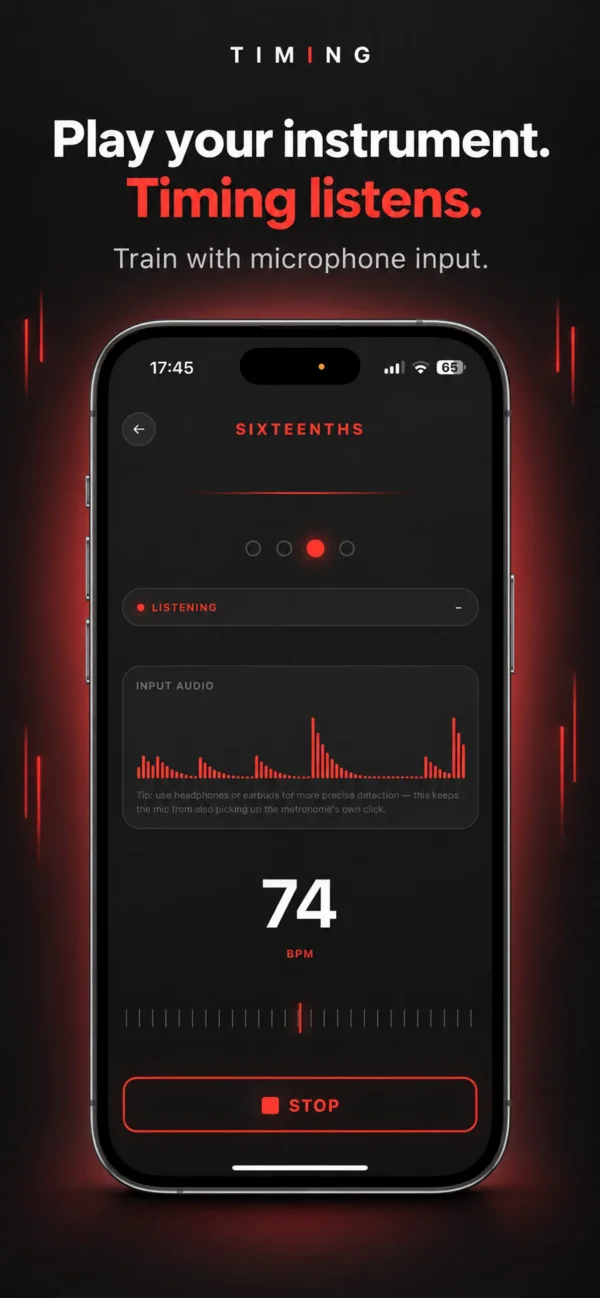
Timing helps musicians turn metronome practice into measurable feedback. Play your instrument along with the click: Timing listens through your device’s microphone, detects note attacks and shows their timing relative to the beat.
Are you playing ahead? Falling behind? How consistent are your attacks?
Timing makes it visible.
PRACTICE WITH YOUR INSTRUMENT
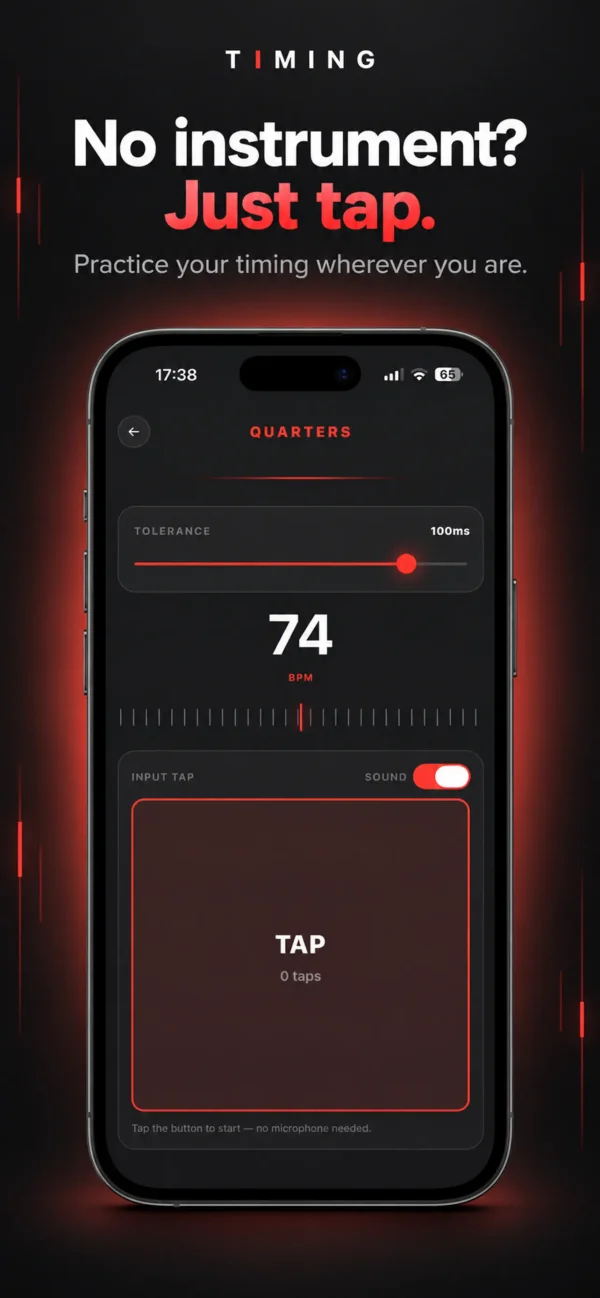
Work on your timing while playing, not just tapping a screen. Adjust microphone sensitivity to suit your environment. No instrument at hand? Switch to Tap mode and practice directly on your device.
EXPLORE EVERY HIT
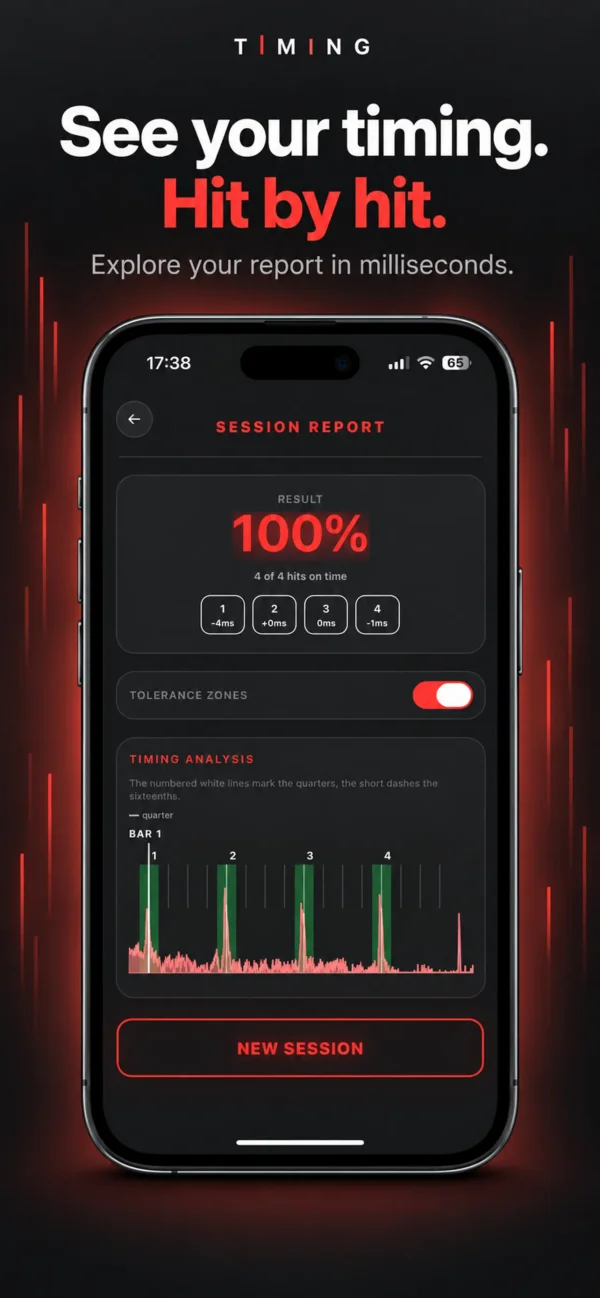
Review each detected attack and its timing offset in milliseconds. Pinch to zoom and scroll through the report graph to examine your performance in detail.
CHALLENGE YOURSELF
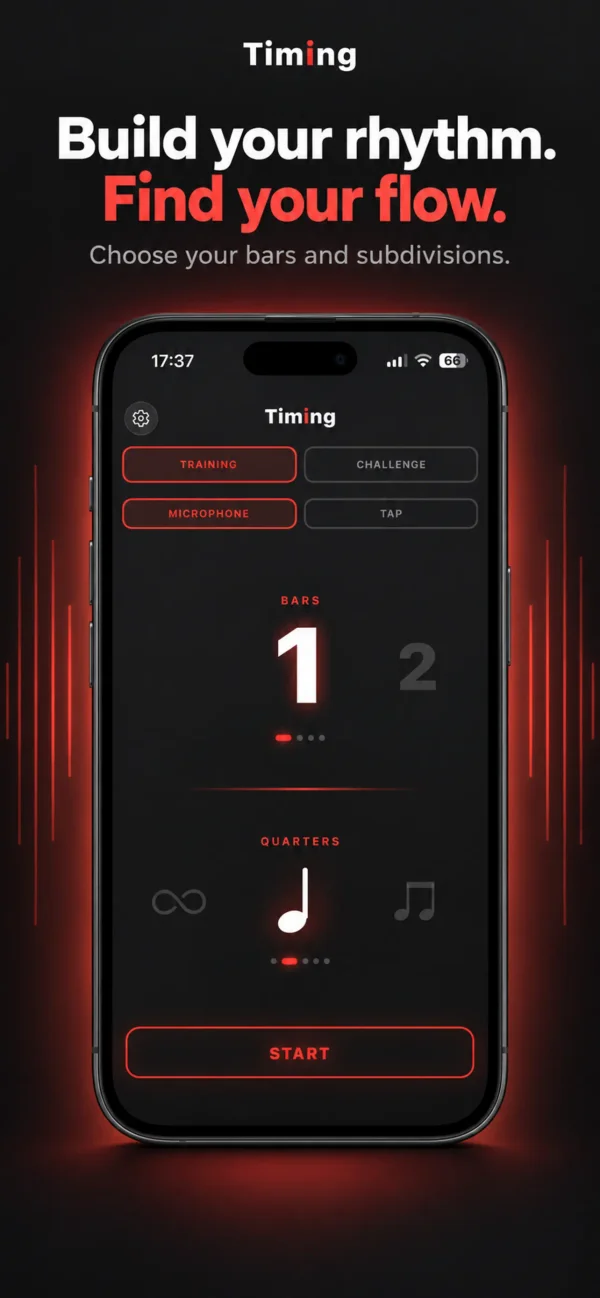
Try ready-made rhythm challenges or create your own. Choose the number of bars, rhythmic subdivision and timing tolerance, then edit your custom challenges as your practice needs change.
PLAY FREELY
Free mode lets you practice without automatic scoring. Explore your timing and assess your performance for yourself.
BUILD RHYTHMIC CONTROL
Practice quarter notes, eighth notes, triplets and sixteenth notes at your chosen tempo, including triplets and multiple sixteenth-note patterns within the same session.
FEATURES
• Microphone and Tap input modes
• Adjustable microphone sensitivity
• Timing offsets displayed in milliseconds
• Detailed reports with a zoomable, scrollable graph
• Ready-made and editable custom challenges
• Free mode without automatic scoring
• Adjustable tempo and timing tolerance
• In-app tutorials
• English and Italian interface
Practice using your device’s built-in speaker or wired headphones. Headphones are optional. Bluetooth audio is not recommended, as its latency can affect timing accuracy.
Hear the beat. Play the note. See the difference.
What’s new
Version 3.3 · Oct 22, 2026
What's New in This Version
New “Click on 2 & 4 Only” option: Set the metronome to click only on beats 2 and 4, jazz-style, to develop your groove and internal sense of time.
Simplified subdivisions: Quarter notes, eighth notes, and sixteenth notes are now grouped under a single “Straight” mode. Choose which subdivisions to practice: downbeats, upbeats, or all four sixteenth notes. Triplets can now also target just the first note.
Visual guide while recording: New indicators help you follow the four beats of each bar.
Cleaner home screen: Improved layout and spacing, with the new “Click on 2 & 4 Only” option integrated into the main controls.
Smoother onboarding: After completing the tutorials on first launch, you'll be taken directly to the home screen.
App privacy
What Davide Andreatta declares on the App Store about how this app handles data.
-
Data not collected
The developer does not collect any data from this app.
Privacy practices may vary, for example with the features you use or your age.
Information
- Seller
- Davide Andreatta
- Category
- Music
- Version
- 3.3
- Updated
- Oct 22, 2026
- Released
- Aug 22, 2026
- Size
- 52.6 MB
- Requires
- iOS 16.4 or later
- Age rating
- 4+
- Price
- $3.99
- Languages
- English
- Copyright
- © 2026 Davide Andreatta
You might also like
-
 The CentrepieceCircle dance and events
-
 RHYTHM CHALLENGE – MetronomeTiming Trainer, Live Feedback
-
 Live BPM: Counter & Tap TempoBeat detector & song finder
-
 Quartet 2Live jazz standards play along
-
 Reverse Chord Finder ProIdentify guitar & piano chords
-
 Repost Exchange: Promote MusicCommunity powered artist tools
-
 Complete Rhythm TrainerRhythm Training for Musicians
-
 Pianoteq 9Play Realistic Pianos & More
-
 Stage Traxx 4Ultimate Live Performance Hub
-
 Learn Piano – OKTAVCourses and Sheet Music