Timing – Calendar & Planner
Mindful Organizer & To Do List
Designed for iPhone
Free · In-app purchases
- Age rating4+
- CategoryProductivity
- DeveloperBardia Golriz
- LanguagesEnglish
- Size49.8 MB
Links to the official App Store page
Download.org hosts no file of Timing – Calendar & Planner. The button opens its official App Store page, published by Bardia Golriz. Listing last checked on Nov 12, 2026.
Screenshots

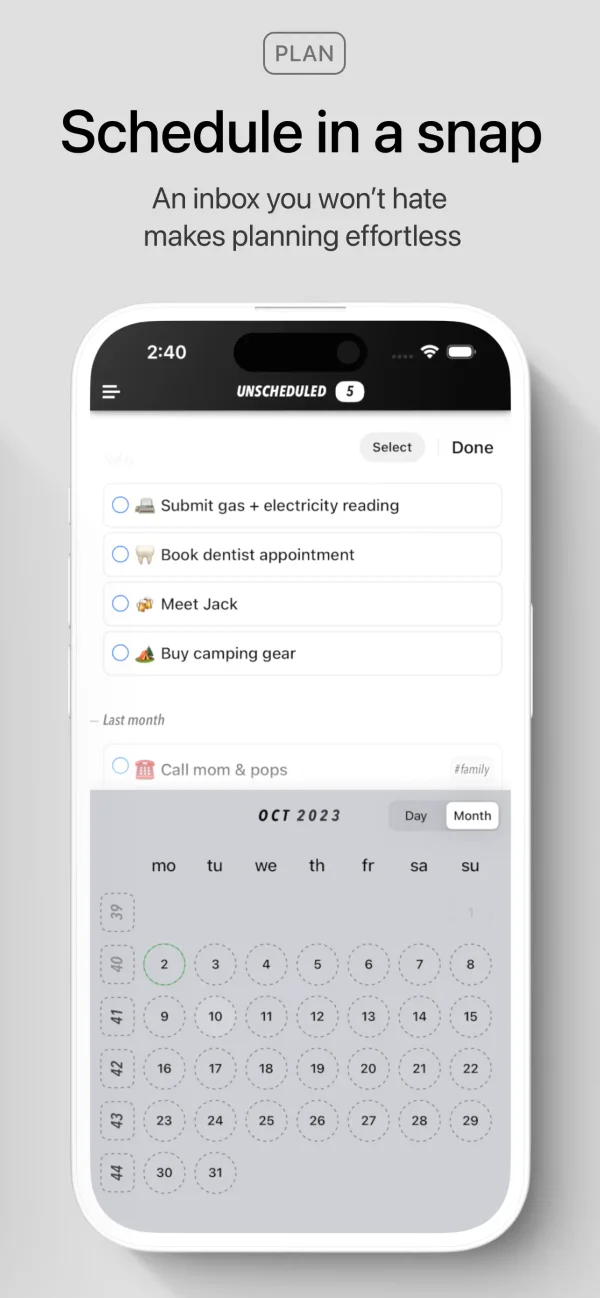
About
Looking for a way to simplify your life and boost productivity? Look no further than timing – the ultimate mobile planning tool!
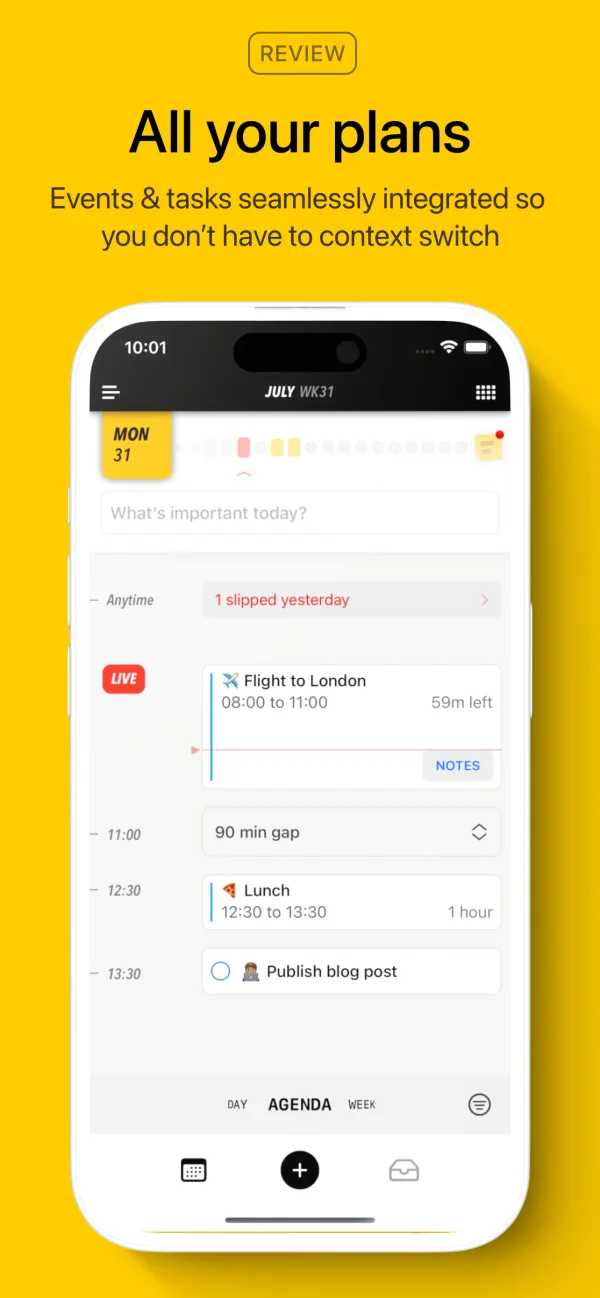
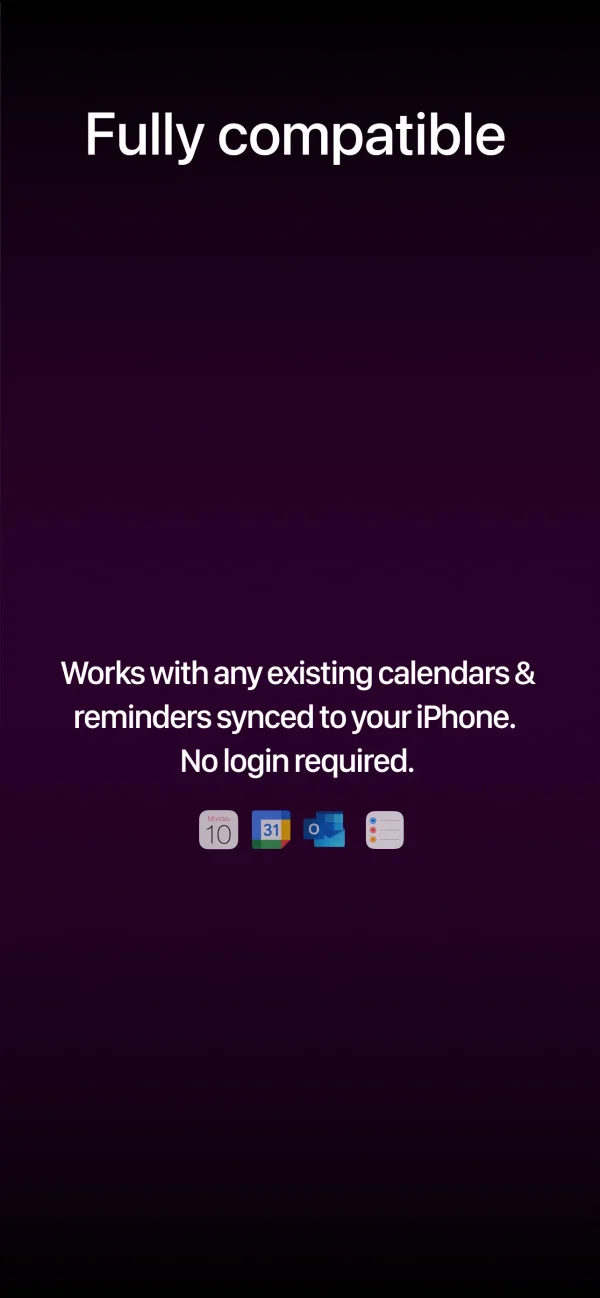
An intuitive timeline seamlessly combines your events & tasks, so no more context switching is required. And — best of all — there's no login required. timing is compatible with all your existing calendars and reminder lists synced to your device. Your data is always private and secure.
Here's how timing can help you maximize your productivity:
Focus — Our immersive timers will empower you to get through your lists, and make the most out of your time.
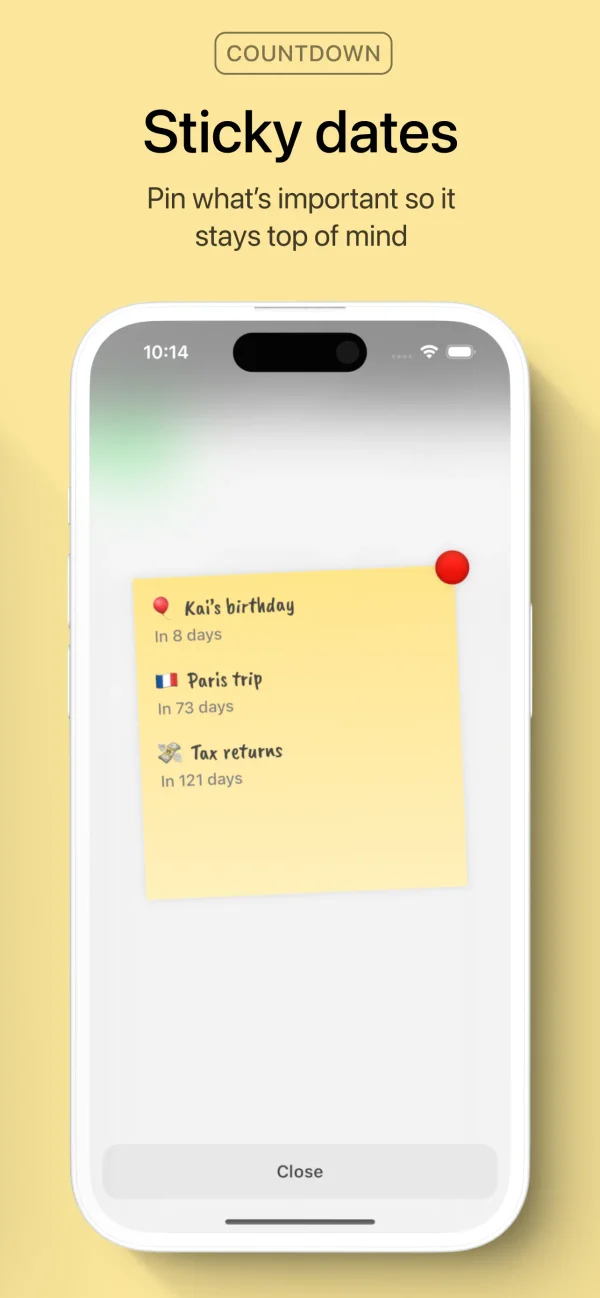
Recall — You can pin what’s important so it always stays on top of mind.
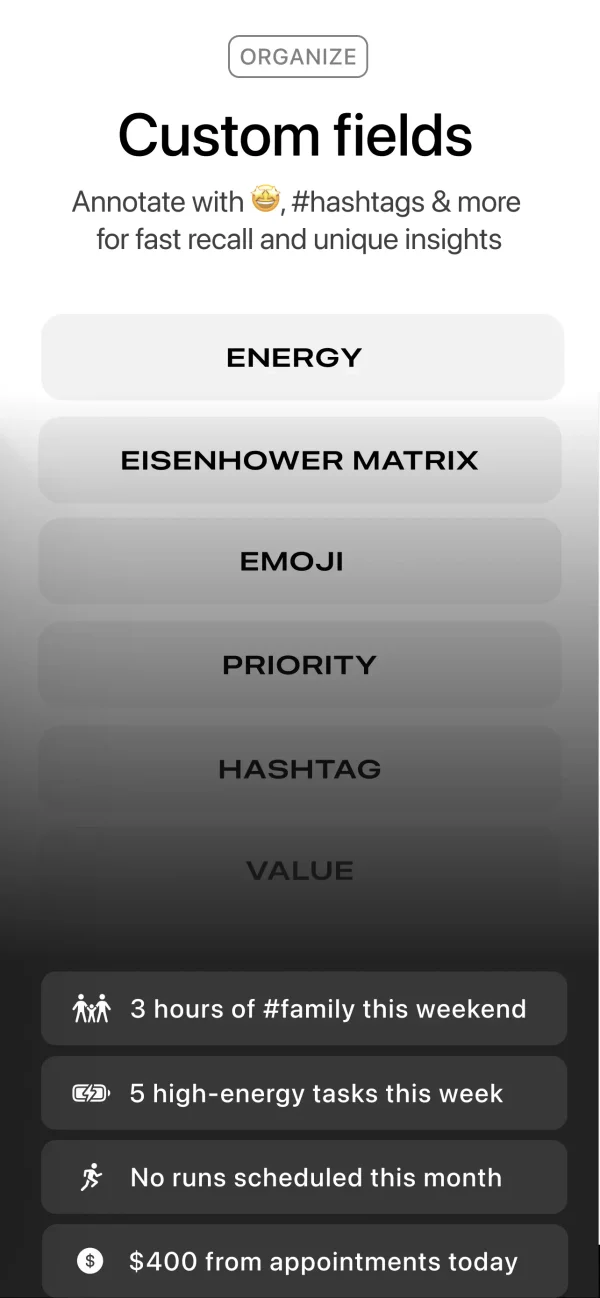
Organize – You can customise each entry leveraging our rich metadata library that includes #tags, emojis and much more, to help you stay organised.
Reflect – Our powerful filters let you see how you're spending your time from a variety of perspectives. Slice and dice your commitments by the calendar or list they belong to, their day of the week, time of day, priority, tags, emojis, energy-level and so much more. You'll be amazed at the insights you gain!
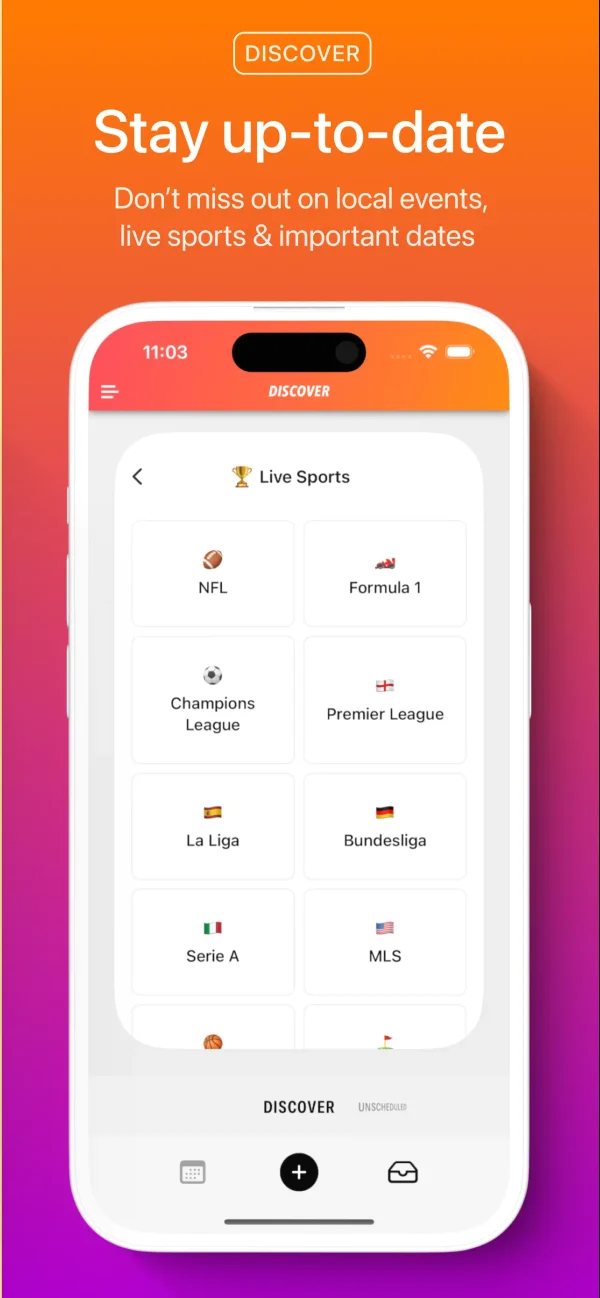
Discover — External calendars ensure you stay up-to-date and don’t ever miss out on local events, live sports & important dates.
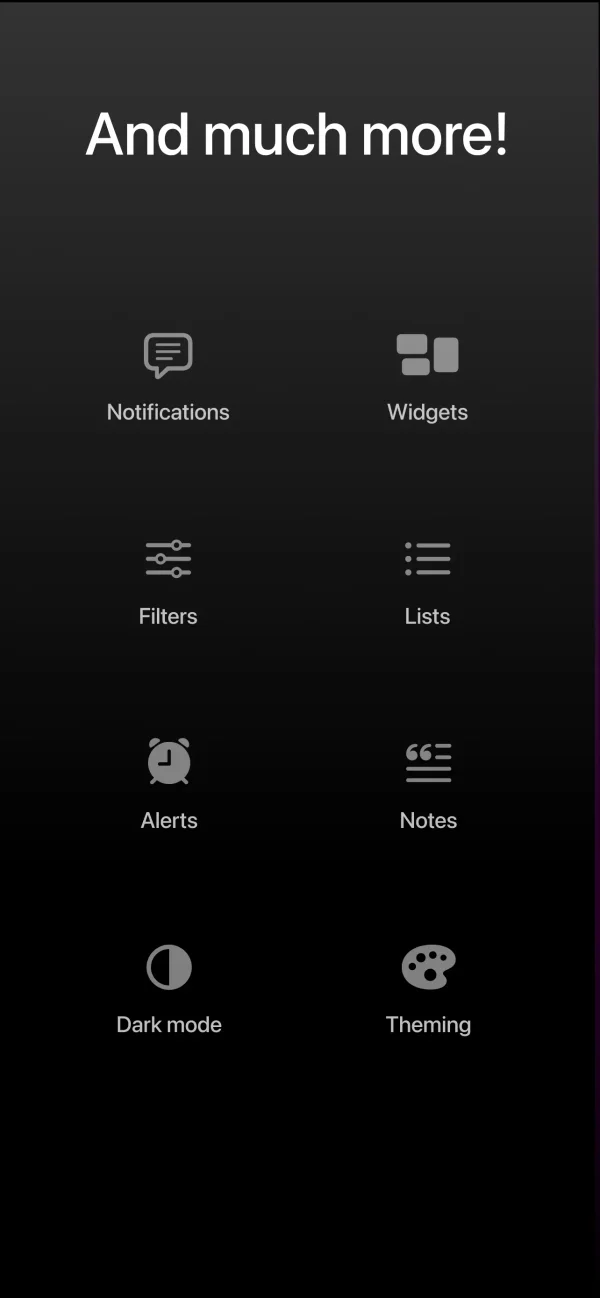
And so much more! Note-taking, time blocking, gap management, widgets, notifications, alerts, dark mode, theming etc.
Notes:
In order to gain access to timing’s full feature set, you will need to upgrade to its Everything plan. This is available as a lifetime purchase or monthly/annual subscription. A lifetime purchase gives you access to everything for forever in return for a one-time payment.
The subscription plans come with a free 7-day trial. If you cancel the subscription within the trial period, you will not be charged. If you decide to proceed with a subscription beyond the trial, please note subscriptions will then automatically renew unless cancelled within 24 hours before the end of the current period. You can turn off auto-renewals at any time by going to your Account Settings on the App Store after a purchase.
All payments will be charged to your Apple ID account at the confirmation of purchase. To be clear, for the lifetime purchase, this occurs immediately, whereas for subscriptions, this will occur once the free trial period is complete.
What’s new
Version 1.1.10 · Dec 16, 2024
* Removed Discover tab in Inbox due to extremely low usage.
App privacy
What Bardia Golriz declares on the App Store about how this app handles data.
-
Data not linked to you
May be collected but is not linked to your identity.
- Purchases
- Location
- Identifiers
- Usage data
- Diagnostics
Privacy practices may vary, for example with the features you use or your age.
Information
- Seller
- Bardia Golriz
- Category
- Productivity
- Version
- 1.1.10
- Updated
- Dec 16, 2024
- Released
- Jan 15, 2023
- Size
- 49.8 MB
- Requires
- iOS 17.0 or later
- Age rating
- 4+
- Price
- Free
- In-app purchases
- Yes
- Languages
- English
- Copyright
- © Mindful Productivity Company
You might also like
-
 Day Planner – Daily ScheduleStay focused. Build routines
-
 Execute: Daily PlannerSchedule, prioritize, focus
-
 Thought Path: Quick NotesRemember ideas, tasks, notes
-
 Daypiece AI Daily PlannerSchedule, Calendar, To-Do List
-
 Ease PlannerDaily Planner
-
 Short Circuit: AI AssistantArtificial Intelligence Chat
-
 Firstly: To-Do List & PlannerPrioritize Tasks & Reminders
-
 Thrivo - Daily PlannerTasks, Calendar & Routines
-
 Task Kitchen: Timebox & To-DoTimeboxing, Todo & day planner
-
 Whendy Fast Time PlannerQuick plans to be on time