Timing - Grid Time Tracker
Designed for iPhone, iPod touch
Free · In-app purchases
- Age rating4+
- CategoryProductivity
- Developer(주)날다
- LanguagesEnglish+ 3 more
- Size47.7 MB
Links to the official App Store page
Download.org hosts no file of Timing - Grid Time Tracker. The button opens its official App Store page, published by (주)날다. Listing last checked on Nov 17, 2026.
Screenshots
About
"I've clearly been busy, but when I look back, there's nothing to show for it."
"I don't know how time passes — I just drift through the day."
"I reply to a message and end up on social media for an hour... I keep putting things off."
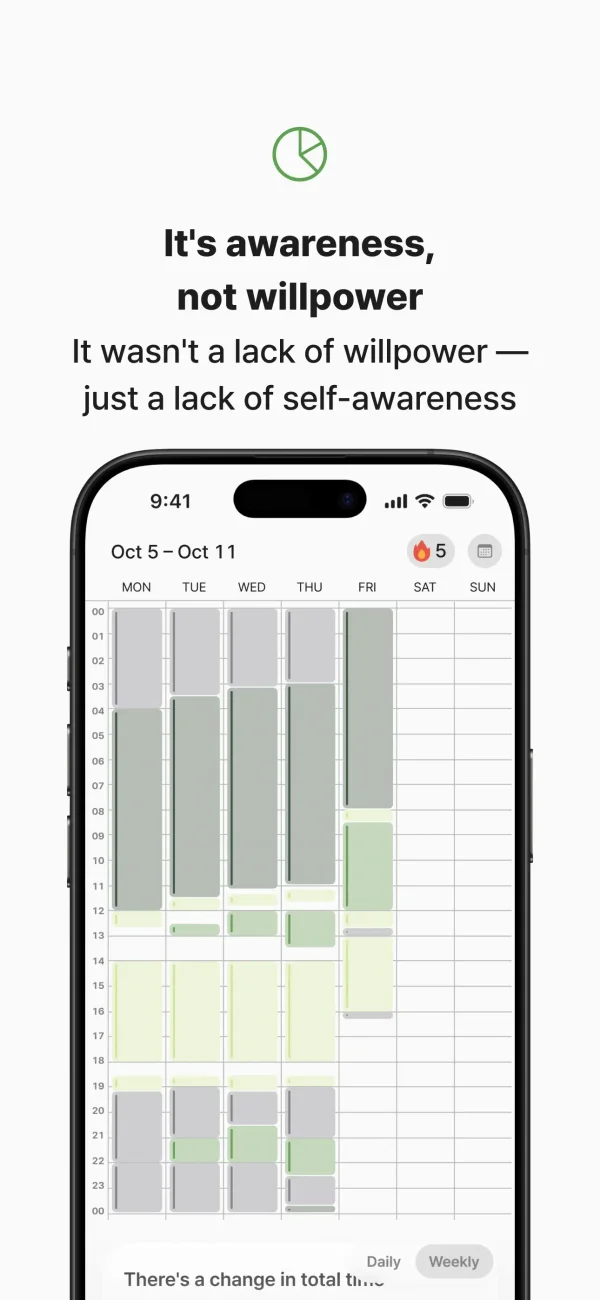
There's only one reason time management is hard: you can't see it!
Track where and how much time you spend, and reflect on your day.
You'll start to see the wasted time you never noticed, how often you switch tasks, and your unconscious behavioral patterns.
Timing is based on MBI (Mindfulness-Based Intervention) theory,
focusing on paying attention to the present moment and observing your habits without judgment.
Instead of forceful screen blocking or group features that create exhausting competition,
we designed a healthy, objective way to review your day.
It’s all about 'reclaiming your time agency' — spending your time exactly where and how you want.
From a day driven by time, to a day driven by you — that's Timing!
■ Effortless Tracking
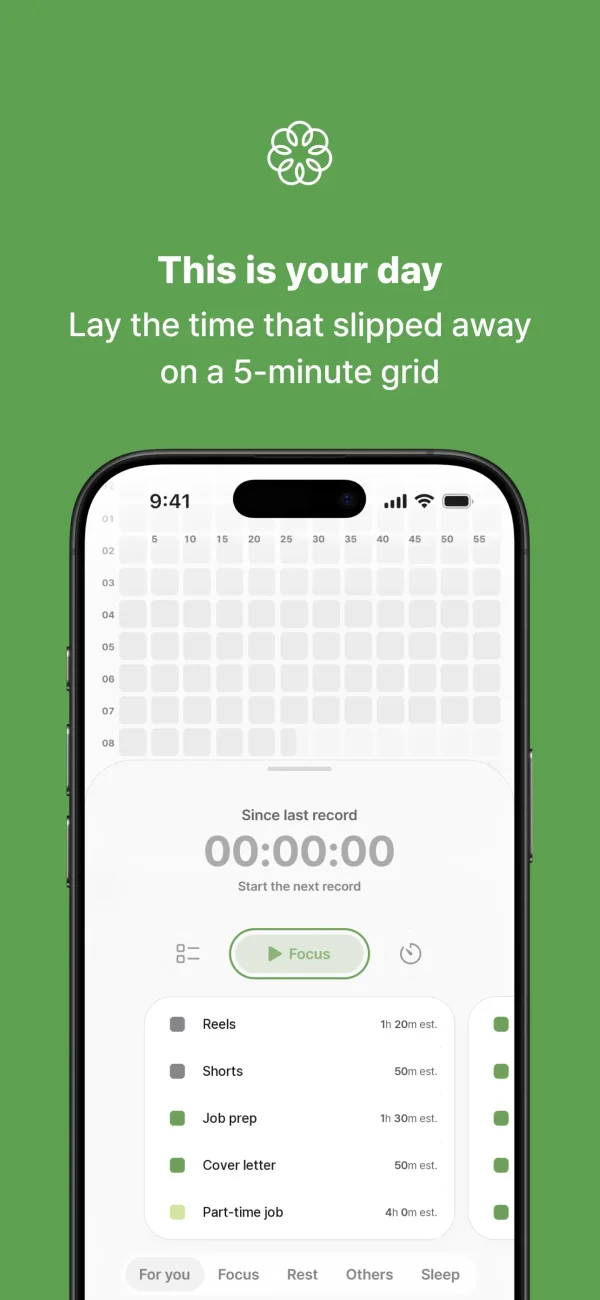
-Start and stop your timer with a single tap.
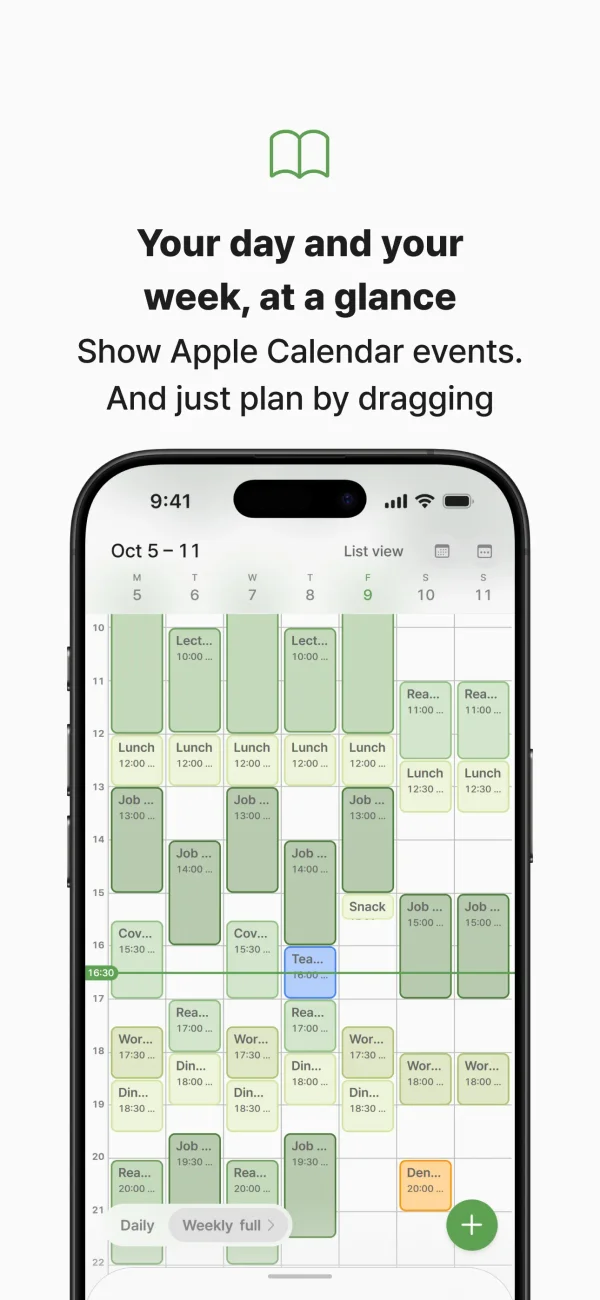
-Easily add, edit, and delete records directly on the grid.
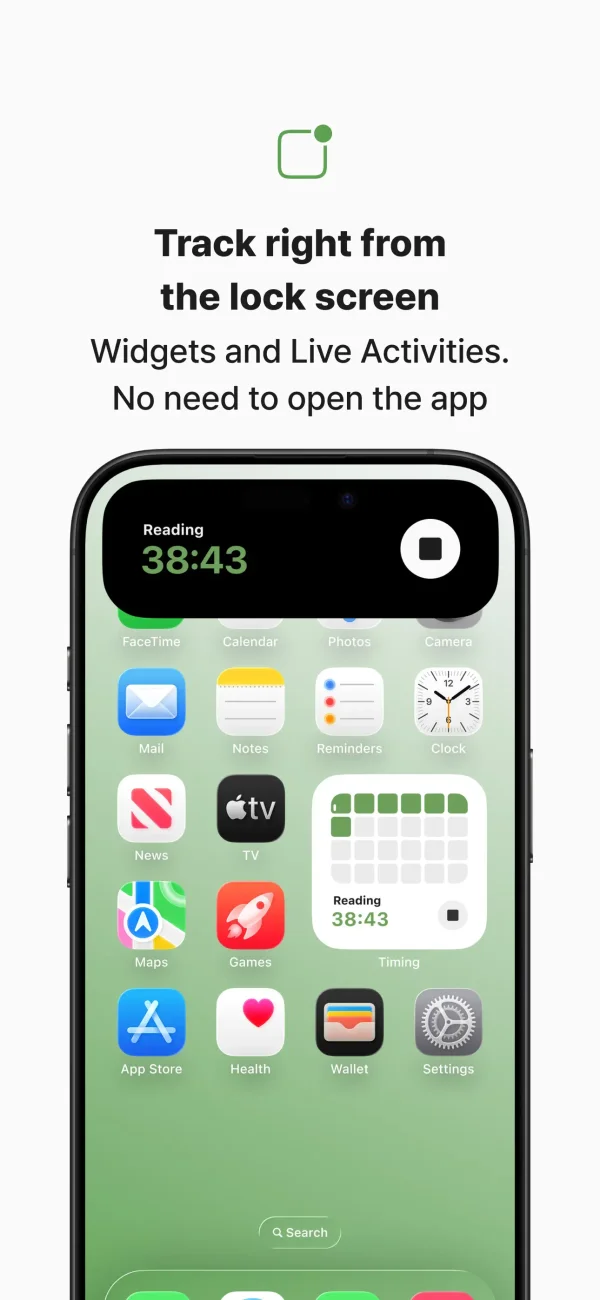
■ Live Activity
-Record faster right from your lock screen.
-Check your tracked time without even opening the app.
■ Home Screen Widgets
-Add Timing's widget to your home screen!
-Check your time and start recording directly through the widget.
■ Unlimited Presets
-Save your frequently used activities as presets across 3 categories (Focus · Rest · Other).
-Start tracking instantly from the home screen using your saved presets.
-No limits on presets — customize Timing to fit your exact lifestyle!
■ Daily & Weekly Insights
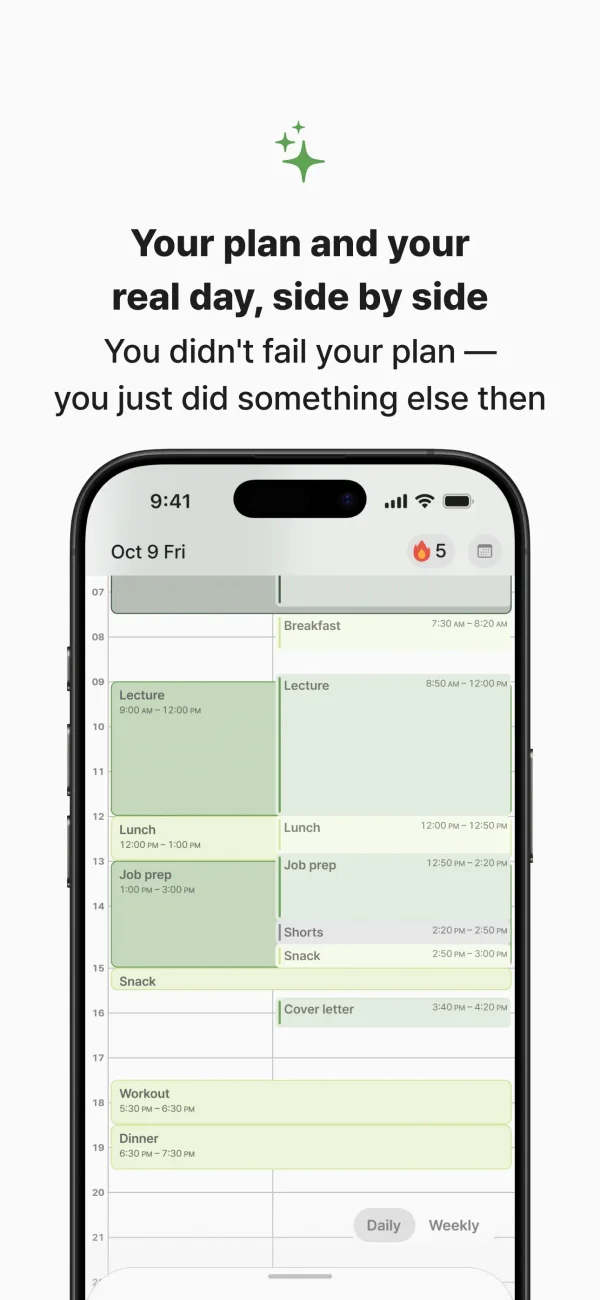
-Timeline view intuitively split into AM and PM.
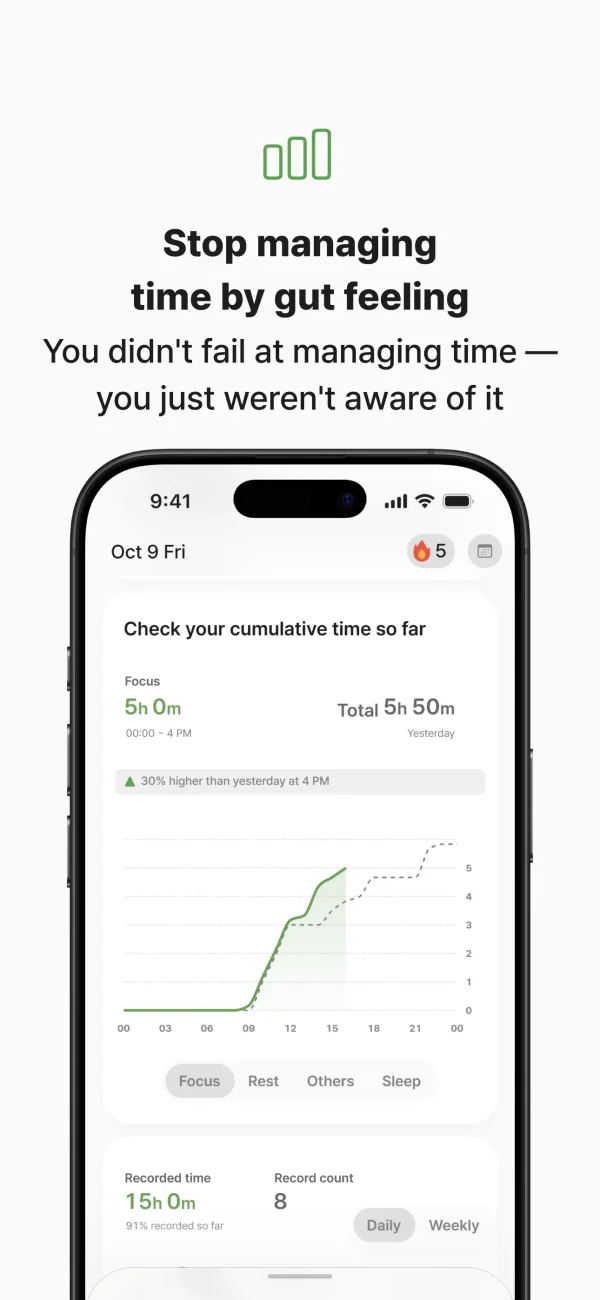
-Cumulative time spent per activity by time slot.
-Percentage breakdowns by category and individual activities.
-Focus-rest balance analysis.
-Weekly heatmaps and time distribution charts by day of the week.
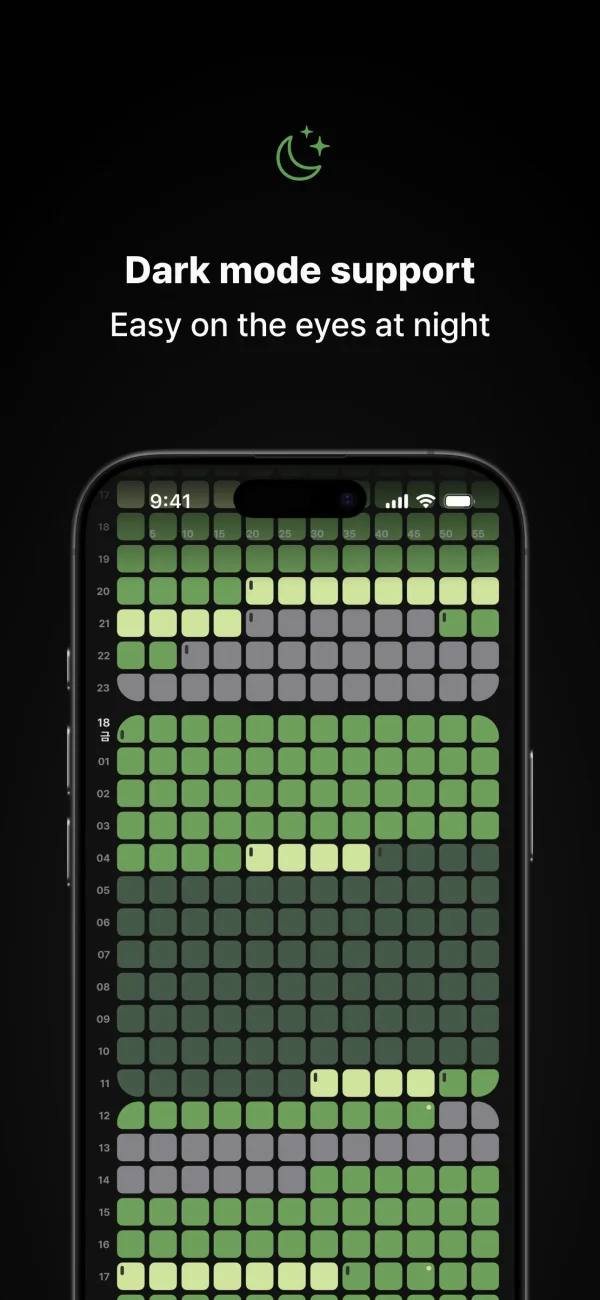
■ Beautiful, Easy-on-the-Eyes Grid
-Visualize your day with a grid featuring 5 minutes per cell and 1 hour per row.
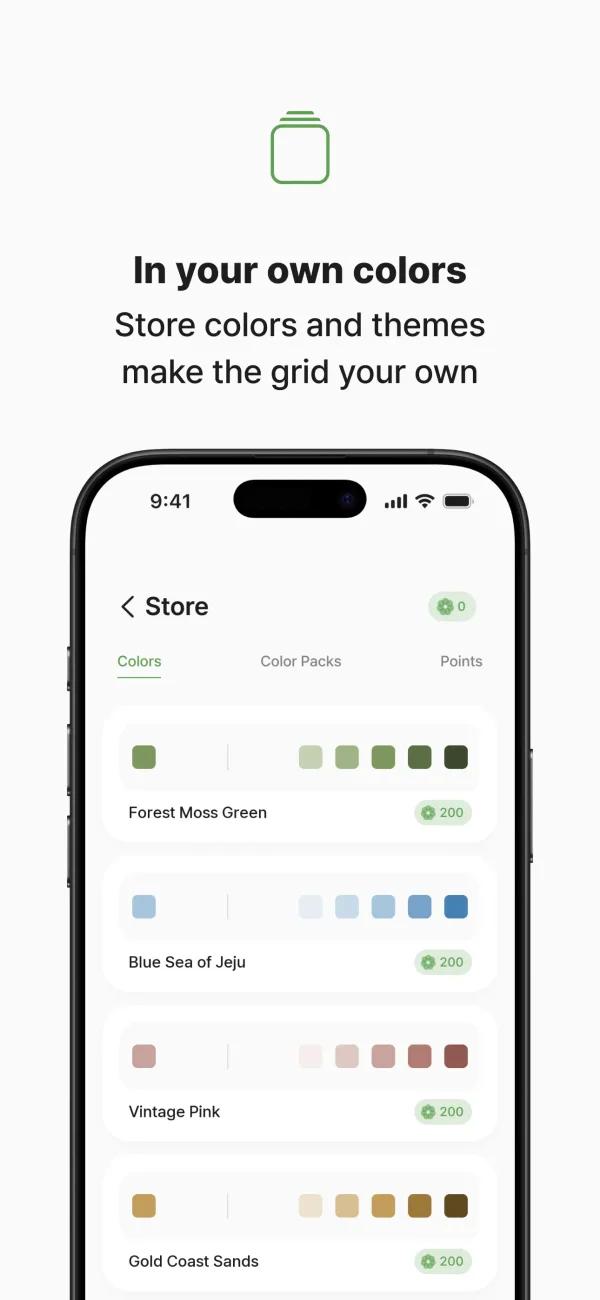
-A touch of green — the most restful color — adds a stylish flair to your desk setup and daily records!
■ Streak Tracking
-Keep your momentum going and break your longest streak record every day!
Terms of Use (EULA): https://www.apple.com/legal/internet-services/itunes/dev/stdeula/
Privacy Policy: https://timing.nalda.co/privacy-policy
What’s new
Version 5.1.4 · Nov 11, 2026
• Bug fixes and performance improvements
App privacy
What (주)날다 declares on the App Store about how this app handles data.
-
Data not linked to you
May be collected but is not linked to your identity.
- Contact info
- User content
- Usage data
Privacy practices may vary, for example with the features you use or your age.
Information
- Seller
- Nalda Co., Ltd.
- Category
- Productivity
- Version
- 5.1.4
- Updated
- Nov 11, 2026
- Released
- Jun 1, 2025
- Size
- 47.7 MB
- Requires
- iOS 15.6 or later
- Age rating
- 4+
- Price
- Free
- In-app purchases
- Yes
- Languages
- English, Japanese, Korean, Spanish
- Copyright
- © 2025 날다 팀
You might also like
-
 LiveNote - LockScreen Memo AppLock Screen Notes & Reminders
-
 MiniMoreMaxMake habits fit your life.
-
 Trace: Personal Schedule AI OSTalk: it plans & even searches
-
 AnySchedule - Shared CalendarPlanner, To-Do & Habit Tracker
-
 Eisenhower Matrix: Todo & Tasktodo, task, Eisenhower Matrix
-
 DailyHackYear Calendar, Habit Tracker
-
 Taska: To-Do List & PlannerEisenhower Matrix, Focus Timer
-
 NoteCircle: To-Do ListWeekly Planner,Habit,Checklist
-
 MyRoutine: Organize your dayBuilt around your real life
-
 GoodTask: To Do List & PlannerReminders, Calendar & Projects