
Timo Focus: Productive Time
App Blocker & Screen Control
Designed for iPhone
Free · In-app purchases
- Age rating4+
- CategoryProductivity
- DeveloperLucas Pereira
- LanguagesEnglish
- Size21.7 MB
Links to the official App Store page
Download.org hosts no file of Timo Focus: Productive Time. The button opens its official App Store page, published by Lucas Pereira. Listing last checked on Nov 18, 2026.
Screenshots
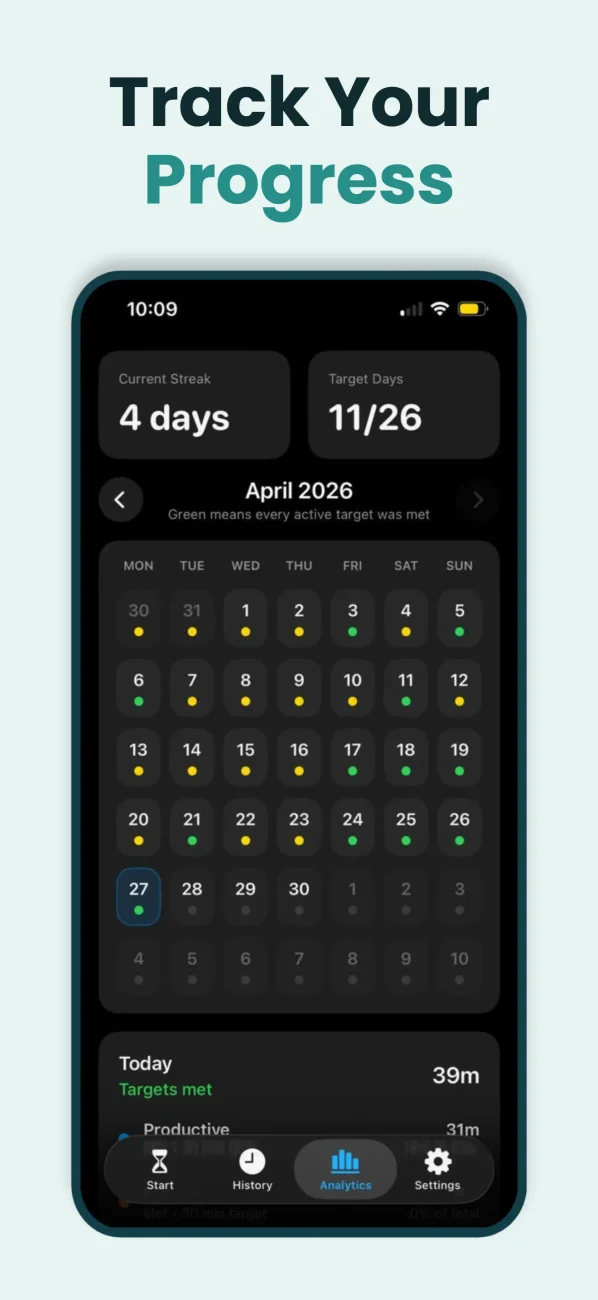
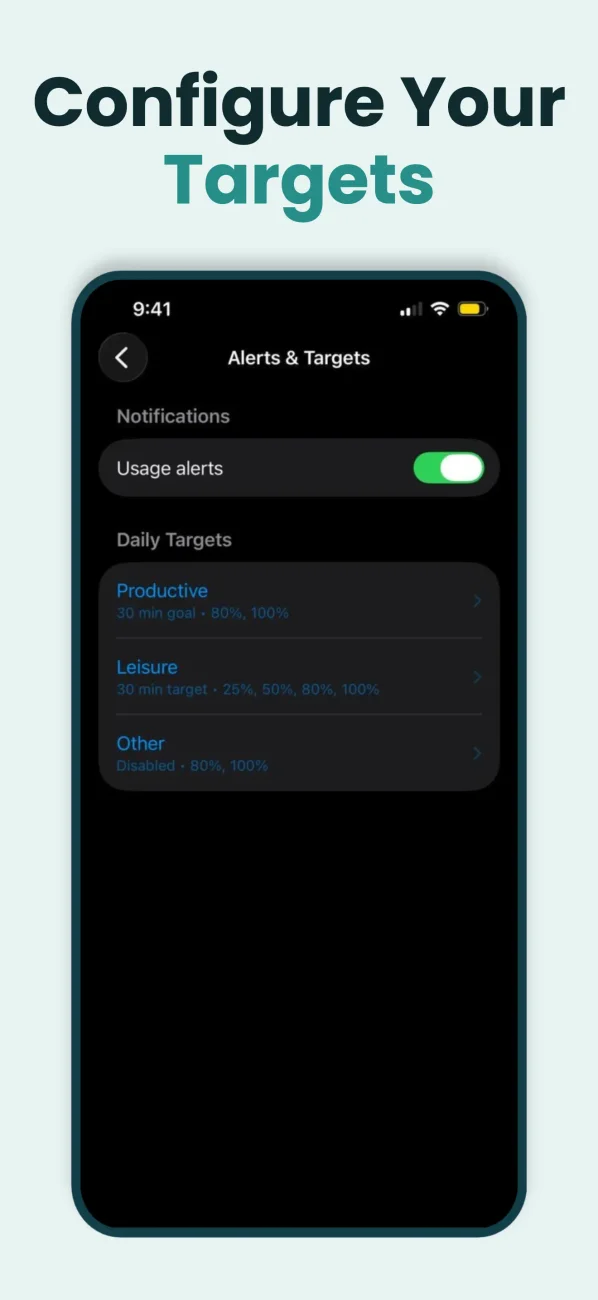
About
Make your screen time more intentional with Timo Focus, an app blocker, focus timer, and screen control tool designed to help you use your phone with purpose.
Not all screen time is equal. Reading is different from scrolling. Planning is different from procrastinating. Messaging a friend is different from falling into a feed.
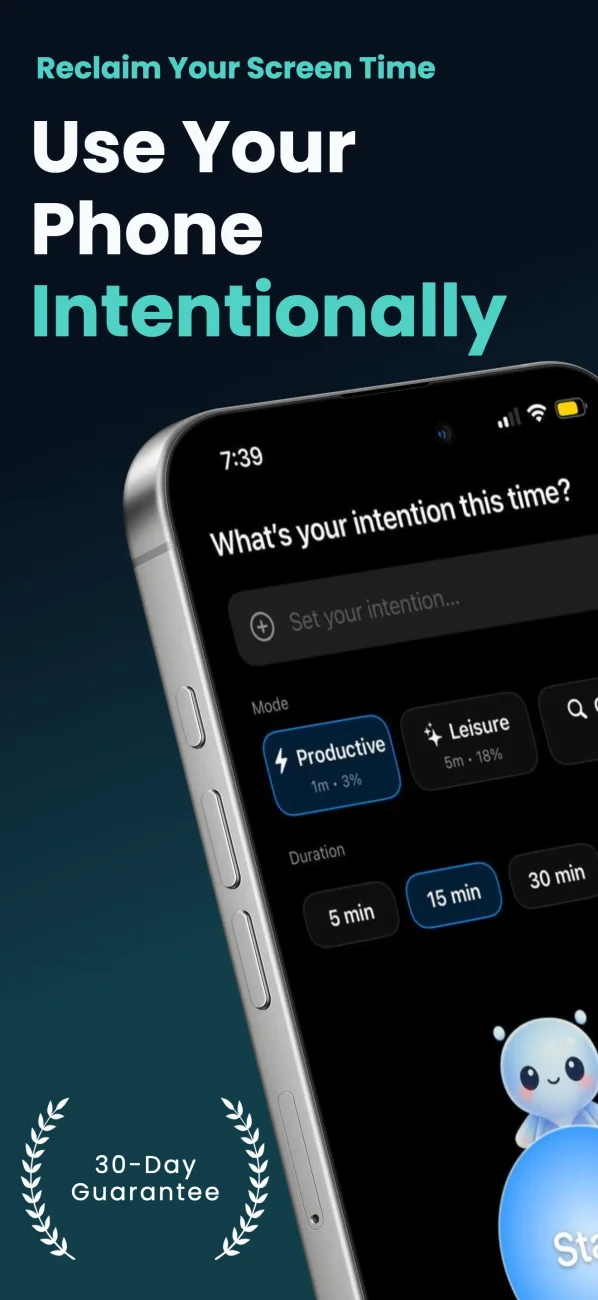
Timo helps you make that distinction before selected apps open. Choose what you want to do, decide how long you need, and return to locked mode automatically when your session ends.
HOW TIMO WORKS
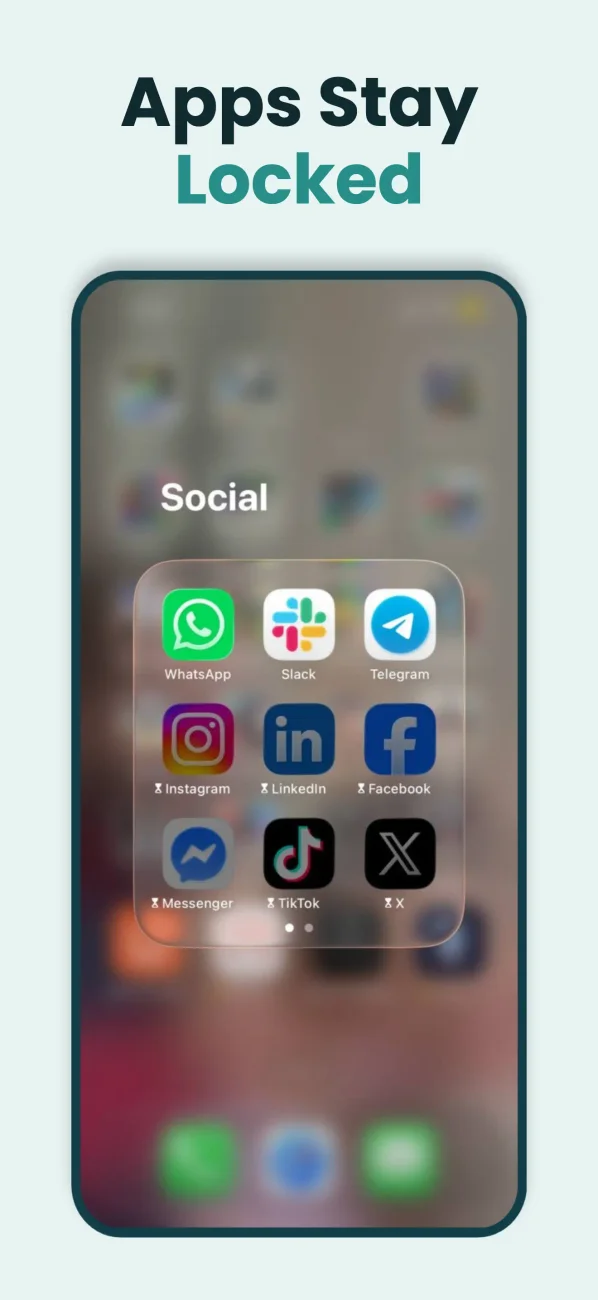
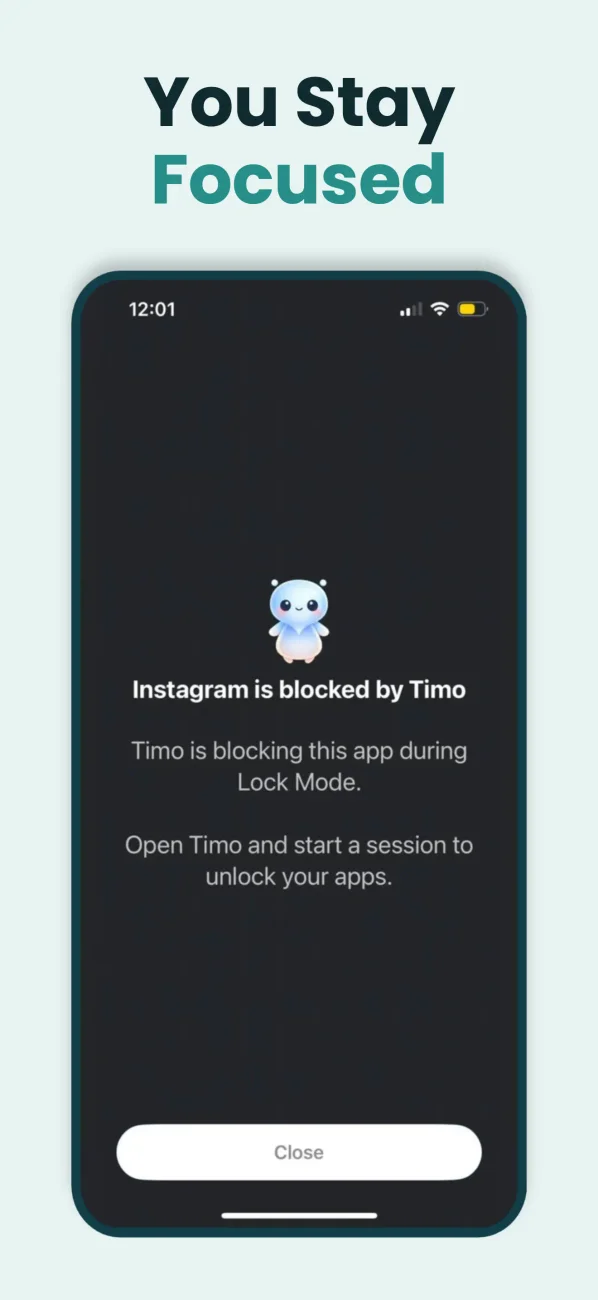
• Block distracting apps and websites
Keep selected apps and websites locked by default, with a simple intentional step before access.
• Keep essential apps available
Create exceptions for messages, navigation, utilities, and anything else you want ready when you need it.
• Start focused sessions
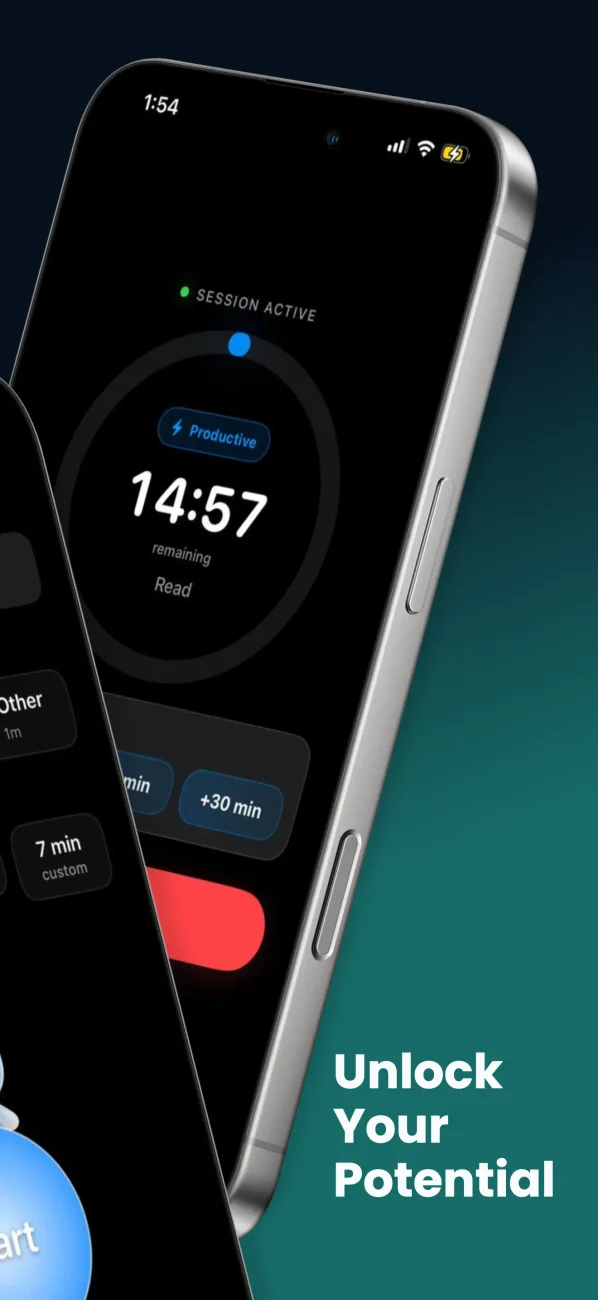
Choose a purpose, set a timer, and write why you are opening your phone.
• Launch routines with Quick Actions
Save your favourite purpose, intention, and duration as a one-tap routine, then start a session instantly.
• Return to locked mode automatically
When your session ends, Timo restores your selected app and website restrictions without relying on willpower.
• Track screen time with context
Review sessions by category, follow your streak, and see how your phone habits change across days and months.
• Set goals, limits, and alerts
Make more room for the activities you value, reduce unwanted scrolling, and stay aware of your usage.
BUILT FOR REAL LIFE
Timo does not treat all screen time as bad. A long call, a good book, navigation, creative work, or planning your day can all be time well spent.
The goal is not simply a lower Screen Time number. It is better screen control and phone use that matches what you intended to do.
TIMO PRO
Timo's app blocker, focus sessions, Quick Actions, goals, limits, and progress features require a paid Pro subscription. Pricing, billing periods, and any available offers are shown before purchase. Subscriptions renew automatically unless cancelled and can be managed through your Apple ID settings.
TERMS, PRIVACY, AND SUPPORT
Terms: https://timofocus.com/terms
Privacy: https://timofocus.com/privacy
EULA: https://www.apple.com/legal/internet-services/itunes/dev/stdeula/
Support: support@timofocus.com
What’s new
Version 1.0.5 · Aug 30, 2026
- Save your favorite routines with Quick Actions and start them in one tap with Timo Pro.
- Set Daily Targets and choose a custom session length with Timo Pro.
- Choose when you receive your session wrap-up reminder, from 5 to 60 seconds before the end.
- Improved account syncing so your Session History, Quick Actions, targets, and preferences restore more reliably.
- Refined Analytics and improved layouts throughout the app.
App privacy
What Lucas Pereira declares on the App Store about how this app handles data.
-
Data not collected
The developer does not collect any data from this app.
Privacy practices may vary, for example with the features you use or your age.
Information
- Seller
- Lucas Pereira
- Category
- Productivity
- Version
- 1.0.5
- Updated
- Aug 30, 2026
- Released
- May 23, 2026
- Size
- 21.7 MB
- Requires
- iOS 17.0 or later
- Age rating
- 4+
- Price
- Free
- In-app purchases
- Yes
- Languages
- English
- Copyright
- © Lucas Weynars da Costa Salles Pereira
You might also like
-
 WhyOpen: Screen TimeApp Blocker & Focus Timer
-
 Peakline AI - Level Up DailyAI Coach & Elite Routines
-
 EyeJolt: Nod-Off Alert & NudgeWrist tap when you nod off
-
 Brindle: ADHD Brain DumpSmall steps, focus & reminders
-
 Intentional - Earn Screen TimeBlock Apps. Argue to Unlock.
-
 Murova: Focus TimerPomodoro, breaks & deep work
-
 Routine Timer: Repeat ReminderInterval timer & reminders
-
 Procrastination Insult TimerTime is running. You're not.
-
 Timefall: Visual ADHD TimerPhysics pomodoro & study focus
-
 Intention: Screen Time ControlApp Blocker, Limit Screen Time