- Age rating4+
- CategoryLifestyle
- DeveloperChristian Pedersen
- LanguagesEnglish
- Size11.6 MB
Links to the official App Store page
Download.org hosts no file of TinkerRocket App. The button opens its official App Store page, published by Christian Pedersen. Listing last checked on Nov 22, 2026.
Screenshots
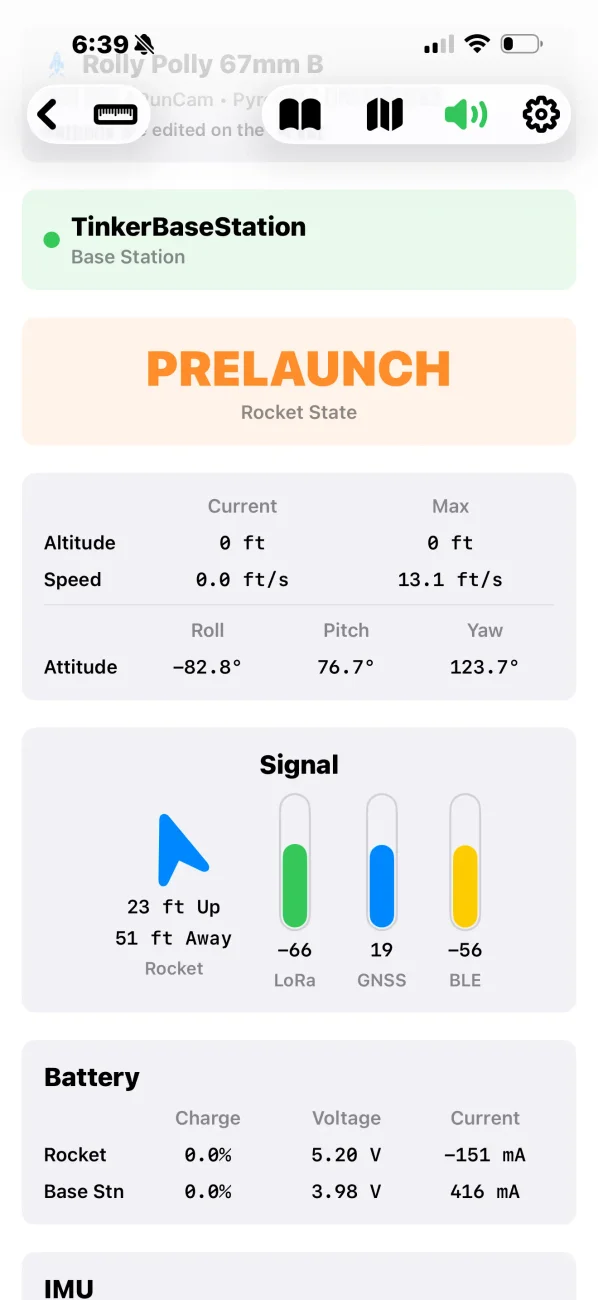
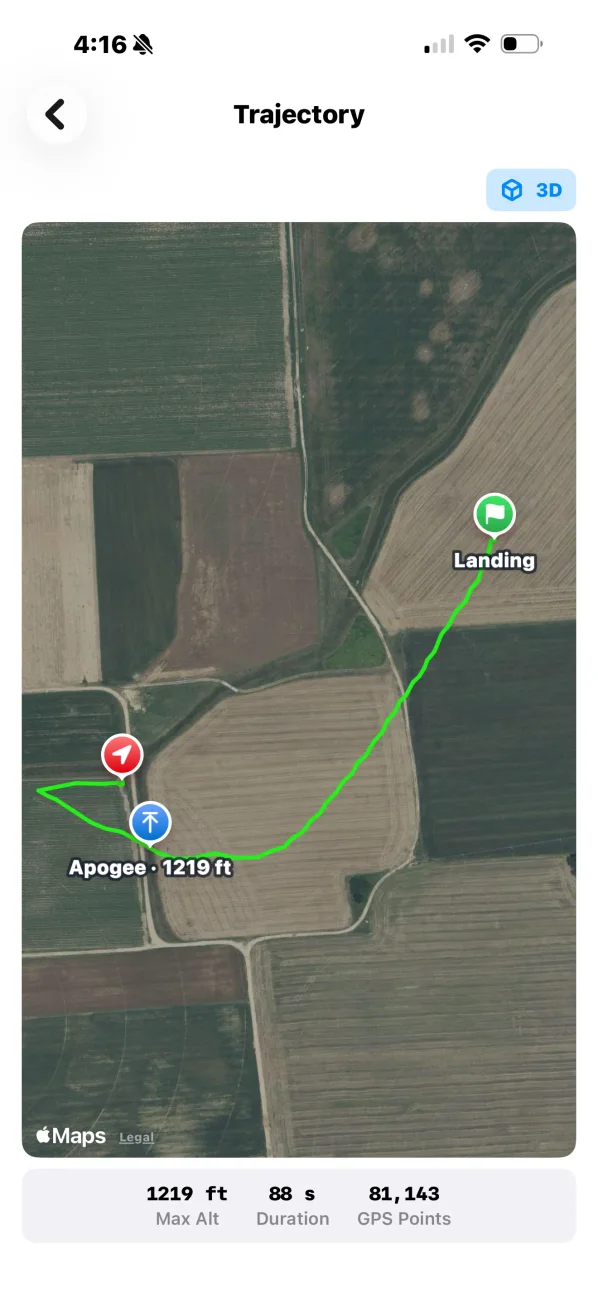
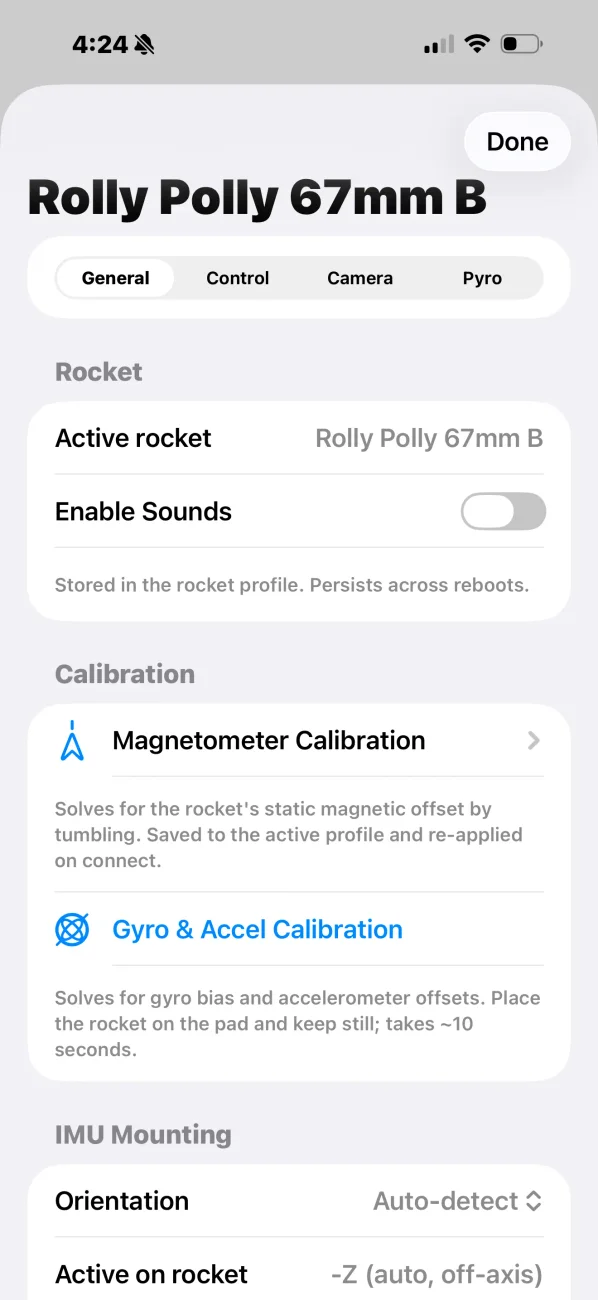

About
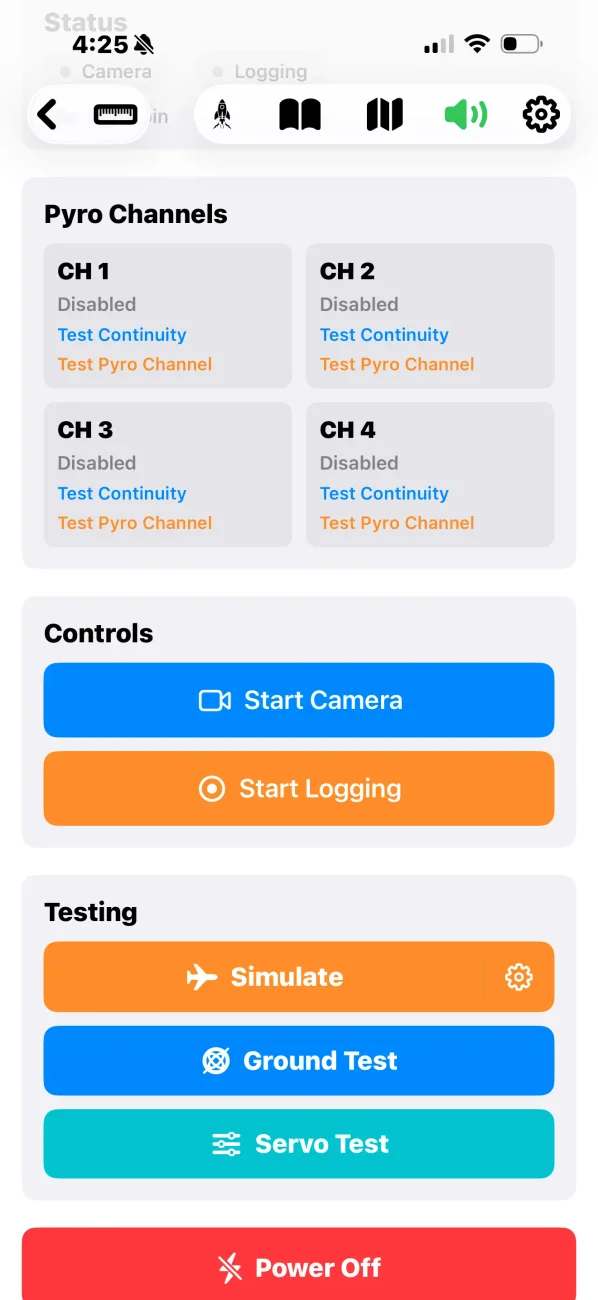
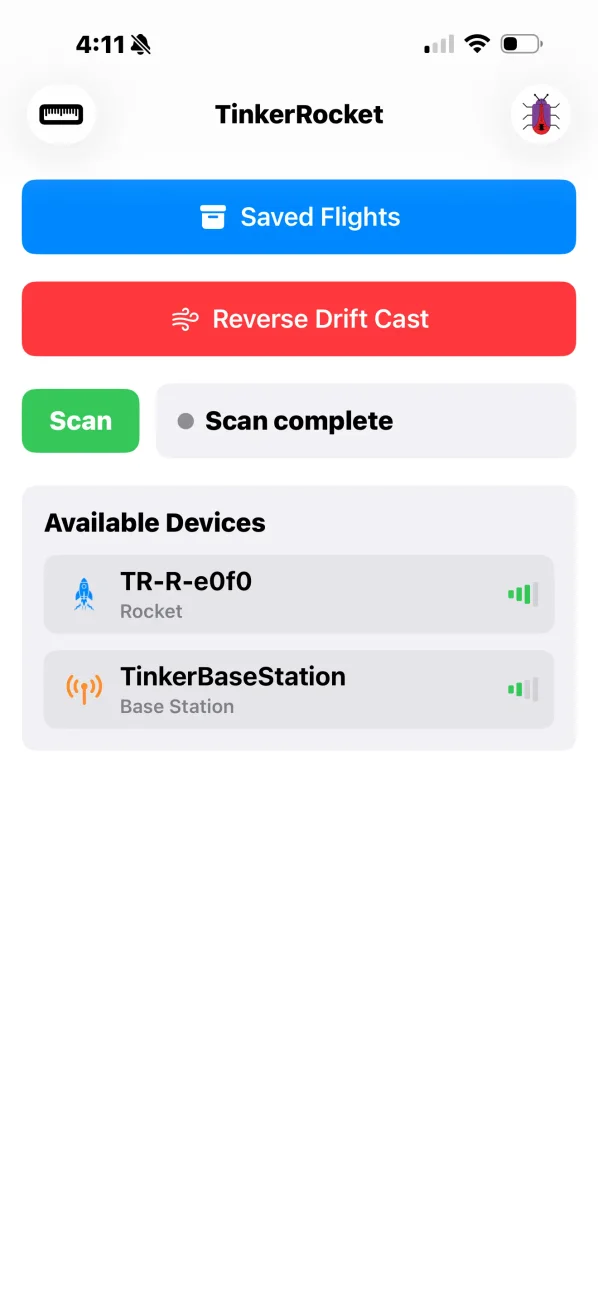
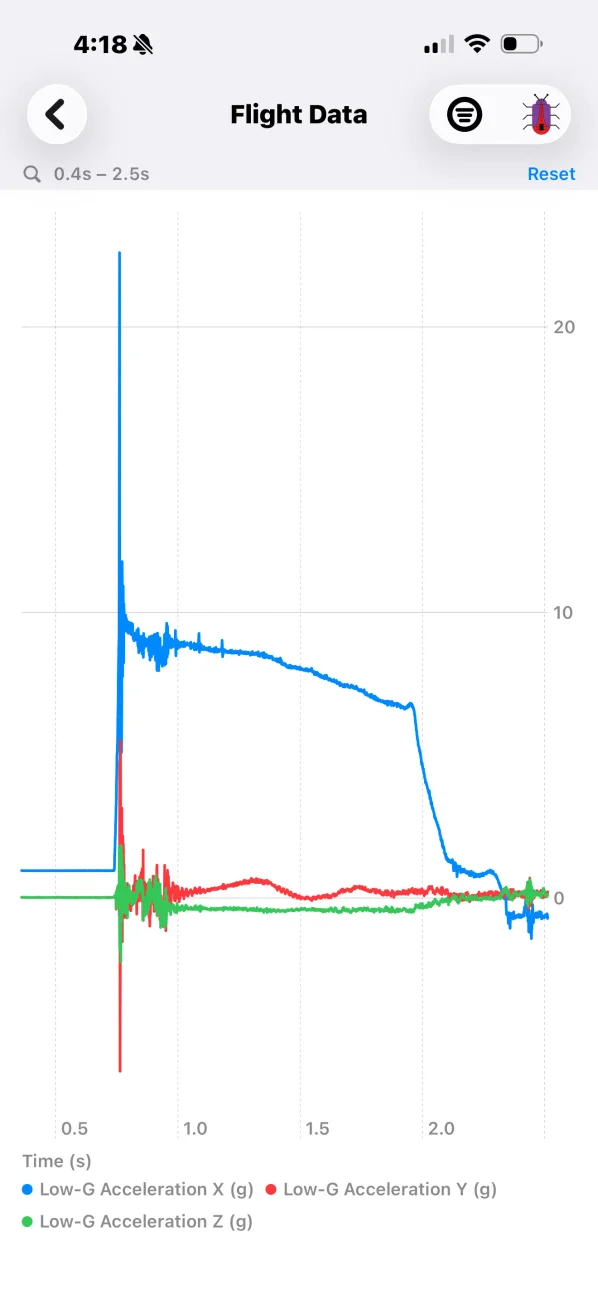
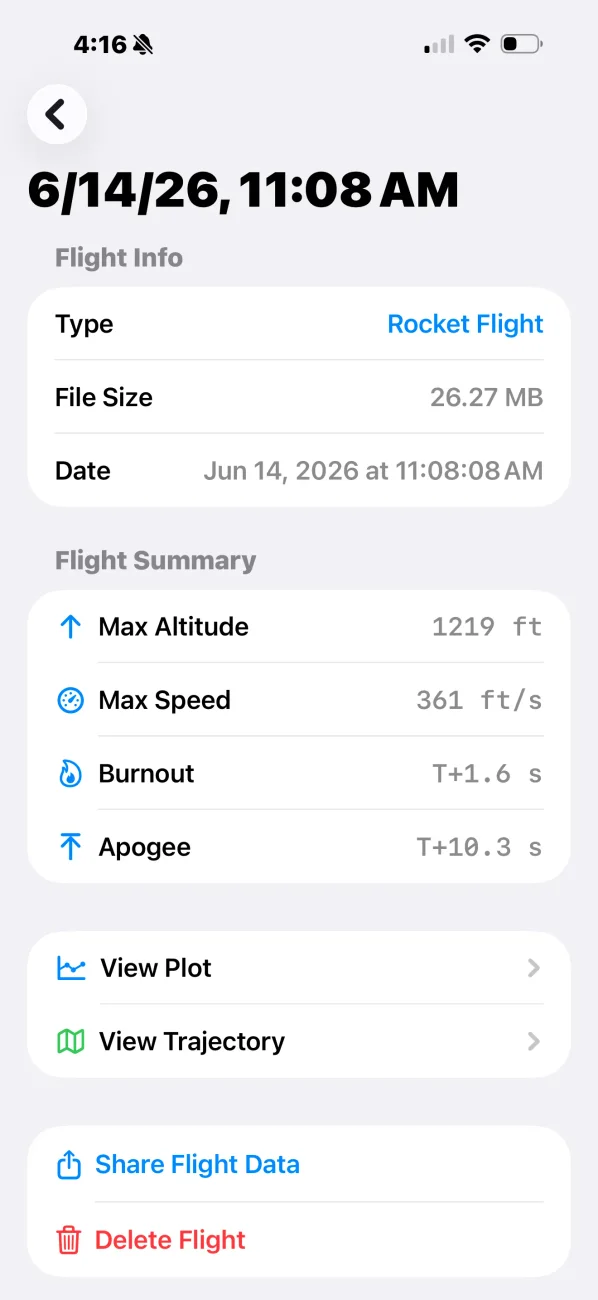
Full featured open source rocket flight computer companion app. This app is the companion to the TinkerRocket flight computer and base station for control, settings, tracking, and data viewing. TinkerRocket is a high data rate (1,000 Hz) flight computer with four pyro channels that also fuses GNSS data for accurate flight data, control, and tracking. The app provides real-time and historical views of the GNSS trajectory for finding your rocket and analyzing your flight data right in the app. After a flight, bring up the map, even preload map data if you don't have connection at the launch site (US only), or follow the arrow to your rocket's location. If you lose connection with your rocket on the way down the app will show an estimated position based on winds aloft.
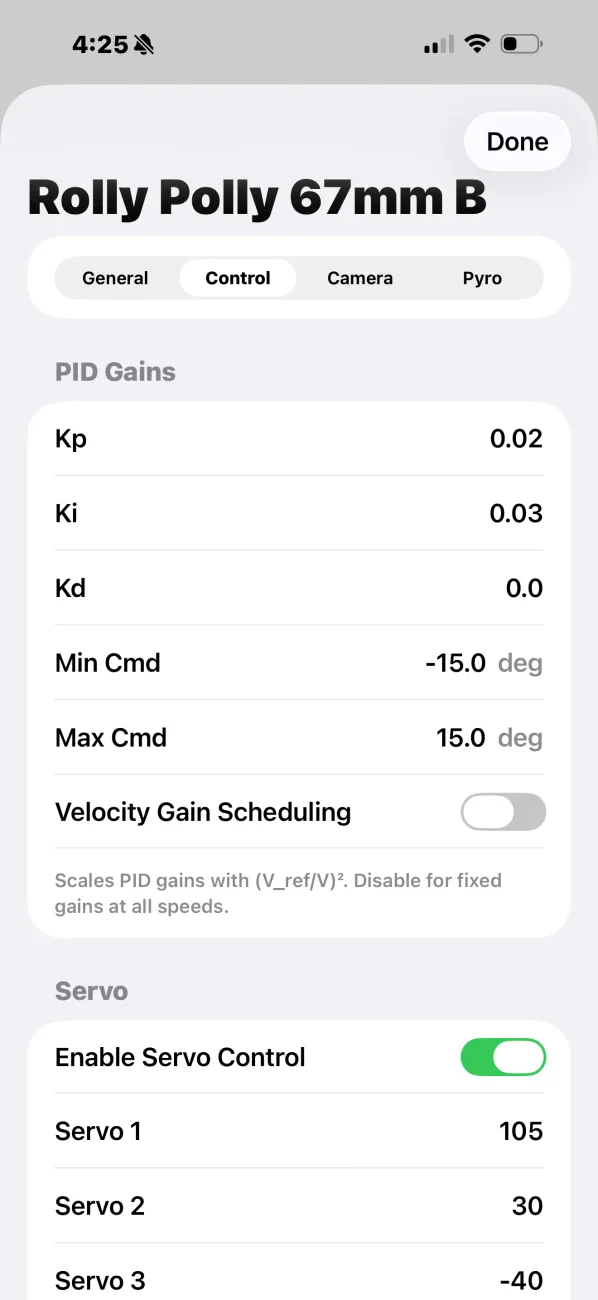
The computer includes a built in 'WiFi', actually BLE, switch so you can avoid awkward screw switches at the pad and power up your rocket using the app. Prior to powering up the unit uses only ~10 mA of power; allowing hours to days of time between plugging in the computer and powering up at the pad. Store 50+ flights on the flight computer and save any number to view in the app later. Control an on board camera (RunCam Split 4 or 'naked' GoPro) for on board shots with a dedicated camera output and app control, including starting recording over the LoRa radio. Modular GNSS and LoRa radio sub-boards for flexibility to include different GNSS receivers and LoRa radios. Roll control via 1 to 4 servos to stabilize your rocket in flight. Further 'tinker' using the 12 power stabilized GPIO channels to control additional servos or read data from external sensors.
The app and your phone serve as the display and control unit enabling full display and control functions at low cost. Use your phone to read out key trajectory data during flight using the voice feature.
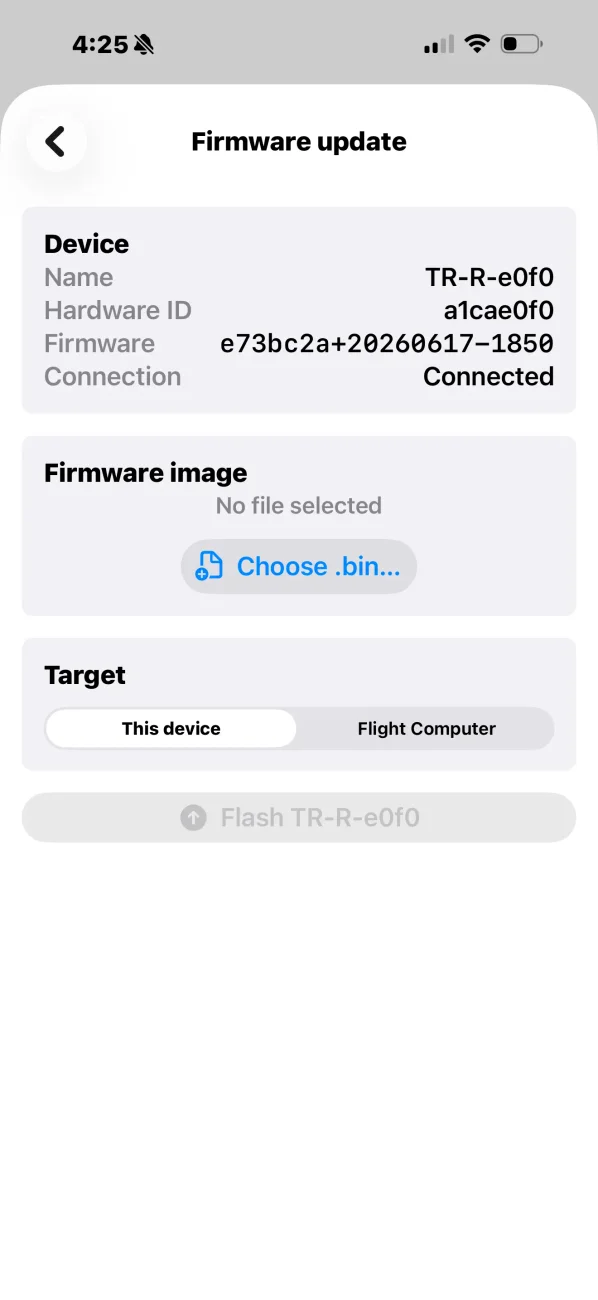
Update both flight computer microcontrollers and the base station using robust over the air updates to easily integrate new features, or dig in to the open source code and make updates to all boards using the ESP-IDF via a USB-C connection to each device. The TinkerRocket board features a single USB-C connector that is switched via a simple slide switch to reach both microcontrollers.
App privacy
What Christian Pedersen declares on the App Store about how this app handles data.
-
Data not linked to you
May be collected but is not linked to your identity.
- Location
Privacy practices may vary, for example with the features you use or your age.
Information
- Seller
- Christian Pedersen
- Category
- Lifestyle
- Version
- 1.0
- Updated
- Jul 12, 2026
- Released
- Jul 12, 2026
- Size
- 11.6 MB
- Requires
- iOS 16.0 or later
- Age rating
- 4+
- Price
- Free
- Languages
- English
- Copyright
- © Tinkerbug Robotics