
Tiny Space - Free Up Storage
Gallery Clean Delete Duplicate
Designed for iPhone, iPad
Free · In-app purchases
- Age rating4+
- CategoryUtilities
- DeveloperHypecent
- LanguagesEnglish+ 12 more
- Size23.9 MB
Links to the official App Store page
Download.org hosts no file of Tiny Space - Free Up Storage. The button opens its official App Store page, published by Hypecent. Listing last checked on Nov 17, 2026.
Screenshots

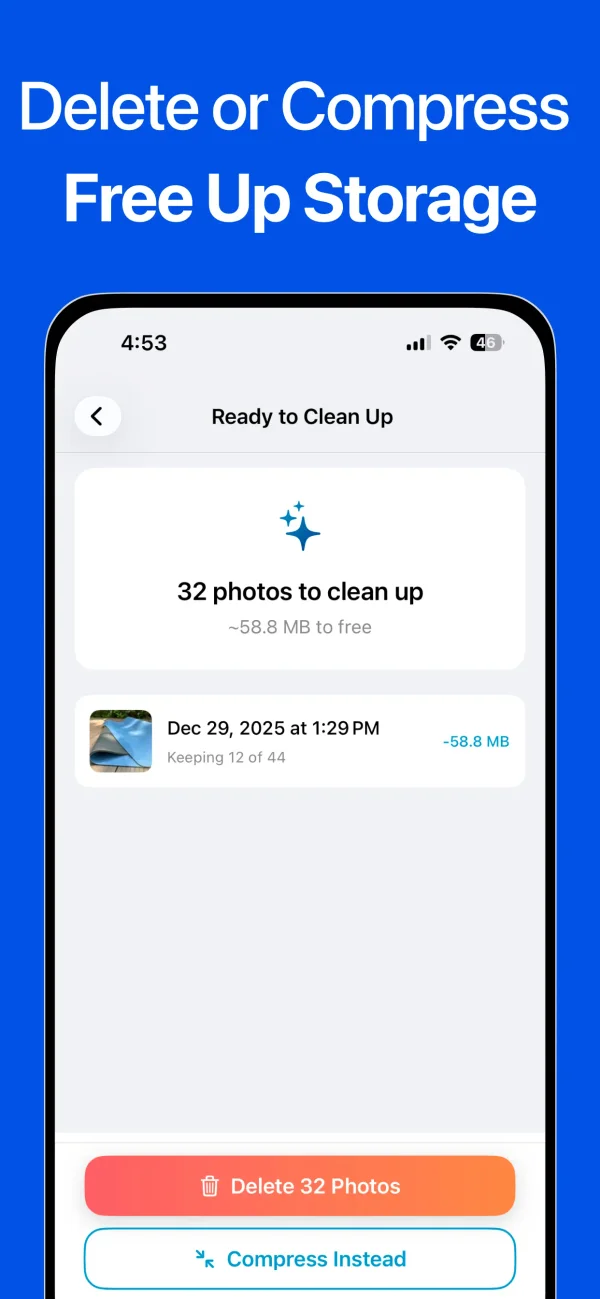
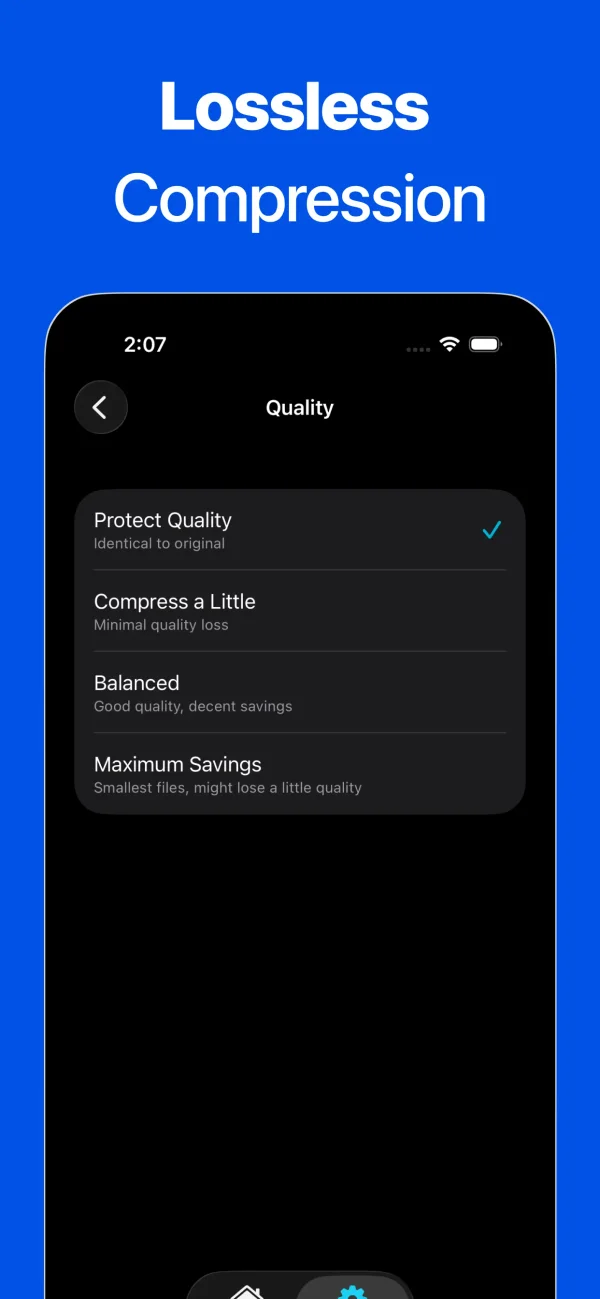
About
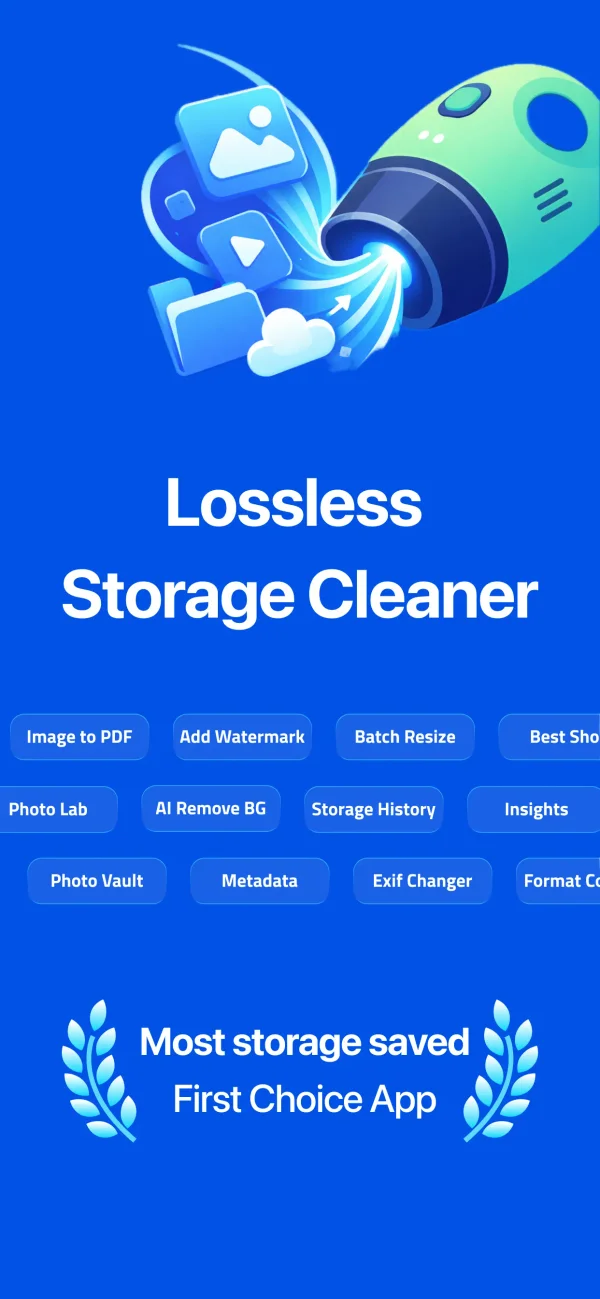
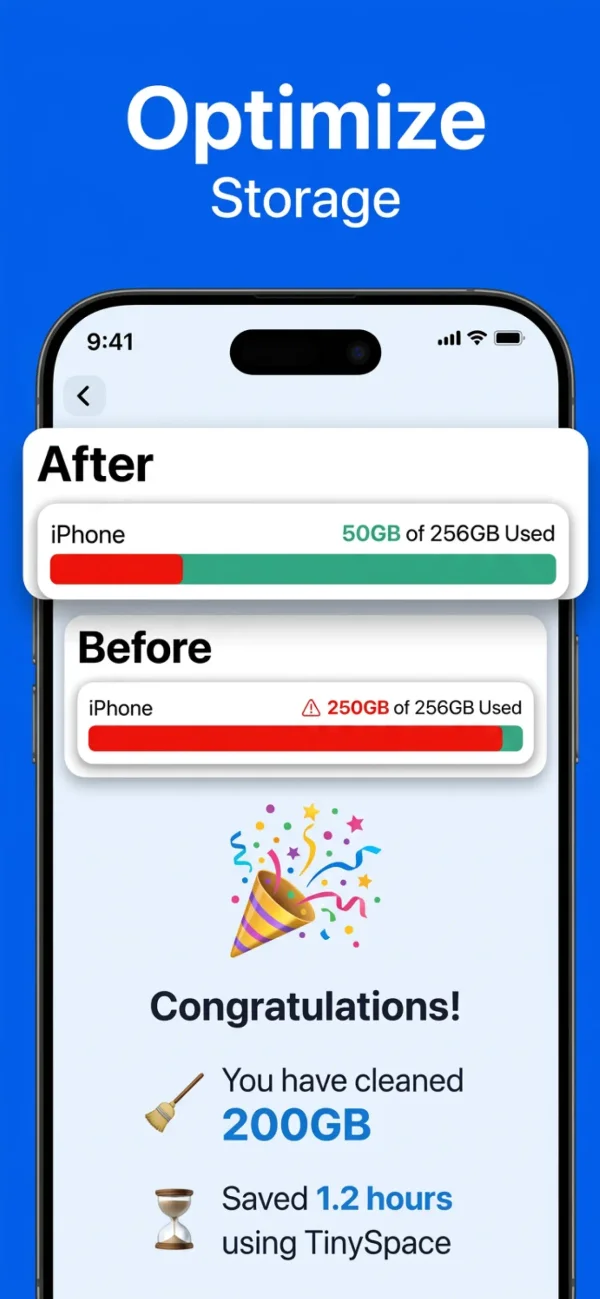
Running out of iPhone storage? TinySpace makes it easy to free up space by compressing photos and videos without deleting your moments. No cloud uploads — everything happens right on your device.
TinySpace scans your photo library and shows you exactly how much space you can save. With a few taps, shrink your photos and videos to take up less storage while keeping them looking great.
HOW TINYSPACE FREES UP YOUR iPHONE STORAGE?
Compress Photos and Videos
Shrink photos and videos so they use less space. Pick the level that works for you. Gentle keeps things looking almost the same. Balanced gives good quality with bigger savings. Maximum squeezes out the most space. Originals are replaced only after smaller versions are safely saved.
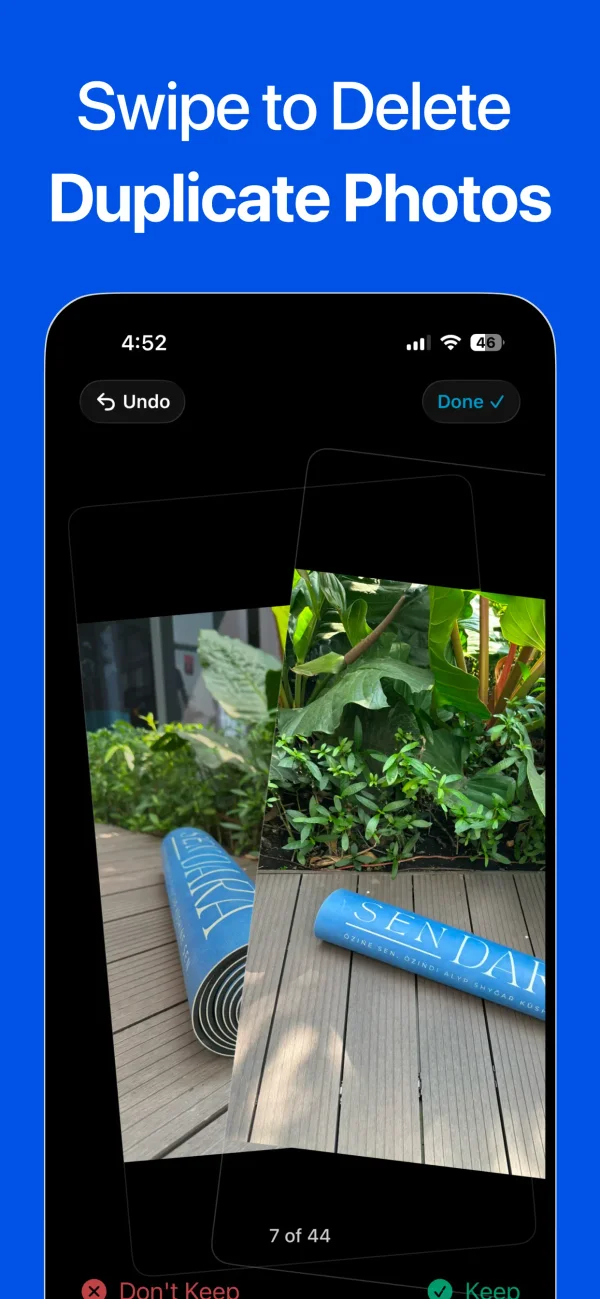
Find and Remove Duplicate Photos
Take a lot of burst photos or similar shots? TinySpace finds groups of nearly identical photos taken seconds apart. Pick the best one from each group and delete the rest. One of the fastest ways to organize your library and recover gigabytes.
Browse Your Biggest Files
See all media sorted by size to find what eats up the most storage. Filter by photos, videos, or screenshots to quickly decide what to compress first.
Convert PNG Screenshots to JPEG
Screenshots saved as PNG are much larger than needed. TinySpace converts them to JPEG, saving significant space with no visible difference.
Strip Live Photos
Live Photos save a short video clip with each shot, using extra space. TinySpace converts them to regular photos, freeing that space instantly.
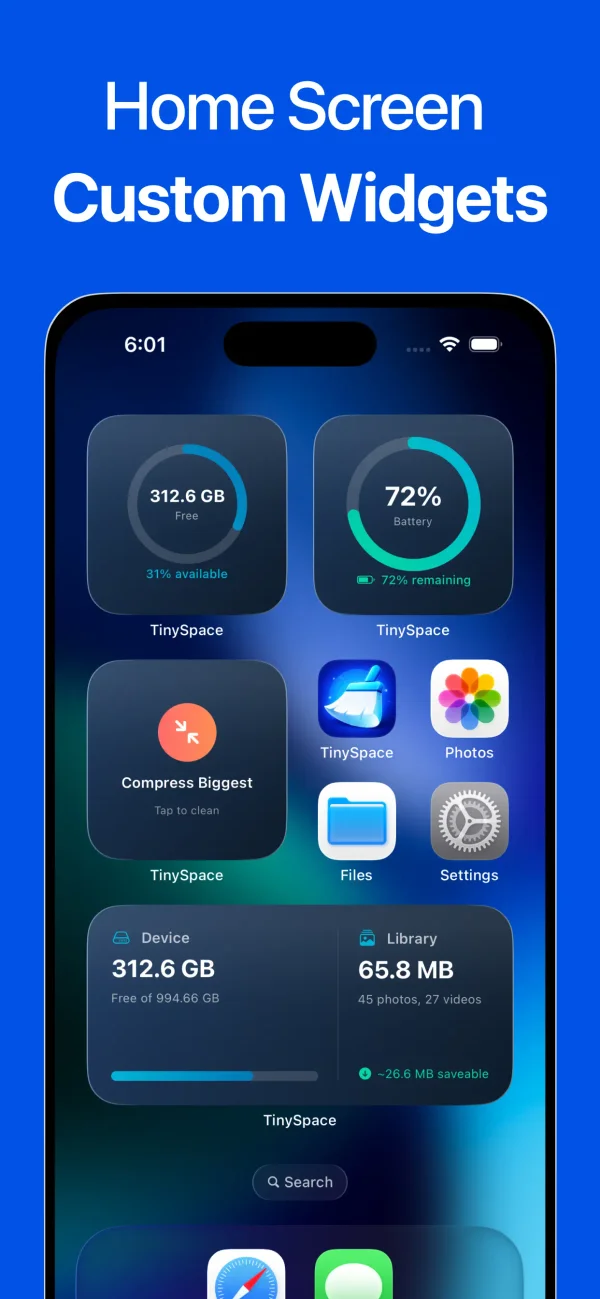
Track Your Savings
TinySpace keeps a history of everything you compressed so you can see how much storage you recovered over time.
Private and Secure
TinySpace works entirely on your iPhone. Photos and videos are never uploaded anywhere. All compression happens locally. Your photos stay private.
COMMON QUESTIONS
How do I free up storage on my iPhone without deleting photos?
TinySpace compresses your existing photos and videos so they take up less space. You keep all your photos. No photos are deleted unless you choose to remove duplicates.
How much iPhone storage can I save?
Most users save 30 to 70 percent of their photo library storage. If you have 20 GB of photos and videos, you could free up 6 to 14 GB.
Will my photos look worse after compression?
With Gentle and Balanced settings, most people cannot tell the difference. Maximum saves the most space but may show some changes when zoomed in closely.
Is it safe to compress my photos?
Yes. TinySpace saves the compressed version first, then asks your permission to delete originals. You approve every deletion through a standard iPhone confirmation.
Does TinySpace need an internet connection?
No. Everything works offline. TinySpace processes photos and videos directly on your iPhone without sending anything to the internet.
Why is my iPhone storage full even though I deleted apps?
Photos and videos usually take up far more space than apps. A single 4K video can be over 1 GB. TinySpace reduces the size of your media library, often the biggest space hog on any iPhone.
How do I organize my photo library?
Open TinySpace, let it scan your library, then start with Biggest Files to compress your largest items first. Next use Best Shot to find and remove duplicates. These two steps alone can recover several gigabytes.
TinySpace is the simple, private, and effective way to manage iPhone storage. Download it today and stop seeing that iPhone Storage Almost Full message.
TINYSPACE PREMIUM
Some advanced features may require an in-app subscription. Try TinySpace Premium with a free trial — cancel anytime in Settings > Apple ID > Subscriptions.
Privacy: https://tinyspace.app/privacy.html
Terms: https://tinyspace.app/terms.html
What’s new
Version 1.4 · Jun 17, 2026
What's New in v1.3:
• Bug fixes
• Performance improvements
App privacy
What Hypecent declares on the App Store about how this app handles data.
-
Data not collected
The developer does not collect any data from this app.
Privacy practices may vary, for example with the features you use or your age.
Information
- Seller
- Hypecent Limited
- Category
- Utilities
- Version
- 1.4
- Updated
- Jun 17, 2026
- Released
- Mar 5, 2026
- Size
- 23.9 MB
- Requires
- iOS 17.0 or later
- Age rating
- 4+
- Price
- Free
- In-app purchases
- Yes
- Languages
- English, Arabic, French, German, Italian, Japanese, Korean, Portuguese, Simplified Chinese, Spanish, Thai, Traditional Chinese + 1 more
- Copyright
- © 2026 Tiny Space
You might also like
-
 Phone Cleanup: Swipe CleanerFree Up Storage, Clean Photos
-
 Clean Up - Photo CleanerCompress Video & Free Storage
-
 FlivoUtilities
-
 TimeTable : Study Planner AppBest TimeTable App
-
 FluxAlbum: Photo Video CleanerSwipe, Cleanup Storage Space
-
 Squeeze - Compress VideosMade for Your Photo Library
-
 SnapSweep-Clean Up DuplicatesFree Up Space & Storage
-
 VideoZip: Lossless, -90% SpacePro Speed, Zero Quality Loss
-
 PicSweep – Photo CleanerUtilities
-
 LivoloHomePadSmart Switch&Smart Furniture