
- Age rating4+
- CategoryUtilities
- DeveloperWilger
- LanguagesEnglish
- Size16.3 MB
Links to the official App Store page
Download.org hosts no file of Tip Wizard. The button opens its official App Store page, published by Wilger. Listing last checked on Nov 14, 2026.
Screenshots

About
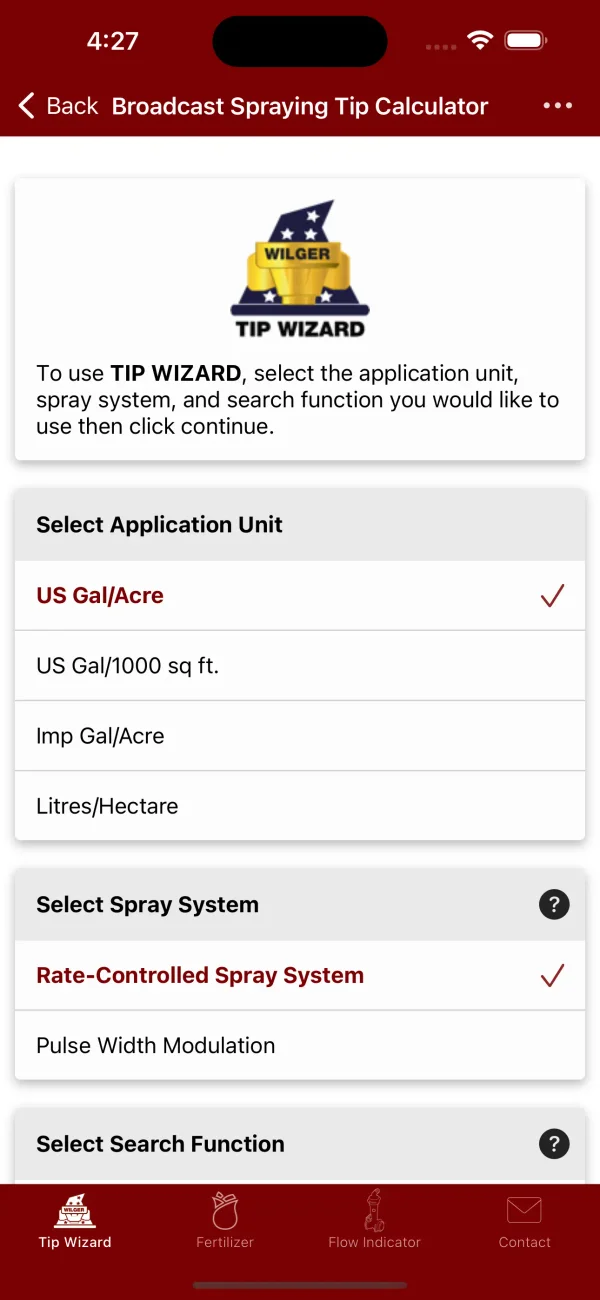
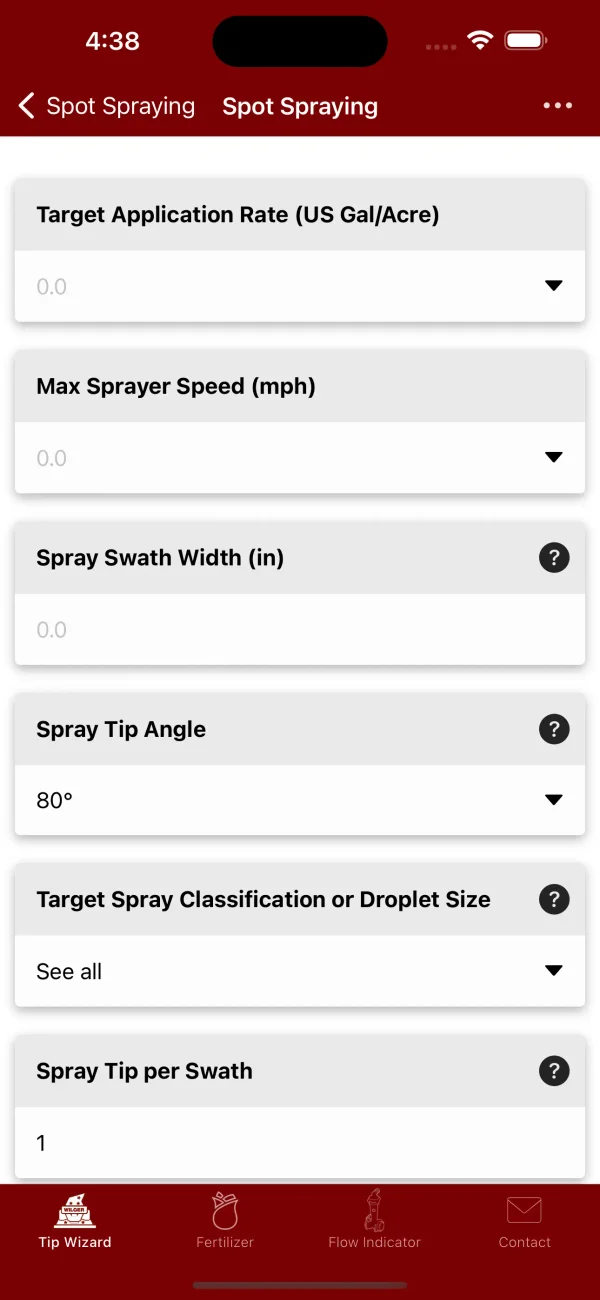
Tip Wizard has three functions: Spray Tip Search; Fertilizer Metering Orifice Search; Ball Flow Indicator Search.
Each function performs different functions based on your application:
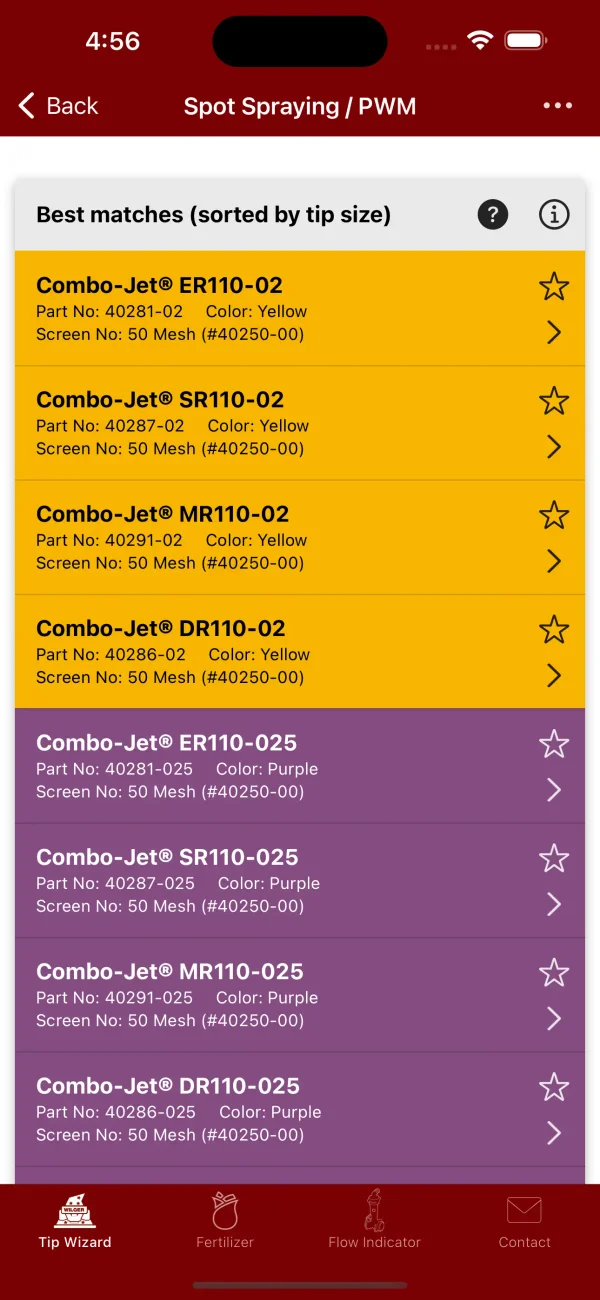
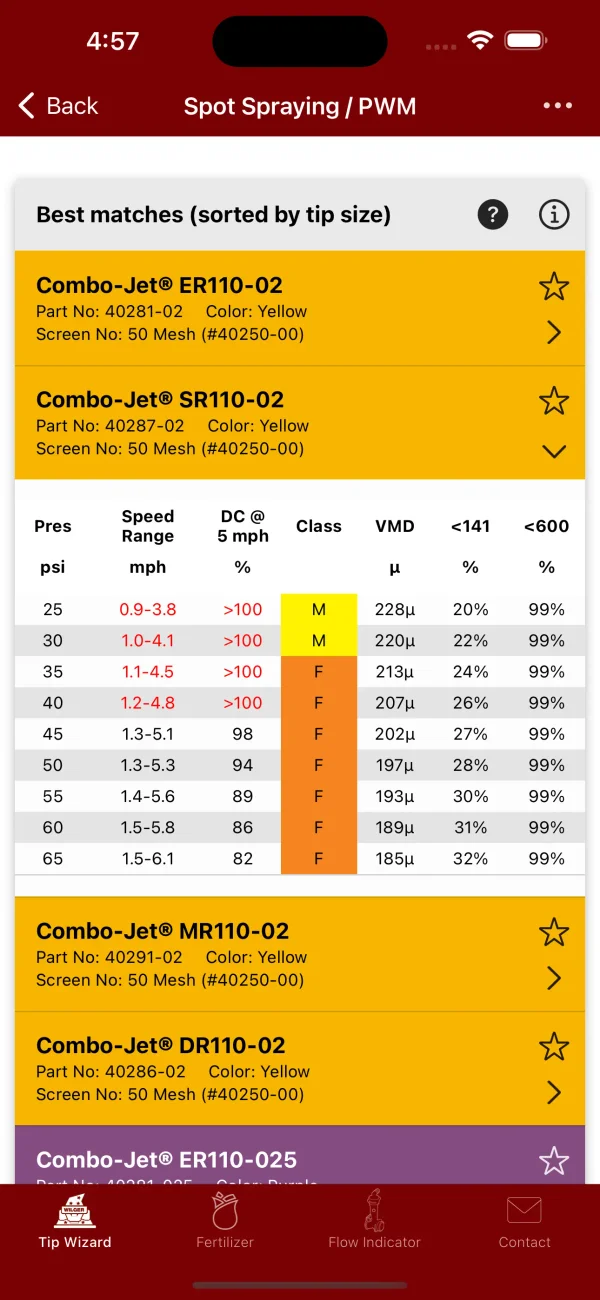
Spray Tip Search: With industry leading information, Tip Wizard takes a known broadcast chemical spray application, and turns it into meaningful results with educational information such as % less than 141µ (driftable fines), % less than 600 (% of small droplets) and targeted droplet size based on any chemical's requirements.
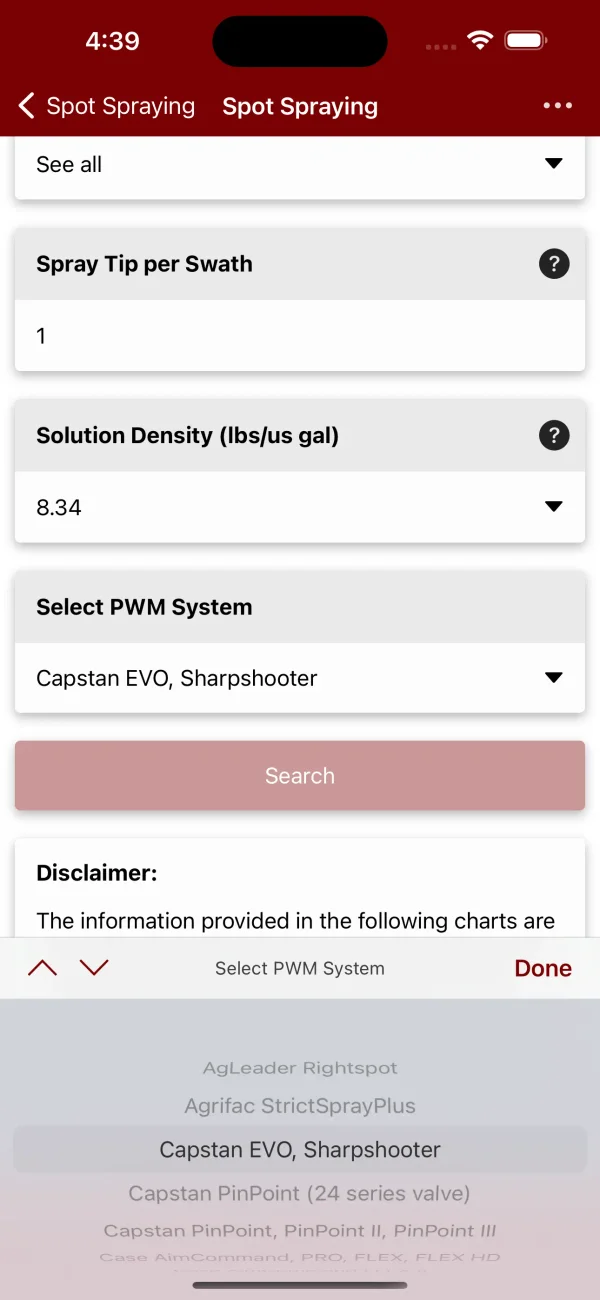
Tip Wizard also has industry leading calculations and information for PWM spray systems, like Capstan PinPoint & EVO, Case AimCommand, John Deere ExactApply, Raven Hawkeye, Intellispray, and more. All Combo-Jet tips are recommended for PWM spray systems.
Fertilizer Metering Orifice Search:
To simplify selecting a metering orifice, this calculator allows you to quickly find which Wilger metering orifice (in either a Combo-Jet cap style orifice, or O-ring seal orifice - for ORS manifolds or flow indicators).
It provides an alternative rate option, which makes it useful determining the flow range of an orifice size without doing any calculations manually.
Ball Flow Indicator Search:
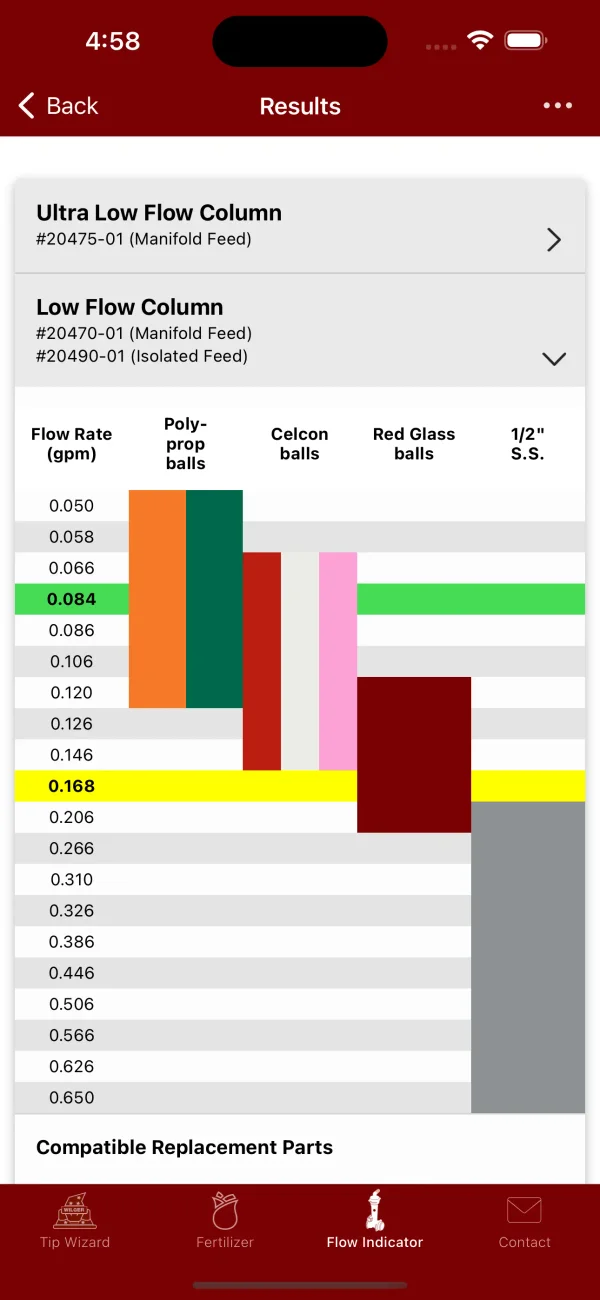
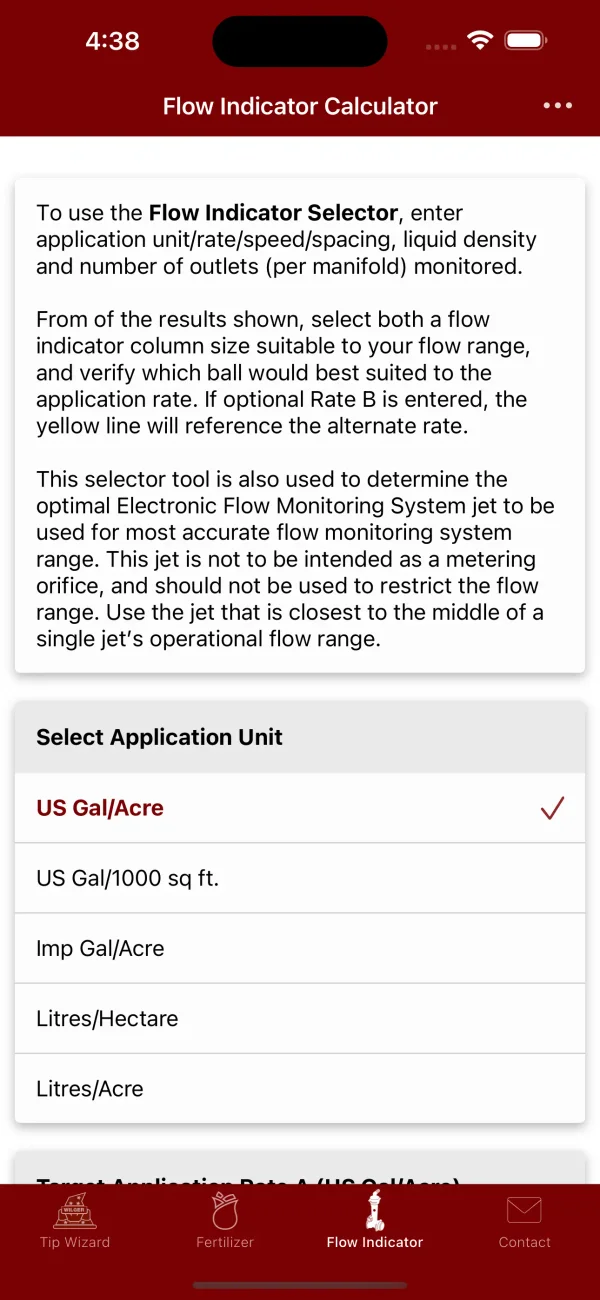
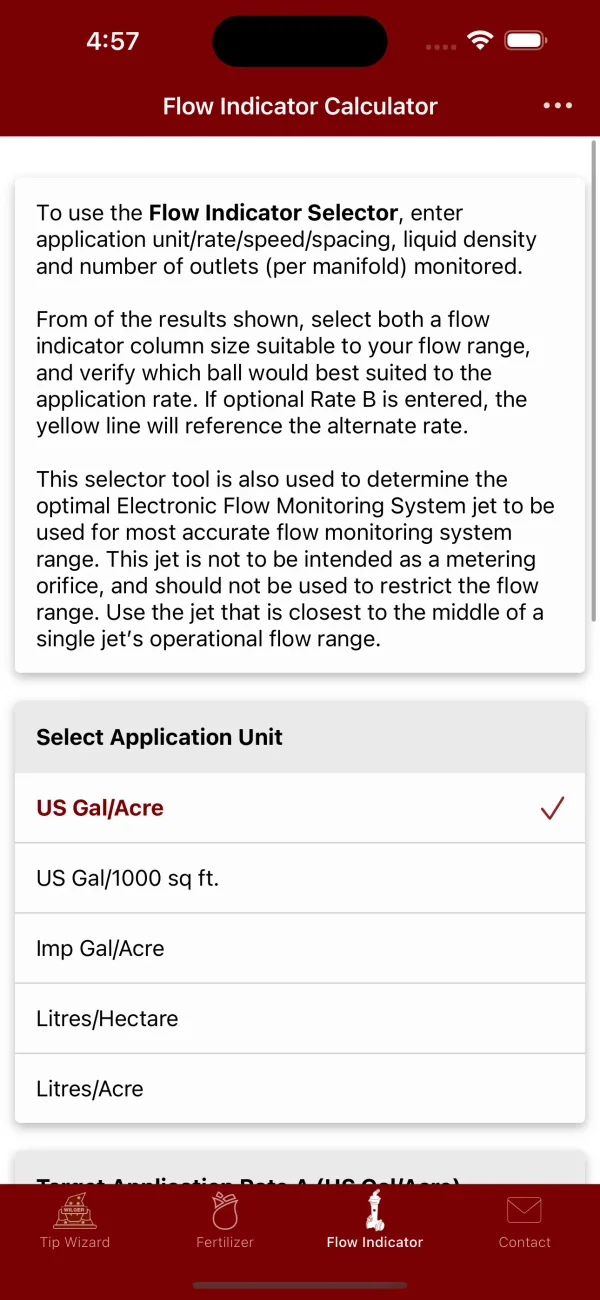
A new feature to Tip Wizard, helps a user select which Wilger ball flow indicator column would be best used in an application, as well as which balls would be used to best represent their flow with the application rate and product density in mind. Very simple to use, and greatly simplifies the process of using flow indicators.
Through information, education, and innovation, we ensure Wilger products are being used in setting best practices in an ever-changing environment.
What’s new
Version 4.1 · Feb 24, 2026
* Updates to recommendations and support of new equipment.
App privacy
What Wilger declares on the App Store about how this app handles data.
-
Data not collected
The developer does not collect any data from this app.
Privacy practices may vary, for example with the features you use or your age.
Information
- Seller
- Wilger Industries Ltd.
- Category
- Utilities
- Version
- 4.1
- Updated
- Feb 24, 2026
- Released
- Dec 6, 2013
- Size
- 16.3 MB
- Requires
- iOS 12.0 or later
- Age rating
- 4+
- Price
- Free
- Languages
- English
- Copyright
- © 2026 Wilger Industries Ltd.
You might also like
-
 SmartDropUtilities
-
 Agra-ToolboxUtilities
-
 myMacDonThe Harvesting Specialists
-
 Round Bin Grain CalculatorGrain storage made simple
-
 eKonomics by NutrienFarming Data & Research Tools
-
 BinstorGrain Storage & Farm Software
-
 Bin-Sense MobileSecure Your Harvest®
-
 Alberta Pulse GrowersPulse Agronomy & RVT Trials
-
 OutRun.AgUtilities
-
 AccuSetUtilities