Tips & Tricks for iOS & iPhone
Hidden Features & Shortcuts
Designed for iPhone, iPad
Free
- Age rating4+
- CategoryReference
- DeveloperWorld-Software
- LanguagesEnglish
- Size2.1 MB
Links to the official App Store page
Download.org hosts no file of Tips & Tricks for iOS & iPhone. The button opens its official App Store page, published by World-Software. Listing last checked on Nov 10, 2026.
Screenshots
About
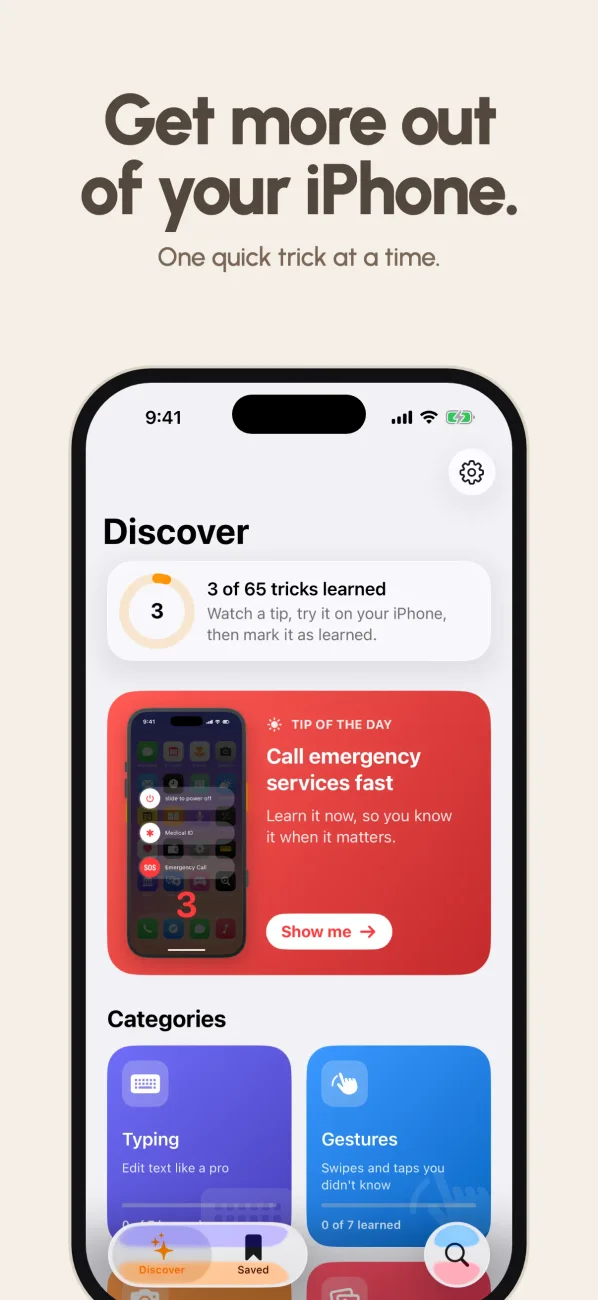
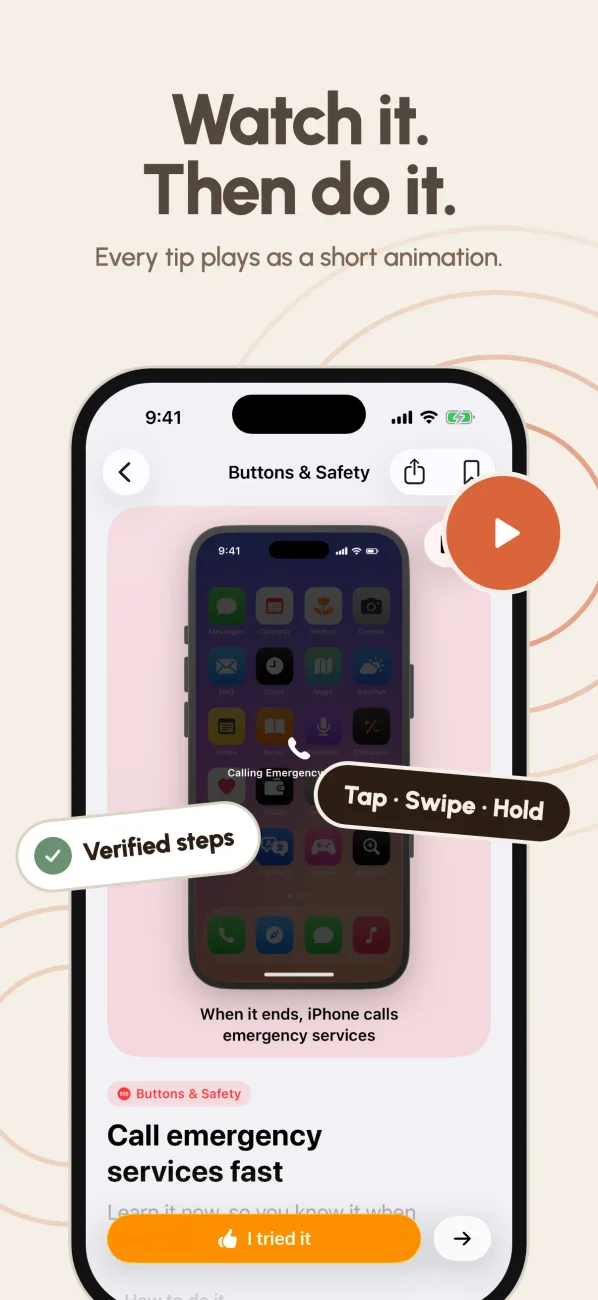
Your iPhone can do far more than you think. Tips & Tricks shows you how — not with long paragraphs, but with short animations that show exactly where to tap, swipe and hold.
Turn the keyboard into a trackpad. Unsend a message. Measure someone's height with the camera. Lock an app with Face ID. Most people never find these features on their own. Here, each one takes seconds to learn.
WATCH, TRY, LEARN
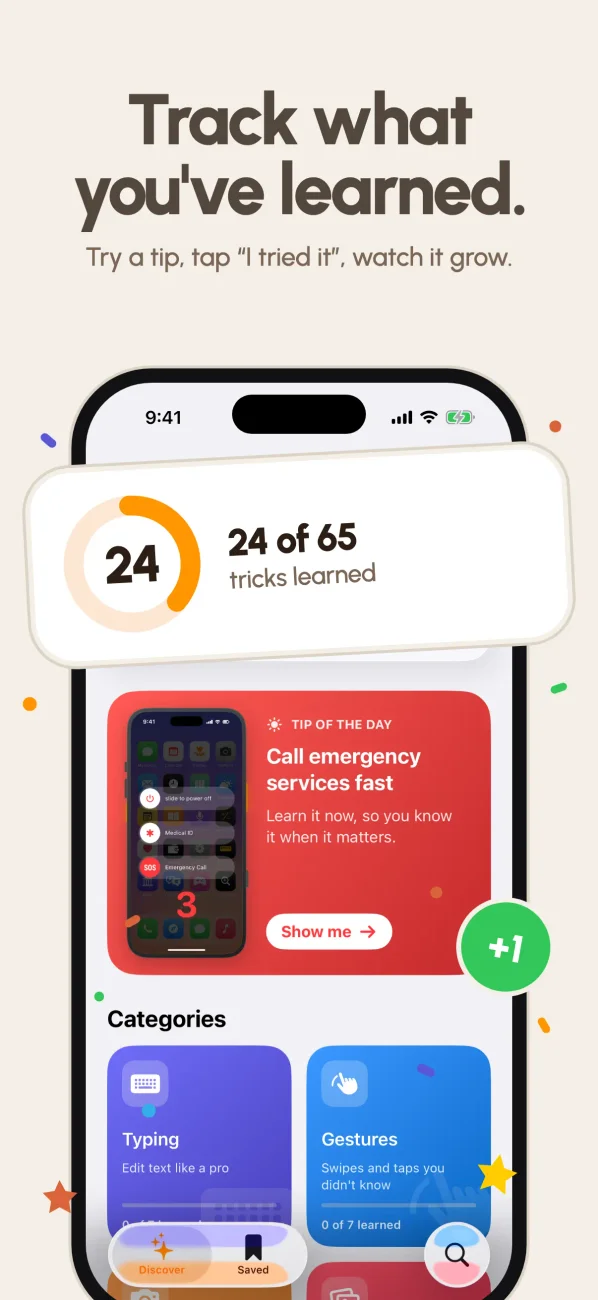
Every tip comes with its own animation on a lifelike iPhone screen. Watch it once, try it on your own iPhone, then mark it as learned and watch your progress grow.
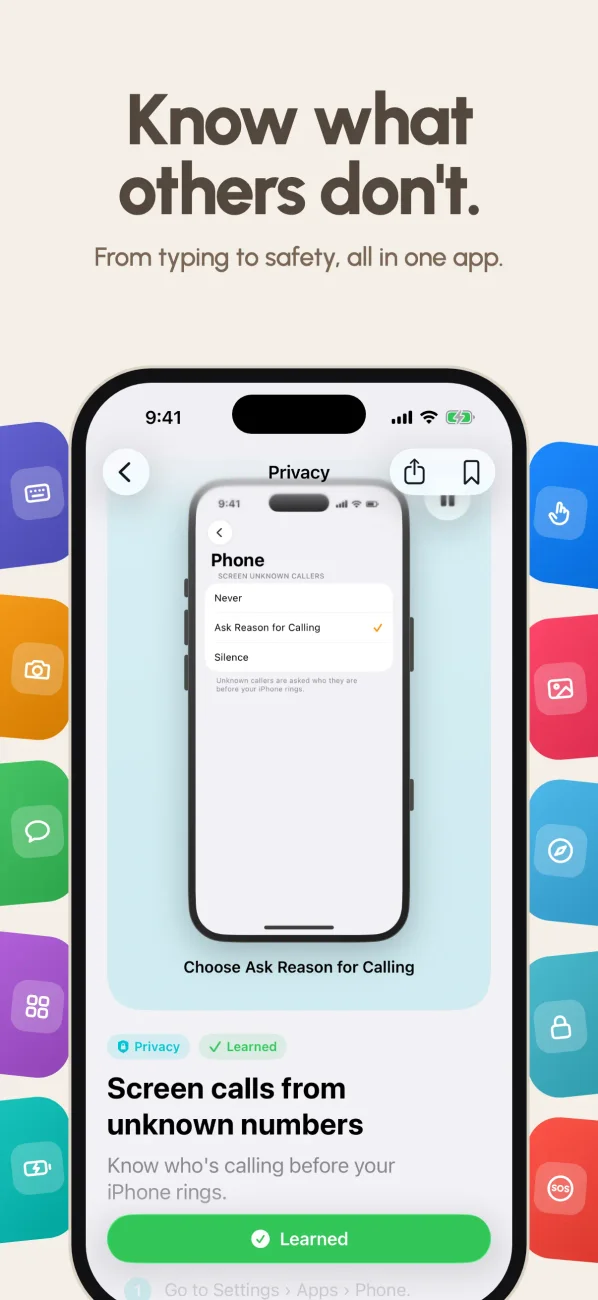
65 TIPS IN 11 CATEGORIES
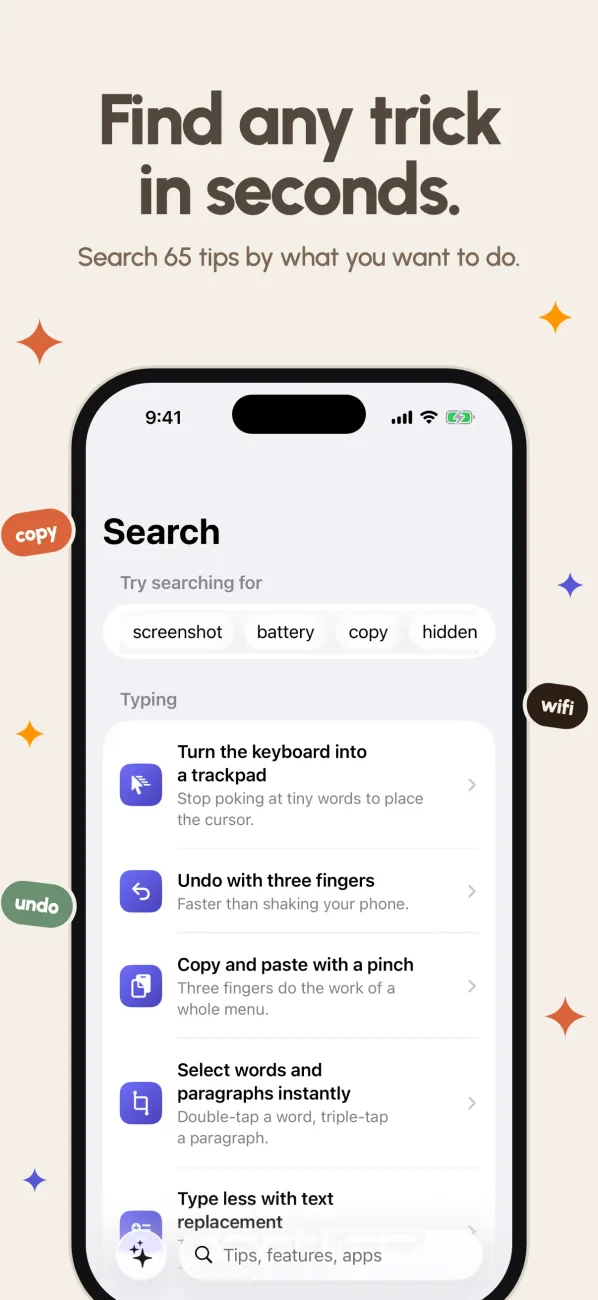
• Typing – edit text like a pro: trackpad mode, three-finger undo, text replacement
• Gestures – swipes and taps you didn't know, like Back Tap and Reachability
• Camera – shoot faster: QuickTake video, burst photos, copy text straight from the camera
• Photos – lift a subject off a photo, merge duplicates, hide photos behind Face ID
• Messages – unsend, edit and schedule messages, add bubble and screen effects
• Safari – close all tabs at once, bring back a closed tab, hide distracting items
• Home Screen – widgets, tinted icons, hidden pages and a custom Control Center
• Privacy – Stolen Device Protection, Safety Check, locked apps and call screening
• Battery – charge limit, battery percentage, Low Power Mode and Adaptive Power
• Hidden Tools – spirit level, Magnifier, background sounds, Math Notes and more
• Buttons & Safety – the Action button, Emergency SOS, Medical ID and force restart
MADE TO BE EASY
• Tip of the Day on the Discover page
• Save your favorite tips to come back to later
• Search by feature, app or keyword
• Light, Dark or System theme
• Clear, simple language — great for new iPhone owners and longtime users alike
Some features depend on your iPhone model, iOS version, region, language or carrier. This app is not affiliated with or endorsed by Apple Inc. iPhone is a trademark of Apple Inc.
What’s new
Version 4.0 · Oct 23, 2026
Tips & Tricks 4.0 is a complete rebuild.
• 65 brand-new tips for today's iPhone, each with its own animation that shows exactly where to tap, swipe and hold
• 11 categories: Typing, Gestures, Camera, Photos, Messages, Safari, Home Screen, Privacy, Battery, Hidden Tools, and Buttons & Safety
• Tip of the Day, plus progress tracking as you learn
• Save tips and search by feature or app
• New Settings with Light, Dark or System theme
App privacy
What World-Software declares on the App Store about how this app handles data.
-
Data not collected
The developer does not collect any data from this app.
Privacy practices may vary, for example with the features you use or your age.
Information
- Seller
- Bahtiyar Polat
- Category
- Reference
- Version
- 4.0
- Updated
- Oct 23, 2026
- Released
- Sep 26, 2013
- Size
- 2.1 MB
- Requires
- iOS 18.0 or later
- Age rating
- 4+
- Price
- Free
- Languages
- English
- Copyright
- © wsoft app studio
You might also like
-
 React CompilerRun React Programs
-
 FullStackLabLearn the full stack
-
 TypeScript Compiler Run TypeScript Programs
-
 FPS GuideMust-have tool to master CS2.
-
 first aid for dogs PROSave your dog !
-
 Mackinac Island School, MIEducation
-
 IR Grace Baptist ChurchEducation
-
 C# Data Structures & AlgoLearn DSA in C#
-
 AI School: Learn AI for WorkChatGPT & Claude Courses
-
 LingoForgeBeyond Phrases