
- Age rating4+
- CategoryBusiness
- DeveloperArarat Pogosean
- LanguagesSpanish+ 11 more
- Size16.0 MB
Links to the official App Store page
Download.org hosts no file of TitleBlock Lens. The button opens its official App Store page, published by Ararat Pogosean. Listing last checked on Nov 8, 2026.
Screenshots

About
Document the site exactly as it was.
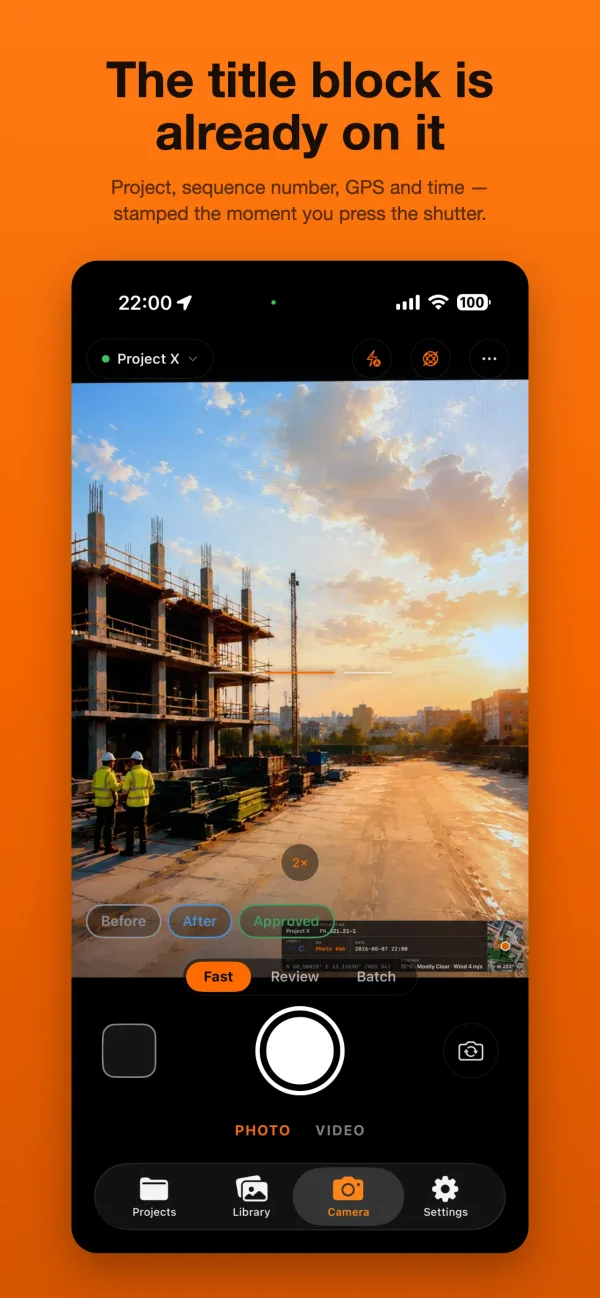
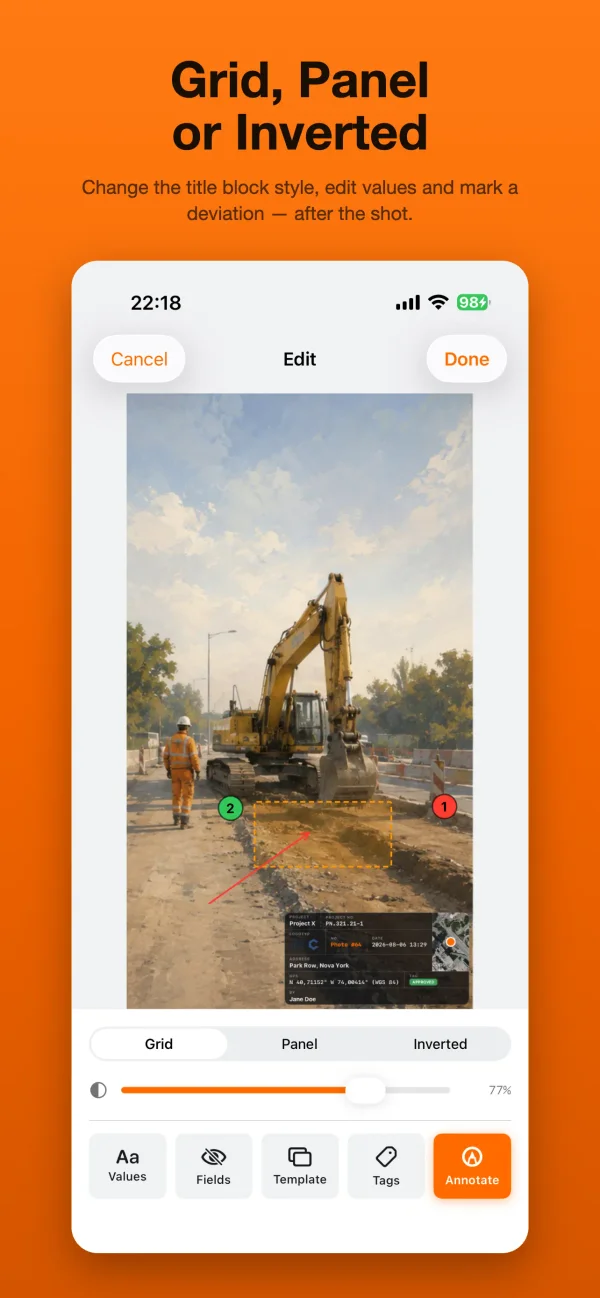
Titleblock Lens stamps project, number, date, time and position straight into every photo — the moment you press the shutter. What you see in the viewfinder is exactly what the photo carries.
THE TITLE BLOCK IS YOURS
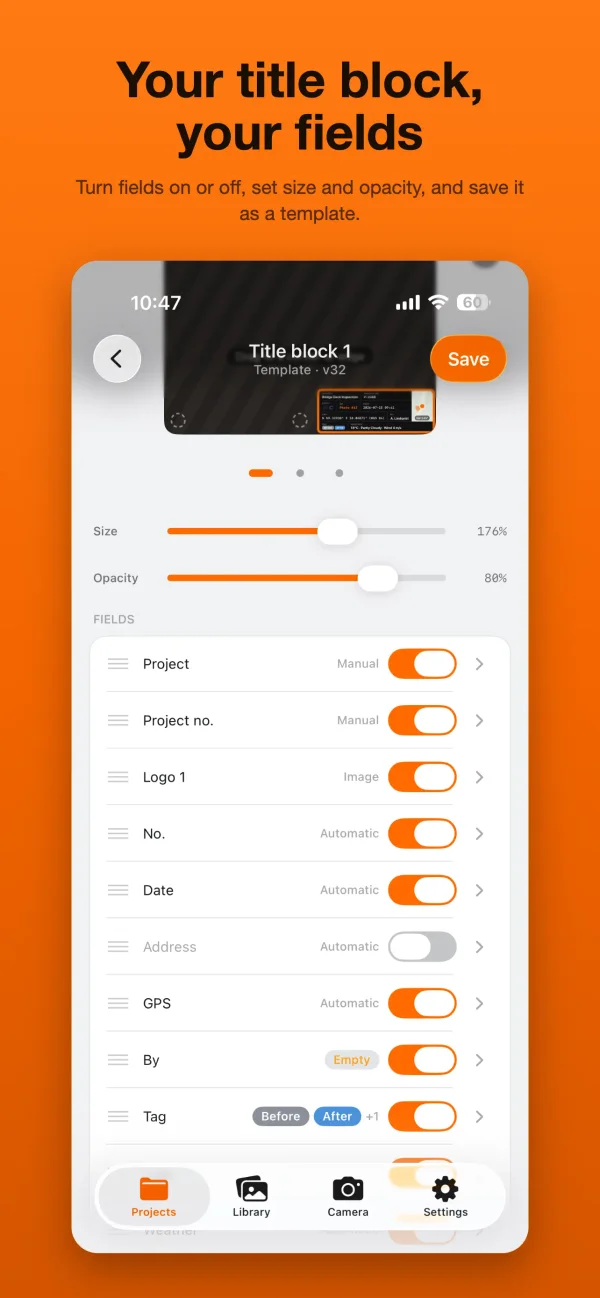
Build it with the fields you need: project, number, date, location, weather, address, map, logo and your own text fields. Set the size, the position and the style. Save it as a template and use it across every project. Five ready-made templates are included.
Coordinates appear in the system you work in — WGS 84, SWEREF 99 TM, UTM, MGRS, British National Grid and more.
DRAWINGS
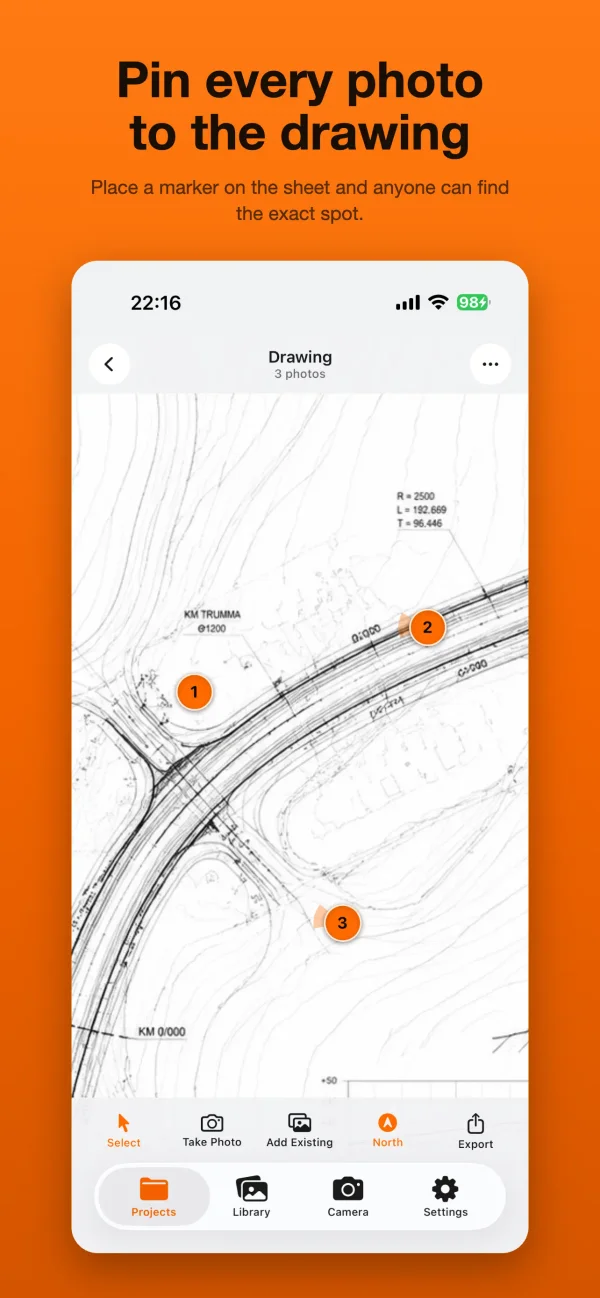
Import the drawing as a PDF and pin the photos where they belong. Tap a marker and see the photos. Multi-page drawings are handled as separate sheets.
REPORTS
Build the report on site. Pick the photos, pair before and after, add comments and export as PDF. Saved reports are frozen — they never change afterwards.
FIND IT AGAIN
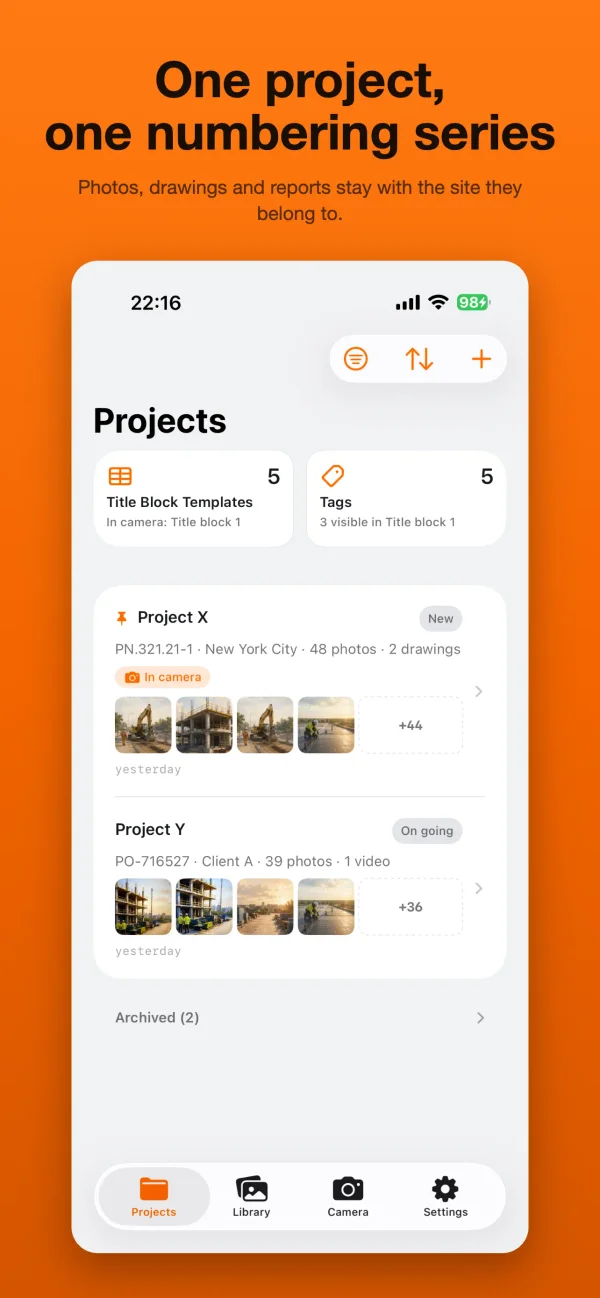
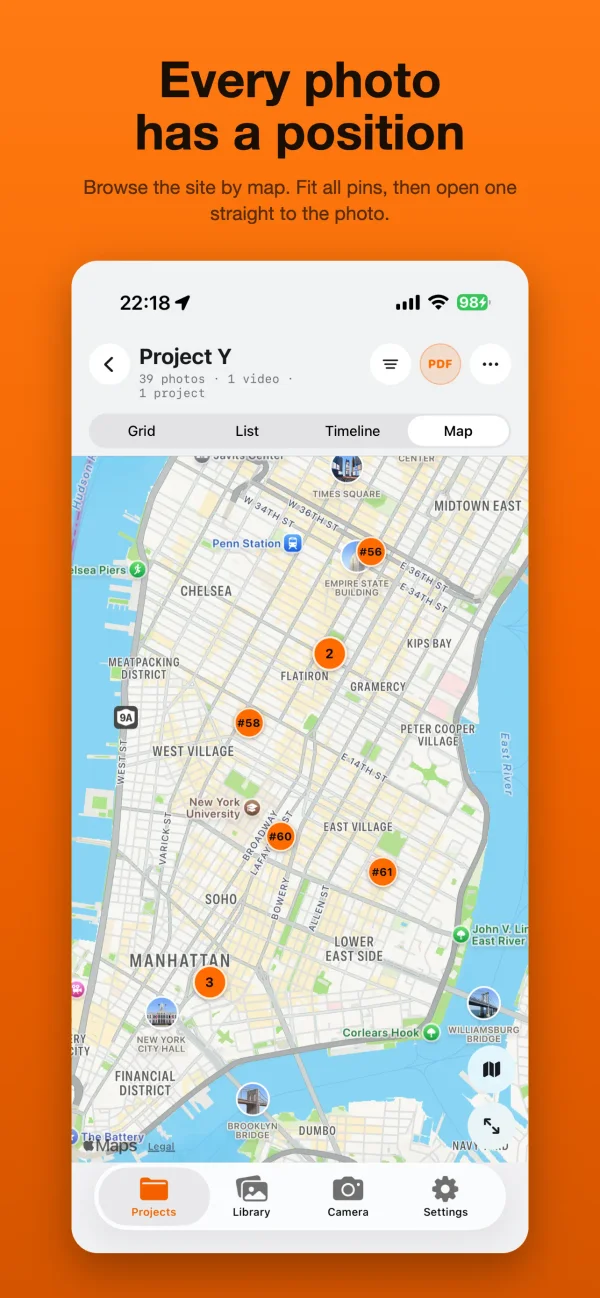
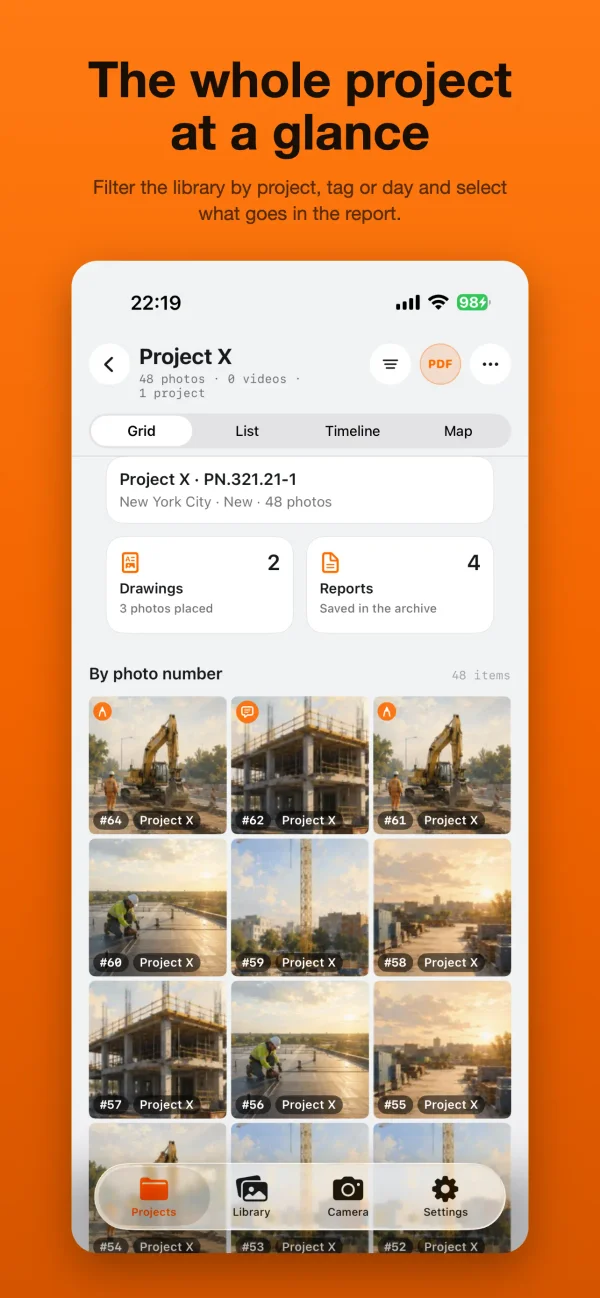
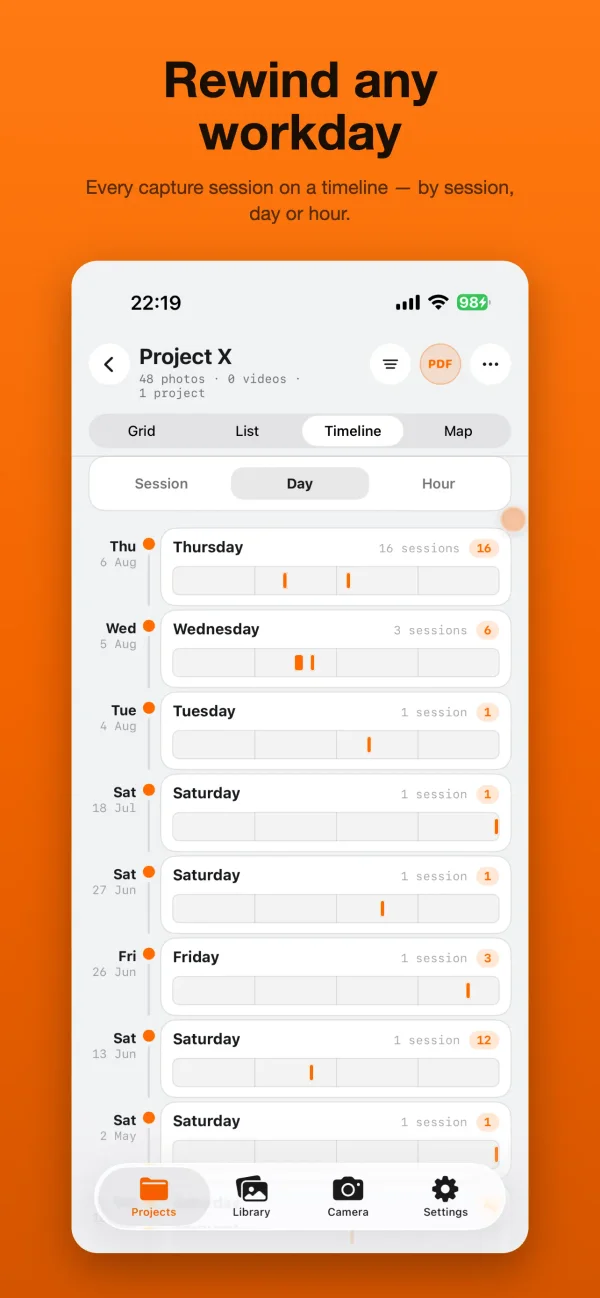
Filter by project, tag, date, location, deviation or whatever you need. Timeline, grid, list and map. Hundreds of photos, no searching.
ORIGINALS ARE NEVER TOUCHED
Your original is stored unchanged with a checksum. The title block, crops and annotations are applied when a copy is made — never to the original. What you photographed stays exactly as it was.
NO ACCOUNT, NO SERVER
No sign-in, no tracking, no third-party code. Everything lives on your phone. If you want backup and sync across your devices, turn on iCloud — it is off from the start and the choice is yours.
The app works with no signal. Weather and address fill in when you are back online.
ALSO
• Batch mode for many photos in a row
• Video with a title block
• Tags and deviation marking
• Compass heading and altitude in the photo
• Before-and-after pairs in the report
• iPhone and iPad
Titleblock Lens Pro is a subscription, monthly or yearly with the same features: photo and video capture with a title block on every shot, import of photos, videos and PDF drawings, and no limits on projects, photos, drawings or reports. Everything you have made stays open to browse, edit, report and export even without a subscription. Payment is charged to your Apple Account; the subscription renews automatically until cancelled in Settings.
Terms of Use: https://rynkande-4f.github.io/titleblocklens/terms
Privacy Policy: https://rynkande-4f.github.io/titleblocklens/privacy
App privacy
What Ararat Pogosean declares on the App Store about how this app handles data.
-
Data not collected
The developer does not collect any data from this app.
Privacy practices may vary, for example with the features you use or your age.
Information
- Seller
- Ararat Pogosean
- Category
- Business
- Version
- 1.0
- Updated
- Aug 27, 2026
- Released
- Aug 27, 2026
- Size
- 16.0 MB
- Requires
- iOS 26.0 or later
- Age rating
- 4+
- In-app purchases
- Yes
- Languages
- Spanish, German, Danish, Finnish, French, English, Italian, Dutch, Norwegian Bokmål, Polish, Portuguese, Swedish
- Copyright
- © 2026 Ararat Pogosean
You might also like
-
 Werkvia: Job ReportsPhoto records & sign-off
-
 ProofNook: Inspection ReportsProperty Inspections & PDF
-
 Facet: STL STEP 3D File ViewerOpen DXF, OBJ, GLB, 3MF, Gcode
-
 PDF to DWG CAD ConverterPlans to DWG & DXF
-
 Wood Framing Planner3D framing plans & cut lists
-
 PlanInspect CAD DWG PDF ViewerMeasure & Mark Up Plans
-
 PhotoReport — Photo ReportsSites, property & field
-
 Zenya CaptureProductivity
-
 IBGEBusiness
-
 Clube CenourãoBusiness