
- Age rating17+
- CategoryUtilities
- DeveloperBALJINDER SINGH
- LanguagesEnglish
- Size148.8 MB
Links to the official App Store page
Download.org hosts no file of TitleLess Browser. The button opens its official App Store page, published by BALJINDER SINGH. Listing last checked on Nov 23, 2026.
Screenshots


About
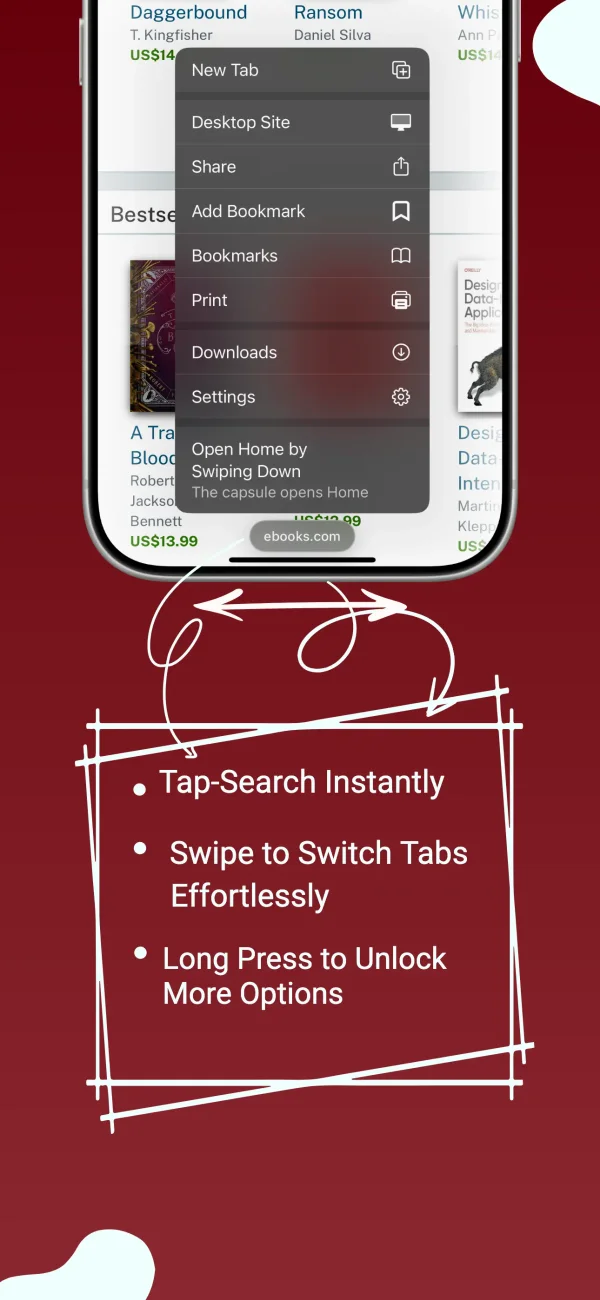
THE CAPSULE
Tap it to search. Hold it for the menu. Drag it upward to pull out a new
tab. Everything the browser does lives on that one control, so the page
keeps the screen.
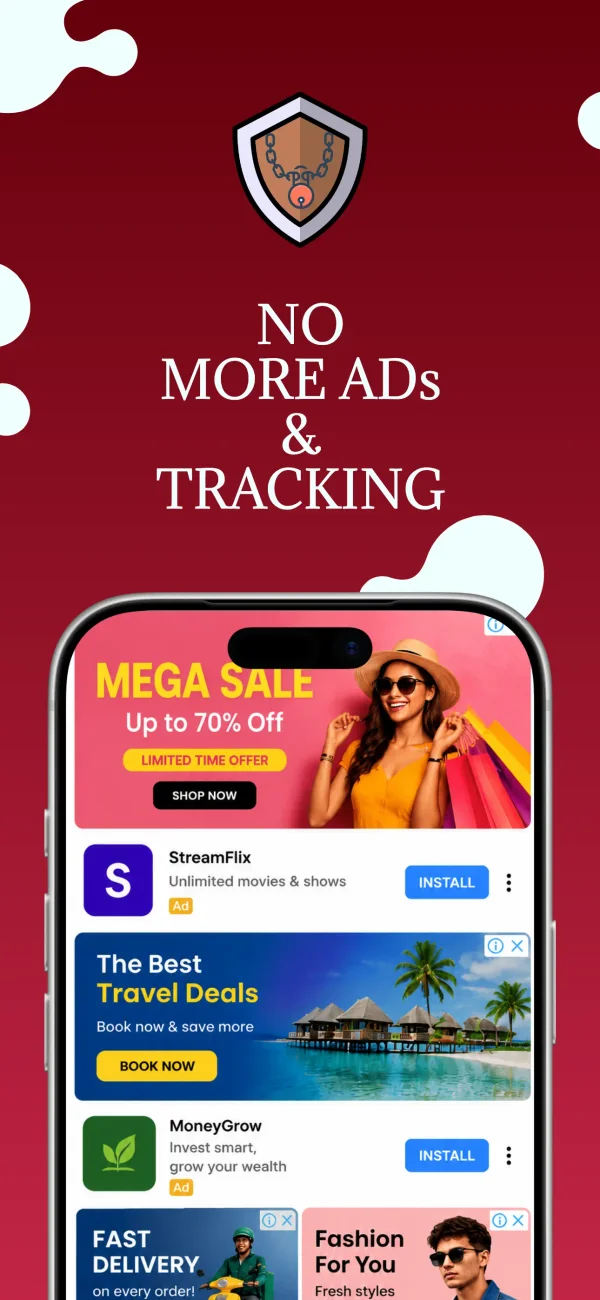
BLOCKING
A filter engine built into the app, running the same lists desktop
blockers use — EasyList, EasyPrivacy, and nearly sixty more you can
switch on. Four levels, from off to blocking a site's own requests as
well. Pop-ups and pop-unders are handled by their own rules. Cookie
banners can go too.
The lists refresh themselves through the day rather than sitting frozen
until the next app update, so a site that quietly stops being blocked
starts working again on its own.
EXTENSIONS
Web extensions, add .xpi or .zip file in Files. Before anything is installed you see what the extension can reach and do. Whether extensions run in private tabs is your choice.
DOWNLOADS
Files a site offers as downloads save without leaving the page. When a page plays video or audio, a download button on the capsule saves that too, though not on thirty services that don't allow it, YouTube, Netflix and Spotify among them. Everything lands in an encrypted vault inside the app rather than loose on your phone, sorted by kind, and goes to Files whenever you choose.
READER
Keep a whole page — text, images, layout — and read it back later with
no network at all.
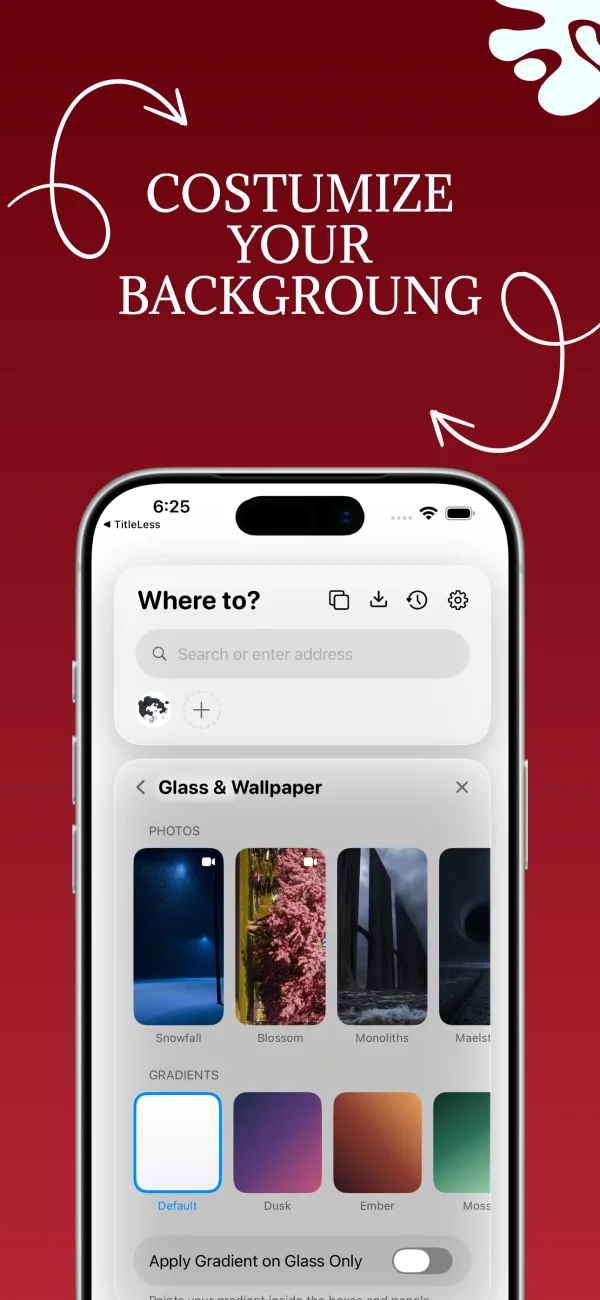
DESIGN
Glass, and you decide how much. Frosted or clear. How much of the page
shows through. Whether a gradient sits on the glass or behind
everything. Wallpapers, including moving ones. A choice of app icons.
Which buttons sit on the start box, and in what order.
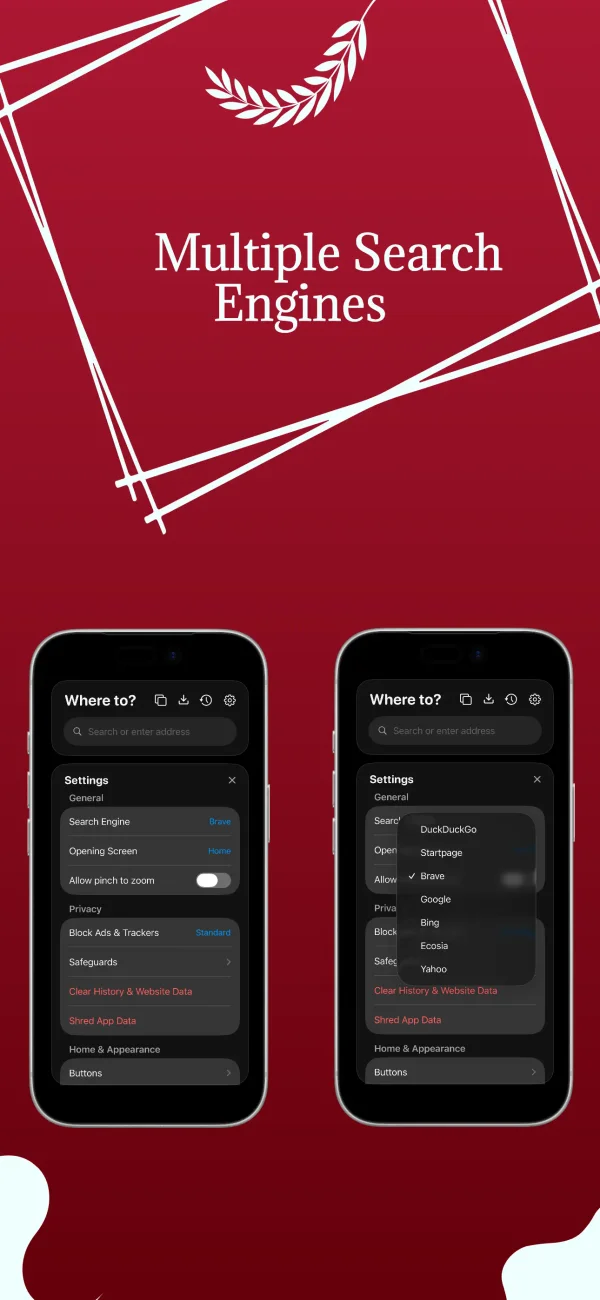
PRIVACY
No analytics. No account. No profile. Nothing about you is collected,
and nothing is sent to us. Private tabs can be locked behind Face ID.
HTTPS-only is a switch. Shred App Data clears what the browser has kept
in one go, apart from the filter lists you switched on.
Requested Feature Added:
DEFAULT BROWSER
Make TitleLess your default browser, and links from other apps open in it.
Requires iOS 26.
What’s new
Version 1.4 · Nov 19, 2026
- Extensions support added Install from Files… with a .xpi or .zip file. You see what an extension can reach and do before it is installed. Extensions still on your phone from 1.2 come back with their settings. Extensions run in private tabs unless you turn off Allow Extensions in Private Tabs.
- Saving video and audio is back. When a page plays video or audio, the capsule shows a download button: name the file, choose a folder and, where there are several, a quality. Not on thirty services that don't allow it, YouTube, Netflix and Spotify among them.
- Downloads. Files fetched over several connections keep their pieces, and streams their segments, through a pause, a lost connection or the app closing, and carry on from there. Downloads stopped by the network or a busy site wait and carry on by themselves. A file that arrived but couldn't be saved is kept, and Retry saves it. Open, Export / Share… and Save All to Files show a large file's progress, with Cancel.
- Downloads are now left out of iCloud and computer backups, because their key stays on this phone: restoring a backup or moving to a new phone doesn't bring them back, so save what you want to keep to Files.
- Default browser. TitleLess can now be your default browser; Settings › General › Default Browser shows whether it is.
- Also. Addresses finish as you type, as in typical browser . Sixteen new app icons and four moving wallpapers.
- Fixes. Some sites that turned TitleLess away as a bot let it in again. More tabs stay loaded. New tabs go at the end; one opened from a page sits beside it.
And other minor bugs fixes.
App privacy
What BALJINDER SINGH declares on the App Store about how this app handles data.
-
Data not collected
The developer does not collect any data from this app.
Privacy practices may vary, for example with the features you use or your age.
Information
- Seller
- BALJINDER SINGH
- Category
- Utilities
- Version
- 1.4
- Updated
- Nov 19, 2026
- Released
- Aug 28, 2026
- Size
- 148.8 MB
- Requires
- iOS 26.0 or later
- Age rating
- 17+
- Price
- Free
- Languages
- English
- Copyright
- © 2026 TitleLess, Inc.
You might also like
-
 Lean BrowserThe browser that forgets
-
 Miru BrowserMinimalist Internet
-
 Vadax PROBrowse Without Annoying Ads
-
 Sail BrowserFast, blocks ads, no account
-
 Nova Browser: One ExperienceEverywhere
-
 DefaultAI: Default browserDefault browser
-
 Portal BrowserWeb Bluetooth, phone or tablet
-
 Aetherium BrowserPrivate browser with an agent
-
 Blanc: Web BrowserYour Blanc tabs, on iPhone too
-
 Hunt BrowserPrivate browser with Hunt AI