
TNMaker - Multiple Choice Test
Easy get your score by camera
Designed for iPhone, iPad, iPod touch
Free · In-app purchases
- Age rating4+
- CategoryEducation
- DeveloperVinh Le
- LanguagesEnglish+ 15 more
- Size15.0 MB
Links to the official App Store page
Download.org hosts no file of TNMaker - Multiple Choice Test. The button opens its official App Store page, published by Vinh Le. Listing last checked on Nov 12, 2026.
Screenshots
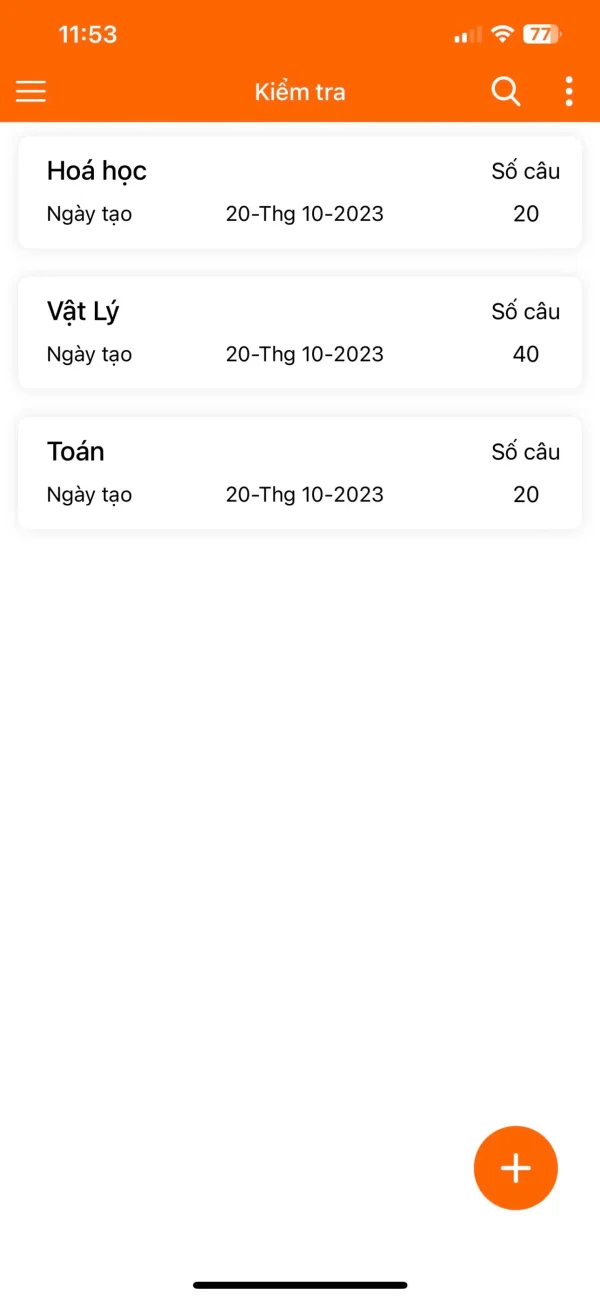

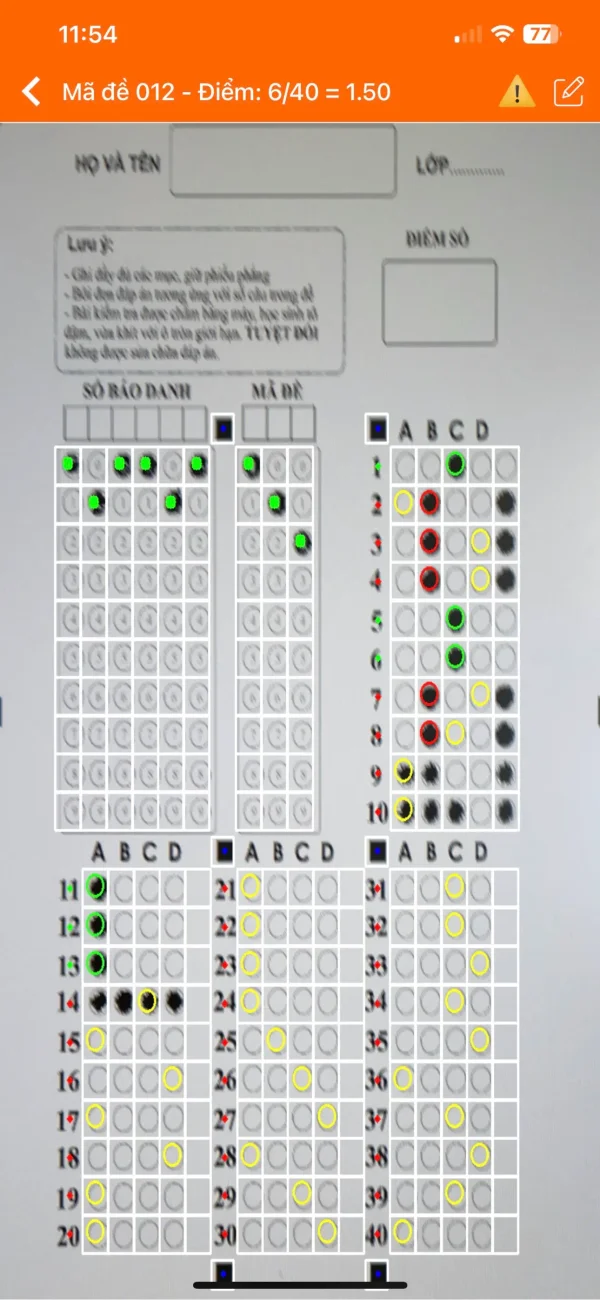
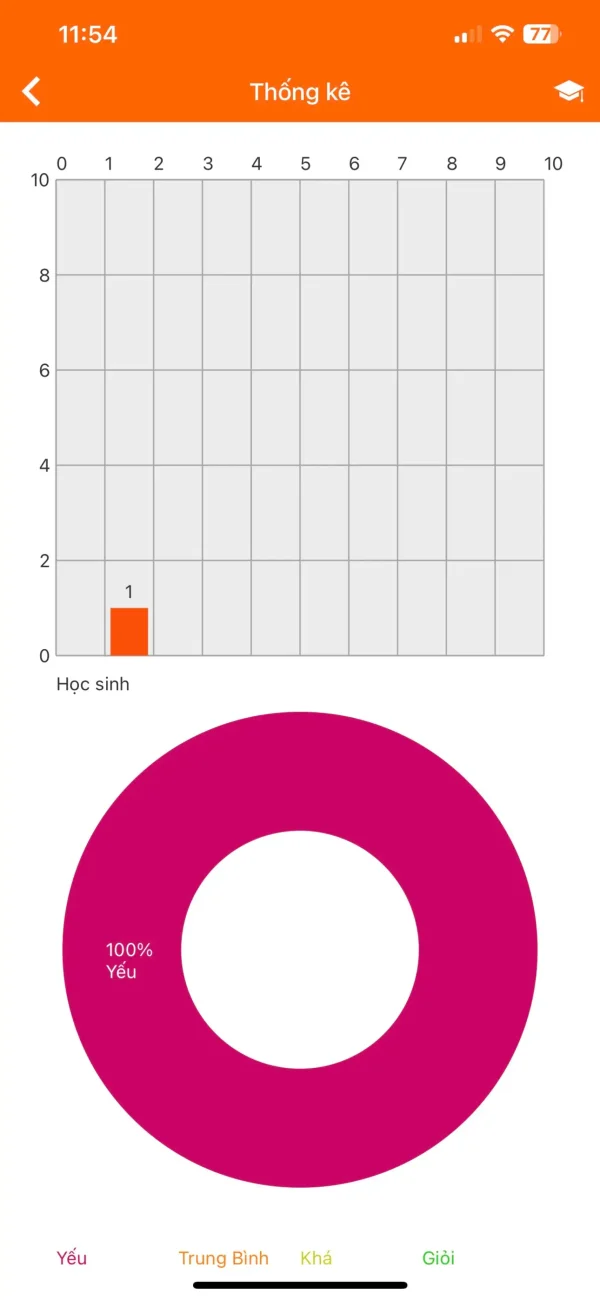
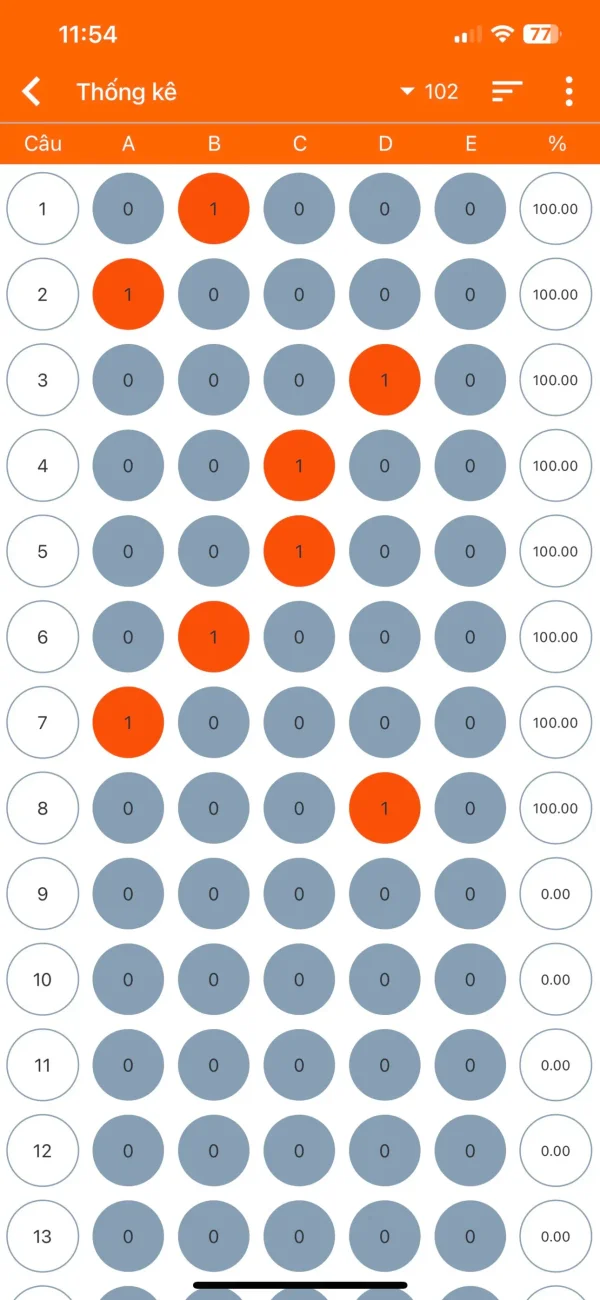
About
Functions:
+ TNMaker will be very helpful for teachers to mark for multiple choice test, rather than using their hands or using a dedicated scanner.
+ Just use the teacher's phone to mark the students' multiple choice test quickly.
+ The app allows reviewing, sorting, and sharing right away with facebook, zalo, gmail...
+The application allows you to customize the number of sentences and give the correct score for each sentence.
Usage Guide:
- Notice : App need using camera permission and storage permission to read data.
- First : You link to https://tnmaker.net or Setting-> AnswerPaper to download the answer sheets (support for sample 50), next you should print in format or scale (small, large).
- Key: Used to scan a key. This is the correct answer to compare when scanning. You should fill in the circle and choose only a answer for each sentence.
If you are not satisfied, you should rescan or save to complete the your key.You can review your key in Review-> Menu-> Key.
- Scan: Use to scan your answer, you should move the camera to the 4 corners of the answer sheets, the red square will blink.The application will detect 4 corners and find the correct answer, the correct answer will be green , the incorrect answer will be red.
Notice your will only select a answer, the application will view the correct number of sentences for each sentence and the score you get. Next you should click Back to scan the next answer sheets, if you do not find the square, you should move your camera and adjust them.
- Review: You can review to your key or answer, click on the item and review your answer, you can delete and share it with facebook, zalo, gmail by hold in the item. Besides, you can select the menu and have some options, you can sort the list and share it to facebook...It is helpful, your list is too long, you should delete all of them and start a new multiple choice test.
- Setting: Support for you with some options, you can choose the number of sentences to your score calculator, there are 20, 40, 50 .Easy to get answer sheets on your phone and watch the video tutorial.
- Feedback: We are always trying to complete the application. Any feedback, you can send an email to tracnghiemmaker@gmail.com. Your comments will help more and get better.
Email: tracnghiemmaker@gmail.com
Website: https://tnmaker.net
Privacy Policy: https://tnmaker.net/privacy-policy
What’s new
Version 4.53.100 · Sep 20, 2026
*** Update version [4.53.100] ***
- Fix white screen when loading new IOS.
- Display score information in a card format.
- Display the number id for the graded paper.
- Standardize the position of the "Back" button.
App privacy
What Vinh Le declares on the App Store about how this app handles data.
-
Data not collected
The developer does not collect any data from this app.
Privacy practices may vary, for example with the features you use or your age.
Information
- Seller
- Vinh Le
- Category
- Education
- Version
- 4.53.100
- Updated
- Sep 20, 2026
- Released
- Oct 13, 2017
- Size
- 15.0 MB
- Requires
- iOS 15.0 or later
- Age rating
- 4+
- Price
- Free
- In-app purchases
- Yes
- Languages
- English, Danish, Dutch, French, German, Indonesian, Italian, Japanese, Korean, Polish, Russian, Simplified Chinese + 4 more
- Copyright
- © TN Team
You might also like
-
 Chấm thi trắc nghiệmEducation
-
 Chấm thi Tốt nghiệp 2025Education
-
 Azota TeacherEducation
-
 vnEdu TeacherEducation
-
 VT-SMASEducation
-
 Chấm thi Trắc nghiệm 2026 proEducation
-
 FSEL - Learn EnglishEducation
-
 HocLieuEducation
-
 Exam Reader-Optical Test GradeGrade Tests with Camera
-
 GlobalSpeakAn English learning app