To Do List - Subtasks
Planner, Reminders & Calendar
Designed for iPhone, iPad, iPod touch
Free · In-app purchases
- Age rating4+
- CategoryProductivity
- DeveloperFoodmenu.world Inc.
- LanguagesEnglish+ 21 more
- Size51.2 MB
Links to the official App Store page
Download.org hosts no file of To Do List - Subtasks. The button opens its official App Store page, published by Foodmenu.world Inc. Listing last checked on Nov 24, 2026.
Screenshots

About
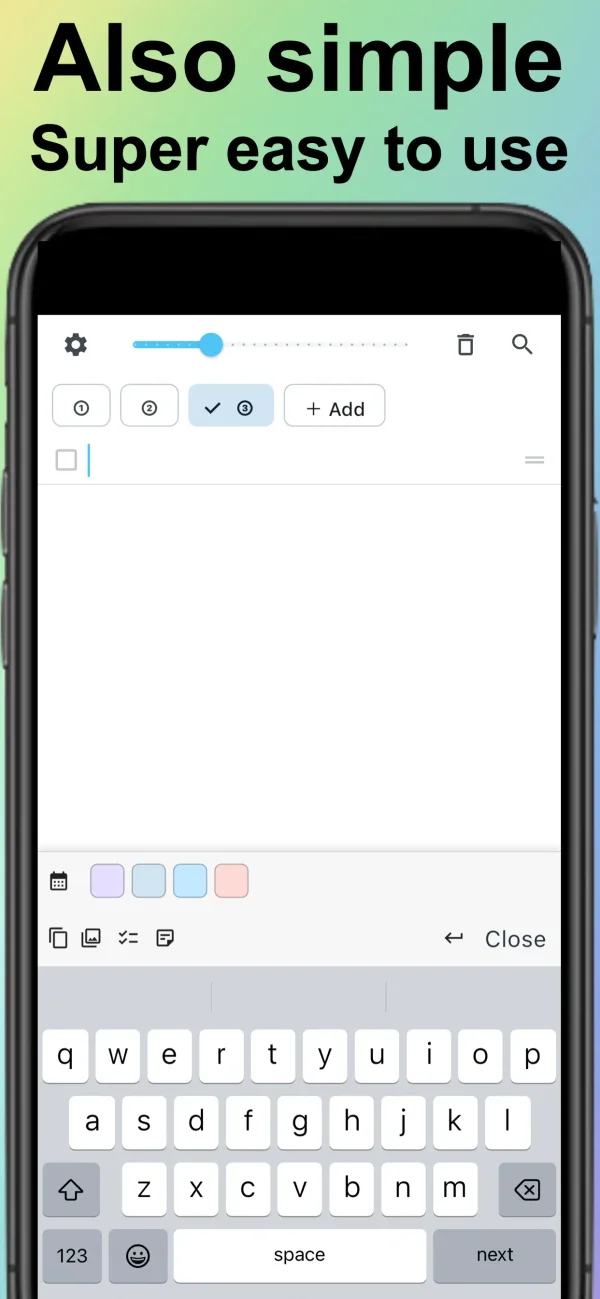
Stay organized without making things complicated.
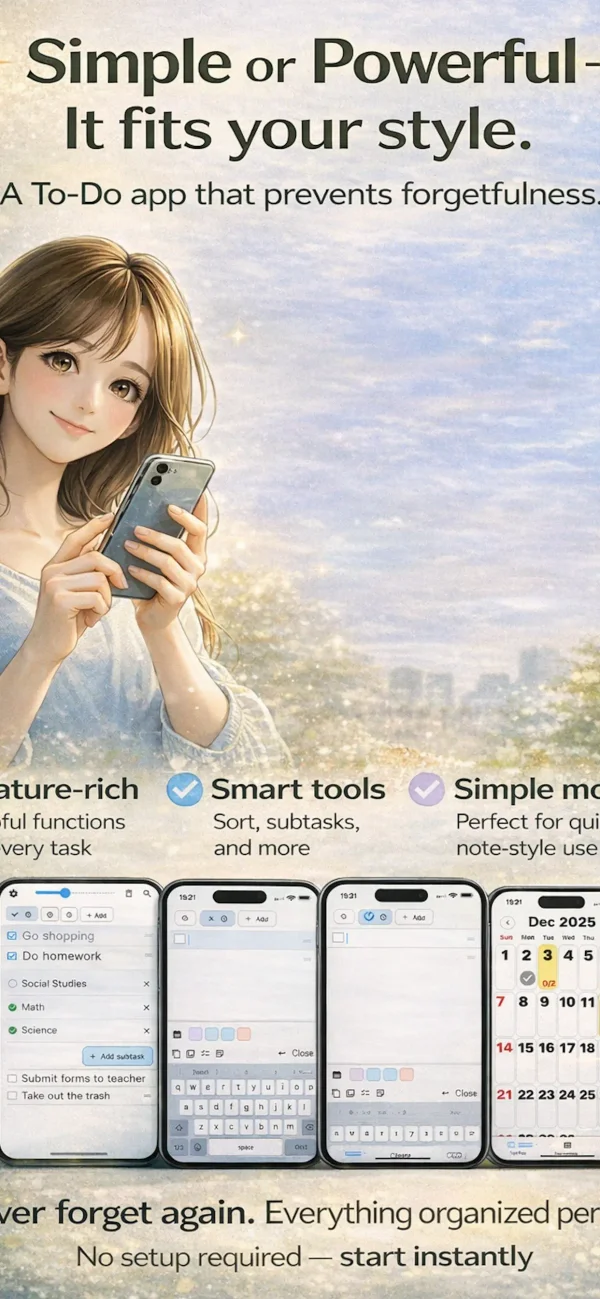
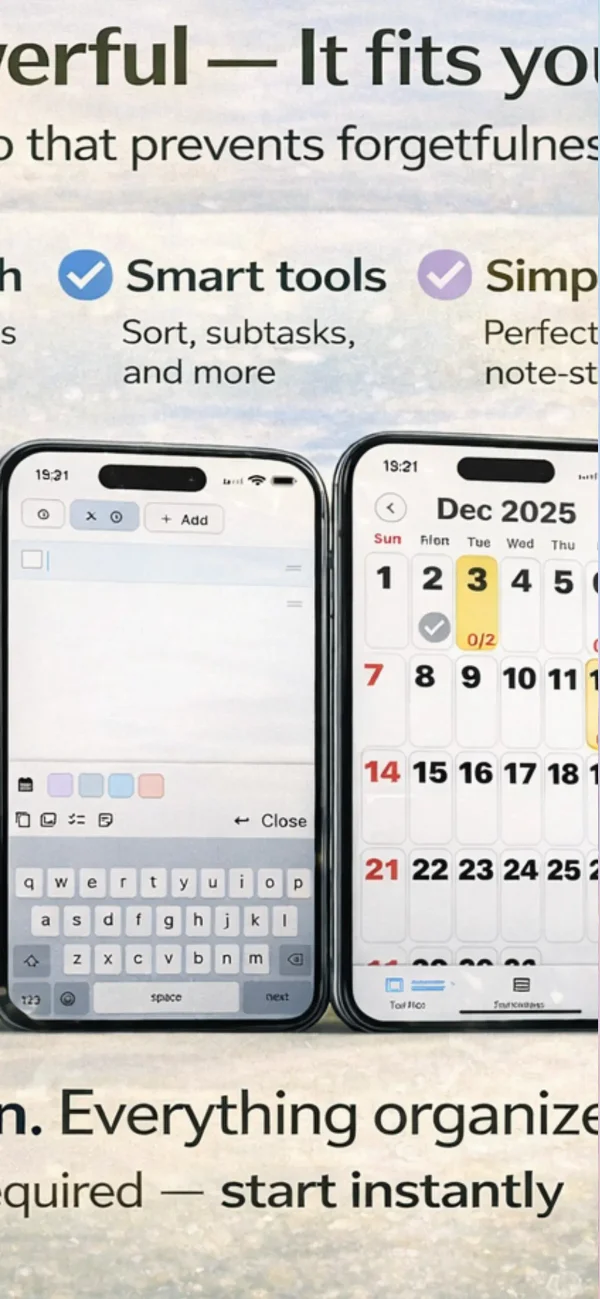
This simple, easy-to-read to-do list and calendar planner helps you keep track of everyday tasks, see what still needs your attention, and remember what matters.
Create a task in seconds, break bigger tasks into smaller steps, add reminders, notes, and photos, and keep everything organized in one clear place.
Whether you’re planning your day, making a shopping list, managing household chores, preparing for an appointment, studying, or organizing work, this app makes everyday task management simple.
■ Fast, simple task entry
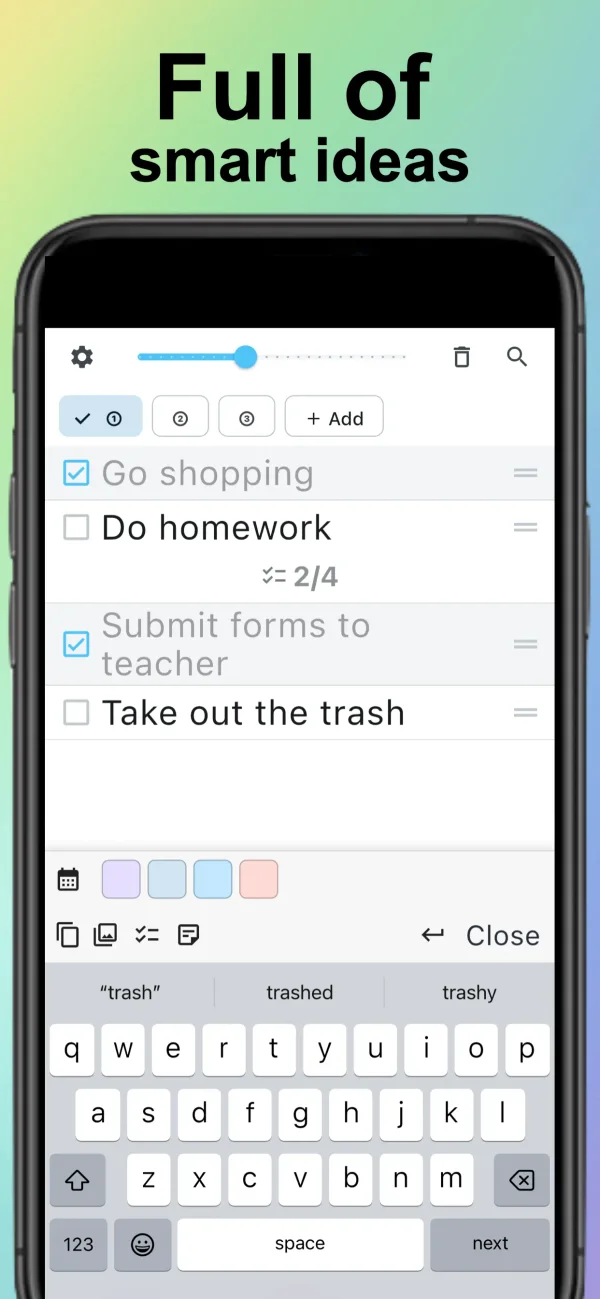
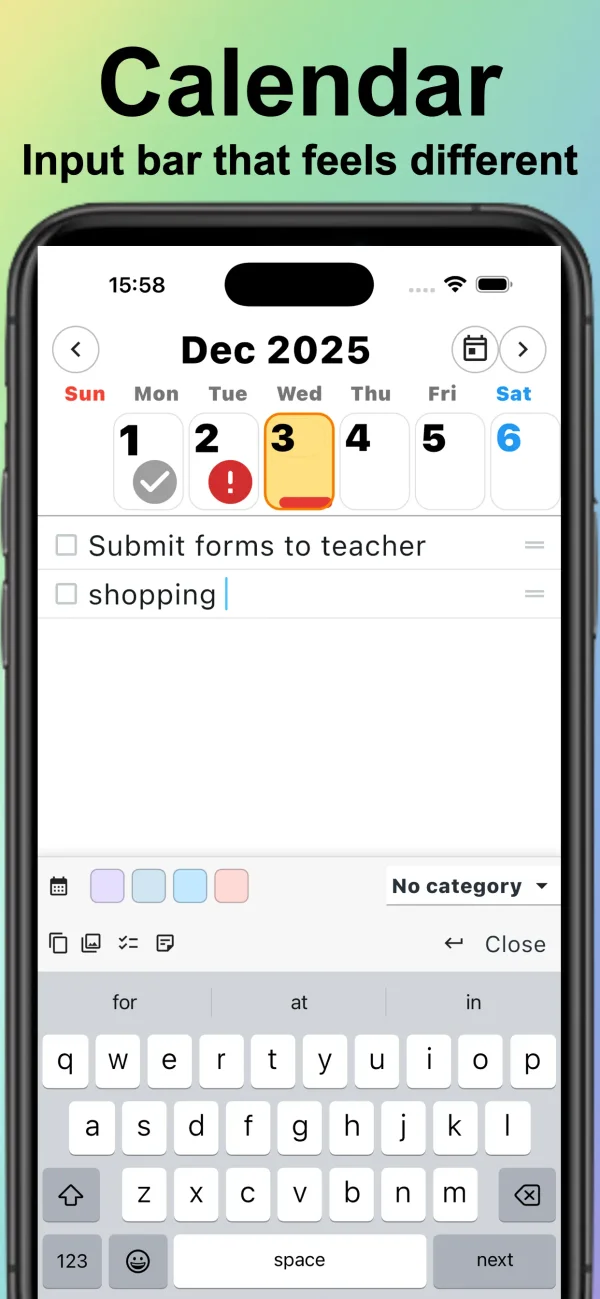
Adding a task should be quick. Just tap a row and start typing—no need to move through multiple screens.
• Add tasks in seconds
• Enter multiple tasks quickly
• Check off completed tasks
• Drag and drop to reorder them
• Add subtasks, notes, and photos
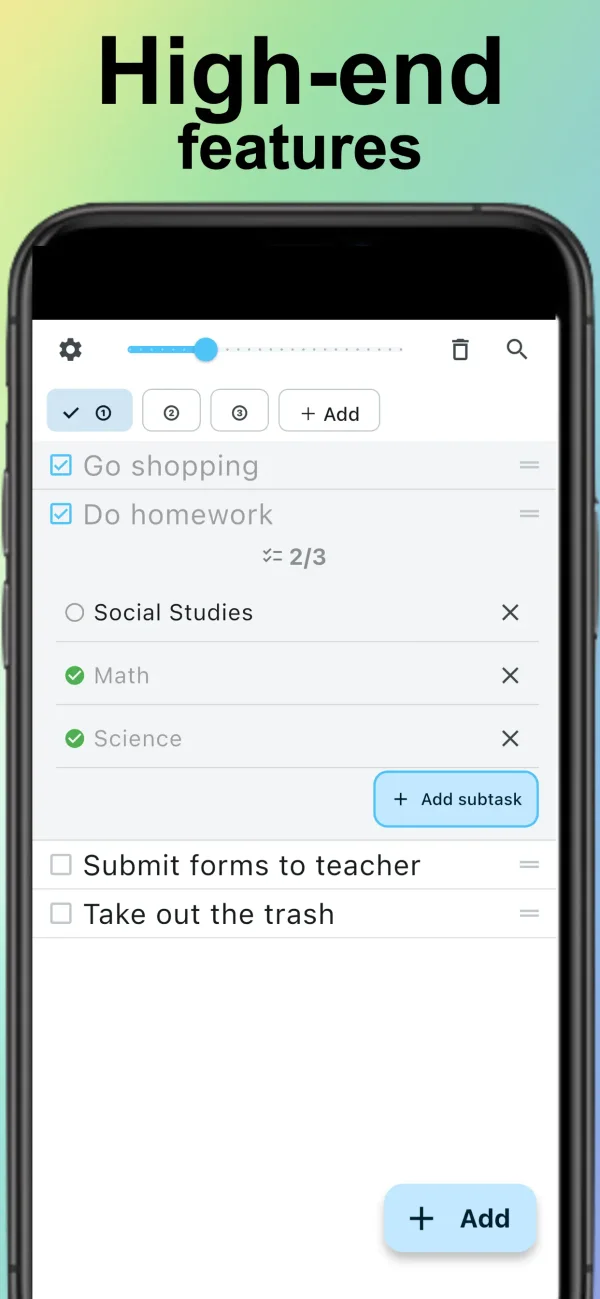
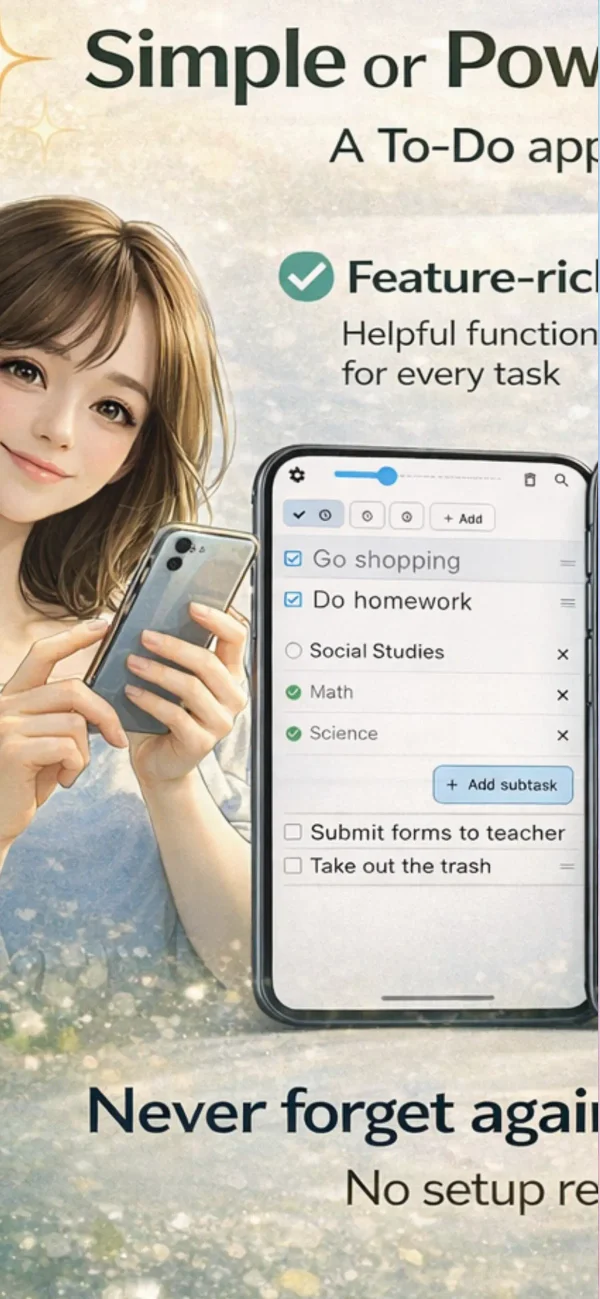
■ Break bigger tasks into subtasks
Turn a big task into smaller, manageable steps. Check off each subtask as you go and easily see your progress.
It’s perfect for errands, preparations, projects, routines, shopping, study plans, and anything else that is easier one step at a time.
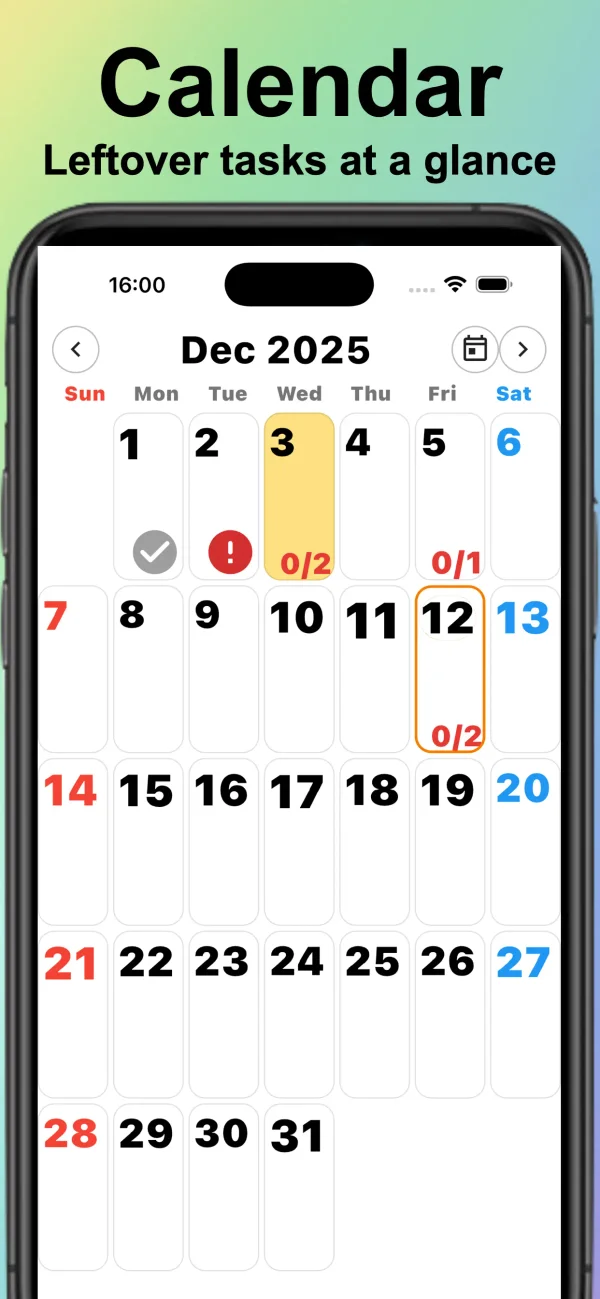
■ See your plans in a calendar
View tasks by date and quickly see what you need to do today and what’s coming next.
Your to-do list and calendar work together, making it easier to plan your day and keep your schedule organized.
■ Set reminders for what matters
Choose a specific date and time, or set reminders for selected days of the week.
Use them for appointments, medications, household tasks, study, exercise, weekly routines, and anything else you don’t want to forget.
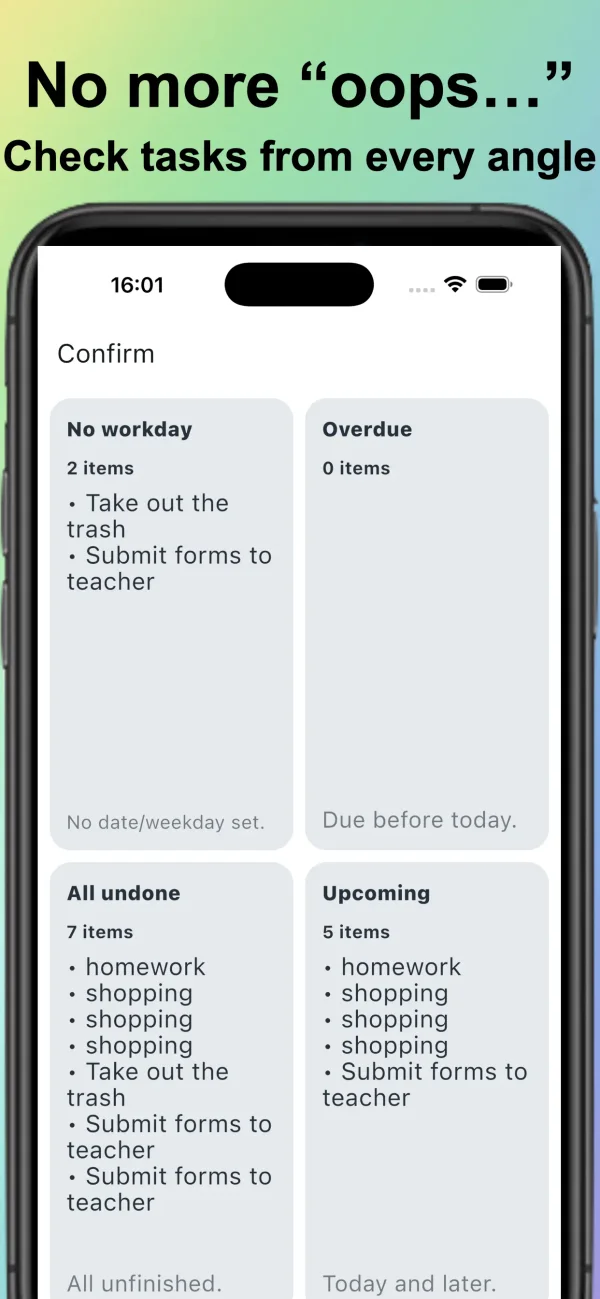
■ Find unfinished tasks easily
Tasks don’t have to disappear just because the day got busy.
Review overdue, incomplete, and unscheduled tasks so you can quickly see what still needs attention and decide what to do next.
■ Add notes and photos
Keep important details right with your tasks.
Add a memo for extra information, or attach photos for shopping items, documents, reference images, and things you want to remember visually. Open photos in a larger view whenever you need a closer look.
■ Organize with categories and colors
Separate tasks into customizable categories for work, shopping, study, family, appointments, housework, or anything else.
Rename categories whenever you like, reorder tasks around your priorities, and use colors to make important or related items easier to recognize at a glance.
■ Comfortable and easy to read
Adjust the text size to what feels comfortable—larger for easier reading or smaller to see more tasks at once.
You can also choose a background that works for you. The interface is designed to stay clear and easy to use on both phones and tablets.
■ Clear completed tasks quickly
When you’re finished, remove completed tasks together in one step, or clear the entire list when you want a fresh start.
■ Check tasks from your Home Screen
Use the Home Screen widget to see your to-do list without opening the app, helping important tasks stay visible throughout the day.
Use it as your:
• To-do list
• Daily planner
• Task manager
• Reminder app
• Checklist
• Calendar planner
• Shopping or grocery list
• Work or study planner
• Routine organizer
A to-do list should help you remember things—not give you more things to figure out.
Keep your tasks, subtasks, notes, photos, reminders, and schedule together in one simple place.
Try adding today’s tasks and make your day a little easier—one task at a time.
Terms of Service
https://foodmenu.world/seniorList/en/tos
Privacy Policy
https://foodmenu.world/seniorList/en/privacy
What’s new
Version 1.0.9 · Oct 14, 2026
We’ve made to-dos and subtasks easier to see!
App privacy
What Foodmenu.world Inc. declares on the App Store about how this app handles data.
-
Data used to track you
May be used to track you across apps and websites owned by other companies.
- Location
- Identifiers
- Usage data
- Diagnostics
-
Data linked to you
May be collected and linked to your identity.
- Location
- Identifiers
- Usage data
- Diagnostics
-
Data not linked to you
May be collected but is not linked to your identity.
- Diagnostics
Privacy practices may vary, for example with the features you use or your age.
Information
- Seller
- Foodmenu.world Inc.
- Category
- Productivity
- Version
- 1.0.9
- Updated
- Oct 14, 2026
- Released
- Dec 10, 2025
- Size
- 51.2 MB
- Requires
- iOS 14.0 or later
- Age rating
- 4+
- Price
- Free
- In-app purchases
- Yes
- Languages
- English, Dutch, Finnish, French, German, Hindi, Indonesian, Italian, Japanese, Korean, Malay, Polish + 10 more
- Copyright
- © 2026 Foodmenu.world
You might also like
-
 Jobiro: From Tasks to CashPocket money, rewards, jobs
-
 GPT Content Detector - Scan AIGPT Zero Detector & Plagiarism
-
 Calendar - Event PlannerEvent, Reminder, Goal Planner
-
 Fexo All File ConverterConvert HEIC, PDF, MP3, MP4
-
 Daily Planner: Tasks & AgendaTo Do List: Routine, Reminders
-
 To Do List - Reminders & TasksTask Manager with Calendar
-
 Daily Planner, To-Do ListOrganize Your Day with To-Dos
-
 Planmore: Schedule Planner AppDaily Calendar, Time Organizer
-
 Reminder, Reminders with VoiceAlarm, Calendar, Remind Me App
-
 Todo List & Reminder - TodoeryTodo list widget, Tasks remind