- Age rating4+
- CategoryProductivity
- DeveloperEMMA RACHEL JABLONSKI
- LanguagesEnglish
- Size1.6 MB
Links to the official App Store page
Download.org hosts no file of To Do Pile. The button opens its official App Store page, published by EMMA RACHEL JABLONSKI. Listing last checked on Nov 23, 2026.
Screenshots


About
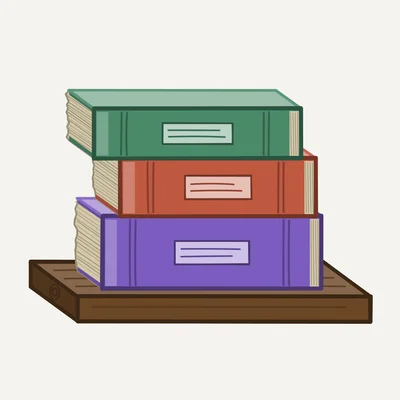
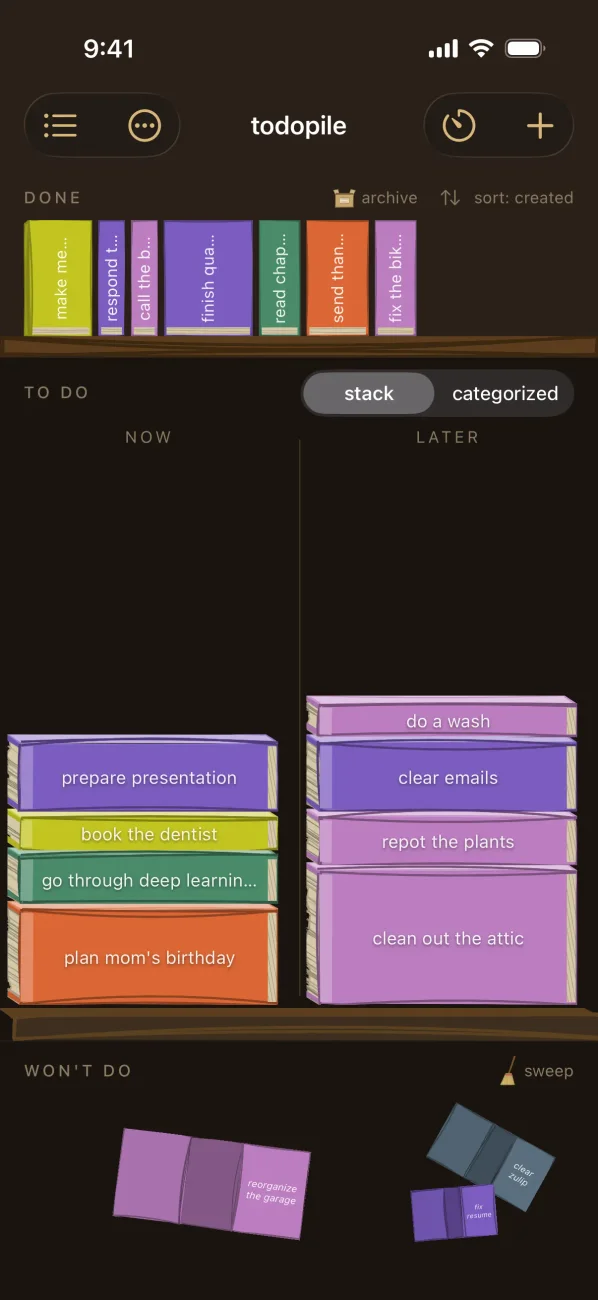
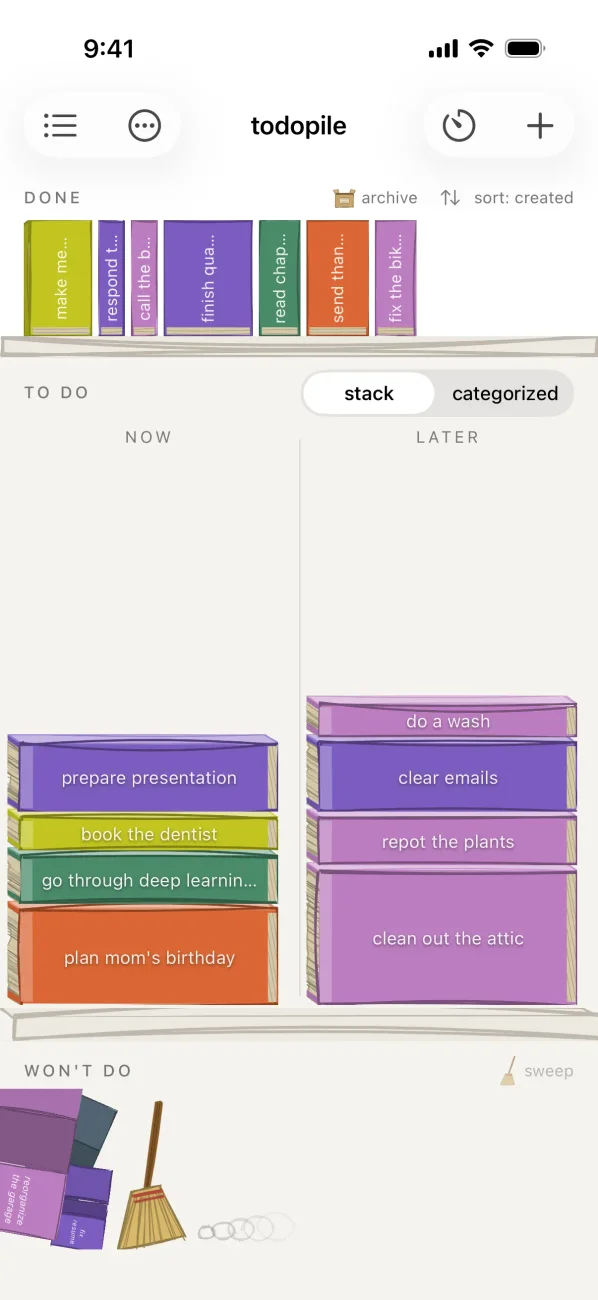
Todopile turns your to-do list into a pile of hand-drawn books.
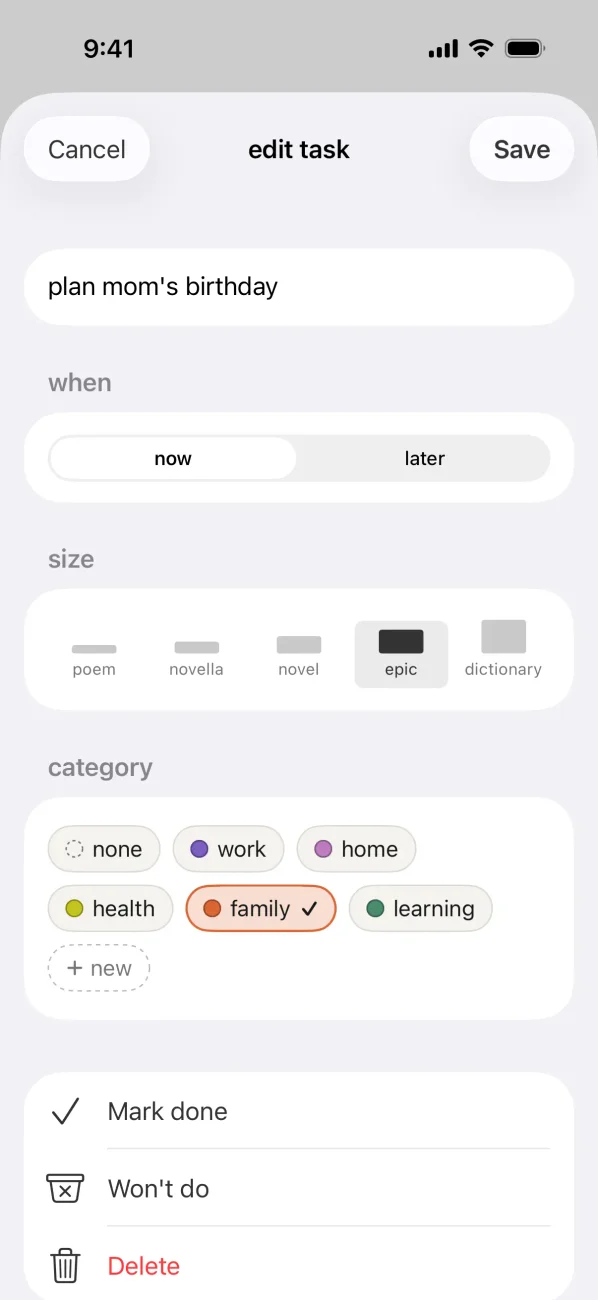
Every task is a book, and bigger jobs are thicker books, from a quick poem to a full dictionary. Stack them in "now" and "later" piles, put finished ones up on the shelf, and toss the ones you've decided not to do onto the won't-do heap. It's a to-do list you can actually see, so you can tell at a glance how much is on your plate.
PILE IT UP
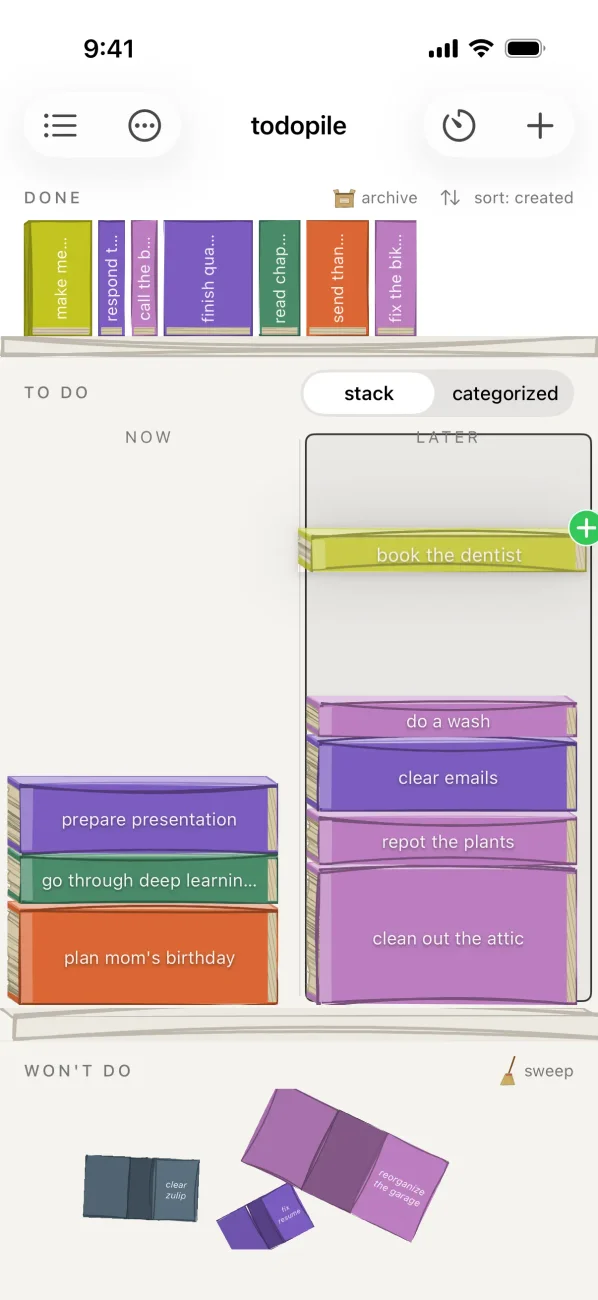
• Touch and hold a book, then drag it to reorder your pile or move it between piles
• Sort by "now" and "later", or switch to one pile per category
• Five book sizes, from poem to dictionary, so big jobs look big
• Color-coded categories, with colors you pick
SHELVE IT OR TOSS IT
• Drag a book onto the shelf to mark it done, or into the won't-do heap to let it go
• Sort the shelf by when tasks were added, finished, or by category
• Shelf full? Archive it: the books hop into a box and the shelf is cleared
• Sweep the won't-do heap with a hand-drawn broom
• Nothing is lost: archived and swept books are kept, and you can undo right away
SEE IT AS A LIST
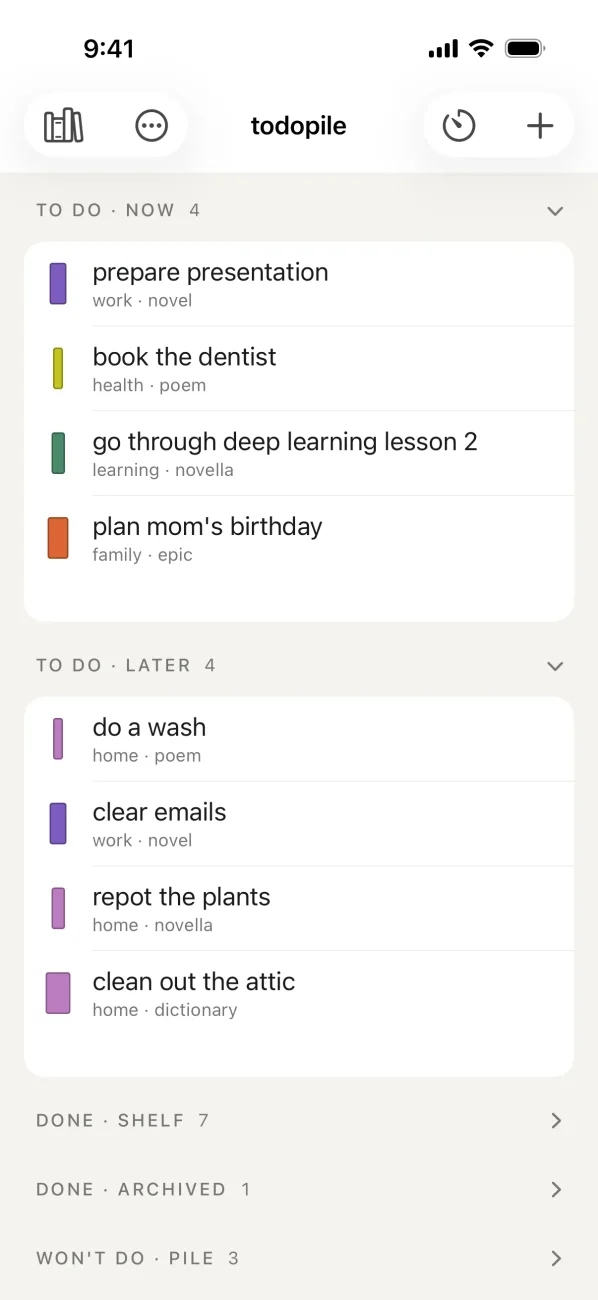
• Prefer a plain list? Switch views with one tap
• Tasks are grouped into to do (now and later), done, and won't do, each one collapsible
• Drag tasks between groups, just like in the pile
FOCUS WITH A POMODORO
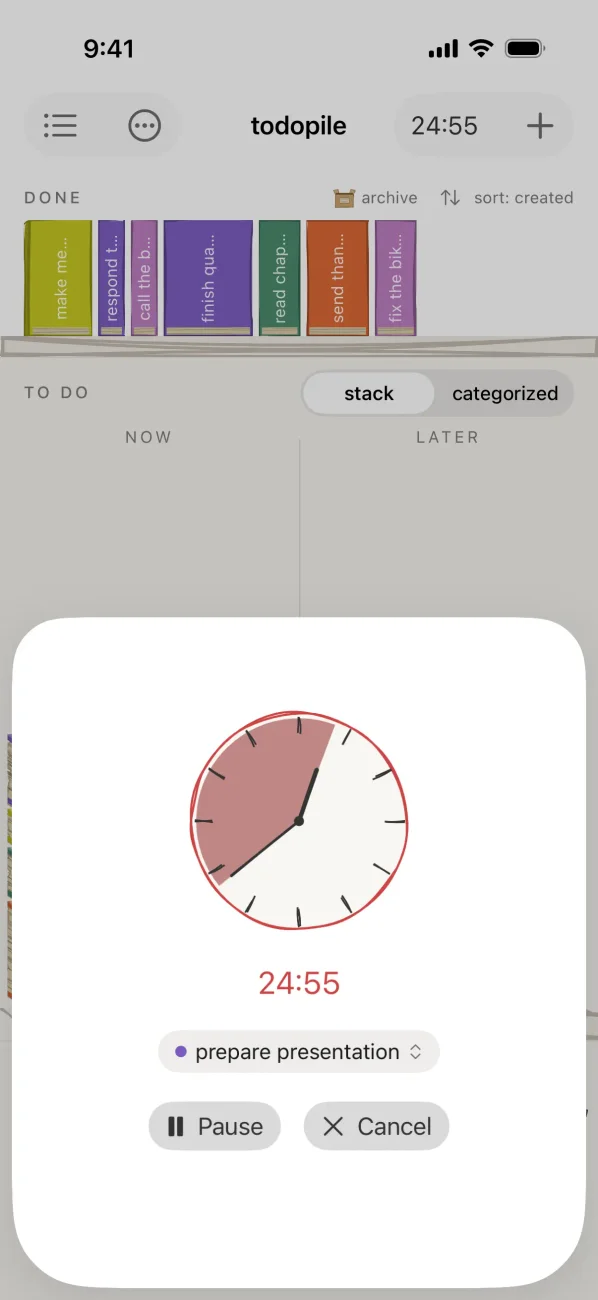
• A hand-drawn clock shows your pomodoro right on the clock face
• Choose 5, 15 or 25 minutes and pick which task you're working on
• Get a notification when time's up, even with your phone locked, then mark the task done in one tap
MADE TO STAY OUT OF YOUR WAY
• No account, no sign-up, no ads
• Works completely offline
• Your tasks stay on your phone. Todopile collects no data and doesn't use the internet at all
• Erase all your data anytime from the menu
• Light and dark themes
Clear your pile, one book at a time.
What’s new
Version 1.1 · Nov 13, 2026
New: repeating tasks.
Some jobs come back again and again. Now Todopile can put them on your pile for you.
• Repeat a task on certain days of the week, or every few days
• Pick a time of day if you like, and get a notification when the book goes on your pile
• Each day's book shows the date it's for, like "water the plants · tue oct 13"
• Choose what happens if it isn't done: it stays on the pile, or disappears once the day is over
• Turn on "repeat" when adding a task, or tap the calendar icon next to TO DO to see and edit all your repeating tasks. From any of its books, tap "tap to change how it repeats".
Also:
• Delete a category from "manage categories" in the task form. Its books are kept, just uncategorized.
• An empty pile now points you to the + button.
• The keyboard gets out of the way as soon as you scroll a task form
App privacy
What EMMA RACHEL JABLONSKI declares on the App Store about how this app handles data.
-
Data not collected
The developer does not collect any data from this app.
Privacy practices may vary, for example with the features you use or your age.
Information
- Seller
- EMMA RACHEL JABLONSKI
- Category
- Productivity
- Version
- 1.1
- Updated
- Nov 13, 2026
- Released
- Oct 12, 2026
- Size
- 1.6 MB
- Requires
- iOS 17.0 or later
- Age rating
- 4+
- Price
- Free
- Languages
- English
- Copyright
- © 2026 Emma Jablonski
You might also like
-
 Cue: AI Scheduling & To-DoVoice to-do and AI planner
-
 Nonne · To-Do List & PlannerSimple daily tasks. No setup.
-
 Blueprint: Life SystemSeason of work, held with care
-
 OptiListenPrepare to listen with intent
-
 Vector ToDoProductivity
-
 Tend – A Cozy To-Do ListA calmer to-do list
-
 OffmindOne to-do list for each Day
-
 Simple To-Do List & TasksOffline to-do list & tasks
-
 Now! To do appMinimalist to do app
-
 Chicken Egg Tracker LoggingTrack eggs and manage flocks