
Toastmasters Hub
Club chat, RSVPs & schedules
Designed for iPhone, iPod touch
Free
- Age rating17+
- CategoryProductivity
- DeveloperColorTV
- LanguagesEnglish
- Size3.1 MB
Links to the official App Store page
Download.org hosts no file of Toastmasters Hub. The button opens its official App Store page, published by ColorTV. Listing last checked on Nov 13, 2026.
Screenshots

About
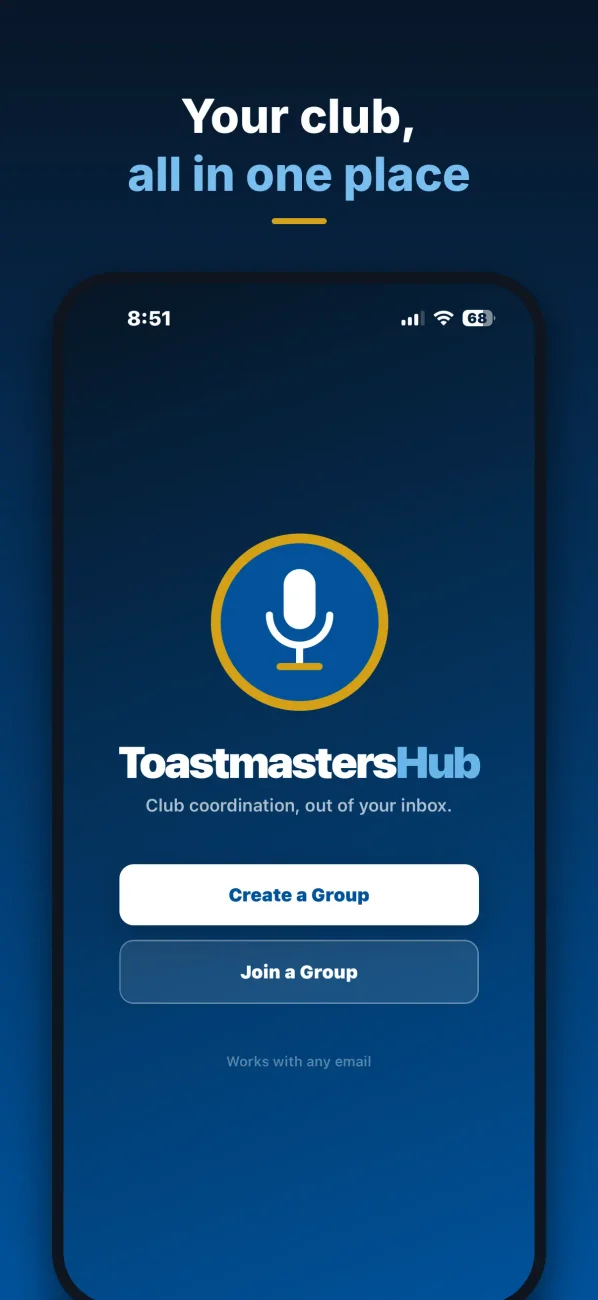
Toastmasters Hub keeps your public speaking club's weekly coordination in one place, so nothing gets lost in email threads.
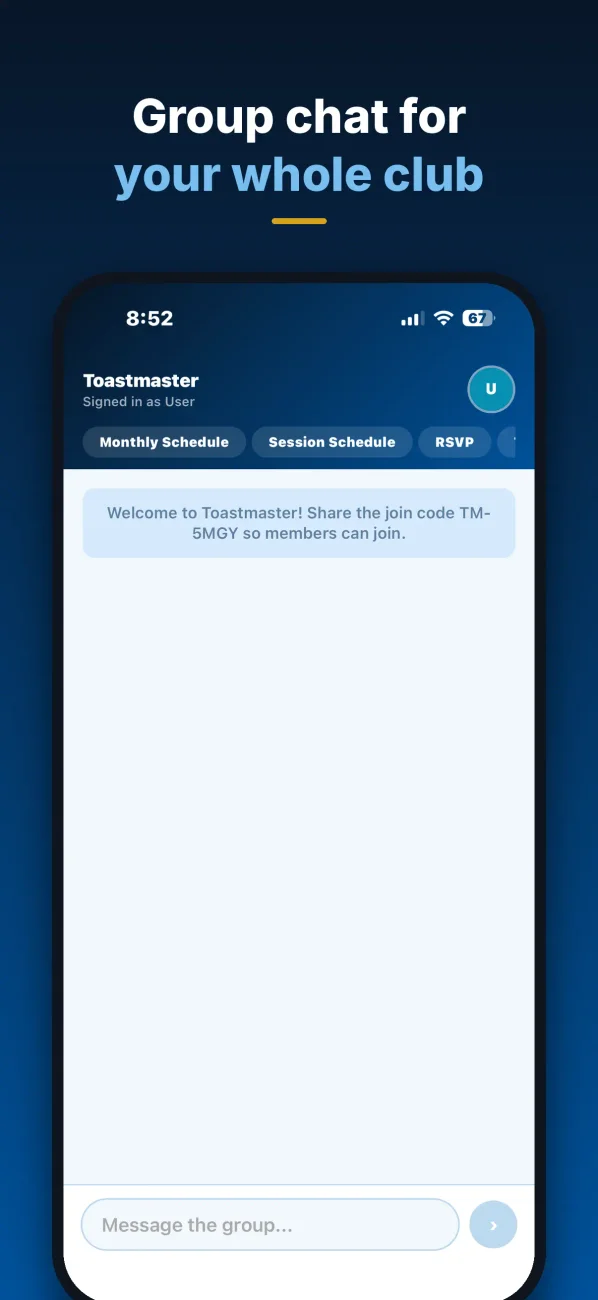
CLUB CHAT
- Group chat for your whole club, plus private direct messages
- Join with a simple club code, no passwords or personal information needed
MEETING ROLE RSVP
- Post the week's meeting roles and let members confirm or decline
- See at a glance which roles still need filling, and claim open roles with one tap
SHARED SCHEDULES
- Upload the monthly and weekly schedules for everyone to see
- Tap to view full screen and save to Photos
- The weekly RSVP and session schedule clear automatically each week
MEETING TOOLS
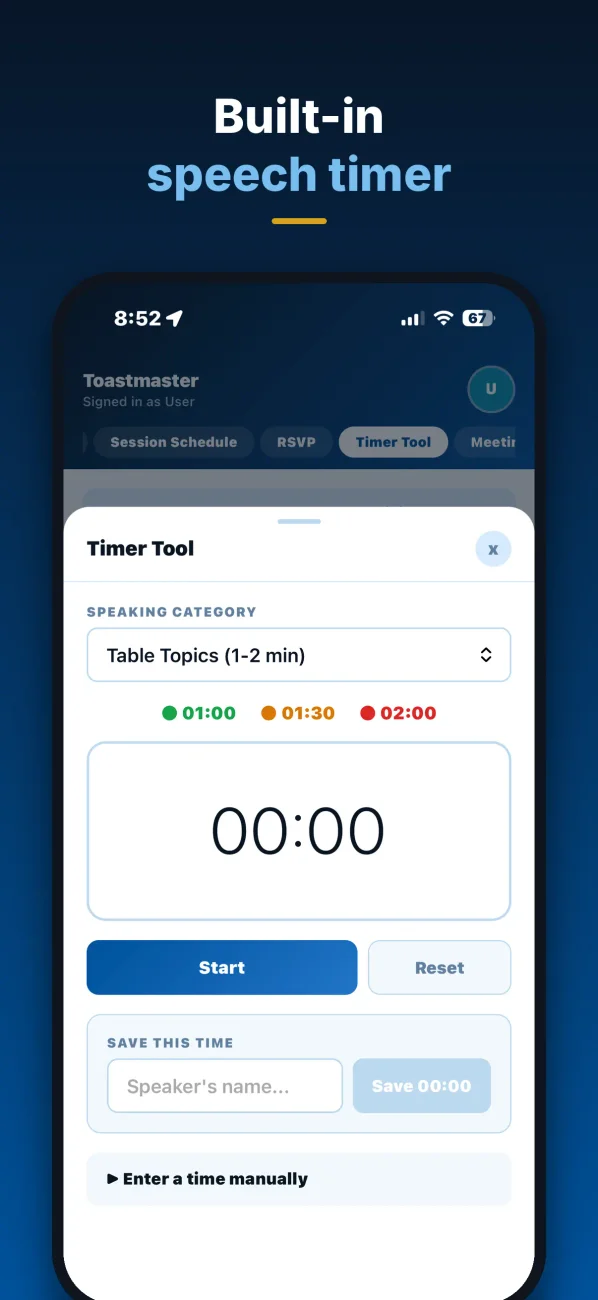
- Speech timer with green, yellow, and red signals
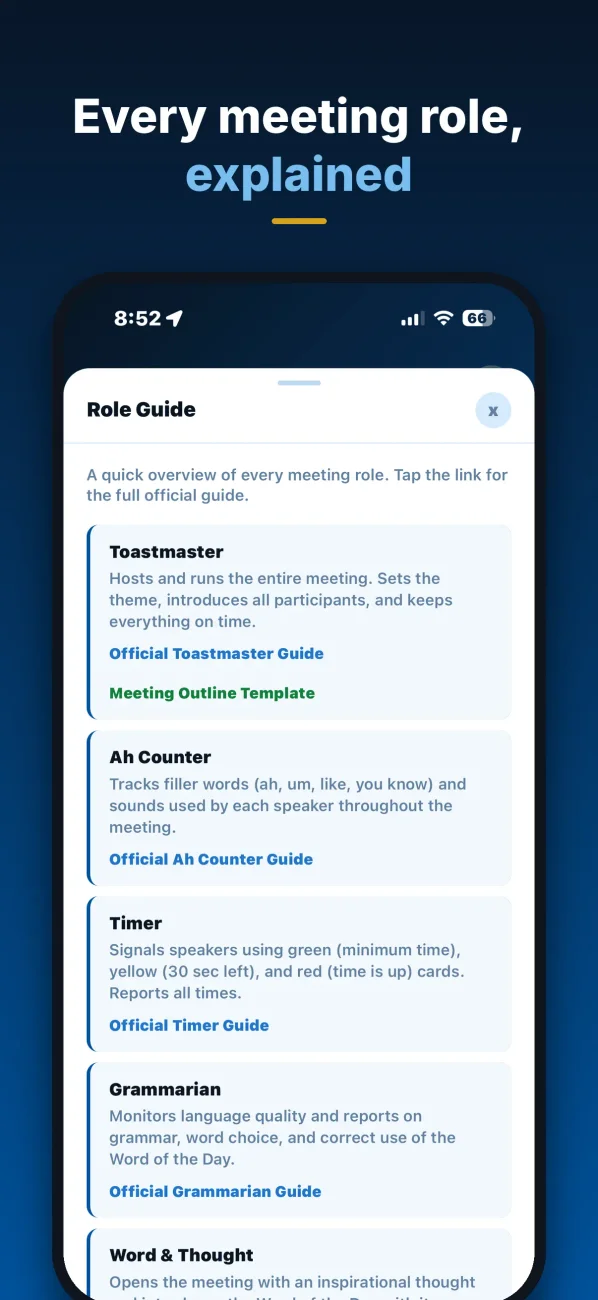
- Role guides that explain every meeting role
- Word of the Day lookup with definition and example
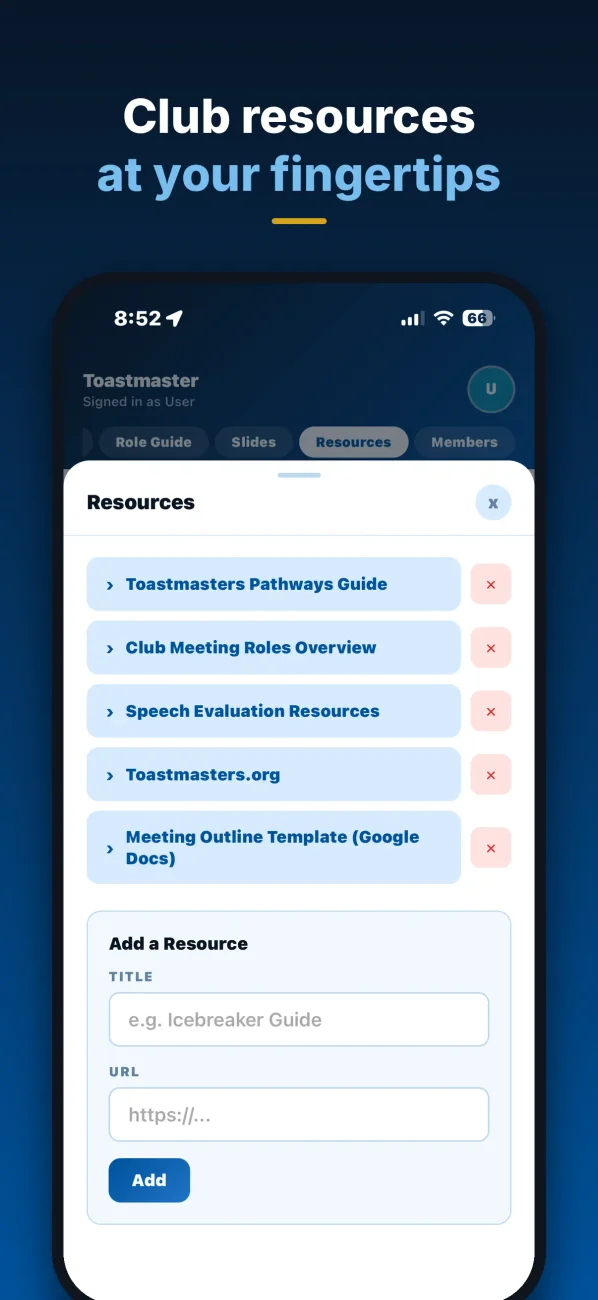
- Shared links for slides and club resources
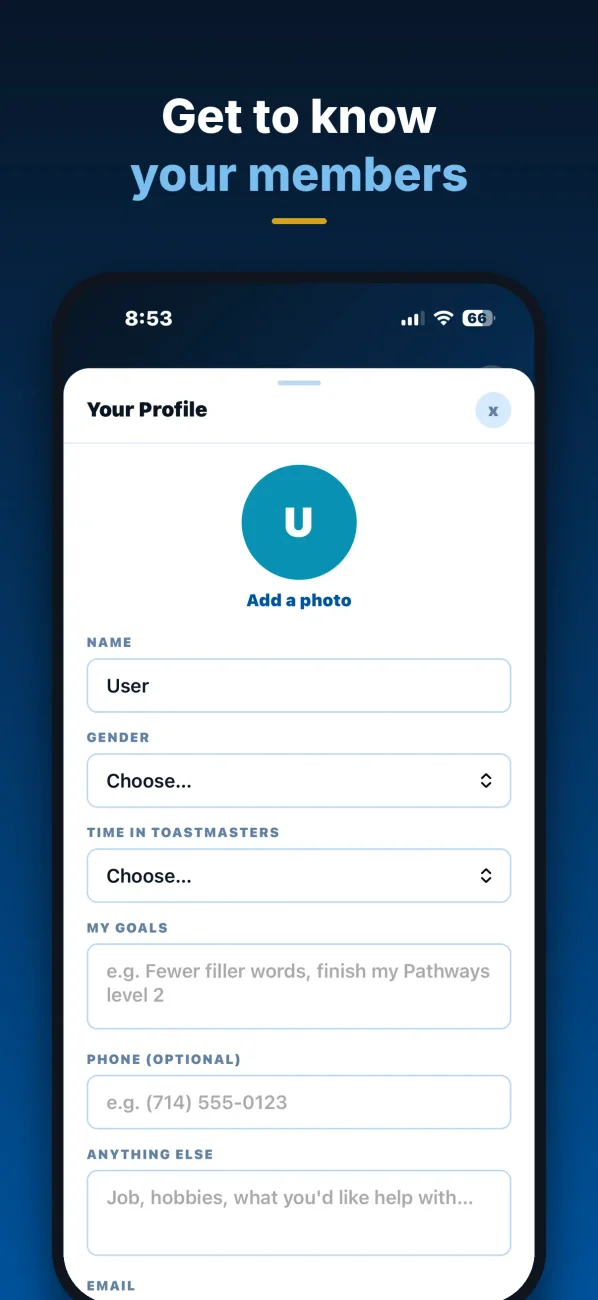
MEMBER PROFILES
- Add a photo, goals, and how long you've been a member
SAFE COMMUNITY
- Report or block any member or message
- Club organizers can remove messages and members
- Delete your account anytime in the app
- Join with a simple club code, no passwords needed
Toastmasters Hub is an independent app made by club members. It is not made, endorsed, or sponsored by Toastmasters International.
What’s new
Version 1.1 · Oct 13, 2026
Notifications are here! Get a heads-up when the RSVP is posted, a personal note when you're given a role, and confirm with one tap right from the notification. You'll also get a reminder the night before, a nudge when a role is still open, and alerts for private messages. Quiet hours (9 PM–7 AM) keep nights peaceful.
Share photos and files: tap + in any chat to send photos from your library, take a picture, or share a PDF, with a caption. Tap a photo to see it full screen.
Meeting schedules are easier to find: post the schedule with a note, everyone gets a heads-up, the Current Meeting Schedule stays pinned at the top of the chat, and each month's schedule stays saved in the Monthly Schedule tab.
Meet your club: tap anyone in the chat to see their profile, bio, position and speech outline. Every member has their own chat color, and a green dot shows who's online.
Plus a new Settings page (Dark Mode, notification switches, timer alerts with sound and vibration, Spanish and French), and organizers can add co-organizers or hand off the club when officers change.
App privacy
What ColorTV declares on the App Store about how this app handles data.
-
Data linked to you
May be collected and linked to your identity.
- Contact info
- User content
- Identifiers
Privacy practices may vary, for example with the features you use or your age.
Information
- Seller
- Replay Media Group, Inc
- Category
- Productivity
- Version
- 1.1
- Updated
- Oct 13, 2026
- Released
- Oct 8, 2026
- Size
- 3.1 MB
- Requires
- iOS 15.0 or later
- Age rating
- 17+
- Price
- Free
- Languages
- English
- Copyright
- © 2026 Replay Media Group, Inc.
You might also like
-
 Club Meeting TimerFor your toast master meeting
-
 Rehearse - Speech PracticePractice. Reflect. Improve.
-
 Speech Timer PRO Speaker ClockPresentation Countdown Timer
-
 Mivo ScrollingSee the pattern.Break the loop
-
 BuddyUp - Accountability AppAchieve Goals Together
-
 Wild SpotterProductivity
-
 ADAMS CenterProductivity
-
 Resolution Tracker: ResolutelyNew Year's Resolutions & Goals
-
 The Presentation TimerBeautiful & simple timer
-
 btc Playbookboys team charity