- Age rating4+
- CategoryEducation
- DeveloperJin Jin
- LanguagesEnglish+ 7 more
- Size13.5 MB
Links to the official App Store page
Download.org hosts no file of TocArc – AI Lecture Notes. The button opens its official App Store page, published by Jin Jin. Listing last checked on Nov 13, 2026.
Screenshots
About
TocArc turns classroom recordings into a private, evidence-backed learning library.
RECORD WITH CONFIDENCE
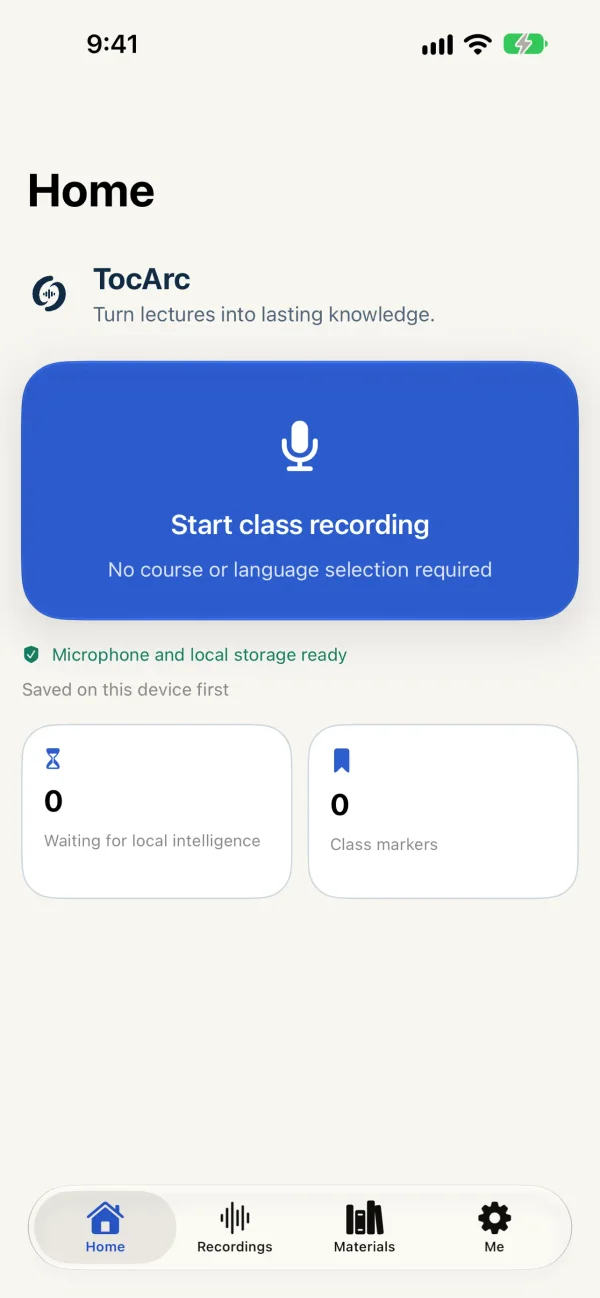
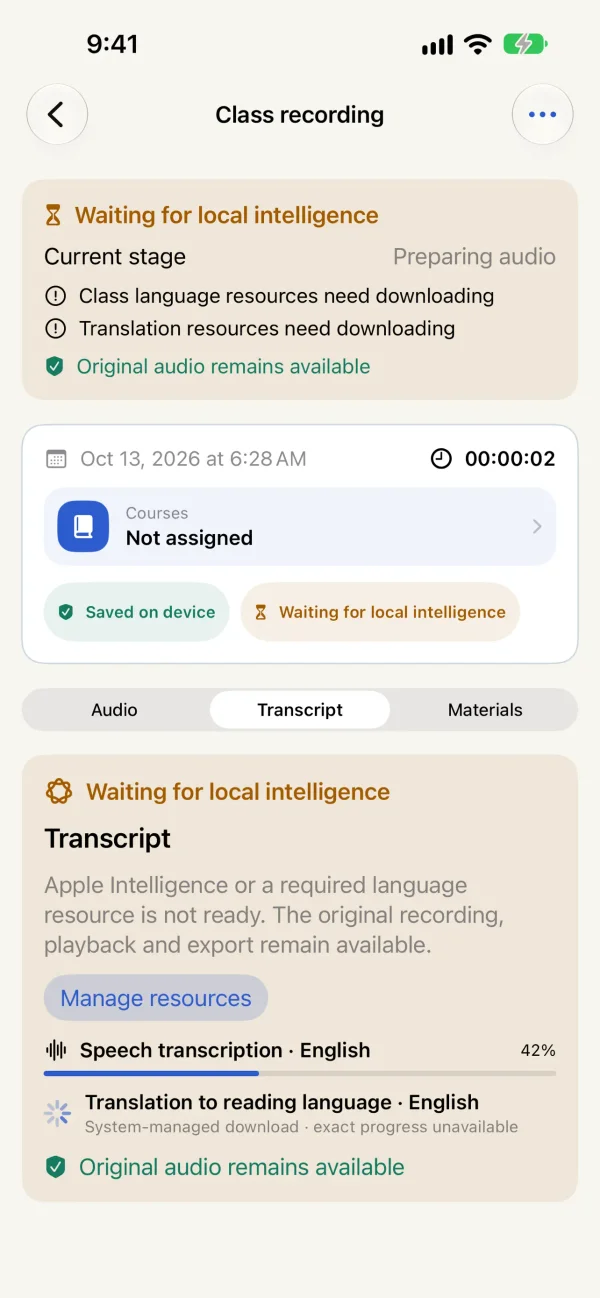
Start a class in one tap, pause and resume safely, add meaningful time markers, and keep the original audio as your source of truth. Recording remains independent from network access, iCloud, and AI readiness.
LEARN WITH ON-DEVICE INTELLIGENCE
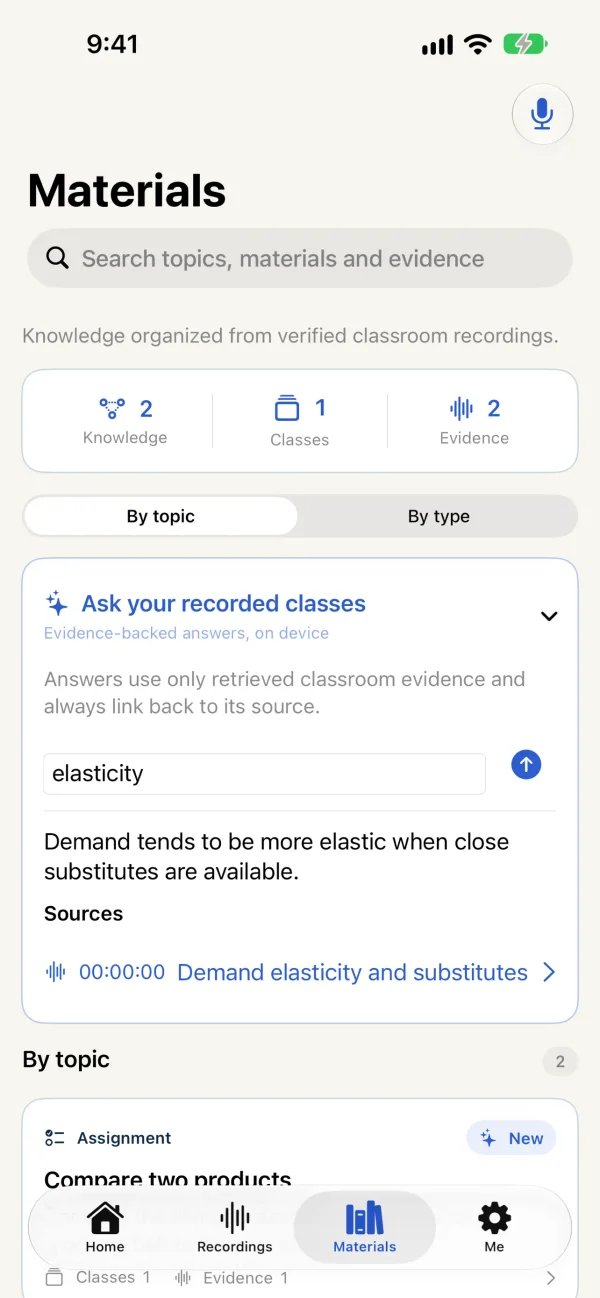
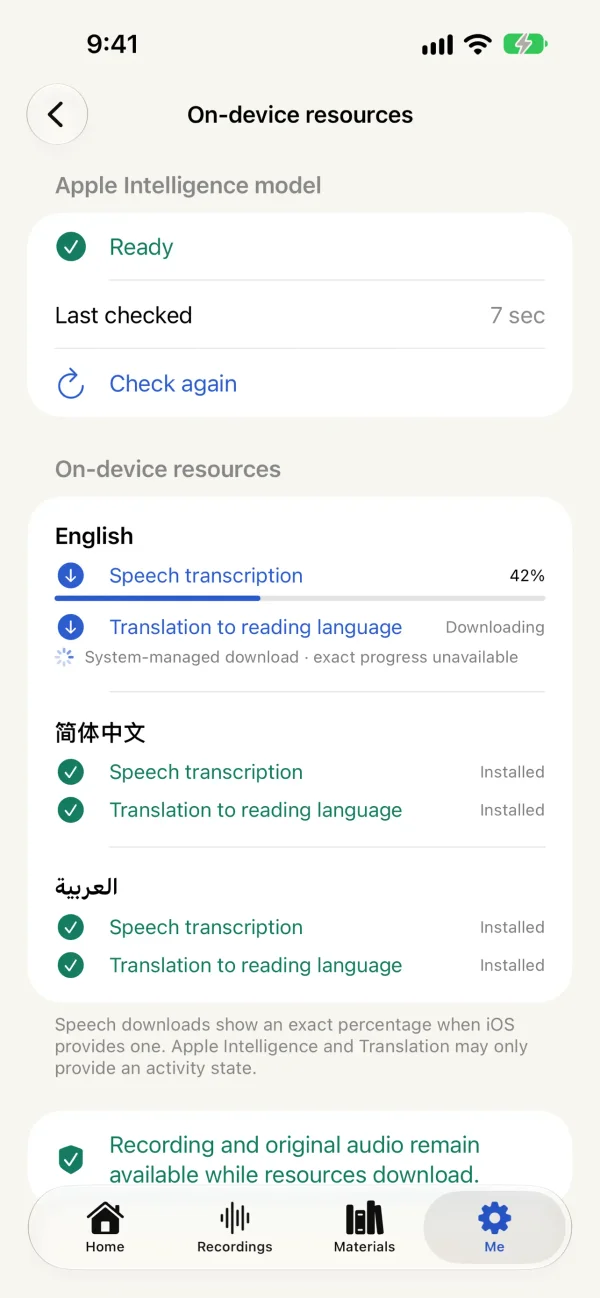
On supported devices, TocArc creates transcripts, translations, structured learning materials, and evidence-backed answers using Apple system technologies. Your classroom audio, transcripts, prompts, and generated materials are not sent to third-party AI services or Private Cloud Compute.
RETURN TO THE EVIDENCE
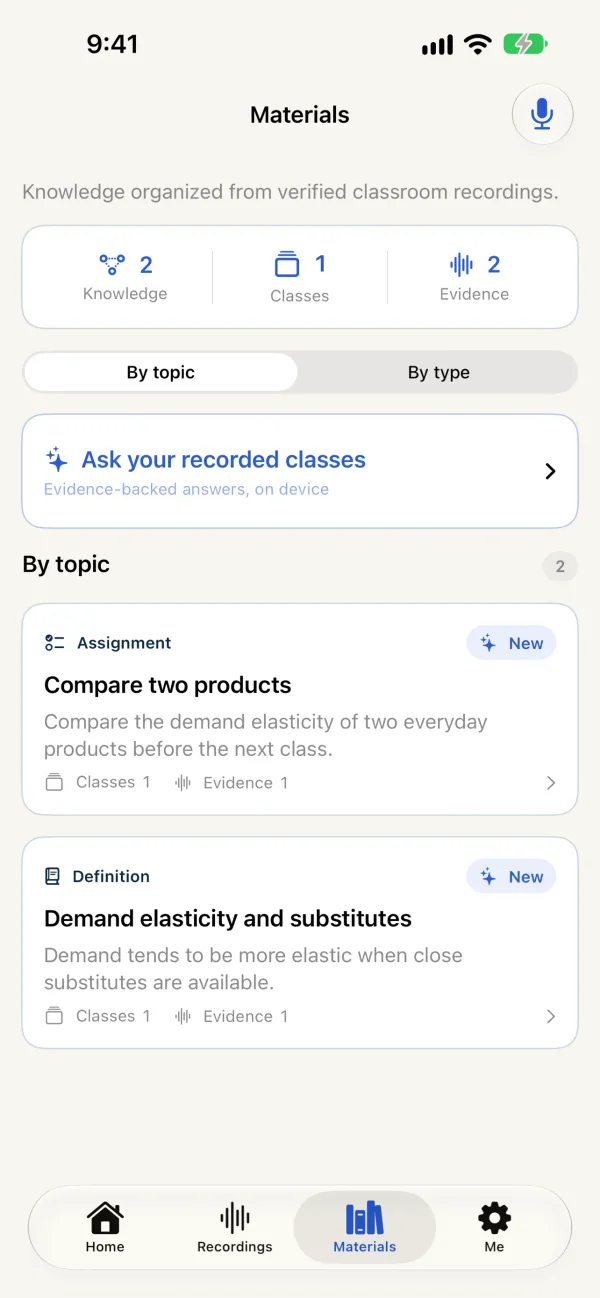
Search topics, materials, and classroom evidence. Every generated insight and answer can lead back to the relevant recording timestamp, so you can verify it in context.
BUILD A LASTING KNOWLEDGE LIBRARY
Organize classes by course, connect related topics, revisit definitions, explanations, examples, questions, assignments, and common misconceptions, and keep learning across multiple classes.
MADE FOR REAL CLASSROOMS
• Live Activity and Dynamic Island recording status
• Optional live captions and translation
• Reliable recovery after interruptions
• Background post-class processing
• Local playback with markers and segment details
• Portable exports for audio, text, Markdown, JSON, and TocArc session packages
• Optional private iCloud/CloudKit sync
• English, Simplified Chinese, Arabic, Japanese, French, German, Spanish, and Malay
• VoiceOver, Larger Text, Dark Mode, Reduce Motion, and right-to-left layout support
TocArc does not require a product account, does not include ads, and does not track you across apps or websites.
Please follow applicable recording laws and obtain permission from teachers, speakers, and participants when required.
What’s new
Version 1.0.7 · Oct 28, 2026
Correct a repeated transcript mistake across a class in one pass. Preview every match, choose the passages to change, and undo the last batch while the correction window is open.
Playback is more reliable for classes split across several audio files, including when you jump back to evidence from the transcript or materials.
App privacy
What Jin Jin declares on the App Store about how this app handles data.
-
Data linked to you
May be collected and linked to your identity.
- User content
Privacy practices may vary, for example with the features you use or your age.
Information
- Seller
- Jin Jin
- Category
- Education
- Version
- 1.0.7
- Updated
- Oct 28, 2026
- Released
- Aug 4, 2026
- Size
- 13.5 MB
- Requires
- iOS 26.4 or later
- Age rating
- 4+
- Languages
- English, Arabic, French, German, Japanese, Malay, Simplified Chinese, Spanish
- Copyright
- © 2026 Jin Jin
You might also like
-
 WordTrack: Vocabulary BuilderLearn Words & Spaced Review
-
 SmartAiInvestEducation
-
 AI Guide: AI Tools & AppsAI Tools, News & Learning
-
 Cognova: AI Flashcards & QuizSmart study with spaced rep
-
 My M.OMy Microorganism
-
 NabQuizSmart Quiz & Flashcard Study
-
 Lecture Studio- AI Study NotesRecord. Transcribe. Study.
-
 Studr: AI Note & FlashcardStudy Planner, Lecture, Quiz
-
 ExplorisLearn Geography on a 3D Globe
-
 Maxx OrthoReference