- Age rating4+
- CategoryProductivity
- DeveloperEui-Gyom Kim
- LanguagesKorean+ 2 more
- Size8.4 MB
Links to the official App Store page
Download.org hosts no file of Tomato: Focus Timer. The button opens its official App Store page, published by Eui-Gyom Kim. Listing last checked on Nov 12, 2026.
Screenshots
About
Tomato is a Pomodoro timer that helps you move smoothly between focus and rest.
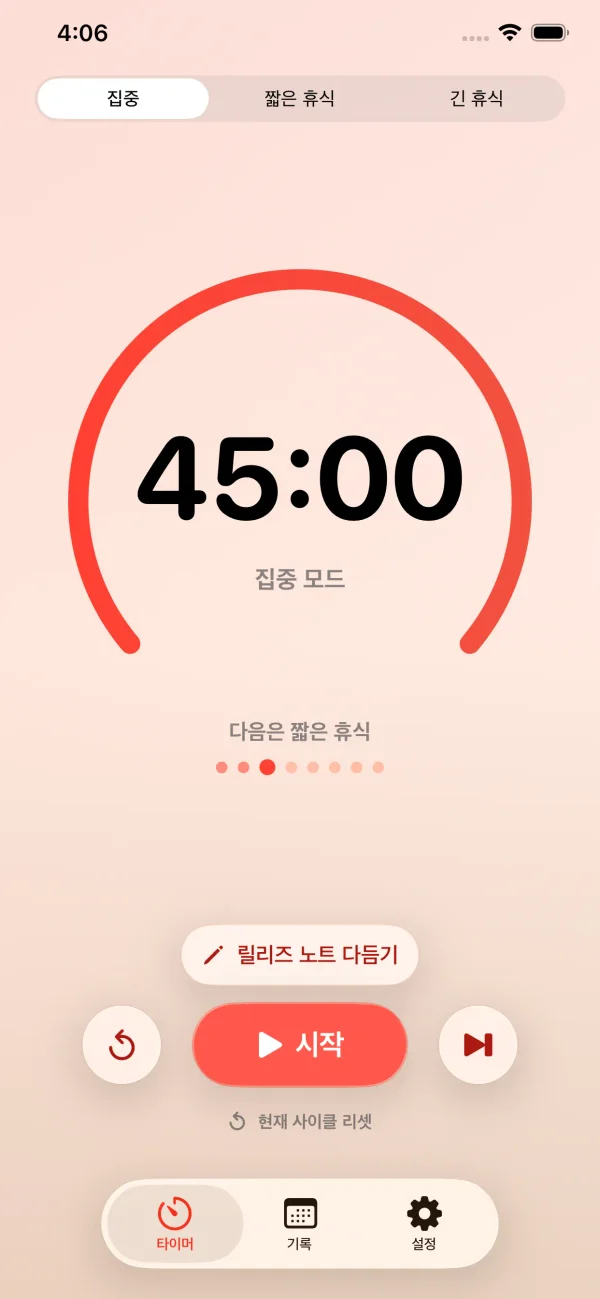
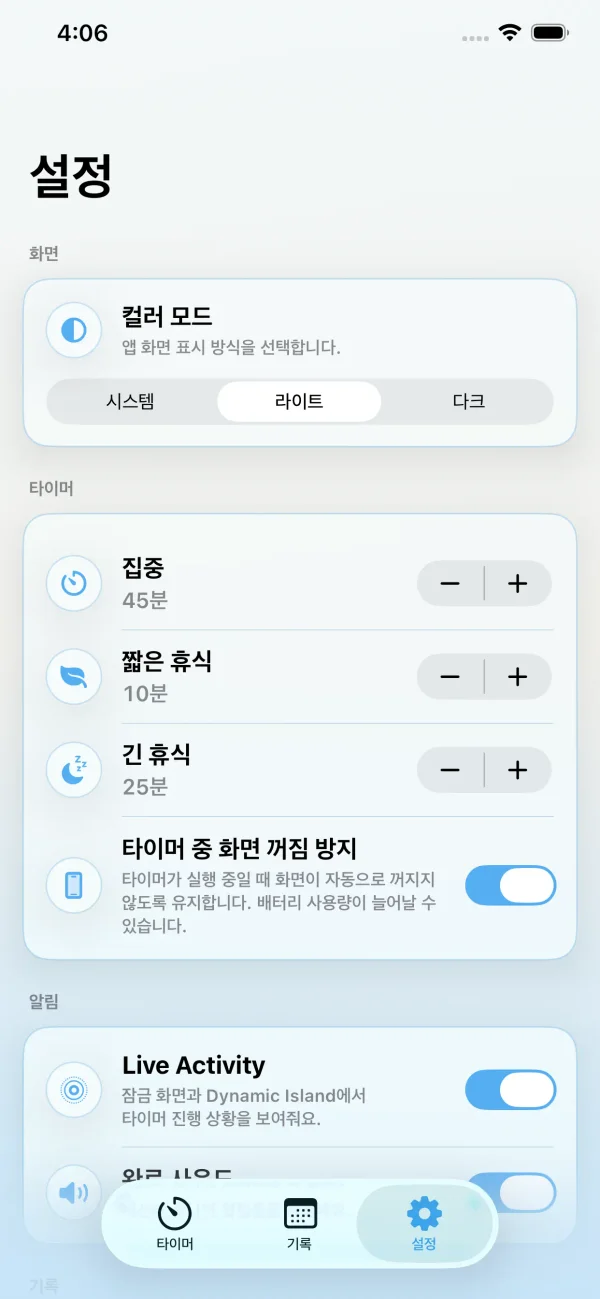
Follow a simple cycle of focus sessions, short breaks, and long breaks as you work through your day one session at a time. You can start with the classic Pomodoro rhythm, or adjust each session length from 1 to 120 minutes to match the way you work.
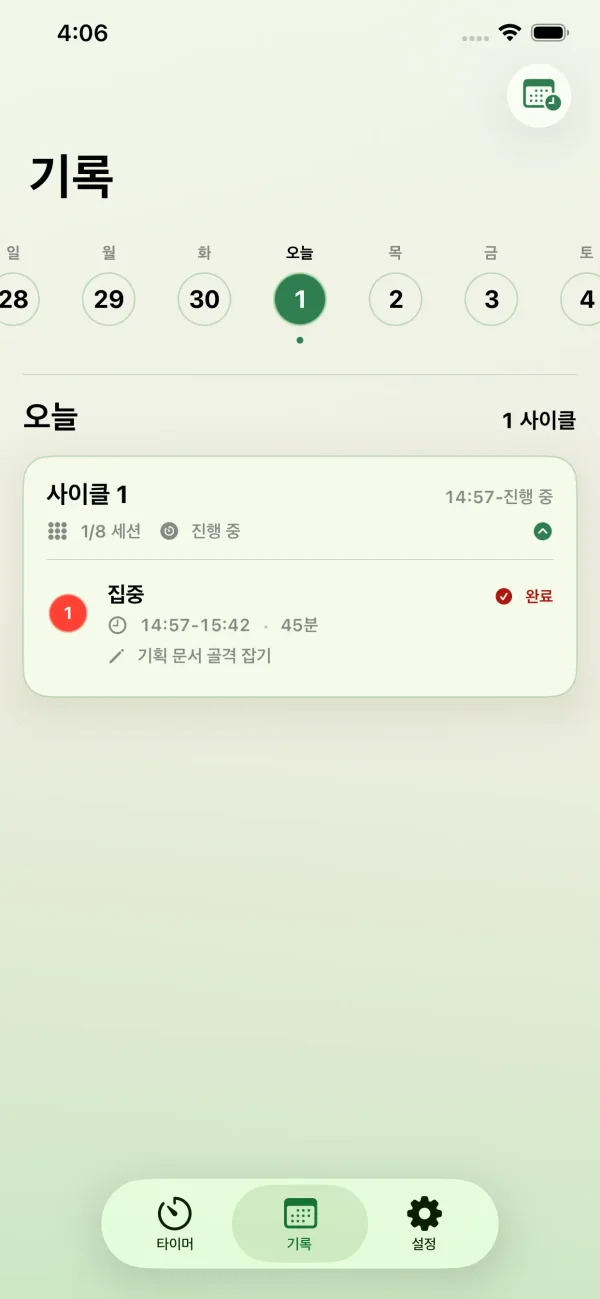
Add a note to your current session, and Tomato will save it with your history so you can easily look back on what you focused on. Recent notes are available again when you need to start a recurring task quickly.
Tomato keeps the experience simple with dedicated Timer, History, and Settings tabs. The app’s accent color changes with your current session type, and Live Activity support lets you check your progress from the Lock Screen when enabled.
If you want a calmer way to separate focus time from break time, Tomato helps you build a rhythm you can return to every day.
What’s new
Version 1.0.1 · Sep 30, 2026
It has been changed to an icon that supports Liquid Glass.
App privacy
What Eui-Gyom Kim declares on the App Store about how this app handles data.
-
Data not collected
The developer does not collect any data from this app.
Privacy practices may vary, for example with the features you use or your age.
Information
- Seller
- Eui-Gyom Kim
- Category
- Productivity
- Version
- 1.0.1
- Updated
- Sep 30, 2026
- Released
- Jul 7, 2026
- Size
- 8.4 MB
- Requires
- iOS 18.0 or later
- Age rating
- 4+
- Languages
- Korean, English, Japanese
- Copyright
- © 2026 deStudio
You might also like
-
 Tomato Focus TimerPomodoro, task & ambient sound
-
 ttokidoki - Focus with FriendsPomodoro Timer, Gaze Tracking
-
 fillupProductivity
-
 Mol:ibStudy tracker
-
 Moment_StopwatchProductivity
-
 DayPod: Recurring RemindersPlan tasks in your calendar
-
 Pomodak: Cute Pomodoro TimerFocus & study with Poddaki
-
 Pomotime - Focus TimerSimple Pomodoro Timer
-
 BrewFocus - Focus in a CafeCafe ambience, study timer
-
 Time to Time : PomodoroProductivity