
- Age rating4+
- CategoryProductivity
- DeveloperLuke Drushell
- LanguagesEnglish
- Size1.0 MB
Links to the official App Store page
Download.org hosts no file of Tomo. The button opens its official App Store page, published by Luke Drushell. Listing last checked on Nov 17, 2026.
Screenshots
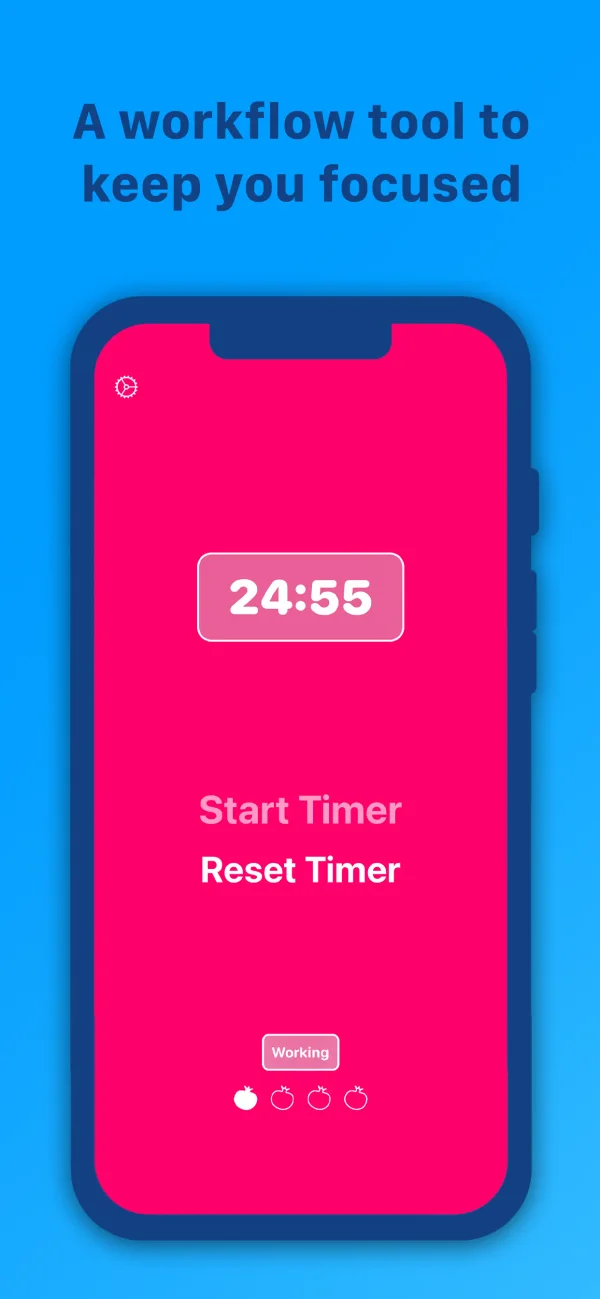

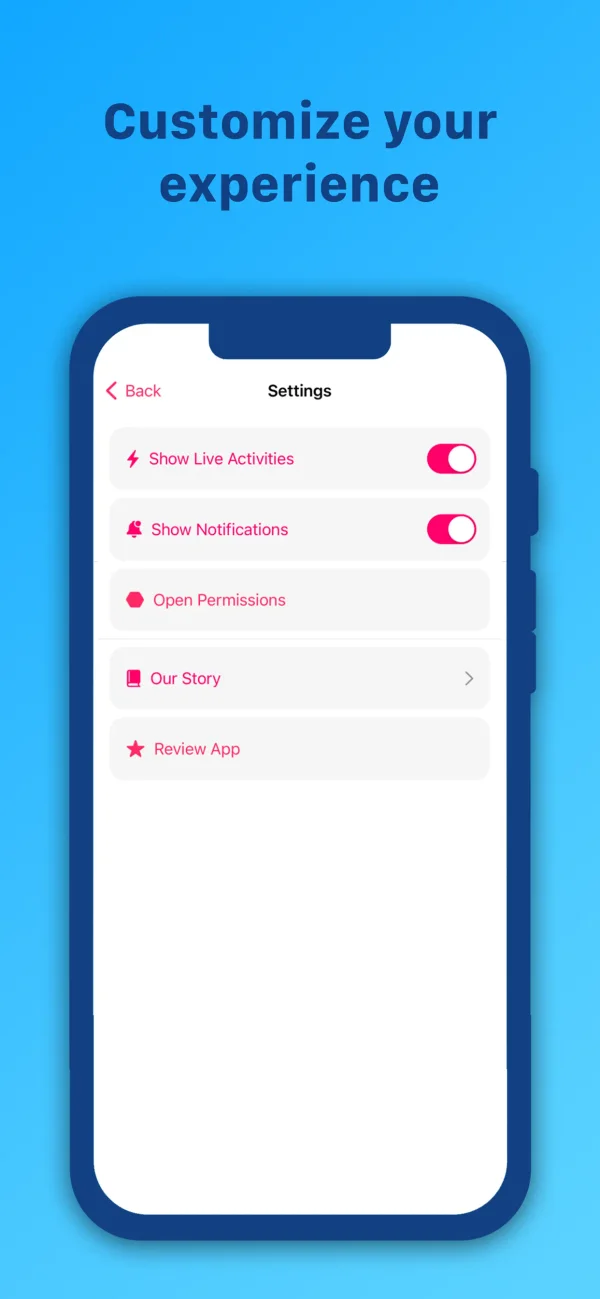
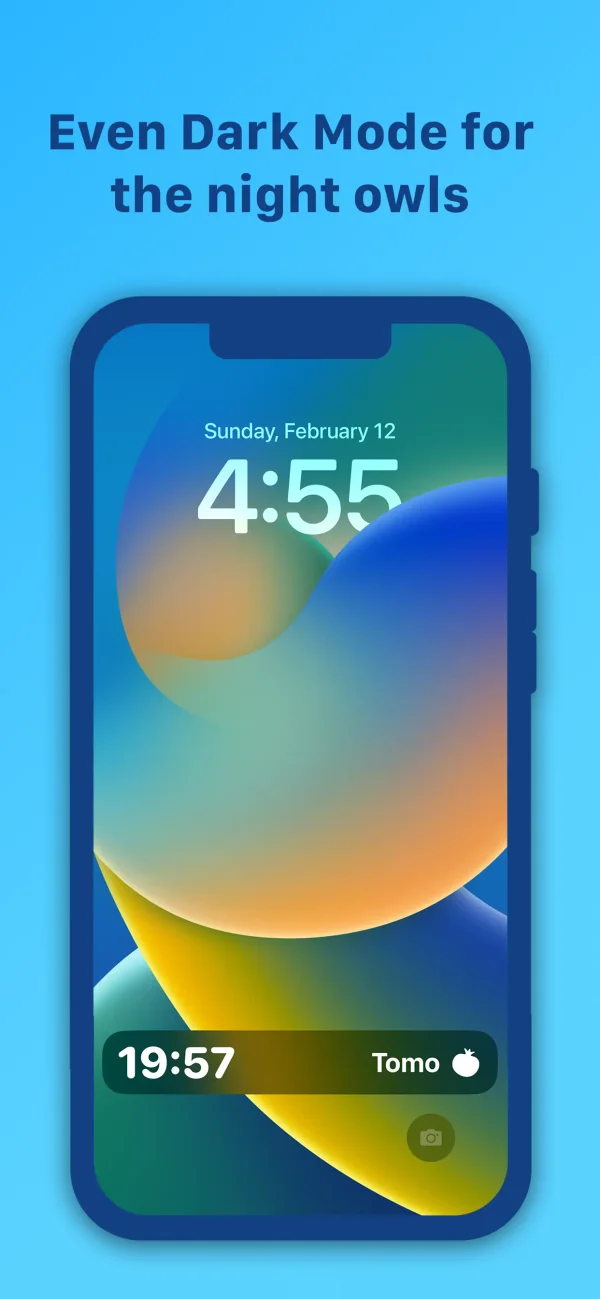
About
Tomo is the ultimate Pomodoro Technique timer app for iOS. With its sleek and intuitive interface, Tomo makes it easy for you to stay on track and achieve your goals. Tomo allows you to see your timer status with just a quick glance at your lockscreen, eliminating the need to waste time checking it. This enables you to stay focused and avoid distractions, making Tomo the perfect app for anyone looking to increase productivity.
What’s new
Version 1.25 · Jun 23, 2026
Upgrades:
- Liquid Glass Support.
- Enhanced Animations.
Bug Fixes:
- Fixed an issue where the timers could be lost.
App privacy
What Luke Drushell declares on the App Store about how this app handles data.
-
Data not collected
The developer does not collect any data from this app.
Privacy practices may vary, for example with the features you use or your age.
Information
- Seller
- Luke Drushell
- Category
- Productivity
- Version
- 1.25
- Updated
- Jun 23, 2026
- Released
- Feb 13, 2023
- Size
- 1.0 MB
- Requires
- iOS 16.2 or later
- Age rating
- 4+
- Price
- Free
- Languages
- English
- Copyright
- © 2026 LuckDev
You might also like
-
 SimpliFocusPomodoro & Session Tracker
-
 Pomodoro Focus - Study TimerDeep Work, Flow & Productivity
-
 Pomodoro Focus TimerWork sprints, stats & tasks
-
 Focused Work - Pomodoro TimerTime Management, Focus & ADHD
-
 Pond - Screen Time & PomodoroApp Blocker & Website Control
-
 Focus - Deep Work TimerTime Management with Pomodoro
-
 Flow: Focus & Pomodoro TimerConcentration for work & study
-
 FocusPomo · Pomodoro TimerProductivity|for Work & Study
-
 Onrise: Habit Tracker & FocusBuild habits, focus & journal
-
 Focus Keeper - Pomodoro TimerADHD Organizer & Productivity