
Tool Box: Ruler & Protractor
Bubble Level & Inclinometer
Designed for iPhone, iPod touch
Free
- Age rating4+
- CategoryUtilities
- DeveloperTakashi EIKI
- LanguagesEnglish+ 1 more
- Size23.3 MB
Links to the official App Store page
Download.org hosts no file of Tool Box: Ruler & Protractor. The button opens its official App Store page, published by Takashi EIKI. Listing last checked on Nov 18, 2026.
Screenshots
About
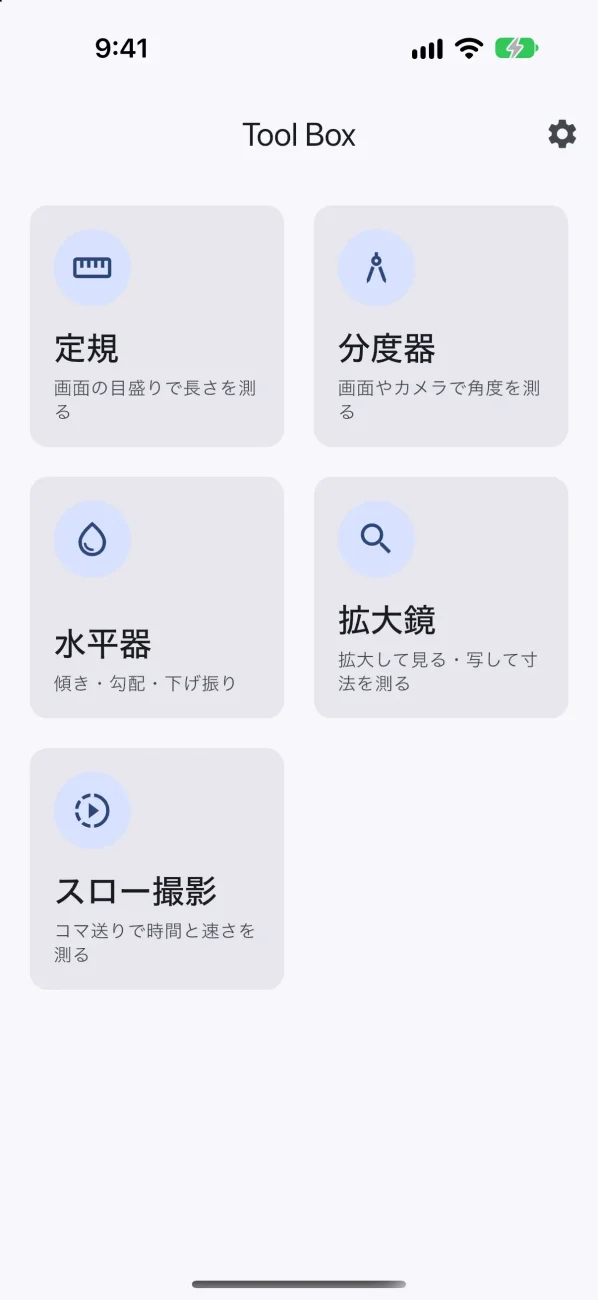
Ruler, protractor, bubble level, magnifier, slow-motion timer and car leveling in one app.
Tool Box lets you tune each tool to your own phone, using things you already have.
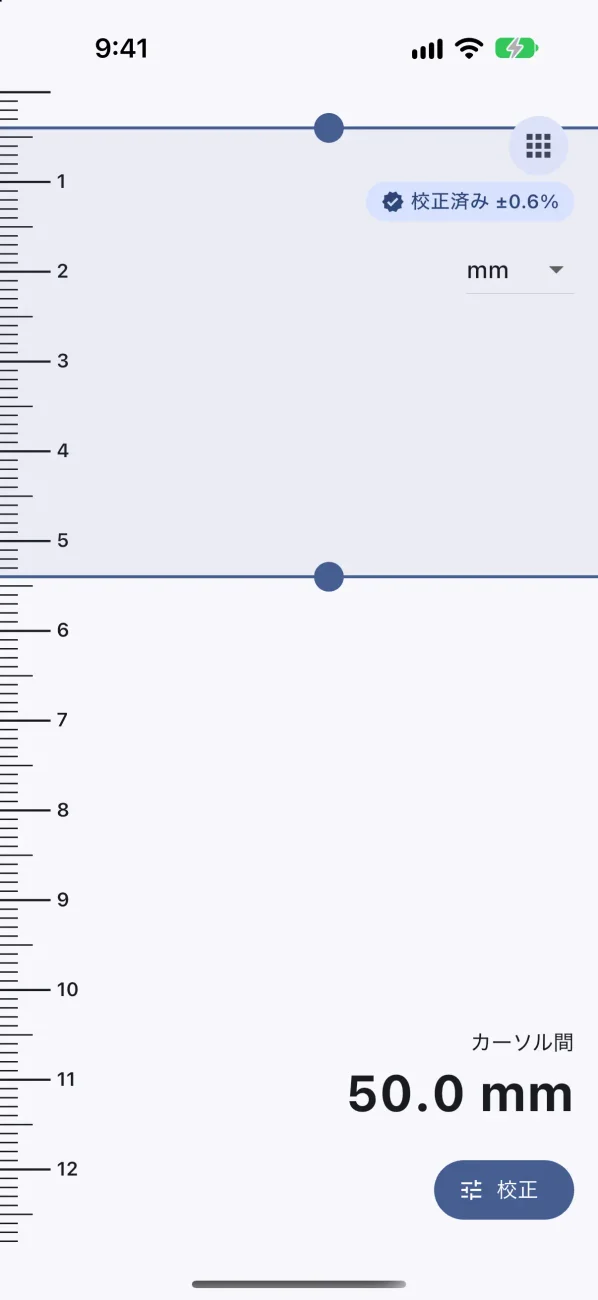
RULER
- Measure length with a scale along the long edge of the screen and two movable cursors
- Shows mm, cm and inches (also traditional Japanese shaku/sun units)
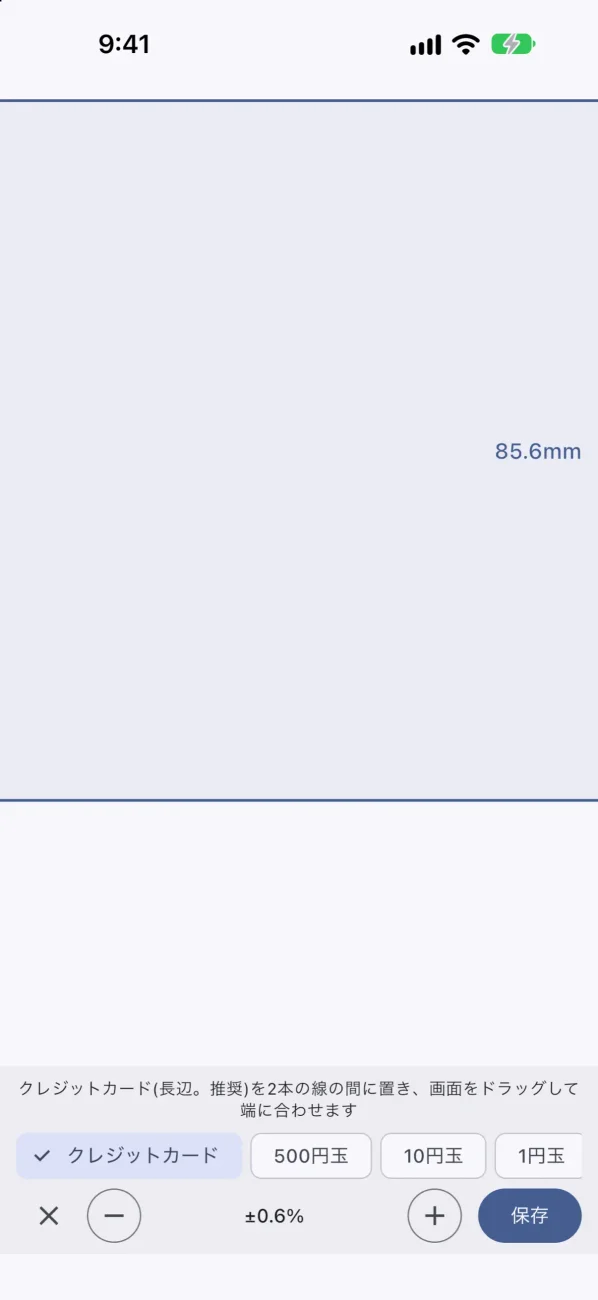
- Hold a credit card or a US coin (quarter, dime, nickel or penny) against the screen to calibrate the scale to your device. The estimated error after calibration is shown
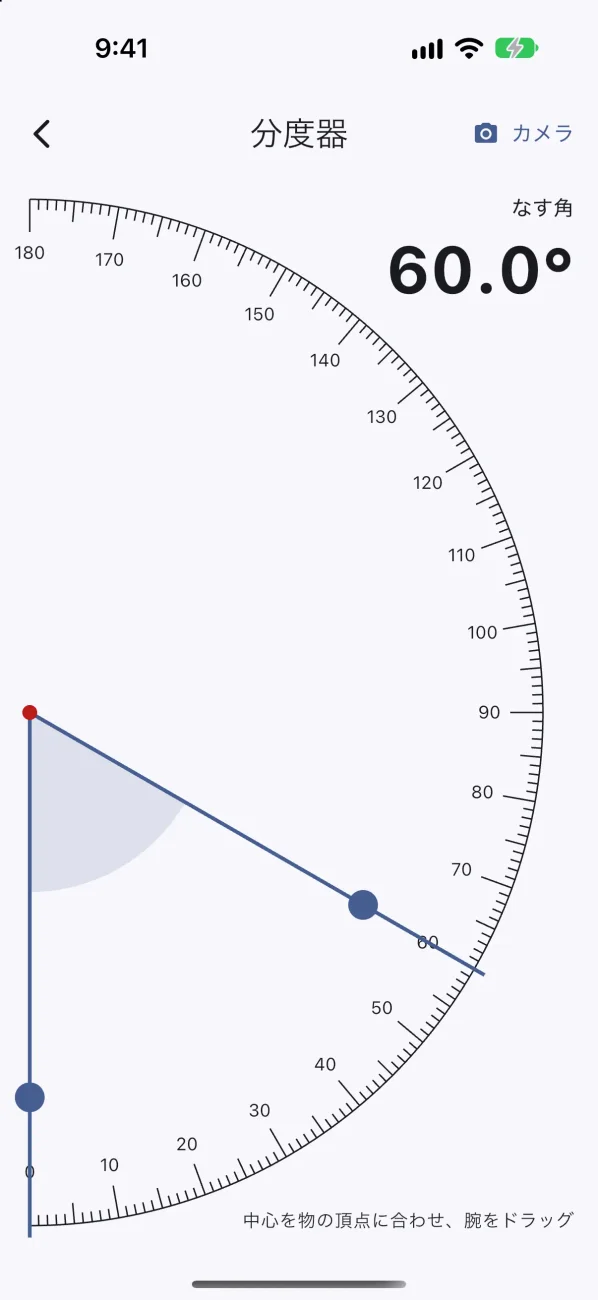
PROTRACTOR
- Drag two arms on screen to measure an angle
- Camera protractor: lay the arms over the live camera view to measure real angles such as stairs and slopes. You can freeze the image and adjust it
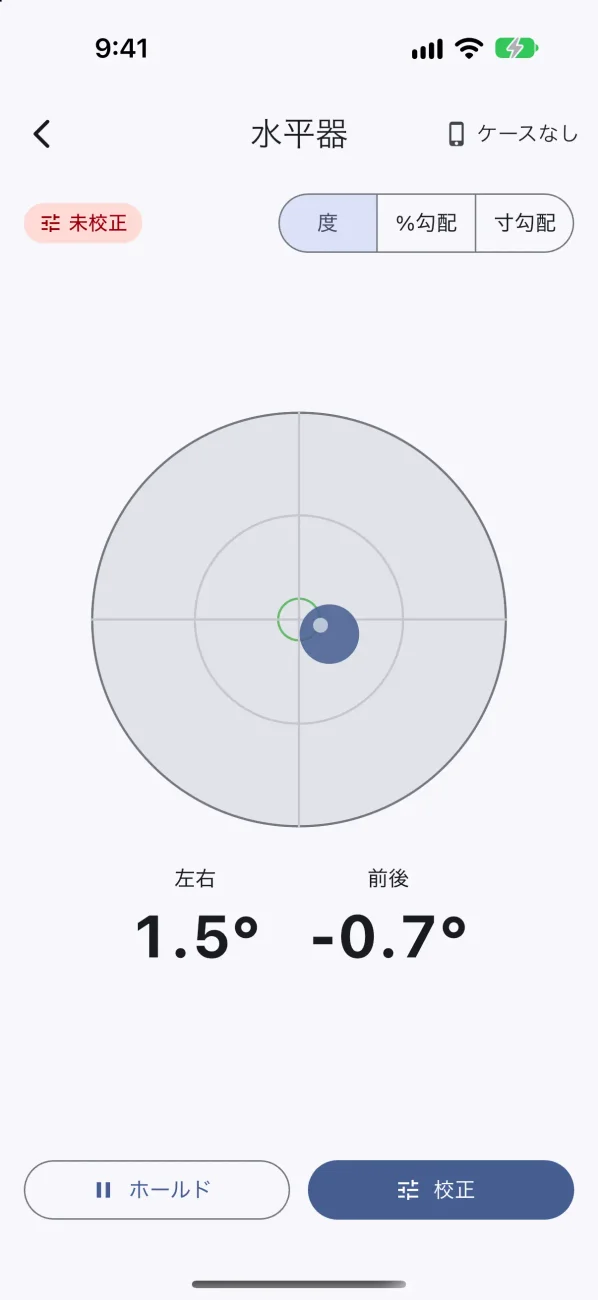
BUBBLE LEVEL
- Lay the phone flat for a round bubble level; stand it up for a bar level and plumb bob. The app switches automatically
- Shows degrees or percent grade
- Calibrate by placing the phone down and turning it 180 degrees to cancel the offset of the phone or its case. Save separate offsets, for example "with case" and "without case"
- A green display and vibration tell you when you are within tolerance, and a sound can too
- Hold button to freeze the reading
MAGNIFIER
- Magnify the camera view to read small print and see small parts. Flashlight supported
- Freeze the image and zoom in further to check details
- Measure size: place a credit card next to the object, line up the reference marks and the measuring lines, and the length is shown in mm, cm or inches (up to 5 lines). The more you zoom in when lining up, the smaller the error. The estimated error is shown
SLOW MOTION
- Record at up to 240 frames per second (depends on the device) and play back at 1/8 speed or step frame by frame
- Mark two frames A and B to see the time between them in milliseconds
- Put a card in the same plane as the moving object to estimate its speed (m/s, mph, km/h) from the distance it moves
- Save the video to your Photos app
CAR LEVELING
- Place the phone in your car or camper to see how much to raise each tire to get level
- Choose a vehicle type or enter your own wheelbase and track width (cm)
- Use only while parked, with the engine off and the parking brake set
OTHER
- The home screen lists the tools so you can pick one. You can also open the last-used tool at launch
- Measurements and calibration values are stored only on your device
- Contains ads
NOTE
These are simple measurements using the phone's sensors and screen, and results vary by device. For construction or work that needs precision, use a dedicated measuring instrument.
What’s new
Version 1.4 · Nov 15, 2026
- New Site calculator: convert slopes (degrees, %, 1:n, x/12 pitch), find rafter and hip rafter lengths, calculate lumber and log volume in m³, and convert m² and ft². Save results on your device (last 20).
- Reworked ad loading: ads no longer load on screens you can't see or reload when the keyboard opens or closes.
App privacy
What Takashi EIKI declares on the App Store about how this app handles data.
-
Data not linked to you
May be collected but is not linked to your identity.
- Location
- Identifiers
- Usage data
- Diagnostics
Privacy practices may vary, for example with the features you use or your age.
Information
- Seller
- Takashi EIKI
- Category
- Utilities
- Version
- 1.4
- Updated
- Nov 15, 2026
- Released
- Nov 7, 2026
- Size
- 23.3 MB
- Requires
- iOS 15.0 or later
- Age rating
- 4+
- Price
- Free
- Languages
- English, Japanese
- Copyright
- © 2026 ET
You might also like
-
 KurbUtilities
-
 DailyJotJot down quickly and easily!
-
 Groove: Turntable Setup CalcCartridge alignment & setup
-
 Handwriting to Text AppRead cursive & messy notes
-
 Smart ProtractorAngle measurement made simple
-
 Relationship Journal|MemorioLife log, organized by people
-
 Countdown Widget: Day CountBirthday & Anniversary Tracker
-
 Weekly Alarm ClockWeekly schedule support
-
 DEPSTECHCAMUtilities
-
 Magical FinderUtilities