- Age rating4+
- CategoryProductivity
- DeveloperPaulo Correia
- LanguagesEnglish+ 2 more
- Size15.5 MB
Links to the official App Store page
Download.org hosts no file of topoArea. The button opens its official App Store page, published by Paulo Correia. Listing last checked on Nov 7, 2026.
Screenshots




About
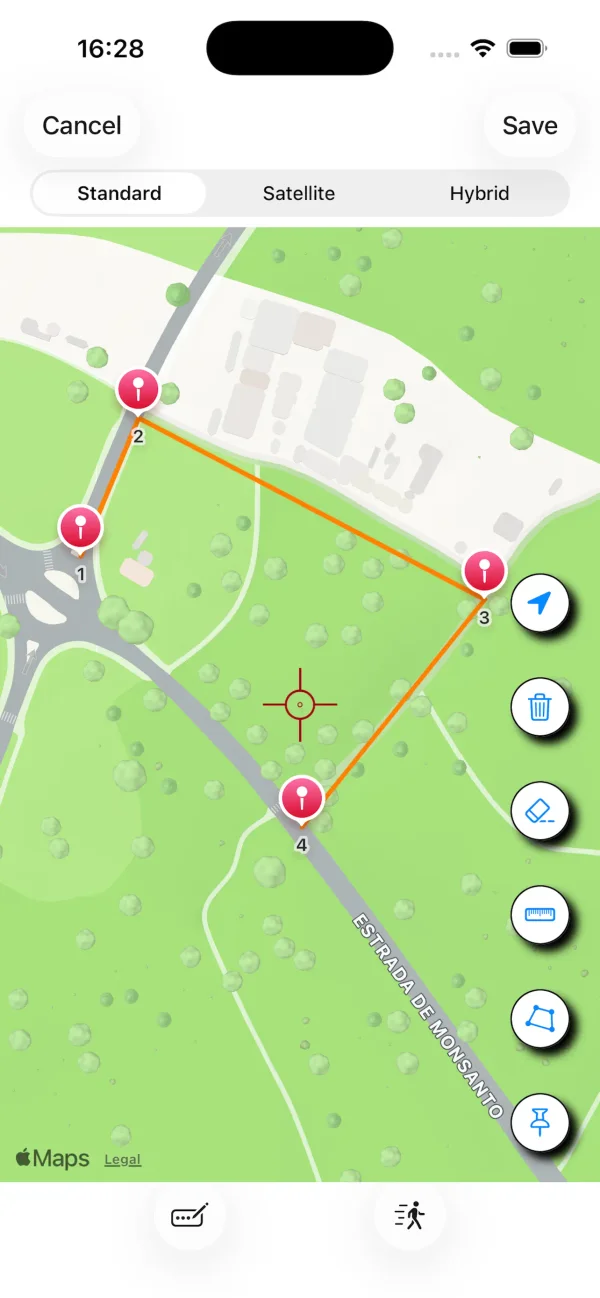
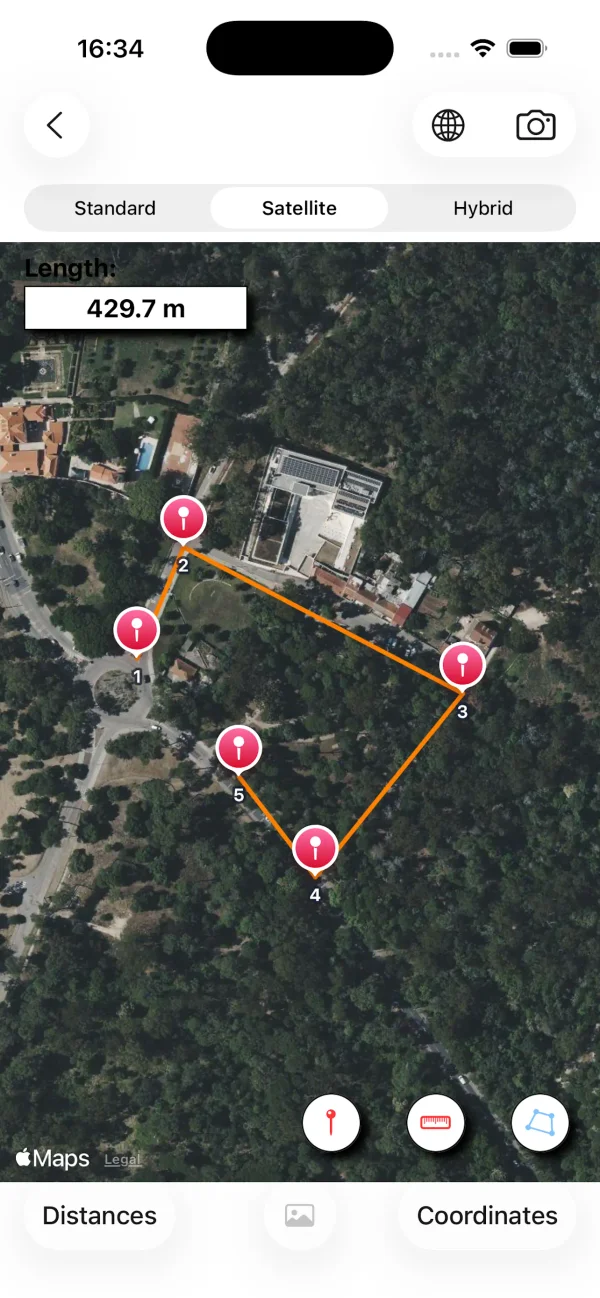
topoArea is an app for measuring areas and lengths through coordinated points on the map.
To do this, simply select different points on the map and then calculate the area and perimeter, or the total length between points.
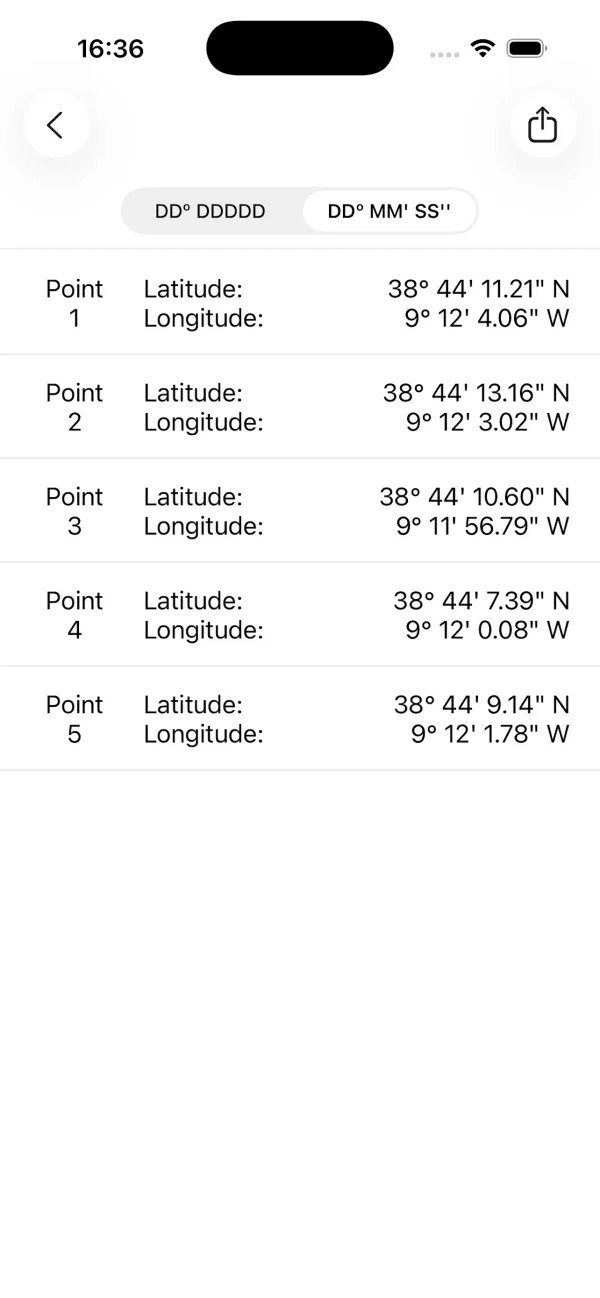
To select the points, a simple click is required, or you can enter the coordinates manually.
topoArea allows you to export, in "csv" format, the file with the Coordinates, being able to save it in the Files folder, or share it by e-mail or written message, allowing someone else who has the app to import the file and open it. You can also, for example, create the file on the iPhone, export it, and open it on the iPad. Since the file has a "csv" format, it is compatible with Numbers and Excel.
topoArea also allows you to export and share files in the "kml" format, used by Google Earth.
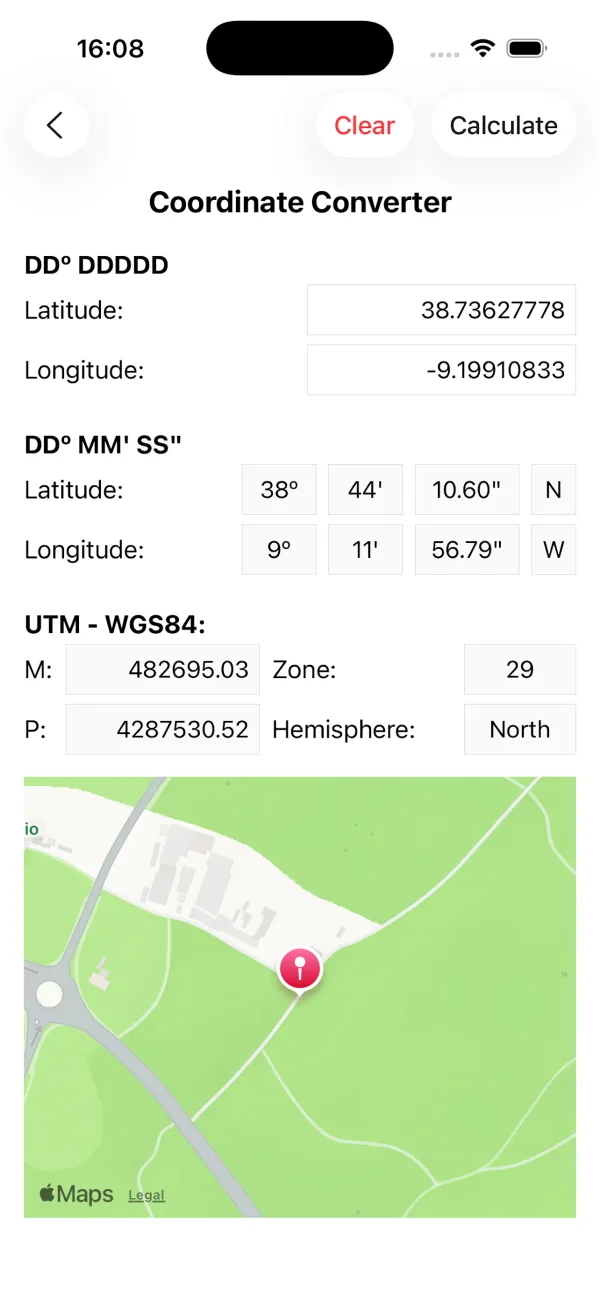
In addition, topoArea has a Coordinate Converter, which allows you to convert between Decimal Degrees, Degrees Minutes and Seconds, and UTM using WGS84.
Features:
- Measurement of areas, perimeters and lengths;
- Introduction of Coordinates by fixing the point, or manually, by latitude and longitude in decimal degrees;
- Export, in "csv" format, of coordinates and distances;
- Export, in "jpg" format, of the screen image
- Import, in "csv" format, of Coordinates, in the topoArea model;
- Export, in "kml" format, of Points, Lines and Polygons;
- Units in the metric system or in the imperial system;
- Coordinate Converter.
What’s new
Version 3.0 · Jan 14, 2026
- Updated to iOS 26;
- Minor bug fixes;
- Added the ability to mark a point with the user's position coordinates;
- In Saved Projects, by pressing the Area or Length/Perimeter label, you can change the units.
App privacy
What Paulo Correia declares on the App Store about how this app handles data.
-
Data not collected
The developer does not collect any data from this app.
Privacy practices may vary, for example with the features you use or your age.
Information
- Seller
- Paulo Correia
- Category
- Productivity
- Version
- 3.0
- Updated
- Jan 14, 2026
- Released
- Jun 9, 2020
- Size
- 15.5 MB
- Requires
- iOS 26.0 or later
- Age rating
- 4+
- Price
- $2.99
- Languages
- English, Portuguese, Spanish
- Copyright
- © Paulo Correia
You might also like
-
 ScreenCommandExternal Monitor & TV Browser
-
 VANA GOAuto-log calls & SMS in Gmail
-
 Distance and Area Measuredraw lines and shapes on map
-
 Work Hours Timesheet: TyempoClock In, Overtime & Payroll
-
 Priyo: Simple Priority ListEisenhower Matrix. Prioritize.
-
 Spiky AI: Transcript and NotesRecord Voice Audio
-
 FleetAIFleet Management System
-
 AI QuickNote: Smart Note TakerRecord, Transcribe, Organize
-
 Cronos • Task and Time ManagerPriority control Eisenhower
-
 One AI: AI Note TakerTranscribe Audio to Text