- Age rating4+
- CategoryLifestyle
- DeveloperGo2place sl
- LanguagesEnglish
- Size123.1 MB
Links to the official App Store page
Download.org hosts no file of TopUp - Charging. The button opens its official App Store page, published by Go2place sl. Listing last checked on Nov 12, 2026.
Screenshots

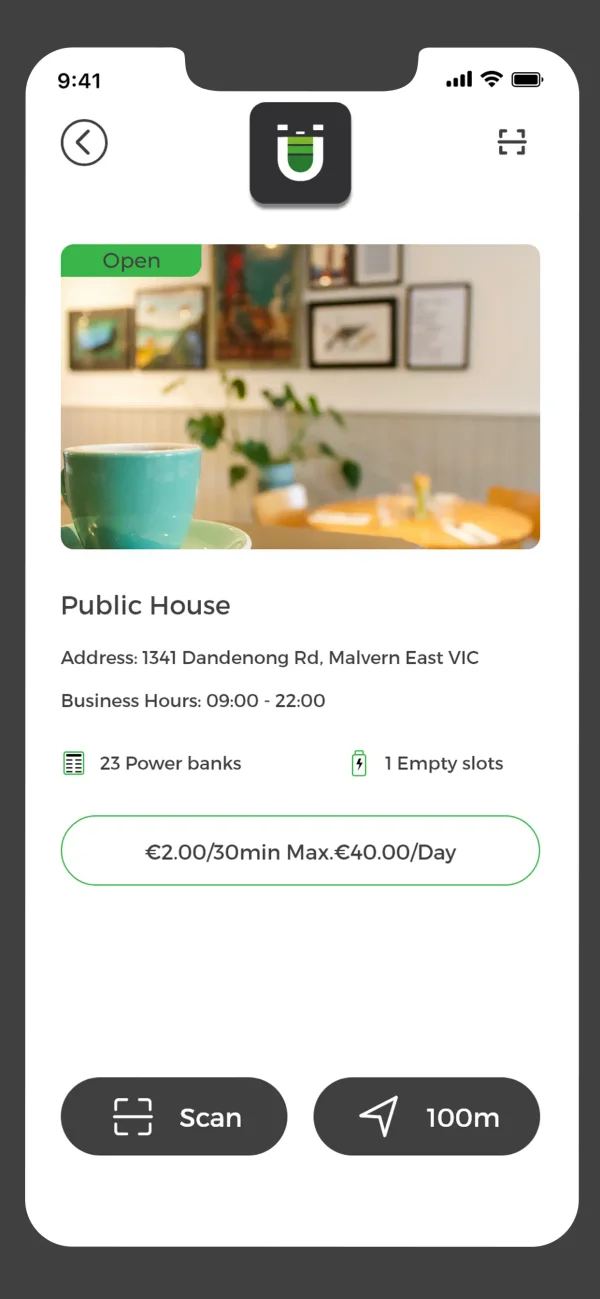
About
Steps to use the TopUp shared power bank APP:
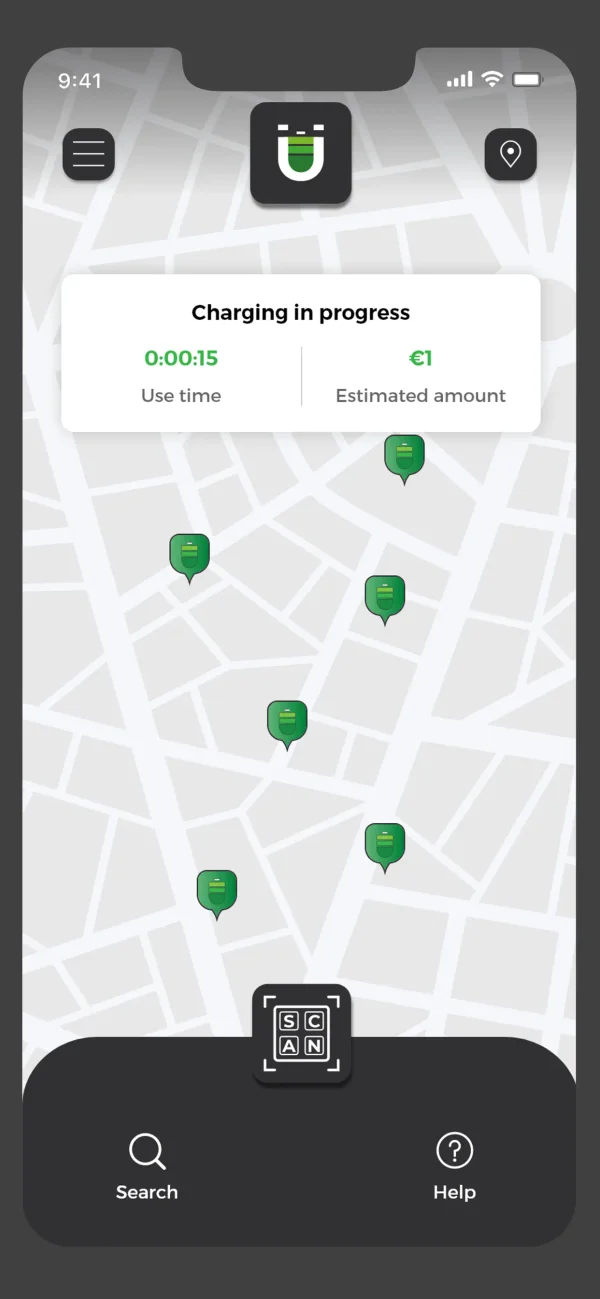
1. Start the TopUp APP on your phone and use the positioning function to find a nearby shared power bank rental point.
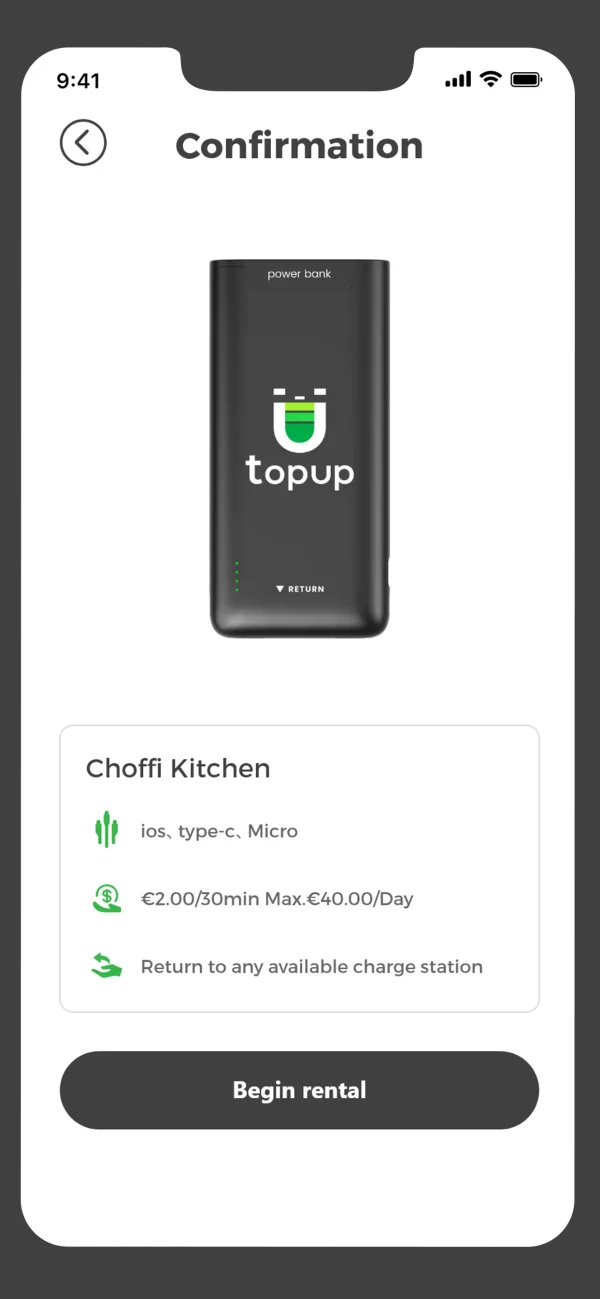
2. Use the APP to scan the QR code on the power bank cabinet, confirm the information, and rent the power bank.
3. Plug the charging cable of the power bank into the charging port of the mobile phone, which supports micro/type-c/ios interface charging.
4. Return the power bank, and the APP will automatically record the return information and settle the fee.
Through the above steps, users can easily use shared power banks to solve the problem of power anxiety.
What’s new
Version 1.0.6 · Jul 8, 2025
Improve application performance and user interaction
App privacy
What Go2place sl declares on the App Store about how this app handles data.
-
Data not linked to you
May be collected but is not linked to your identity.
- Financial info
- Location
- Contact info
- User content
- Identifiers
Privacy practices may vary, for example with the features you use or your age.
Information
- Seller
- Go2place sl
- Category
- Lifestyle
- Version
- 1.0.6
- Updated
- Jul 8, 2025
- Released
- Nov 8, 2024
- Size
- 123.1 MB
- Requires
- iOS 13.0 or later
- Age rating
- 4+
- Languages
- English
- Copyright
- © 2024 TopUp Inc.