ToText: AI Transcript Summary
English voice & meeting notes
Designed for iPhone, iPad
Free · In-app purchases
- Age rating4+
- CategoryProductivity
- DeveloperEyal Ronen
- LanguagesEnglish+ 61 more
- Size107.6 MB
Links to the official App Store page
Download.org hosts no file of ToText: AI Transcript Summary. The button opens its official App Store page, published by Eyal Ronen. Listing last checked on Nov 25, 2026.
Screenshots
About
Turn every conversation into text you can use.
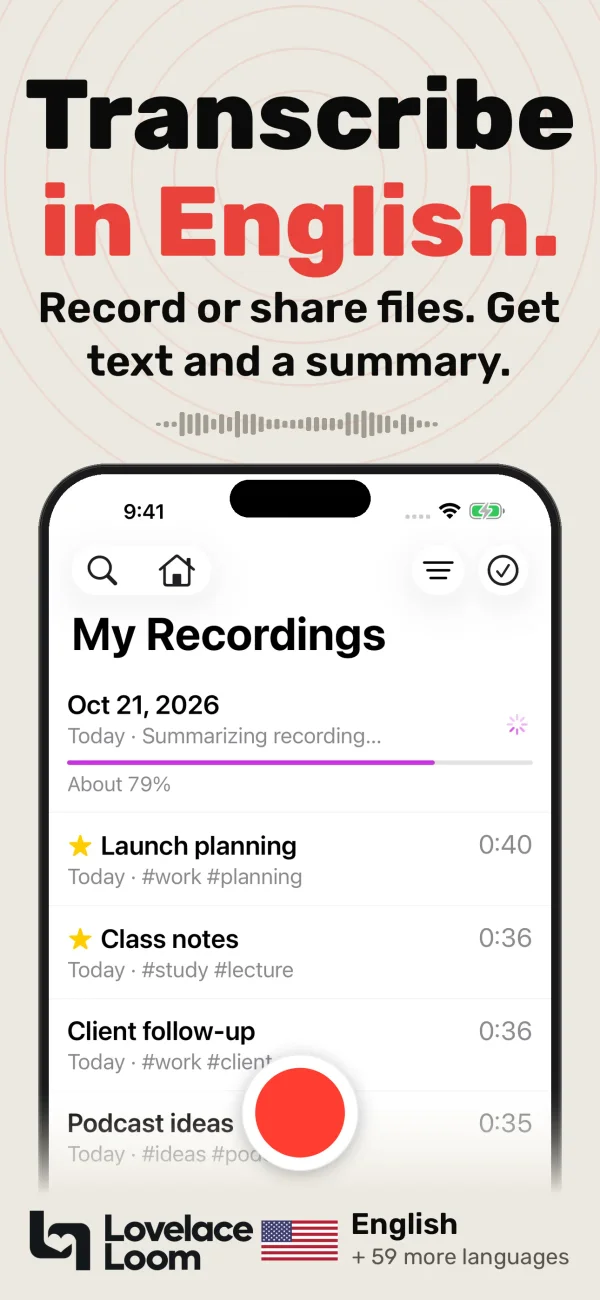
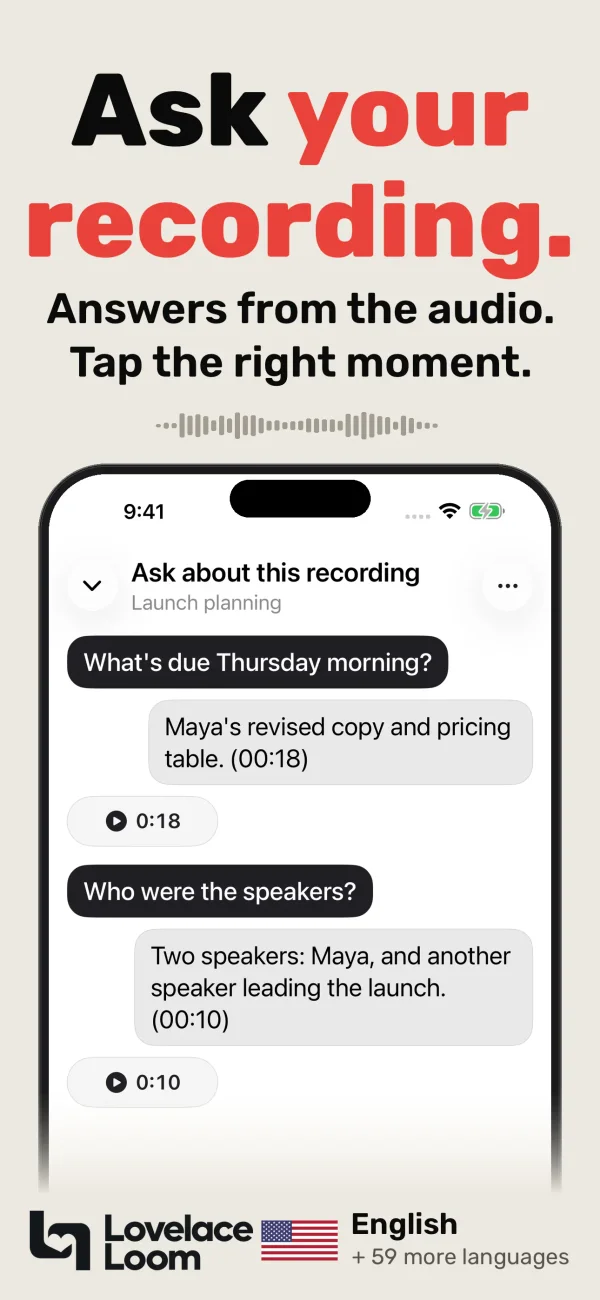
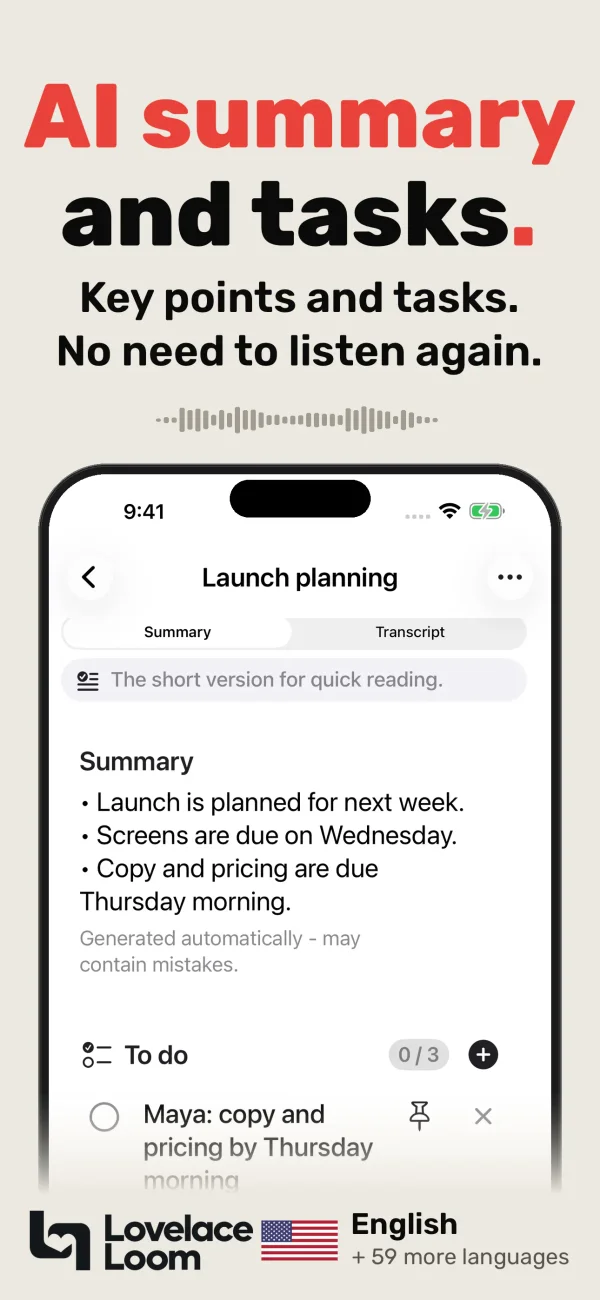
Record a meeting, lecture, interview or voice note, or import an audio file. ToText supports transcription in 60 languages, shows who said what, writes a clear AI summary and lists the tasks. Then ask the recording anything and jump to the exact moment.
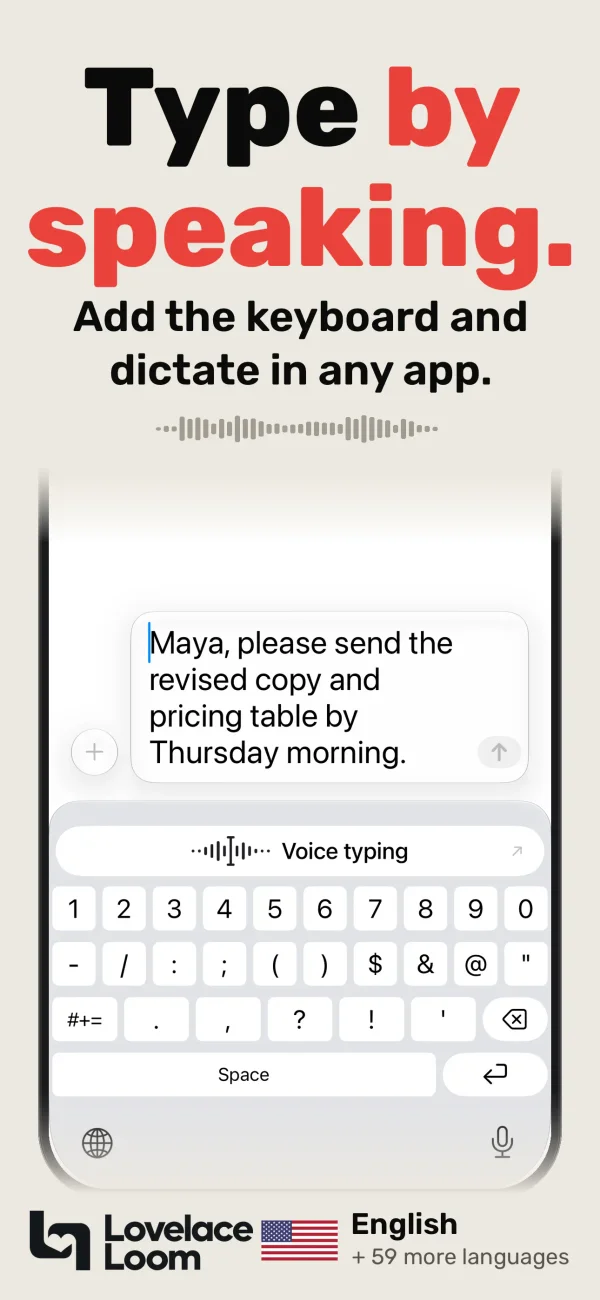
NEW: THE TOTEXT KEYBOARD
Speak instead of typing in Messages, Mail, Notes and other apps. Add the keyboard once with a short guide, then tap and talk. On iOS 26 and later, where available, you can speak without leaving the app you are typing in.
WHAT YOU CAN DO
• Record in the app, import audio files, or share audio and video from other apps
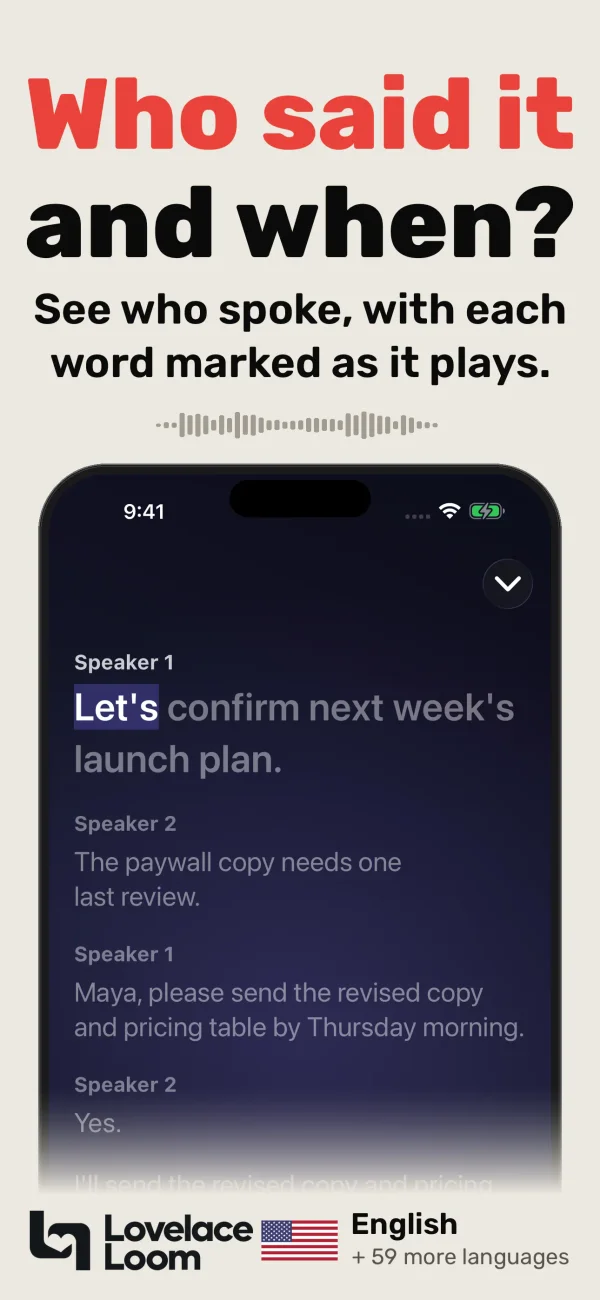
• Get an organized transcript with speaker labels. Choose the spoken language or let ToText detect it
• Choose the length and style of each AI summary, or let the length fit the recording automatically
• Get tasks, a title and tags automatically
• Ask questions and get answers with time references. Tap one to hear that moment
• Follow playback with a synced transcript that highlights each word
• Search, edit, copy, share and export to PDF
• Keep your library in sync across devices with iCloud
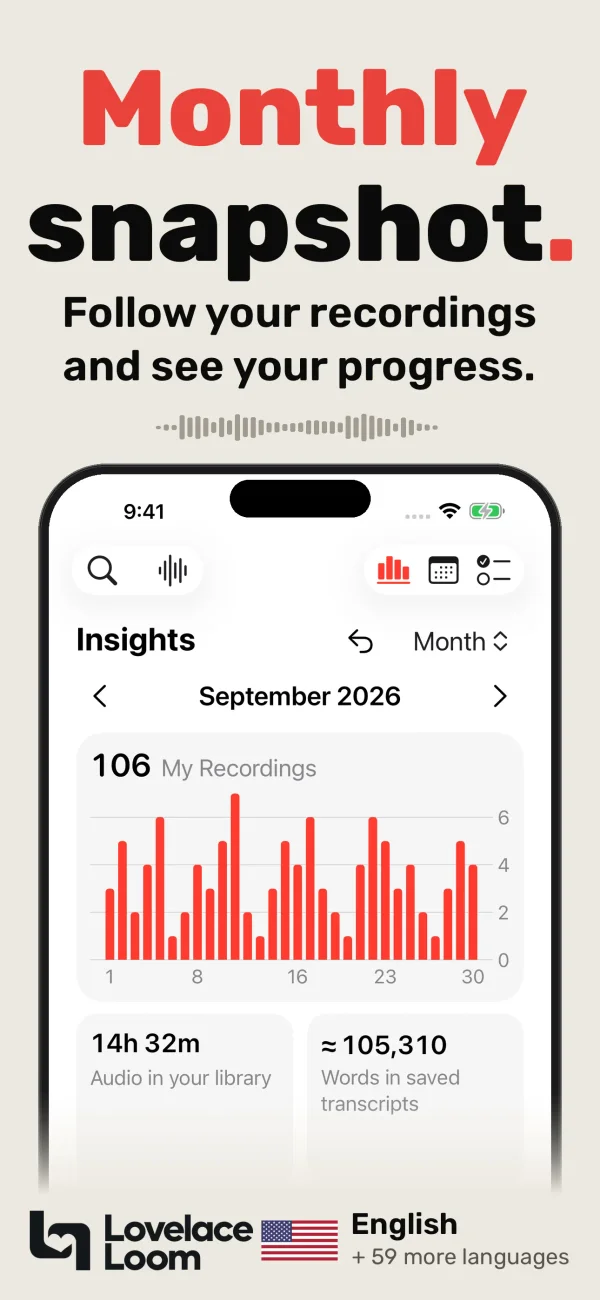
• See Insights, a weekly Calendar and your chosen tasks on the app's Home page (iOS 26)
YOUR RECORDINGS IN CHATGPT AND CLAUDE
Where available, you can connect ToText to ChatGPT or Claude and ask about your recordings there. The connection uses the MCP standard. Only text is shared, never audio.
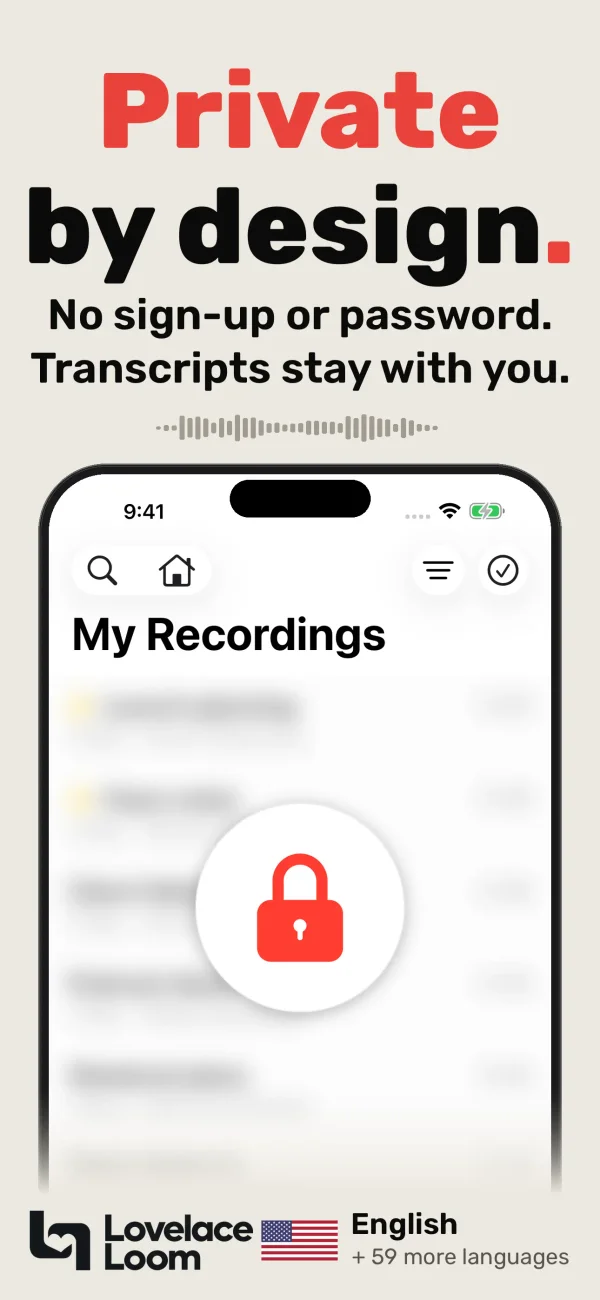
PRIVATE BY DESIGN
No account, no sign-up, no password. Your library stays on your device and, if you turn on iCloud sync, in your personal iCloud Drive. Audio sent for transcription is deleted from our servers shortly after processing. The optional ChatGPT or Claude connection keeps a copy of your recording text on ToText's EU servers until you disconnect and delete it.
PLANS
Start free with 60 transcription minutes a month and 2 questions per recording. Basic includes 1,000 minutes a month and up to 30 questions per recording. Pro includes 2,000 minutes a month and unlimited questions for fair personal use. Local prices and full details are shown before you buy.
Terms of Use: https://lovelaceloom.com/totext/legal/terms.html
Privacy Policy: https://lovelaceloom.com/totext/legal/privacy-policy.html
Made by Lovelace Loom.
What’s new
Version 4.0.0 · Nov 24, 2026
A redesigned recording page, a clearer transcript and voice typing inside the keyboard.
- The recording page now comes in four parts - recording, summary, transcript and tasks - with a smoother glass menu under the chat bar.
- Transcript: each speaker in a box of their own, and a scroll indicator that shows where you are.
- PDF export now creates a real document, with a title, date, sections and speakers.
- Summaries: the new Automatic option fits the length of the summary to the recording.
- Keyboard: on iOS 26 and later, where available, voice typing can work without leaving the app you are typing in. Tap and talk.
- Connections: connect ToText to Claude as well as ChatGPT.
Also: many fixes and improvements.
App privacy
What Eyal Ronen declares on the App Store about how this app handles data.
-
Data linked to you
May be collected and linked to your identity.
- Purchases
- User content
- Identifiers
- Usage data
-
Data not linked to you
May be collected but is not linked to your identity.
- User content
- Diagnostics
Privacy practices may vary, for example with the features you use or your age.
Information
- Seller
- Eyal Ronen
- Category
- Productivity
- Version
- 4.0.0
- Updated
- Nov 24, 2026
- Released
- May 29, 2026
- Size
- 107.6 MB
- Requires
- iOS 18.0 or later
- Age rating
- 4+
- Price
- Free
- In-app purchases
- Yes
- Languages
- English, Afrikaans, Albanian, Arabic, Azerbaijani, Basque, Belarusian, Bengali, Bosnian, Bulgarian, Catalan, Croatian + 50 more
- Copyright
- © 2026 Lovelace Loom
You might also like
-
 Sikum: Hebrew Voice & TextPrivate Speech & Text Offline
-
 Tape: תמלול וסיכוםProductivity
-
 Helixiarity ScribeProductivity
-
 ClearliTasks, Habits & Reminders
-
 Cadence - Audio TranscriptionSpeaker Transcripts, Offline
-
 Speech Scribe: Voice to TextSpeech to Text & Transcription
-
 Timlul - Private transcriberTranscribe hebrew on-device
-
 Voice Notes: Transcribe AIMeeting Recorder Transcript
-
 Mila - Hebrew TranscriptionOffline voice notes & meetings
-
 Sticky Tasks: Repeat RemindersPersistent nagging to-do list