TouchNow Remote
Mac remote desktop & gamepad
Designed for iPhone, iPad, iPod touch
Free · In-app purchases
- Age rating4+
- CategoryUtilities
- DeveloperPo hin Ma
- LanguagesEnglish+ 9 more
- Size23.8 MB
Links to the official App Store page
Download.org hosts no file of TouchNow Remote. The button opens its official App Store page, published by Po hin Ma. Listing last checked on Nov 24, 2026.
Screenshots

About
Stream your Mac to your iPhone or iPad and control it with touch — play Mac games, work remotely, or fix a family member's computer.
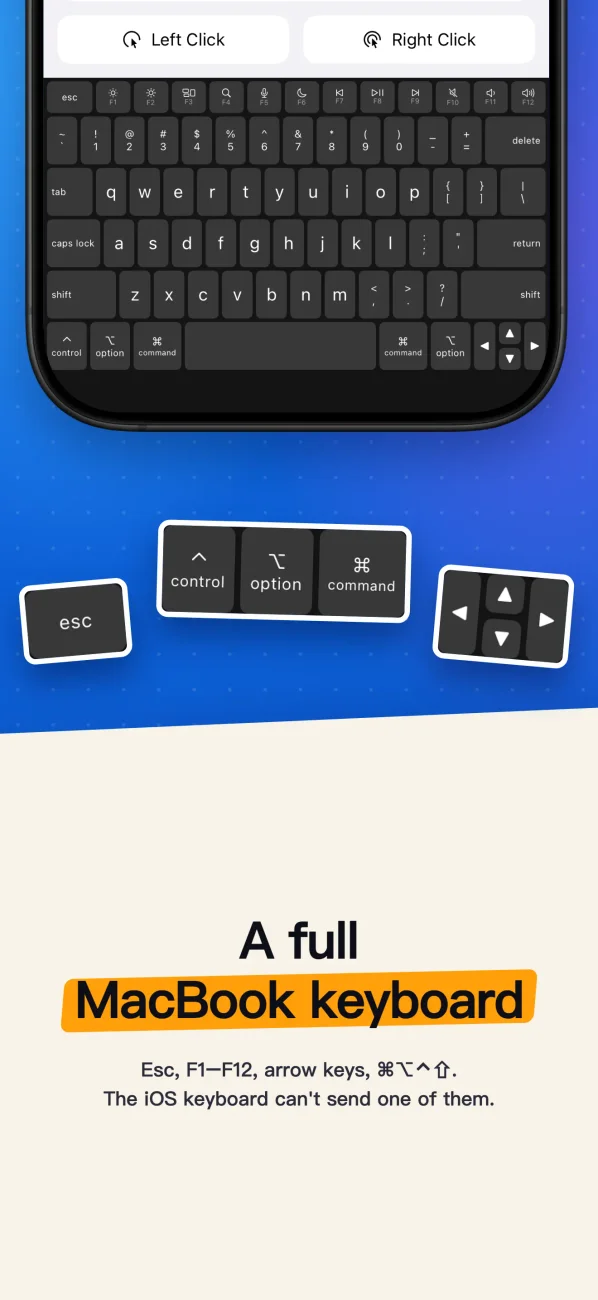
A FULL MACBOOK KEYBOARD
Esc, F1–F12, arrow keys, ⌘⌥⌃⇧ combinations and caps lock. The iOS keyboard can't send a single one of these, and they're exactly what you need when driving a Mac. Modifiers are sticky, so combos work one-handed.
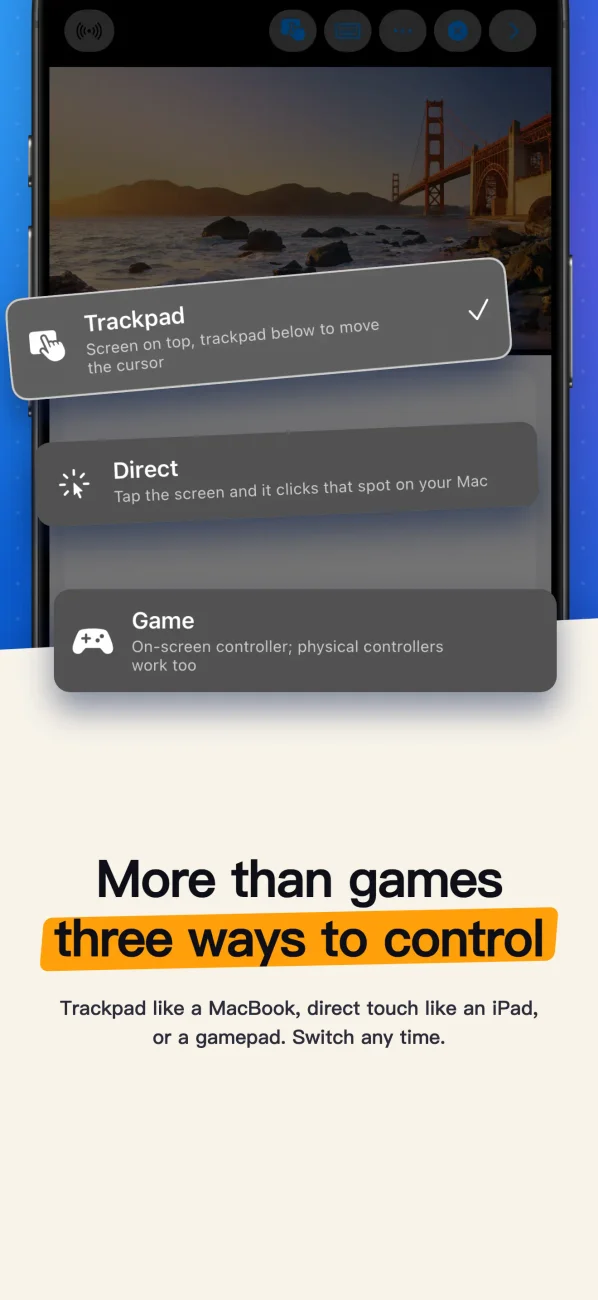
THREE CONTROL MODES
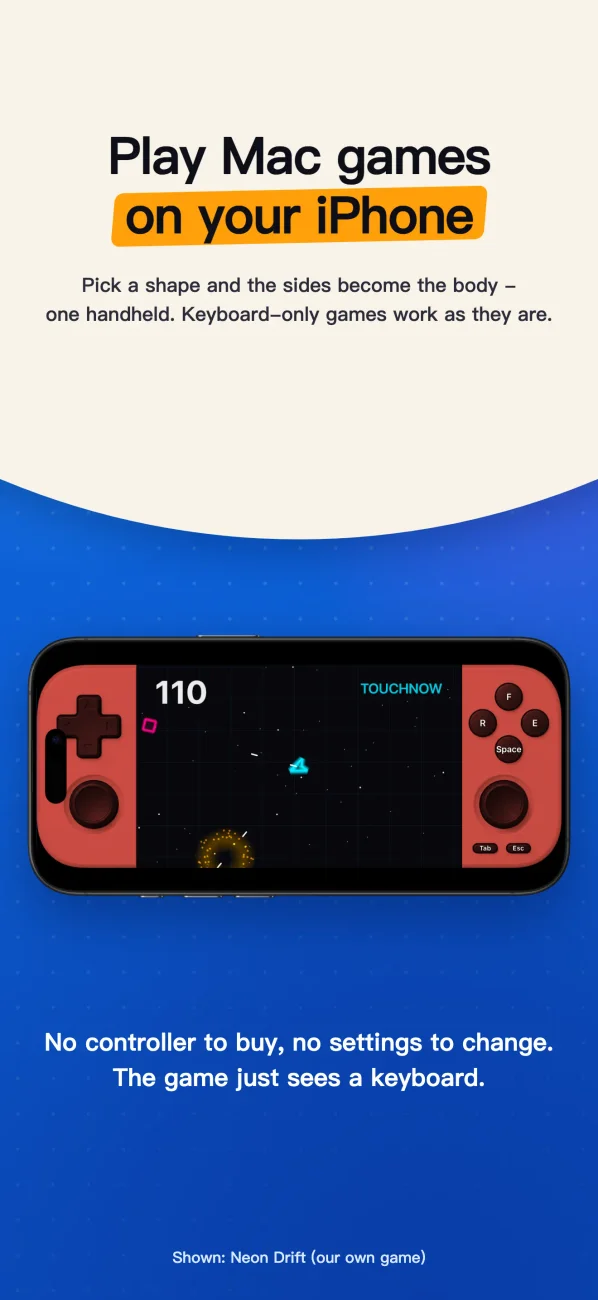
• Game mode: fully customizable virtual gamepad + physical controller support
• Trackpad mode: the whole screen becomes a precise trackpad, with a cursor loupe
• Direct touch: tap exactly where you want, zero learning curve
BUILT FOR PLAY
• Peer-to-peer direct connection; median network round-trip time (RTT) about 8 ms on 5 GHz Wi-Fi
• 1080p 60fps streaming, HEVC encoding, adaptive jitter buffer
• Auto-reconnect, keys never get stuck, controllers switch in automatically
MORE
• An illustrated guide on first launch, reopenable any time from Settings
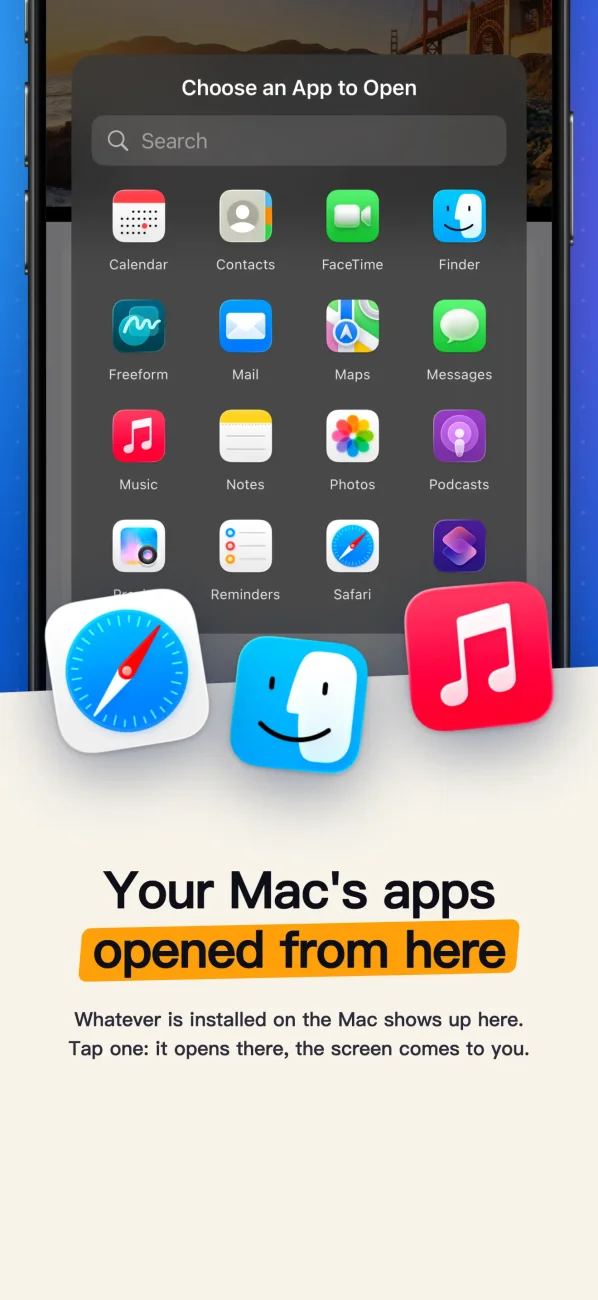
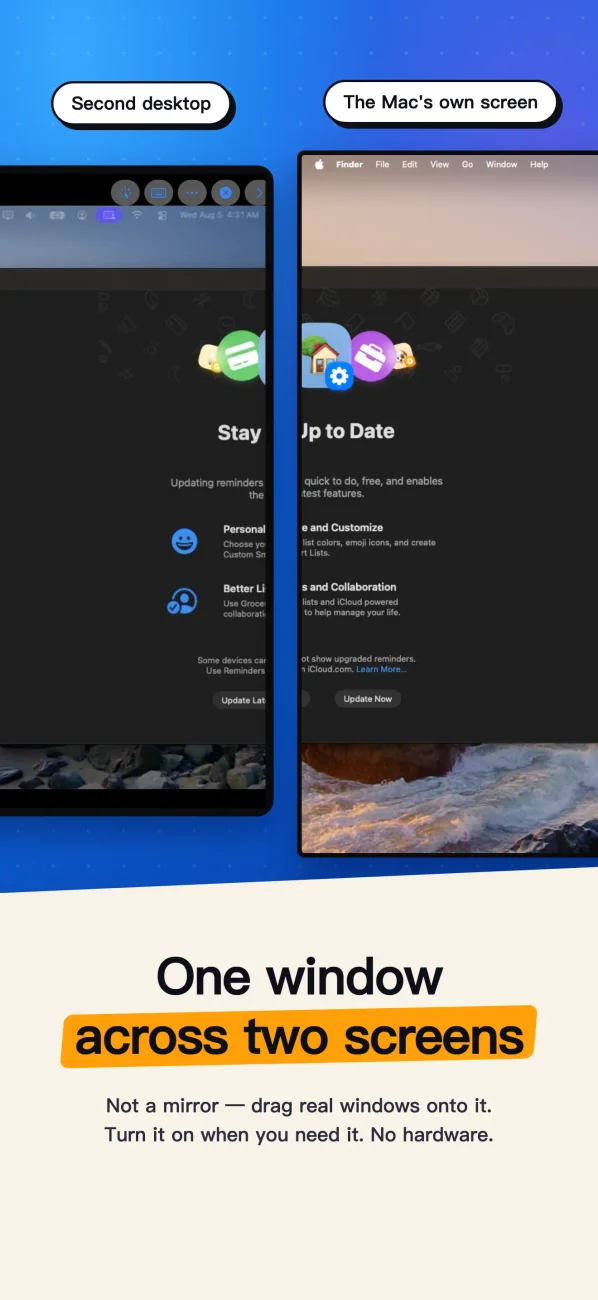
• Single-app window streaming: put just one Mac window on your phone while the Mac screen carries on
• Use your iPhone or iPad as a second display for your Mac — and touch it
• Picture in Picture + Live Activity on the Lock Screen
• Clipboard sync, audio streaming, Wake-on-LAN, multi-display switching
PRIVATE BY DESIGN
• End-to-end encrypted: peer-to-peer when possible, relayed only when a direct connection is impossible — and the relay cannot see your screen
• QR / PIN encrypted pairing, end-to-end encryption, allowlist-only connections
• While being controlled, the Mac shows a persistent red banner and keeps a full connection history
• No account, no tracking, no cloud recording
PRICING
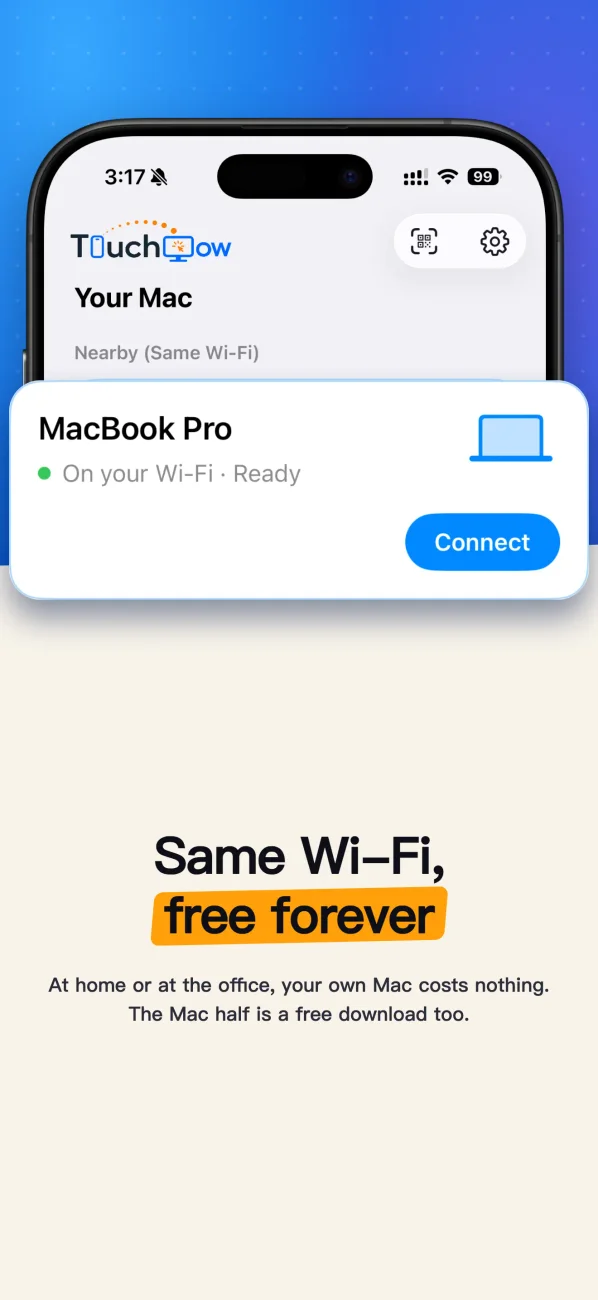
Everything is free forever on your local network (same Wi-Fi). The only paid item is the Remote Access subscription (monthly or yearly), needed only when you're away and want to reach your Mac. Features that are free today will never move behind the paywall.
GETTING STARTED
The Mac you want to control needs the free TouchNow Host (macOS 13 or later), from touchmac.app — it is not on the Mac App Store. Install it, scan the QR code once, and you're paired.
Terms of Use (EULA): https://www.apple.com/legal/internet-services/itunes/dev/stdeula/
What’s new
Version 2.0.3 · Nov 24, 2026
Now made for iPhone Duo: fold it halfway for your Mac on top and a trackpad with a full keyboard below. Close it and the outer screen goes full screen.
App privacy
What Po hin Ma declares on the App Store about how this app handles data.
-
Data not collected
The developer does not collect any data from this app.
Privacy practices may vary, for example with the features you use or your age.
Information
- Seller
- Po hin Ma
- Category
- Utilities
- Version
- 2.0.3
- Updated
- Nov 24, 2026
- Released
- Jul 19, 2026
- Size
- 23.8 MB
- Requires
- iOS 15.0 or later
- Age rating
- 4+
- Price
- Free
- In-app purchases
- Yes
- Languages
- English, French, Japanese, Korean, Portuguese, Russian, Simplified Chinese, Spanish, Traditional Chinese, Vietnamese
- Copyright
- © 2026 Po Hin Ma
You might also like
-
 PadLink RemoteTurn your phone into a gamepad
-
 V-Pad: Virtual GamepadYour phone is the gamepad
-
 iKontrollerControl your Mac like a Pro!
-
 Tracepad - Mouse & TrackpadKeyboard for Mac, iPad, PC
-
 Screens 5: VNC Remote DesktopFast & Secure Computer Access
-
 PC RemoteControls your PC easily
-
 Virtual GamepadUtilities
-
 GameHubPlay cloud games instantly!
-
 Flydigi Game CenterUtilities
-
 RustDesk Remote DesktopRemote access and control