TraceableGO
For TraceableGO™ Dataloggers
Designed for iPhone, iPad, iPod touch
Free
- Age rating4+
- CategoryBusiness
- DeveloperCole-Parmer Instrument Company
- Size100.5 MB
Links to the official App Store page
Download.org hosts no file of TraceableGO. The button opens its official App Store page, published by Cole-Parmer Instrument Company. Listing last checked on Nov 12, 2026.
Screenshots




About
FILL IN THE UNKNOWNS BETWEEN DESTINATIONS
The TraceableGO™ app, combined with a TraceableGO™ Bluetooth Datalogger device, is ideal transit partner for monitoring materials between destinations. Safely transport reagents, clinical samples, vaccines, pharmaceuticals and food items to any location.
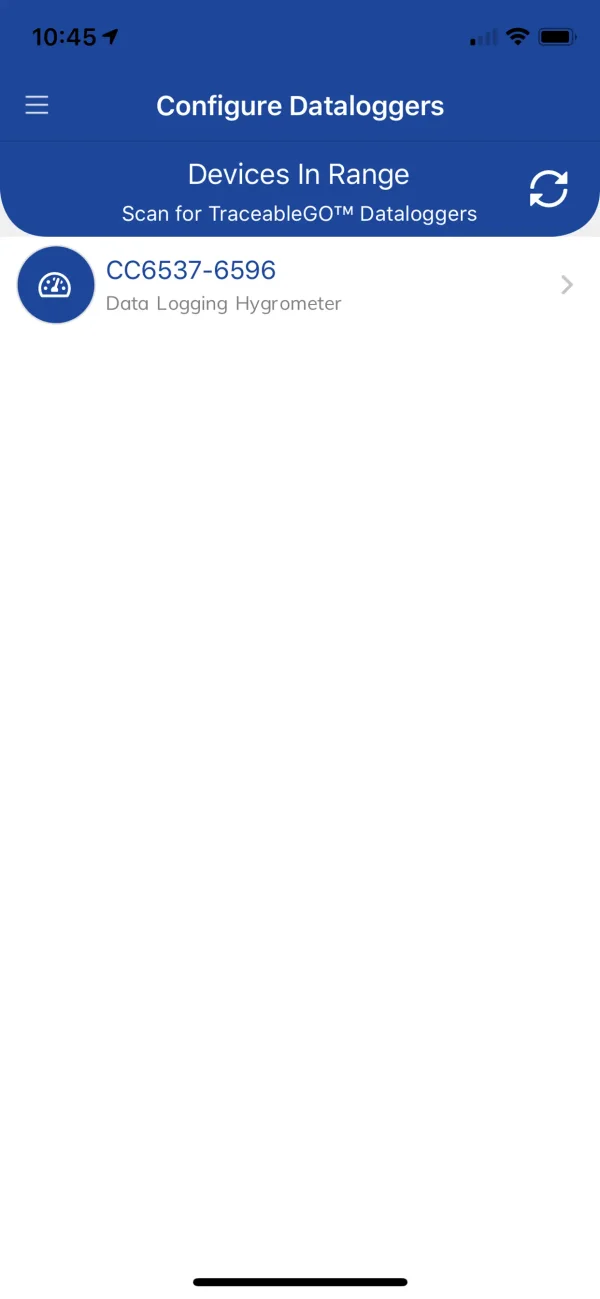
Before a trip starts, use the TraceableGO™ app to configure your TraceableGO™ Bluetooth Datalogger device by setting properties such as: Start, Stop & Memory Modes, Unit of Measure, High & Low Alarm Values and Logging Interval.
Next, include your TraceableGO™ Bluetooth Datalogger device with your product packaging and ship it to its final destination.
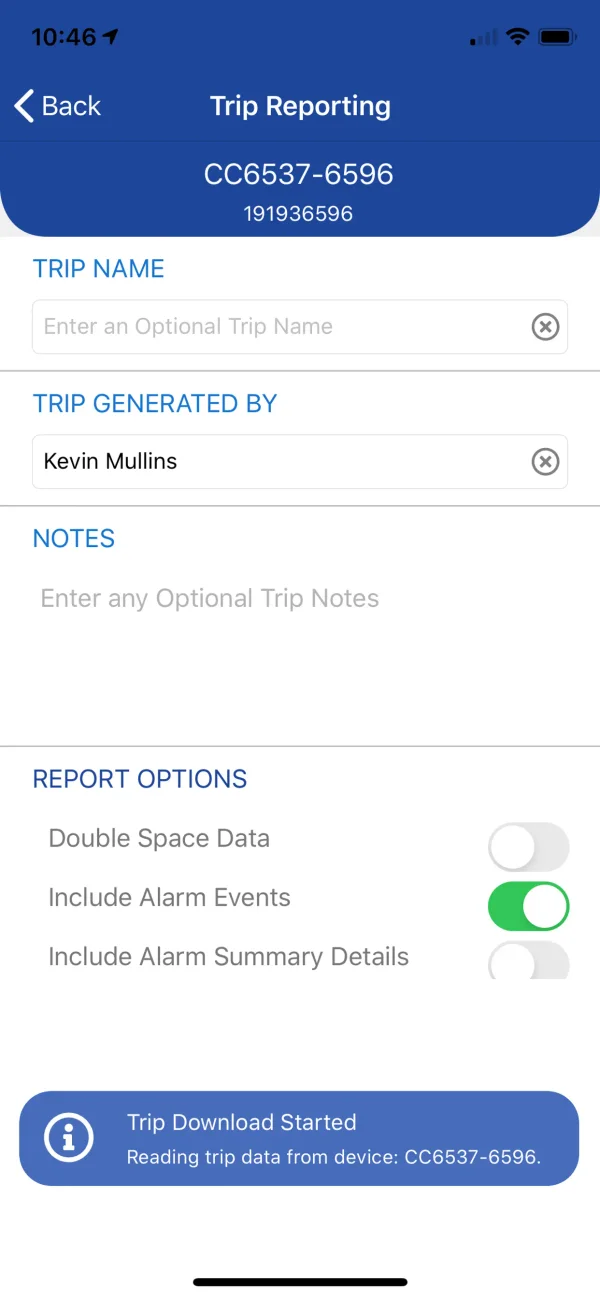
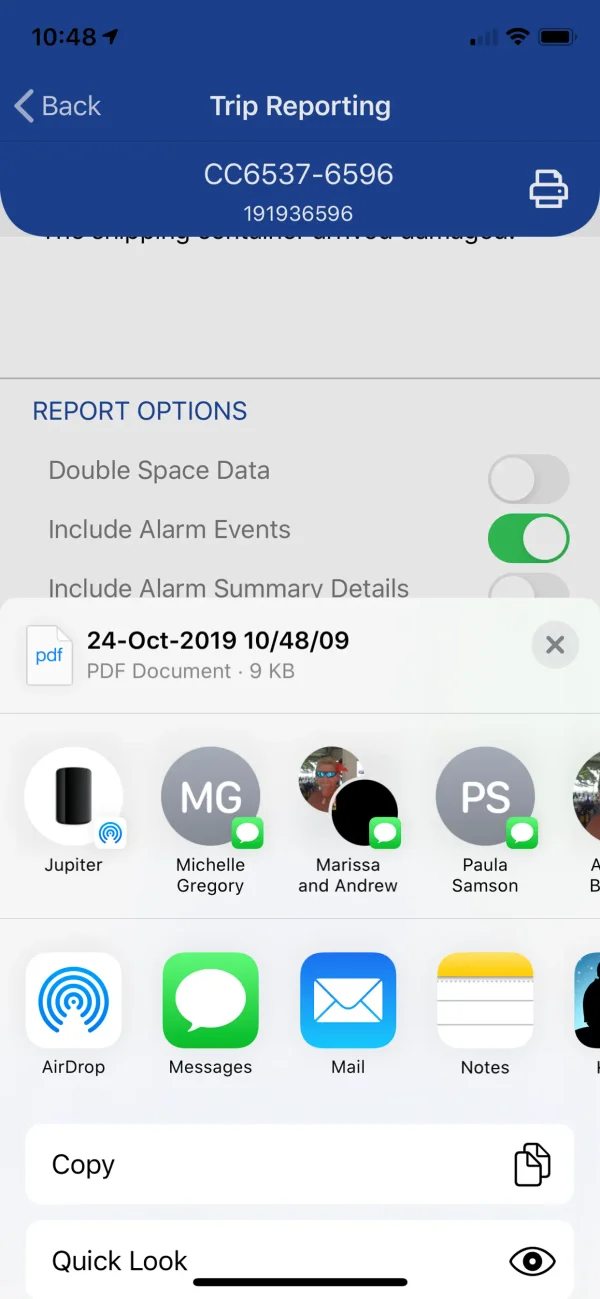
Once the trip has completed, use the TraceableGO™ app to download the trip data from your TraceableGO™ Bluetooth Datalogger device where it will be formatted into a PDF report that can be shared with other users via a variety of methods, such as: Email, Messaging or AirDrop.
The TraceableGO™ app has several options for providing audit trail information and formatting the PDF Trip Report:
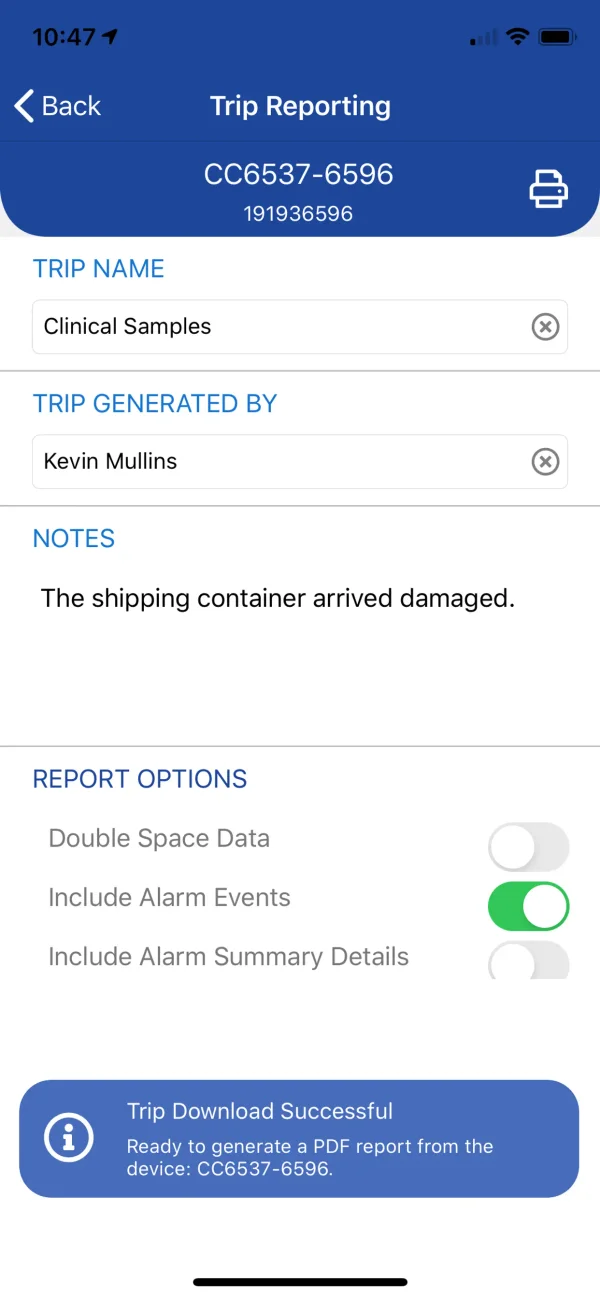
* Optionally include a Trip Name, the name of the person that downloaded and generated the PDF report and any important Notes, such as "The shipping container arriving damaged."
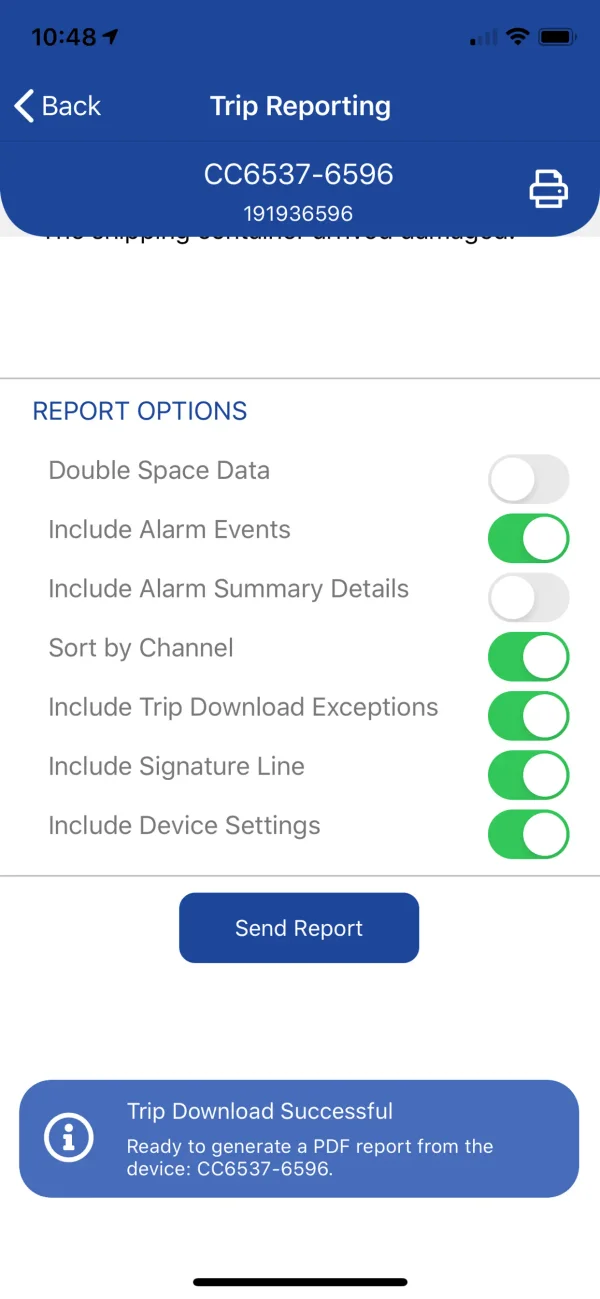
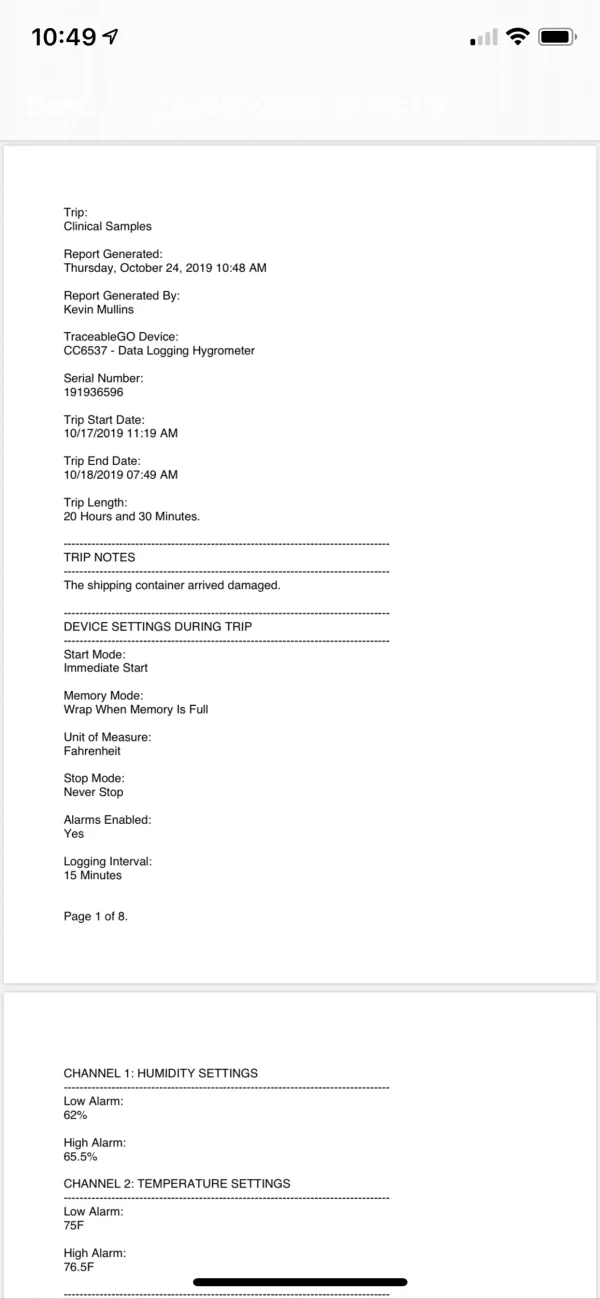
* Optionally include the TraceableGO™ Bluetooth Datalogger’s device settings that were in use during the trip.
* Optionally sort the reported reading values by channel and reading type.
* Optionally include a list of alarm events with a summary including: Total Time in Alarm, Time Exceeded Minimum Alarm and Time Exceeded Maximum Alarm.
* For trips where the chain of custody is critical, nothing beats a physical signature and date. That’s why the new PDF Trip Report now has the option of including a signature and date line at the end of the report.
Additionally, all PDF Trip Reports feature the date the report was generated and a summary of your trip’s readings by channel including: the Minimum, Maximum and Average reading for the entire trip.
PLEASE NOTE: This app requires a TraceableGO™ Bluetooth Datalogger device (sold separately) to function. Learn more at https://www.traceable.com/traceablego.
What’s new
Version 2.1.12 · Oct 18, 2026
bug fixes
App privacy
What Cole-Parmer Instrument Company declares on the App Store about how this app handles data.
-
Data not collected
The developer does not collect any data from this app.
Privacy practices may vary, for example with the features you use or your age.
Information
- Seller
- Cole-Parmer Instrument Company
- Category
- Business
- Version
- 2.1.12
- Updated
- Oct 18, 2026
- Released
- Jul 25, 2018
- Size
- 100.5 MB
- Requires
- iOS 15.0 or later
- Age rating
- 4+
- Price
- Free
- Copyright
- © Cole-Parmer Instruments