- Age rating4+
- CategoryMusic
- Developerr6 appz
- LanguagesEnglish
- Size6.8 MB
Links to the official App Store page
Download.org hosts no file of TraceSonic. The button opens its official App Store page, published by r6 appz. Listing last checked on Nov 18, 2026.
Screenshots



About
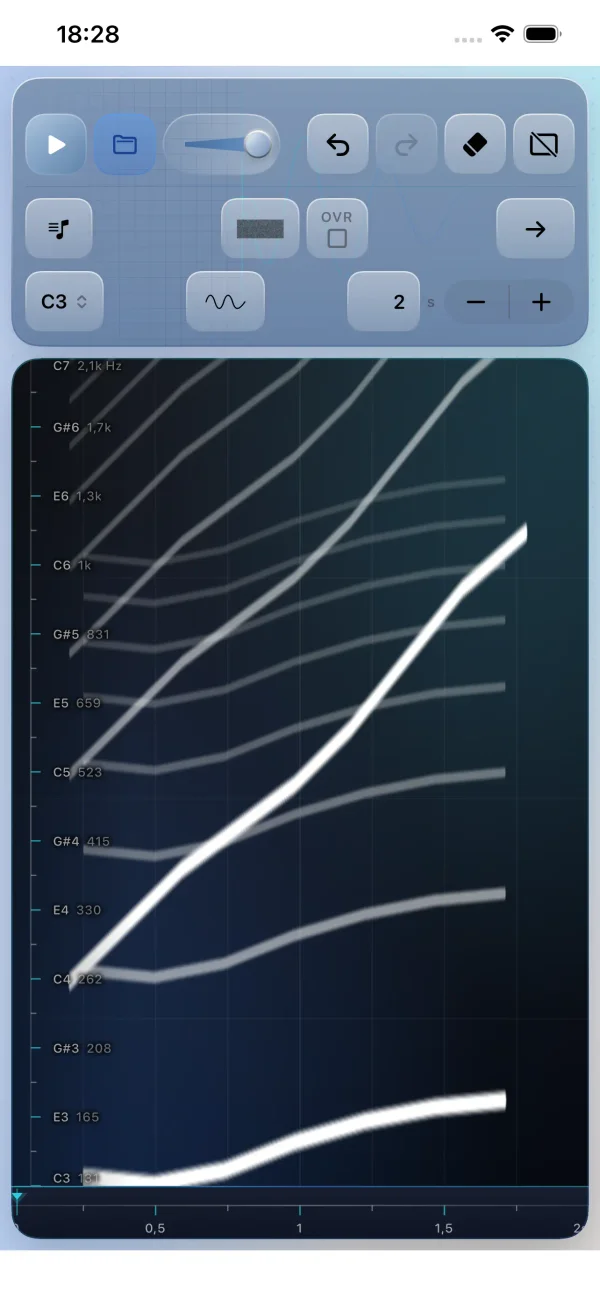
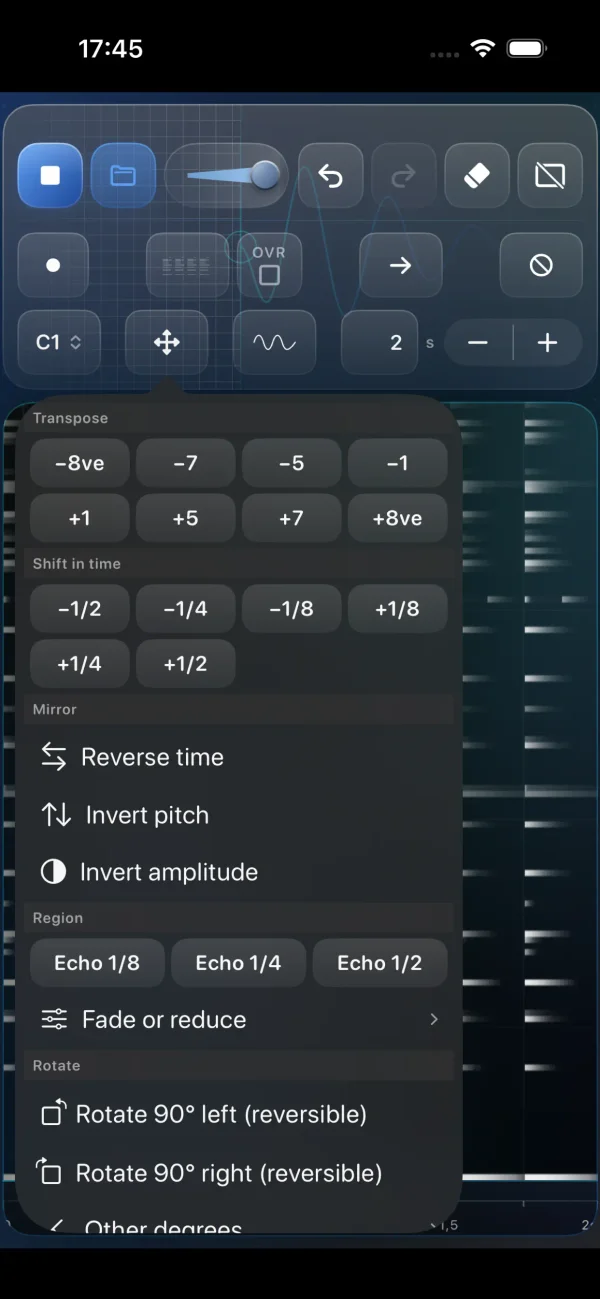
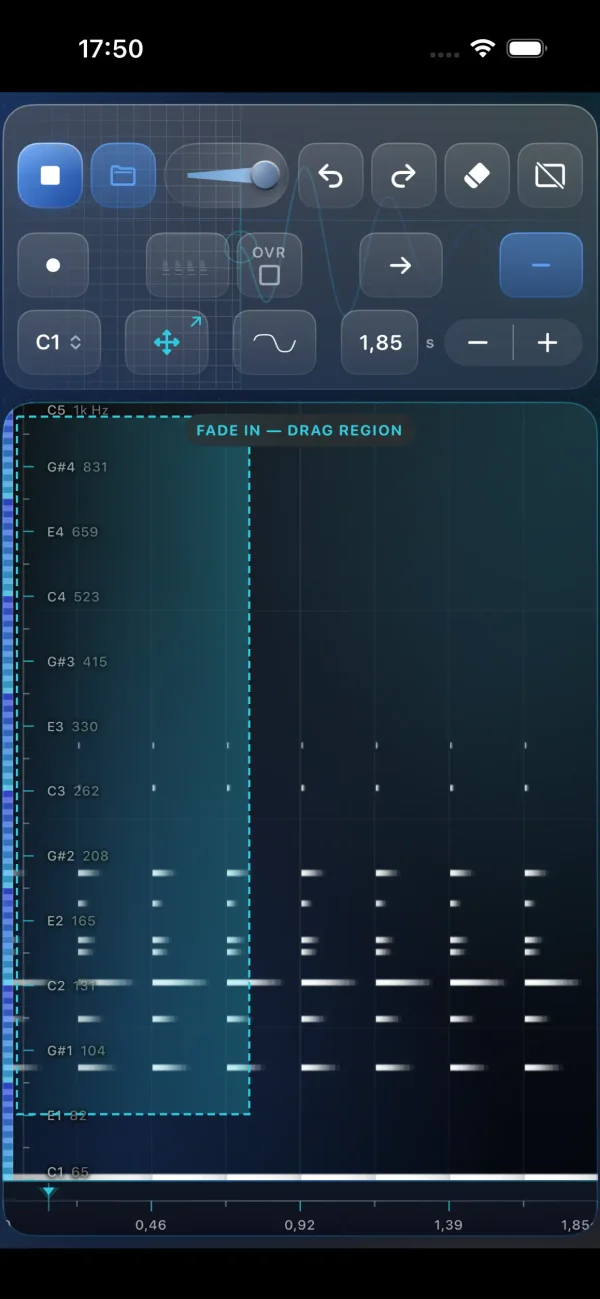
TraceSonic turns pictures into sound. Paint directly on a spectral canvas and hear each mark become part of a playable additive instrument: horizontal position is time, height is pitch, and brightness controls the level of each partial.
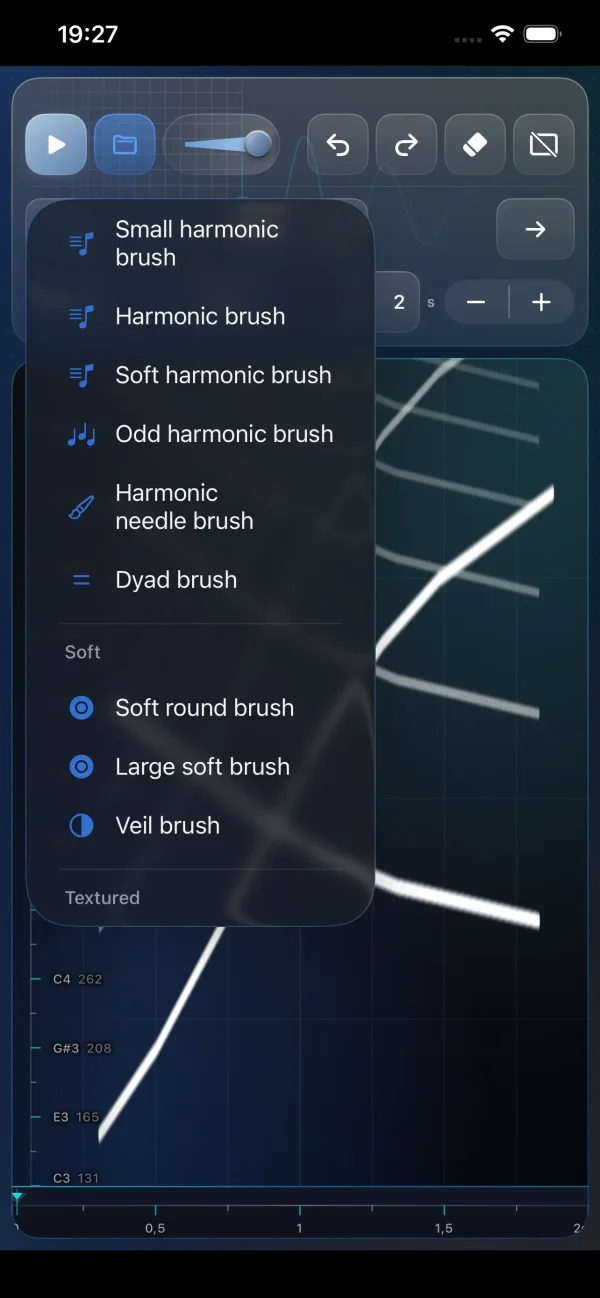
Start with an empty canvas and draw with solid, soft, textured, tapered, or harmonic brushes. Fill the canvas with generated patterns, or import an image and turn its brightness into sound. Pitch snapping keeps freehand marks on your selected scale.
Shape your sound with:
• 128 additive oscillators spanning four octaves
• Seven classic waveforms and 12 built-in wavetables
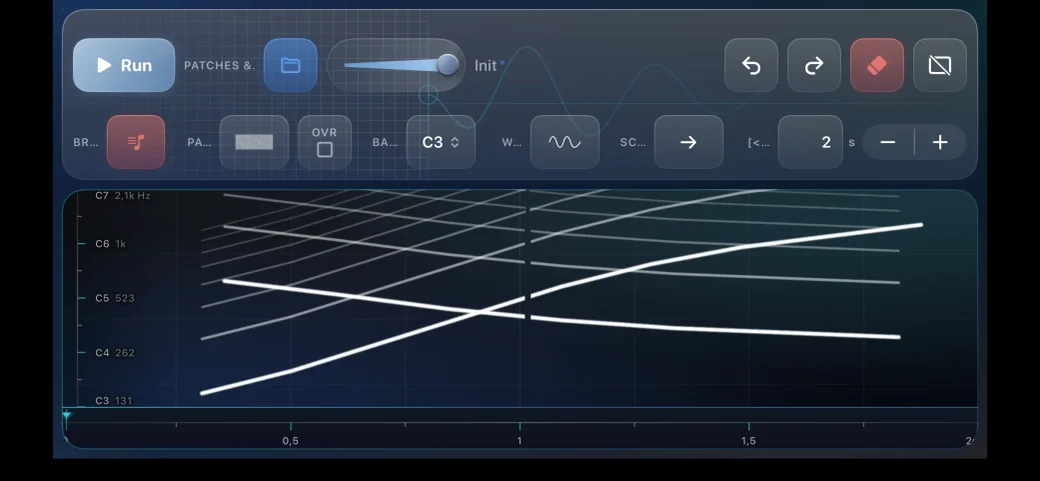
• Forward, reverse, and ping-pong scanning
• Adjustable pass length and tempo-synchronized loops in compatible Audio Unit hosts
• MIDI note input for retuning the complete canvas
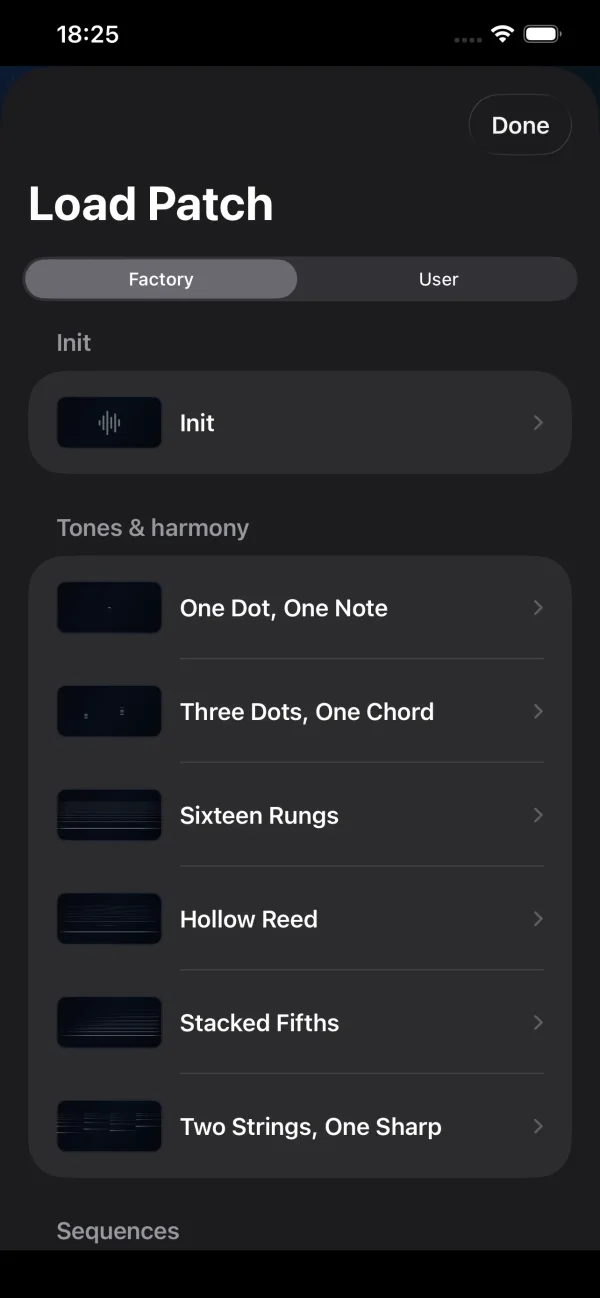
• More than 60 factory patches, including tones, sequences, gestures, textures, drones, and sound effects
• User patches that save the canvas and its synthesis settings
• Solid, harmonic, soft, textured, and tapered brush families
• Undo, redo, erasing, pitch snapping, and scale selection
Use TraceSonic as a standalone instrument on iPhone, iPad, and Mac, or load its AUv3 instrument in a compatible host.
What’s new
Version 1.0.4 · Oct 5, 2026
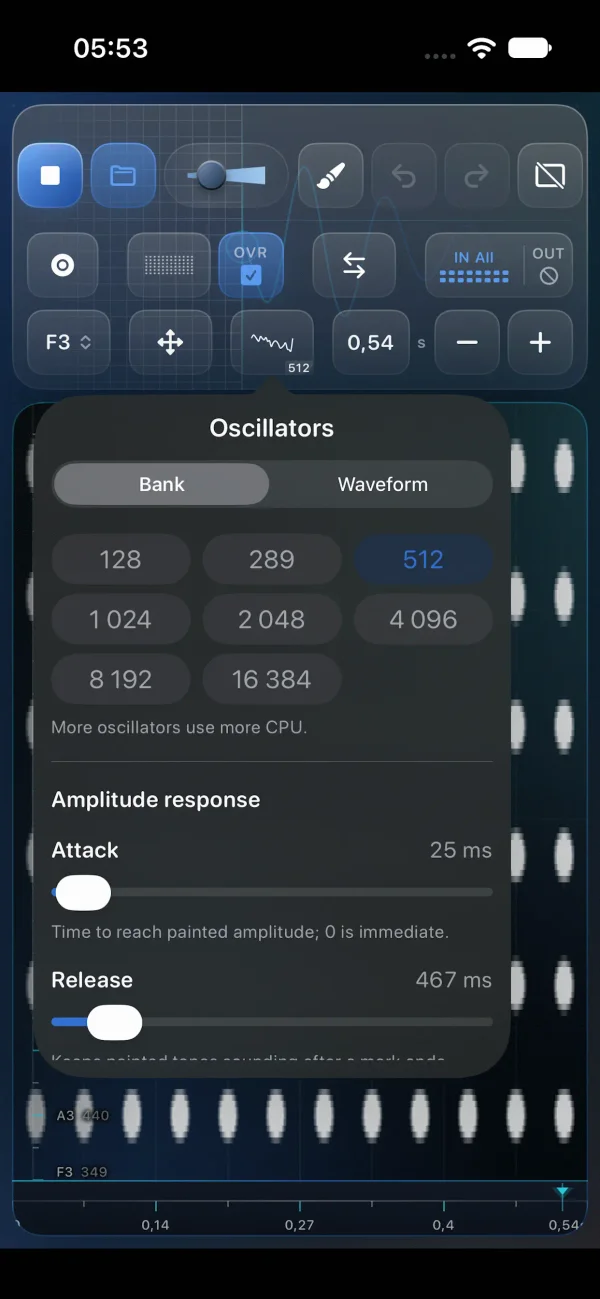
- added variable oscillators count setting from 128 to 16384
.use until your device can handle it, high counts tax CPU
- added **Perform** mode which play the canvas at given / touched spot, instead of painting:
.toggle via new button next to Undo/Redo
.up to five simultaneous touches can be played (each follow selected brush footprint and pass length)
- added per-oscillator **Attack** and **Release**
- added **Phase Spread**, **Stereo spread** and **Detune** for oscillators
- canvas and region Fade/Amplify now both behave identically (uniform ×0.5/×2 gain)
- fixed standalone hosting issues and updated Help
App privacy
What r6 appz declares on the App Store about how this app handles data.
-
Data not collected
The developer does not collect any data from this app.
Privacy practices may vary, for example with the features you use or your age.
Information
- Seller
- Martin Cvengros
- Category
- Music
- Version
- 1.0.4
- Updated
- Oct 5, 2026
- Released
- Aug 14, 2026
- Size
- 6.8 MB
- Requires
- iOS 17.0 or later
- Age rating
- 4+
- Price
- $7.99
- Languages
- English
- Copyright
- © 2026 Martin Cvengroš
You might also like
-
 VisualSound - AV Modular SynthSound & Light Patched Together
-
 MESA Synth AUv3A wavetable synth you can see.
-
 Pinkish TromboneMusic
-
 StepLoomBeat maker & AUv3 groovebox
-
 ScopeNodeMulti-track alignment scope
-
 PLICATAWavefold Synth & MPE Keyboard
-
 SeyfertOrbital Delay AU Plugin
-
 PruinaA Spectral Freeze
-
 GlitchworkFM Grid Glitch Percussion
-
 VBLASTBEATSFM Groovebox & AUv3 Instrument