- Age rating4+
- CategoryGraphics & Design
- DeveloperPablo Paciello
- LanguagesEnglish+ 17 more
- Size9.5 MB
Links to the official App Store page
Download.org hosts no file of Tracing Board | Lightbox. The button opens its official App Store page, published by Pablo Paciello. Listing last checked on Nov 18, 2026.
Screenshots

About
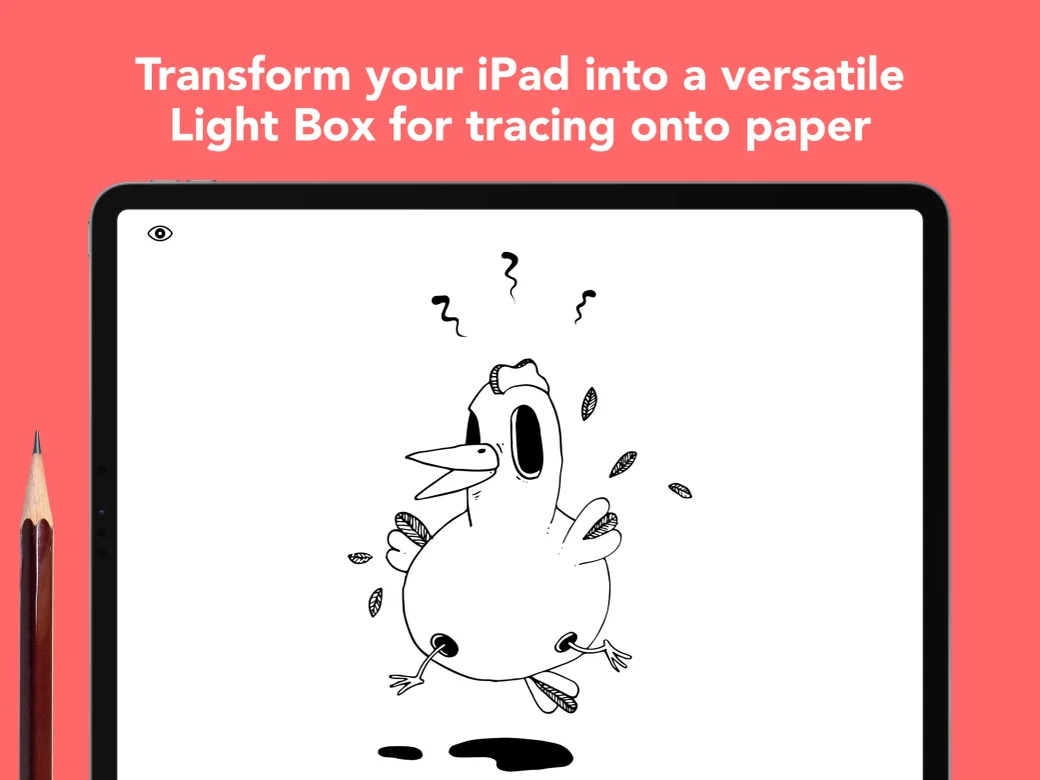
Tracing Board converts your iPad into an on-the-go light box.
This is a tool for those of us who draw daily (wherever we are) and sometimes need to re-draw sketches until we are pleased with the results.
▶ USES
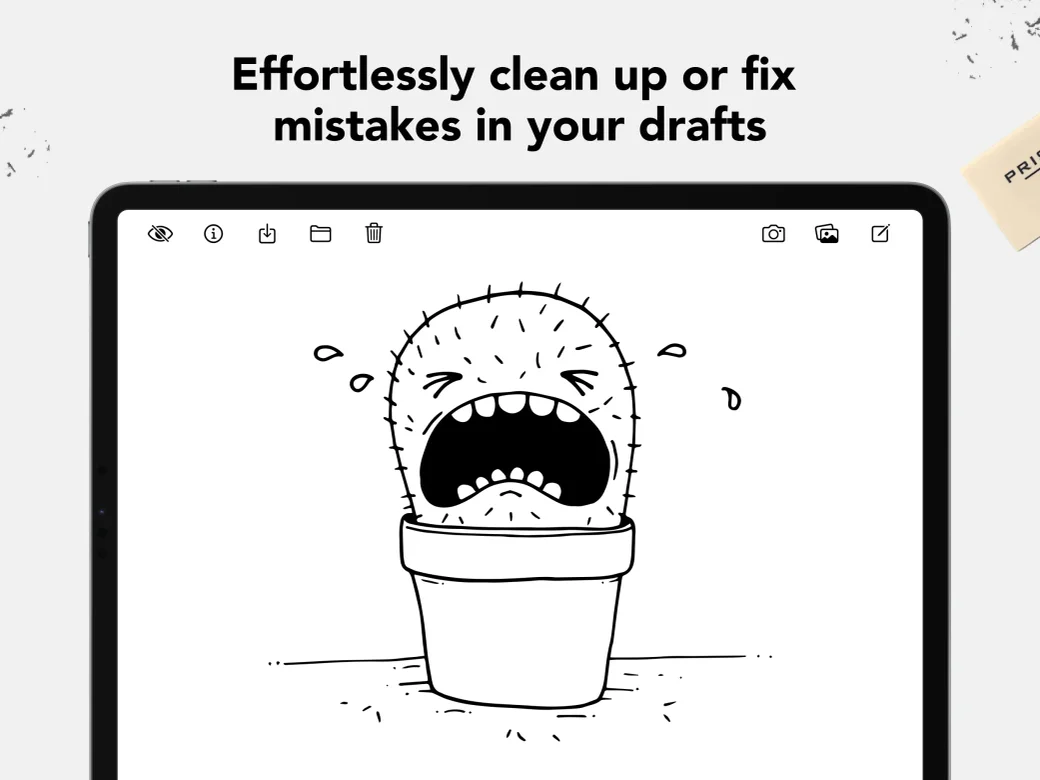
• Use it to clean-up or fix mistakes in your drafts.
• Make hand copies of your originals with small variations.
• Combine drawings you’ve done in separate places.
• Make your own typographical creations by combining and tracing inspirational fonts.
▶ ADVANTAGES
• Use it on the go
• Menu can be locked to avoid accidentally tapping any controls or leaving the app while tracing.
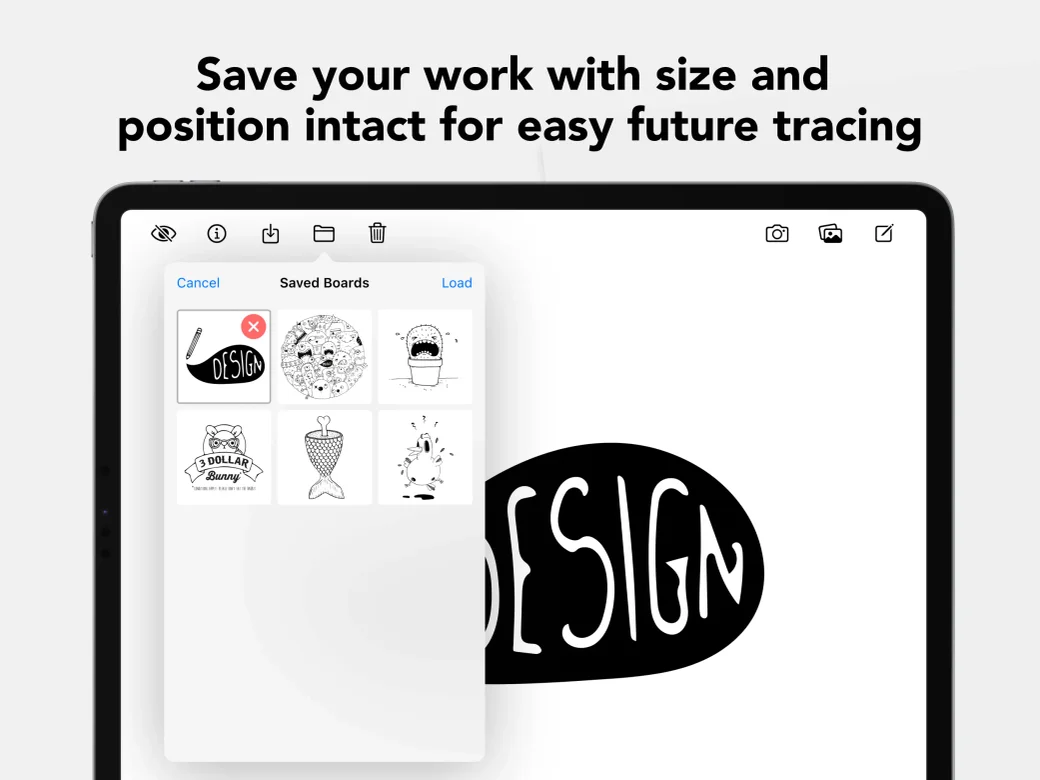
• Save your boards to finish tracing later.
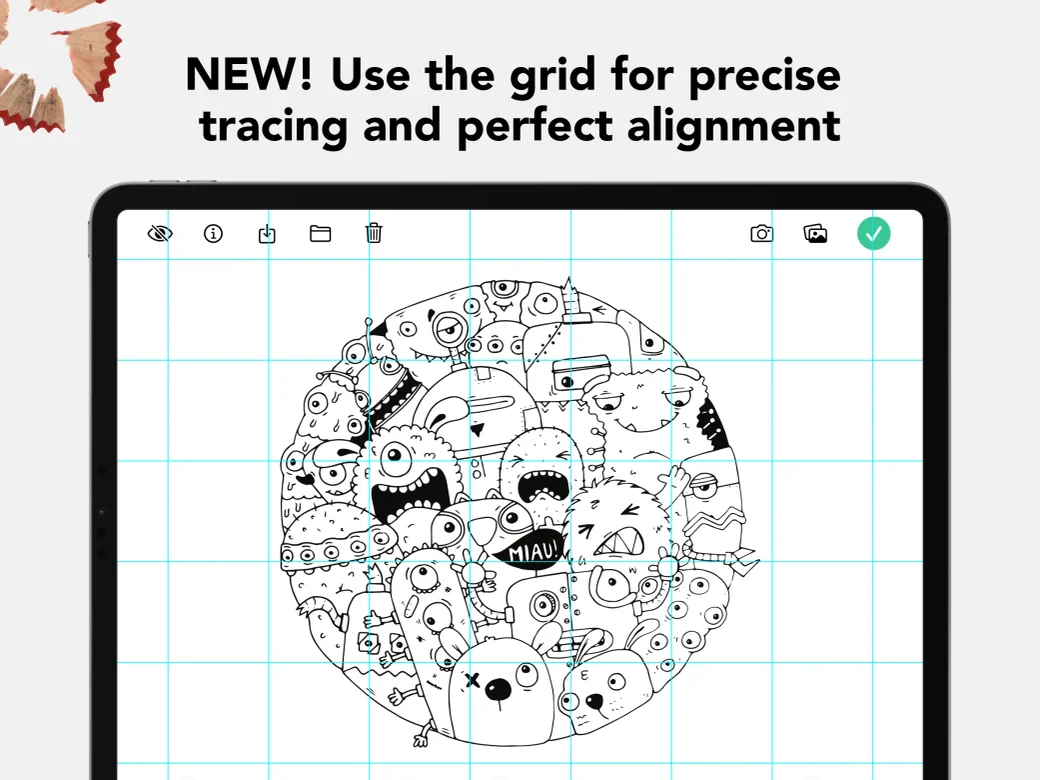
• Adjust Size, Brightness, Saturation & Contrast to make tracing easier.
▶ HOW IT WORKS
Before using the app app, go to your iPad’s Settings and “Turn OFF Multitasking Gestures”.
Read the “Tips & Tricks” section displayed automatically on the first run (you can access it again later by tapping on the lightbulb icon) to get the most of this app.
Choose the drawing you want to trace and either take a photo of it, select a photo from Camera Roll or simply tape the drawing you want to trace over the white screen and add a white paper on top.
Tracing board does not condone copying original works from other artist and claiming them as yours. It is merely a tool to improve your own creations, practice or for going from a draft to a final piece.
We recommend using a soft lead pencil and tracing with minimum pressure to avoid damaging your device.
What’s new
Version 1.5.0 · Jan 1, 2026
▶ New Languages Support: Arabic, Chinese, Danish, Dutch, Finnish, French, German, Italian, Japanese, Korean, Norwegian, Portuguese, Russian, Spanish, Swedish, Turkish.
App privacy
What Pablo Paciello declares on the App Store about how this app handles data.
-
Data not collected
The developer does not collect any data from this app.
Privacy practices may vary, for example with the features you use or your age.
Information
- Seller
- Pablo Paciello
- Category
- Graphics & Design
- Version
- 1.5.0
- Updated
- Jan 1, 2026
- Released
- Nov 2, 2015
- Size
- 9.5 MB
- Requires
- iOS 9.0 or later
- Age rating
- 4+
- Price
- $2.99
- Languages
- English, Arabic, Danish, Dutch, Finnish, French, German, Italian, Japanese, Korean, Norwegian Bokmål, Portuguese + 6 more
- Copyright
- © 2026 Rafaela Sinopoli & Pablo Paciello
You might also like
-
 Cava AI: Logo, Poster & BannerBranding, Signature & Design
-
 Poster Maker Flyer Maker PostaBanner Maker Design Poster App
-
 ArtDraw: Sketch & Paint StudioSketch with Precision
-
 Flowpaper: Drawing & AnimationPainting Sketchbook & Doodle
-
 Emoji & Wallpapers: AstroMojiAI Playground Studio
-
 Sketch Tree Pro - My Art PadPencil draw board canva paint
-
 FluxArt - AI Image GalleryCreate & Edit art
-
 Level Tool ™Graphics & Design
-
 AI Baby Generator Future BabyWhat Would Our Baby Look Like?
-
 Blur Photo.Motion blur background effect