
Track Notes: Music Annotation
Timestamped song bookmarks
Designed for iPhone
$2.99
- Age rating12+
- CategoryMusic
- Developerbirnimal APP
- LanguagesEnglish+ 7 more
- Size29.6 MB
Links to the official App Store page
Download.org hosts no file of Track Notes: Music Annotation. The button opens its official App Store page, published by birnimal APP. Listing last checked on Nov 23, 2026.
Screenshots


About
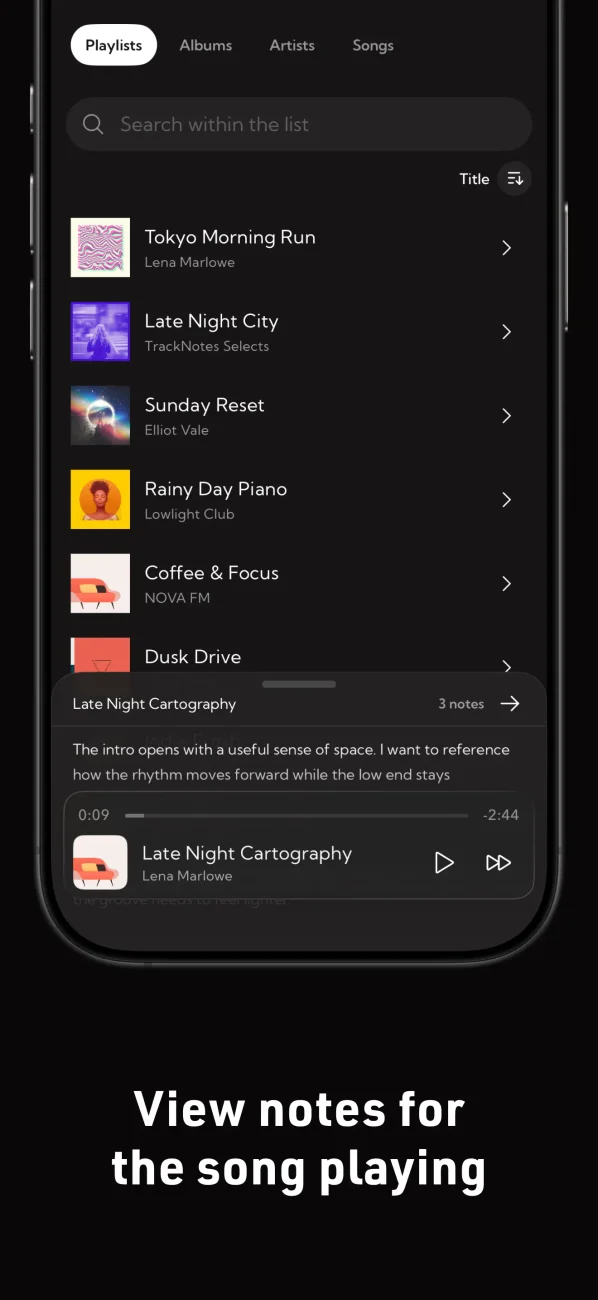
Track Notes is a music note-taking app for Apple Music that lets you create personal notes and link them to specific playback positions. Easily create notes for the song currently playing or any song in your library, then return to a saved position and start listening from there.
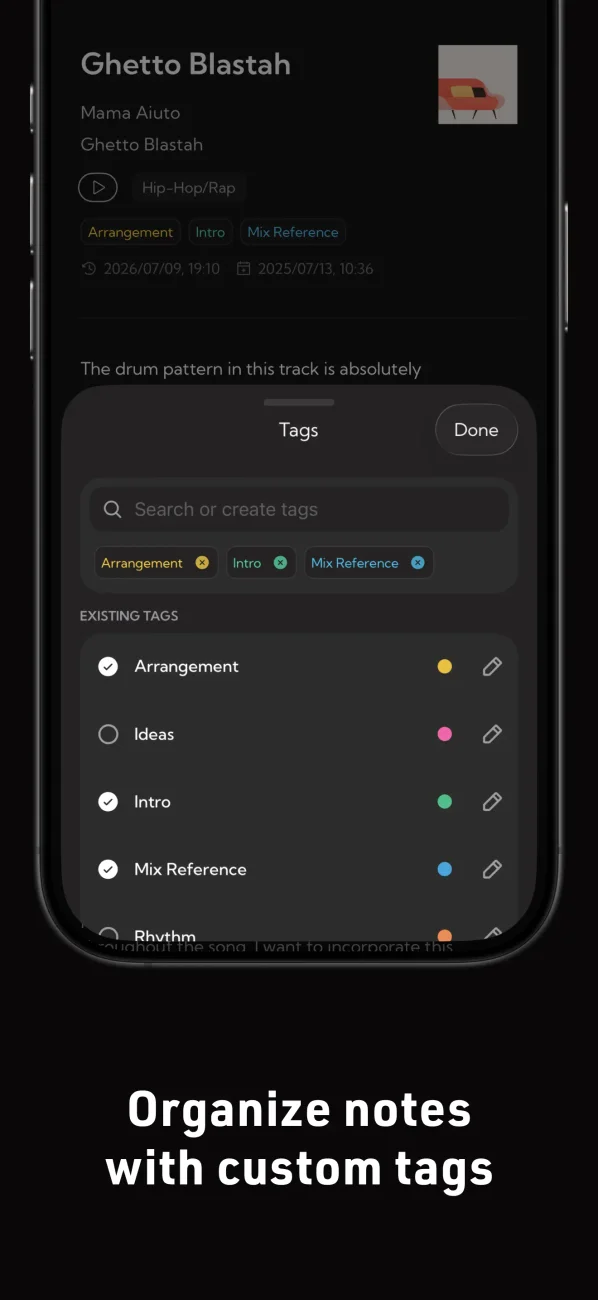
Use Track Notes to analyze reference tracks, remember why you added a song to a playlist, or capture impressions and musical ideas before they slip away. Organize tracks using colored tags, search, and sorting.
Key Features
- Create notes for the song currently playing or any song in your library
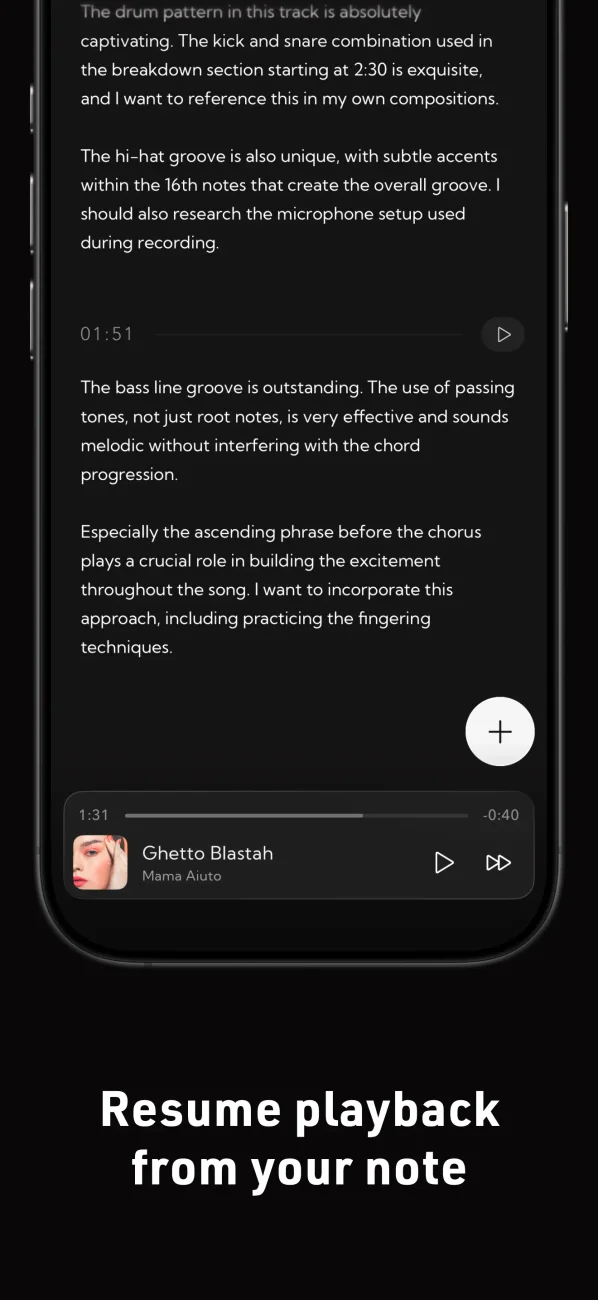
- Tie notes to playback positions and start listening from those moments
- Save multiple notes for each song
- Organize tracks with colored tags
- Assign multiple tags and filter by all or any selected tags
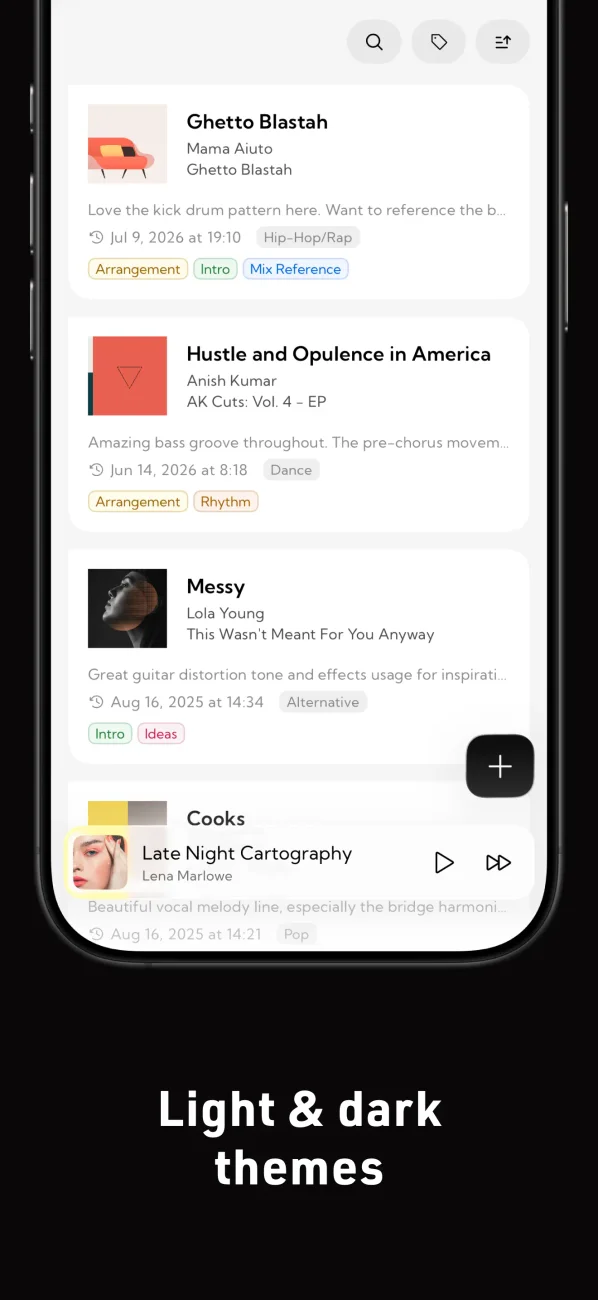
- Search and sort your notes
- Browse and play songs in your Apple Music library
- Sync notes and tags with iCloud across your devices
- Switch between light and dark themes
- Export your track notes as a .tracknotes file to back them up or share them. You can also import notes you receive and export your notes as Markdown.
Recommended for
- Music producers, DJs, musicians, composers, and video creators analyzing reference tracks
- Anyone who wants to remember why they added a song to a playlist
- Anyone studying music who wants to record insights for each song
- Listeners who want to preserve impressions and emotions
Please Note
- An Apple Music subscription is required to access or play songs from Apple Music
- Notes and tags are managed only in Track Notes and do not appear in Apple Music. Information about your songs and library in Apple Music remains unchanged.
What’s new
Version 1.5.0 · Nov 22, 2026
You can now export track notes to back them up or share them. You can import notes you receive into Track Notes.
Update Track Notes to version 1.5.0 or later on every device that syncs your notes with iCloud. In older versions, some notes may not appear, or the same track may appear more than once. If a note you deleted in an older version is still there, update the app on all your devices, check the text of the note, then delete it again.
App privacy
What birnimal APP declares on the App Store about how this app handles data.
-
Data linked to you
May be collected and linked to your identity.
- User content
-
Data not linked to you
May be collected but is not linked to your identity.
- Usage data
- Diagnostics
Privacy practices may vary, for example with the features you use or your age.
Information
- Seller
- Mitsuhiro Sugimori
- Category
- Music
- Version
- 1.5.0
- Updated
- Nov 22, 2026
- Released
- Jul 25, 2025
- Size
- 29.6 MB
- Requires
- iOS 18.0 or later
- Age rating
- 12+
- Price
- $2.99
- Languages
- English, French, German, Japanese, Portuguese, Simplified Chinese, Spanish, Traditional Chinese
- Copyright
- © birnimal
You might also like
-
 Haken Mobile AppPerformance Controls
-
 PlaySectionsAV Player with Section List
-
 naive tracker4-track sampler / sequencer
-
 Music RatingGive your rating to the song !
-
 GangsaIndonesian Gamelan Instrument
-
 リハ録音メモMusic
-
 Human ArtsSustainable Music Streaming
-
 GlinsterAn instrument made of light
-
 Resonator Audio UnitPRO AUv3 audio effect
-
 Remix.me: Stems & MashupsAcapellas, edits and bootlegs