Trackalot
One-tap event tracking
Designed for iPhone, iPad
Free · In-app purchases
- Age rating4+
- CategoryUtilities
- DeveloperJASON PETER DEFILLIPPO
- LanguagesEnglish
- Size18.7 MB
Links to the official App Store page
Download.org hosts no file of Trackalot. The button opens its official App Store page, published by JASON PETER DEFILLIPPO. Listing last checked on Nov 13, 2026.
Screenshots

About
New design supports iPhone Duo.
Open up more room for your history. On iPhone Duo, see folders beside your trackers when space allows. Fold it closed and keep tracking with the same selected folder.
INTRODUCING DONE-DID TRACKING
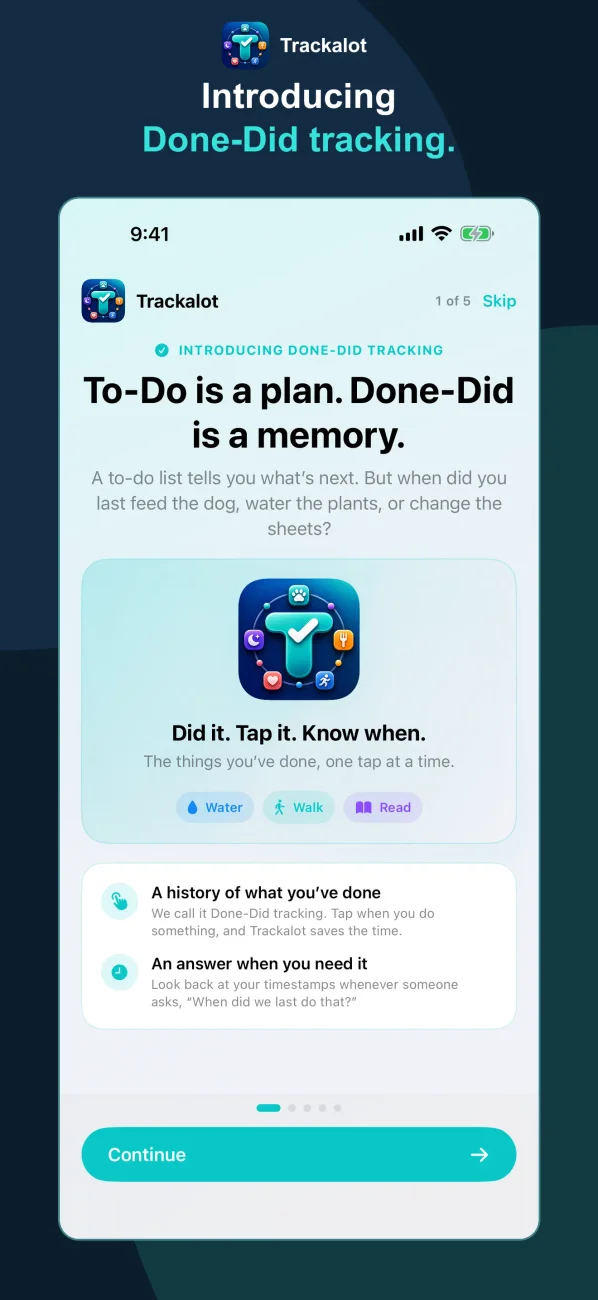
To-Do is a plan. Done-Did is a memory.
A to-do list tells you what's next. But life has another question: "When did we last do that?" The snack you handed over. The filter you replaced. The dog you already fed.
We call it Done-Did tracking. A timestamped history of the things you've done, built one tap at a time. So the next time somebody asks, your answer is right there.
"Did the kids get their snack?"
"Yeah, hon. They got their snack at 1:43 on the nose."
One little tap. One less thing to keep in your head.
DID IT. TAP IT. KNOW WHEN.
Create a tracker for something you want to remember. Tap when you do it. Look back when you need an answer.
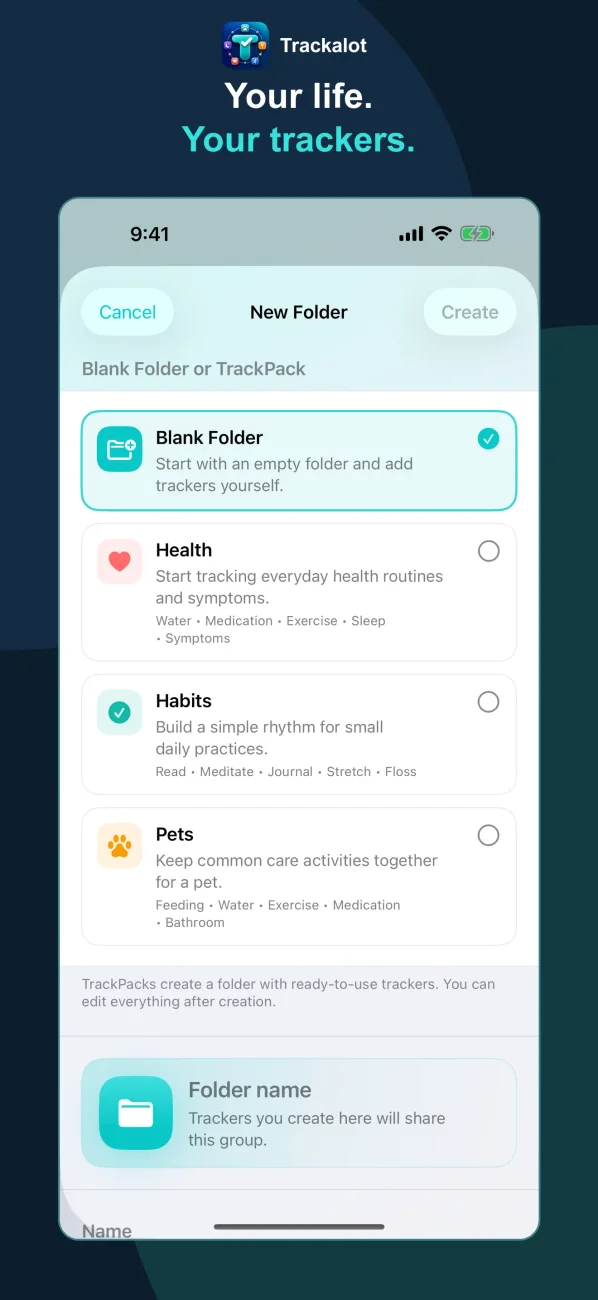
Start with a Health, Habits, or Pets TrackPack, or build your own. Group trackers into folders and arrange them the way you use them.
WANT TO REMEMBER MORE?
"Apples and peanut butter."
"Took the long route."
"Changed the upstairs filter."
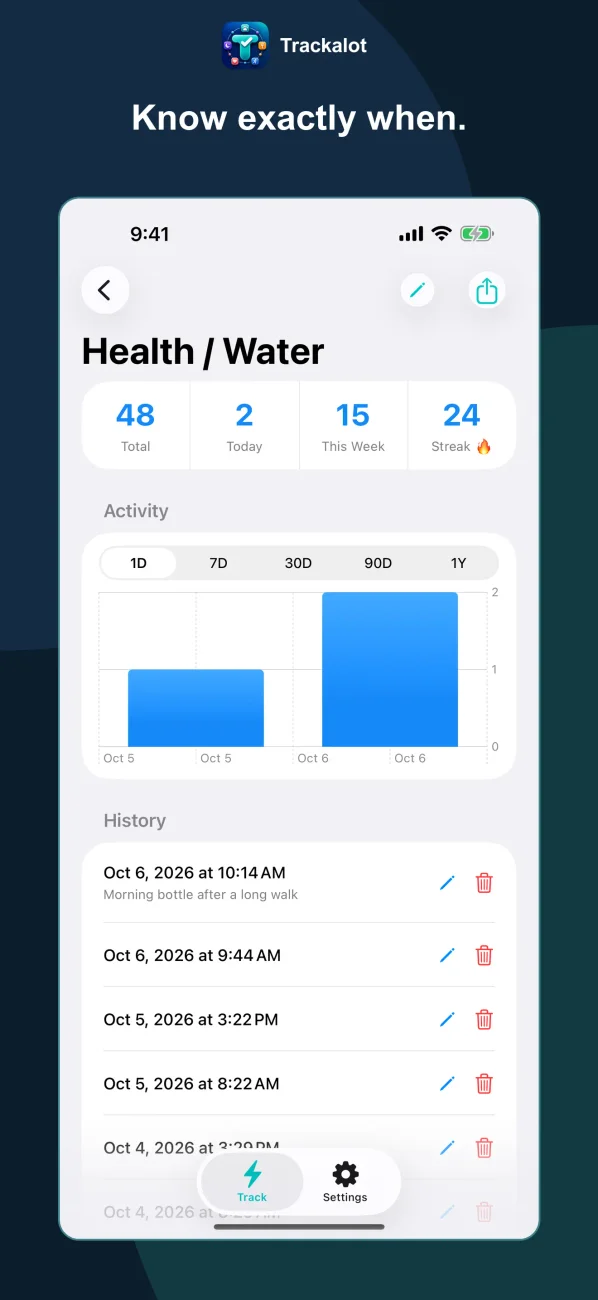
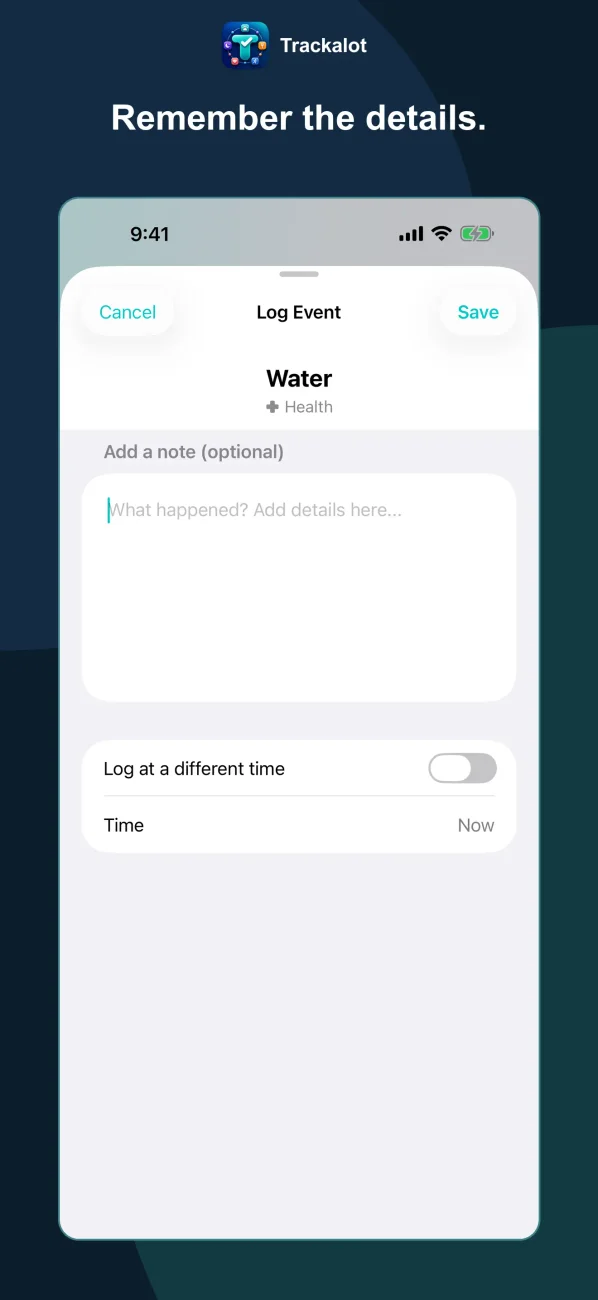
Add an optional note when the details matter. Adjust a timestamp if you're logging something after the fact. Your history is editable, because real life includes the occasional wrong tap.
WHEN DID I LAST DO THAT? ANSWERED.
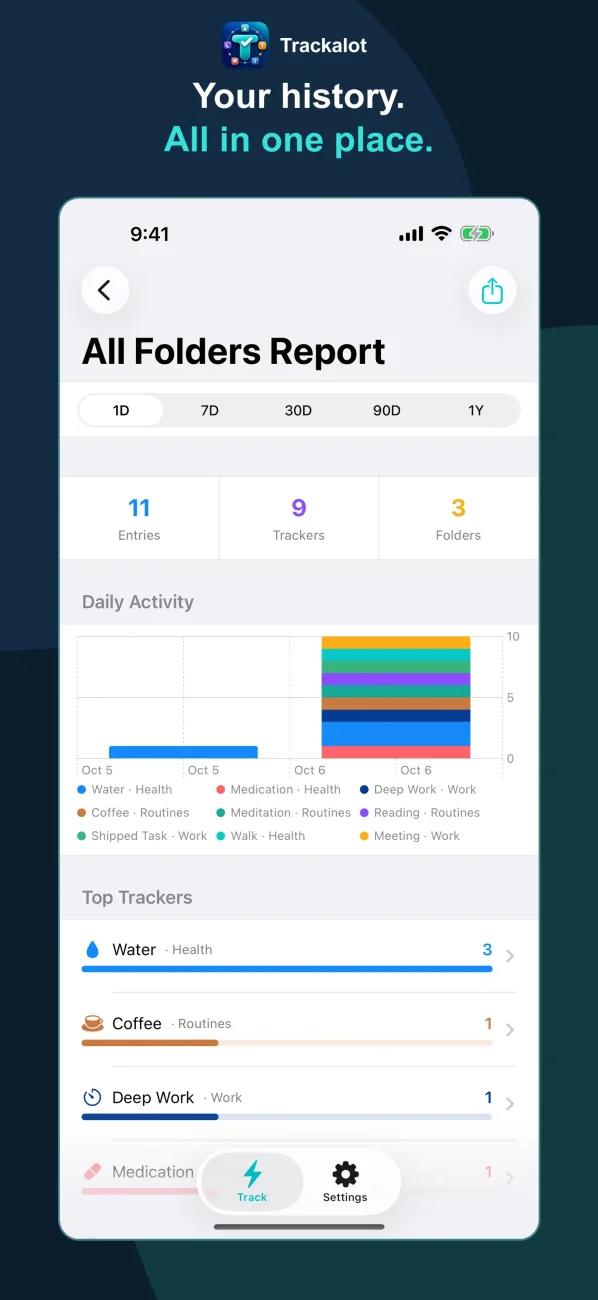
Review one tracker, a whole folder, or everything together. Find timestamps and notes, check totals, and explore charts and streaks across views from one day to one year.
Wondering how many times today? Set optional Count Warnings for a heads-up as you approach a limit you choose.
DONE HAPPENS EVERYWHERE
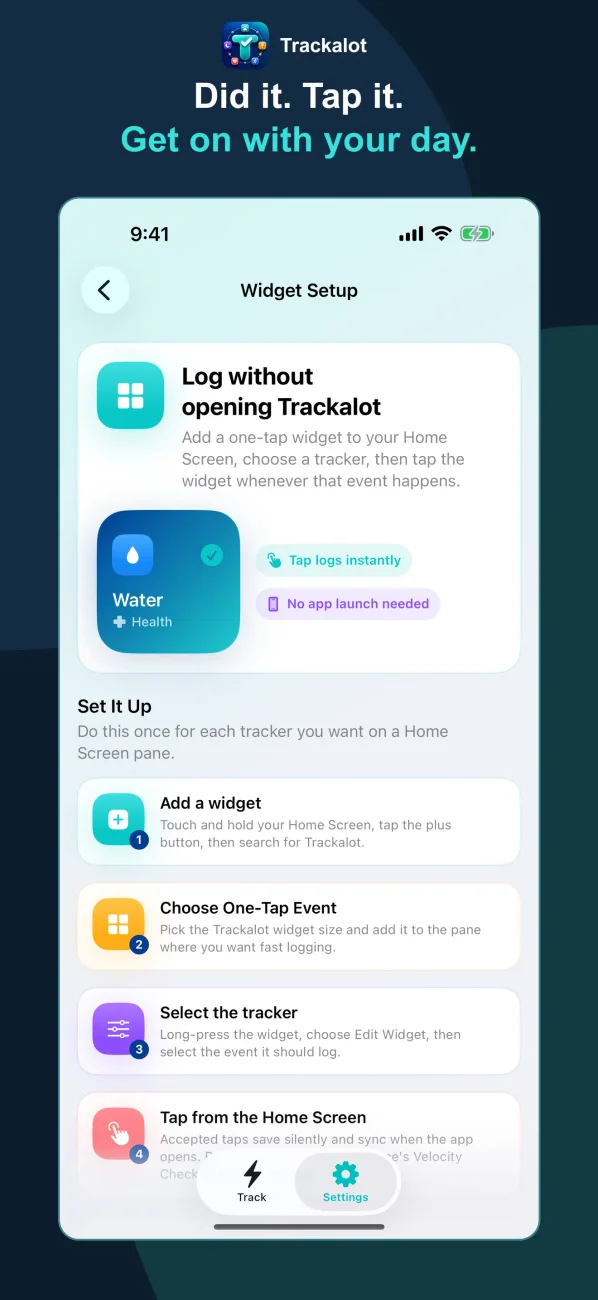
Log from iPhone, iPad, a Home Screen widget, or Apple Watch. Use Siri and Shortcuts to log through your own automations.
Just finished the dog walk? Give it a tap from your wrist. Get on with your day.
YOU TOOK CARE OF IT. KEEP THE HISTORY.
Automatic and manual backups help protect your history. Restore a backup when you need it. With Lifetime Access, export reports as CSV or PDF, or your complete archive as CSV or JSON.
START FREE. KEEP IT FOR LIFE.
Track up to 5 things for free. A one-time Lifetime Access purchase unlocks unlimited trackers, data export, and all future upgrades. No subscription. Customers who acquired the paid app before version 2.0 keep lifetime access at no additional charge. Existing trackers and history remain available.
No account. No ads. No subscription. No user tracking.
Your history stays in storage controlled through your Apple devices and iCloud. The developer never receives your tracking data.
Kids' snacks. Pet care. Chores. Workouts. Watered plants. Your own completely specific thing.
If you've ever asked, "Did I do that?" or "When was the last time?", give it a tracker.
Did it? Tap it. Done-Did!
What’s new
Version 2.0.1 · Nov 8, 2026
Fixed the print view: notes now align correctly with their dates in tracker and folder PDF exports.
Updated onboarding to remove outdated price text. Lifetime Access shows the current App Store price in your local currency before you purchase.
App privacy
What JASON PETER DEFILLIPPO declares on the App Store about how this app handles data.
-
Data not collected
The developer does not collect any data from this app.
Privacy practices may vary, for example with the features you use or your age.
Information
- Seller
- JASON PETER DEFILLIPPO
- Category
- Utilities
- Version
- 2.0.1
- Updated
- Nov 8, 2026
- Released
- Jun 15, 2026
- Size
- 18.7 MB
- Requires
- iOS 26.0 or later
- Age rating
- 4+
- Price
- Free
- In-app purchases
- Yes
- Languages
- English
- Copyright
- © 2026 Jason DeFillippo
You might also like
-
 ConverSeeSay it, see it
-
 DriveShelfCatalog every external drive
-
 BeaconMagicUtilities
-
 ArtnetStudioUtilities
-
 TermOnMac: remote terminalMac Terminal, Vibe Coding
-
 MatterlyzerMatter device inspector
-
 Torra Transit MapsWorld's Best Transit Map
-
 My-NCCUtilities
-
 m-BERThe Original sACN Device App
-
 ThreadMapperDiagnose your Matter mesh