- Age rating4+
- CategoryProductivity
- DeveloperMARTIN IVAYLOV MIRCHEVSKI
- LanguagesEnglish
- Size7.7 MB
Links to the official App Store page
Download.org hosts no file of Trackdown: Days Counter. The button opens its official App Store page, published by MARTIN IVAYLOV MIRCHEVSKI. Listing last checked on Nov 14, 2026.
Screenshots

About
Trackdown is the days counter that feels like Apple made it. Count down to what’s coming. Count up from what matters.
No account. No subscription. Just your days, beautifully counted.
COUNT DOWN
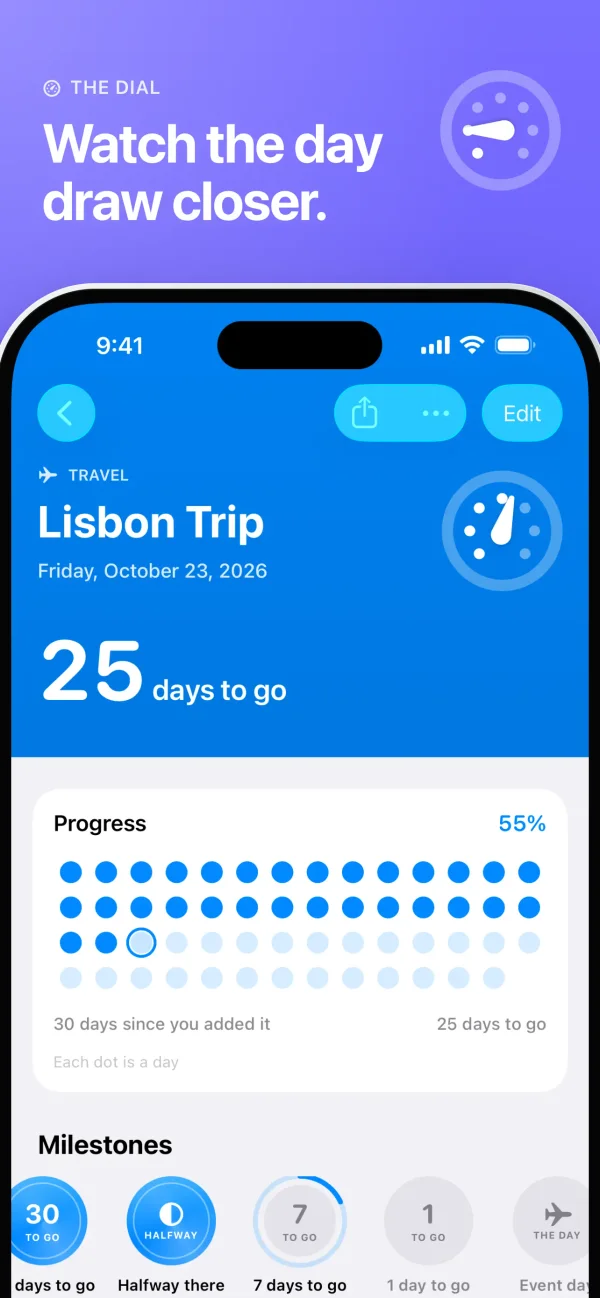
A trip, a birthday, a launch, a holiday. Pick a date and watch the number fall, while the dial shows how far along you are.
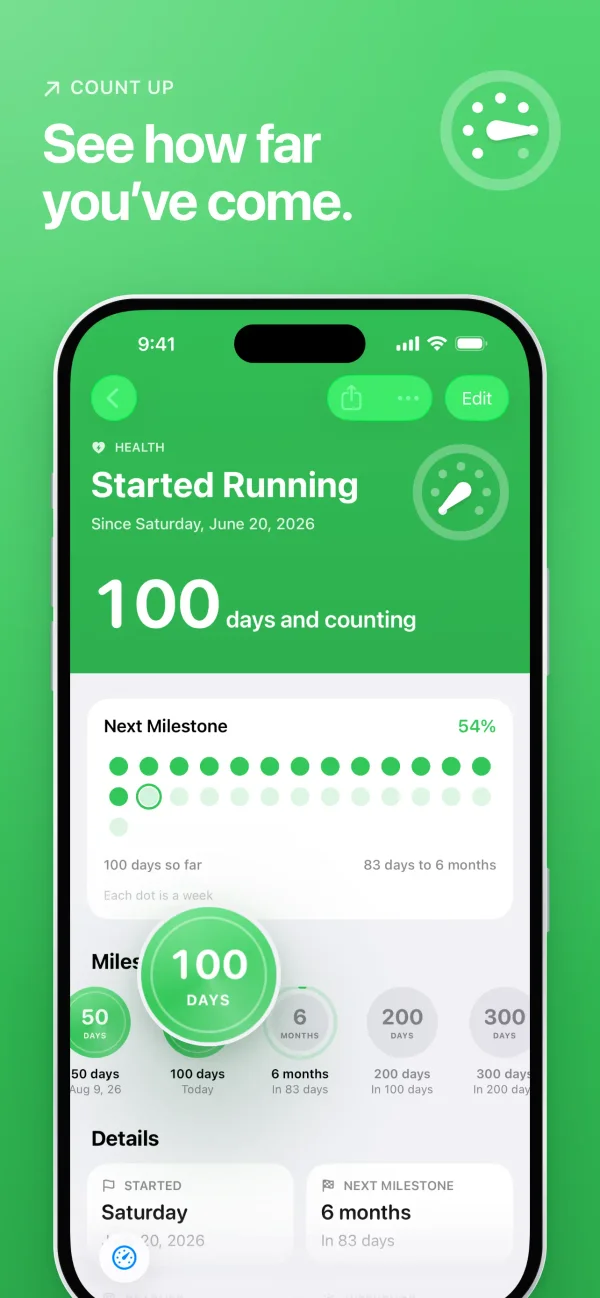
COUNT UP
Your first run, a new home, a fresh start. See how many days it has been, and every milestone along the way.
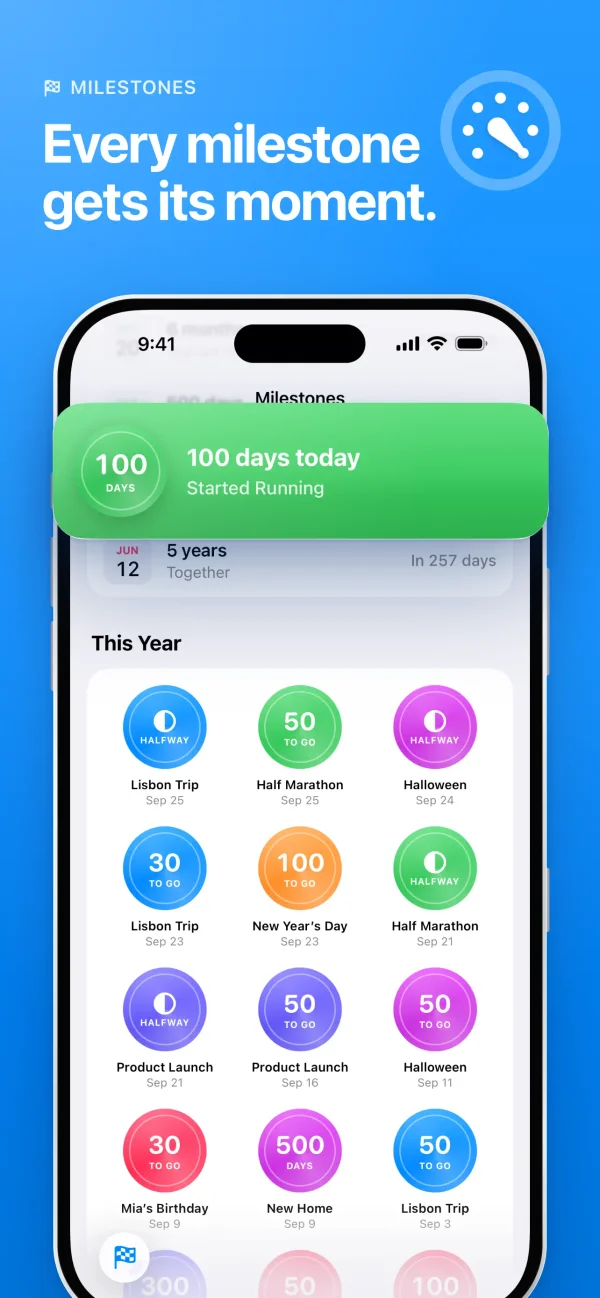
MILESTONES
100 days, six months, a year, the halfway point. Each one earns a medal, and Trackdown can remind you when it arrives.
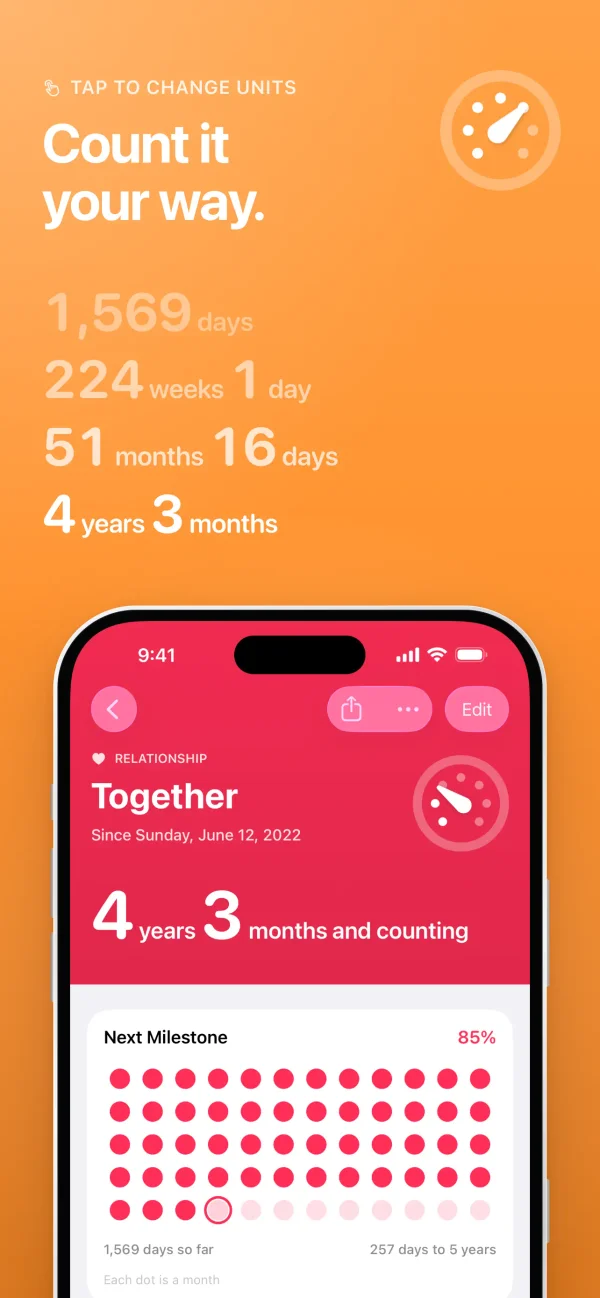
TAP TO CHANGE UNITS
See any count in days, weeks, months, hours or live seconds.
CALENDAR
Every event, repeat and milestone on a month view. Start a new event on any day.
WIDGETS
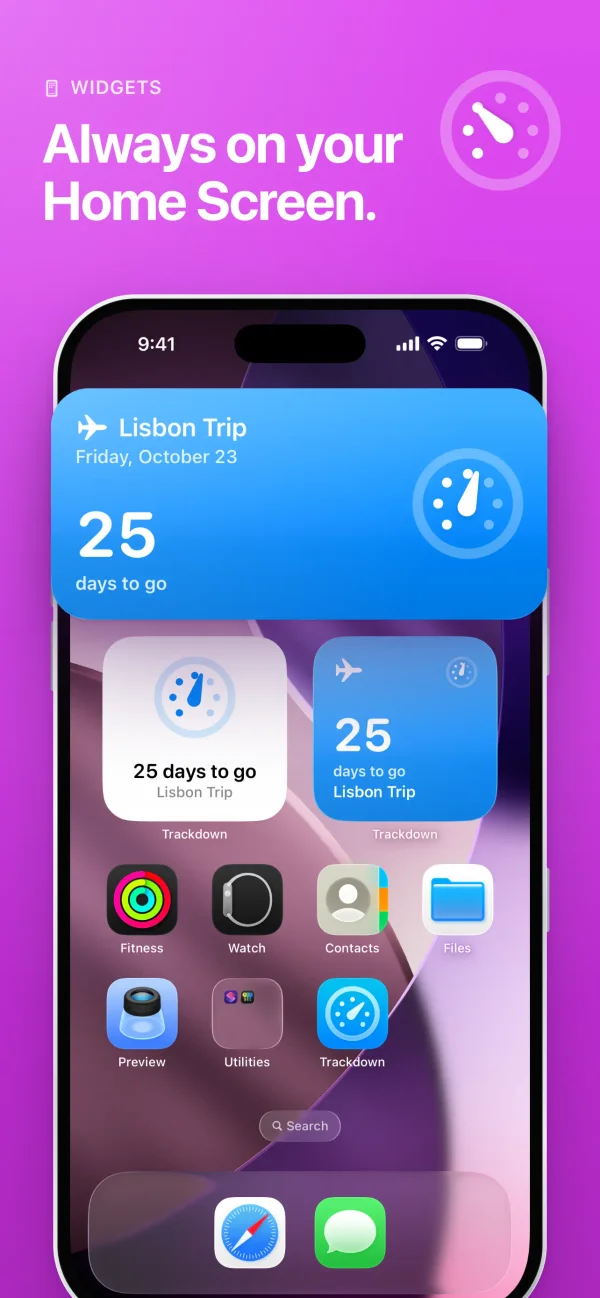
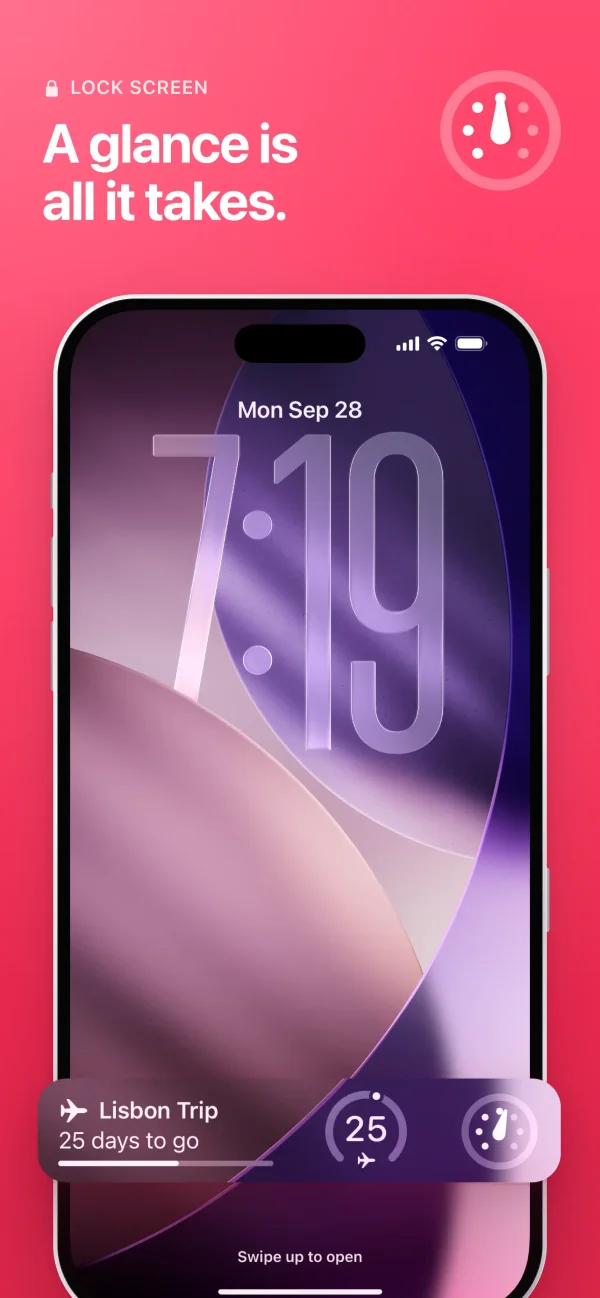
Countdown, Dial and Up Next on your Home Screen, and a gauge, a summary and the dial on your Lock Screen.
SIRI, SHORTCUTS AND SPOTLIGHT
Ask Siri how long until your trip, or find any event in Spotlight.
MADE TO SHARE
Share an event as a poster, or add it to Calendar.
PRIVATE BY DESIGN
No account. No server. No tracking. Your events stay on your iPhone.
What’s new
Version 3.0 · Oct 6, 2026
Meet the new Trackdown. Every screen has been redesigned to feel right at home on iPhone.
THE DIAL
Every event now has a dial, drawn from the app icon, that shows how far along you are. Open an event to see the whole wait laid out in dots.
CALENDAR
A new tab shows every event, repeat and milestone on a month view. Start an event on any day.
MILESTONES
100 days, six months, a year, the halfway point. Each one earns a medal, and Trackdown can remind you when it arrives.
TAP TO CHANGE UNITS
Tap a count to see it in weeks, months, hours or live seconds.
NEW WIDGETS
Countdown, Dial and Up Next for your Home Screen, and new Lock Screen widgets, including the dial.
SIRI, SHORTCUTS AND SPOTLIGHT
Ask Siri how long until an event, or find it in Spotlight.
AND MORE
Share an event as a poster, add it to Calendar, start from suggestions with real holiday dates, and choose what time reminders arrive. Past events are grouped by year, and can become a count up or come back every year.
App privacy
What MARTIN IVAYLOV MIRCHEVSKI declares on the App Store about how this app handles data.
-
Data not collected
The developer does not collect any data from this app.
Privacy practices may vary, for example with the features you use or your age.
Information
- Seller
- MARTIN IVAYLOV MIRCHEVSKI
- Category
- Productivity
- Version
- 3.0
- Updated
- Oct 6, 2026
- Released
- Jun 9, 2026
- Size
- 7.7 MB
- Requires
- iOS 26.5 or later
- Age rating
- 4+
- Price
- Free
- Languages
- English
- Copyright
- © 2026 Trackdown
You might also like
-
 Untilly: Countdown WidgetDays Until Birthday & Events
-
 Habit Tracker – HabitKeepApp Blocker, Habit Builder
-
 Countdown - How Many Days?Countdown widget special days
-
 DaysSinceAppProductivity
-
 Calance - Calendar & WidgetsYour calendar at a glance
-
 MethodicaFocus on What Matters
-
 Grattis - Birthday trackerNever forget a birthday again
-
 Habits: Good, Bad & FriendsBreak Bad Habits with Friends
-
 Countdown Days — Event TimerCount Down to Big Momentsa
-
 Countdowns & WidgetsTimer, Calendar & Holiday