
Tracket Motion: Video Editor
Motion tracking, stabilization
Designed for iPhone, iPad
Free · In-app purchases
- Age rating4+
- CategoryPhoto & Video
- DeveloperOleksandr Ksondzyk
- LanguagesEnglish
- Size142.3 MB
Links to the official App Store page
Download.org hosts no file of Tracket Motion: Video Editor. The button opens its official App Store page, published by Oleksandr Ksondzyk. Listing last checked on Nov 20, 2026.
Screenshots

About
Track motion, stabilize footage, and build layered video edits in one timeline.
Tracket is a mobile video editor built for motion. Follow objects, attach overlays to their movement, stabilize shaky clips, create subject cutouts, and finish the edit without leaving your project.
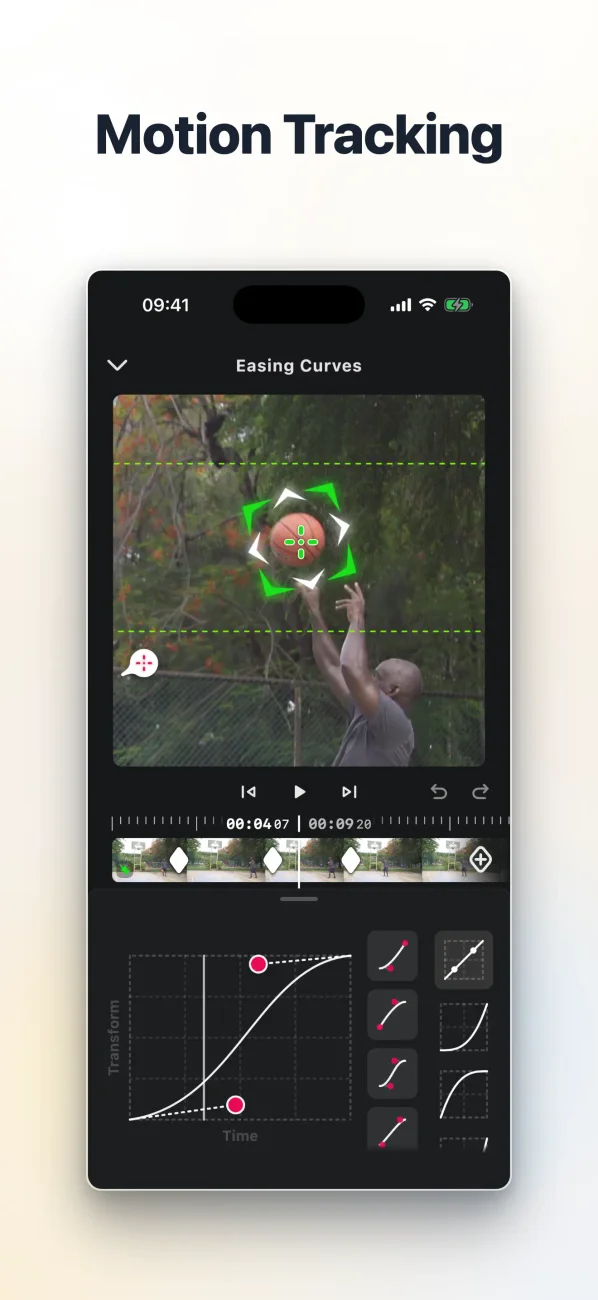
Motion tracking
• Use one-point tracking for position or two-point tracking for position, rotation, and scale
• Attach or detach text, images, videos, and stickers from tracked motion
• Refine position, scale, rotation, opacity, and more with keyframes
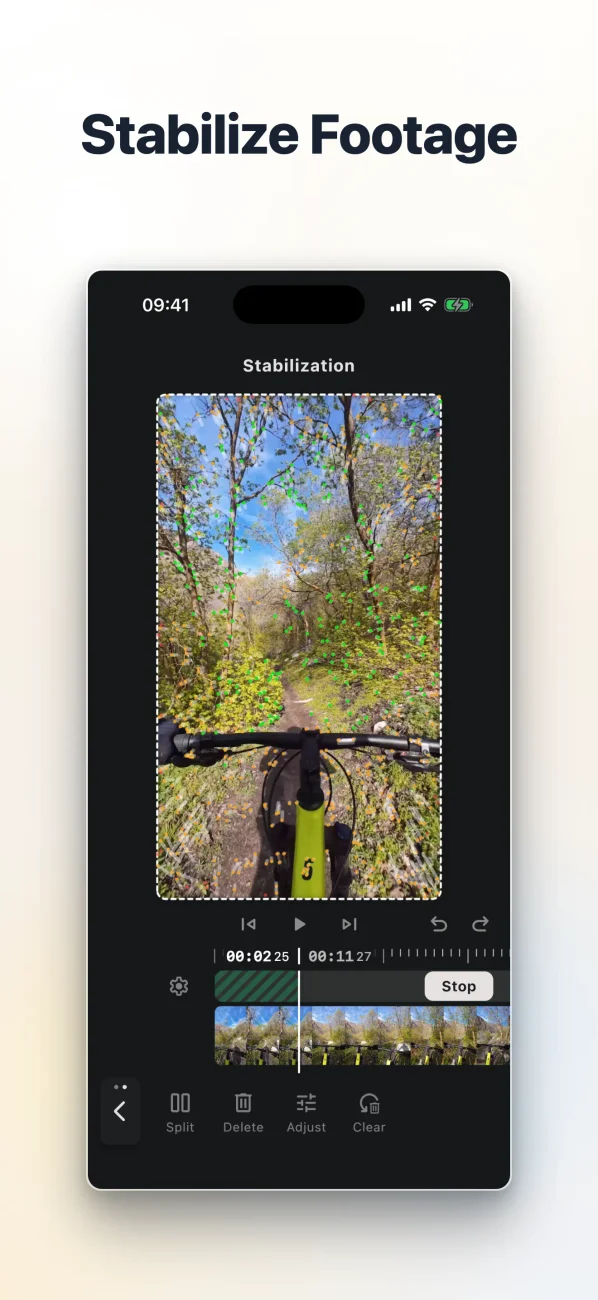
Video stabilization
• Stabilize main clips and video overlays
• Choose Simple, Standard, or Cinematic motion models
• Adjust stabilization strength and framing with crop, scale, or extend options
Cutout and creative layers
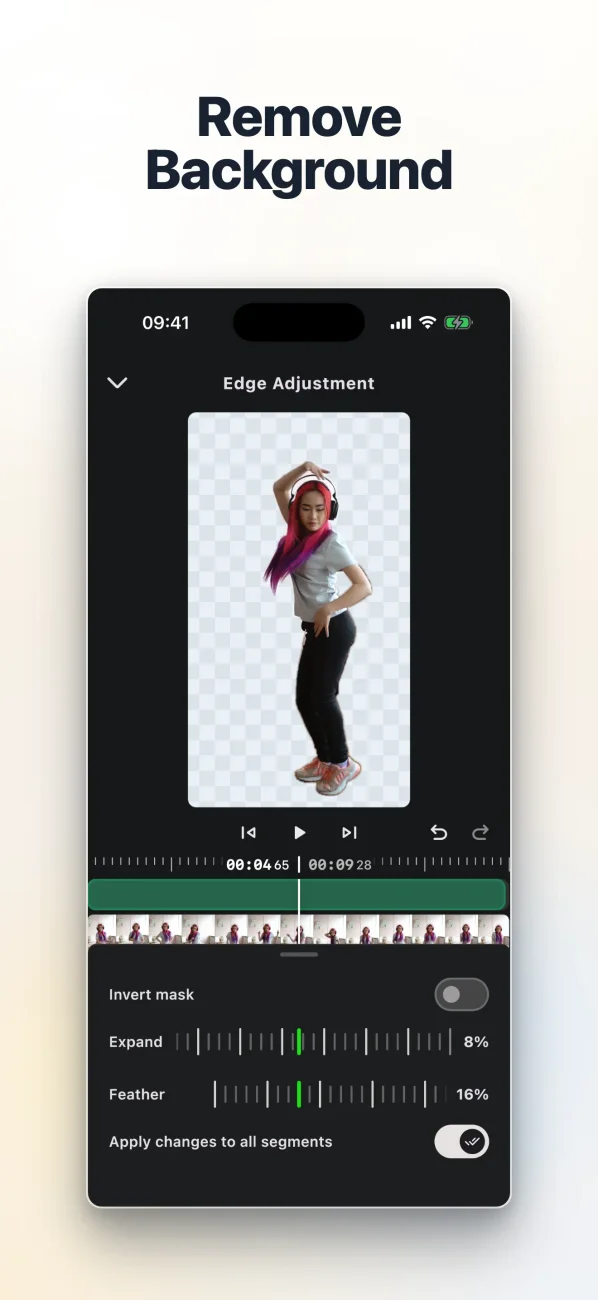
• Separate subjects from the background with Subject, Selfie, or Magic Touch selection
• Track cutouts through a clip and refine mask edges
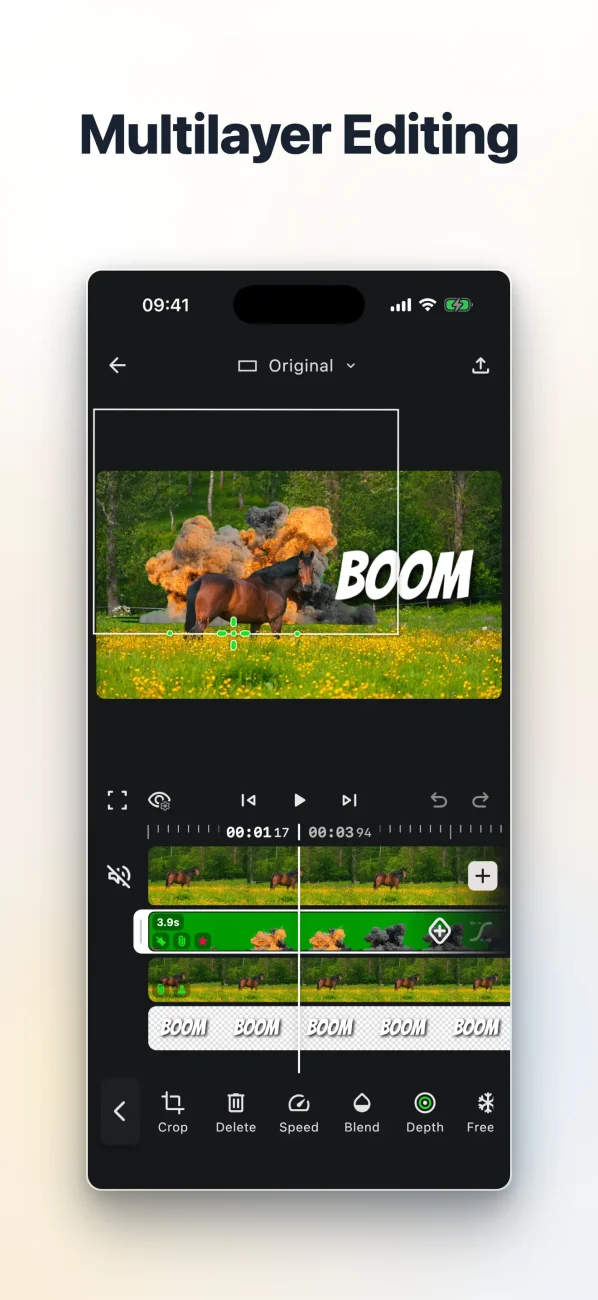
• Combine video, image, text, sticker, and audio layers
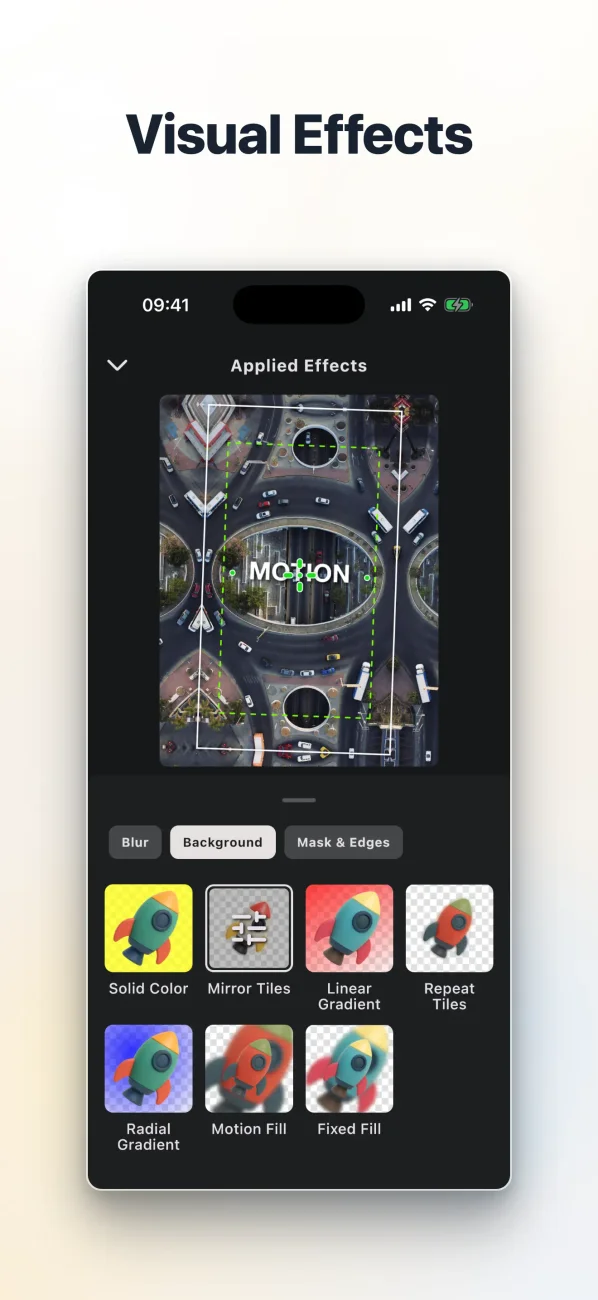
• Apply effects, blend modes, and opacity controls
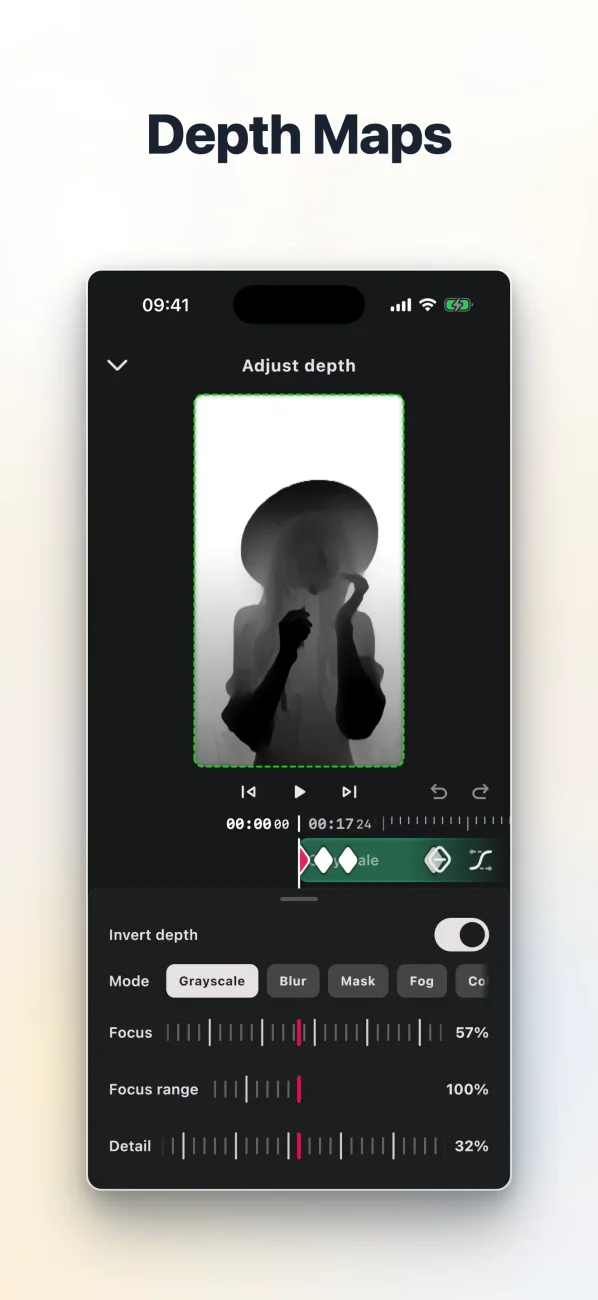
Depth and color tools
• Style depth with blur, masks, fog, contours, grayscale, heatmaps, and duotone looks
• Animate detailed color adjustments with keyframes and start from built-in or custom presets
Timeline and audio editing
• Split, reorder, duplicate, replace, and trim clips
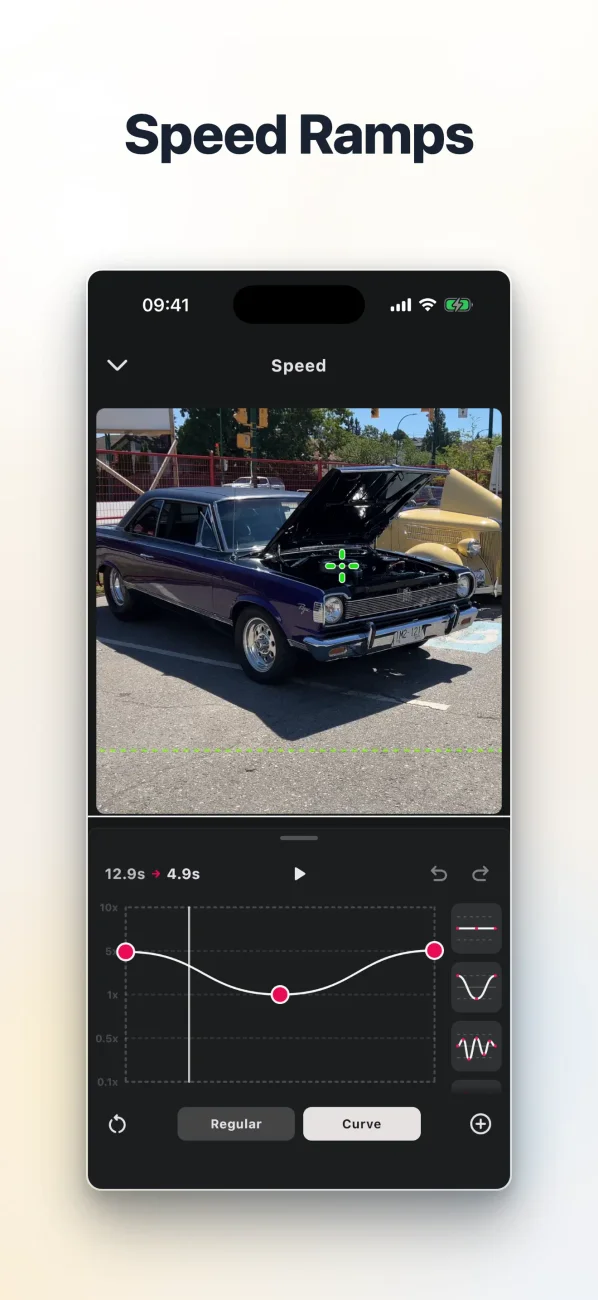
• Create speed changes and precision speed curves
• Extract audio, add music, and adjust volume and fades
• Compose for vertical, horizontal, square, and cinematic aspect ratios
Preview and export
• Use proxy media and adjustable preview resolution for demanding projects
• Export up to 4K and 60 fps with selectable quality
Tracket can be used free with ads and a watermark. Upgrade to Pro for advanced stabilizer controls and export options, ad-free editing, and watermark-free exports.
Terms of Use (EULA): https://www.apple.com/legal/internet-services/itunes/dev/stdeula/
What’s new
Version 0.9.49 · Nov 16, 2026
Markers:
- Place markers on the timeline, or detect bars, beats and hits in a sound automatically.
- Step between markers, and trims snap to them.
Effects:
- Copy effects from one clip and paste them onto others, or apply them to several clips at once.
- Choose which effects to paste and whether keyframes keep their timing or stretch to the clip.
- Effects look the same at every preview and export resolution.
Groups and Anchors:
- Gaussian and Directional Mask Blur inside a group now blur what lies under it.
- New Pass-through switch in Blend: a group's effects can change the background too.
- Group Blend: set a group's opacity and blend mode from inside the group.
- Anchors keep a square frame, so chained layers stay in place when the aspect ratio changes.
Also improved:
- Projects open faster.
- Faster Motion Blur analysis and smoother trimming.
- Smoother clip edges and cleaner warp edges.
- Exports keep every text font, and Chromatic Aberration no longer leaves a strip along the edge.
- Stability improvements.
App privacy
What Oleksandr Ksondzyk declares on the App Store about how this app handles data.
-
Data used to track you
May be used to track you across apps and websites owned by other companies.
- Identifiers
-
Data linked to you
May be collected and linked to your identity.
- Identifiers
- Usage data
- Diagnostics
Privacy practices may vary, for example with the features you use or your age.
Information
- Seller
- Oleksandr Ksondzyk
- Category
- Photo & Video
- Version
- 0.9.49
- Updated
- Nov 16, 2026
- Released
- Apr 15, 2026
- Size
- 142.3 MB
- Requires
- iOS 16.0 or later
- Age rating
- 4+
- Price
- Free
- In-app purchases
- Yes
- Languages
- English
- Copyright
- © 2026 Tracket
You might also like
-
 Motion Track: Video StabilizerSlow Mo, Speed Ramp, FX Editor
-
 Velox – AI Video & PhotoEnhance videos, restore photos
-
 TOVA - Tokti AI Video EditorAI-Powered Video Enhancement
-
 Color Grade Video - PeekLutCinematic LUTs & Log Grading
-
 Narrative: AI Video EditorEdit your videos with AI
-
 DulaTrackPro AI X视频焦点跟踪稳定神器
-
 Framed - Take Aesthetic PhotosCamera Coach & Film Presets
-
 LUT Studio: Color Grading AppCinematic Filters for Video
-
 TopzAI: Photo Video EnhancerBlurry Photo Fixer AI
-
 稳定跟踪Photo & Video