
- Age rating4+
- CategoryFinance
- DeveloperQinglei Tu
- LanguagesEnglish+ 1 more
- Size3.4 MB
Links to the official App Store page
Download.org hosts no file of TrackFlow: Money Log. The button opens its official App Store page, published by Qinglei Tu. Listing last checked on Nov 24, 2026.
Screenshots


About
TrackFlow makes it easy to log every expense and see where your money goes.
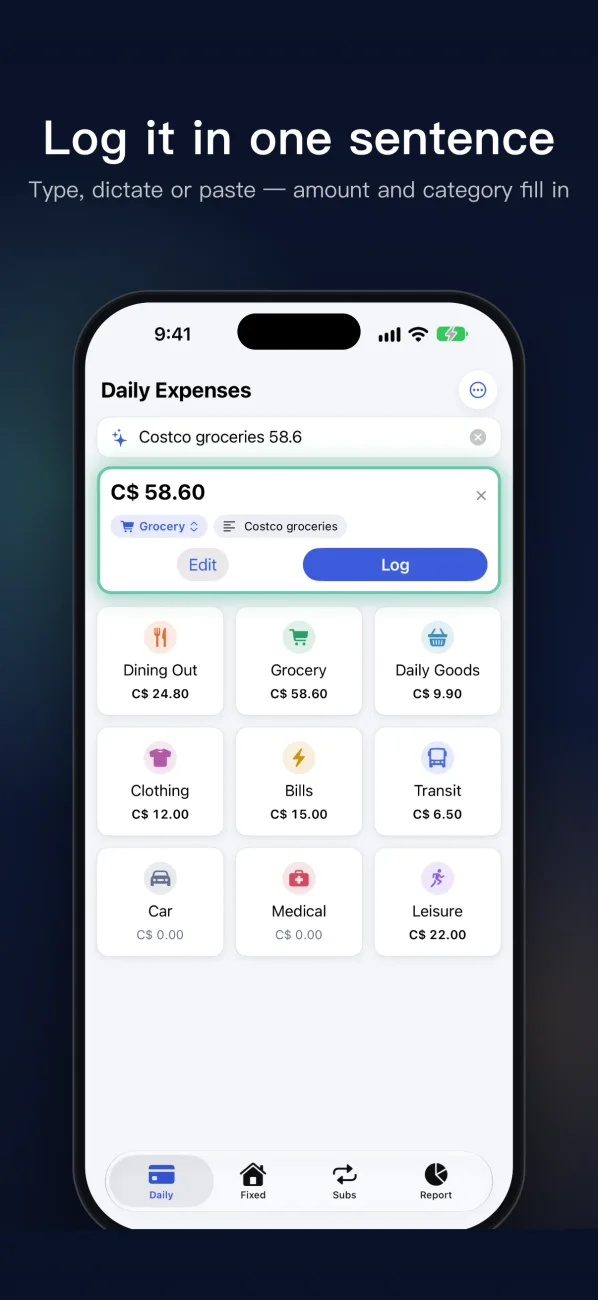
Log it in one sentence
Type, dictate or paste a sentence like "lunch 35", and the amount, category and note fill in for you. Nothing is saved until you confirm.
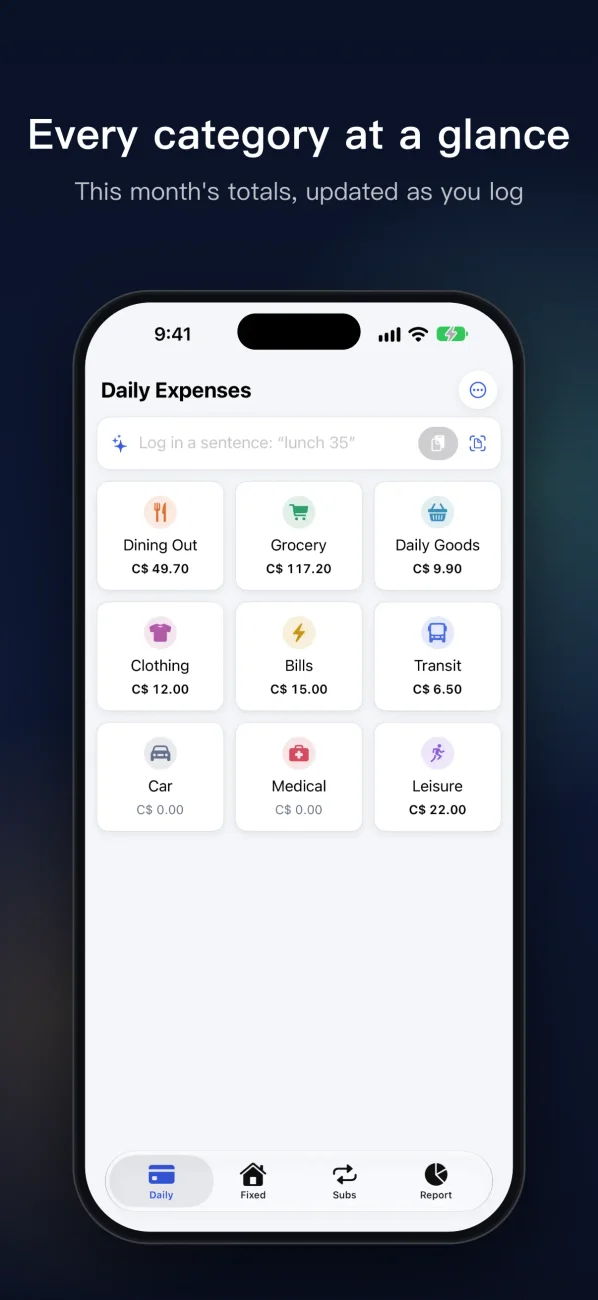
Tap a category, done
Your categories sit in a grid, so one tap starts an entry. The built-in calculator handles + and −, and each category shows what you've spent this month.
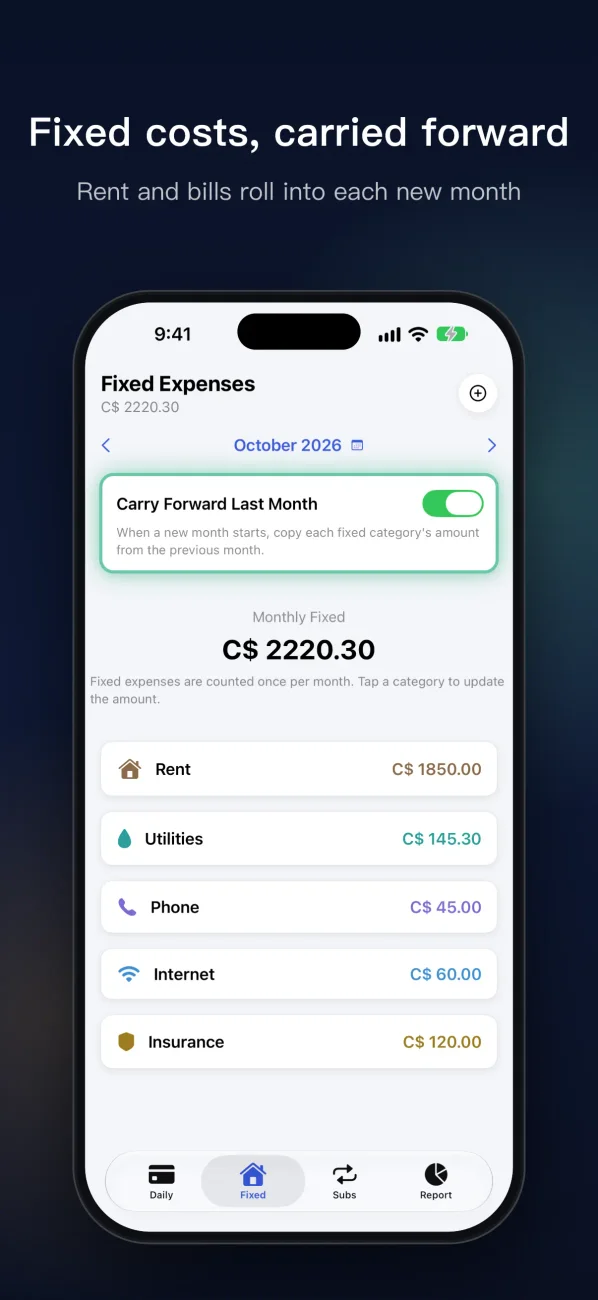
Fixed costs, carried forward
Rent, utilities, phone, internet and insurance are tracked separately from daily spending. Turn on Carry Forward Last Month and they roll into each new month.
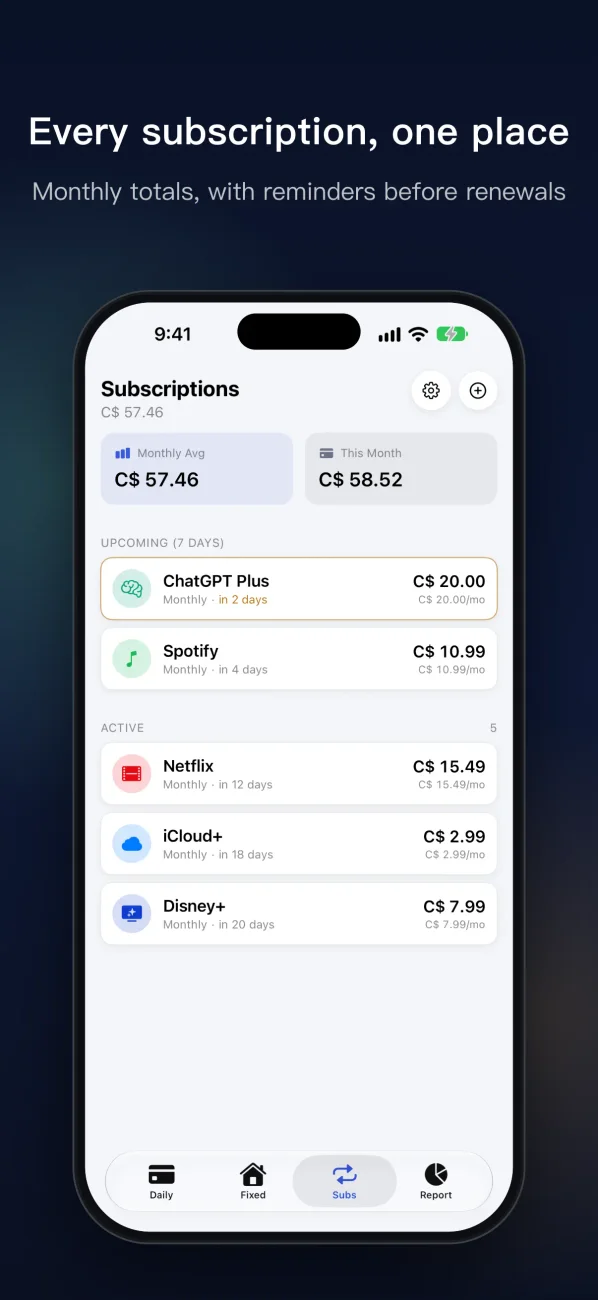
Subscriptions in one place
See every subscription with its monthly total, and get reminded before renewals and free trials end.
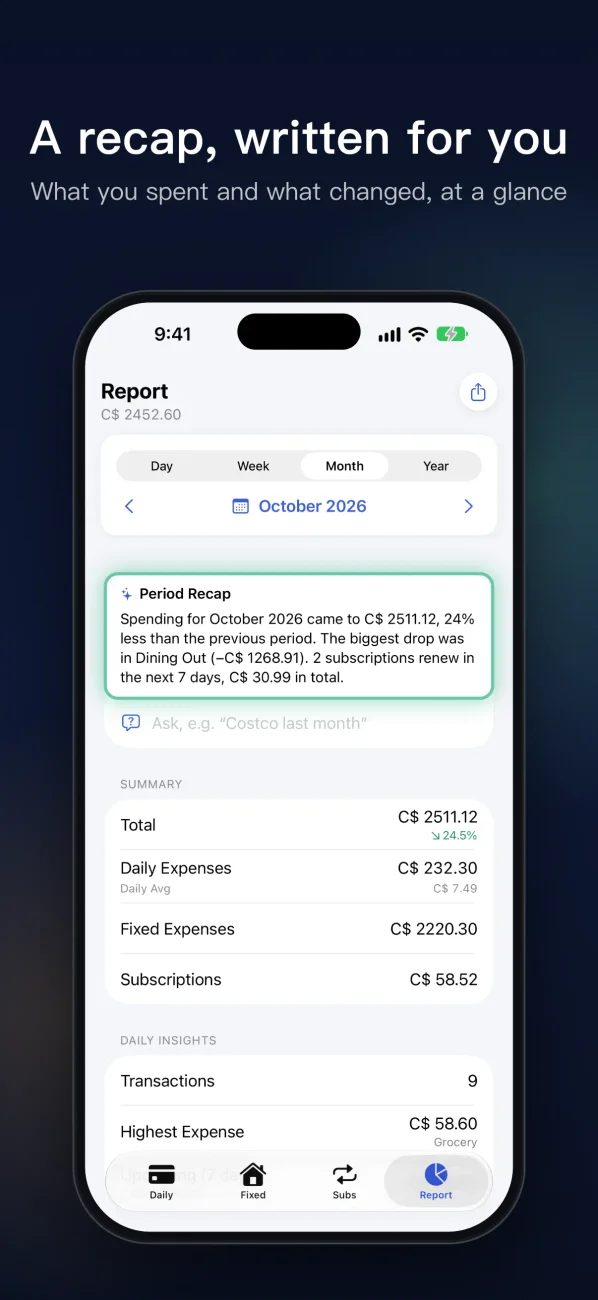
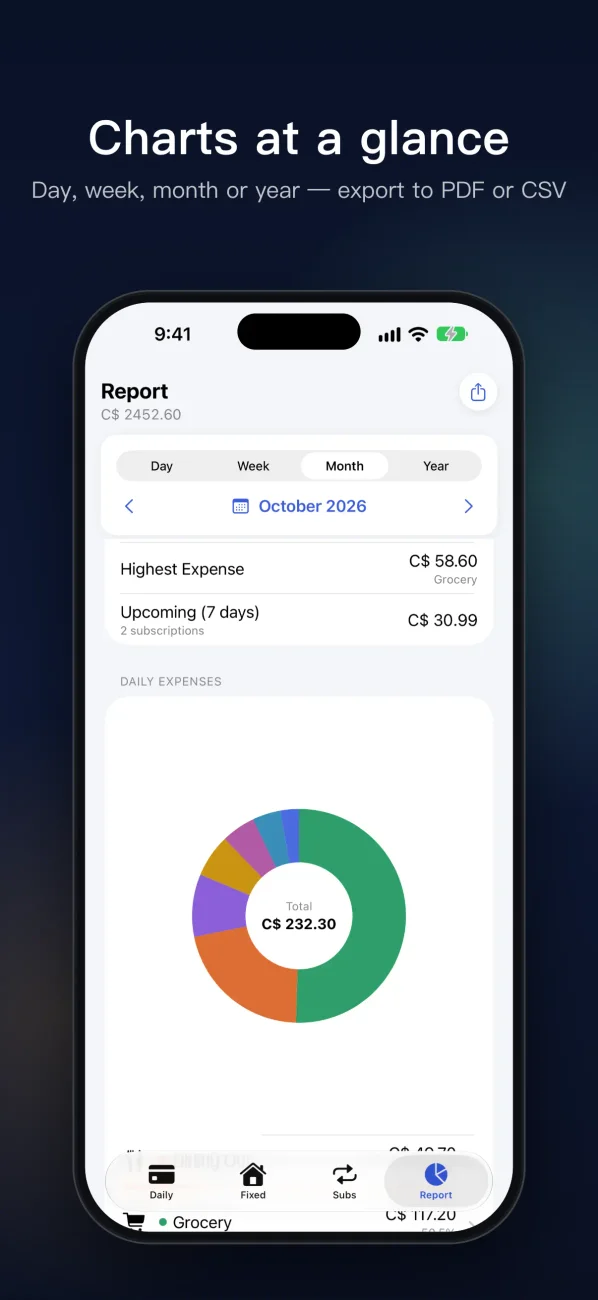
Reports
Review spending by day, week, month or year with clear charts. Each period gets a recap of what you spent and what changed. Ask a question like "Grocery this month" and get the answer right away. Export a PDF report or a CSV of your transactions.
And more
• Home Screen widgets and a Control Center quick-log control
• Siri and Shortcuts: say "Log an expense in TrackFlow"
• Scan a receipt to read the amount, merchant and date
• iCloud sync across your devices
• CSV import and export
• Multiple currencies with your own base currency and rates
• Chinese and English interface
Privacy
No account, no ads, no analytics. Your data stays on your device and in your own iCloud. On devices that support Apple Intelligence, Smart Suggestions run on the device; elsewhere the app uses its built-in rules and works the same.
What’s new
Version 2.3 · Nov 23, 2026
• iPhone Duo support: Add Expense fits on the outer screen and splits into two columns when unfolded.
• Log Again: long-press a daily category to re-log an amount you use often, dated today.
• The daily average in reports now counts only the days so far in the current period.
• Deleting a category or subscription now asks first, and a deleted category's expenses move to Uncategorized.
• The widget starts from zero each new month instead of showing last month's total.
App privacy
What Qinglei Tu declares on the App Store about how this app handles data.
-
Data not collected
The developer does not collect any data from this app.
Privacy practices may vary, for example with the features you use or your age.
Information
- Seller
- Qinglei Tu
- Category
- Finance
- Version
- 2.3
- Updated
- Nov 23, 2026
- Released
- Mar 19, 2026
- Size
- 3.4 MB
- Requires
- iOS 26.0 or later
- Age rating
- 4+
- Price
- Free
- Languages
- English, Simplified Chinese
- Copyright
- © QINGLEI TU
You might also like
-
 MoneyLog+instant expense tracking
-
 Money Log: Expense & BudgetSmart Budget & Expense Log
-
 Simple Wallet: Expense TrackerHome, Vehicle, Trips, Receipts
-
 Piggy Tracker : Cash TrackerIncome & Expenses Cash Tracker
-
 Pocket Money LogNo Signup. Easy Money Tracker.
-
 MoneyLog - Expense TrackerSimple Finance Manager
-
 Money - Track easilyFinance
-
 uBudget: Finance PlannerIncome and Expense Tracking
-
 Saving money - TablesCreate your savings table