- Age rating4+
- CategorySimulation
- Developerhiroyuki uchida
- LanguagesEnglish+ 1 more
- Size256.5 MB
Links to the official App Store page
Download.org hosts no file of TrainCanCan. The button opens its official App Store page, published by hiroyuki uchida. Listing last checked on Nov 18, 2026.
Screenshots

About
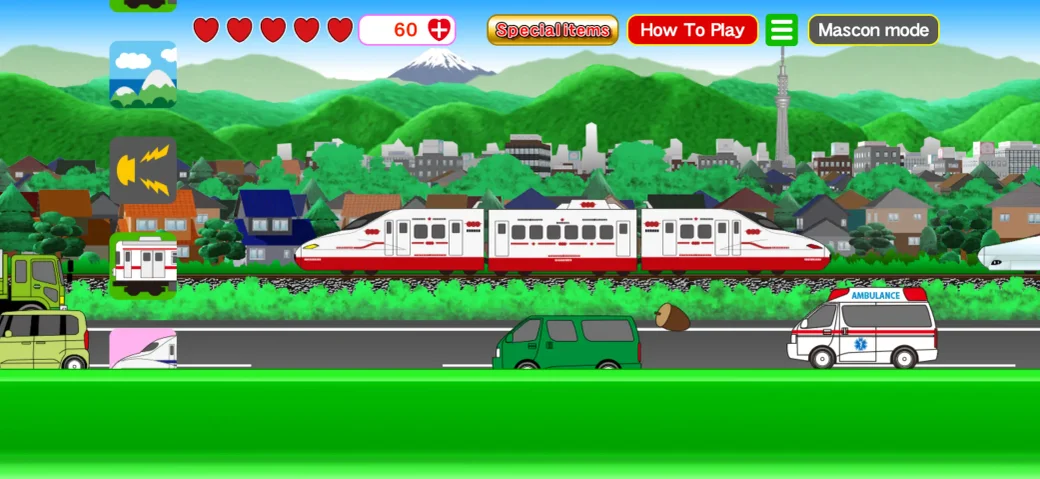
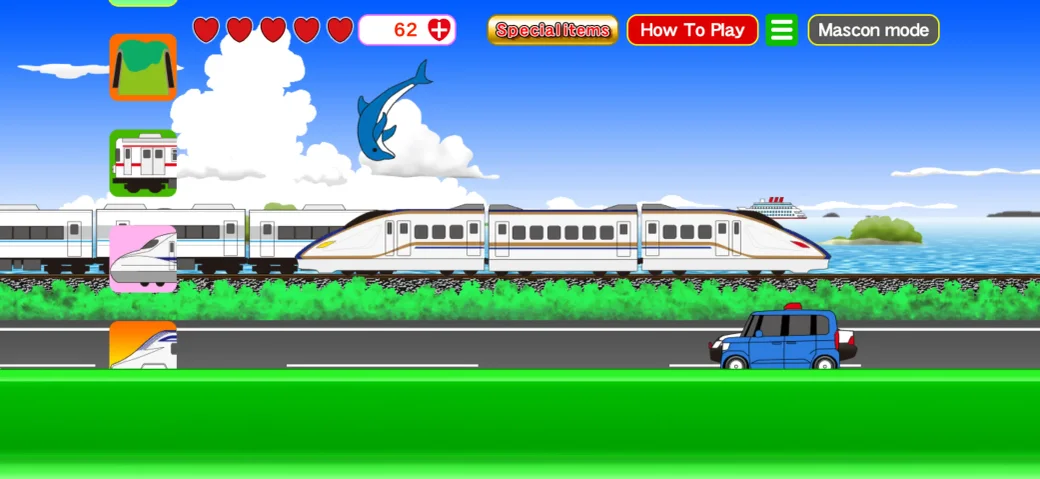
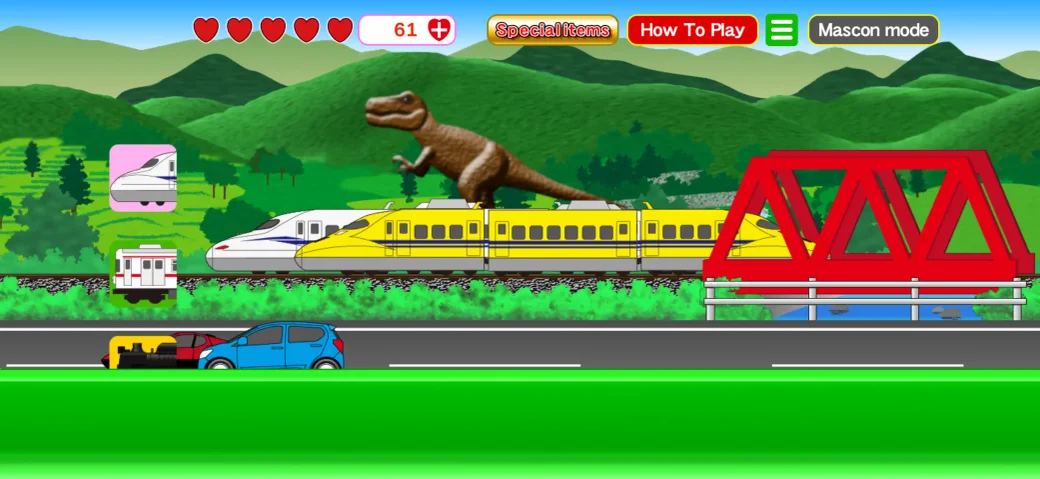
You can have fun running various trains, including bullet trains, regular trains, steam locomotives, and maglev trains.
Simply tap the icons to easily switch between different types of trains and enjoy!
Icons will appear from the bottom left, so try tapping them.
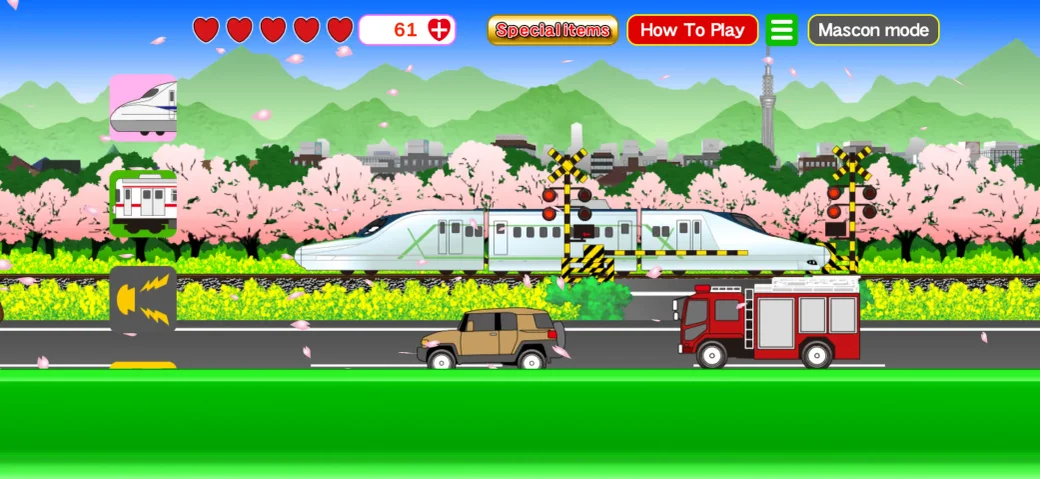
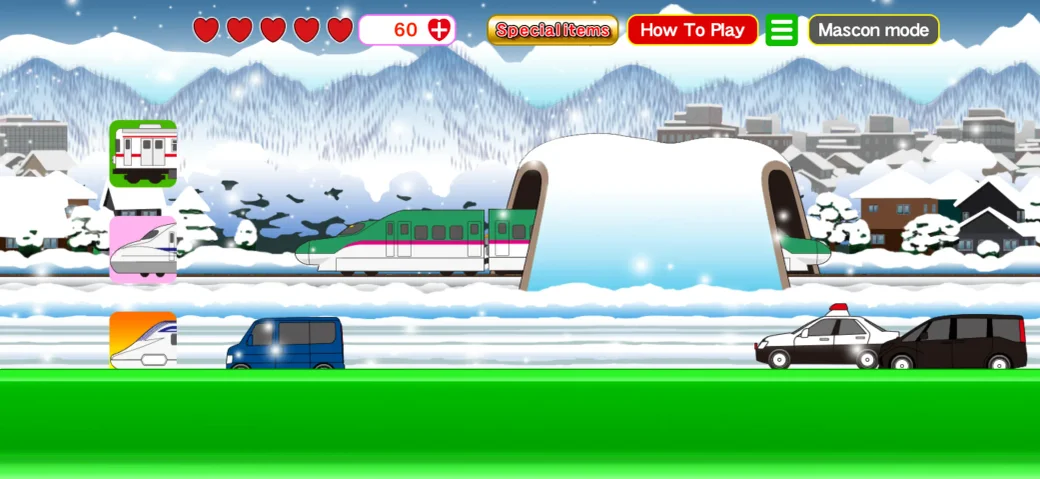
You can transform into various trains, and crossings, tunnels, and bridges will also appear.
Freight trains and trams will also make an appearance.
In addition, various vehicles will appear on the screen, so try tapping them! Something fun might happen!
Icon Descriptions
- Maglev Train Icon: Transforms into a maglev train for a limited time.
- Regular Train Icon: Changes into various types of regular trains.
- Bullet Train Icon: Transforms into a bullet train for a limited time.
- Steam Locomotive Icon: Transforms into a steam locomotive for a limited time.
- Railroad Crossing Icon: Displays a railroad crossing.
- Tunnel Icon: Displays a tunnel.
- Bridge Icon: Displays a bridge.
- Station Icon: Automatically stops at stations.
(In manual mode, you must stop at the station yourself.)
- Scenery Change Icon: Changes the scenery to a different route.
- Horn Icon: Sounds the train's horn.
There are four special item buttons (single-tap version) that can be used without consuming hearts.
Pressing the unlimited special item button at the top of the screen consumes 5 hearts and allows you to use special items freely for 60 seconds.
The special items are:
1. "Big Button": Makes the train grow bigger in two stages.
2. "Railroad Crossing": Allows you to place railroad crossings as much as you like.
3. "Freight Train": Makes a freight train pass by.
4. "Tram": Makes a tram appear.
Hearts regenerate over time.
In manual mode, you can control the train manually.
Many working vehicles, police cars, ambulances, fire trucks, buses, construction vehicles, sports cars, compact cars, and minivans will also appear, so look forward to them
What’s new
Version 00.03.13 · Sep 9, 2025
A new background has been added.
App privacy
What hiroyuki uchida declares on the App Store about how this app handles data.
-
Data used to track you
May be used to track you across apps and websites owned by other companies.
- Identifiers
- Usage data
- Sensitive info
- Diagnostics
-
Data linked to you
May be collected and linked to your identity.
- Identifiers
- Usage data
- Sensitive info
- Diagnostics
Privacy practices may vary, for example with the features you use or your age.
Information
- Seller
- hiroyuki uchida
- Category
- Simulation
- Version
- 00.03.13
- Updated
- Sep 9, 2025
- Released
- Mar 11, 2015
- Size
- 256.5 MB
- Requires
- iOS 12.0 or later
- Age rating
- 4+
- Price
- Free
- Languages
- English, Japanese
- Copyright
- © 2015 ZOUSAN
You might also like
-
 Train Roller CoasterRun the maze of train tracks.
-
 Train Station Kitsimple-to-operate train game
-
 Train MakerThe coolest train game!
-
 鉄道パークZSimulation
-
 乗務員シミュレーター【モノレール編・路面電車編】Simulation
-
 Japanese Train drive SimJapanese train drive simulator
-
 Japanese Train Drive Sim 2One-man Train drive sim 2
-
 googolChooChoo3D2Model Train Simulator
-
 車掌Sim 地下鉄編Simulation
-
 Train Go for iPadRailway Simulator