
- Age rating4+
- CategoryProductivity
- DeveloperDOUGLAS HATCHER
- LanguagesEnglish
- Size3.7 MB
Links to the official App Store page
Download.org hosts no file of Transcripts. The button opens its official App Store page, published by DOUGLAS HATCHER. Listing last checked on Nov 12, 2026.
Screenshots

About
Transcripts records and transcribes on your iPhone or iPad, and works with Transcripts for Mac to turn those recordings into meeting notes.
Continue on your Mac
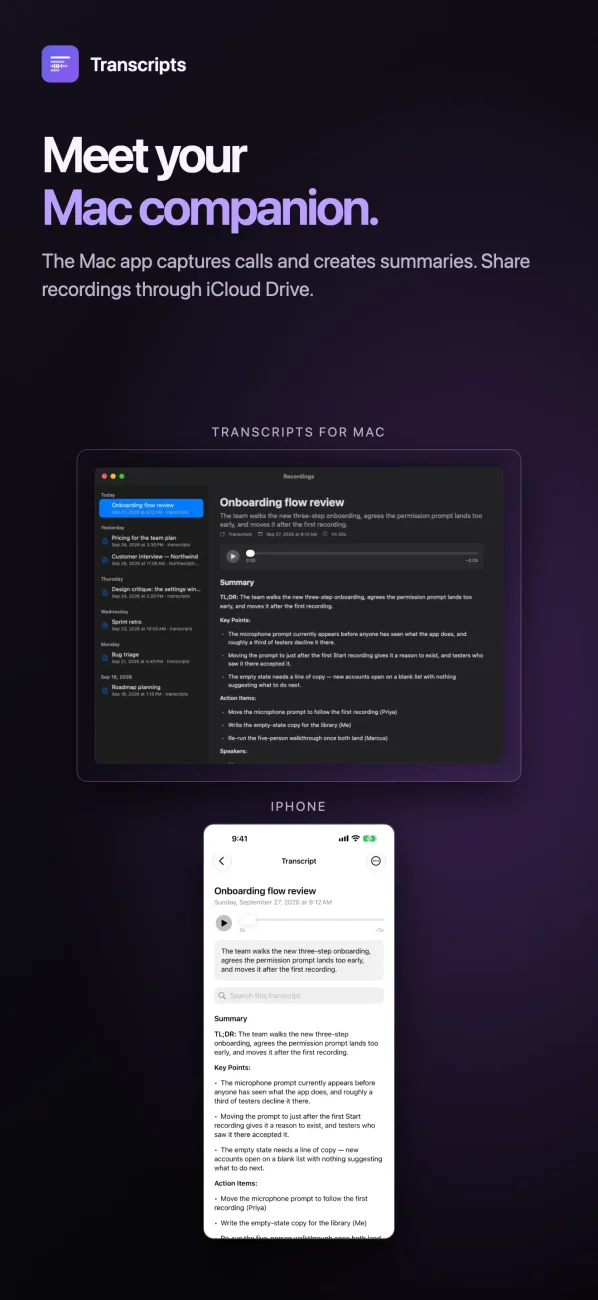
Get Transcripts for Mac from the Mac App Store. Point both apps at the same Transcripts folder in iCloud Drive. The Mac processes your finished mobile recordings, adds speaker names and summaries, and saves the results back to the shared folder for you to read on iPhone or iPad.
The Mac app also captures your microphone and the other side of a call, shows a live transcript, and files the finished notes where you keep them. Recording and speech processing happen on your devices; iCloud Drive syncs the files you choose to share.
Your iPhone and iPad remain complete recorders on their own. A Mac is optional.
Read it while you record
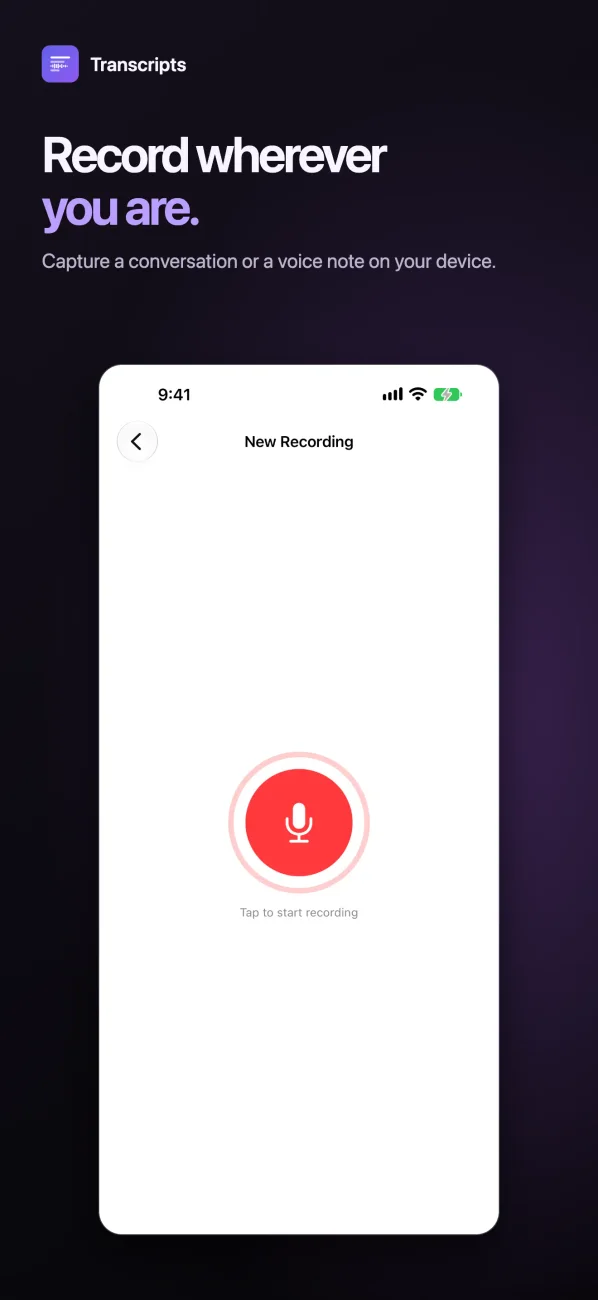
Words appear on screen as you speak, using on-device speech recognition. No waiting for a file to upload and come back as text.
It keeps recording
Lock the screen, switch apps, take a call — capture continues, and a Live Activity on the Lock Screen and Dynamic Island shows it is still running.
Your files, your folder
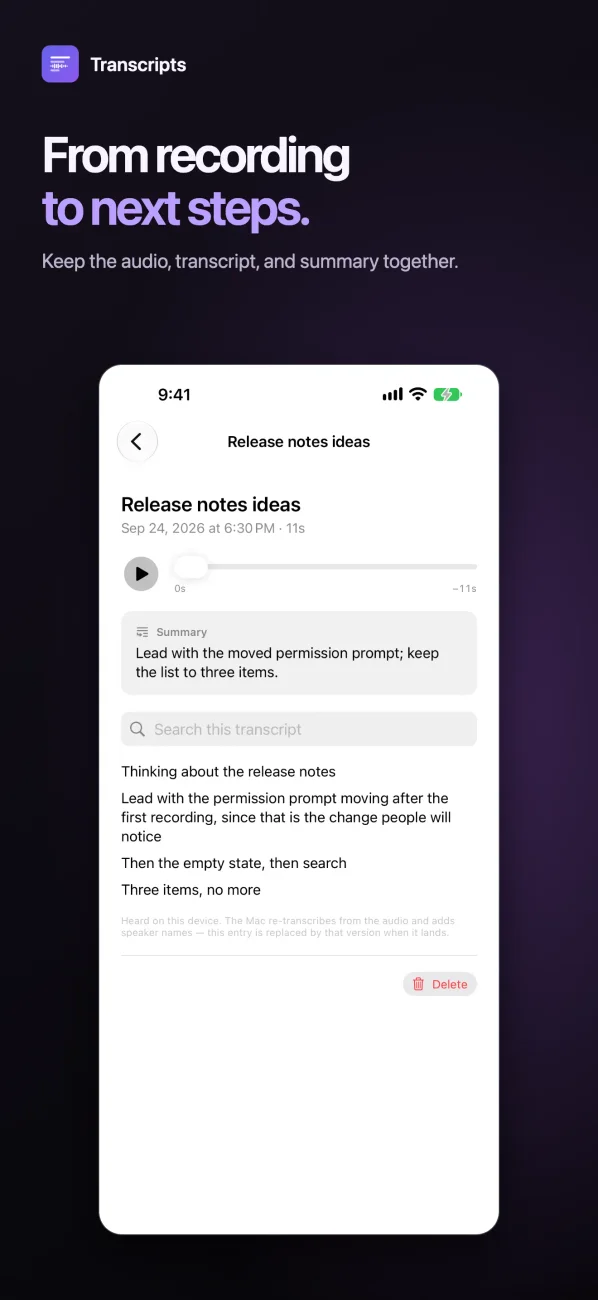
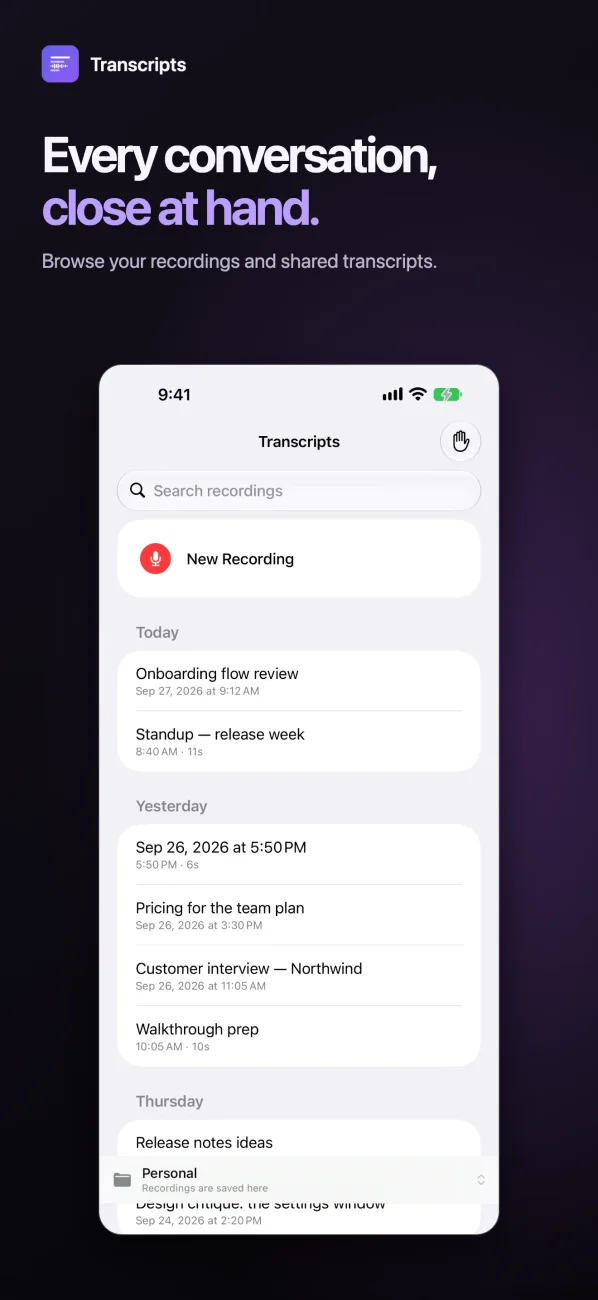
Recordings are saved as ordinary .m4a audio with a plain-text transcript beside each one. Choose where they go: iCloud Drive, OneDrive, Dropbox, or just on your device. There is no proprietary library to escape from and nothing to export — the files are already yours.
Genuinely private
No servers, no accounts, no analytics, no advertising. Transcripts sends your audio nowhere: it requires on-device speech recognition and switches live text off rather than fall back to a server. Your recordings go only where you put them.
Open source
The app is open source under the MIT licence, so the privacy claims above are checkable rather than promised.
Recording laws vary by location, and some places require the consent of everyone in a conversation. Please make sure you may lawfully record before you do.
What’s new
Version 1.1.2 · Sep 28, 2026
This release accompanies Transcripts 1.1.2 for Mac, which improves how the Mac completes sessions recorded on iPhone and iPad. Update the Mac app to receive those session improvements.
App privacy
What DOUGLAS HATCHER declares on the App Store about how this app handles data.
-
Data not collected
The developer does not collect any data from this app.
Privacy practices may vary, for example with the features you use or your age.
Information
- Seller
- DOUGLAS HATCHER
- Category
- Productivity
- Version
- 1.1.2
- Updated
- Sep 28, 2026
- Released
- Sep 27, 2026
- Size
- 3.7 MB
- Requires
- iOS 17.0 or later
- Age rating
- 4+
- Price
- Free
- Languages
- English
- Copyright
- © 2026 Hatcher LLC
You might also like
-
 SpeakSaveAccurately transcribe audio.
-
 Truebar - TranscriptionAdvanced Transcription
-
 Transcript Dev: Video to TextTranscribe, Subtitle, Summary
-
 Whisper AI TranscriptionSpeech to Text or Voice App
-
 Cadence - Audio TranscriptionSpeaker Transcripts, Offline
-
 Checklist - List MakerProductivity
-
 Rap Lyrics Generator:Lyric AppAI Rap Lyrics & Song Writer
-
 Transcripts | Audio to textReal-time
-
 Transcript for YouTube VideoLecture Recorder & Transcriber
-
 Earshot Live TranscriptionCaptions for speech