- Age rating4+
- CategoryUtilities
- DeveloperBLA Publicações e Conteúdo Digital
- LanguagesJapanese+ 8 more
- Size1.2 MB
Links to the official App Store page
Download.org hosts no file of Transferidor BLA. The button opens its official App Store page, published by BLA Publicações e Conteúdo Digital. Listing last checked on Nov 14, 2026.
Screenshots


About
Measures any angle.
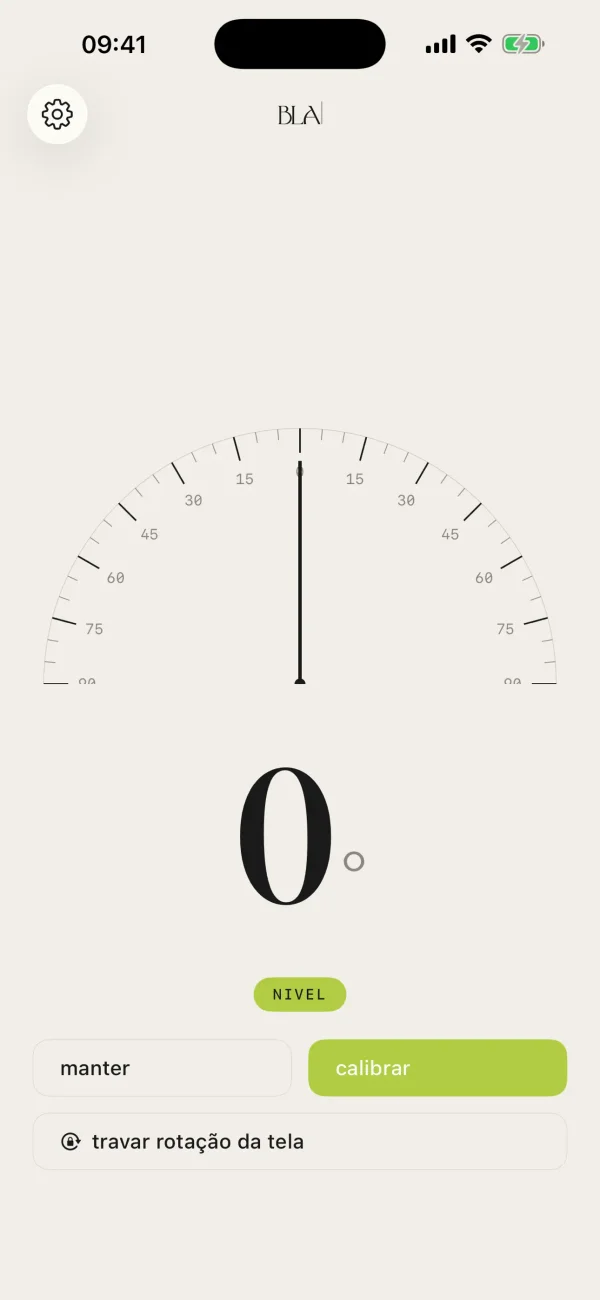
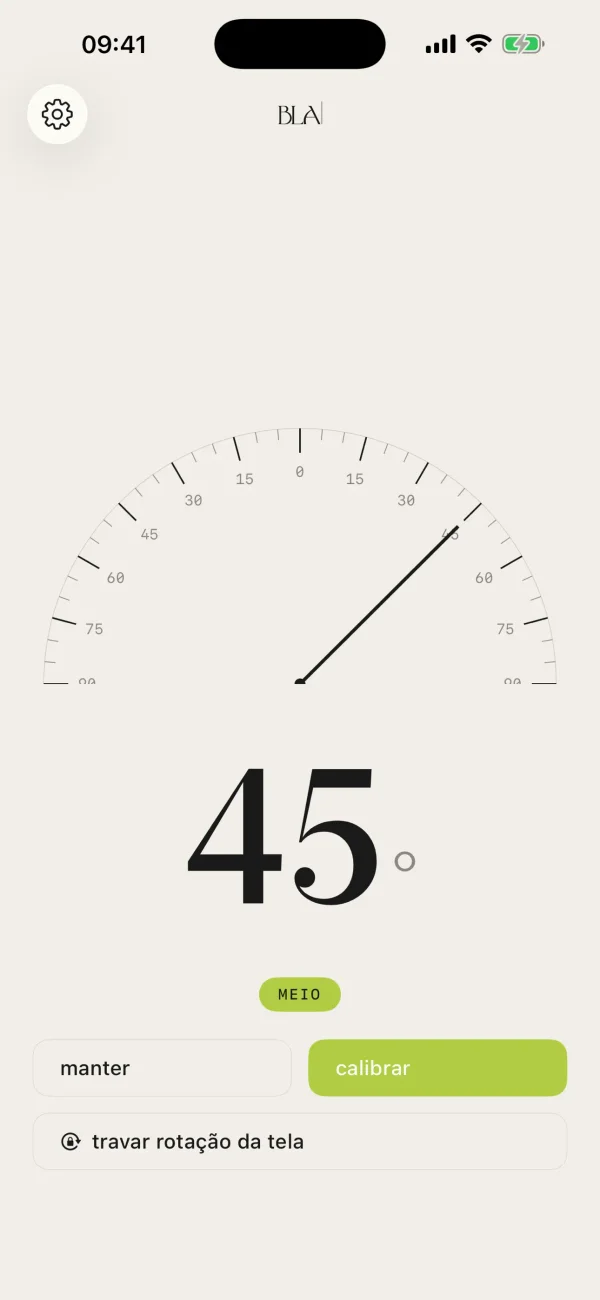
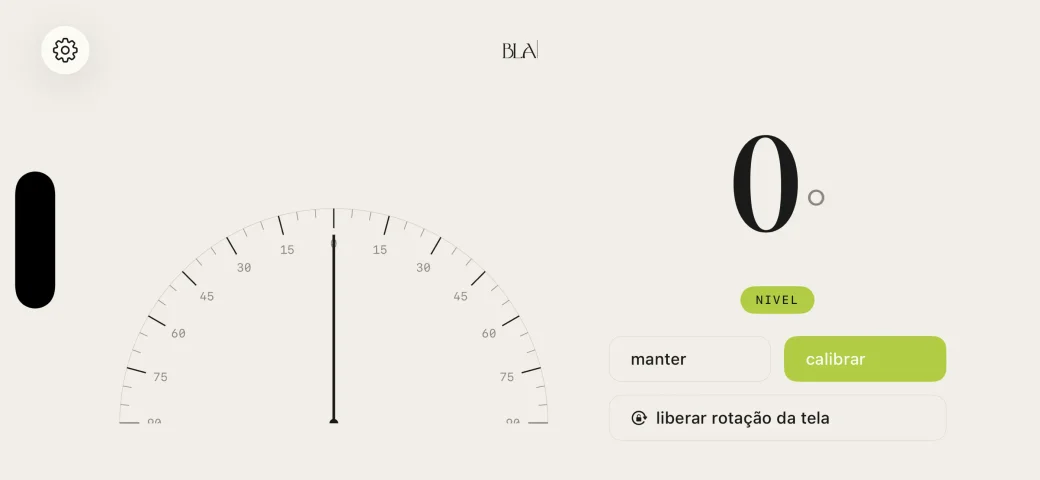
The iPhone becomes a protractor. You rest it against a surface, a wall, a ramp, and read the large angle in BLA typography. Tap to calibrate, hold mode to freeze the reading.
The free protractors on the App Store are throwaway utilities, full of ads, with garish icons. Transferidor BLA is the opposite. Editorial typography, Areia BLA background, large angle display in whole degrees, arc with fine marks every 5 degrees and long marks every 15.
WHAT IT'S FOR
When the problem is the tilt: the accessibility ramp at the store (code says at most 8.33%), the TV that needs to hang straight on the wall, the small solar panel that wants about 16 degrees in Goiânia, the picture frame to be cut at 45, the wobbly table leg.
The protractor from your school ruler now fits in your pocket. And it shows you with calm.
ARC AND POINTER
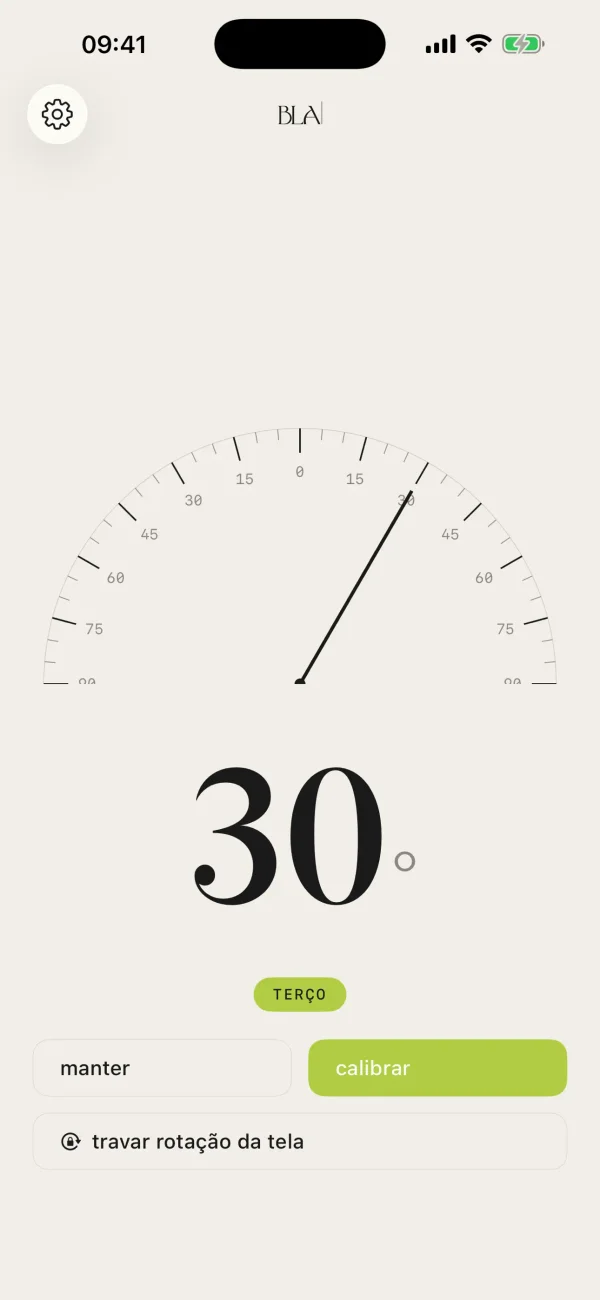
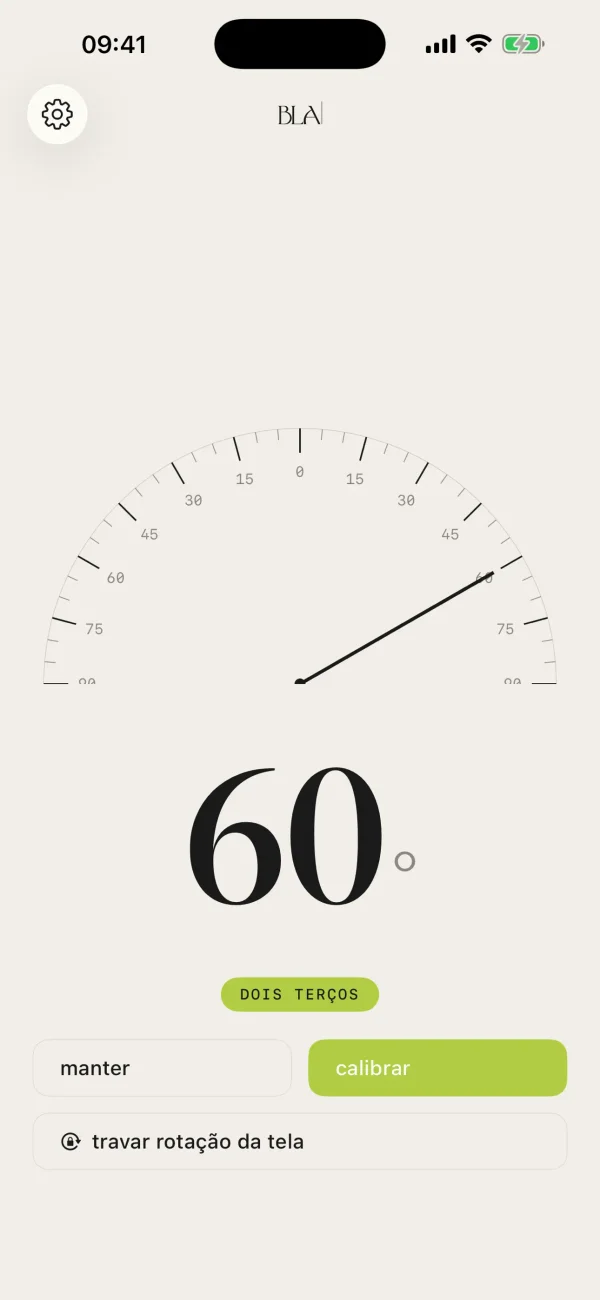
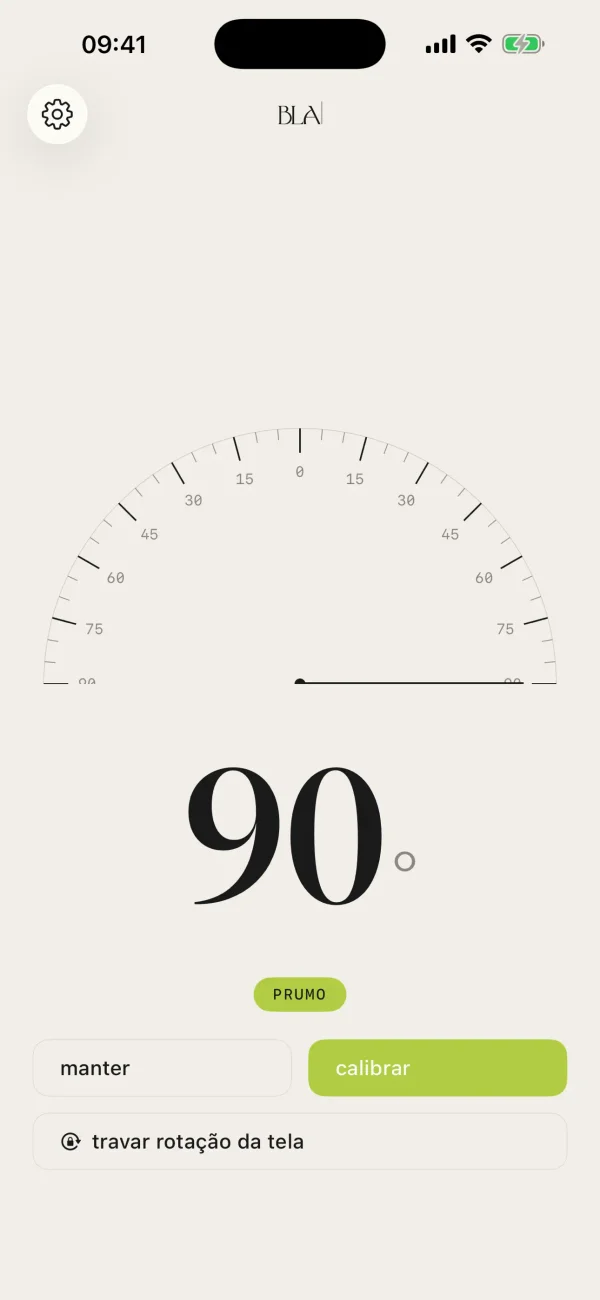
Semicircle arc with fine marks every 5 degrees, long marks every 15, numbers 15, 30, 45, 60, 75 and 90 on both sides of zero at the top. Pointer animated with soft physics, no jitter on quick moves. Large angle display in whole degrees, in serif Tinta.
NOTABLE ANGLES
When the angle hits a value that matters to the craft (zero, one third, half, two thirds, plumb), the app highlights quietly with a Verde BLA capsule. No fanfare. Just an editorial confirmation.
CALIBRATION
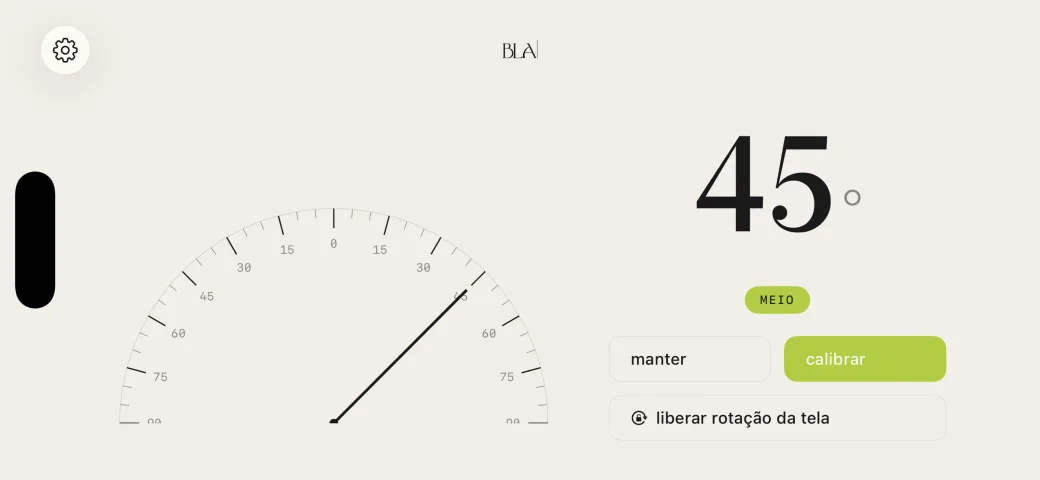
The reading comes from the accelerometer and gyroscope of the iPhone, with magnetic correction so it doesn't drift when you rotate the device. You place the iPhone on what you consider zero (the surface that should be level, the wall that should be plumb), tap calibrate, and the app reads the tilt relative to that zero. Works the same in portrait, in landscape, in any rest. Tap recalibrate to change the reference, tap clear calibration in Settings to go back to the raw reading.
HOLD MODE
Tap hold to freeze the reading on the display. Useful for measuring in tight spots (under a piece of furniture, behind a TV, in an awkward angle) and reading it later. Tap release to resume.
2 THEMES
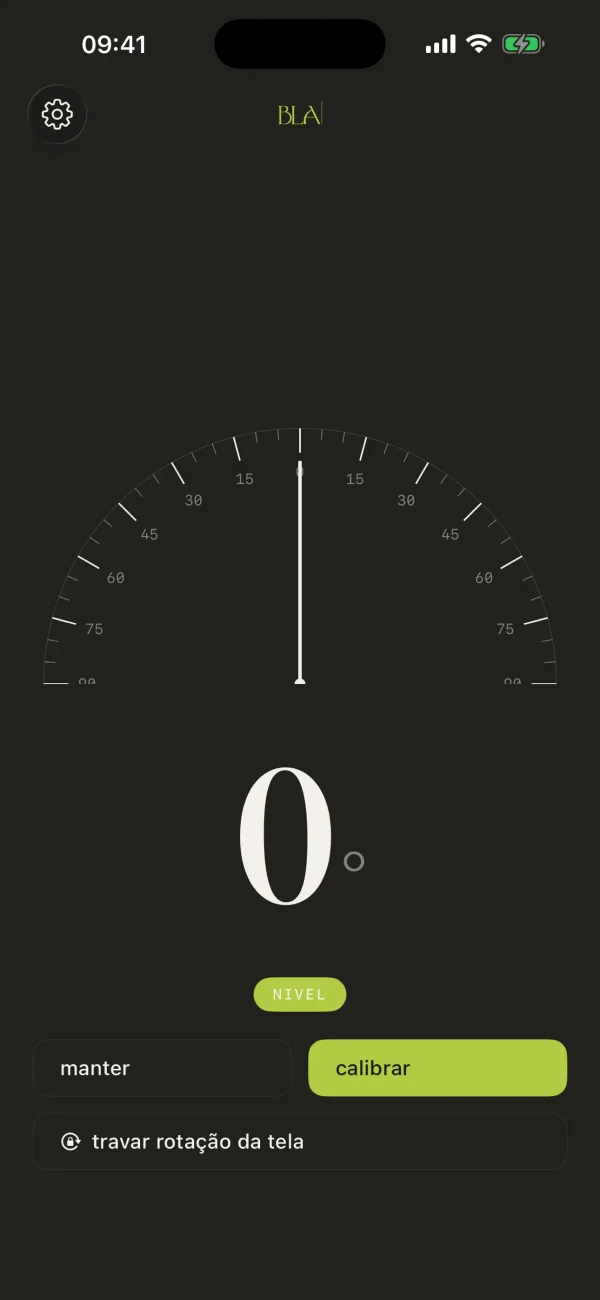
Areia BLA, light background with the brand base. Tinta, dark mode for low-light environments. The theme follows the iPhone's Dark Mode.
100% OFFLINE
No data collection. No network. No login. No analytics. No crash reports. One-time purchase, open, measure.
Transferidor BLA is an app made in Goiânia by BLA Publicações e Conteúdo Digital, an independent editorial studio led by Ivan Grycuk.
What’s new
Version 2.1 · Jun 10, 2026
As Configurações ficaram mais limpas, com um espaço pra conhecer os outros apps da BLA.
App privacy
What BLA Publicações e Conteúdo Digital declares on the App Store about how this app handles data.
-
Data not collected
The developer does not collect any data from this app.
Privacy practices may vary, for example with the features you use or your age.
Information
- Seller
- BLA PUBLICACOES E CONTEUDO DIGITAL LTDA
- Category
- Utilities
- Version
- 2.1
- Updated
- Jun 10, 2026
- Released
- May 18, 2026
- Size
- 1.2 MB
- Requires
- iOS 18.0 or later
- Age rating
- 4+
- Languages
- Japanese, Italian, Spanish, German, French, Portuguese, Simplified Chinese, English, Korean
- Copyright
- © 2026 BLA Publicações e Conteúdo Digital
You might also like
-
 LevelMaster: Bubble LevelBubble Level & Angle Meter
-
 Katav TalksTake notes from conventions
-
 Visa NipponUtilities
-
 Protractor, Level - NotchRuler, tape measure & angles
-
 JustRuler - 実寸定規Ruler, level & protractor
-
 DIY SizerMeasure & calc DIY materials
-
 Dfiber InternetUtilities
-
 Precision Bubble LevelSpirit Level for Phone & Watch
-
 Sensor Toolkit10 tools for measuring
-
 Plumbly: Spirit Level & RulerSpirit Level · Angle Meter