Transkriptor - Speech to Text
Transcribe Video & Audio Note
Designed for iPhone, iPad, iPod touch
Free · In-app purchases
- Age rating4+
- CategoryProductivity
- DeveloperTorapp
- LanguagesEnglish+ 32 more
- Size117.8 MB
Links to the official App Store page
Download.org hosts no file of Transkriptor - Speech to Text. The button opens its official App Store page, published by Torapp. Listing last checked on Nov 29, 2026.
Screenshots
About
Transkriptor: The Ultimate AI-Powered Speech-to-Text App and Productivity Tool
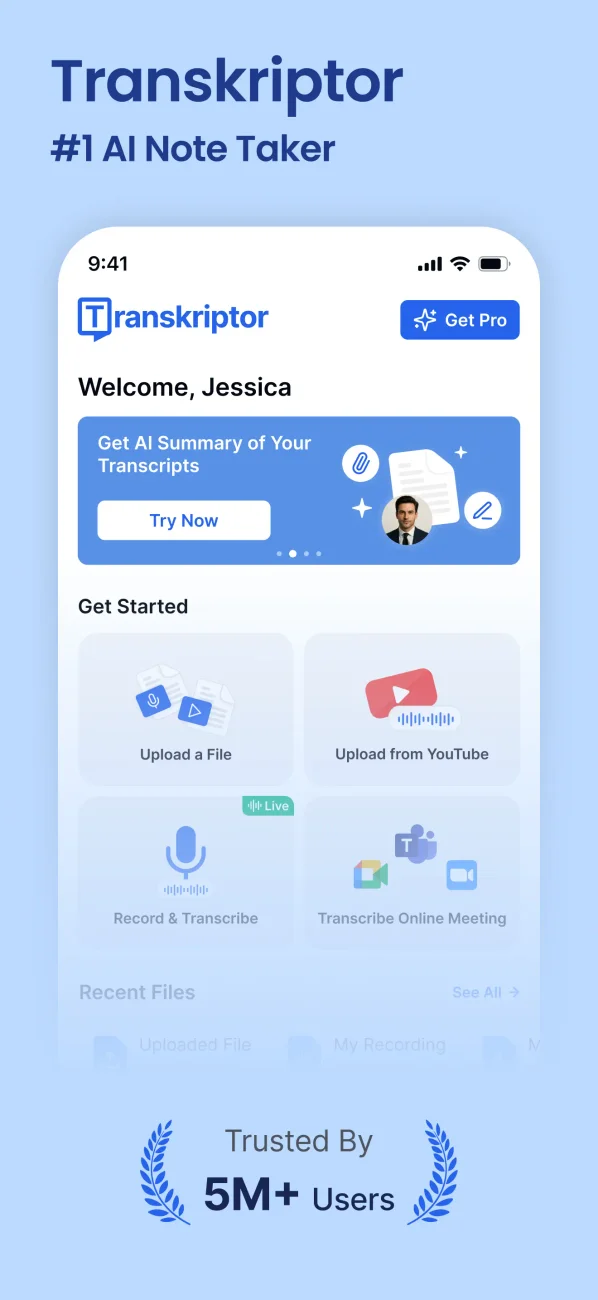
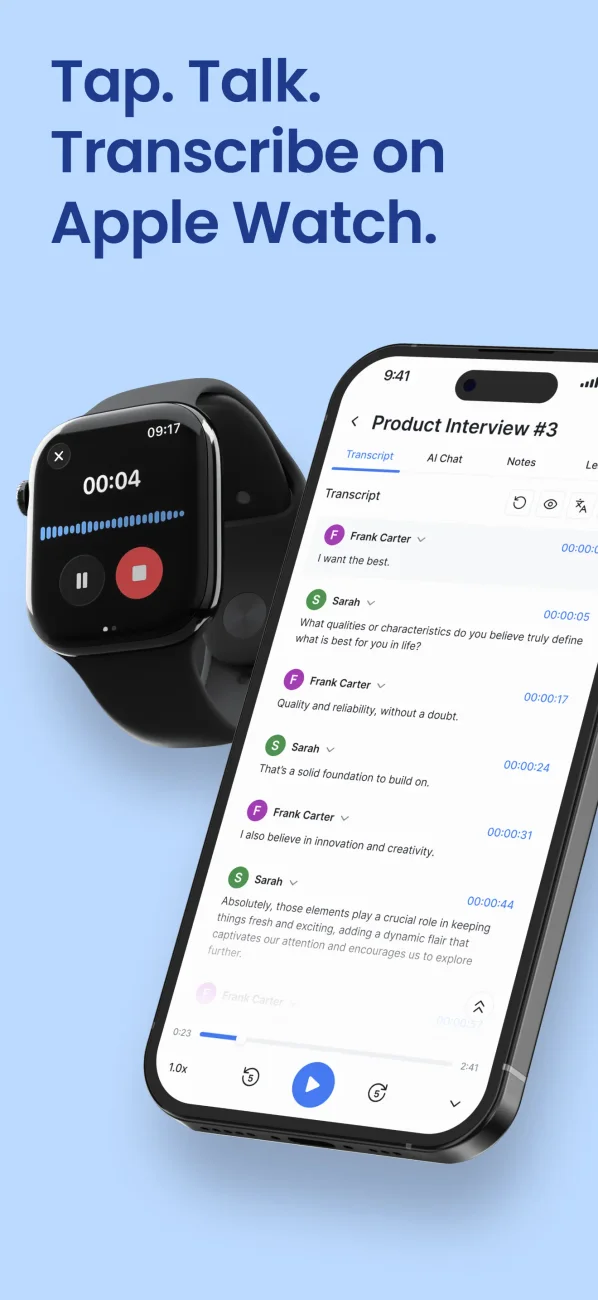
Save time with Transkriptor, your all-in-one AI assistant for transcription and AI note-taking. Easily transcribe meetings, convert voice notes and memos to text, and transform videos into written notes. Transkriptor combines powerful AI features with convenience and speed for a seamless experience.
Key Features of Transkriptor:
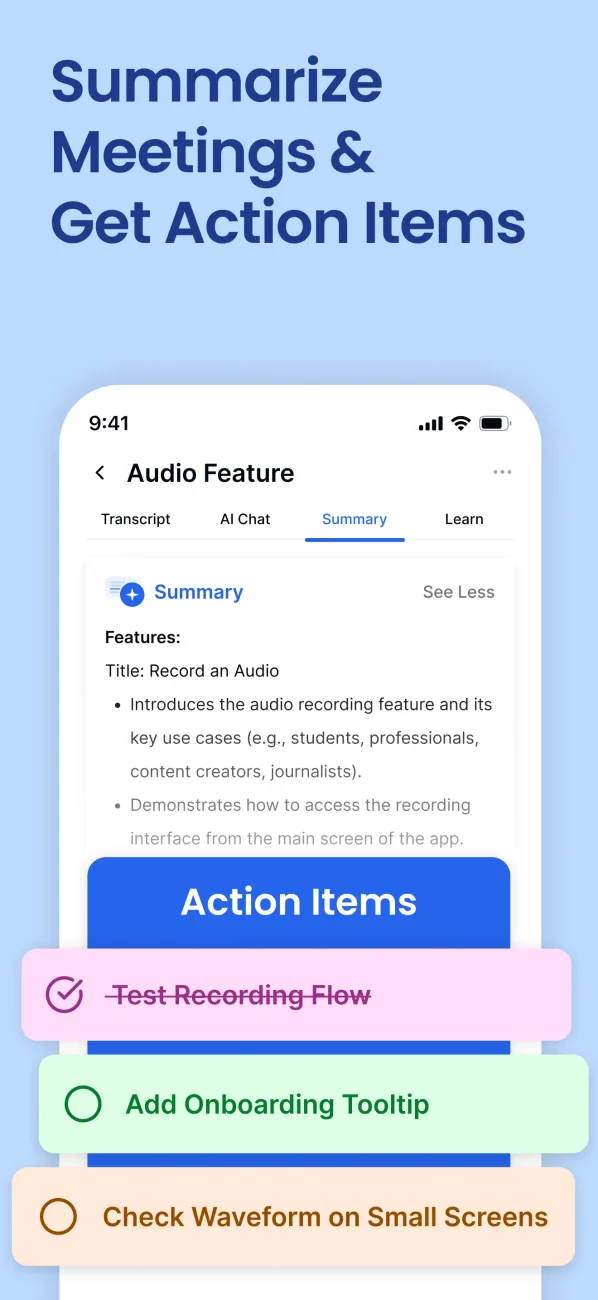
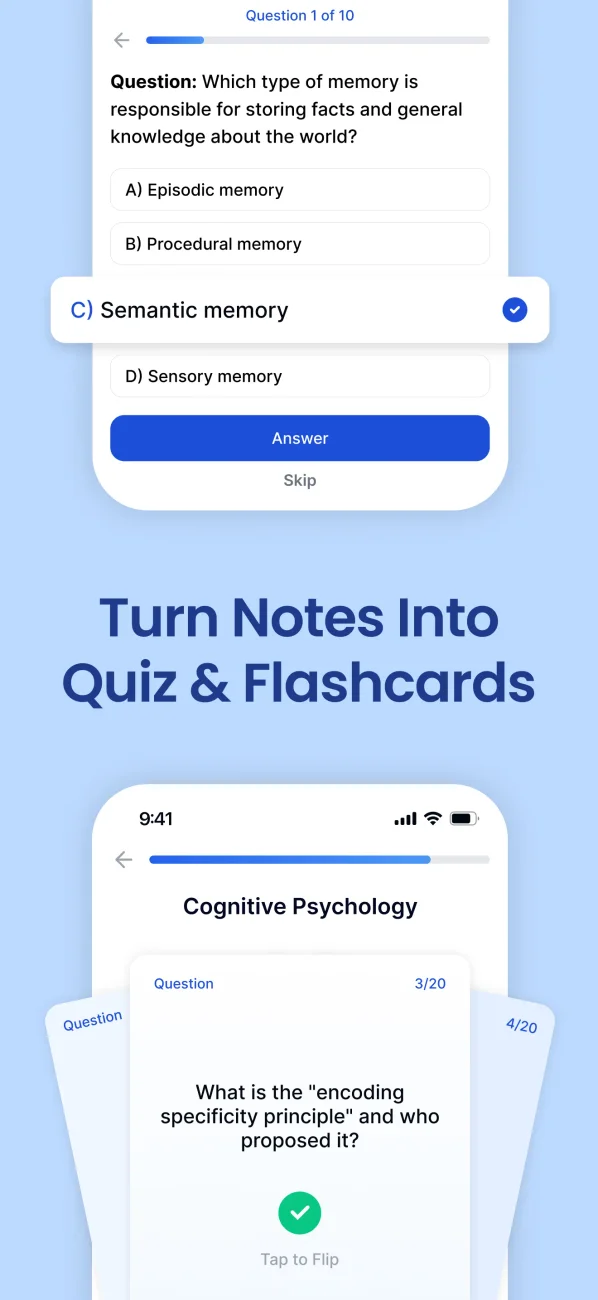
AI Assistant: Transkriptor’s AI assistant enhances your workflow by generating AI summaries, drafting emails, and converting voice memos into text, helping you efficiently manage and interact with your transcripts.
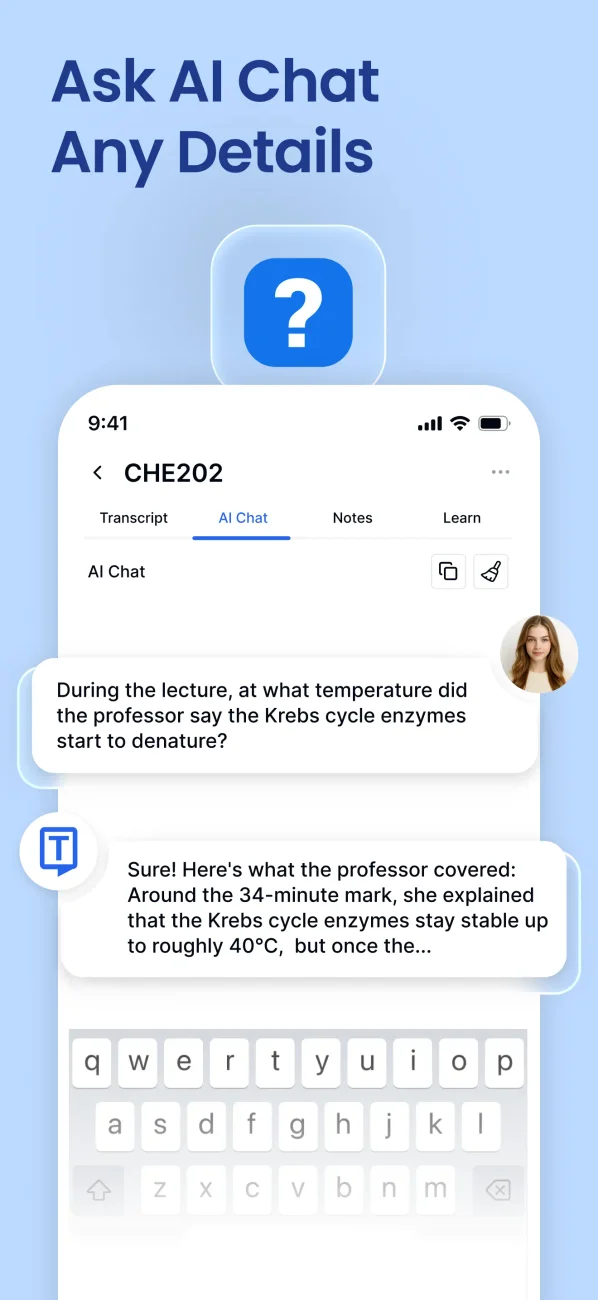
AI Chat: Interact directly with your transcripts using AI chat. Ask questions, extract important details, and get summaries—all through a user-friendly chat interface that saves time and boosts productivity.
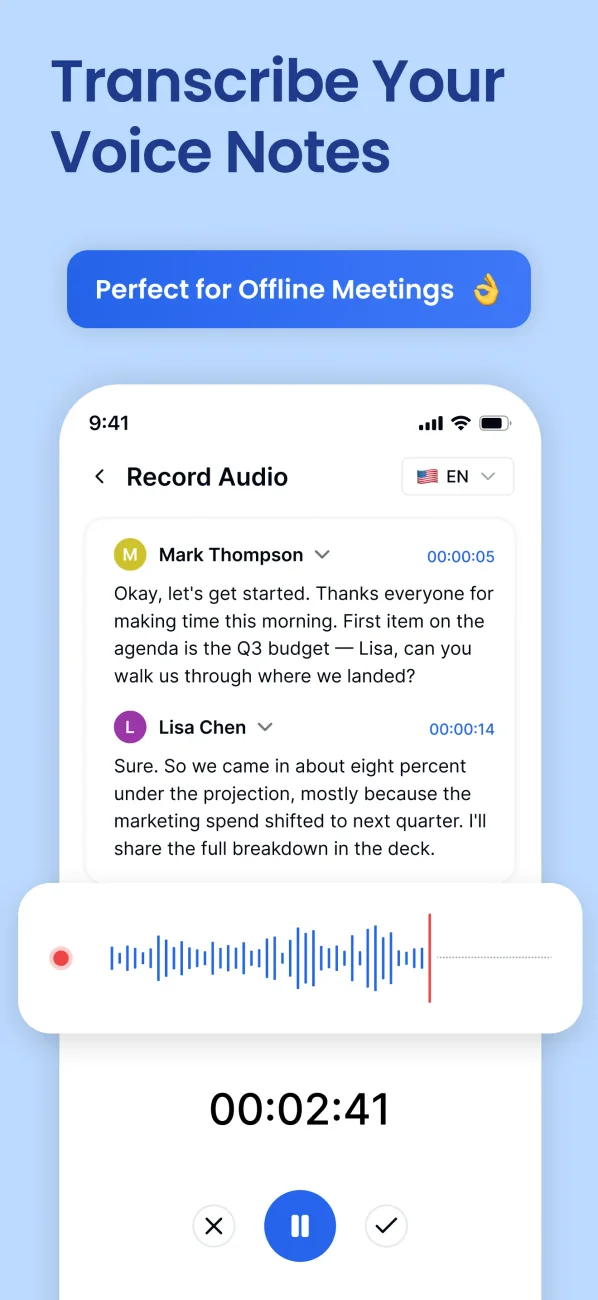
AI Voice Memos: Automatically transcribe voice memos with AI-powered precision. Capture every detail from your voice recordings, turning them into easy-to-read text that saves time and keeps your notes organized.
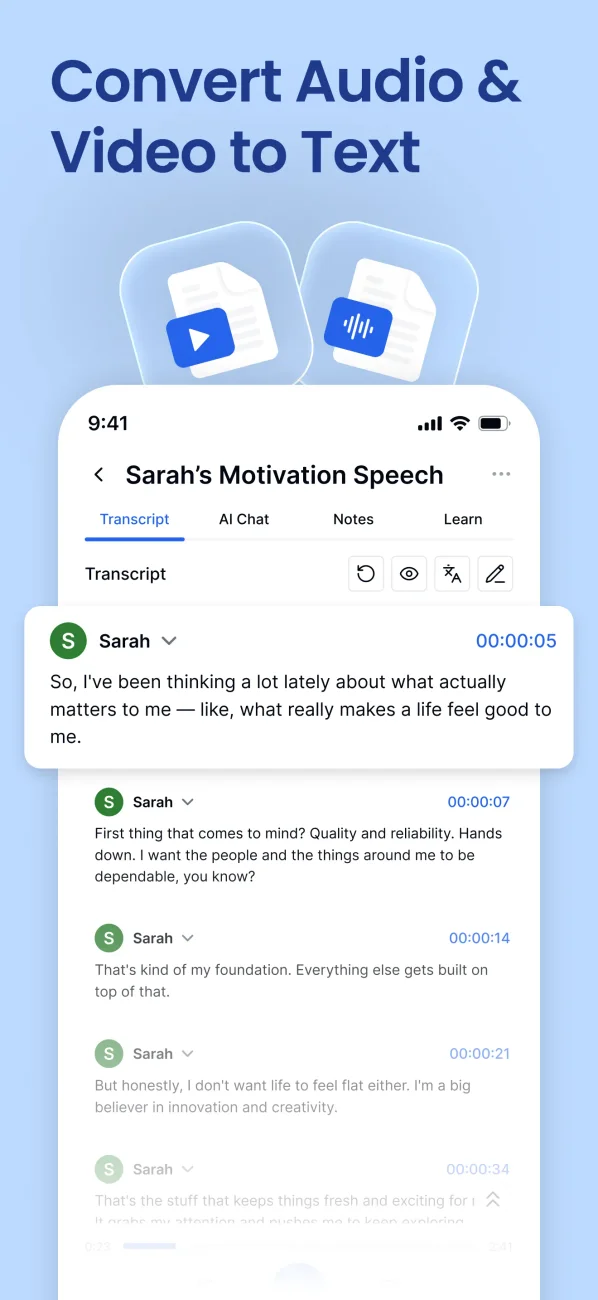
Convert Voice Notes to Text: Effortlessly convert voice notes to text with high accuracy, supporting various formats like MP3, WAV, and M4A. Ideal for transcribing voice memos, meetings, lectures, interviews, and more.
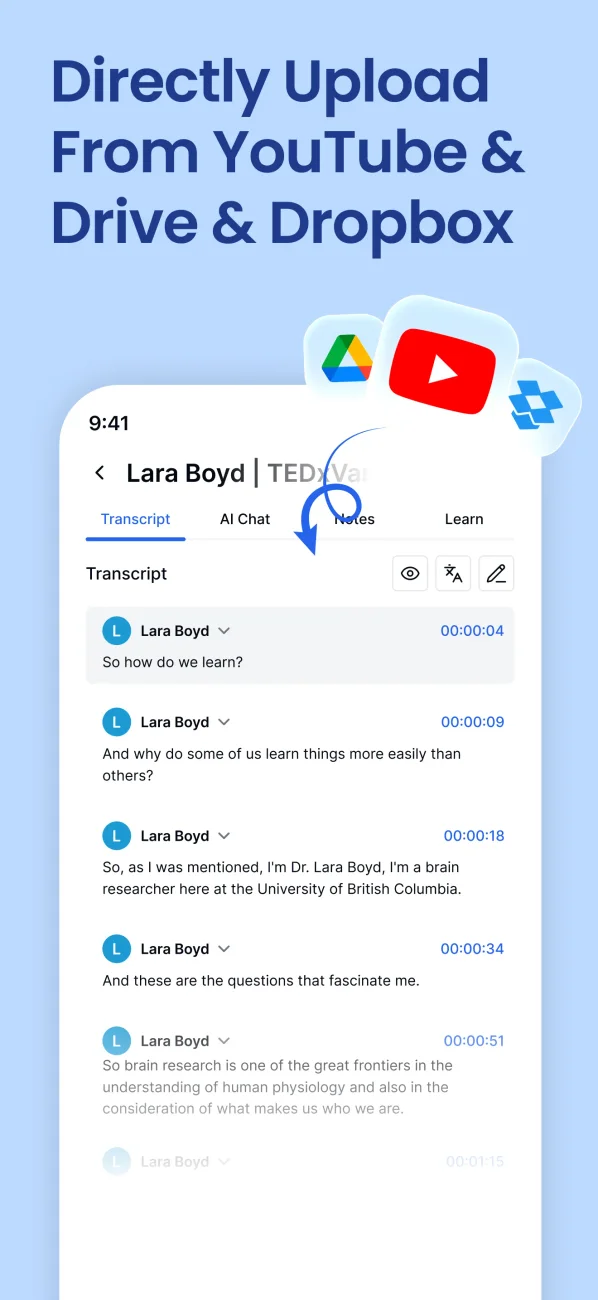
Convert Video to Text: Perfect for creating captions, transcribing video content, or generating notes from webinars and Youtube videos ensuring nothing is missed.
Take Notes with Voice:Use Transkriptor’s integrated audio recorder to capture lectures, personal thoughts, or any spoken content directly from your device. Easily take notes with voice, then navigate your recordings and transcripts with AI chat for quick access to key points.
Transcribe Voice Memos to Text: Convert voice memos into clear, organized notes with exceptional accuracy. Use our meeting assistant to capture every detail and create knowledge bases from transcriptions, ensuring all important information is documented and accessible.
Why Choose Transkriptor?
1. Save Time and Enhance Efficiency: Transkriptor’s AI features like the AI assistant, AI chat, and voice memo transcription reduce the time spent on manual note-taking and transcription. Let our AI handle the details while you focus on what matters most.
2. Versatility Across Formats: Whether transcribing voice notes, converting audio to text, or converting video to text, Transkriptor provides a comprehensive solution for all your transcription needs in one intuitive app.
3. Flexible and Affordable Plans: Start with our free plan, offering 90 minutes of transcription to explore our features, including AI chat and AI summary.
4. Secure and Private: Transkriptor ensures your data is securely stored and kept confidential, never shared with third parties.
Additional Features to Enhance Your Experience:
Import and Transcribe: Easily upload audio and video files for transcription. Transkriptor supports multiple formats, catering to a variety of use cases.
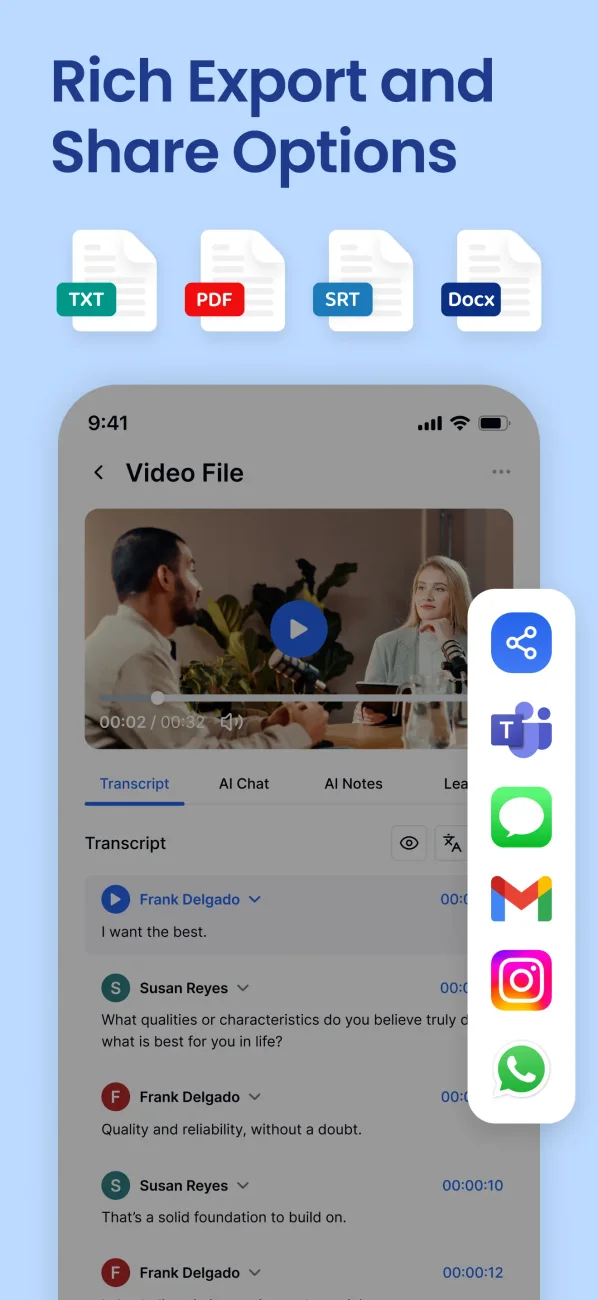
Export in Multiple Formats: Download your transcripts in formats like PDF, DOCX, TXT, and SRT, perfect for documentation, sharing, and archiving.
Speaker Identification: Automatically tag different speakers in your transcripts, making it easier to follow conversations with multiple voices.
Translation and Language Support: Transkriptor supports transcription in over 40 languages, making it perfect for global users and multilingual environments.
Organize with AI: Efficiently manage your transcripts with AI-powered folders, tags, and search features to quickly locate what you need.
Get Started with Transkriptor Today!
Can I transcribe for free?
Yes! Sign up to receive free transcription credits. Easily transcribe audio or video files like Amberscript, Otter, Temi, Notta, SoundType AI Rev.com, or HappyScribe!
Convert audio to text: https://transkriptor.com
Terms of Use: https://www.apple.com/legal/internet-services/itunes/dev/stdeula/
What’s new
Version 2.3.3 · Nov 28, 2026
We’ve made improvements to give you a smoother and better experience.
App privacy
What Torapp declares on the App Store about how this app handles data.
-
Data used to track you
May be used to track you across apps and websites owned by other companies.
- Identifiers
- Usage data
-
Data linked to you
May be collected and linked to your identity.
- Contact info
- Identifiers
- Usage data
- Diagnostics
-
Data not linked to you
May be collected but is not linked to your identity.
- Location
- Identifiers
Privacy practices may vary, for example with the features you use or your age.
Information
- Seller
- Textintel FZE
- Category
- Productivity
- Version
- 2.3.3
- Updated
- Nov 28, 2026
- Released
- Mar 13, 2022
- Size
- 117.8 MB
- Requires
- iOS 15.6 or later
- Age rating
- 4+
- Price
- Free
- In-app purchases
- Yes
- Languages
- English, Arabic, Armenian, Bengali, Croatian, Danish, Dutch, Finnish, French, German, Hindi, Hungarian + 21 more
- Copyright
- © Transkriptor, Inc.
You might also like
-
 Notta Transcribe Voice to TextSpeech Notes, Meeting Recorder
-
 SpeakApp AI: Voice NotesTranscribe speech to text
-
 Voice to Text — Speech NotesDictation & Transcription App
-
 Smart Noter - AI Note TakerTranscribe Audio to Text
-
 Note AI: Smart Note TakerTranscribe audio to text
-
 Audio TranscribeConvert voice to text
-
 iTranscribe - Audio to TextVoice Recorder & Transcribe
-
 Cue: AI Note Taker & RecorderTranscribe, Record & Summarize
-
 HiNoter - AI Note TakerAuto transcribe & summarize
-
 SoundType AI - Voice To TextTranscribe Voice to Text